How do I use the Cyberpunk Fantasy Action Movie Poster template?
Edit the prompt in the box under the preview — the template's model and format are already selected — and press Generate. Your version appears right on this page.
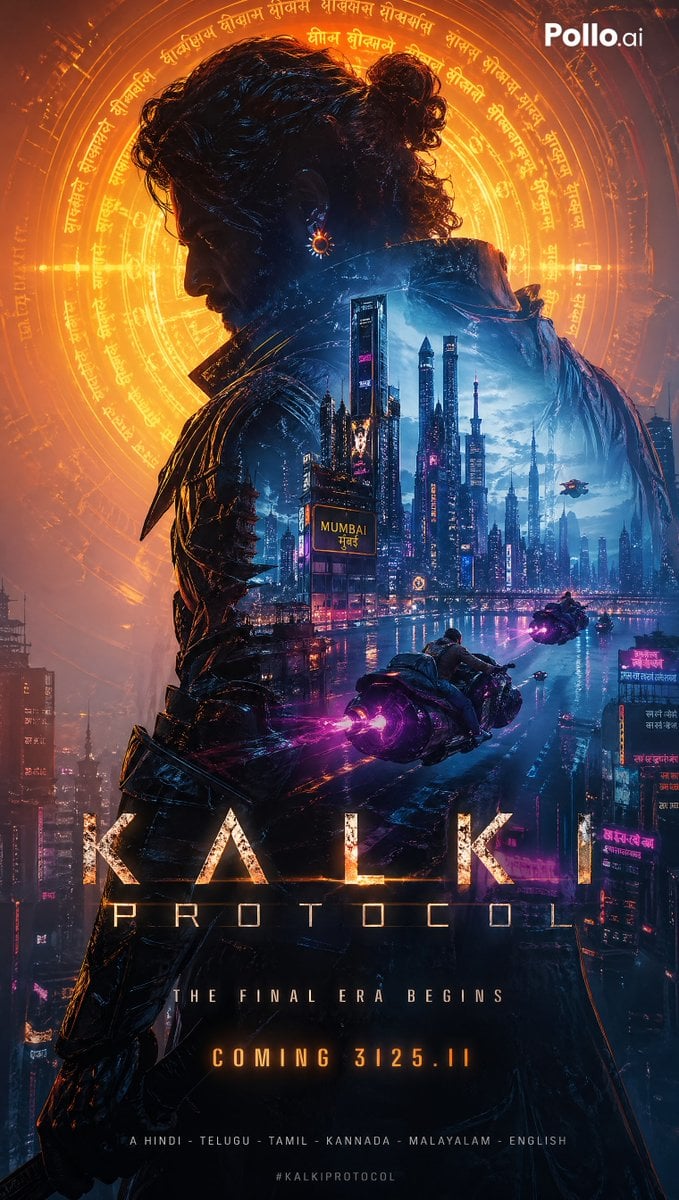
An intense action poster prompt featuring a man with a katana, a black panther, and a massive dragon set in a moody highway environment.

A powerful cinematic action poster featuring a {argument name="character" default="stylish man"} walking forward on a dark highway. The man has short black hair, a well-groomed beard, wearing a black leather jacket, dark t-shirt, and ripped jeans with sunglasses, holding a sharp katana sword in one hand. Walking beside him is a {argument name="companion" default="fierce black panther"} with glowing yellow eyes. Looming large in the background is a massive, {argument name="creature" default="menacing black dragon"} with spread wings and glowing orange eyes. Moody atmosphere with smoke and dramatic dual lighting—warm orange light from the left and cool blue-grey light from the right. Cyberpunk and fantasy fusion, hyper-realistic, 8k resolution, ultra-detailed.
A powerful cinematic action poster featuring a {argument name="character" default="stylish man"} walking forward on a dark highway. The man has short black hair, a well-groomed beard, wearing a black leather jacket, dark t-shirt, and ripped jeans with sunglasses, holding a sharp katana sword in one hand. Walking beside him is a {argument name="companion" default="fierce black panther"} with glowing yellow eyes. Looming large in the background is a massive, {argument name="creature" default="menacing black dragon"} with spread wings and glowing orange eyes. Moody atmosphere with smoke and dramatic dual lighting—warm orange light from the left and cool blue-grey light from the right. Cyberpunk and fantasy fusion, hyper-realistic, 8k resolution, ultra-detailed.
Edit the prompt in the box under the preview — the template's model and format are already selected — and press Generate. Your version appears right on this page.
Yes. You can change the subject, setting, lighting, mood, format, and available model controls before creating your image.
Opening and editing this template is free. Generating uses credits, shown on the Generate button when you are signed in.
Start with GPT Image 2, which is the model associated with this template. You can compare another compatible model for a different finish.
Follow a topic to a crawlable collection of related PicX Studio templates.