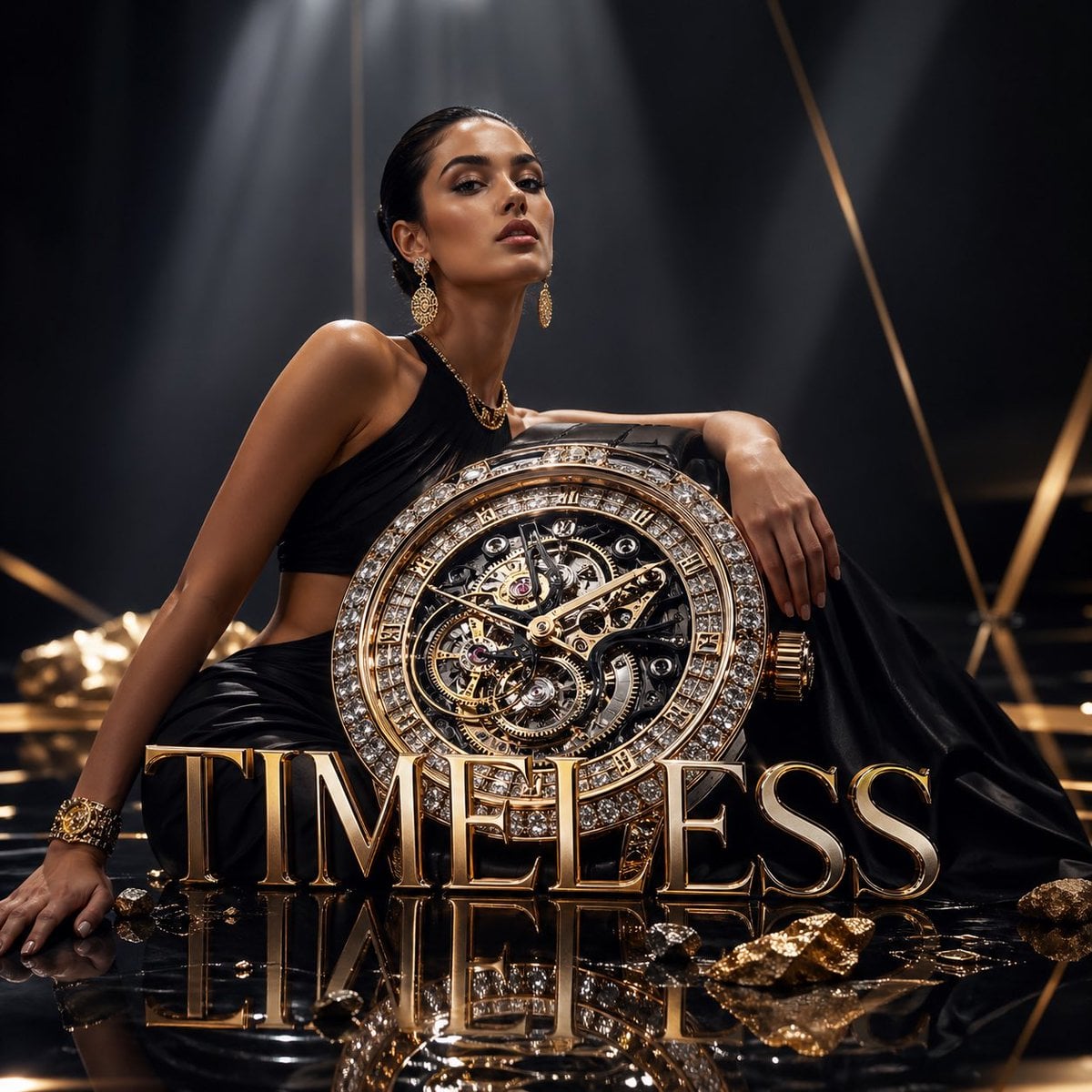
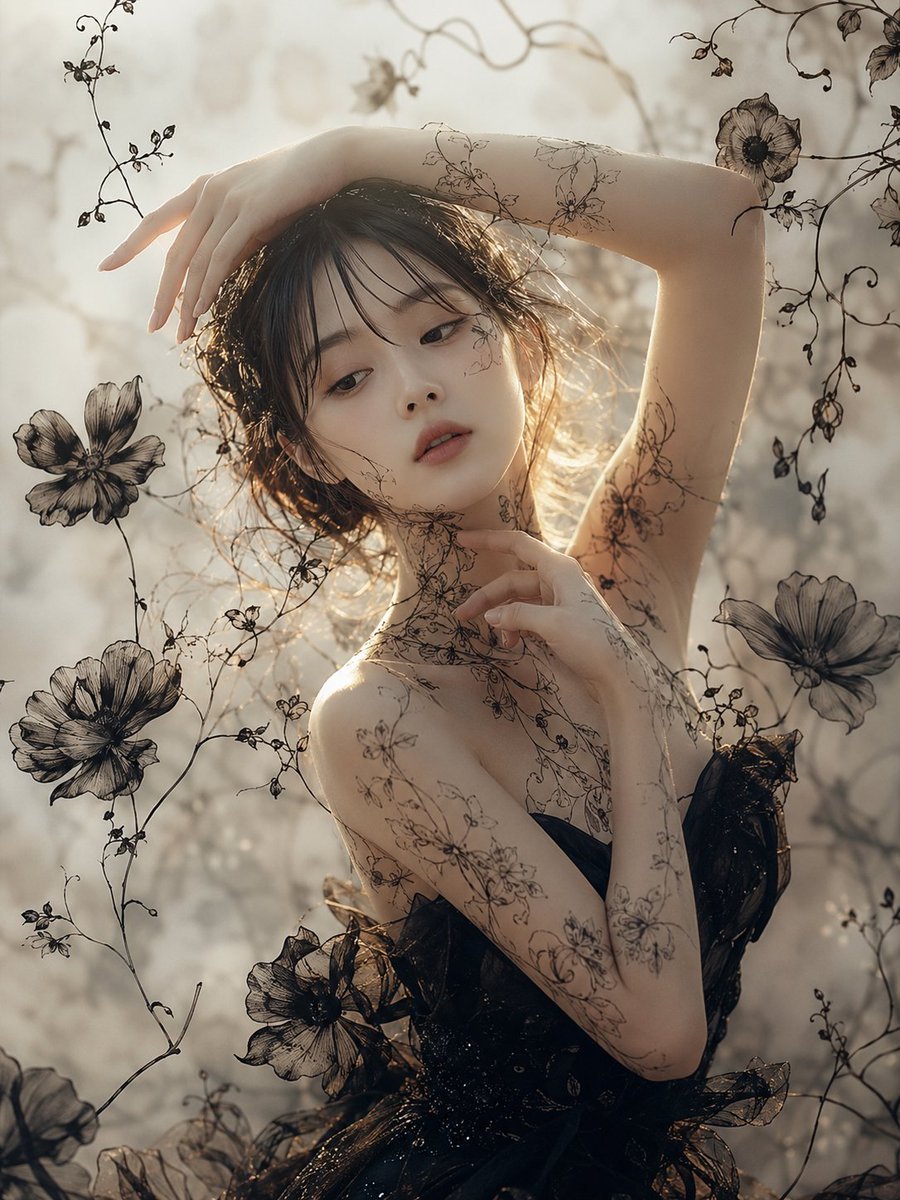
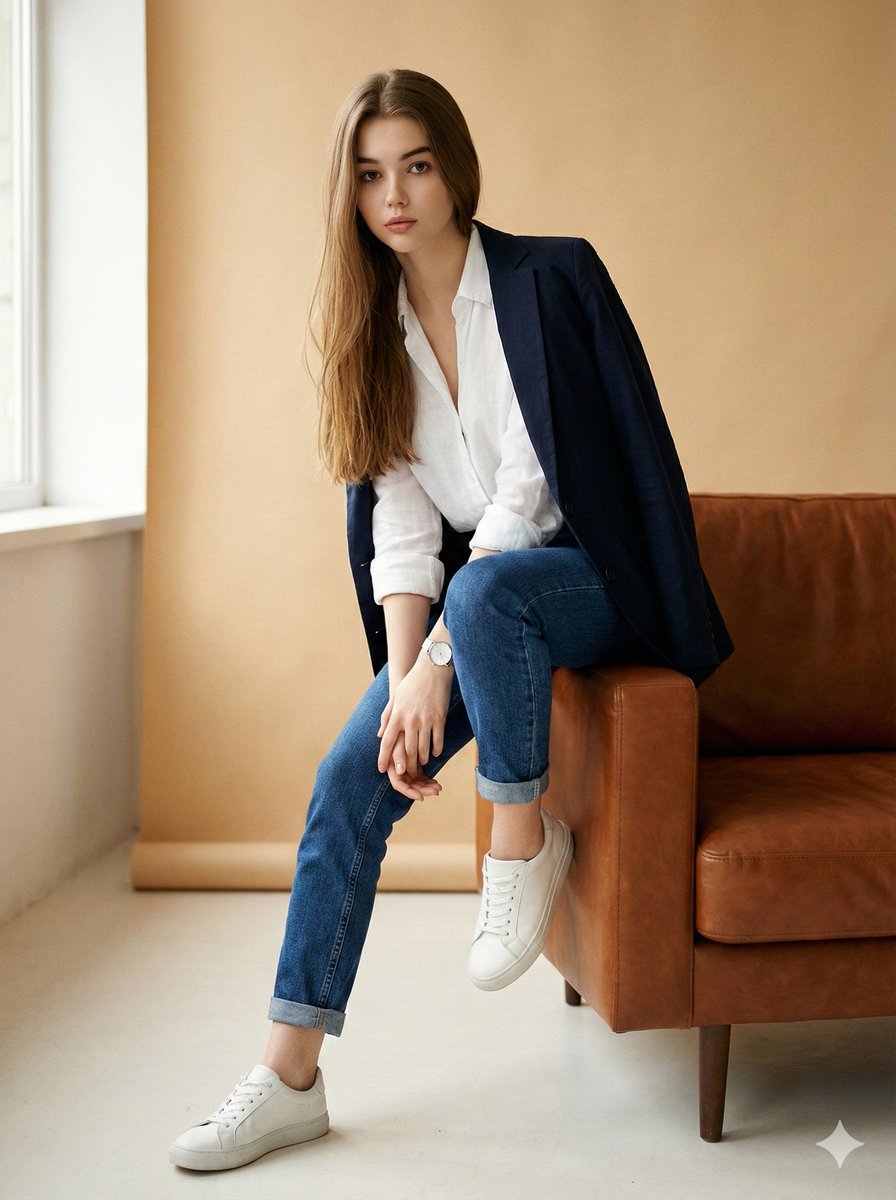
How do I use the 图3的提示词:请只生成无文字背景图,保留深绿色渐变、玻璃拟态卡片、科技金融质感,但所有文字区域留空, template?
Edit the prompt in the box under the preview — the template's model and format are already selected — and press Generate. Your version appears right on this page.
图3的提示词:请只生成无文字背景图,保留深绿色渐变、玻璃拟态卡片、科技金融质感,但所有文字区域留空, is a ready photo look for GPT Image 2.

请只生成无文字背景图,保留深绿色渐变、玻璃拟态卡片、科技金融质感,但所有文字区域留空,不要生成任何文字。
请只生成无文字背景图,保留深绿色渐变、玻璃拟态卡片、科技金融质感,但所有文字区域留空,不要生成任何文字。
Edit the prompt in the box under the preview — the template's model and format are already selected — and press Generate. Your version appears right on this page.
Yes. You can change the subject, setting, lighting, mood, format, and available model controls before creating your image.
Opening and editing this template is free. Generating uses credits, shown on the Generate button when you are signed in.
Start with GPT Image 2, which is the model associated with this template. You can compare another compatible model for a different finish.
Follow a topic to a crawlable collection of related PicX Studio templates.