How do I use the Sunlit Suit Portrait With Red Rose template?
Edit the prompt in the box under the preview — the template's model and format are already selected — and press Generate. Your version appears right on this page.
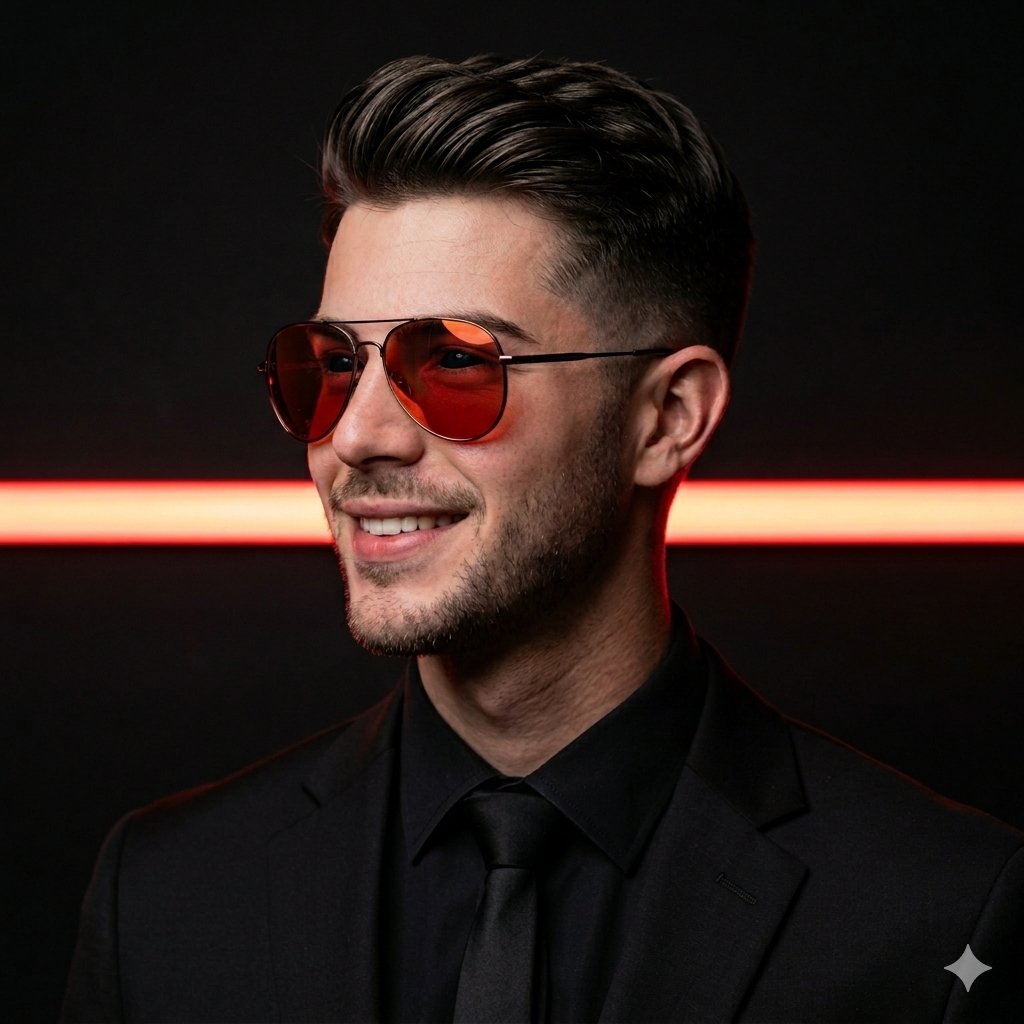
This prompt generates a cinematic fashion-style portrait of a young man in formalwear holding a single red rose, ideal for romantic, editorial, or profile-style imagery.

This template uses your photo — add one with the + button.
A moody minimalist portrait of a young man in a formal black suit, white dress shirt, and black tie, standing against a plain light beige wall in warm late-afternoon sunlight. He is shown from the chest up, slightly angled, with his face mostly obscured by shadow and framing, emphasizing the jawline, neck, ear, and tousled short black hair. In one hand he delicately holds exactly 1 long-stemmed red rose with 1 bloom and a few small green leaves, positioned beside his chest. Strong directional golden light from the left casts a crisp shadow of both the man and the rose onto the wall, creating a cinematic romantic atmosphere. Clean editorial photography, soft natural skin tones, high contrast between the dark suit and sunlit wall, shallow luxury fashion aesthetic, centered composition, realistic photo style.
A moody minimalist portrait of a young man in a formal black suit, white dress shirt, and black tie, standing against a plain light beige wall in warm late-afternoon sunlight. He is shown from the chest up, slightly angled, with his face mostly obscured by shadow and framing, emphasizing the jawline, neck, ear, and tousled short black hair. In one hand he delicately holds exactly 1 long-stemmed red rose with 1 bloom and a few small green leaves, positioned beside his chest. Strong directional golden light from the left casts a crisp shadow of both the man and the rose onto the wall, creating a cinematic romantic atmosphere. Clean editorial photography, soft natural skin tones, high contrast between the dark suit and sunlit wall, shallow luxury fashion aesthetic, centered composition, realistic photo style.
Edit the prompt in the box under the preview — the template's model and format are already selected — and press Generate. Your version appears right on this page.
Yes. You can change the subject, setting, lighting, mood, format, and available model controls before creating your image.
Opening and editing this template is free. Generating uses credits, shown on the Generate button when you are signed in.
Start with GPT Image 2, which is the model associated with this template. You can compare another compatible model for a different finish.
Follow a topic to a crawlable collection of related PicX Studio templates.