How do I use the Dramatic Manga Woman Panel template?
Edit the prompt in the box under the preview — the template's model and format are already selected — and press Generate. Your version appears right on this page.
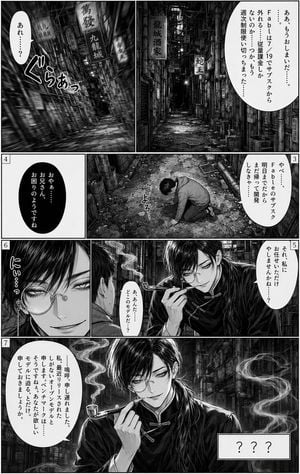
Generates a monochrome manga panel of an intimidating young woman reaching toward the viewer with a vertical Japanese speech bubble.

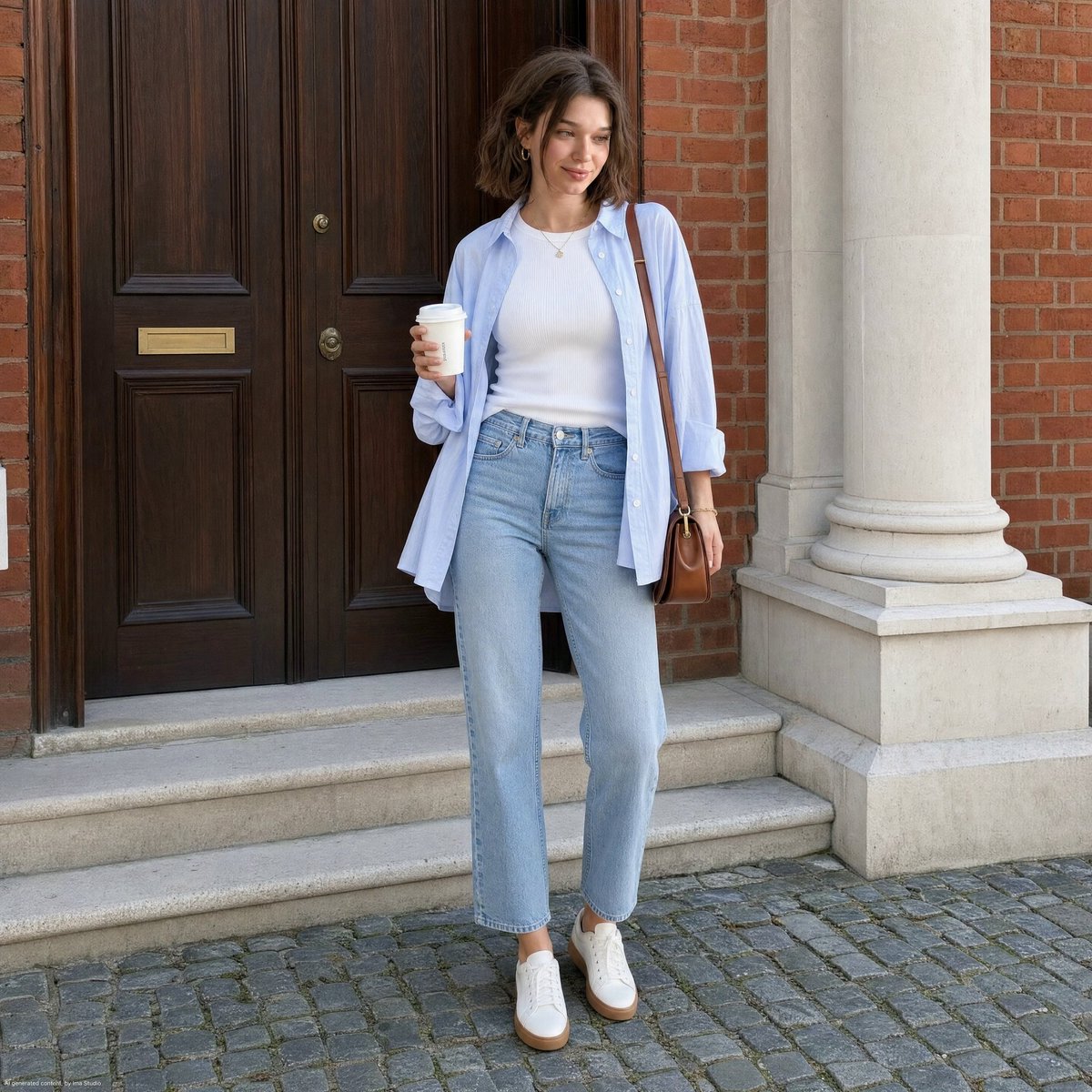
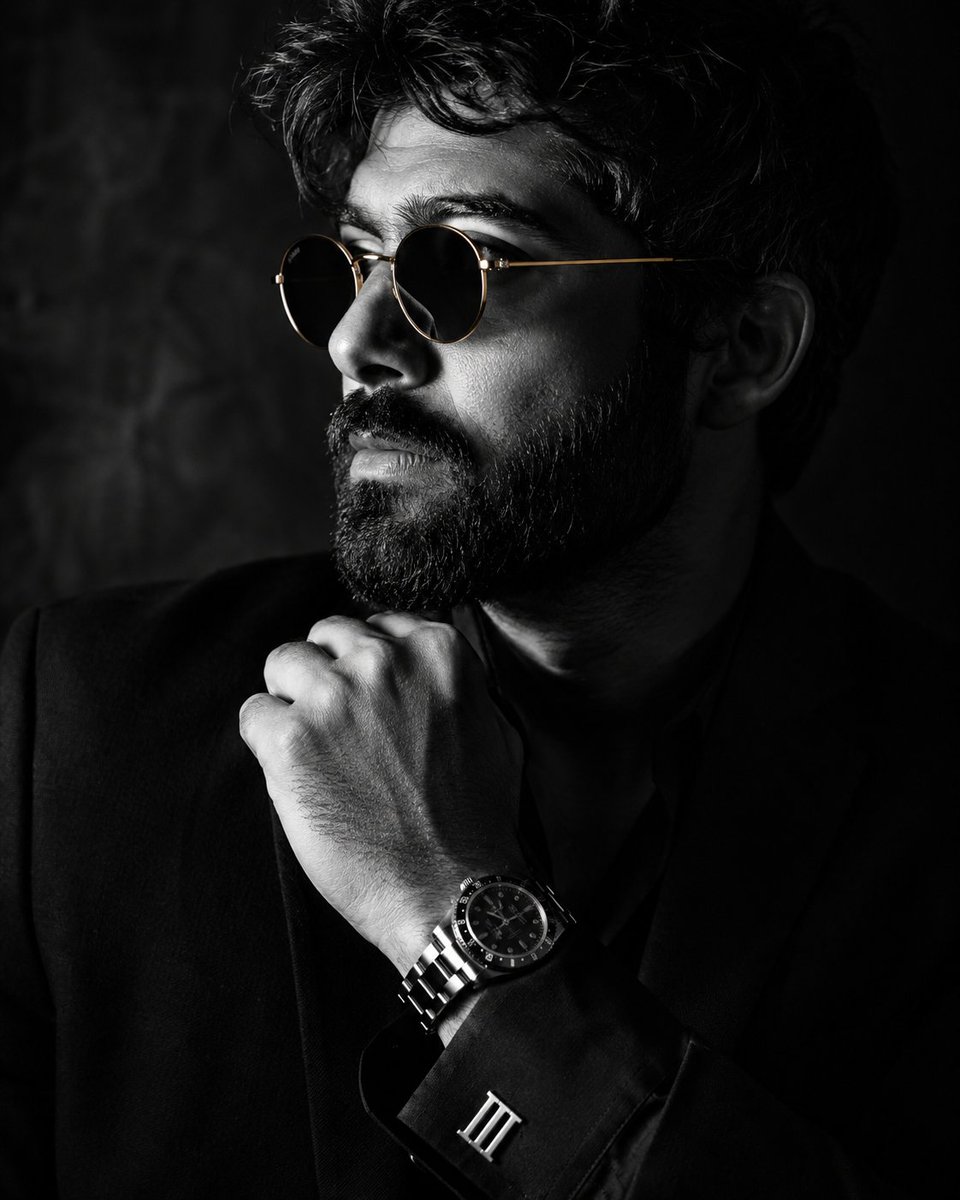
This template uses your photo — add one with the + button.
Create a black-and-white manga page illustration in a single tall, slightly tilted rectangular panel on a white background. The scene shows {argument name="character name" default="an elegant young woman"} from a dramatic low-angle perspective, leaning over the viewer with her right hand reaching forward in extreme foreshortening, fingers spread and sharp dark nails visible. She has {argument name="hair color" default="light gray"} shoulder-length messy hair with long bangs, loose strands flowing across her face, large narrow manga eyes with detailed lashes, a calm but intimidating expression, and slightly parted lips. She wears a dark high-collared uniform under a draped cloak or haori with textured screentone shading and a bold dark flame-like pattern near the lower right edge. Use delicate ink linework, pencil-like crosshatching, manga screentones, high contrast black fills, sparse dust speckles, and clean white negative space. Include exactly 1 speech bubble: a tall vertical oval bubble on the upper right, with Japanese vertical text reading {argument name="speech bubble text" default="風林火山を殺し進む"}. Keep the composition monochrome, cinematic, and intense, like a printed shonen/seinen manga panel, with no color and no extra panels.
Create a black-and-white manga page illustration in a single tall, slightly tilted rectangular panel on a white background. The scene shows {argument name="character name" default="an elegant young woman"} from a dramatic low-angle perspective, leaning over the viewer with her right hand reaching forward in extreme foreshortening, fingers spread and sharp dark nails visible. She has {argument name="hair color" default="light gray"} shoulder-length messy hair with long bangs, loose strands flowing across her face, large narrow manga eyes with detailed lashes, a calm but intimidating expression, and slightly parted lips. She wears a dark high-collared uniform under a draped cloak or haori with textured screentone shading and a bold dark flame-like pattern near the lower right edge. Use delicate ink linework, pencil-like crosshatching, manga screentones, high contrast black fills, sparse dust speckles, and clean white negative space. Include exactly 1 speech bubble: a tall vertical oval bubble on the upper right, with Japanese vertical text reading {argument name="speech bubble text" default="風林火山を殺し進む"}. Keep the composition monochrome, cinematic, and intense, like a printed shonen/seinen manga panel, with no color and no extra panels.
Edit the prompt in the box under the preview — the template's model and format are already selected — and press Generate. Your version appears right on this page.
Yes. You can change the subject, setting, lighting, mood, format, and available model controls before creating your image.
Opening and editing this template is free. Generating uses credits, shown on the Generate button when you are signed in.
Start with GPT Image 2, which is the model associated with this template. You can compare another compatible model for a different finish.
Follow a topic to a crawlable collection of related PicX Studio templates.