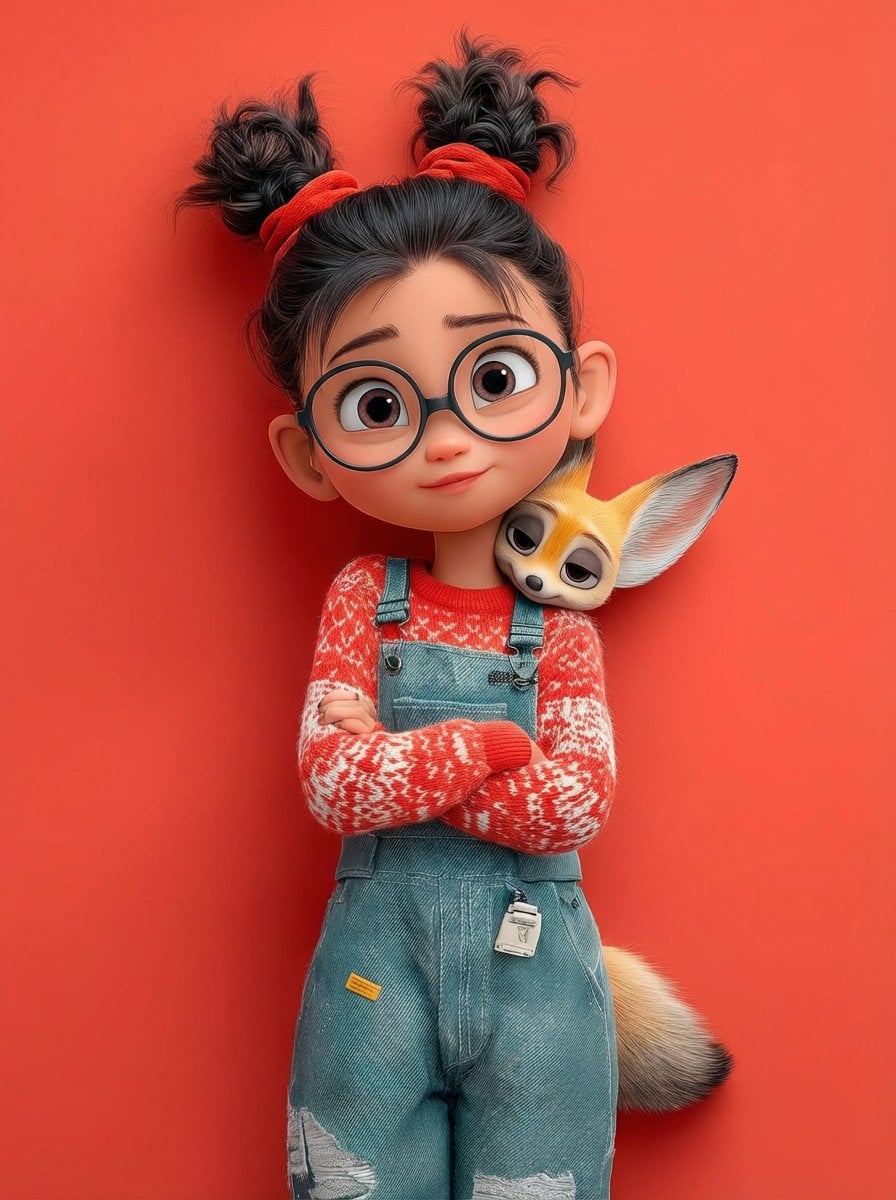
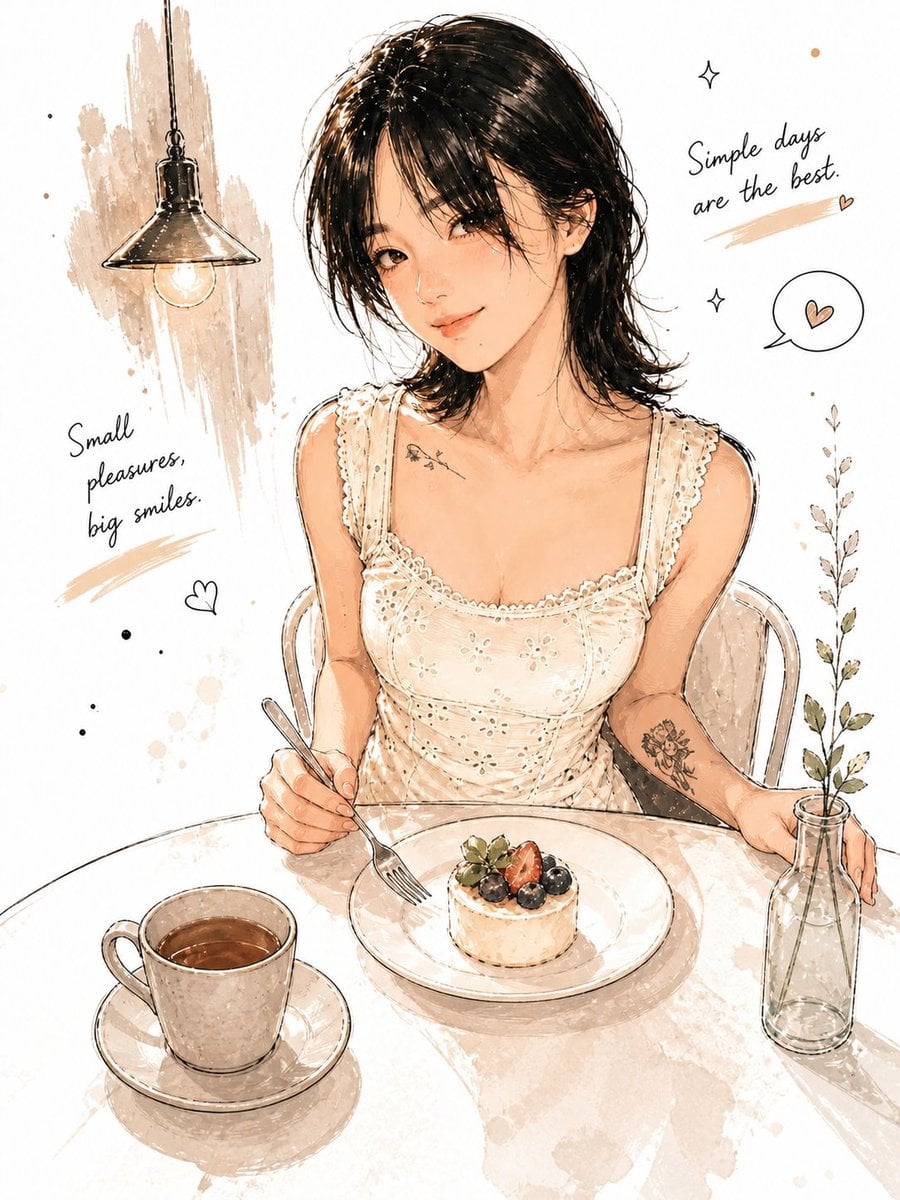
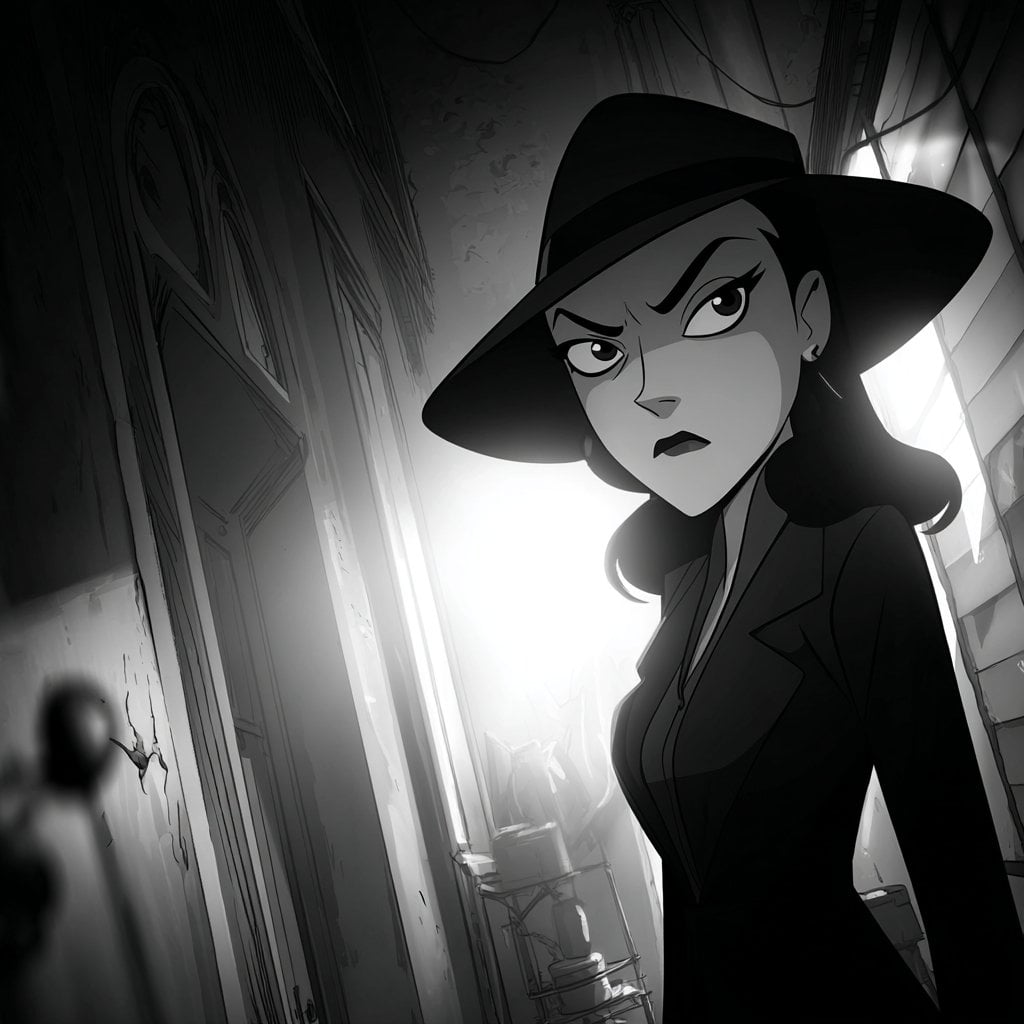
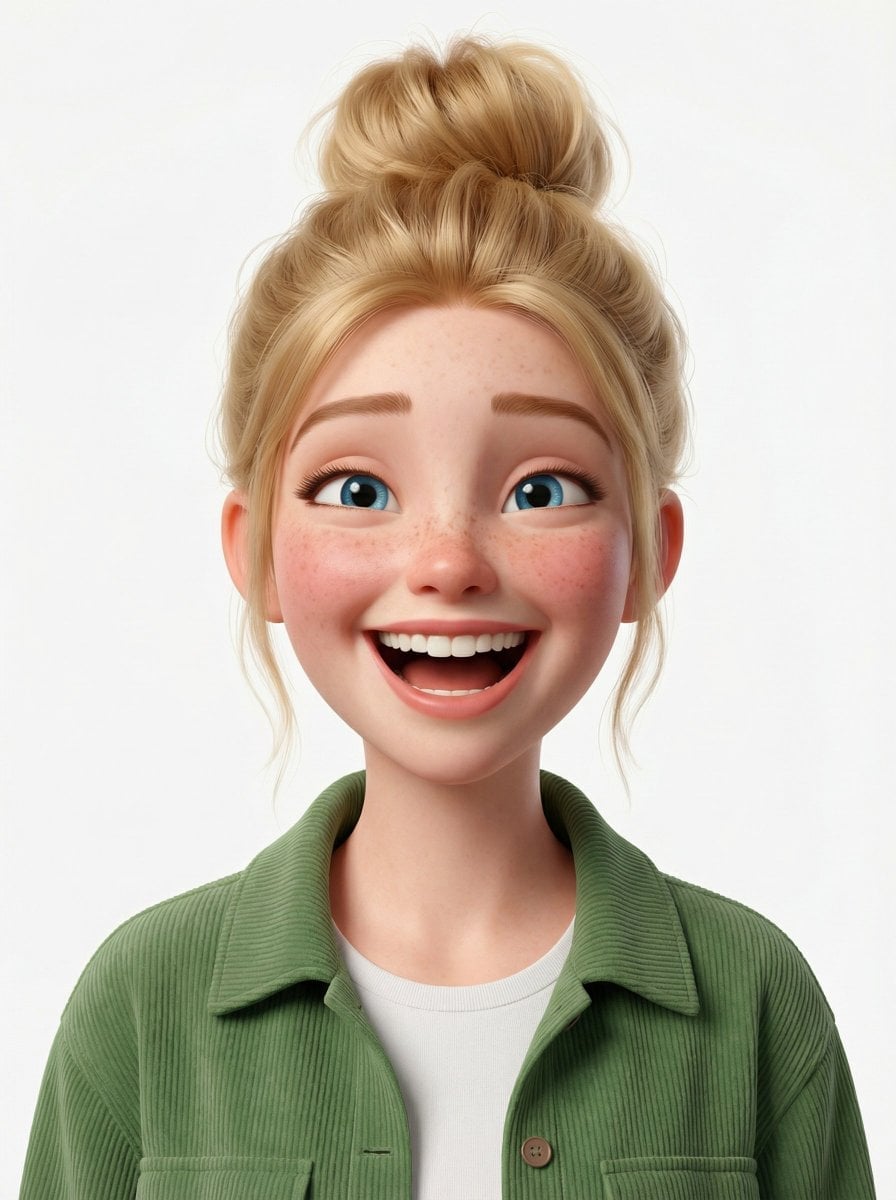
How do I use the Extreme 3D CGI Cartoon Character template?
Edit the prompt in the box under the preview — the template's model and format are already selected — and press Generate. Your version appears right on this page.
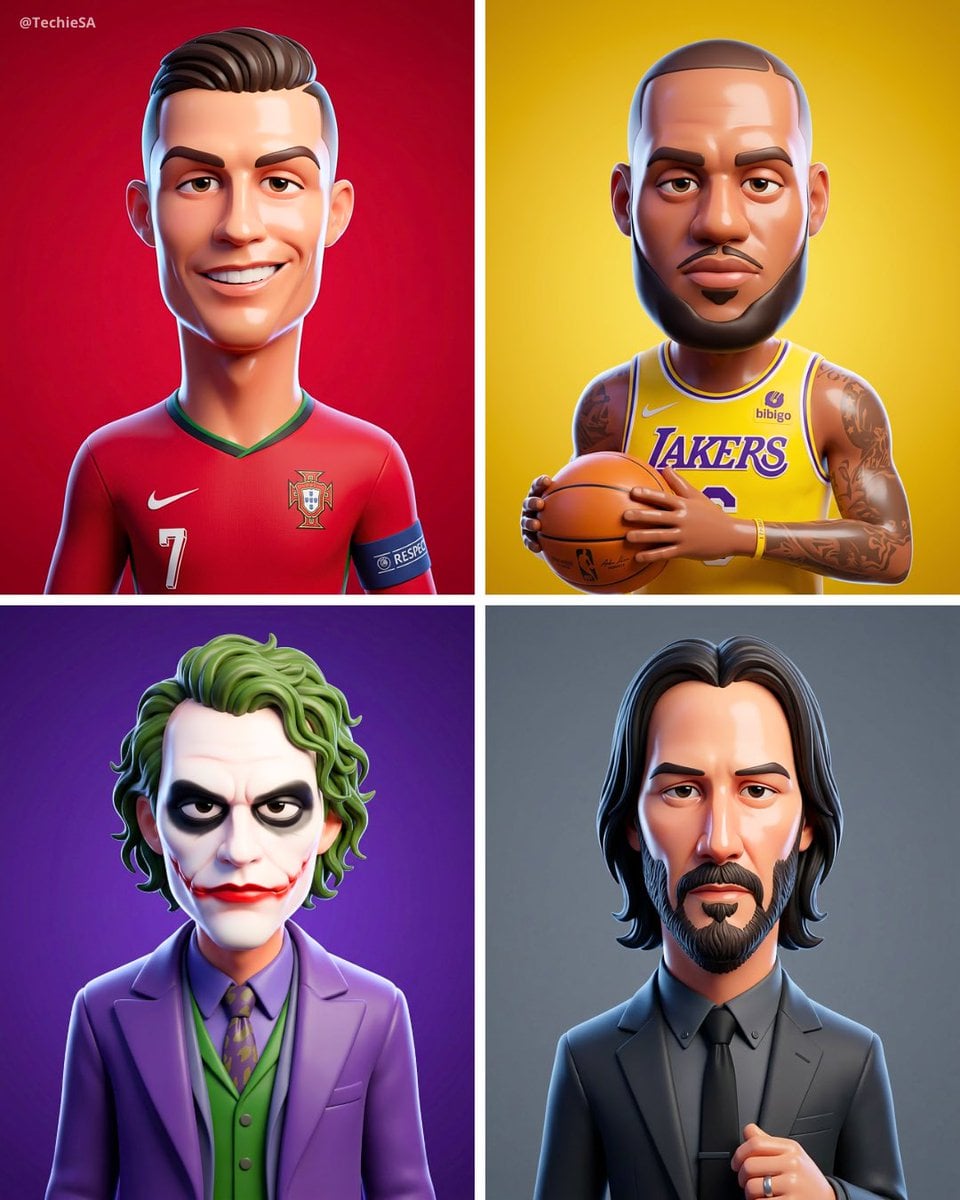
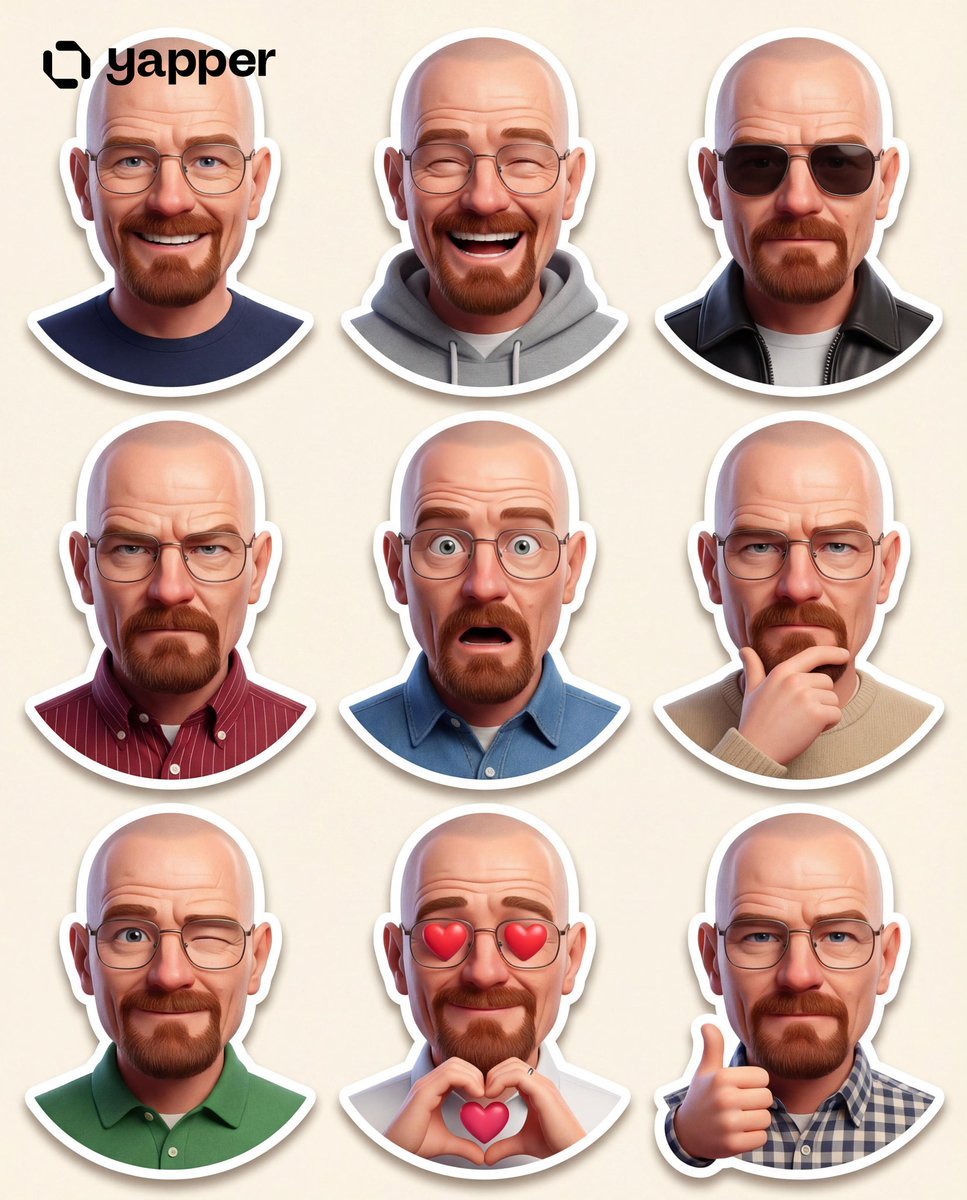
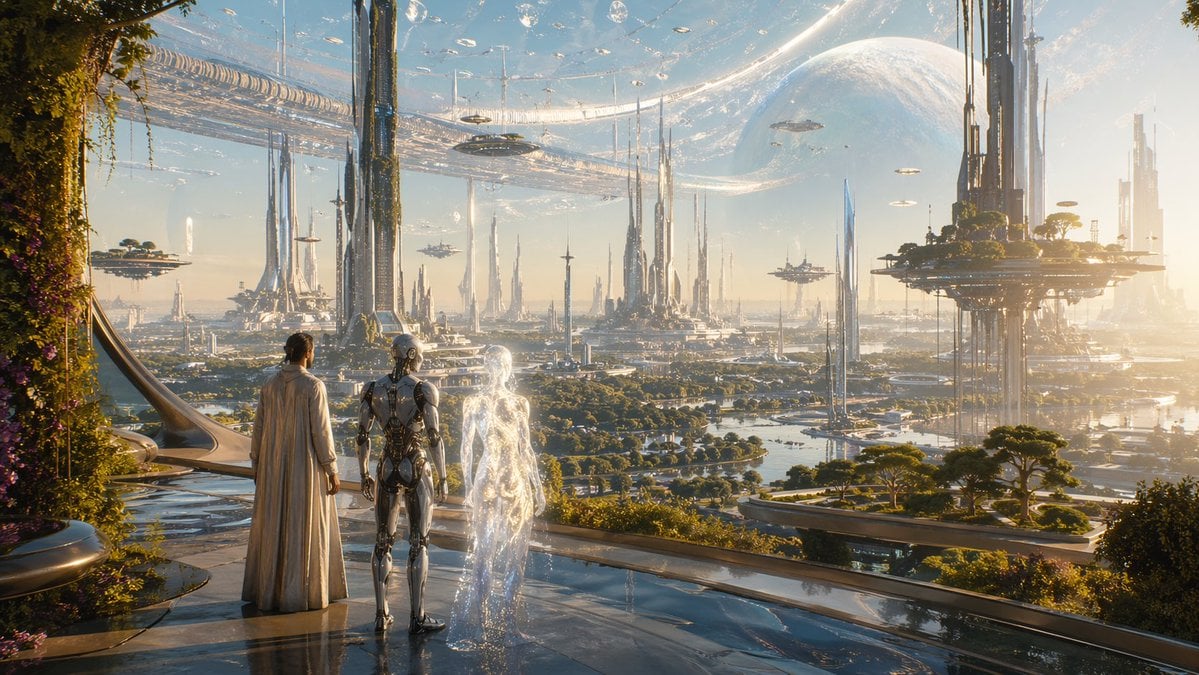
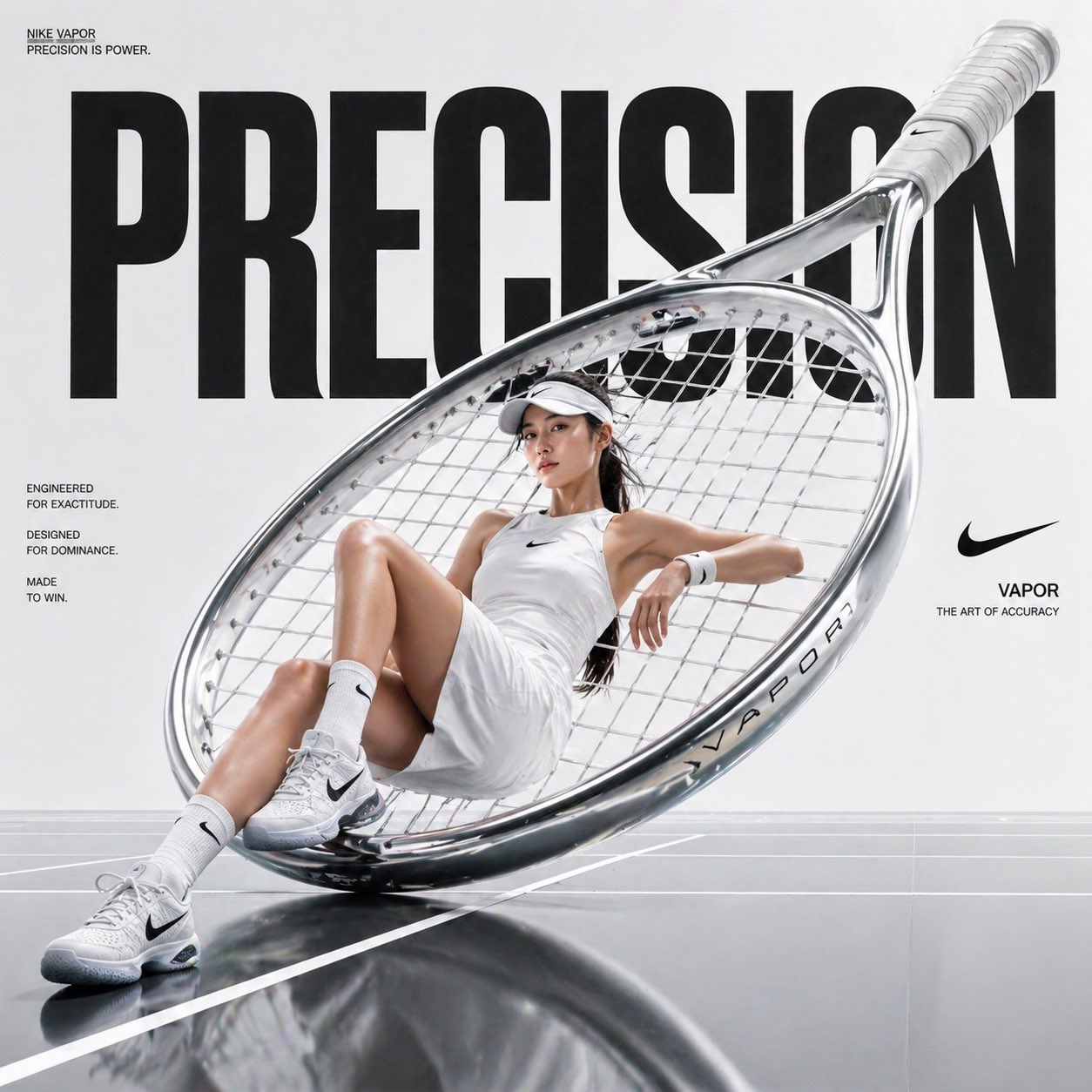
A stylized prompt for creating exaggerated, comic-style 3D cartoon characters with bold expressions and vibrant gradient backgrounds.

Extreme 3D CGI cartoon of {argument name="character" default="[character]"} extremely exaggerated proportions and oversized features for maximum comic effect. Head and shoulders portrait photo, incredibly styled with bold and dramatic expressions. Ultra soft matte materials. Character perspective. Saturated {argument name="background color" default="orange gradient"} background that creates a strong visual contrast. Soft lighting and ambient shadows for depth.
Extreme 3D CGI cartoon of {argument name="character" default="[character]"} extremely exaggerated proportions and oversized features for maximum comic effect. Head and shoulders portrait photo, incredibly styled with bold and dramatic expressions. Ultra soft matte materials. Character perspective. Saturated {argument name="background color" default="orange gradient"} background that creates a strong visual contrast. Soft lighting and ambient shadows for depth.
Edit the prompt in the box under the preview — the template's model and format are already selected — and press Generate. Your version appears right on this page.
Yes. You can change the subject, setting, lighting, mood, format, and available model controls before creating your image.
Opening and editing this template is free. Generating uses credits, shown on the Generate button when you are signed in.
Start with GPT Image 2, which is the model associated with this template. You can compare another compatible model for a different finish.
Follow a topic to a crawlable collection of related PicX Studio templates.