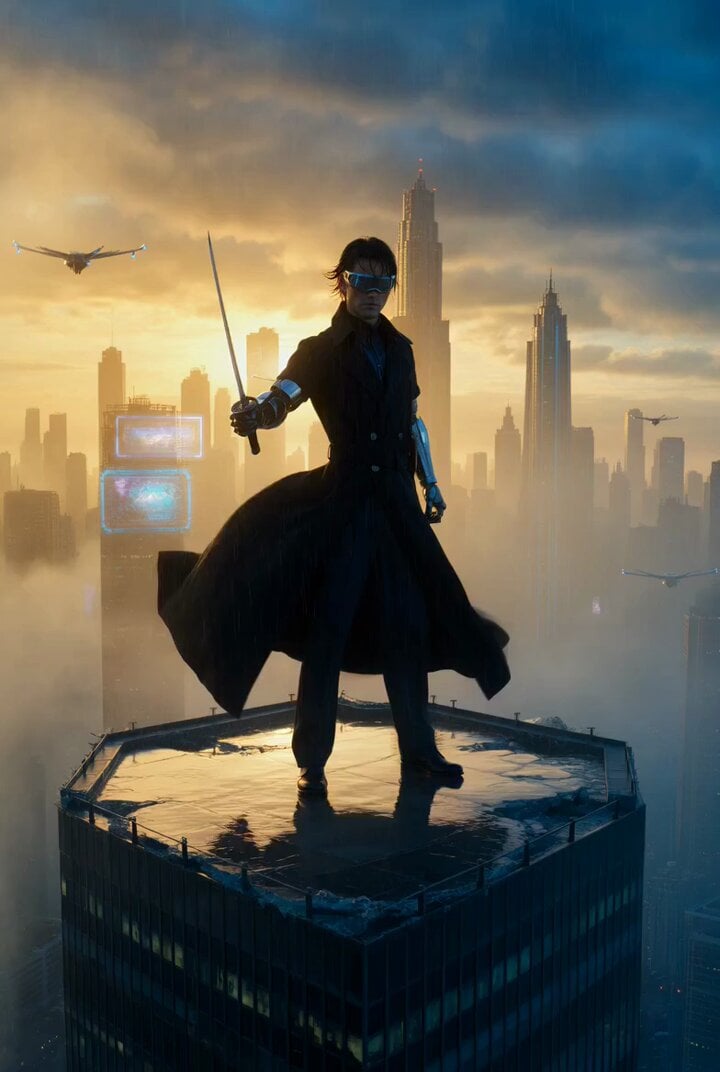
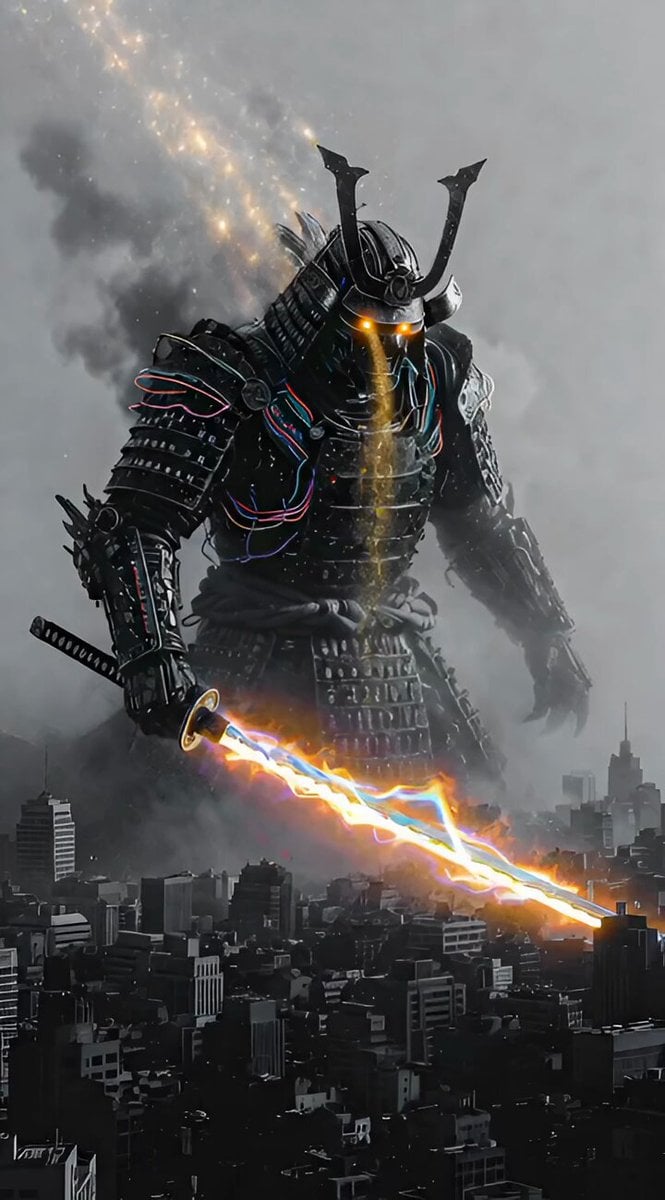
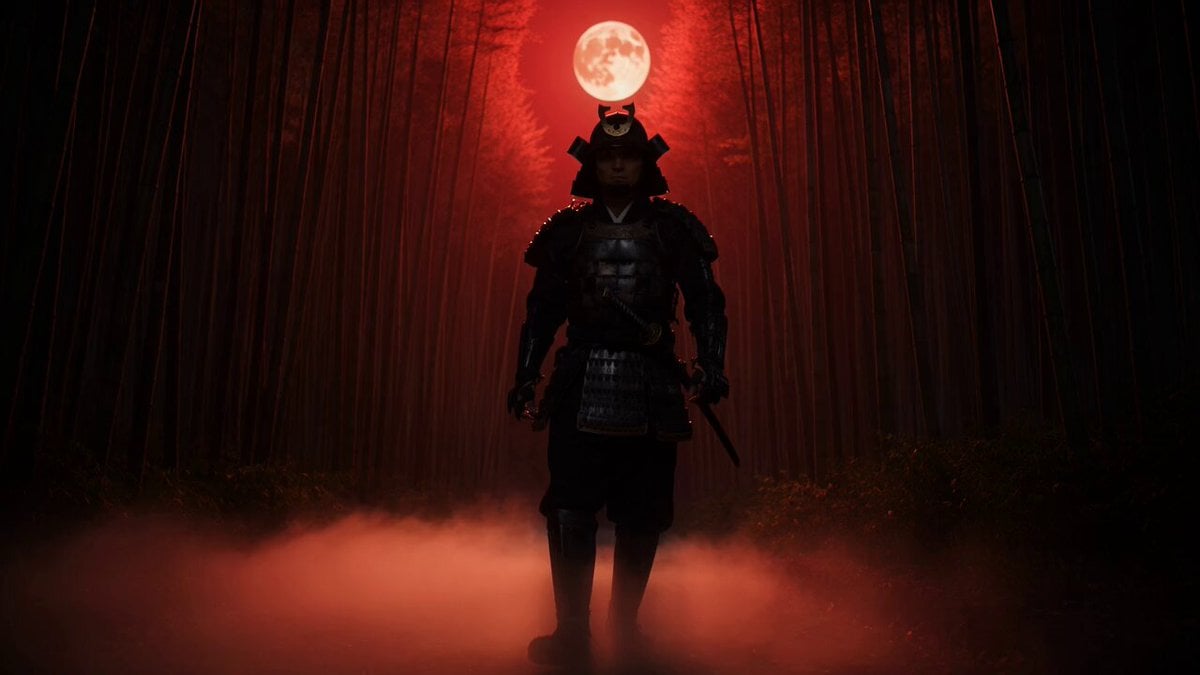
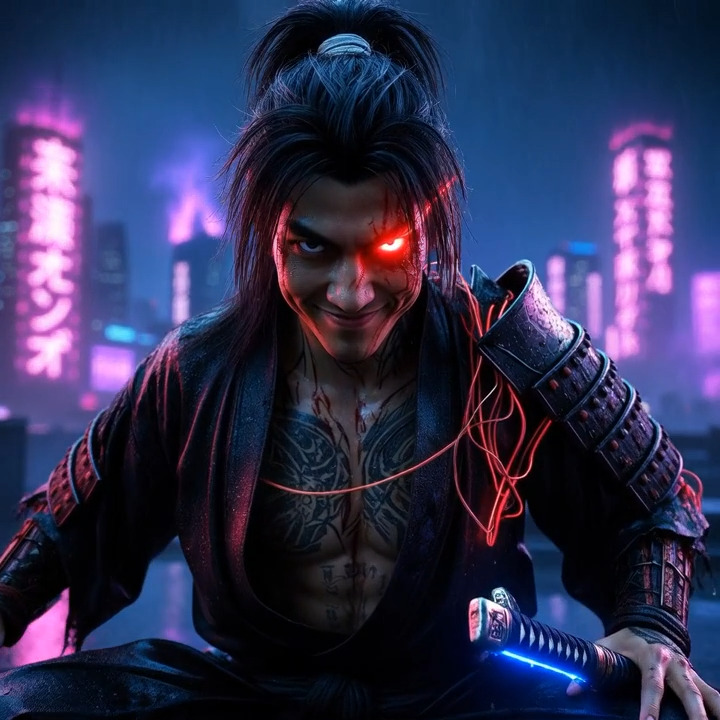
How do I use the Cinematic Samurai vs Terminator Duel Video Prompt template?
Edit the prompt in the box under the preview — the template's model and format are already selected — and press Generate. Your version appears right on this page.
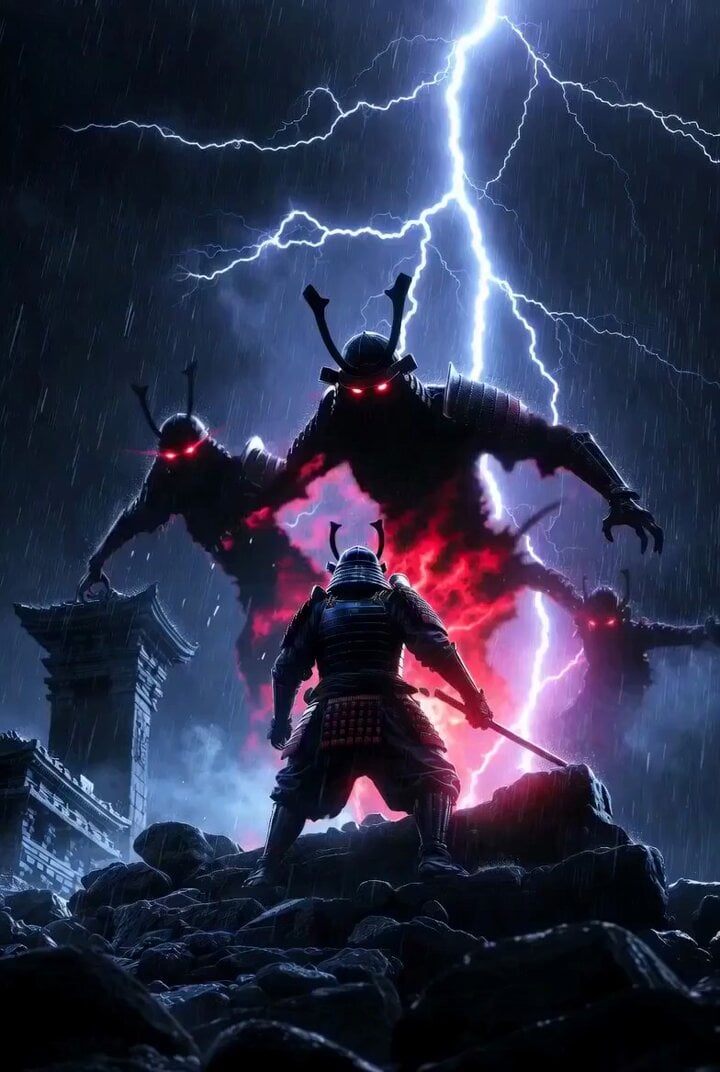
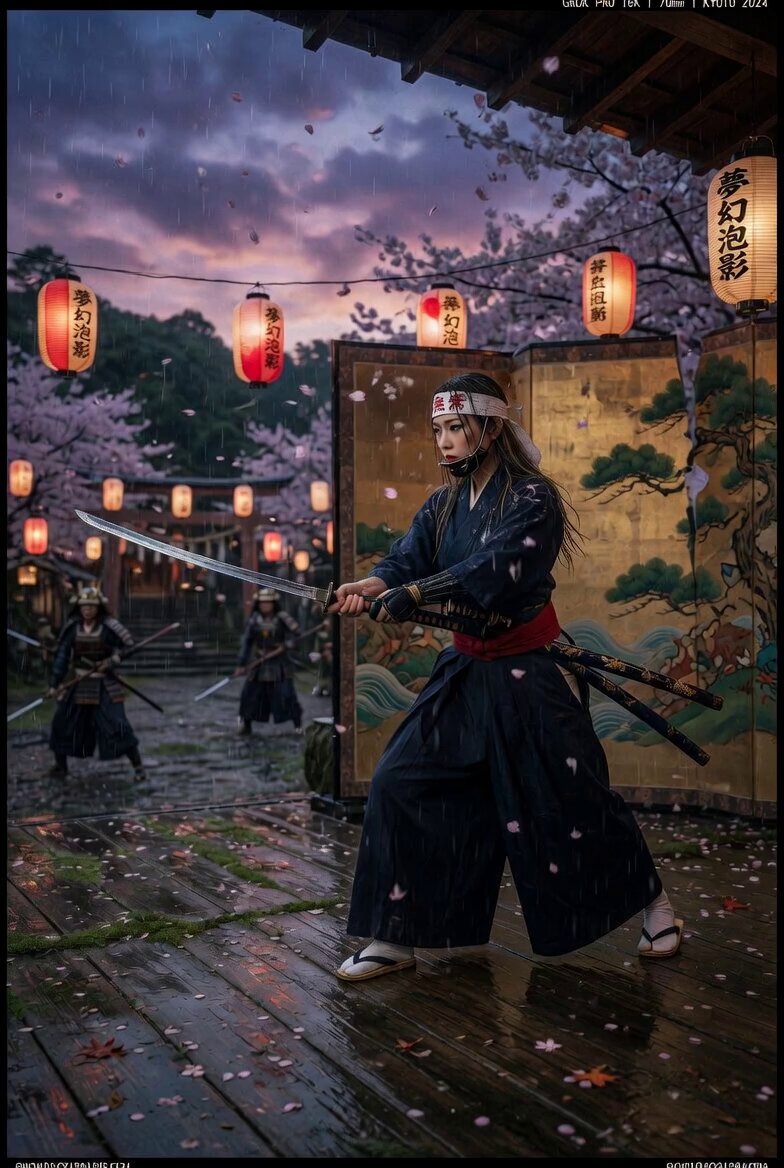
A high-energy video generation prompt for a samurai and terminator combat scene, focusing on dynamic camera rotation and micro-cut editing styles.
@ Image1はサムライとターミネーターの映画の戦闘シーン、大迫力の接近戦、カメラは被写体を画角の中心に据えながら周囲を高速旋回して撮影、シーンはマイクロカット形式で複数のカメラアングルが切り替わる
@ Image1はサムライとターミネーターの映画の戦闘シーン、大迫力の接近戦、カメラは被写体を画角の中心に据えながら周囲を高速旋回して撮影、シーンはマイクロカット形式で複数のカメラアングルが切り替わる
Edit the prompt in the box under the preview — the template's model and format are already selected — and press Generate. Your version appears right on this page.
Yes. You can change the subject, setting, lighting, mood, format, and available model controls before creating your video.
Opening and editing this template is free. Generating uses credits, shown on the Generate button when you are signed in.
Start with Grok Imagine, which is the model associated with this template. You can compare another compatible model for a different finish.
Follow a topic to a crawlable collection of related PicX Studio templates.