
Ultra-Realistic Fashion Portrait with Aggressive Perspective
A highly specific prompt for Nano Banana Pro focusing on an ultra-realistic, low-angle fashion portrait using a reference image for identity, featuring a leather bomber jacket and a dramatic perspective created by the…
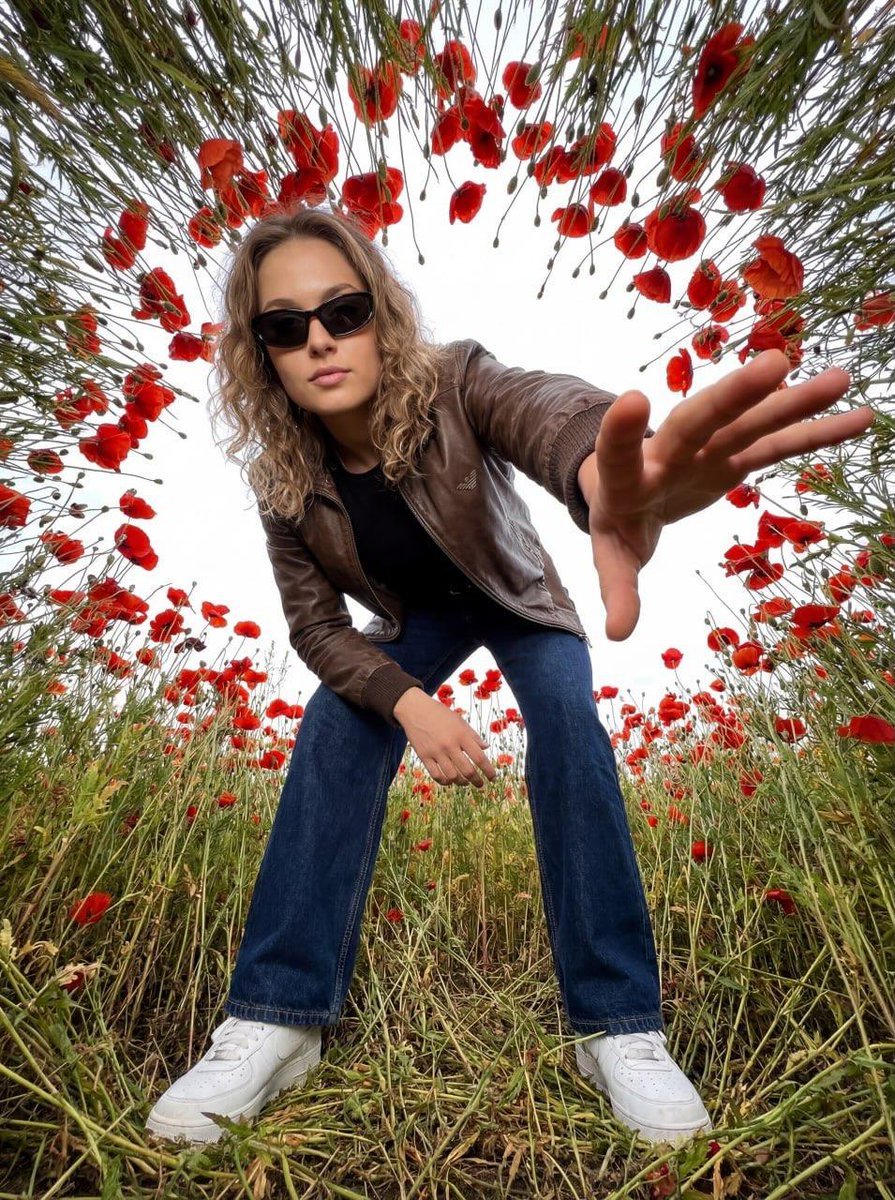
- Prompt included
- Model and format preset
- Free template
The prompt behind this image
Copy the exact prompt behind Ultra-Realistic Fashion Portrait with Aggressive Perspective, or open it in the studio and make it yours.
Ultra-realistic, extremely low-angle shot (from grass level), directed vertically upward toward the model, using the uploaded reference link as the basis for identity. Preserve the exact facial structure, proportions, expression, and natural skin texture. Strict identity lock. No accessories. No alteration of facial features. The model leans toward the camera, extending one hand forward toward the lens, creating a dramatic perspective with a strong depth effect. Direct, confident gaze. The model is wearing a premium brown leather Armani bomber jacket with a matte smooth texture and natural creases. Underneath is a minimalist black fitted T-shirt. Dark blue wide-leg jeans made from heavy denim with natural fabric texture. White leather sneakers with clean stitching and minimal branding. The model is positioned inside a dense circular dome of tall stems of {argument name="flowers" default="[WRITE YOUR FLOWERS]"}, forming a natural circular frame from the edges of the frame toward the center. The petals are natural, opaque, with realistic texture and slight natural imperfections. Shot on a full-frame camera with an ultra-wide 14mm lens, aperture f/8 for deep depth of field (the face remains sharp), ISO 100 to eliminate noise, and a high shutter speed for crystal-clear detail. Hard directional daylight as the only light source. High contrast with deep, dense shadows on the facial structure and folds of clothing. No fill light. 8K resolution, hyper-realism, clean image with no grain, sharp skin texture and detailed fashion elements. Experimental aggressive perspective as a stylistic technique. High-energy fashion aesthetic. Bold, confident visual language suitable for a luxury fashion campaign.
How to use Ultra-Realistic Fashion Portrait with Aggressive Perspective in 3 steps
- 1Upload ImagePNG, JPG or paste
Add your photo
Upload the photo the template builds on. The prompt, model and format are already set.
- 2…a portrait of your subject in softgolden-hour light, 85mm…
Personalize
Edit the subject and creative details for your destination.
- 3Generate
Generate
Press Generate — your image is created in PicX Studio, so you can compare it with the original and refine one variable at a time.
More like this
Templates with the same subject, style or setup. Open one to see its prompt.

Nano Banana 2 High Fashion Sports Campai

Couture Fashion Editorial Woman and Drag

Ive Yujin Fashion Portrait in Blue

Nano Banana 2 Editorial Fashion Portrait

Caution Tape Fashion — Industrial Editorial

Nano Banana 2 Perspective Experiment

Miniature Self Portrait Collage

Found Photograph: Us, 1970

80s Couple Studio Portrait

80s College Gate

1988 Mall Style

80s Polka Dot Saree
Make it yours
Ultra-Realistic Fashion Portrait with Aggressive Perspective works as-is. These are the safest ways to change it without losing the look.
Change one field
Copy a single group, rewrite it, and generate again so you can see what that field is doing.
Keep the frame, change the subject
Hold the composition and light of Ultra-Realistic Fashion Portrait with Aggressive Perspective, then swap wardrobe, props or the person for a new take.
| If the result… | Why | Fix |
|---|---|---|
| The result drifts from the preview | Too many fields changed at once. | Reuse Ultra-Realistic Fashion Portrait with Aggressive Perspective as-is first, then change one group — subject, light, or setting. |
| The model over-stylizes the scene | The prose prompt leaves finish and camera underspecified. | Add one camera or lighting sentence and stay on Nano Banana 2. |
More Nano Banana 2 templates
Other prompts made for Nano Banana 2.

Photorealistic Leaf Shaped Like a Dragon

K-Pop Idol Portrait Grid for Rapid Selection

Poetic Rain Forest Portrait During Golden Hour

Urban Street Portrait with Cartoon Inner Self Duo

Candid Nighttime Photo with Cat Prompt

High-Concept 3D Diorama Generation Prompt

Cinematic Futuristic Studio Portrait Template

Skincare Editorial Photography Collage Prompt

Hyper-Realistic Commercial Product Photography (Splash Effect)

Hyper-Realistic Nightclub Portrait Prompt
More image prompts
Fresh picks from across the catalog.
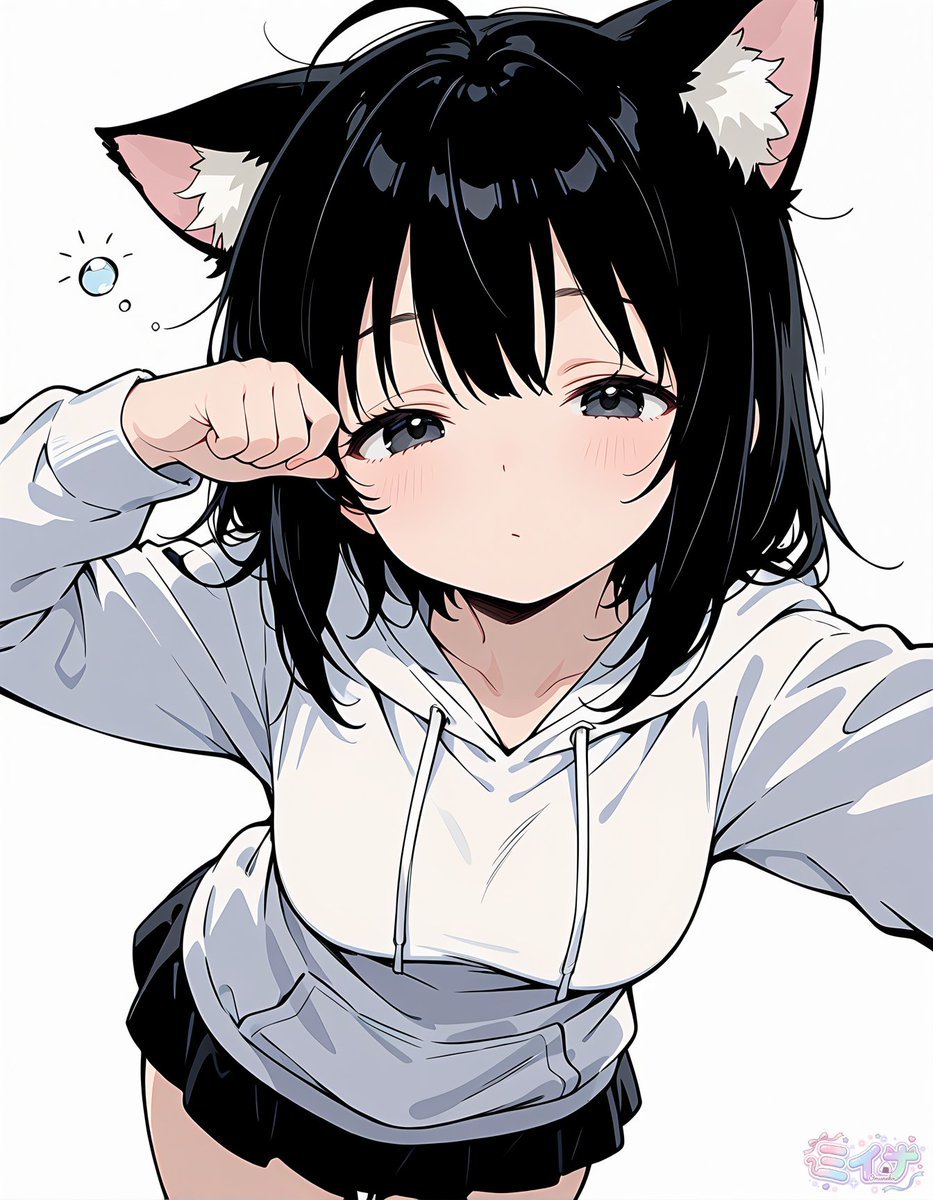
Sleepy Cat-Eared Anime Girl
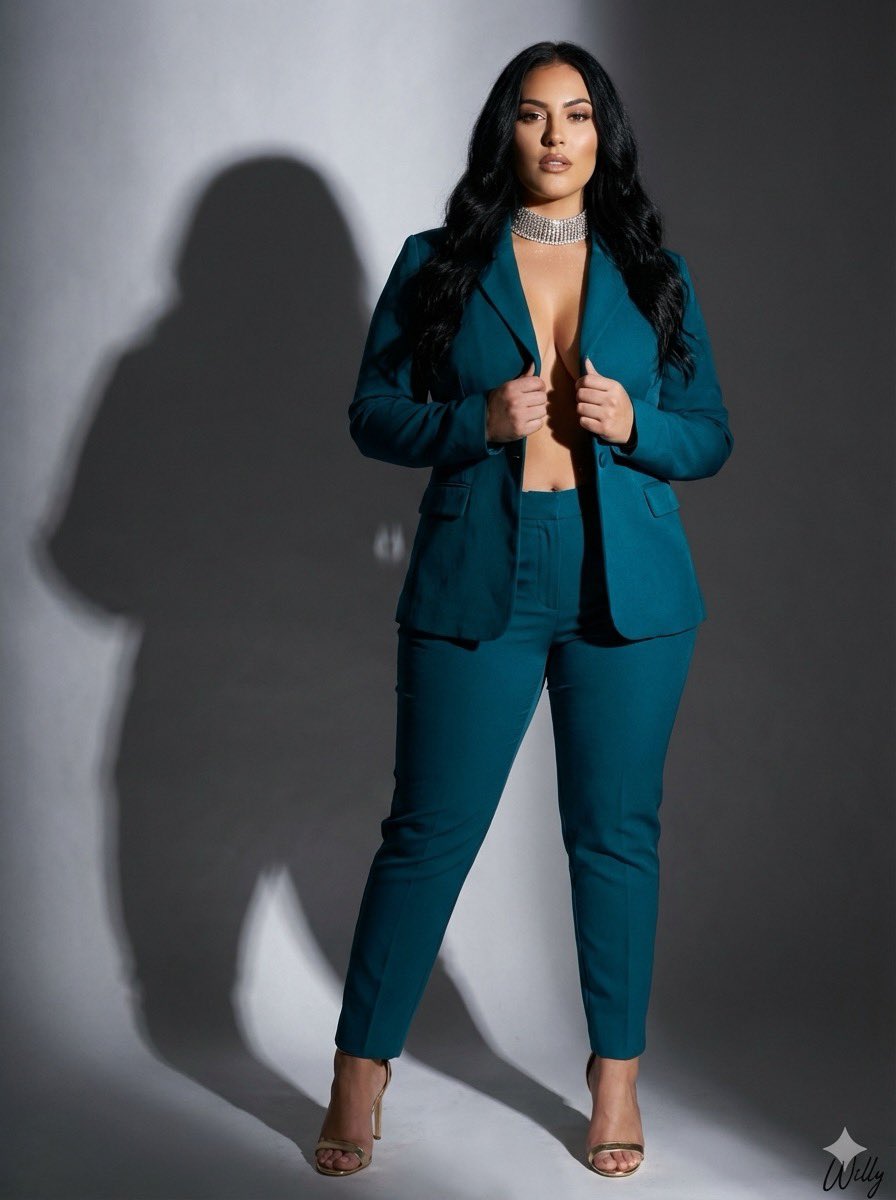
Studio Photograph of Kajal Aggarwal in Teal Pantsuit
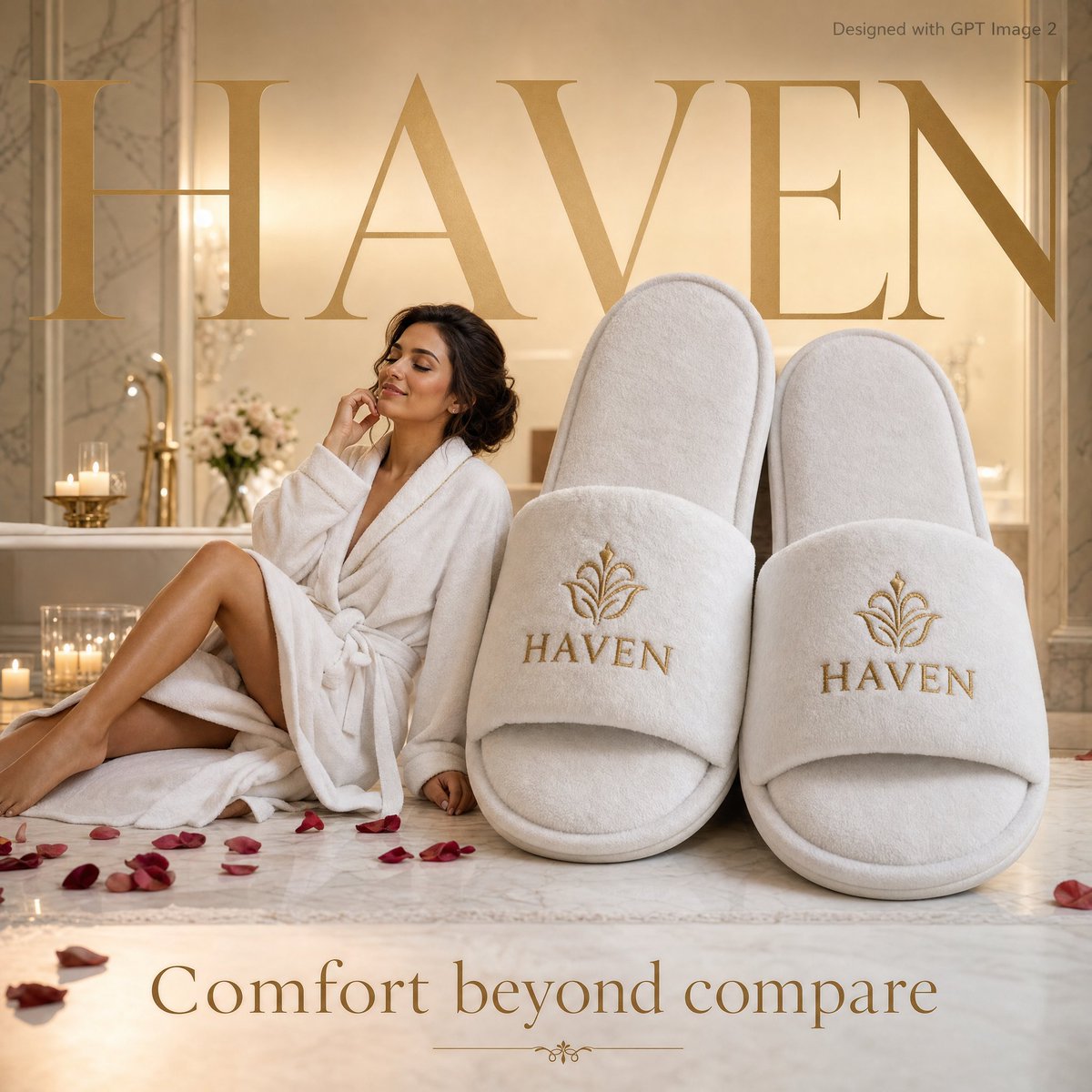
Luxury Hospitality Slipper Ad
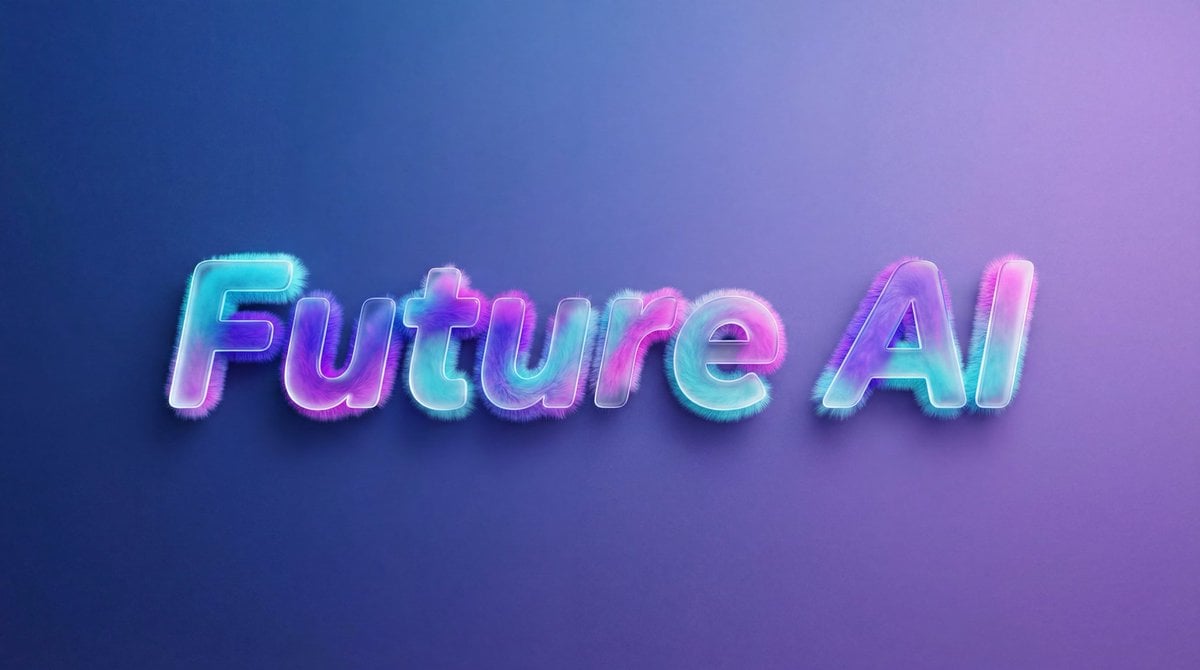
Futuristic Fluffy Glass Typography Art
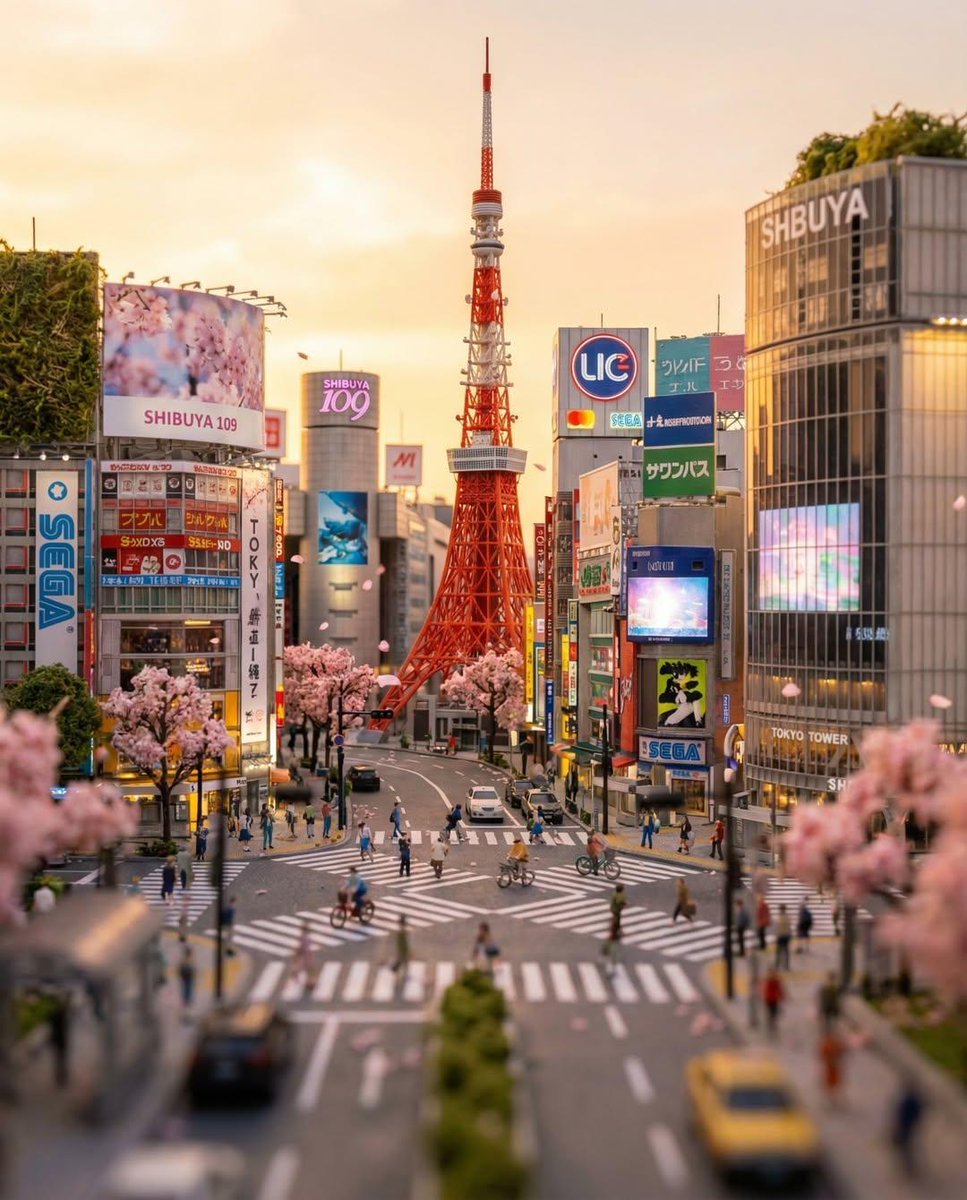
Tilt-Shift Tokyo Diorama at Sunset
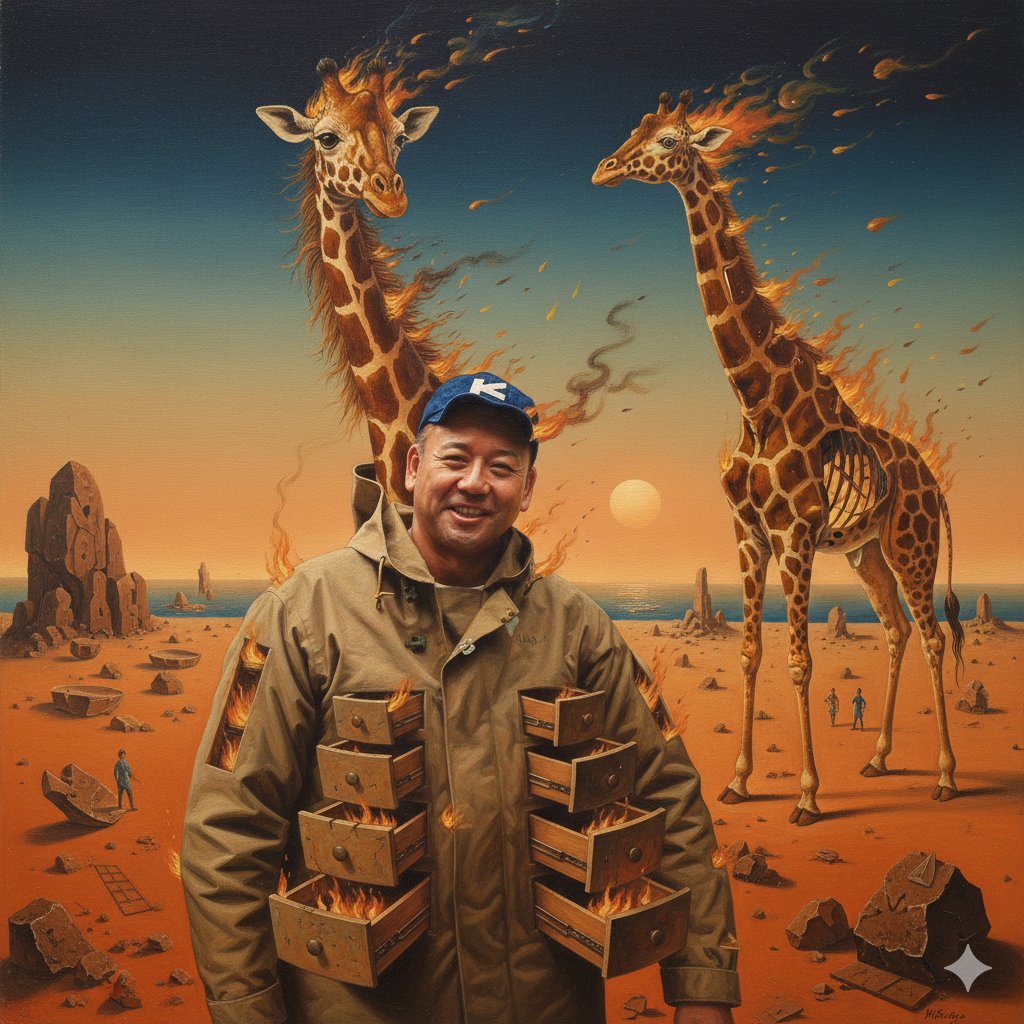
Image Style Transfer Prompt: Viking to Dali's 'Burning Giraffe' Style
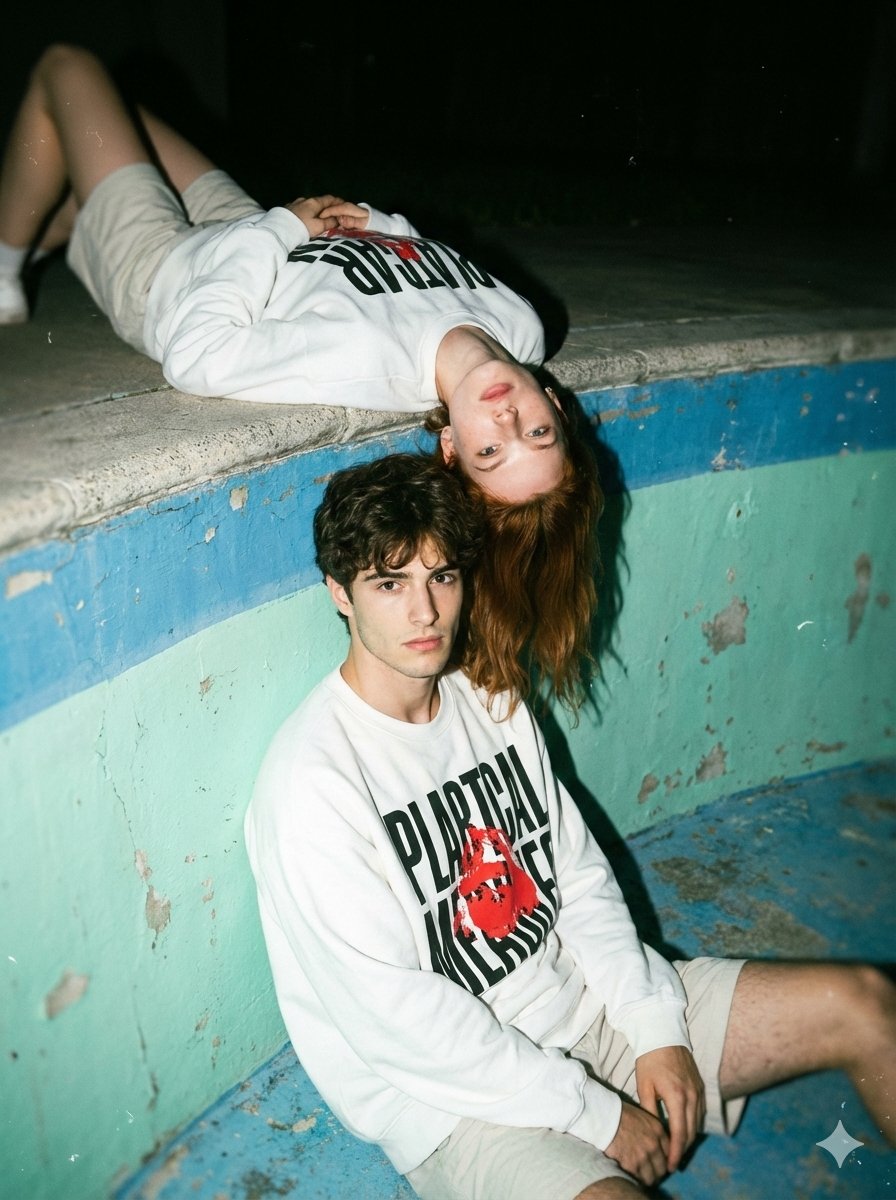
Streetwear Couple Film Shoot Prompt (Empty Pool)
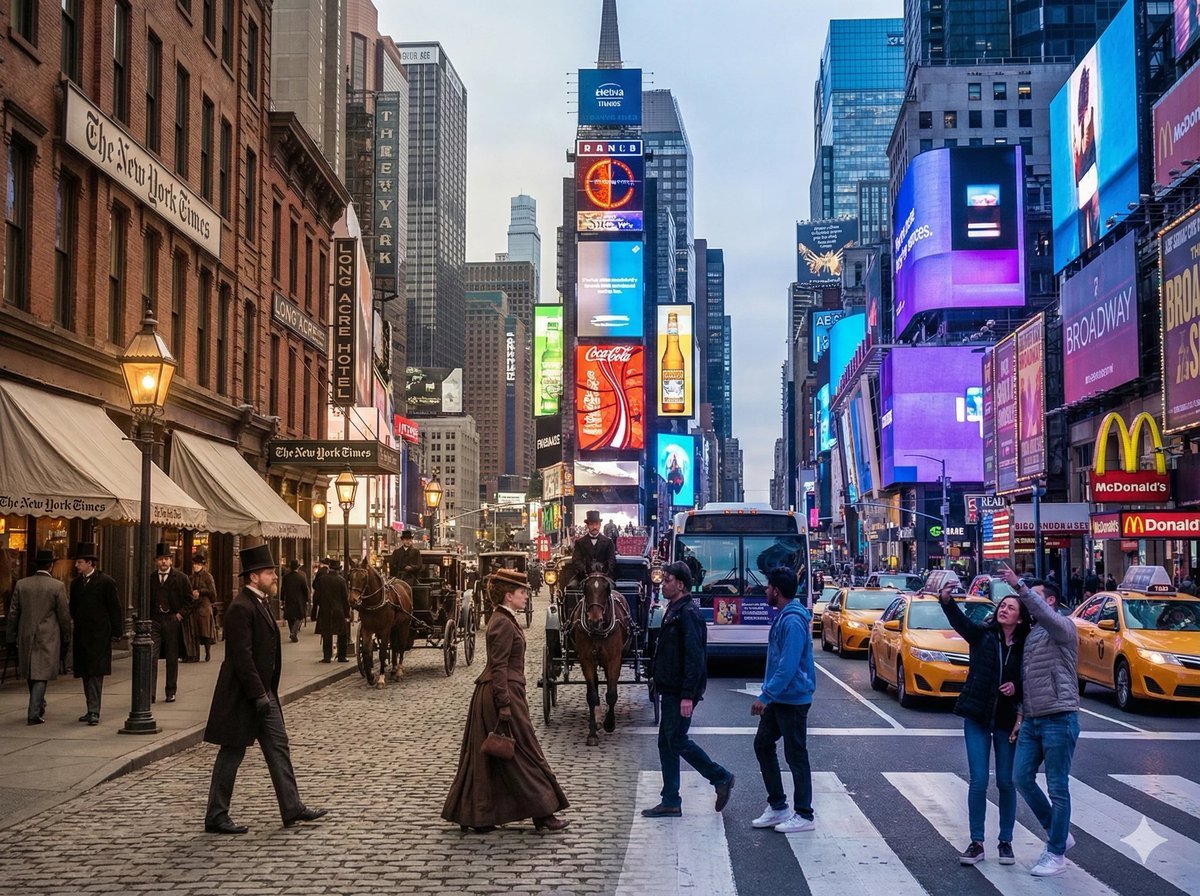
Times Square Time-Blend Split-Screen
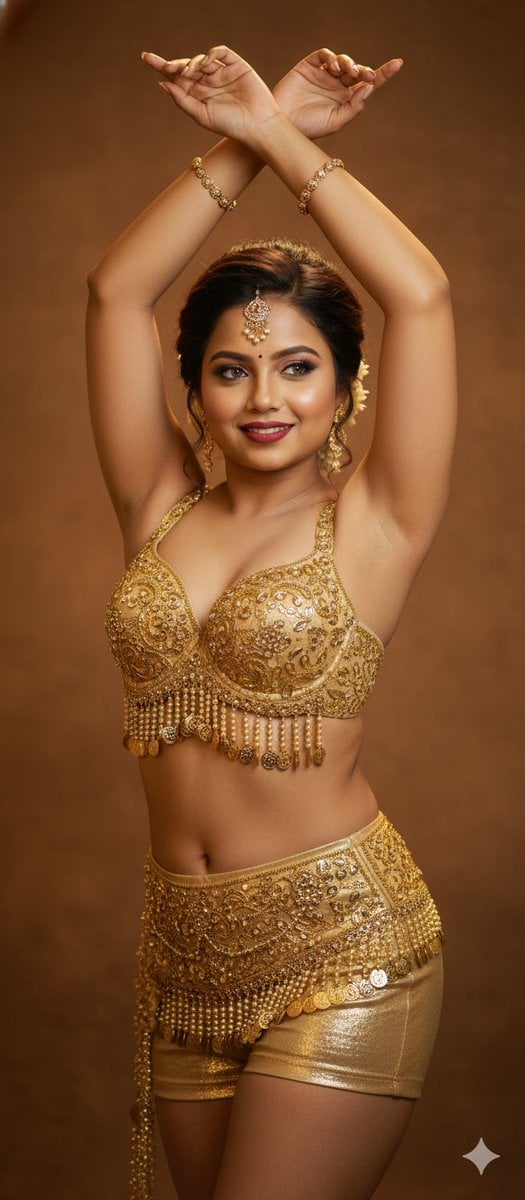
Belly Dance Stunning Photo Prompt
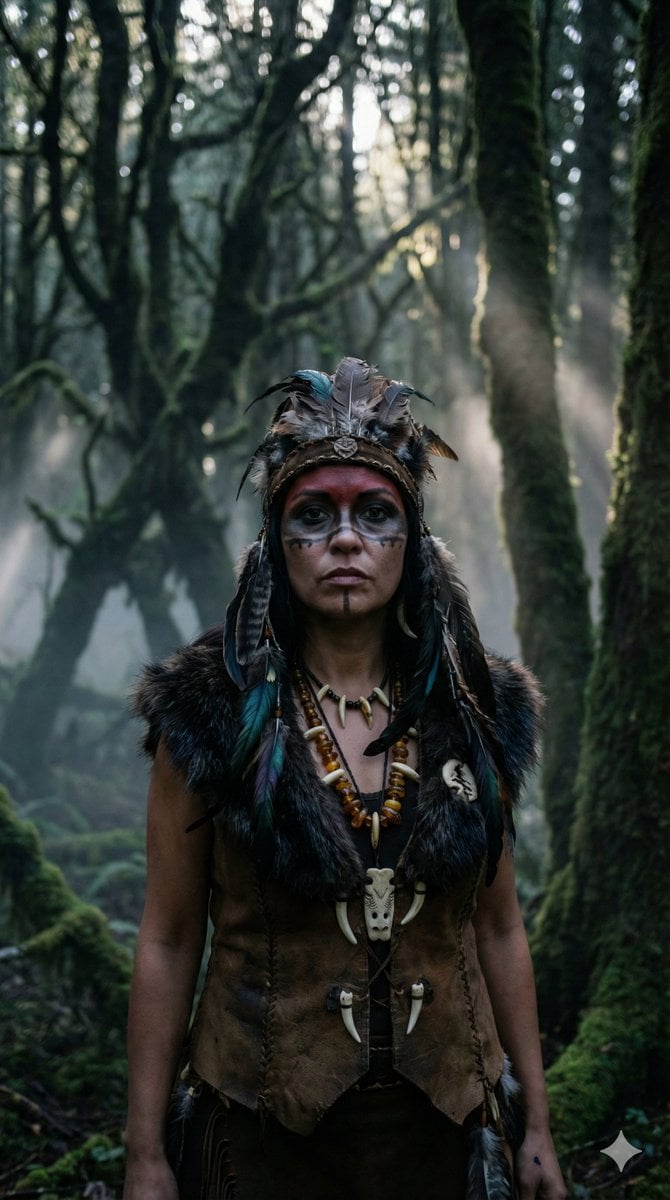
Hyper-Realistic Shaman Portrait Prompt
Browse template categories
Ultra-Realistic Fashion Portrait with Aggressive Perspective questions
How do I use the Ultra-Realistic Fashion Portrait with Aggressive Perspective template?
Add your photo if the template asks for one, edit the prompt if you like — the template's model and format are already selected — and press Generate. Your version opens in PicX Studio.
Can I customize the Ultra-Realistic Fashion Portrait with Aggressive Perspective template?
Yes. You can change the subject, setting, lighting, mood, format, and available model controls before creating your image.
Is the Ultra-Realistic Fashion Portrait with Aggressive Perspective template free?
Opening and editing this template is free. Generating uses credits, shown on the Generate button when you are signed in.
Which AI model should I use?
Start with Nano Banana 2, which is the model associated with this template. You can compare another compatible model for a different finish.
Looking for something else? Browse all templates.

Your photo, any look
Thousands of ready templates for every top image and video model, from one credit balance.