How do I use the 80s anime smoking Elon Musk template transformation template?
Edit the prompt in the box under the preview — the template's model and format are already selected — and press Generate. Your version appears right on this page.
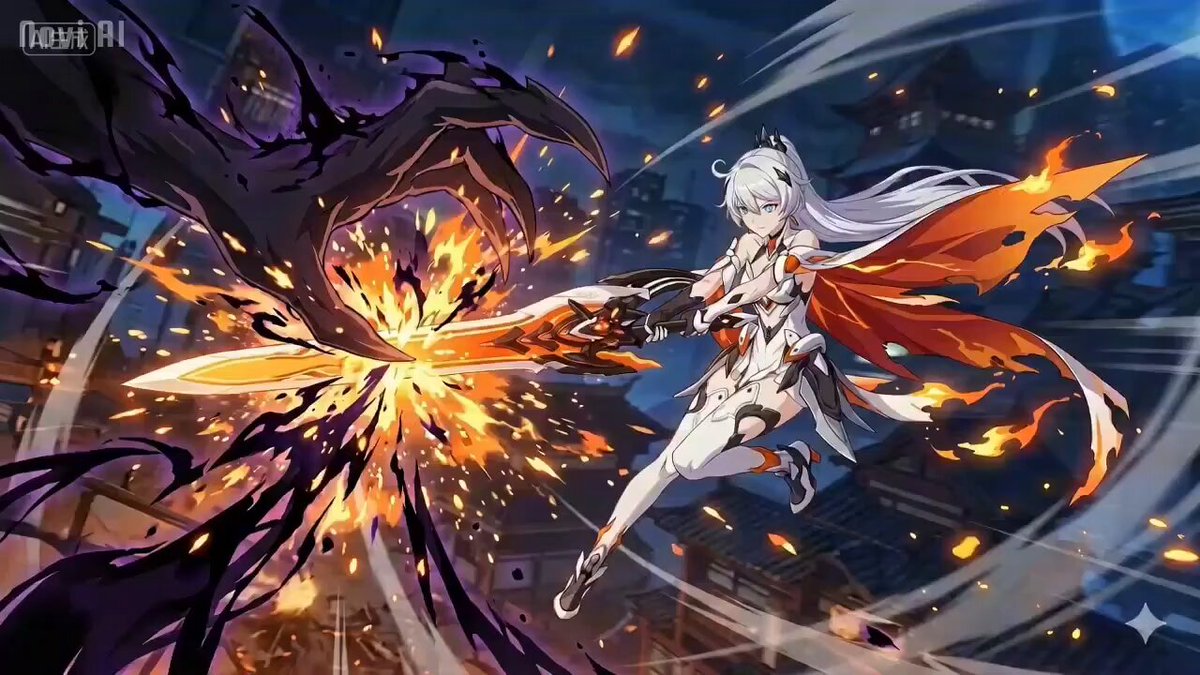
A video generation prompt for Grok Imagine that instructs the model to maintain the original composition and emotion of an image (presumably of Elon Musk smoking) but completely transform the style into a retro 1980s…

maintain original composition, facial expressions, and emotion of the original image. completely change the image style into: full illustrated ANIME STYLE: ultra high res video anime illustrated cartoon animated. retro 1980s aesthetic.,very moody lighting. in the style of a low res 1980s anime screengrab. VCR VHS. retro anime screencap. cartoon. CRT scanlines. bloom. halation. heavy film grain. Smooth perfect skin details.
maintain original composition, facial expressions, and emotion of the original image. completely change the image style into: full illustrated ANIME STYLE: ultra high res video anime illustrated cartoon animated. retro 1980s aesthetic.,very moody lighting. in the style of a low res 1980s anime screengrab. VCR VHS. retro anime screencap. cartoon. CRT scanlines. bloom. halation. heavy film grain. Smooth perfect skin details.
Edit the prompt in the box under the preview — the template's model and format are already selected — and press Generate. Your version appears right on this page.
Yes. You can change the subject, setting, lighting, mood, format, and available model controls before creating your video.
Opening and editing this template is free. Generating uses credits, shown on the Generate button when you are signed in.
Start with Grok Imagine, which is the model associated with this template. You can compare another compatible model for a different finish.
Follow a topic to a crawlable collection of related PicX Studio templates.