
Ultra Cinematic Art Deco Storm Portrait
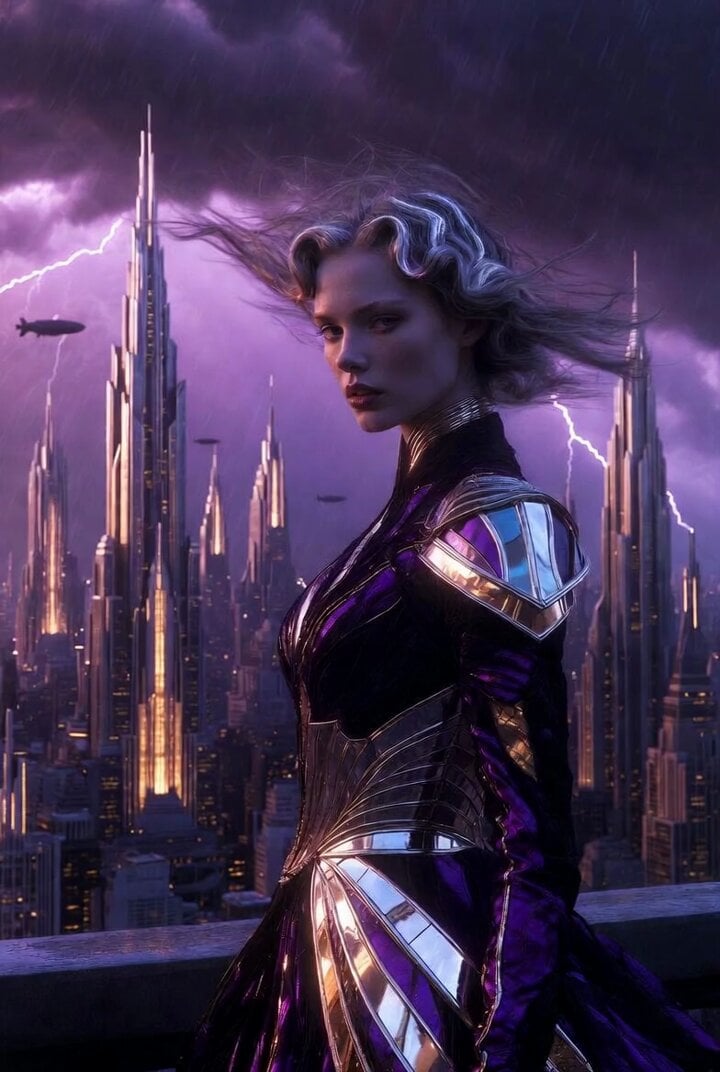
An extremely detailed, cinematic prompt for Grok Imagine, describing a glamorous woman in a couture gown standing on a skyscraper balcony in an Art Deco metropolis during a dramatic violet storm, emphasizing lighting…
- Prompt included
- Model and format preset
- Premium template
The prompt behind this video
Copy the exact prompt behind Ultra Cinematic Art Deco Storm Portrait, or open it in the studio and make it yours.
ultra cinematic Art Deco metropolis storm portrait, a glamorous woman standing on a skyscraper balcony above a futuristic 1930s inspired city under a dramatic violet storm sky, her face clear and close, strong gaze, cool confidence, slightly wind swept hair styled in retro waves, electric intensity in the eyes, skin luminous under mixed storm and city lighting, pose elegant but powerful, one shoulder angled forward, golden ratio framing with city depth and sky mass balanced around her she wears an unforgettable violet, black chrome, silver, and gold couture gown, sharply tailored with lightning like deco linework, mirrored insets, metallic waist structure, long sleek sleeves, dramatic hip geometry, and a narrow train controlled by the wind, the fabric reading like luxury storm armor designed for a metropolis queen the city behind her is dense with stepped towers, glowing windows in geometric arrangements, chrome spires, giant illuminated signs, deco skybridges, rain-slick surfaces, distant zeppelin silhouettes, clouds layered in purples and charcoal blues, lightning threading through the skyline in elegant branching lines, not chaotic, but majestic and cinematic lighting must be exceptional cool storm light from sky, warm amber city spill from below, silver edge light on hair and shoulders, occasional soft lightning pulse brightening chrome surfaces, face remaining consistently beautiful and readable, no horror shadows, just dramatic luxury contrast and atmospheric brilliance color palette violet, silver, black chrome, electric blue accents, gold city glow composition face near, skyline depth, storm drama, golden ratio focus, premium fashion cinema fusion ultra detailed, hyper realistic, masterpiece, art deco storm queen, 8k.
How to use Ultra Cinematic Art Deco Storm Portrait in 3 steps
- 1
Open
The prompt is already in the box next to the preview, with the template's model and format selected.
- 2…a portrait of your subject in softgolden-hour light, 85mm…
Personalize
Edit the subject and creative details for your destination.
- 3Generate
Generate
Press Generate — your video is created in PicX Studio, so you can compare it with the original and refine one variable at a time.
More like this
Templates with the same subject, style or setup. Open one to see its prompt.

Cinematic Portrait Study 3
Cinematic Portrait Study
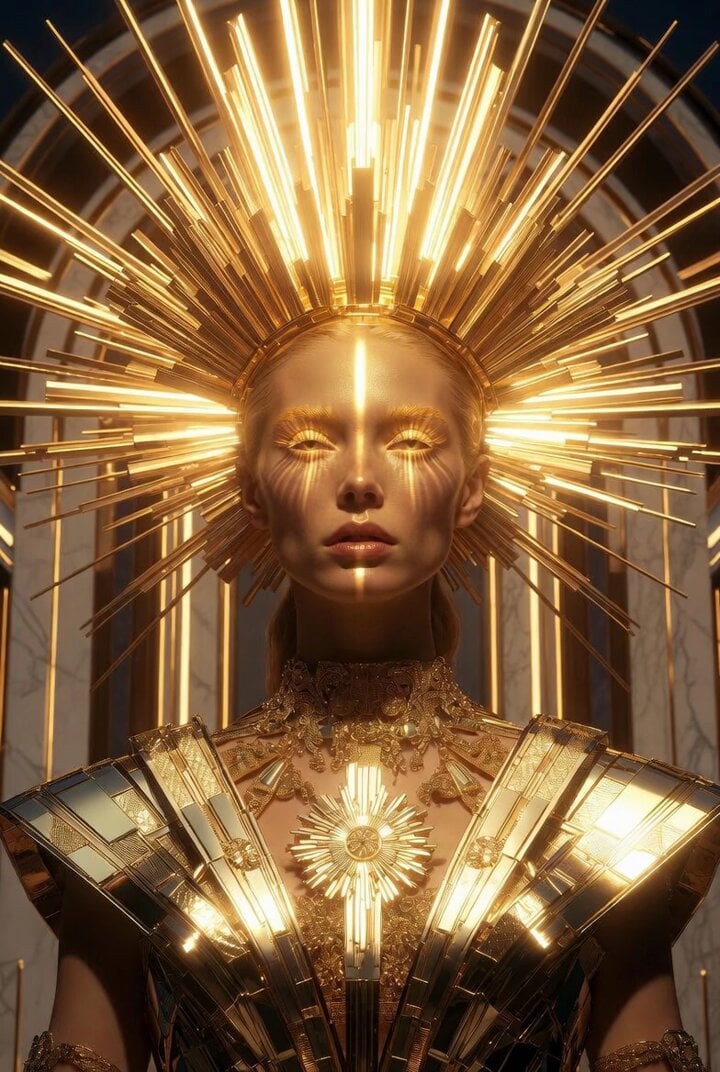
Ultra Detailed Solar Empress Portrait in Art Deco and Rococo Style
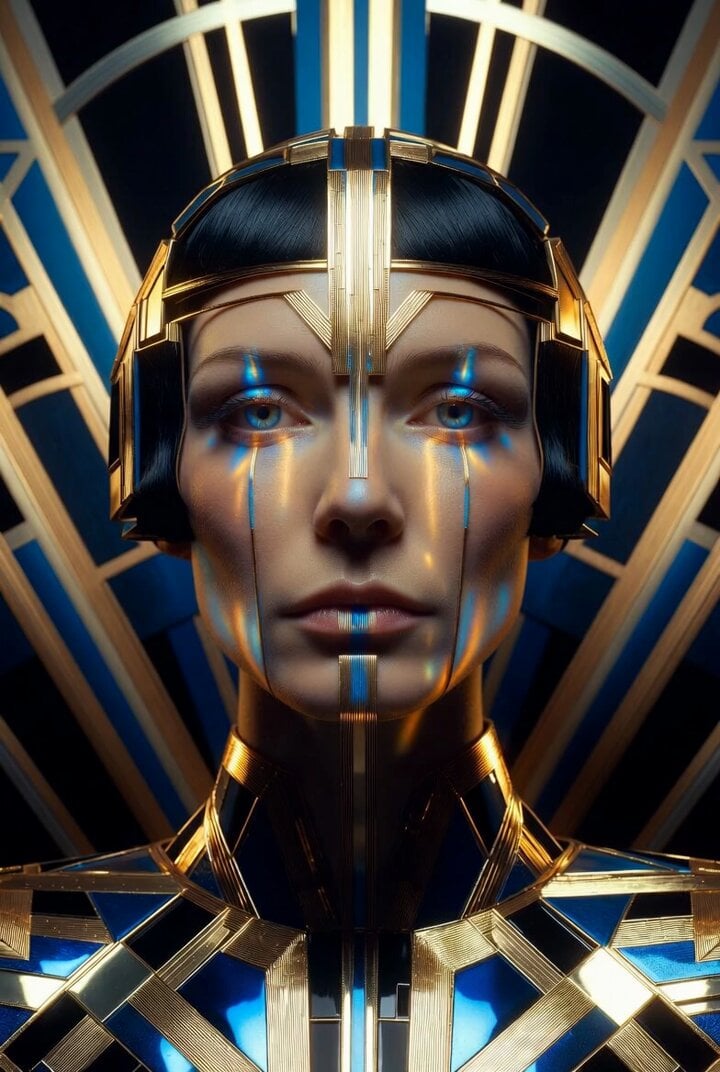
Ultra Sharp Close-up Portrait of an Art Deco Queen
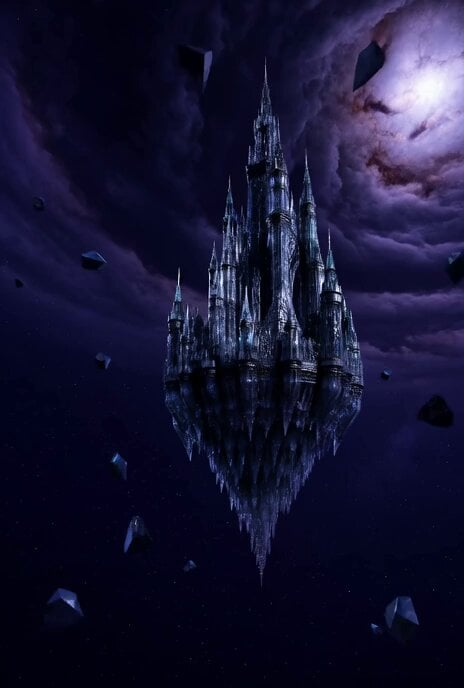
Floating Glass Castle in Cosmic Storm
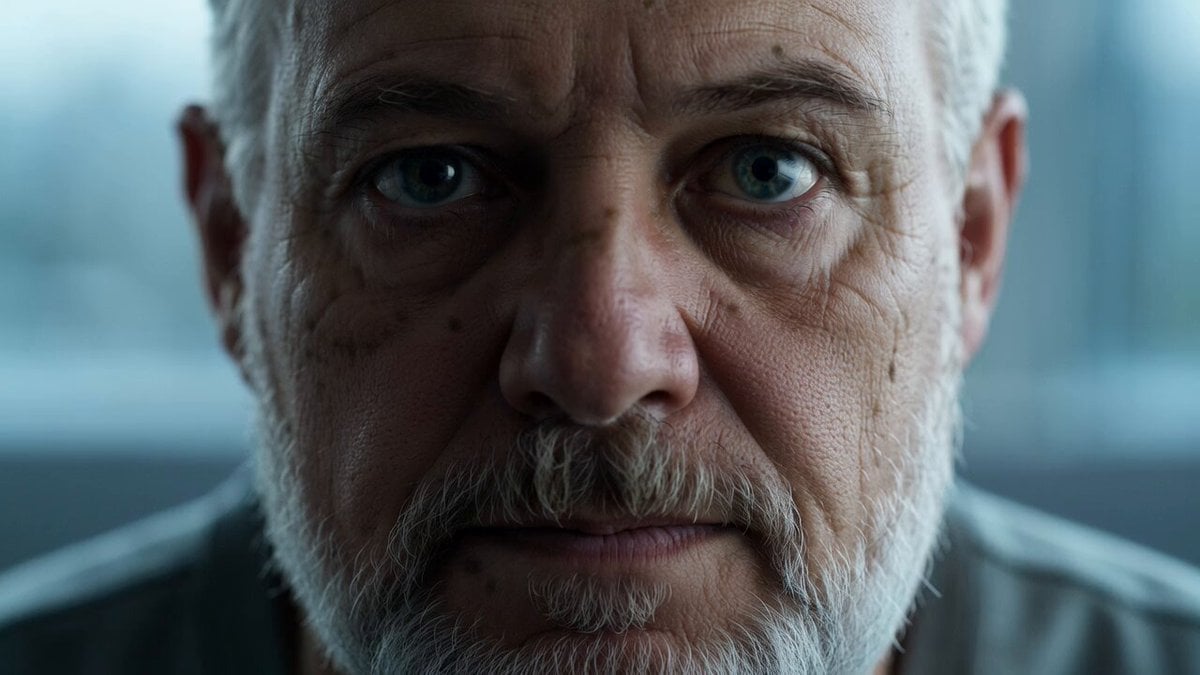
Reflective Elderly Man Documentary Portrait
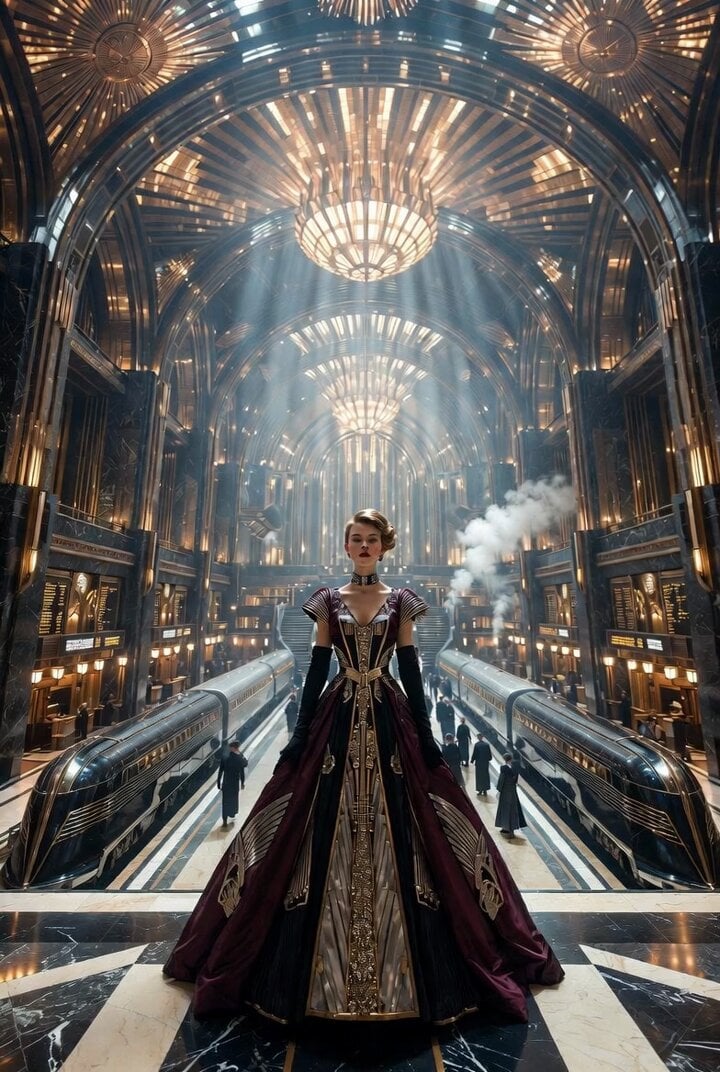
Epic Art Deco imperial railway station interior video
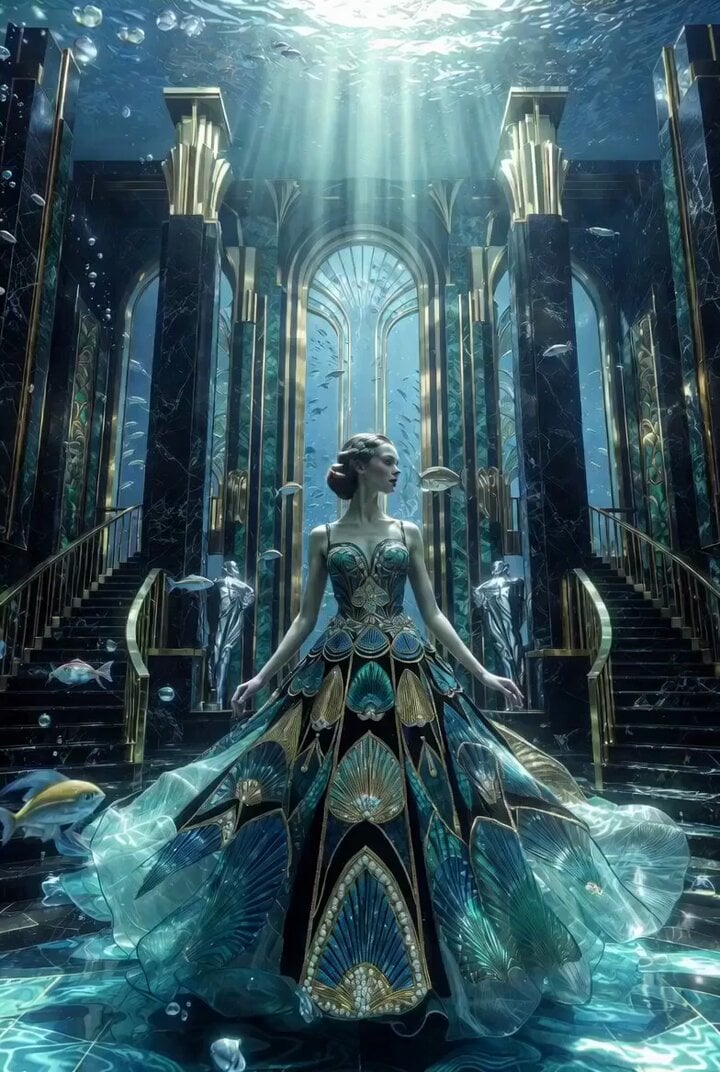
Continuous 30-second Art Deco underwater temple video
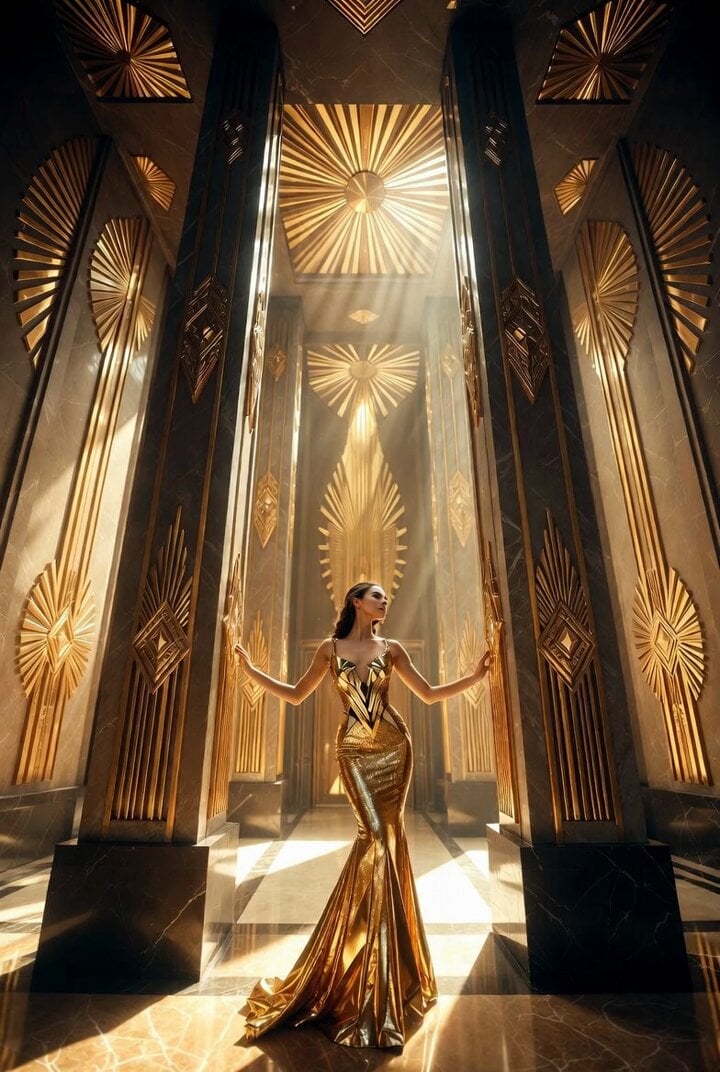
Detailed Grok Imagine prompt for Art Deco golden temple interior video
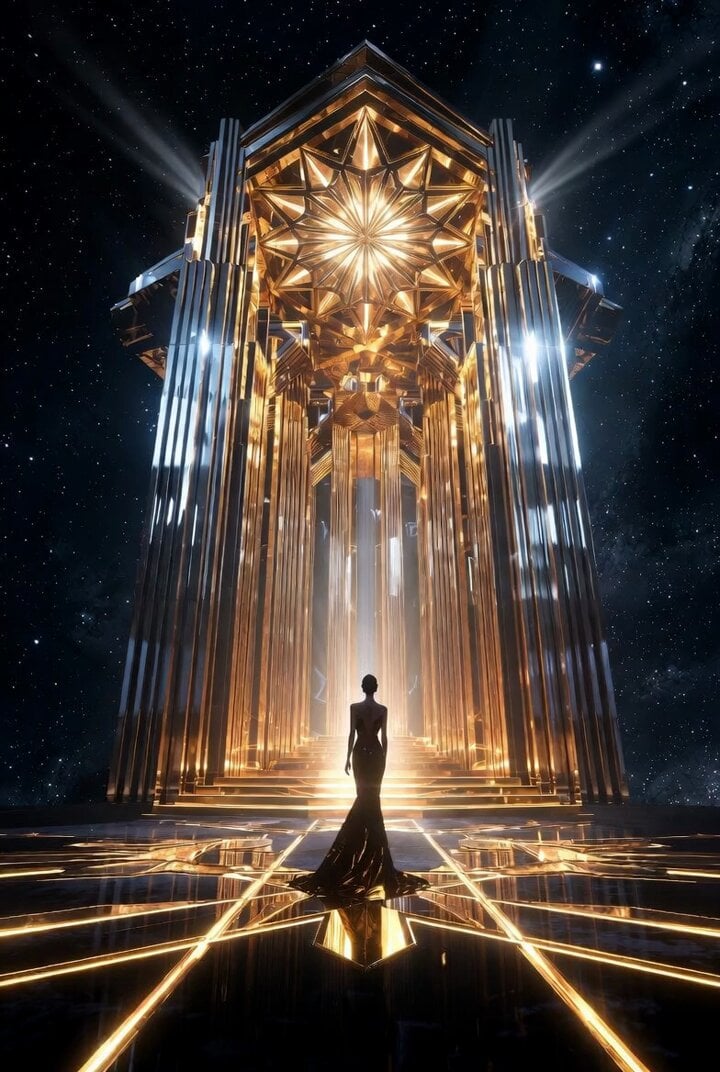
Detailed Grok Imagine prompt for Art Deco cosmic temple video
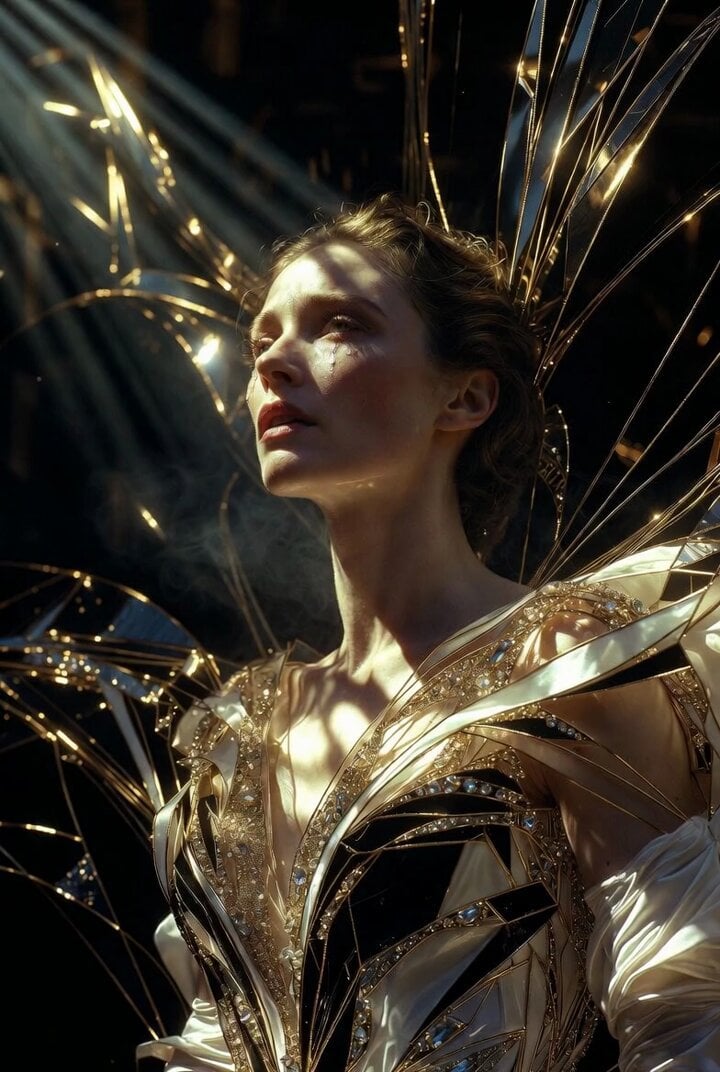
Grok Imagine Prompt: Ultra Luxurious Art Deco Imperial Opera Scene
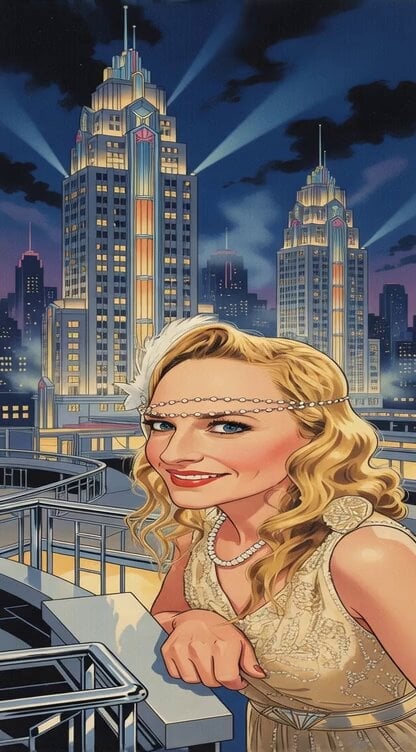
Transform image into Art Deco metropolis scene
Make it yours
Ultra Cinematic Art Deco Storm Portrait works as-is. These are the safest ways to change it without losing the look.
Change one field
Copy a single group, rewrite it, and generate again so you can see what that field is doing.
Keep the frame, change the subject
Hold the composition and light of Ultra Cinematic Art Deco Storm Portrait, then swap wardrobe, props or the person for a new take.
| If the result… | Why | Fix |
|---|---|---|
| The result drifts from the preview | Too many fields changed at once. | Reuse Ultra Cinematic Art Deco Storm Portrait as-is first, then change one group — subject, light, or setting. |
| The model over-stylizes the scene | The prose prompt leaves finish and camera underspecified. | Add one camera or lighting sentence and stay on Grok Imagine. |
More Grok Imagine templates
Other prompts made for Grok Imagine.

Kaleidoscopic Cosmic Dolphin Video

Horror Daffy Duck Video Transition

America 250th Anniversary Celebration

Glowing Water Forest Night Prompt

Soft Pink Roses Dreamer Prompt

Ninja Wizard Levitation Jump

Coffee Cup Interaction Motion

Voice Controlled Water Animation

Pterodactyl Transformation Journey

Candle Mandala Mirror Video
More video prompts
Fresh picks from across the catalog.
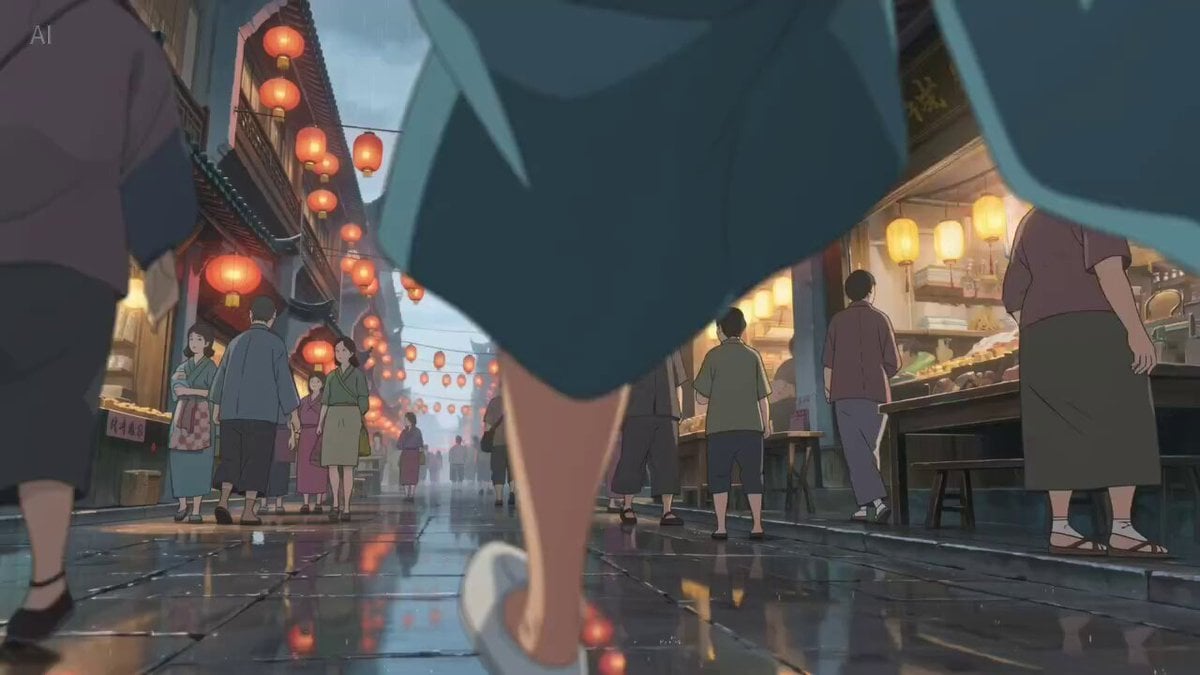
Cinematic Long Take Action Sequence
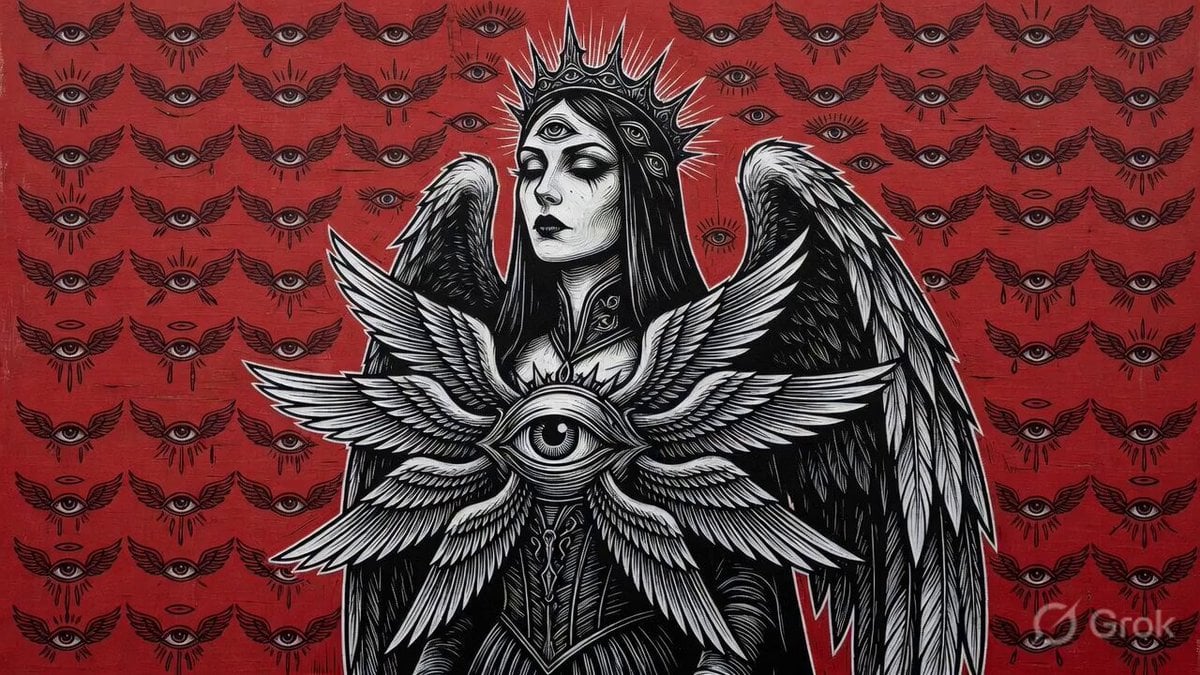
3D Gothic Seraphim Video
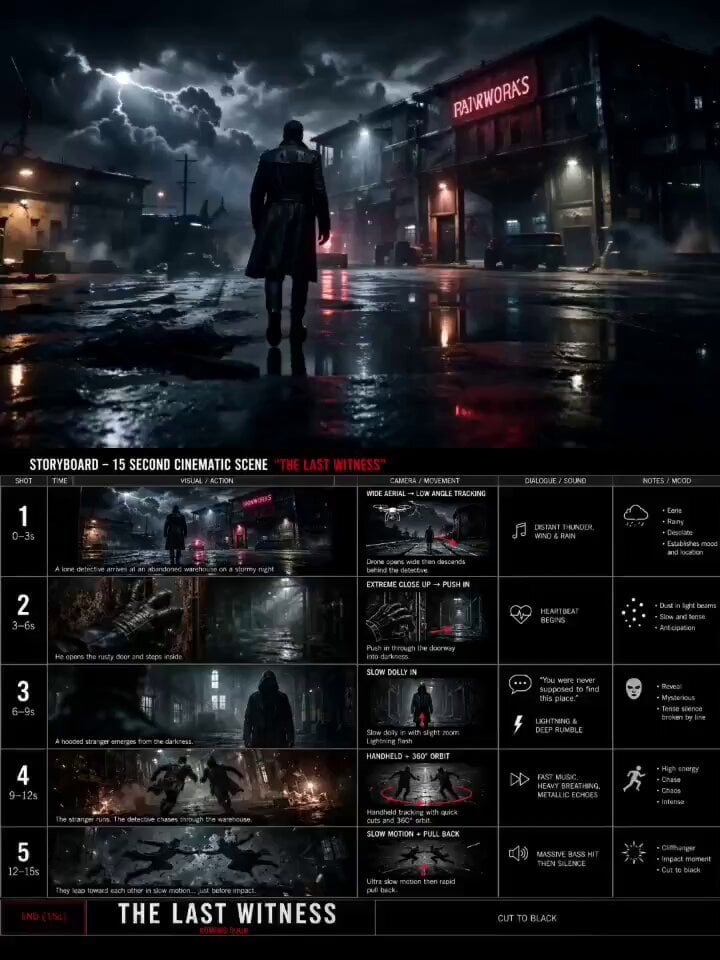
Hollywood Thriller Trailer
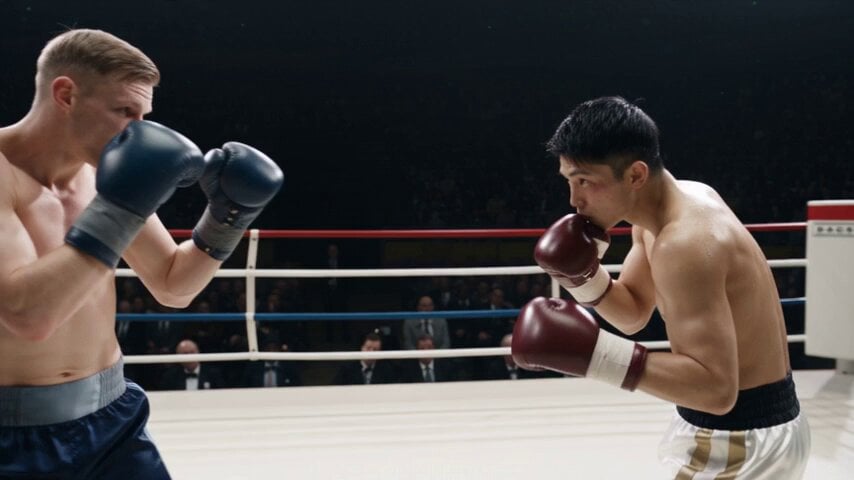
Japanese Boxer Visual Identity
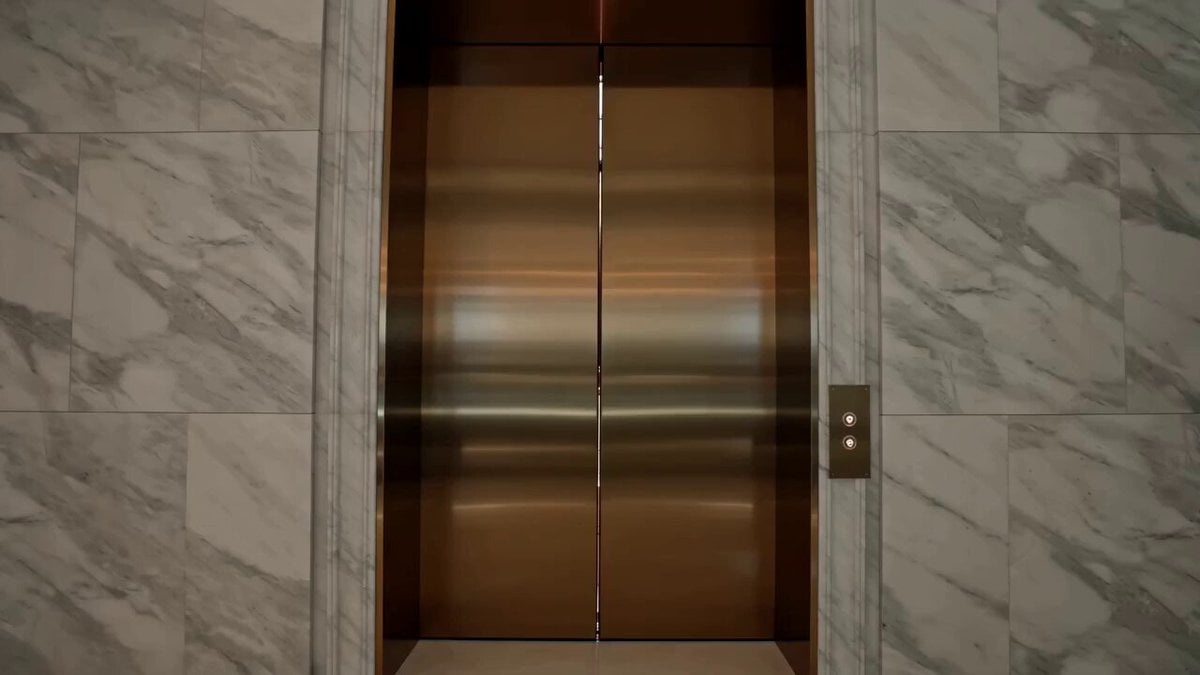
Luxury Fashion Elevator Commercial
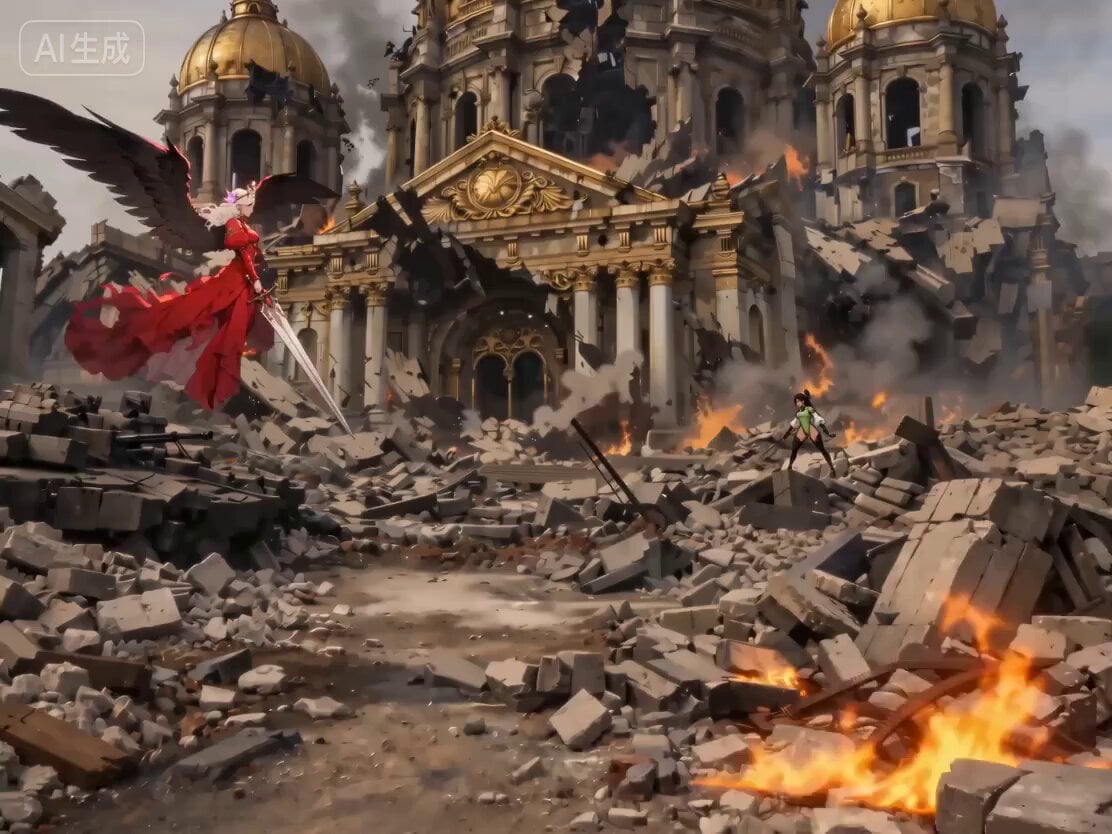
Seedance 2.0 generation based on a short prompt
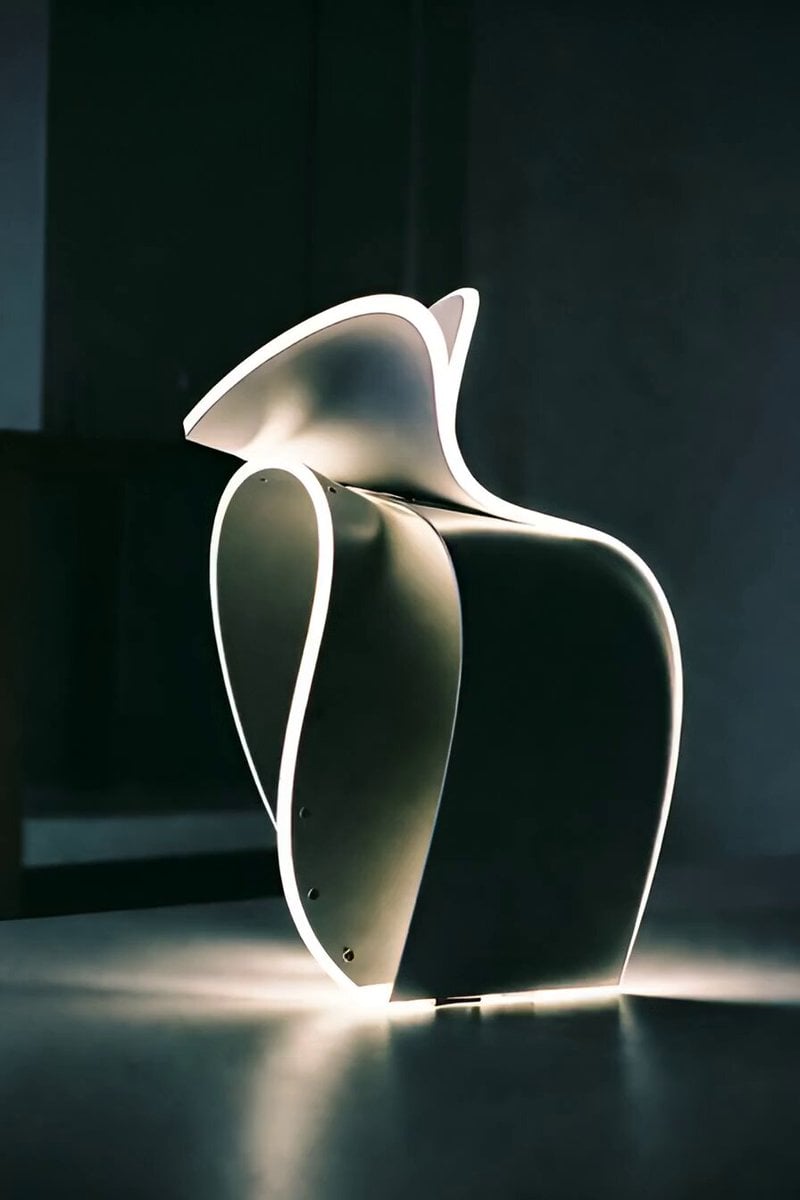
Gimbal Stabilized Lamp Camera Movement Prompt

Cat and Robot Vacuum Narrative Script
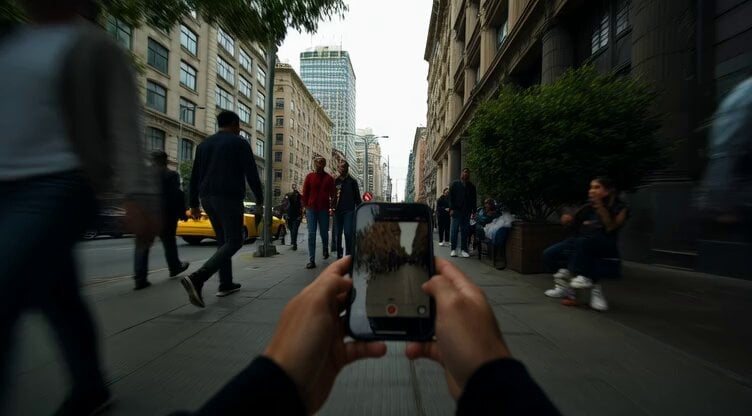
First-Person Guerilla Style Footage
Winter Snow Walk VHS Style
Browse template categories
Ultra Cinematic Art Deco Storm Portrait questions
How do I use the Ultra Cinematic Art Deco Storm Portrait template?
Add your photo if the template asks for one, edit the prompt if you like — the template's model and format are already selected — and press Generate. Your version opens in PicX Studio.
Can I customize the Ultra Cinematic Art Deco Storm Portrait template?
Yes. You can change the subject, setting, lighting, mood, format, and available model controls before creating your video.
Is the Ultra Cinematic Art Deco Storm Portrait template free?
Opening and editing this template is free. Generating uses credits, shown on the Generate button when you are signed in.
Which AI model should I use?
Start with Grok Imagine, which is the model associated with this template. You can compare another compatible model for a different finish.
Looking for something else? Browse all templates.

Your photo, any look
Thousands of ready templates for every top image and video model, from one credit balance.