How do I use the High-Speed Anime Battle with Multiple Character References template?
Edit the prompt in the box under the preview — the template's model and format are already selected — and press Generate. Your version appears right on this page.
A complex Grok Imagine prompt designed to generate a high-quality, ultra-fast Japanese anime-style battle sequence.
This template uses your photo — add one with the + button.
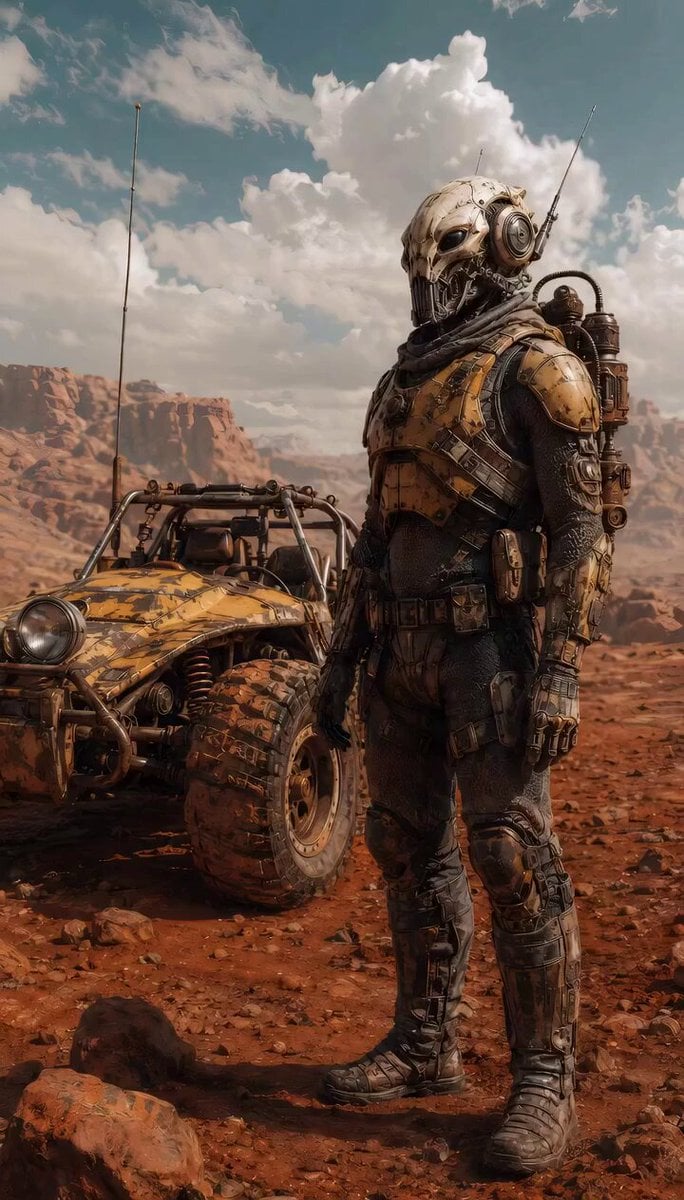
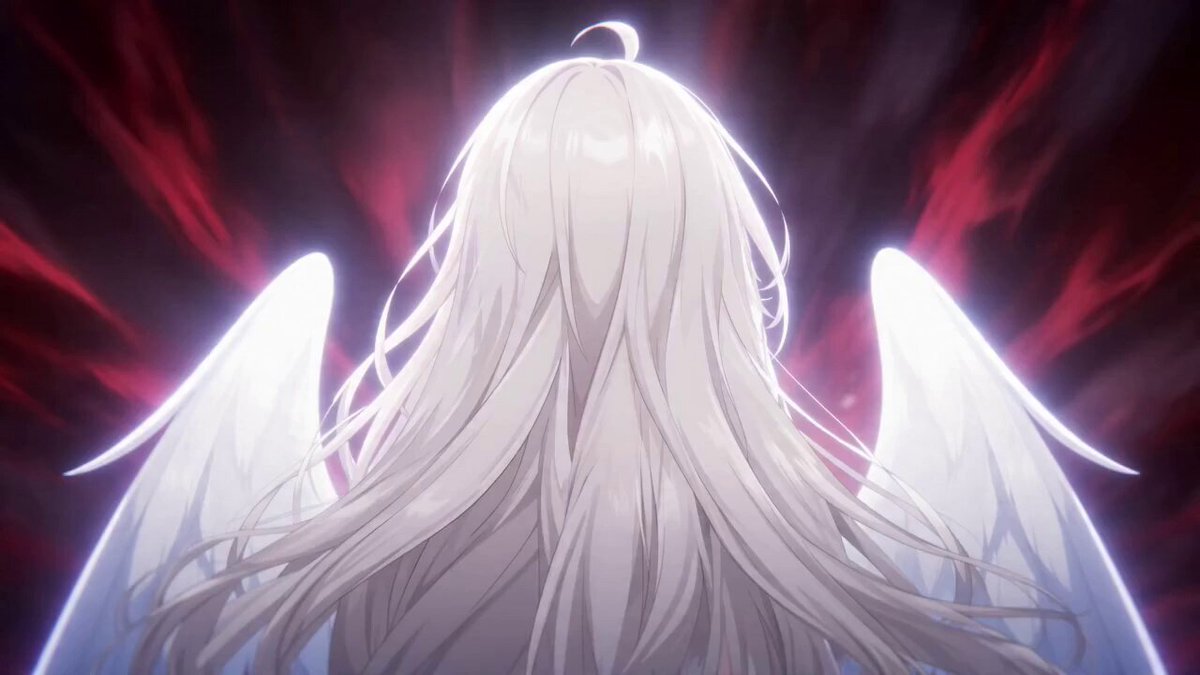
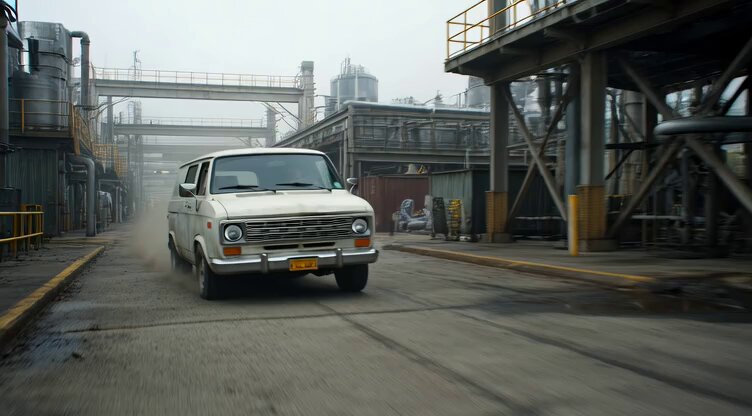
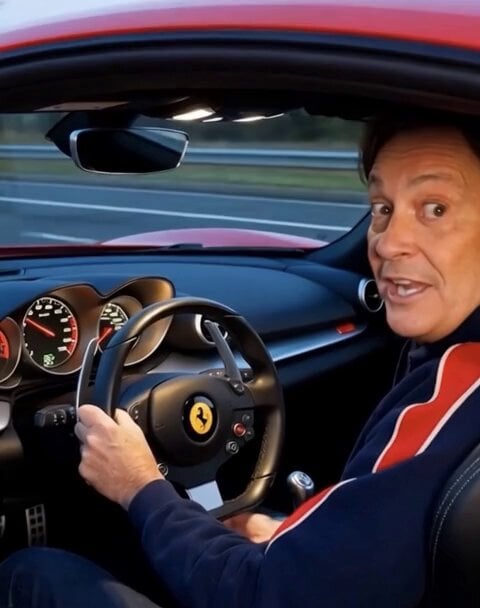
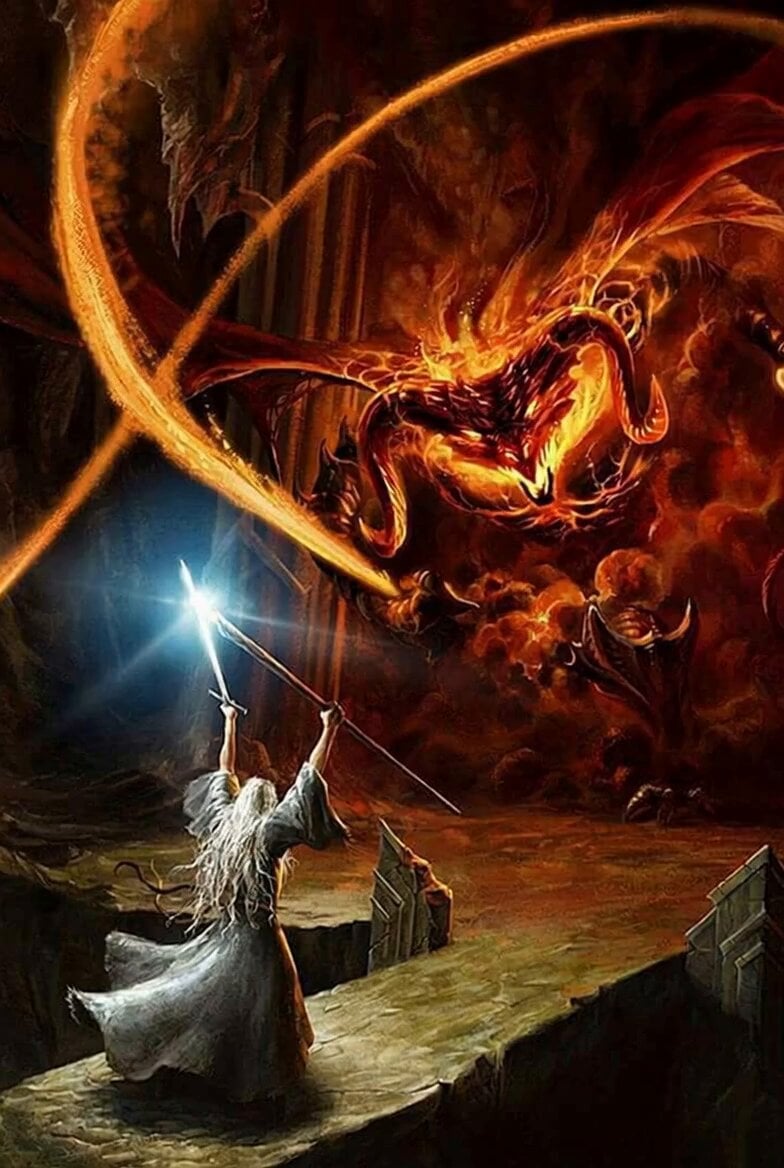
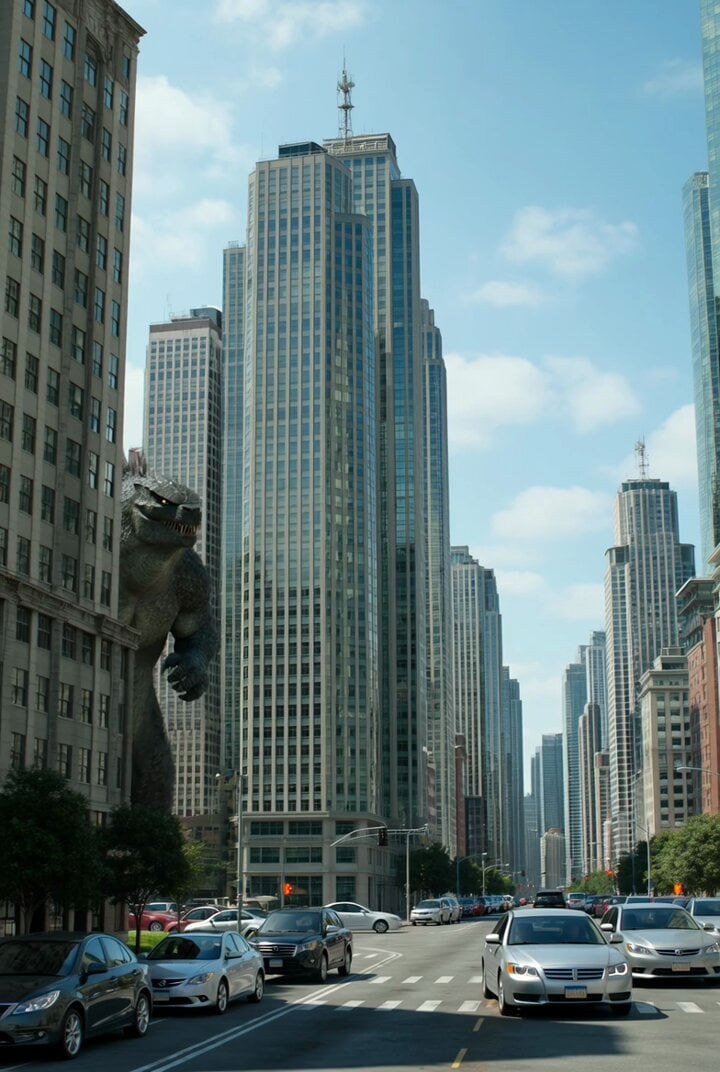
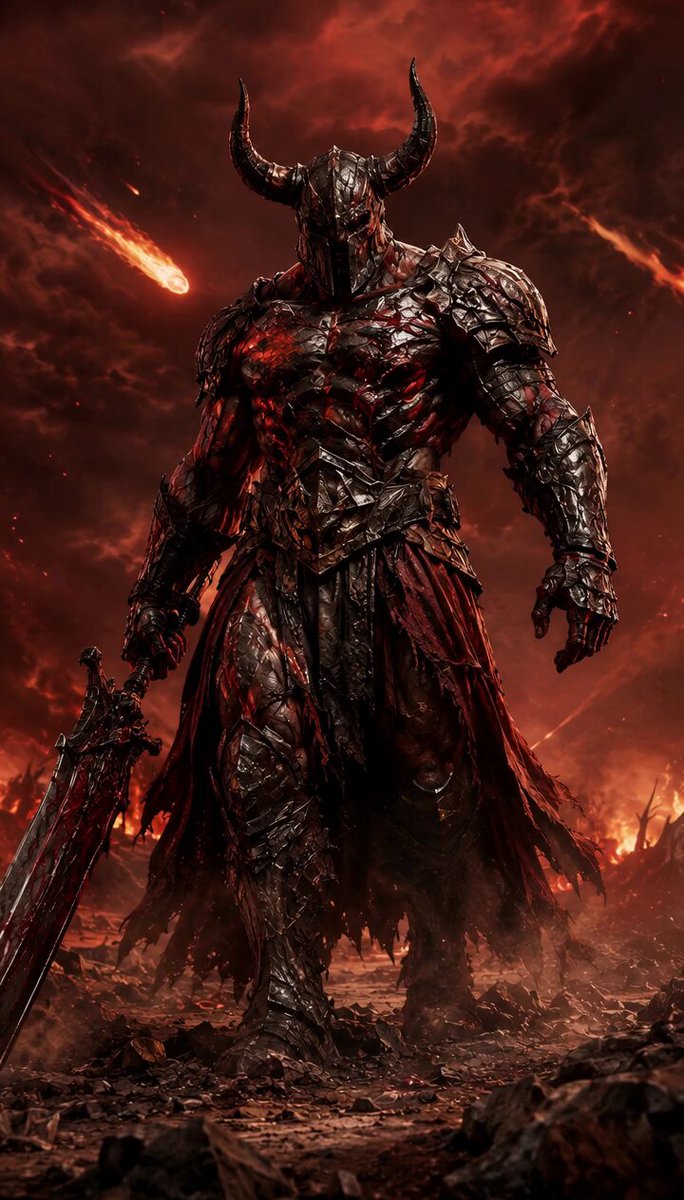
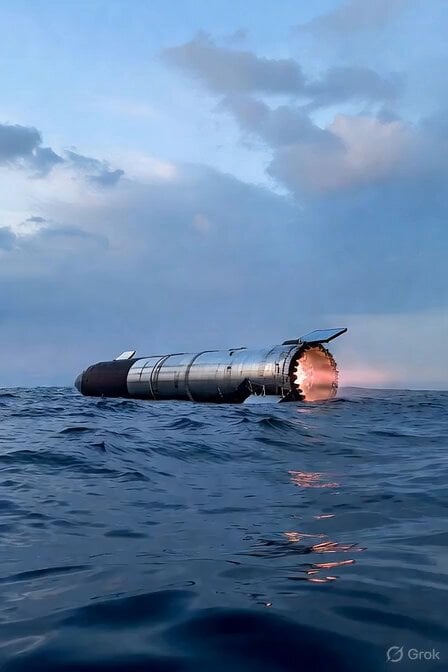
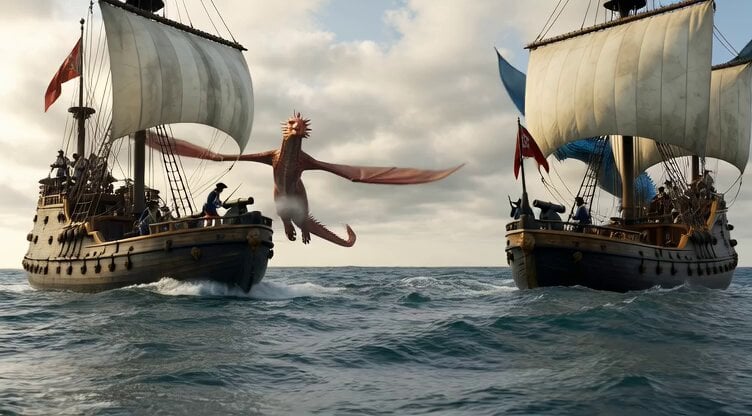
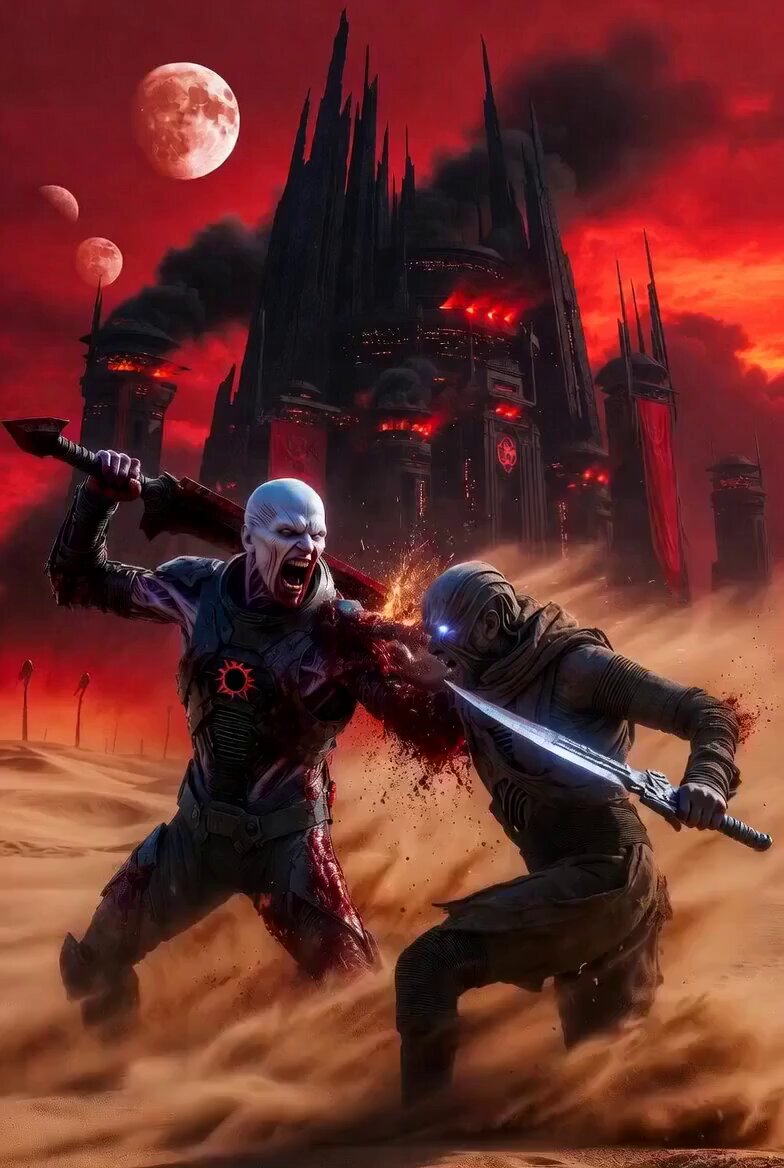
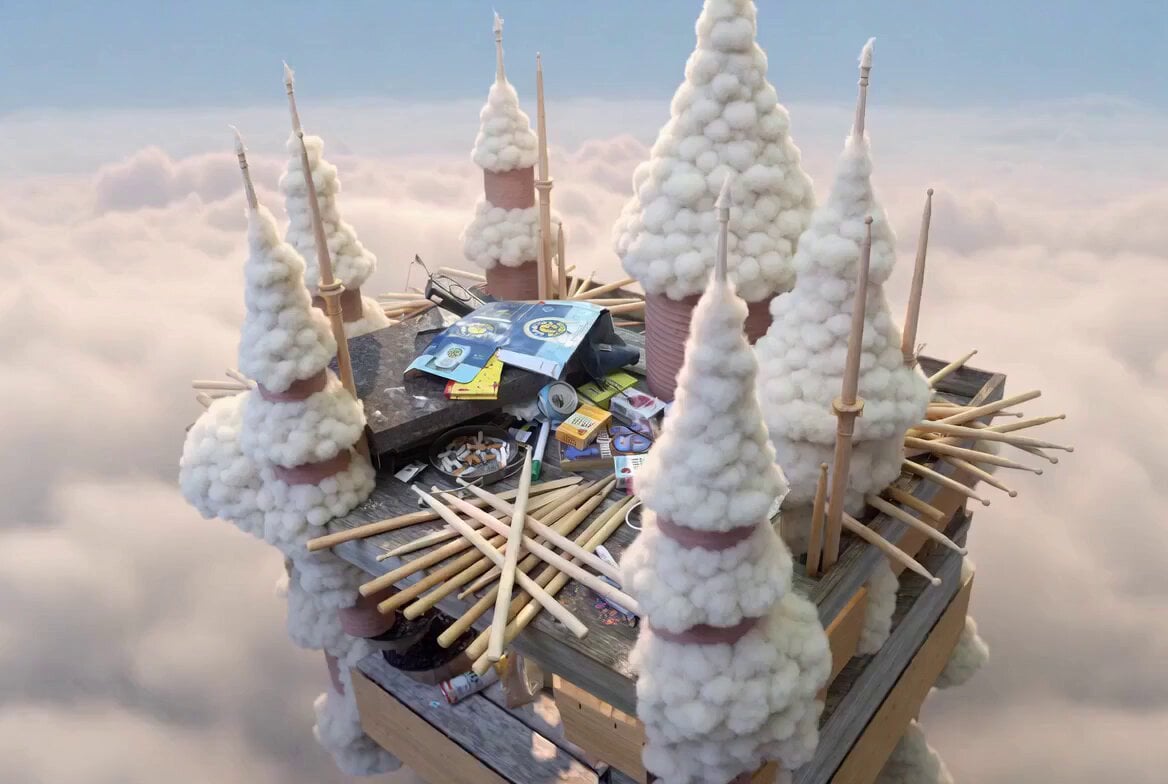
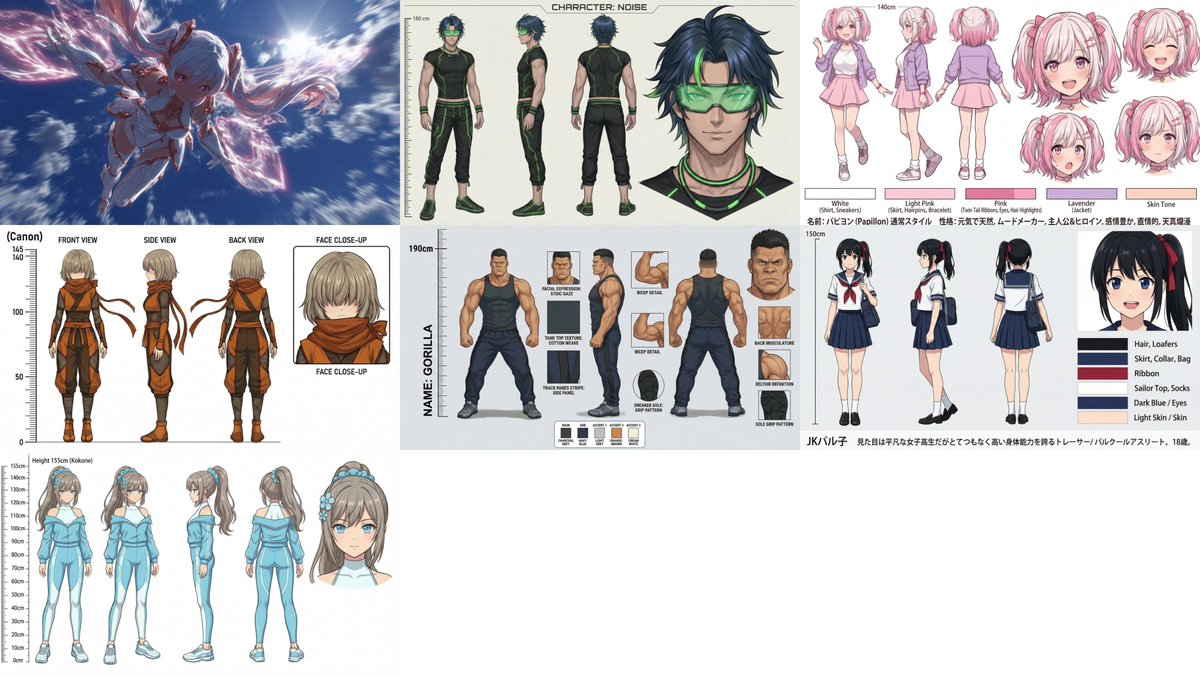
日本のハイQualityな超高速バトルアニメ。 参照画像のキャラの画風に合わせる。 複数の個性豊かなヒーロー・ヒロイン・魔法少女・アンドロイドなど( @ image1 @ image2 @ image3 @ image4 @ image5 @ image6 @ image7 )が青空をバックに次々と画面右手前から超クローズアップで出てきて左に向けてそれぞれの個性的な武器で画面いっぱいに激しい派手なエフェクト(火・水・雷・土・光・闇・デジタル…など)や魔法陣や発光を伴う必殺技を様々なアクション性のあるキレの良いモーションで繰り出し、右奥に消えながら次のキャラが手前から出てきて入れ替わっていく。 各キャラはインパクトの瞬間だけ一瞬超クローズアップでその場にとどまってキメポーズを見せまたすぐに高速移動でフレームアウトする。 各キャラクターはそれぞれ日本語で必殺技の名前を叫び、同時に必殺技名のスタイリッシュなテロップを日本語フォントで描画する。 インパクトと共に画面は揺れる。カメラはアークショットで旋回しながら飛びまわり高速ドリーイン・ドリーアウトで各キャラに急速にフォーカスしダッチアングルでダイナミックに彼らを映す。 1人の持ち時間は最大0.6秒。全員顔も体型も服装もを変えて個性を出して。 最後に @ image3 のキャラが出てきて最終奥義を決めて終わり。 動きに緩急をつけてキレのある演出で。 ダイナミックなカメラワーク・カメラアングル。 高度なライティング・シェーディング。
日本のハイQualityな超高速バトルアニメ。 参照画像のキャラの画風に合わせる。 複数の個性豊かなヒーロー・ヒロイン・魔法少女・アンドロイドなど( @ image1 @ image2 @ image3 @ image4 @ image5 @ image6 @ image7 )が青空をバックに次々と画面右手前から超クローズアップで出てきて左に向けてそれぞれの個性的な武器で画面いっぱいに激しい派手なエフェクト(火・水・雷・土・光・闇・デジタル…など)や魔法陣や発光を伴う必殺技を様々なアクション性のあるキレの良いモーションで繰り出し、右奥に消えながら次のキャラが手前から出てきて入れ替わっていく。 各キャラはインパクトの瞬間だけ一瞬超クローズアップでその場にとどまってキメポーズを見せまたすぐに高速移動でフレームアウトする。 各キャラクターはそれぞれ日本語で必殺技の名前を叫び、同時に必殺技名のスタイリッシュなテロップを日本語フォントで描画する。 インパクトと共に画面は揺れる。カメラはアークショットで旋回しながら飛びまわり高速ドリーイン・ドリーアウトで各キャラに急速にフォーカスしダッチアングルでダイナミックに彼らを映す。 1人の持ち時間は最大0.6秒。全員顔も体型も服装もを変えて個性を出して。 最後に @ image3 のキャラが出てきて最終奥義を決めて終わり。 動きに緩急をつけてキレのある演出で。 ダイナミックなカメラワーク・カメラアングル。 高度なライティング・シェーディング。
High-Speed Anime Battle with Multiple Character References needs input media to work. Open it in the studio and these load alongside the prompt — pick whichever ones your chosen model can take.
Edit the prompt in the box under the preview — the template's model and format are already selected — and press Generate. Your version appears right on this page.
Yes. You can change the subject, setting, lighting, mood, format, and available model controls before creating your video.
Opening and editing this template is free. Generating uses credits, shown on the Generate button when you are signed in.
Start with Grok Imagine, which is the model associated with this template. You can compare another compatible model for a different finish.
Follow a topic to a crawlable collection of related PicX Studio templates.