
Inception-Style Time Freeze Cinematic Video
A complex cinematic video prompt for Seedance 2.0 that creates an Inception-inspired time-freeze effect where only the protagonist moves through a static world.
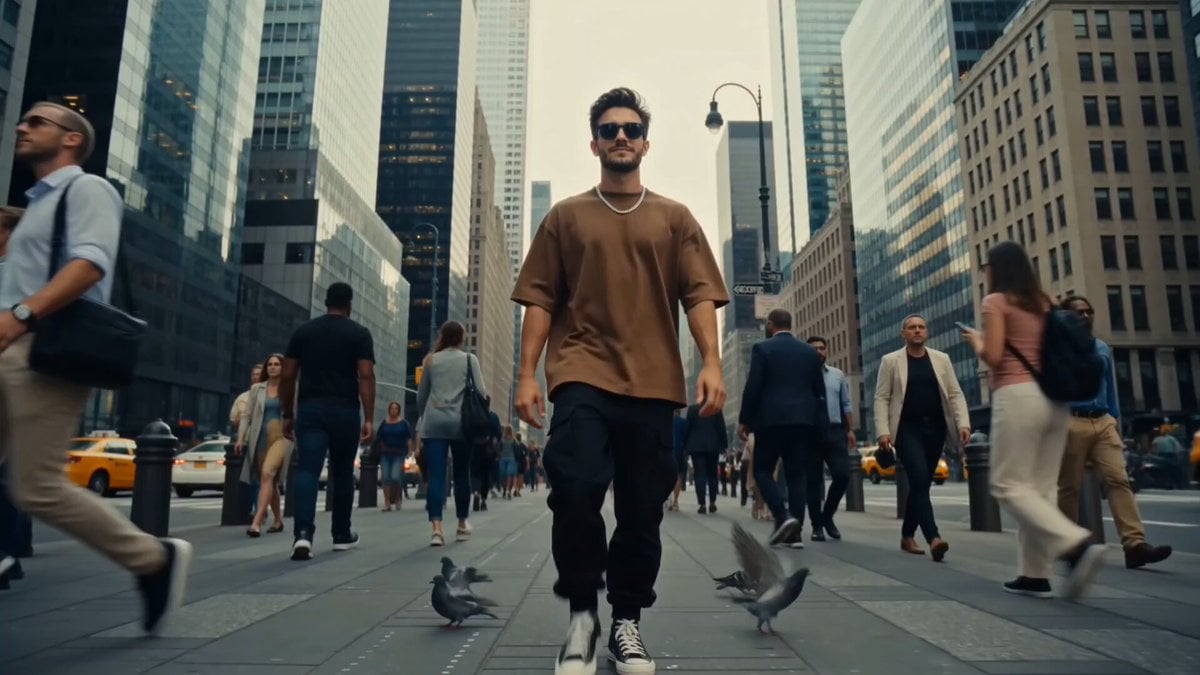
- Prompt included
- Model and format preset
- Free template
The prompt behind this video
Copy the exact prompt behind Inception-Style Time Freeze Cinematic Video, or open it in the studio and make it yours.
Ultra-realistic cinematic live-action, inspired by Inception. Shot on Arri Alexa Mini, 50mm lens. Natural 8 AM sunlight, shallow depth of field, organic film texture, subtle lens dispersion, photorealistic.\n\nCharacter Consistency: Use the reference image as the exact protagonist. Maintain identical facial features, hairstyle, beard, body proportions, brown oversized T-shirt, black cargo pants, silver chain, and sunglasses throughout. No coffee cup.\n\n[0:00–0:03]\nThe protagonist walks confidently through a busy city sidewalk. Pigeons fly in the background. He smirks and snaps his fingers.\n\n[0:03–0:06]\nA brilliant white shockwave bursts from his hand. Time freezes instantly. Pedestrians stop mid-motion, pigeons freeze mid-flight, dust and leaves hang motionless in the air. Silence.\n\n[0:06–0:10]\nOnly the protagonist can move. Tracking shot as he walks through the frozen world. Light rays illuminate floating particles. He casually brushes a frozen pigeon.\n\n[0:10–0:12]\nHe passes a woman in a yellow dress suspended in time. He glances at her and nods slightly.\n\n[0:12–0:15]\nHe turns toward camera and snaps again. A reverse shockwave restores reality. People resume moving, pigeons scatter, city sounds return. Wide cinematic crane shot pulls away as he walks into the crowd.\n\nPremium Hollywood VFX, realistic shockwaves, time-freeze effects, volumetric lighting, seamless transitions, natural motion blur, blockbuster quality, no AI artifacts.
How to use Inception-Style Time Freeze Cinematic Video in 3 steps
- 1Upload ImagePNG, JPG or paste
Add your photo
Upload the photo the template builds on. The prompt, model and format are already set.
- 2…a portrait of your subject in softgolden-hour light, 85mm…
Personalize
Edit the subject and creative details for your destination.
- 3Generate
Generate
Press Generate — your video is created in PicX Studio, so you can compare it with the original and refine one variable at a time.
More like this
Templates with the same subject, style or setup. Open one to see its prompt.
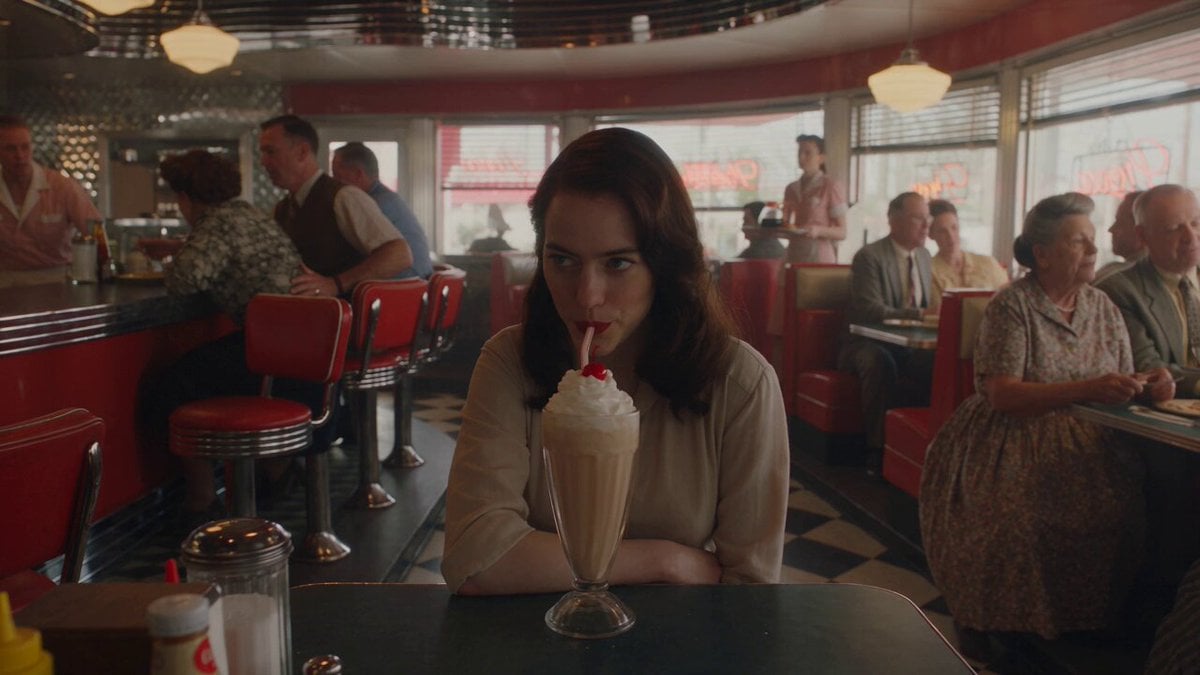
1950s Diner Time Freeze Rewind - Seedance 2.5
Ice Queen — Frozen Battlefield Time Control (Seedance)
Bullet Time Selfie — Modular Parameter Template (Seedance)

Korean Night Market Bullet-Time Scene - Seedance 2.5
Time Stealer — Seedance 2.0
Civilization Timelapse — Centuries in One Shot

Scarlet Priestess Time Freeze Fantasy

Italian Old-Town Time-Freeze Walk
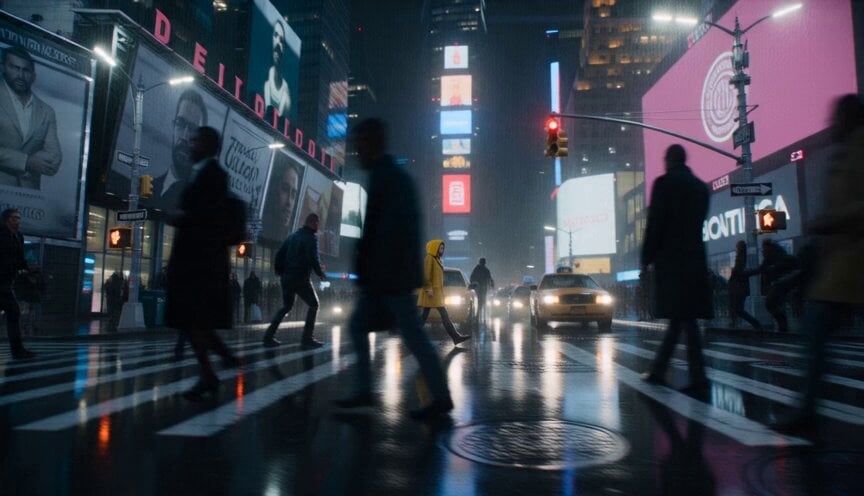
Anamorphic Surreal Thriller Time-Freeze

Lightspeed Cinematic Time Freeze
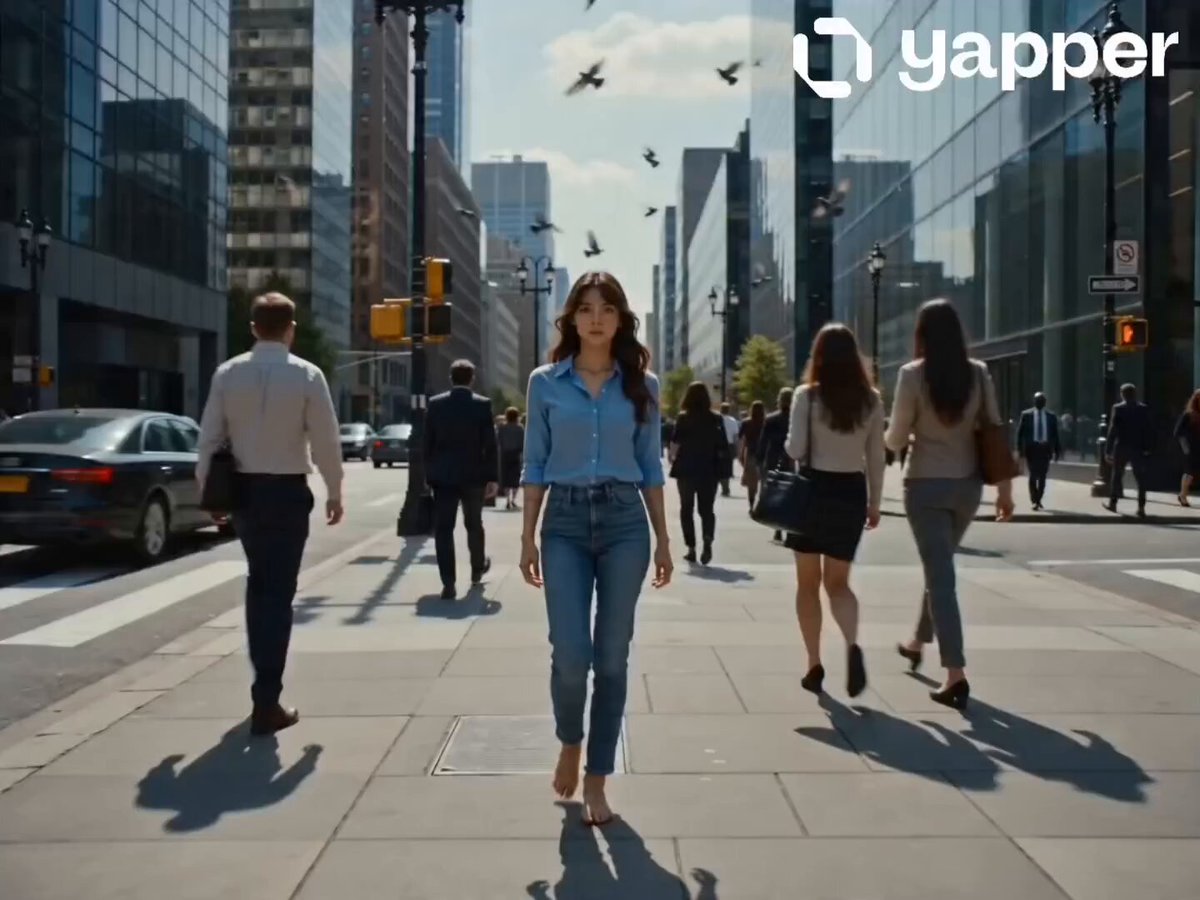
City Sidewalk Time Freeze Sequence
Ultra-Cinematic Time-Freeze Motorcycle Action Scene
Make it yours
Inception-Style Time Freeze Cinematic Video works as-is. These are the safest ways to change it without losing the look.
Change one field
Copy a single group, rewrite it, and generate again so you can see what that field is doing.
Keep the frame, change the subject
Hold the composition and light of Inception-Style Time Freeze Cinematic Video, then swap wardrobe, props or the person for a new take.
| If the result… | Why | Fix |
|---|---|---|
| The result drifts from the preview | Too many fields changed at once. | Reuse Inception-Style Time Freeze Cinematic Video as-is first, then change one group — subject, light, or setting. |
| The model over-stylizes the scene | The prose prompt leaves finish and camera underspecified. | Add one camera or lighting sentence and stay on Seedance 2.0. |
More Seedance 2.0 templates
Other prompts made for Seedance 2.0.

Comical Martial Arts Punch Scene

Maglev Train Action Sequence

Martial Arts Fight Sequence

Wuxia Protection and Trust Script

Vintage Korean Arcade MiniDV Vlog

Mercedes 190 SL Luxury Ad

Rainy Night Supernatural Reverse Comedy Video Script

Amazon Civilization Discovery

Futuristic South Asian City Transformation

Cozy Luxury Cafe Commercial
More video prompts
Fresh picks from across the catalog.
Toku-Style Sci-Fi Action Transformation Sequence

Cyberpunk Demonic Cyborg Warlord

Futuristic Gaming Laptop Commercial
Smartphone Camping Montage
Slow Facial Zoom with Dialogue
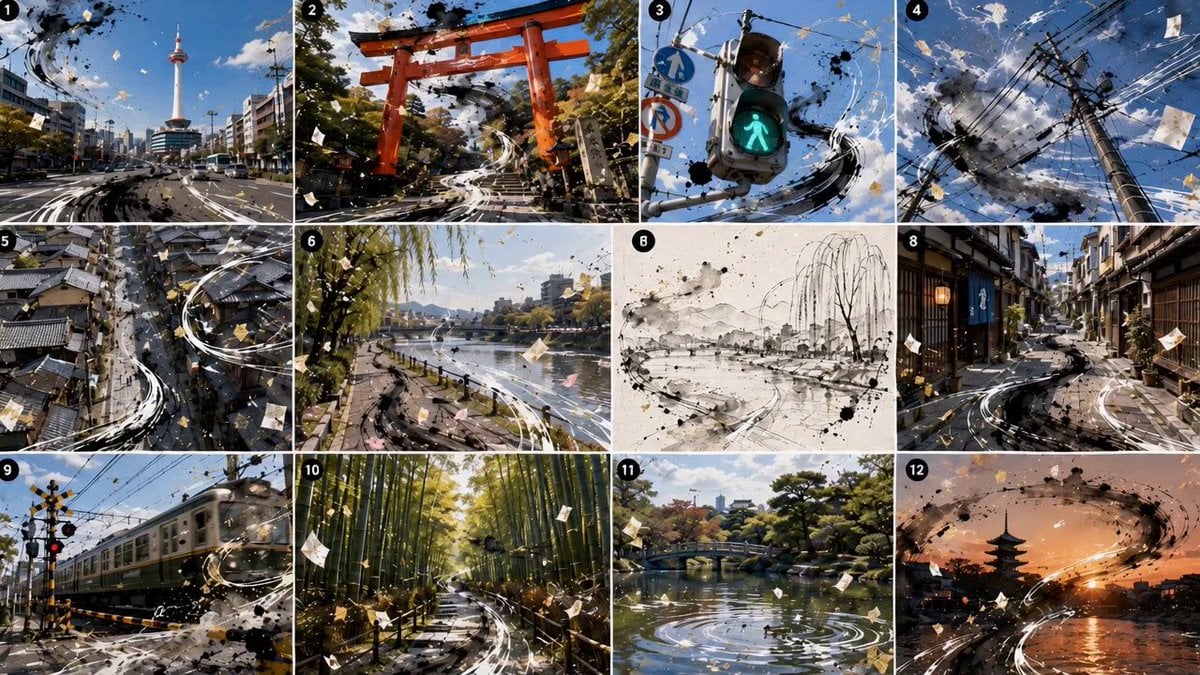
Kyoto Sumi-e and Live Action Fusion
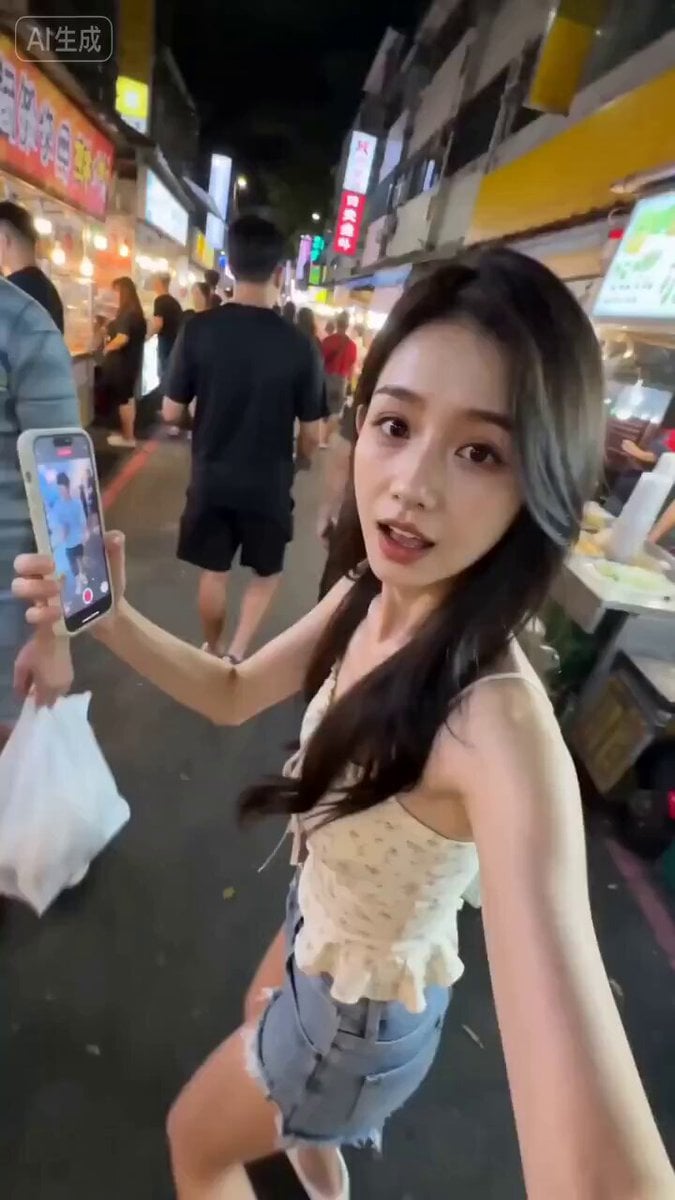
Taiwanese Girlfriend Night Market POV Video
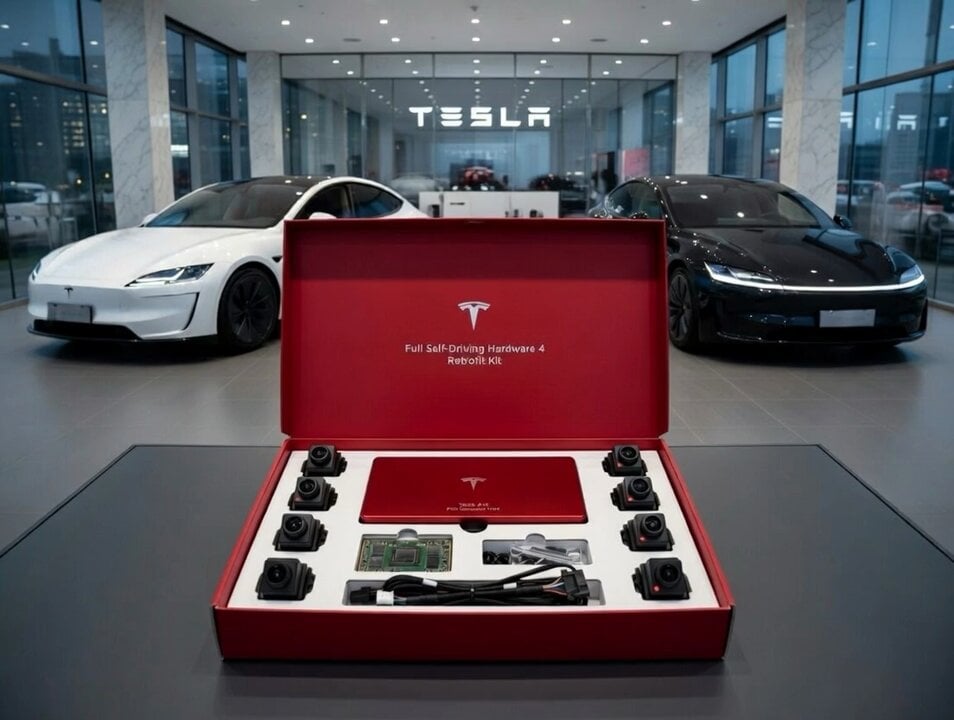
Tesla FSD Instead of a Ring

Luxury Airport Travel Vlog
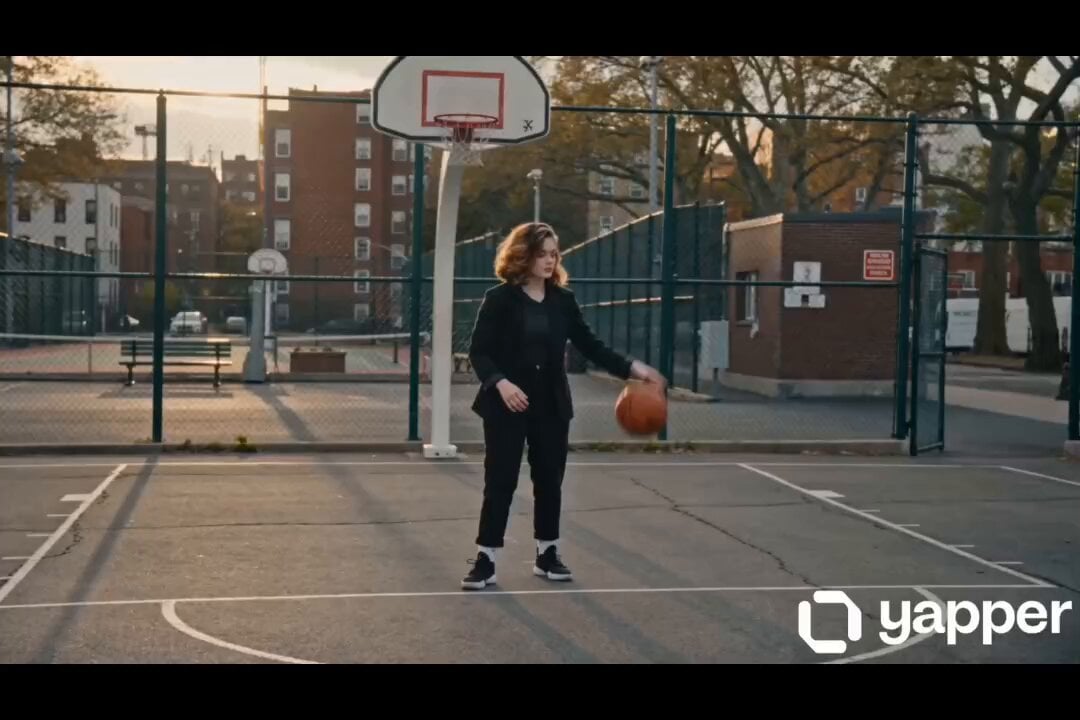
Female street basketball freestyle video
Browse template categories
Inception-Style Time Freeze Cinematic Video questions
How do I use the Inception-Style Time Freeze Cinematic Video template?
Add your photo if the template asks for one, edit the prompt if you like — the template's model and format are already selected — and press Generate. Your version opens in PicX Studio.
Can I customize the Inception-Style Time Freeze Cinematic Video template?
Yes. You can change the subject, setting, lighting, mood, format, and available model controls before creating your video.
Is the Inception-Style Time Freeze Cinematic Video template free?
Opening and editing this template is free. Generating uses credits, shown on the Generate button when you are signed in.
Which AI model should I use?
Start with Seedance 2.0, which is the model associated with this template. You can compare another compatible model for a different finish.
Looking for something else? Browse all templates.

Your photo, any look
Thousands of ready templates for every top image and video model, from one credit balance.