
3D Animated Bad Day Narrative Prompt
A narrative video prompt for a 3D animated character's chaotic morning, leading from a late wakeup to being fired at work.
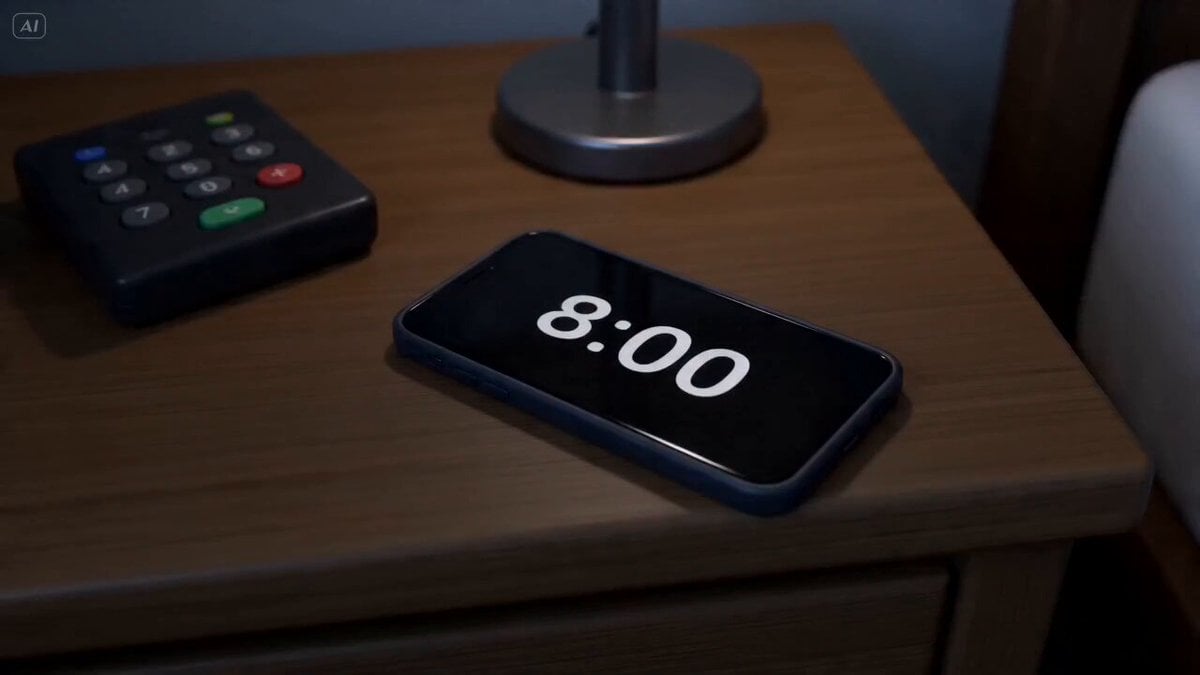
- Prompt included
- Model and format preset
- Premium template
The prompt behind this video
Copy the exact prompt behind 3D Animated Bad Day Narrative Prompt, or open it in the studio and make it yours.
SUBJECT: @Image1 3D cartoon character; STYLE: High-end stylized 3D animated character, cinematic lighting, expressive face, polished materials, exaggerated but believable motion, comedic visual storytelling. WARDROBE: Blue striped pajamas in shots 1–9. Changing into work clothes in shots 10–11. Dark business suit, white shirt, tie, and dress shoes in shots 12–15. Final shot: still wearing the same wet suit. ENVIRONMENT: Small bedroom, bathroom, kitchen, rainy street, bus stop, office, dark bedroom at the end. MOOD: Chaotic, rushed, unlucky, comedic frustration, ending in emotional defeat. SHOT 1: ECU, 85mm push-in / Smartphone alarm on messy bedside table, screen shows 8:00. SHOT 2: MCU, handheld 50mm / He wakes up in pajamas, slaps the alarm off, says: “Oh shit.” SHOT 3: MCU, 50mm slide / In the bathroom, still in pajamas, he splashes water on his face, but it is too hot and burns his eyes. SHOT 4: Fridge interior shot, 24mm / Still in pajamas, he opens the fridge and sees almost nothing except a jar of peanut butter. SHOT 5: Front medium shot, 50mm / He stares at the empty fridge, then grabs the peanut butter. SHOT 6: Detail close-up, 85mm / Two slices of toast pop up burnt. SHOT 7: MCU, 50mm / He spreads peanut butter on the burnt toast and takes one rushed bite. SHOT 8: MCU, handheld 50mm / Back in the bathroom, still in pajamas, he grabs the toothbrush and toothpaste in a hurry. SHOT 9: Detail close-up, 85mm / He squeezes too hard and toothpaste shoots onto his face before brushing. SHOT 10: Top-down detail shot, 35mm / He starts putting on suit pants while standing on one leg. SHOT 11: MS, handheld 35mm / Still on one leg, he loses balance and crashes to the floor. SHOT 12: WS, 24mm tracking / Now fully dressed in suit and tie, he runs into pouring rain and chases the bus. SHOT 13: MS, 50mm tracking / Still in the wet suit, he watches the bus disappear and mutters: “Oh no, not again.” SHOT 14: Low-angle OTS from desk, 50mm snap push / At the office, still wet, he sits at the computer. The boss looms over him and says: “You’re fired.” SHOT 15: WS, 35mm fast push-in / Back home, still wearing the same wet suit, he enters his dark bedroom and throws himself face-first onto the bed.
How to use 3D Animated Bad Day Narrative Prompt in 3 steps
- 1
Open
The prompt is already in the box next to the preview, with the template's model and format selected.
- 2…a portrait of your subject in softgolden-hour light, 85mm…
Personalize
Edit the subject and creative details for your destination.
- 3Generate
Generate
Press Generate — your video is created in PicX Studio, so you can compare it with the original and refine one variable at a time.
More like this
Templates with the same subject, style or setup. Open one to see its prompt.

3D Animated Newspaper Delivery Short - Seedance 2.5

3D Animated Cat and Old Man - Seedance
Seedance V2 One Minute K Drama Omni
Watercolor Storybook Animated Short
Animated Comedy Coffee Mugs
Surreal Lipstick Commercial Narrative
Retro Seoul Moving Day Video
Anthropomorphic Cats Playing Mahjong Narrative Video
Cosmic Marble Animated Short

Luxury Lifestyle Day Vlog
3D Animated Magical Miniature World
Hand-drawn Animated Naval Battle
Make it yours
3D Animated Bad Day Narrative Prompt works as-is. These are the safest ways to change it without losing the look.
Change one field
Copy a single group, rewrite it, and generate again so you can see what that field is doing.
Keep the frame, change the subject
Hold the composition and light of 3D Animated Bad Day Narrative Prompt, then swap wardrobe, props or the person for a new take.
| If the result… | Why | Fix |
|---|---|---|
| The result drifts from the preview | Too many fields changed at once. | Reuse 3D Animated Bad Day Narrative Prompt as-is first, then change one group — subject, light, or setting. |
| The model over-stylizes the scene | The prose prompt leaves finish and camera underspecified. | Add one camera or lighting sentence and stay on Seedance 2.0. |
More Seedance 2.0 templates
Other prompts made for Seedance 2.0.

Comical Martial Arts Punch Scene

Maglev Train Action Sequence

Martial Arts Fight Sequence

Wuxia Protection and Trust Script

Vintage Korean Arcade MiniDV Vlog

Mercedes 190 SL Luxury Ad

Rainy Night Supernatural Reverse Comedy Video Script

Amazon Civilization Discovery

Futuristic South Asian City Transformation

Cozy Luxury Cafe Commercial
More video prompts
Fresh picks from across the catalog.
Korean Market Fashion Shopping Sequence
Impossible Single-Take Sci-Fi Ship Tour
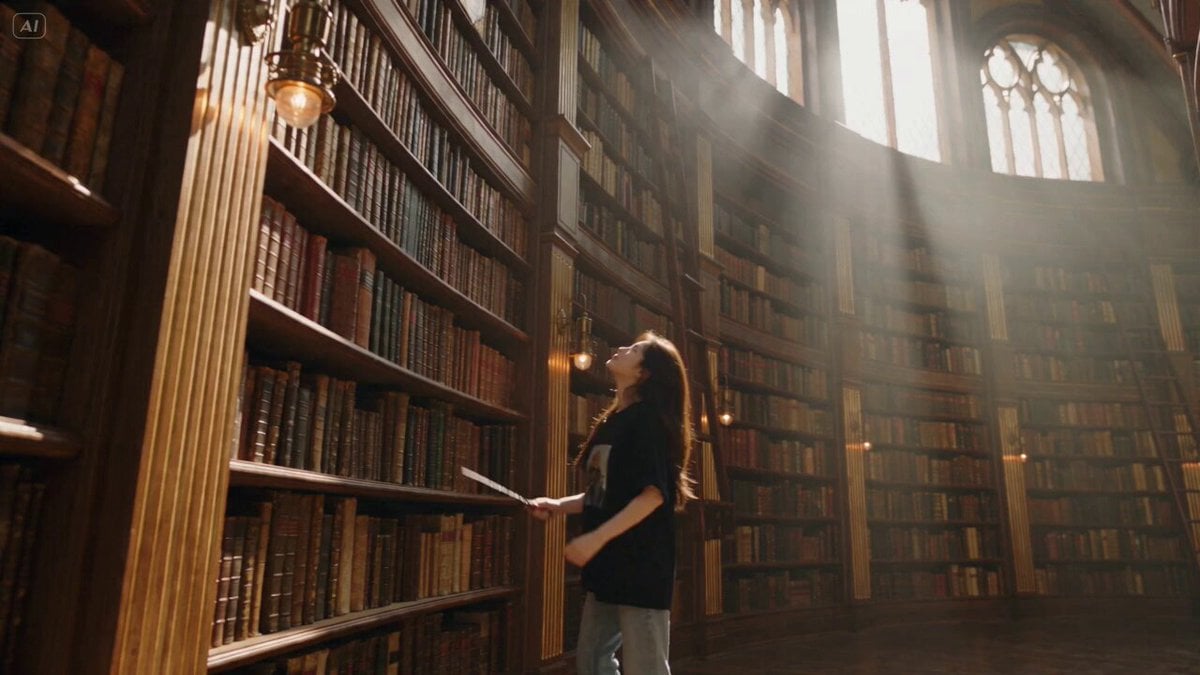
Witch Library Spellbook Summoning
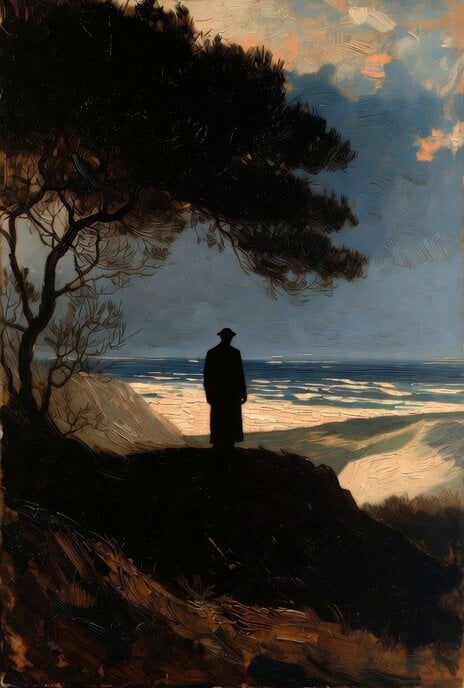
Rembrandt-Style Silhouette by the Ocean
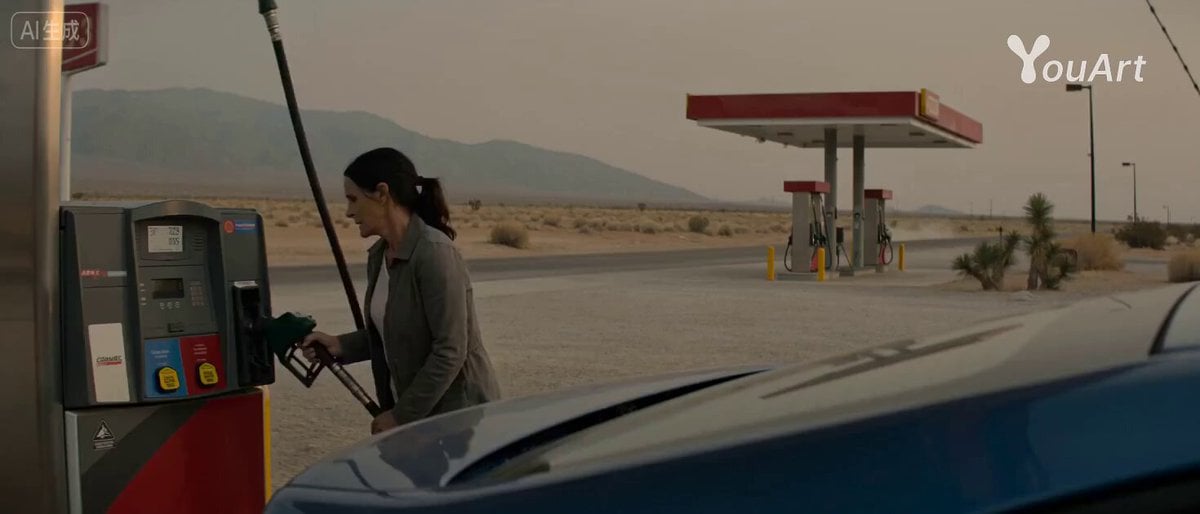
Desert Getaway Cinematic Sequence Prompt
Stop-Motion Claymation Nutella Cafe
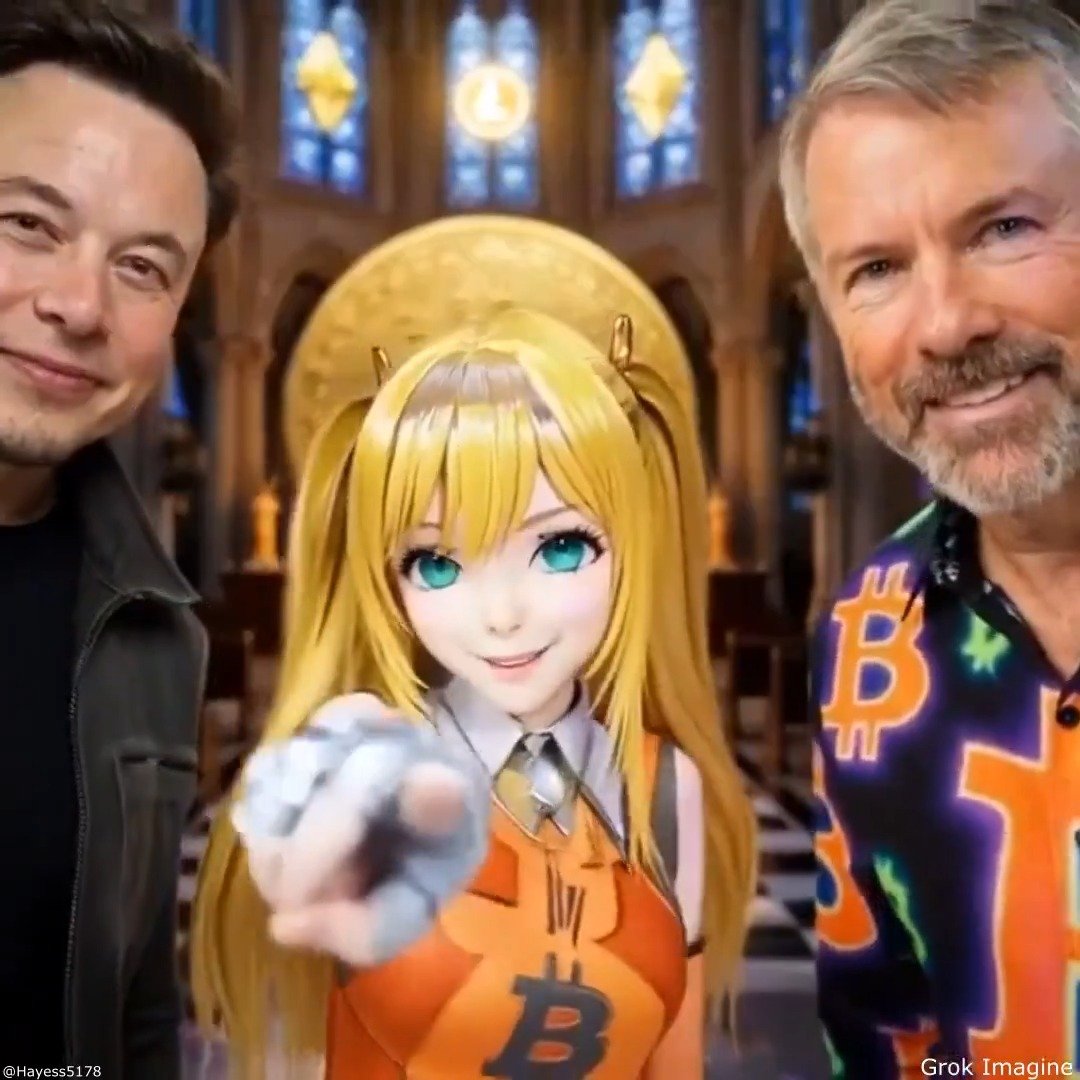
Grok Imagine Quality Mode video descriptions
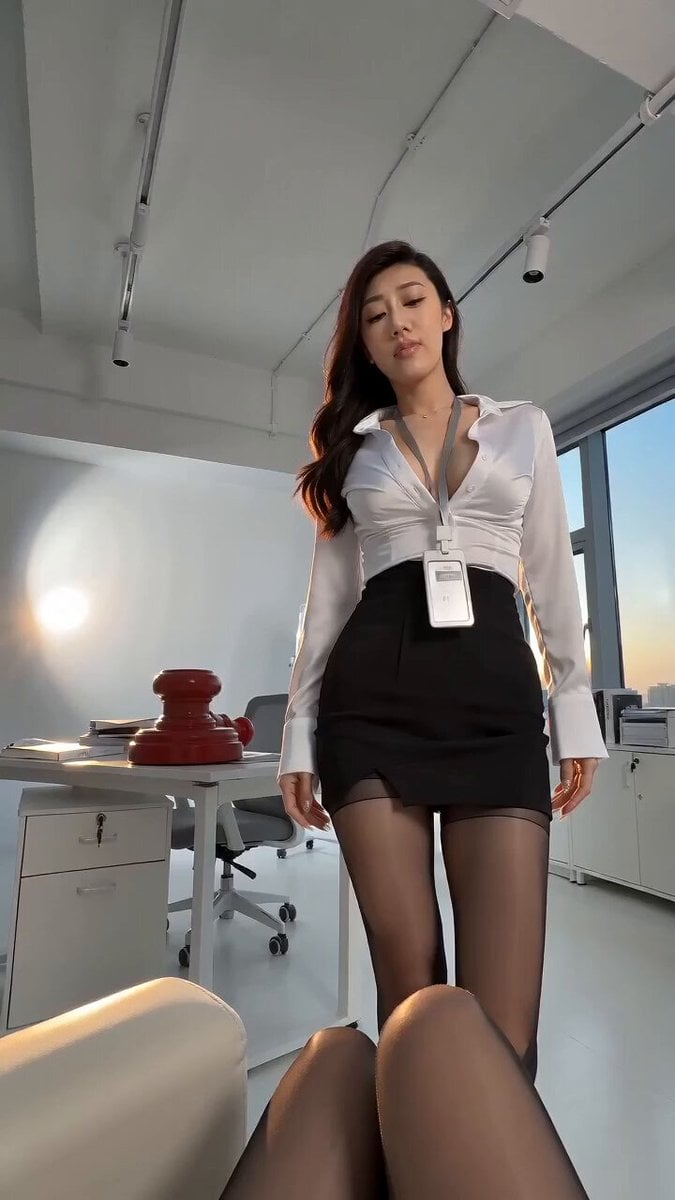
Siren Pose office drama with apocalyptic twist
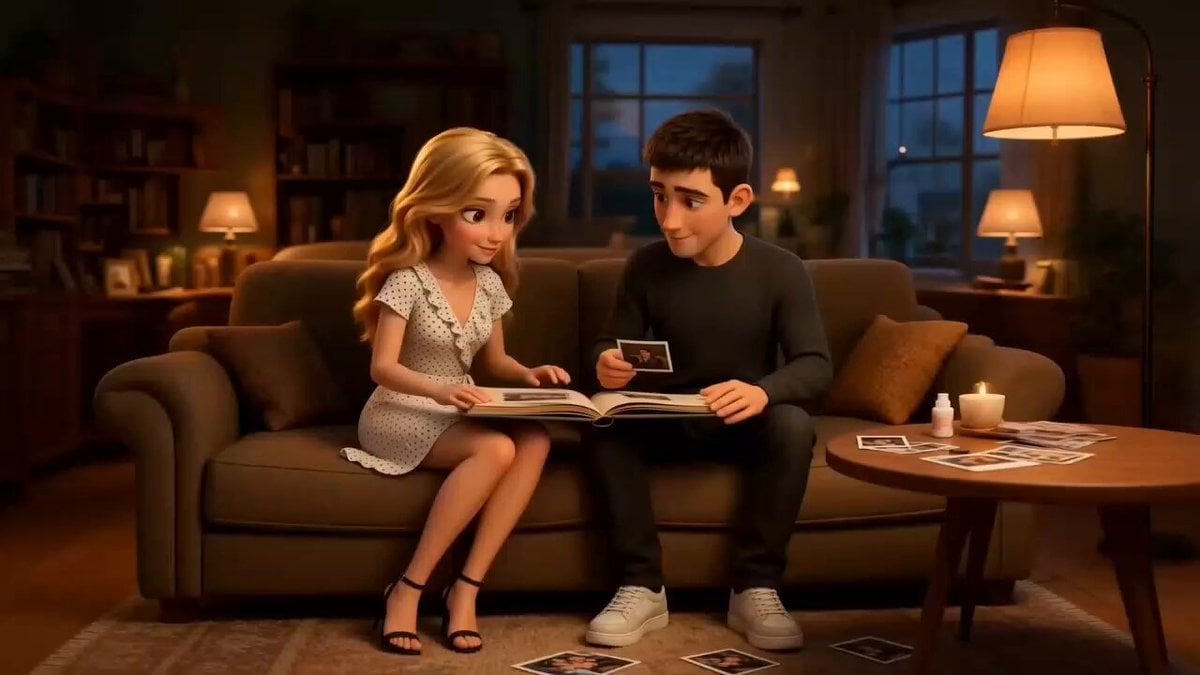
Family Scrapbook 3D Animation

Necromancer Battlefield Orbit
Browse template categories
3D Animated Bad Day Narrative Prompt questions
How do I use the 3D Animated Bad Day Narrative Prompt template?
Add your photo if the template asks for one, edit the prompt if you like — the template's model and format are already selected — and press Generate. Your version opens in PicX Studio.
Can I customize the 3D Animated Bad Day Narrative Prompt template?
Yes. You can change the subject, setting, lighting, mood, format, and available model controls before creating your video.
Is the 3D Animated Bad Day Narrative Prompt template free?
Opening and editing this template is free. Generating uses credits, shown on the Generate button when you are signed in.
Which AI model should I use?
Start with Seedance 2.0, which is the model associated with this template. You can compare another compatible model for a different finish.
Looking for something else? Browse all templates.

Your photo, any look
Thousands of ready templates for every top image and video model, from one credit balance.