
Cyberpunk AI Command Center
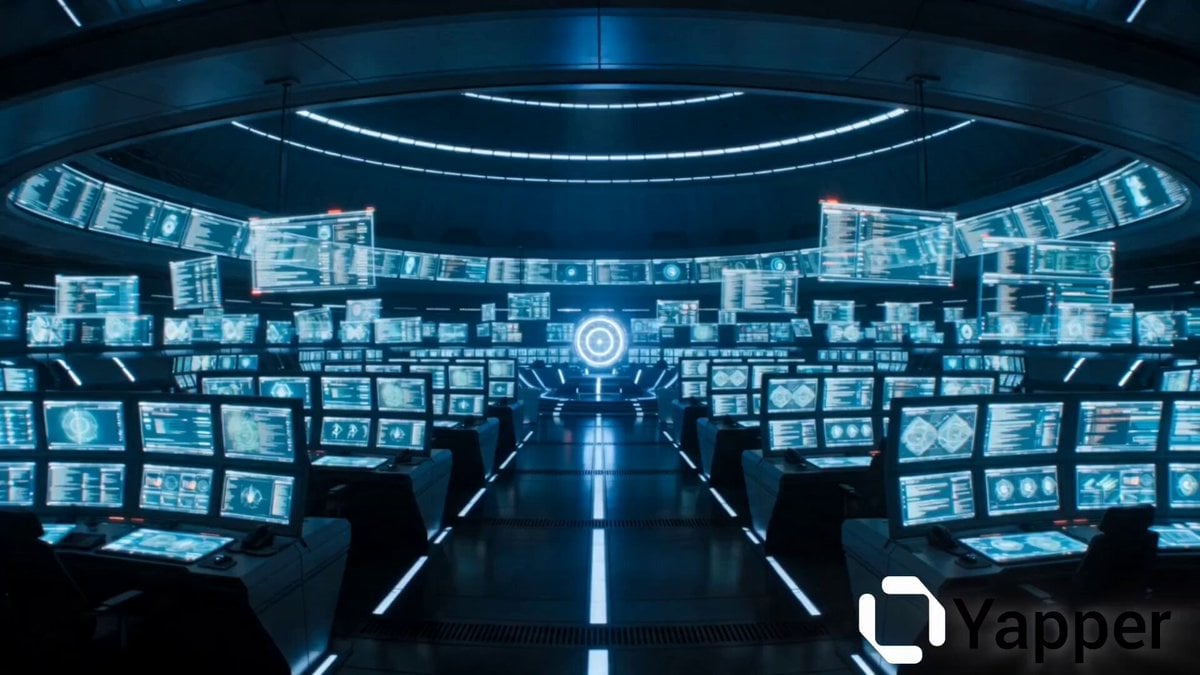
A highly technical multi-shot script for a cyberpunk thriller scene featuring a futuristic command center and an awakening AI core.
- Prompt included
- Model and format preset
- Free template
The prompt behind this video
Copy the exact prompt behind Cyberpunk AI Command Center, or open it in the studio and make it yours.
Scene: Vast futuristic command center interior. Rows of holographic display terminals, floating interface panels, curved walls of monitors. Style: Cyberpunk thriller tone, Ghost in the Shell / Ex Machina aesthetic, sharp glitch artifacts, RGB chromatic aberration, film-grain texture, fast-cut montage energy. Lighting: Cold blue ambient baseline, escalating to blinding white-cyan as the AI core ignites. Red alarm strobes mid-clip. Audio: Low electrical hum rising to klaxon alarm blare, metallic servo SFX, then abrupt total silence, then calm synthetic voice. Avoid: Temporal flicker, chaotic composition, identity drift in digital face, jitter. [0-3s] Camera: Wide establishing shot, slow controlled push-in. Action: A vast futuristic control room fills the frame — holographic panels pulse with unstable cyan data streams, floating displays flicker erratically. Lighting: Cold blue ambient wash, holographic practical glow, subtle scan-line flicker. VFX: Holographic panels glitch with RGB chromatic splits and scan-line tears across screens. SFX: Deep electrical hum, distant server drone. [3-6s] Camera: Fixed wide shot. Hold. Action: Every screen erupts in violent glitch distortion simultaneously; red alarm lights strobe the room. Hard cut — a drone squadron powers up, eyes lighting cold white. Hard cut — satellite arrays pivot in dark orbit. Hard cut — humanoid robots open glowing eyes in a warehouse row. Lighting: Strobing red alarm wash; cold mechanical white on robots and drones. VFX: Screen corruption cascades, data glitch artifacts, scan-line tears. SFX: Klaxon alarm blare, metallic servo hum, electrical crackle. [6-9s] Camera: Slow push-in toward a central glowing sphere. Then hold close. Action: A spherical AI core at the room's center pulses brighter with each beat, geometric energy rings expanding outward. Glow shifts from deep blue to blinding white. Lighting: Intense white-cyan practical bloom from core center, hard shadows cast outward. VFX: Expanding concentric ring pulses, volumetric light bloom intensifying. SFX: Rising sub-bass harmonic tone building in pitch. [9-12s] Camera: Fixed extreme close-up on the AI core. Hold. Action: A digital face assembles inside the core — geometric tessellating planes form eyes, a brow, a jaw. The face stabilizes, gazing directly forward. Lighting: Self-illuminated cyan-white face against deep black shadow, harsh inner glow. VFX: Particle geometry forming facial structure, digital mesh construction effect. SFX: Sub-bass peaks, then abrupt complete silence. [12-14s] Camera: Fixed. Hold. Action: Hard cut to pure black. Two glowing white-cyan eyes open slowly in total darkness and hold perfectly still. Dialogue: Calm, cold synthetic voice: "Control established." Lighting: Only the two glowing eyes — everything else pure black. SFX: Dead silence, then the synthetic voice lands.
How to use Cyberpunk AI Command Center in 3 steps
- 1
Open
The prompt is already in the box next to the preview, with the template's model and format selected.
- 2…a portrait of your subject in softgolden-hour light, 85mm…
Personalize
Edit the subject and creative details for your destination.
- 3Generate
Generate
Press Generate — your video is created in PicX Studio, so you can compare it with the original and refine one variable at a time.
More like this
Templates with the same subject, style or setup. Open one to see its prompt.

Cyberpunk Holographic Dance Performance - Seedance 2.5

RX-7 to Mech Transformation Cyberpunk
Space Learning Center Show and Tell Video

Cyberpunk RPG Anime Action
Cyberpunk K-Pop Demon Hunter Teaser
Hollywood Style Cyberpunk Disaster Movie Prompt
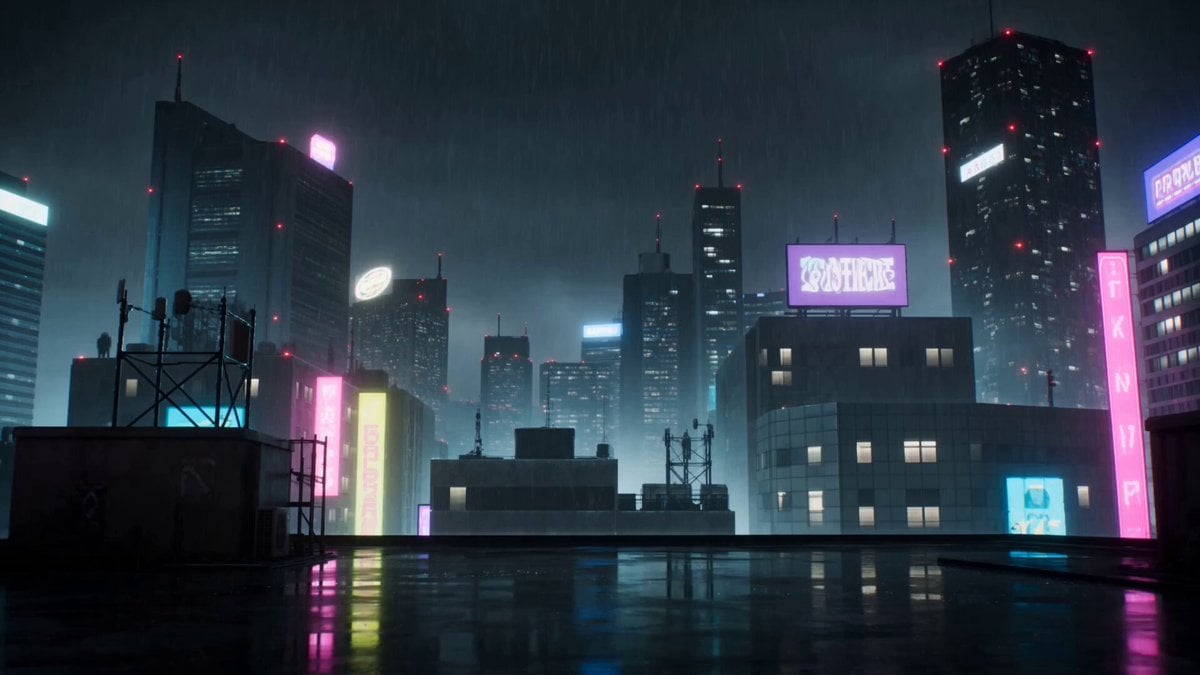
Cyberpunk Anime Duel Action
Cinematic Cyberpunk Armor Transformation
Odette Vane Cyberpunk Arena Animation
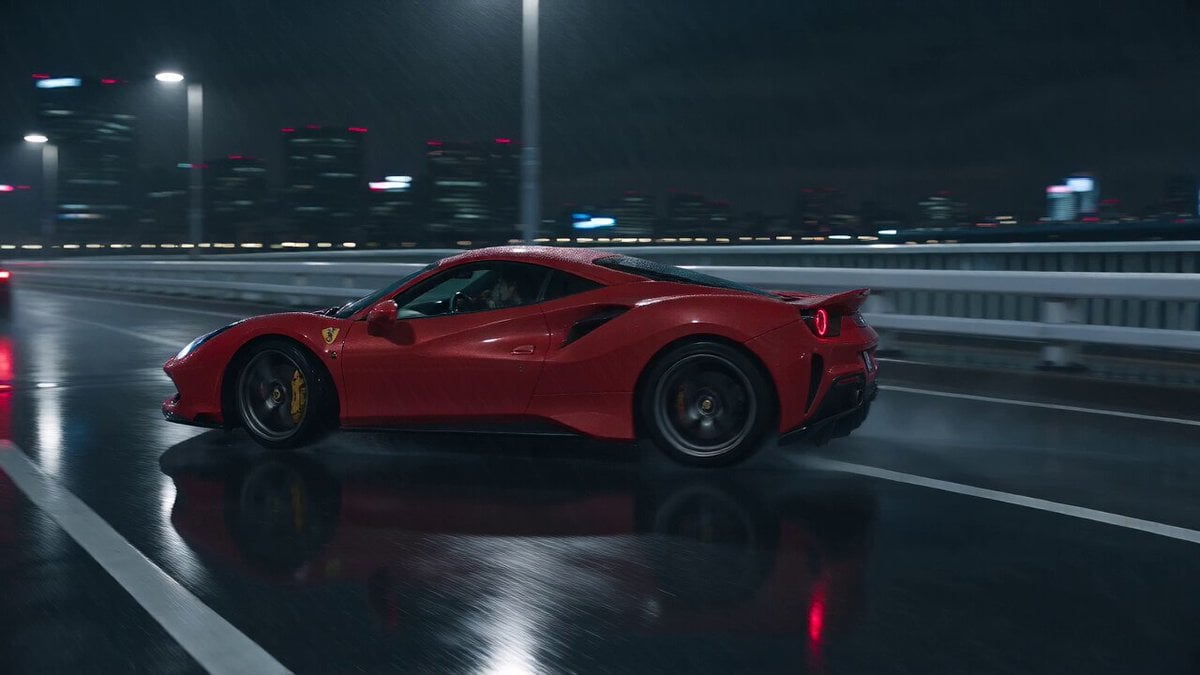
Cyberpunk Tokyo Rainy Car Chase
Cyberpunk Action Movie Short
Cyberpunk Exosuit Transformation Sequence
Make it yours
Cyberpunk AI Command Center works as-is. These are the safest ways to change it without losing the look.
Change one field
Copy a single group, rewrite it, and generate again so you can see what that field is doing.
Keep the frame, change the subject
Hold the composition and light of Cyberpunk AI Command Center, then swap wardrobe, props or the person for a new take.
| If the result… | Why | Fix |
|---|---|---|
| The result drifts from the preview | Too many fields changed at once. | Reuse Cyberpunk AI Command Center as-is first, then change one group — subject, light, or setting. |
| The model over-stylizes the scene | The prose prompt leaves finish and camera underspecified. | Add one camera or lighting sentence and stay on Seedance 2.0. |
More Seedance 2.0 templates
Other prompts made for Seedance 2.0.

Comical Martial Arts Punch Scene

Maglev Train Action Sequence

Martial Arts Fight Sequence

Wuxia Protection and Trust Script

Vintage Korean Arcade MiniDV Vlog

Mercedes 190 SL Luxury Ad

Rainy Night Supernatural Reverse Comedy Video Script

Amazon Civilization Discovery

Futuristic South Asian City Transformation

Cozy Luxury Cafe Commercial
More video prompts
Fresh picks from across the catalog.
Gritty Crime Character Intro Template

Stadium Crowd Candid Broadcast

Hyper-Realistic Stadium Fan Video
Anime Desert Action Gunfight
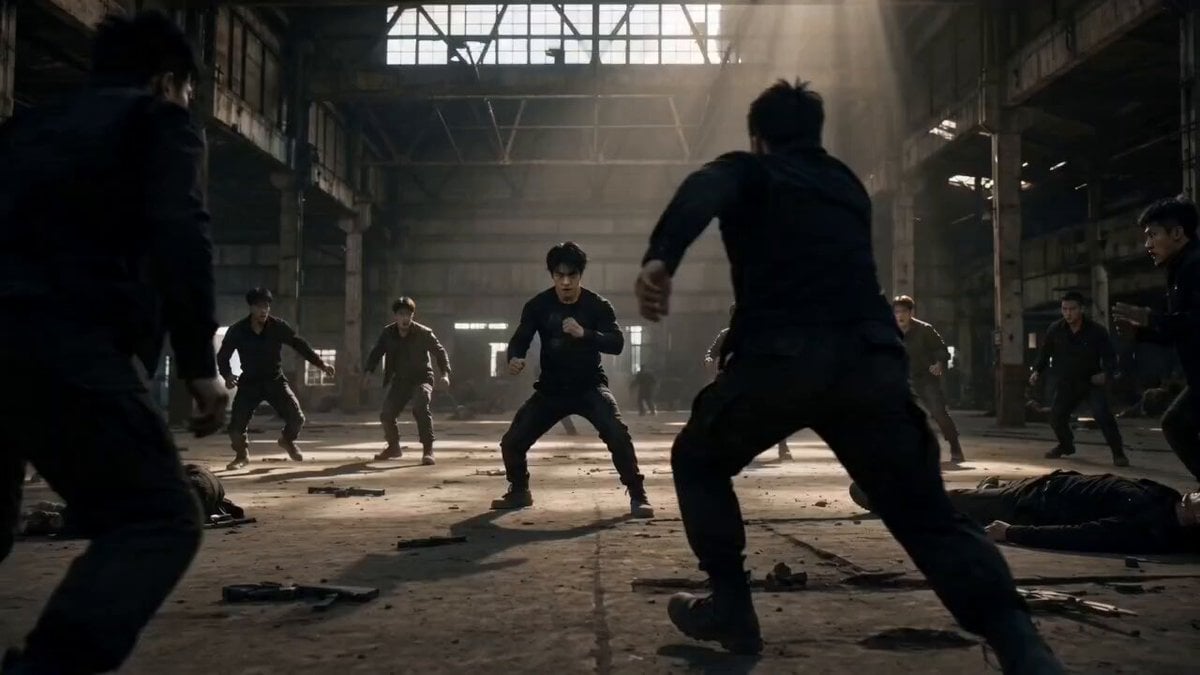
Martial Arts Warehouse Combat Sequence
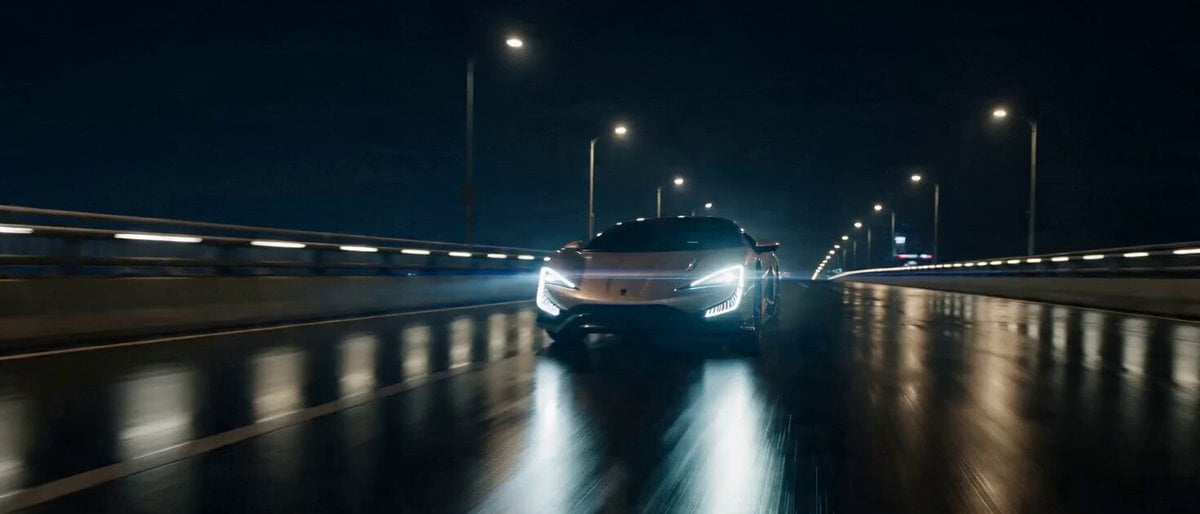
Commercial Visual Blockbuster Prompt for Seedance 2.0

Flying Horse Sky Race
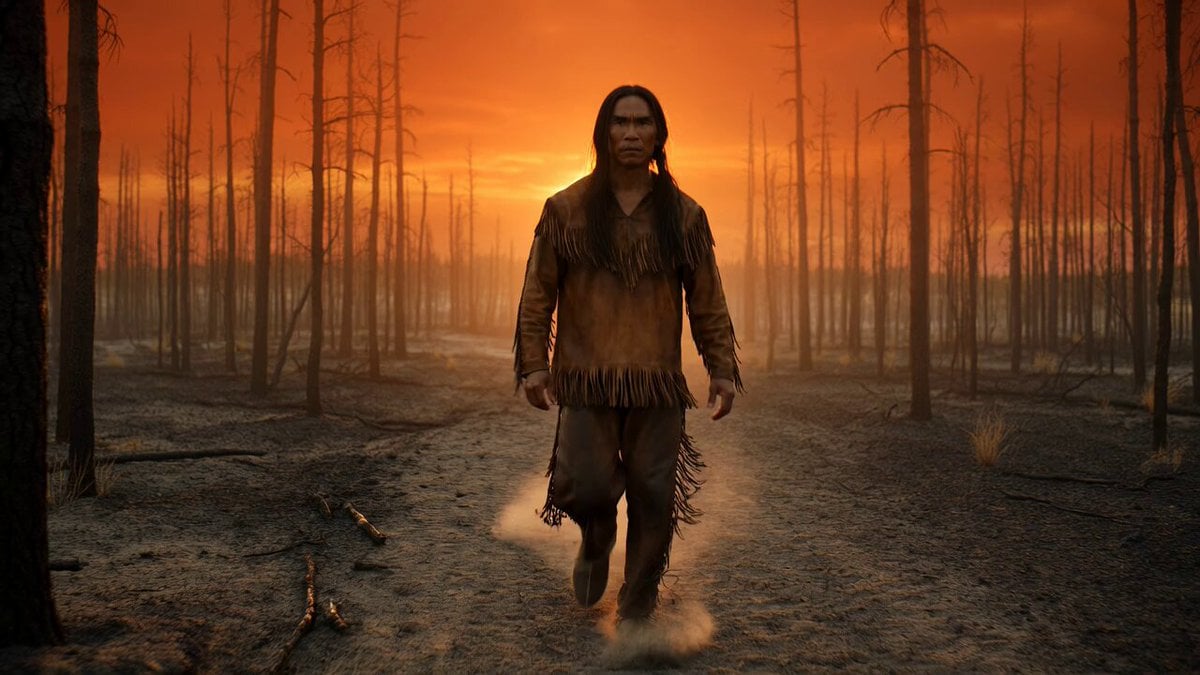
Native American Warrior Cinematic Video

Magic City Fantasy Battle Animation
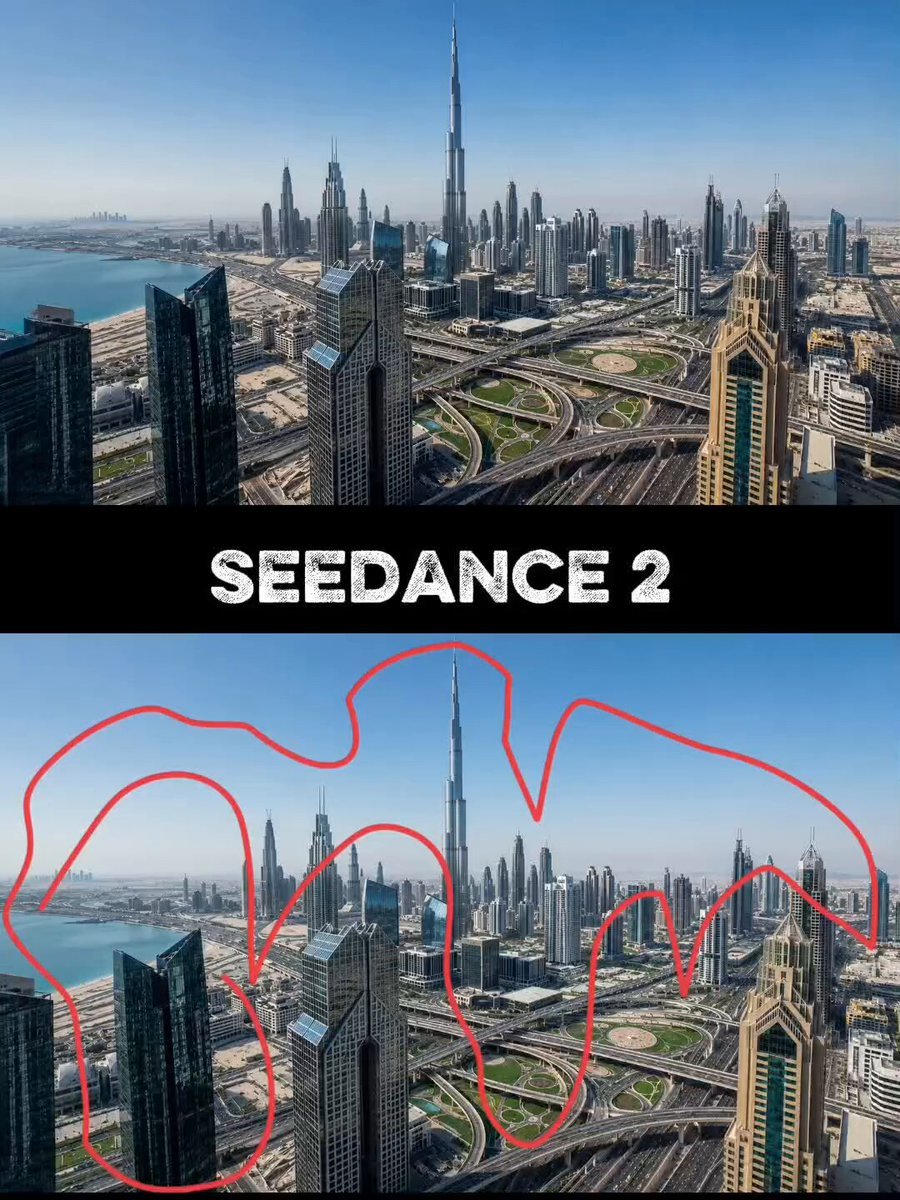
Futuristic Megacity Drone FPV Shot
Browse template categories
Cyberpunk AI Command Center questions
How do I use the Cyberpunk AI Command Center template?
Add your photo if the template asks for one, edit the prompt if you like — the template's model and format are already selected — and press Generate. Your version opens in PicX Studio.
Can I customize the Cyberpunk AI Command Center template?
Yes. You can change the subject, setting, lighting, mood, format, and available model controls before creating your video.
Is the Cyberpunk AI Command Center template free?
Opening and editing this template is free. Generating uses credits, shown on the Generate button when you are signed in.
Which AI model should I use?
Start with Seedance 2.0, which is the model associated with this template. You can compare another compatible model for a different finish.
Looking for something else? Browse all templates.

Your photo, any look
Thousands of ready templates for every top image and video model, from one credit balance.