
Smartphone Engineering Disassembly Shot
A clean, symmetrical 7-second cinematic sequence showing a smartphone disassembling and reassembling in mid-air.
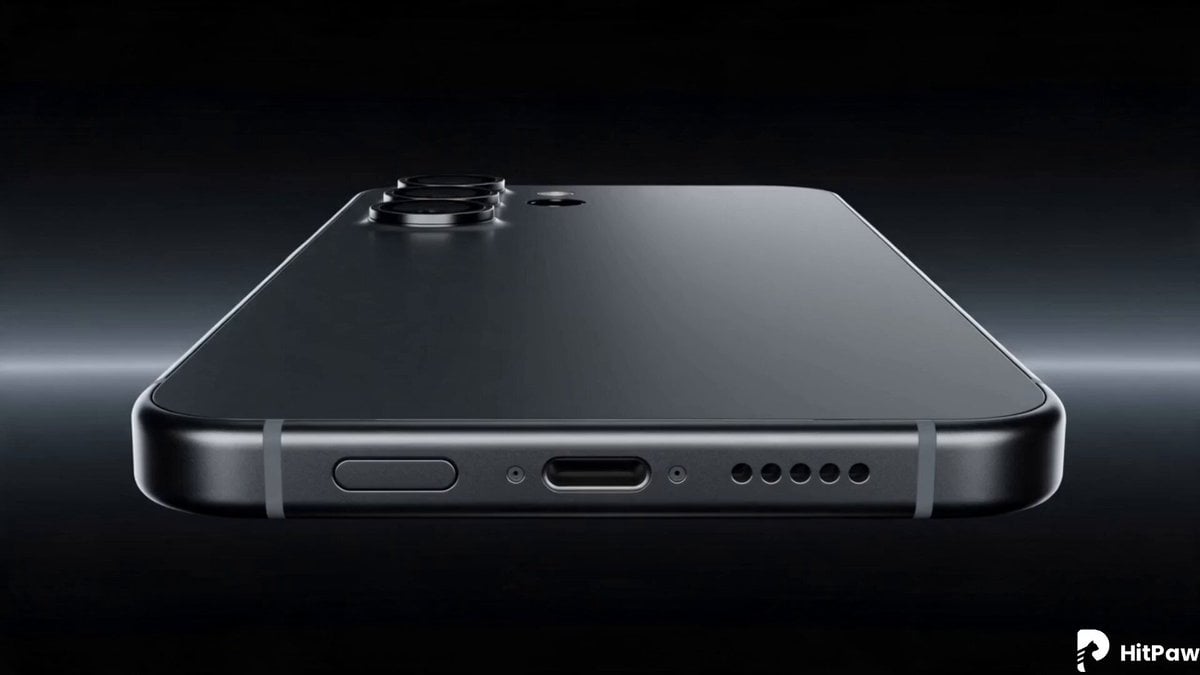
- Prompt included
- Model and format preset
- Free template
The prompt behind this video
Copy the exact prompt behind Smartphone Engineering Disassembly Shot, or open it in the studio and make it yours.
The sequence plays as a single continuous 7-second cinematic shot: 0–1s: The phone is revealed in stillness, minimal and logo-free, before a sharp line of light slices across it, triggering a precise and instantaneous disassembly. 1–3s: The camera moves fluidly through the separated layers—frame, glass, circuitry, battery, cables, and camera modules—showcasing engineering depth and detail. 3–4s: The components suspend mid-air in a clean, symmetrical layout as the camera performs a smooth 180-degree rotation. 4–6s: Motion reverses as every element snaps back into place with speed and precision, reforming the device seamlessly. 6–7s: The fully assembled phone settles into a three-quarter view, its screen remaining pure black and reflective, before fading to darkness with only soft film grain and faint light streaks lingering.
How to use Smartphone Engineering Disassembly Shot in 3 steps
- 1
Open
The prompt is already in the box next to the preview, with the template's model and format selected.
- 2…a portrait of your subject in softgolden-hour light, 85mm…
Personalize
Edit the subject and creative details for your destination.
- 3Generate
Generate
Press Generate — your video is created in PicX Studio, so you can compare it with the original and refine one variable at a time.
More like this
Templates with the same subject, style or setup. Open one to see its prompt.

Smartphone Travel Vlog Tokyo Trip Identity Preserved

Planetary Engineering Sci-Fi Action Sequence

Grok Imagine Prompt: Dynamic cinematic close-up of xAI engineering team

Prompt Engineering for Vehicles

Bus Disassembly and Reorganization

Fashion GRWM Smartphone Vlog

Authentic Smartphone Lifestyle Vlog
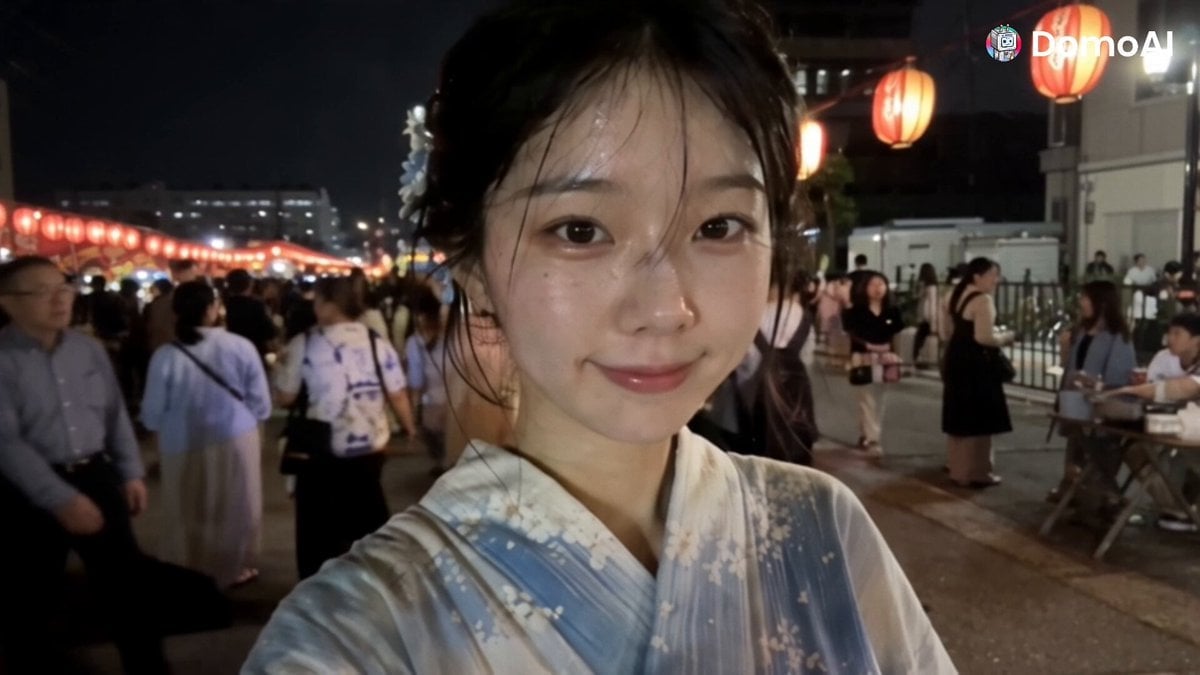
Korean Festival Smartphone Vlog
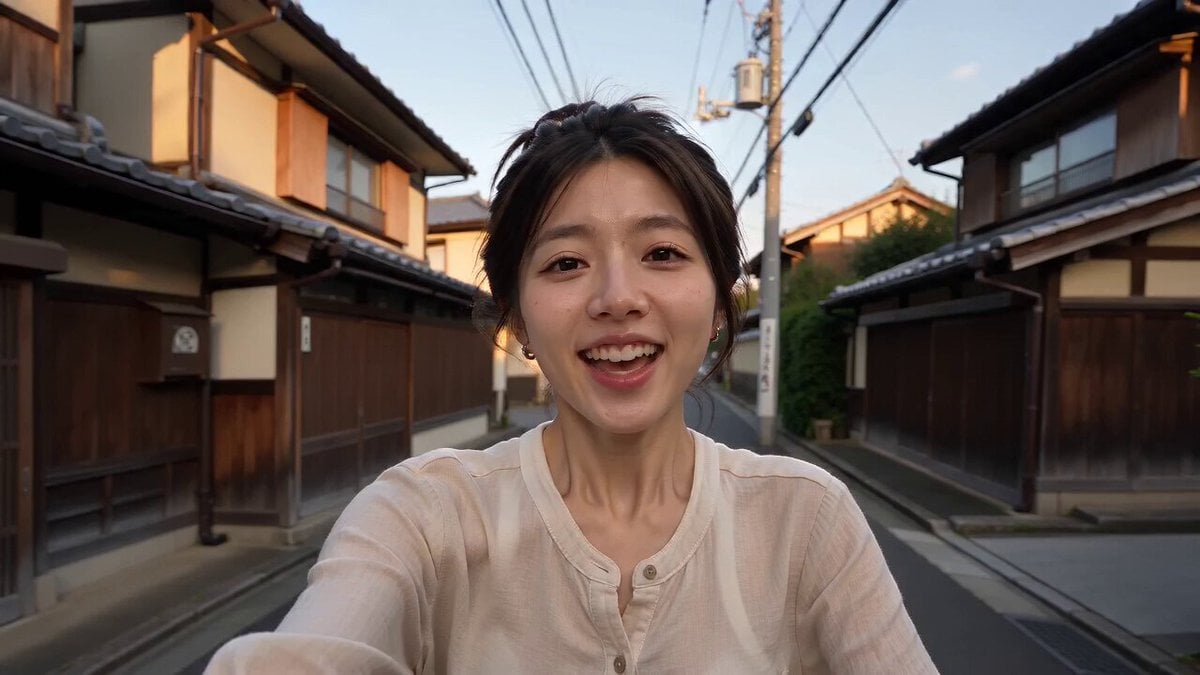
Kyoto Smartphone Vlog Simulation
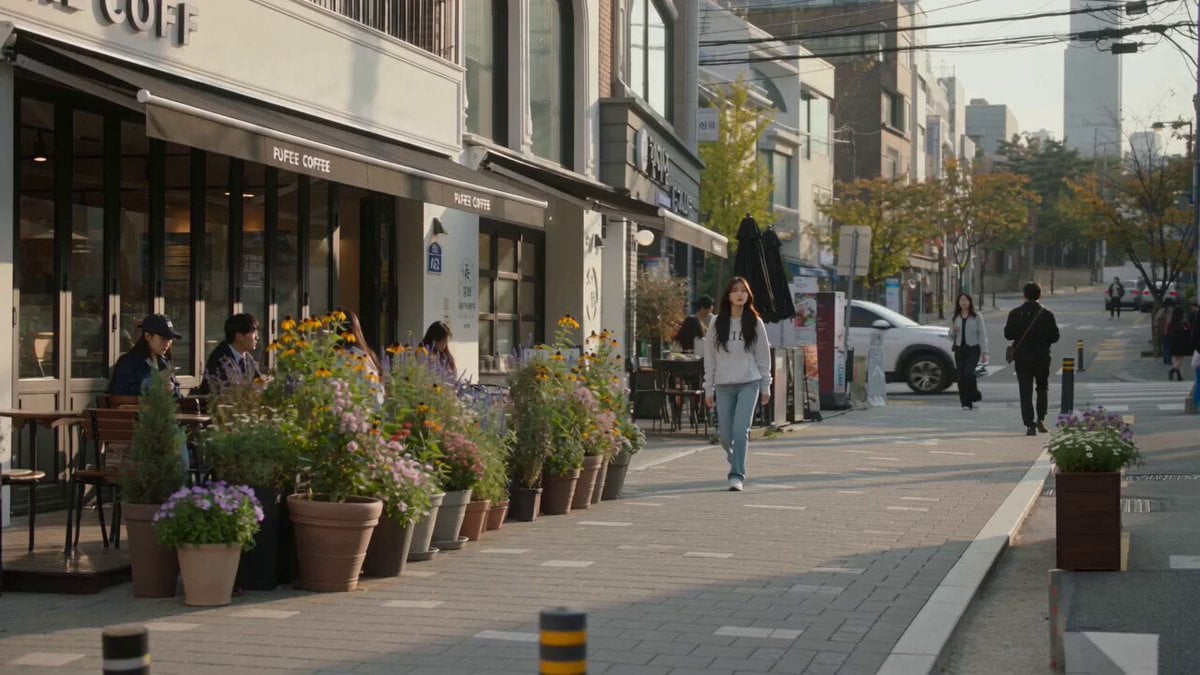
Urban Lifestyle Smartphone Photography

Smartphone Selfie Vlog Market Tour
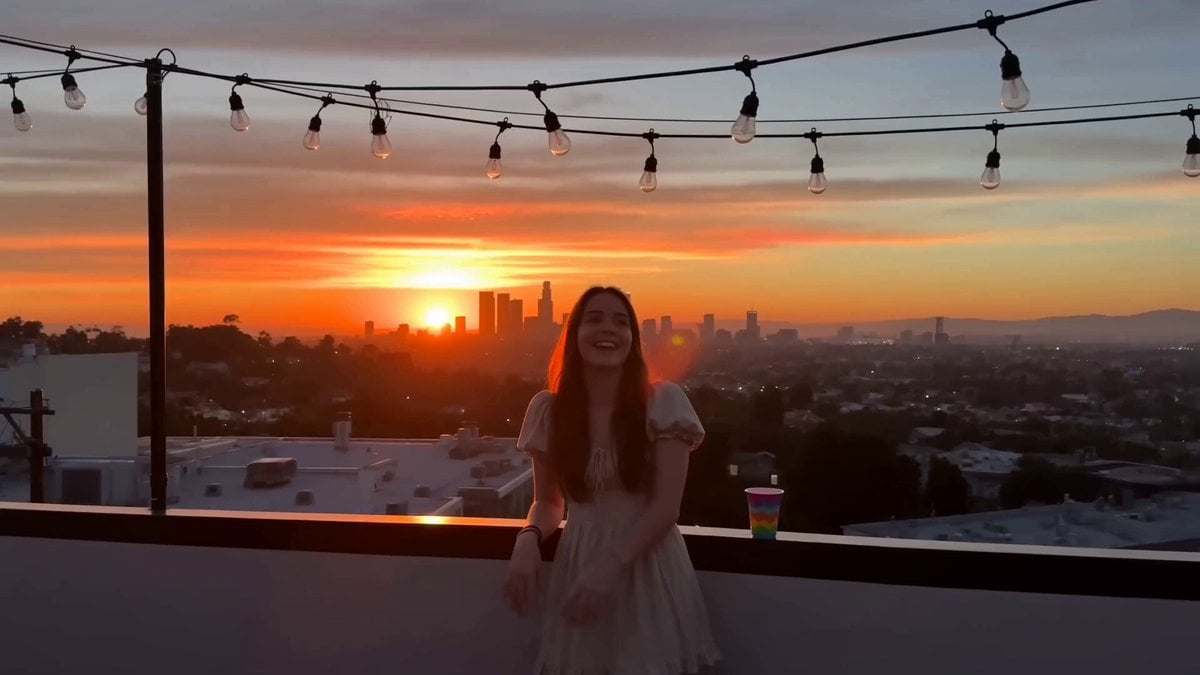
Rooftop Hangout Smartphone Video
Make it yours
Smartphone Engineering Disassembly Shot works as-is. These are the safest ways to change it without losing the look.
Change one field
Copy a single group, rewrite it, and generate again so you can see what that field is doing.
Keep the frame, change the subject
Hold the composition and light of Smartphone Engineering Disassembly Shot, then swap wardrobe, props or the person for a new take.
| If the result… | Why | Fix |
|---|---|---|
| The result drifts from the preview | Too many fields changed at once. | Reuse Smartphone Engineering Disassembly Shot as-is first, then change one group — subject, light, or setting. |
| The model over-stylizes the scene | The prose prompt leaves finish and camera underspecified. | Add one camera or lighting sentence and stay on Seedance 2.0. |
More Seedance 2.0 templates
Other prompts made for Seedance 2.0.

Comical Martial Arts Punch Scene

Maglev Train Action Sequence

Martial Arts Fight Sequence

Wuxia Protection and Trust Script

Vintage Korean Arcade MiniDV Vlog

Mercedes 190 SL Luxury Ad

Rainy Night Supernatural Reverse Comedy Video Script

Amazon Civilization Discovery

Futuristic South Asian City Transformation

Cozy Luxury Cafe Commercial
More video prompts
Fresh picks from across the catalog.

Gothic Queen Cradling Baby

Audience POV Cinema Video

Luxury Car Transforming into Optimus Prime Fighting Godzilla in Tokyo
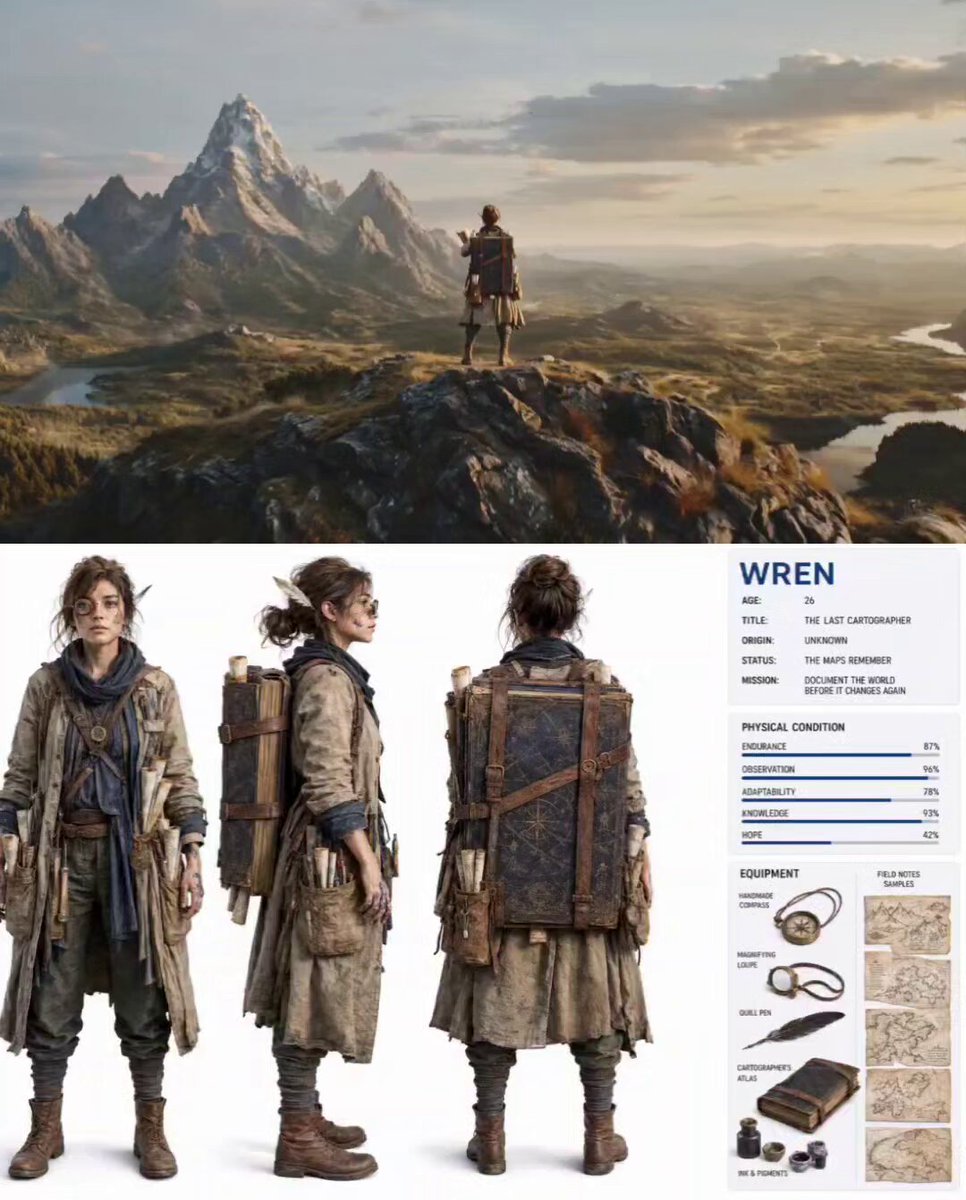
Nature Reclaiming Cities Cartographer Scene
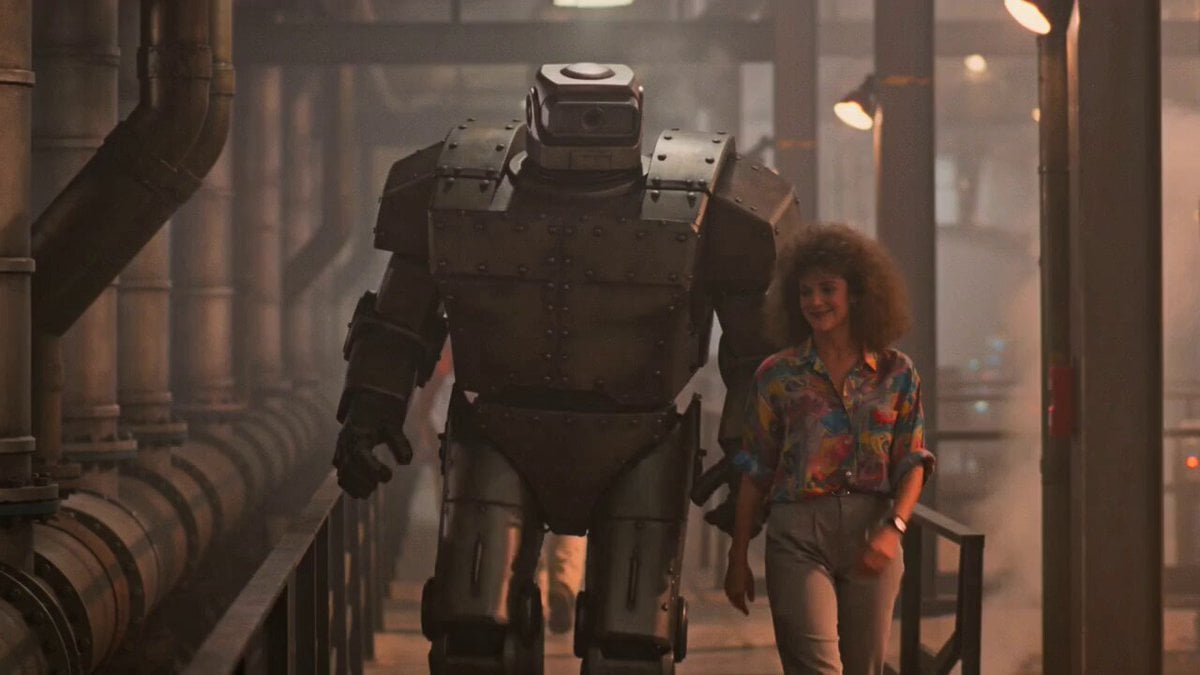
1980s Retro Sci-Fi Comedy Scene

Wuxia Letting Go Drama Script

Iron Lotus Strike Combat Scene

Dark Fantasy Trailer Frost Veil

Luxury Streetwear Fashion Runway Film
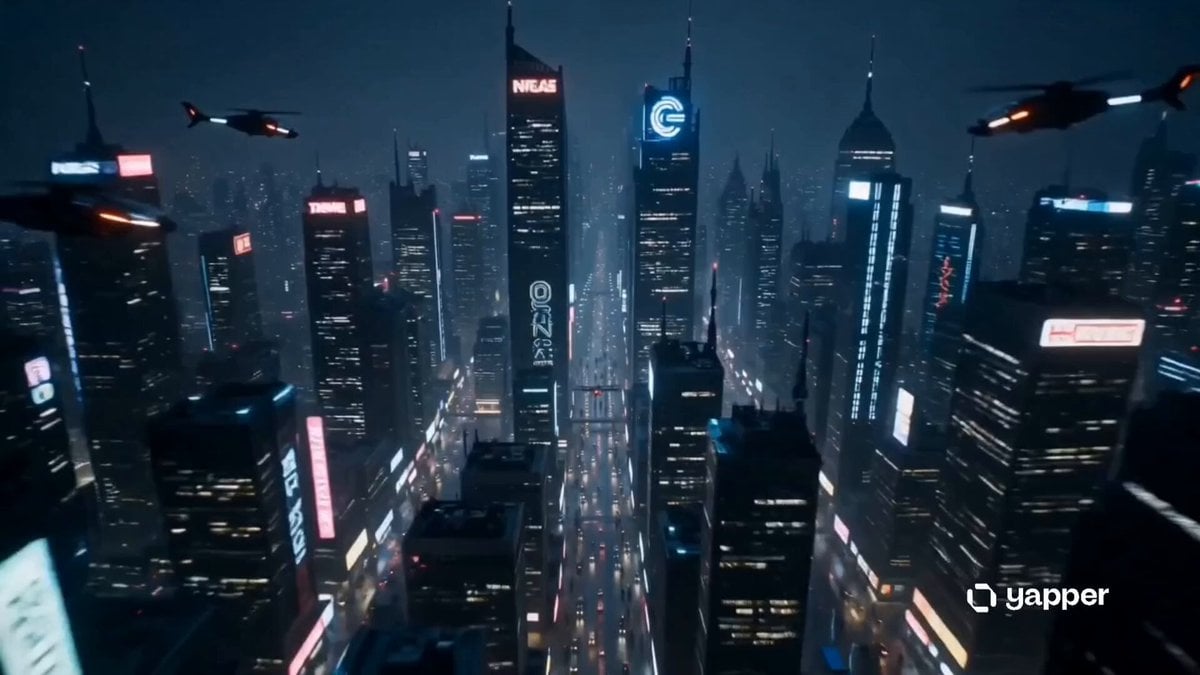
Sentient Robot Neon City Journey
Browse template categories
Smartphone Engineering Disassembly Shot questions
How do I use the Smartphone Engineering Disassembly Shot template?
Add your photo if the template asks for one, edit the prompt if you like — the template's model and format are already selected — and press Generate. Your version opens in PicX Studio.
Can I customize the Smartphone Engineering Disassembly Shot template?
Yes. You can change the subject, setting, lighting, mood, format, and available model controls before creating your video.
Is the Smartphone Engineering Disassembly Shot template free?
Opening and editing this template is free. Generating uses credits, shown on the Generate button when you are signed in.
Which AI model should I use?
Start with Seedance 2.0, which is the model associated with this template. You can compare another compatible model for a different finish.
Looking for something else? Browse all templates.

Your photo, any look
Thousands of ready templates for every top image and video model, from one credit balance.