
Korean 7-Eleven Aesthetic Video
A cozy, dreamy video prompt for a visit to a Korean convenience store with snacks and cute animated doodle effects.
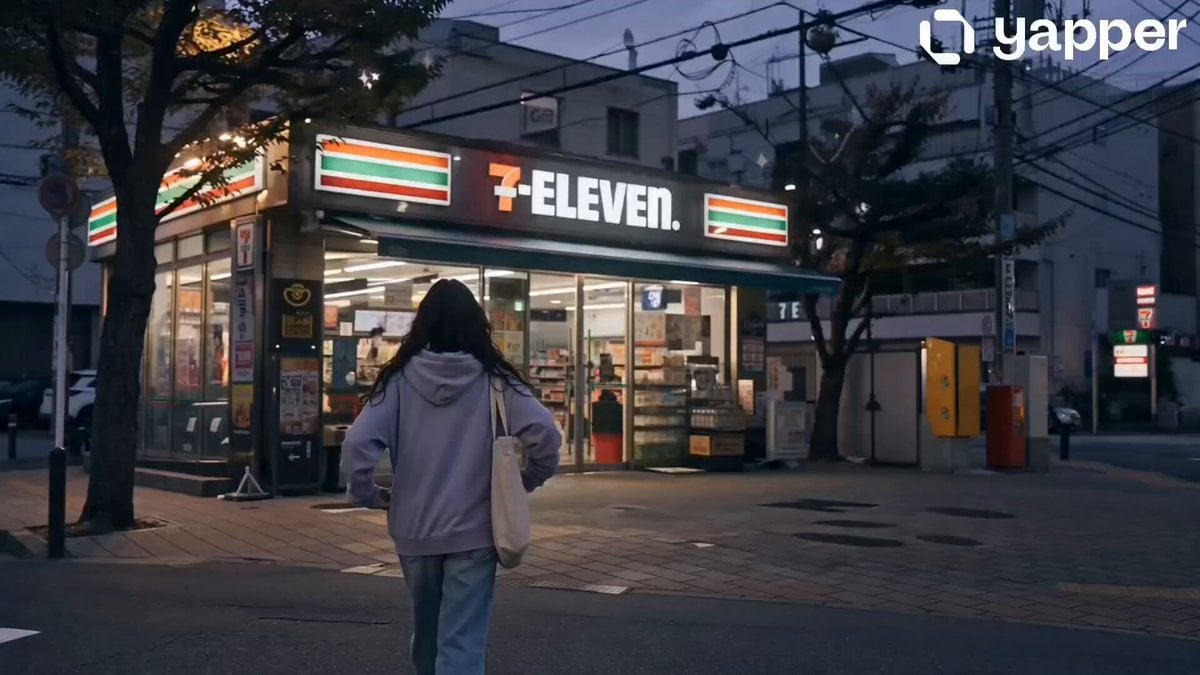
- Prompt included
- Model and format preset
- Premium template
The prompt behind this video
Copy the exact prompt behind Korean 7-Eleven Aesthetic Video, or open it in the studio and make it yours.
0s – 4s (Cute Entrance 7 Eleven) Girl walks into a Korean 7 Eleven at golden hour. Soft neon glow reflects on glass. Camera follows her in a smooth dreamy tracking shot. ✨ Doodles appear: floating hearts + tiny sparkles around store entrance. Soft ambient street sounds, cozy vibe. 4s – 8s (Choosing Snacks ,Cute Aisle Moment) Inside store, bright clean lighting. She happily picks: Banana milk 🥛 Ramen 🍜 Kimbap 🍙 Close up slow motion hand shots. ✨ Doodles: cute arrows pointing to items, tiny “yum” stickers, sparkle effects when she picks each item. 8s – 12s (Cash Counter ,Soft Smile Moment) She places items on counter. Cashier scans. Subtle reflections on glass. She gives a small shy cute smile. ✨ Doodles: floating heart bubbles + animated star twinkles around her face.Soft focus cinematic depth, warm tone. 12s – 16s (Outside Chill Ending Scene) She sits outside the convenience store on a chair. Opens banana milk and sips gently while kimbap and ramen sit beside her. Calm street background, evening light, peaceful breeze. ✨ Doodles: drifting clouds, tiny smiley faces, sparkles slowly floating upward. Final slow zoom out for aesthetic ending frame.
How to use Korean 7-Eleven Aesthetic Video in 3 steps
- 1
Open
The prompt is already in the box next to the preview, with the template's model and format selected.
- 2…a portrait of your subject in softgolden-hour light, 85mm…
Personalize
Edit the subject and creative details for your destination.
- 3Generate
Generate
Press Generate — your video is created in PicX Studio, so you can compare it with the original and refine one variable at a time.
More like this
Templates with the same subject, style or setup. Open one to see its prompt.

Korean Night Market Bullet-Time Scene - Seedance 2.5

Iced Coffee Dog Good-News Montage
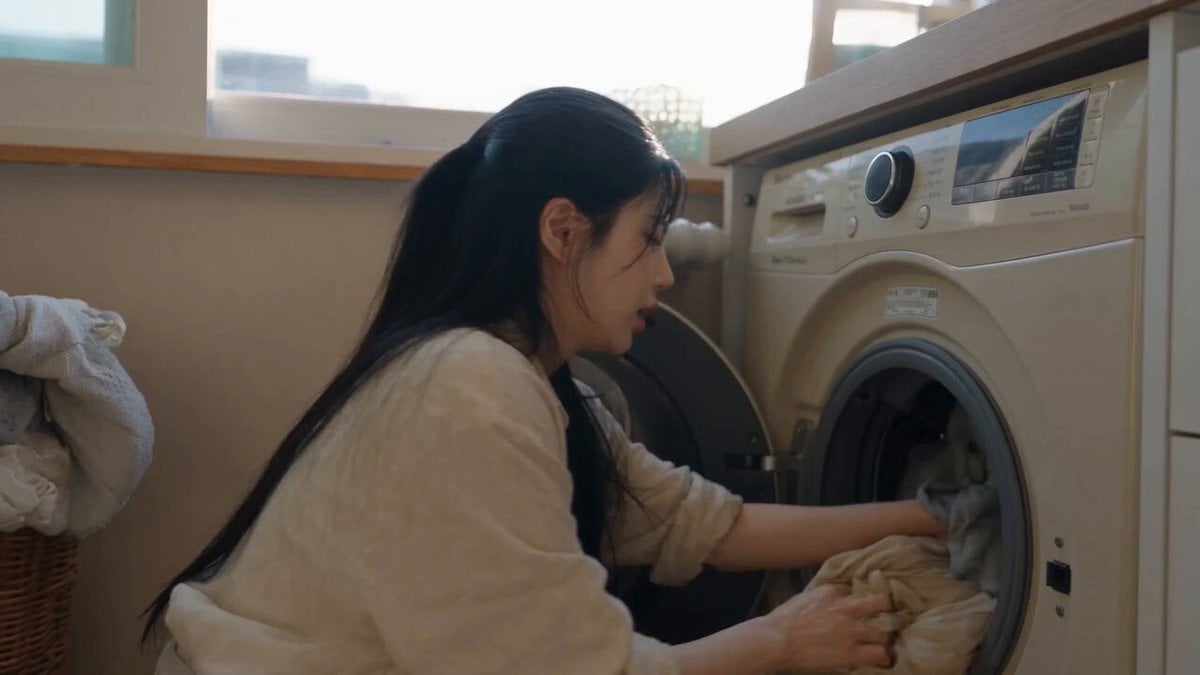
Sunny Morning Laundry Vlog
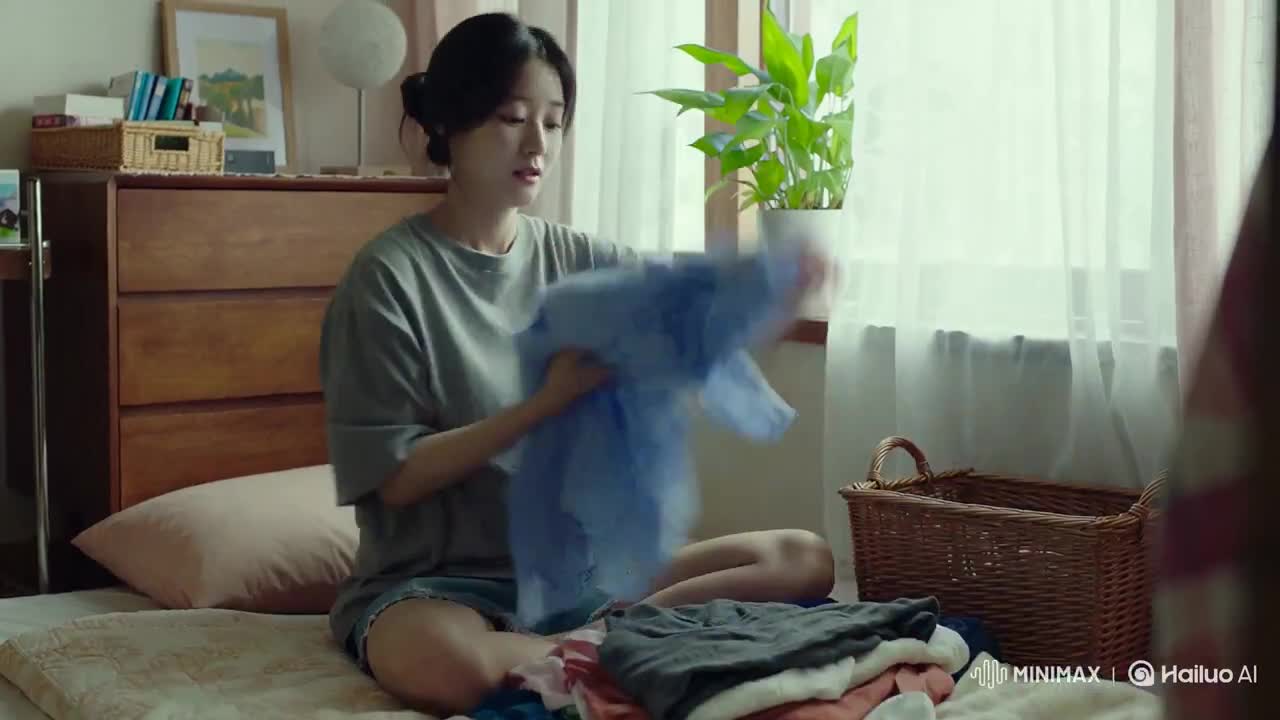
Korean Woman Laundry Folding DV Camcorder Morning

Vintage Korean Arcade MiniDV Vlog
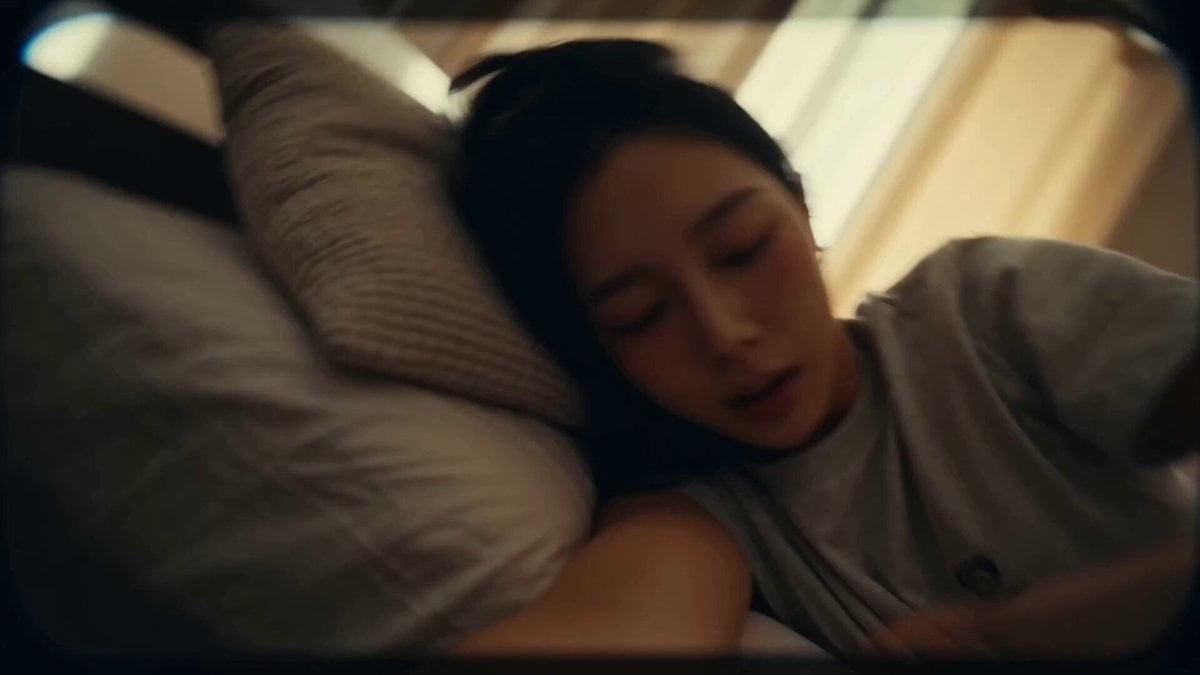
Korean Idol Vlog Camcorder
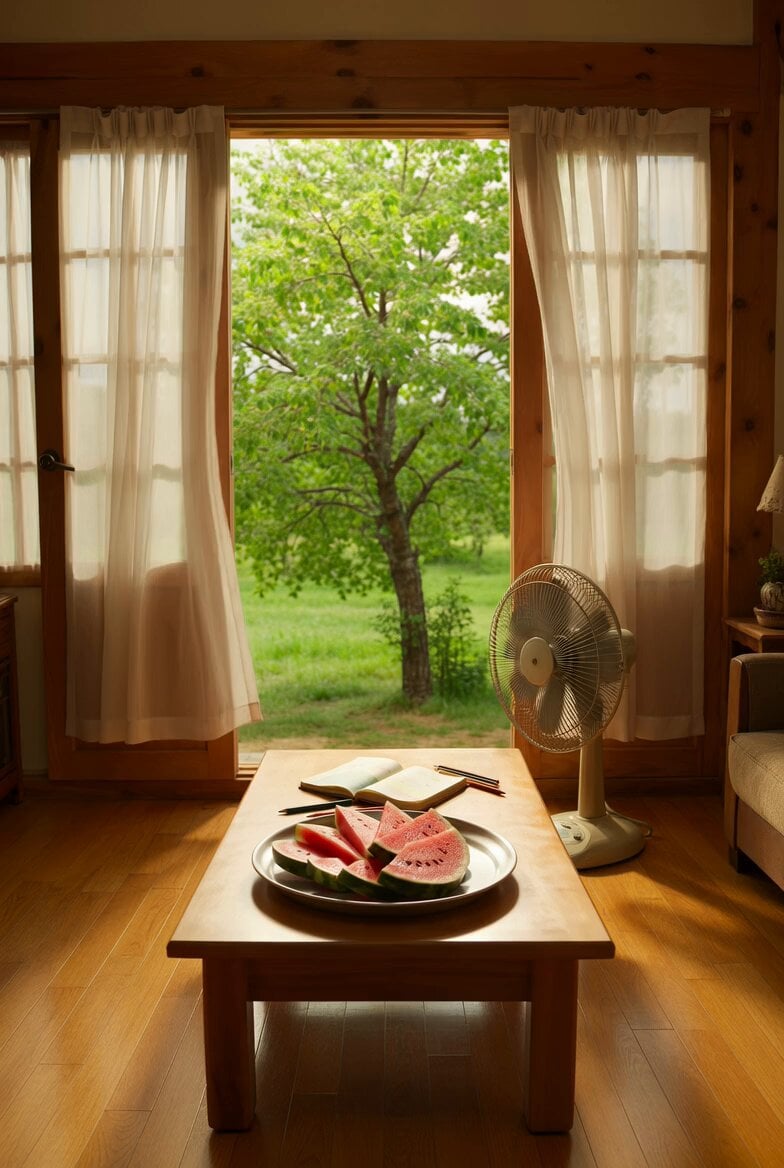
Nostalgic Korean Summer House Video
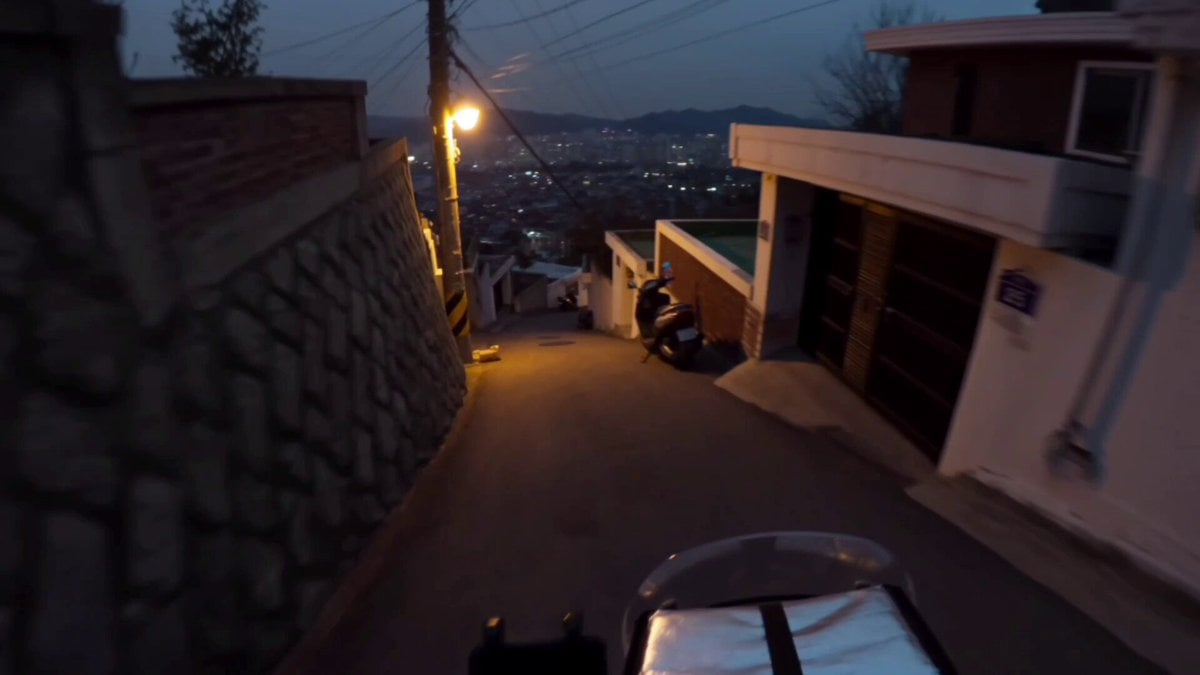
Korean Motorbike Delivery Action Video Prompt
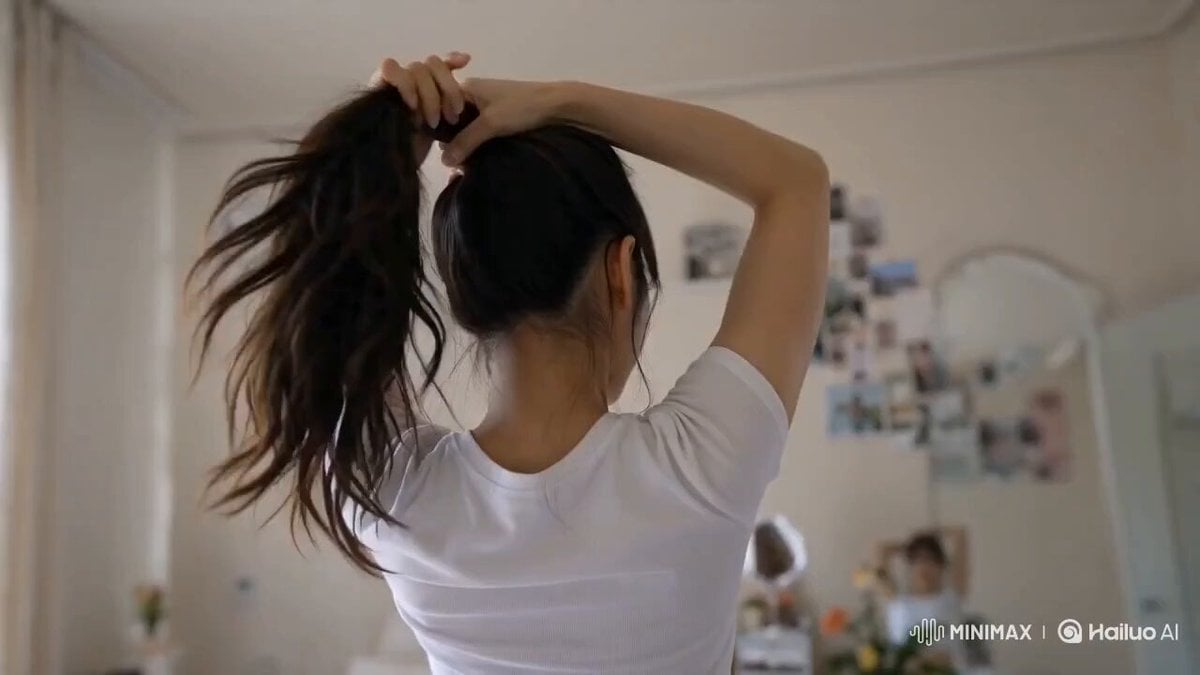
Korean Lifestyle Vlog Selfie Mode
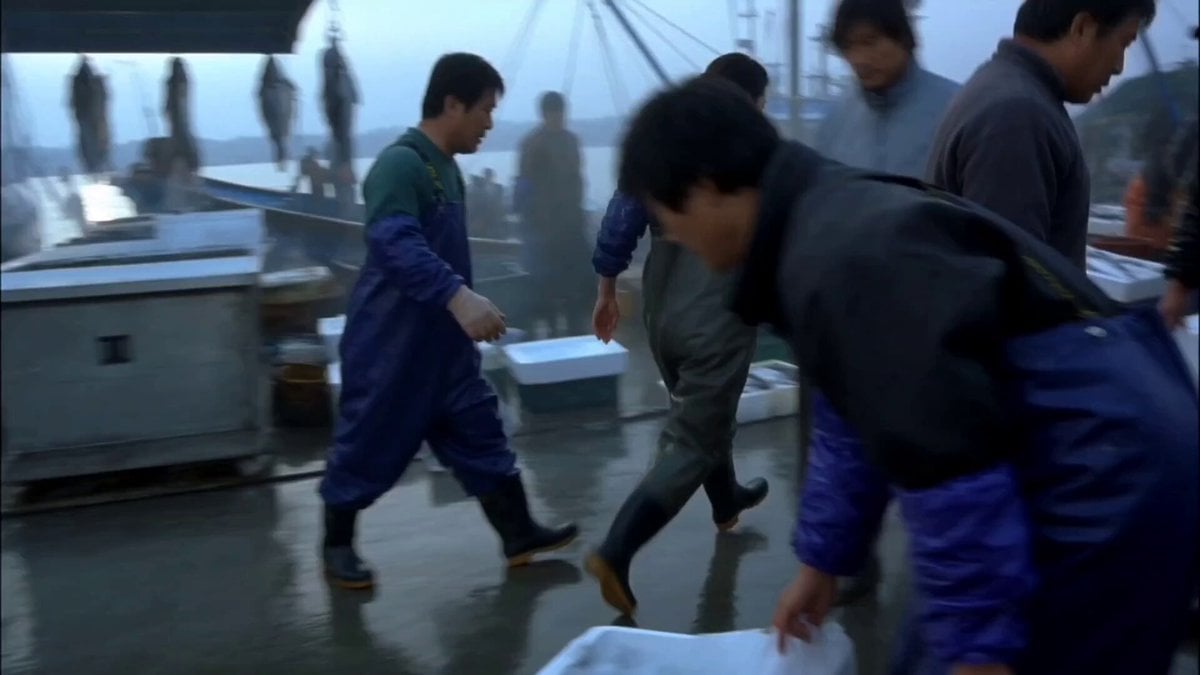
Realistic Korean Fish Market Auction
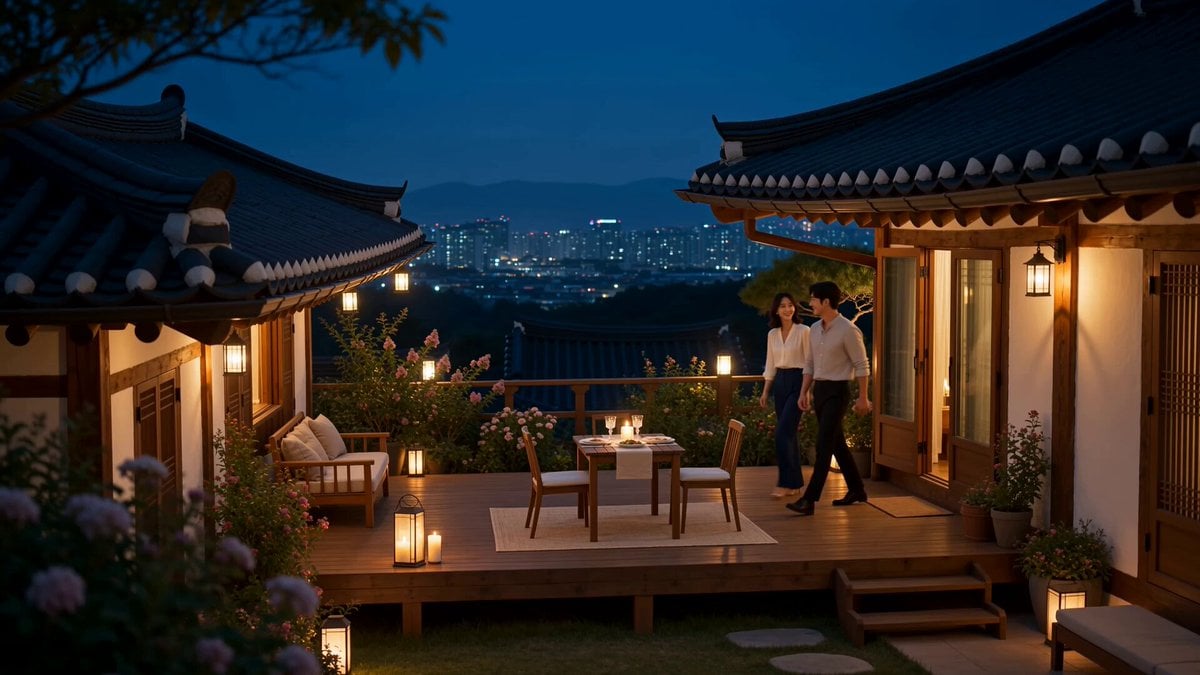
Romantic Korean Couple Courtyard Dinner
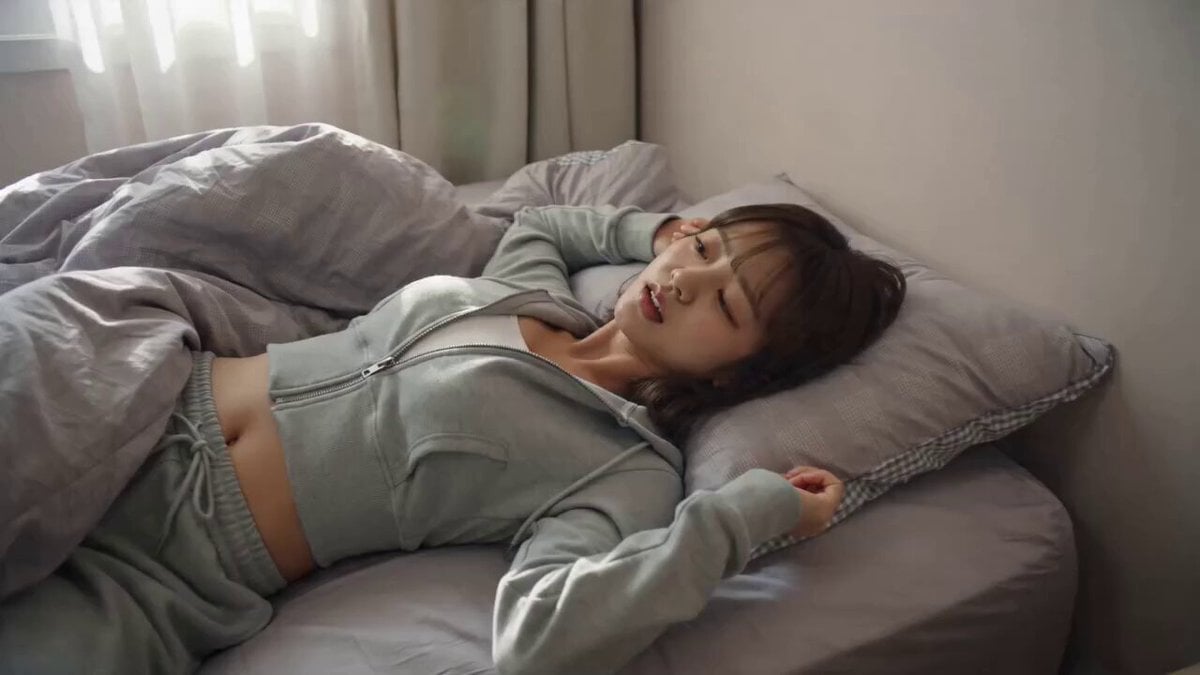
AI Korean Girl Content Creator Vlog Prompt
Make it yours
Korean 7-Eleven Aesthetic Video works as-is. These are the safest ways to change it without losing the look.
Change one field
Copy a single group, rewrite it, and generate again so you can see what that field is doing.
Keep the frame, change the subject
Hold the composition and light of Korean 7-Eleven Aesthetic Video, then swap wardrobe, props or the person for a new take.
| If the result… | Why | Fix |
|---|---|---|
| The result drifts from the preview | Too many fields changed at once. | Reuse Korean 7-Eleven Aesthetic Video as-is first, then change one group — subject, light, or setting. |
| The model over-stylizes the scene | The prose prompt leaves finish and camera underspecified. | Add one camera or lighting sentence and stay on Seedance 2.0. |
More Seedance 2.0 templates
Other prompts made for Seedance 2.0.

Comical Martial Arts Punch Scene

Maglev Train Action Sequence

Martial Arts Fight Sequence

Wuxia Protection and Trust Script

Mercedes 190 SL Luxury Ad

Rainy Night Supernatural Reverse Comedy Video Script

Amazon Civilization Discovery

Futuristic South Asian City Transformation

Cozy Luxury Cafe Commercial

Cyber Ronin Nanotech Transformation Video
More video prompts
Fresh picks from across the catalog.
Gingerbread Finger Rings

Cincinnati Park Scene with Hovering Car
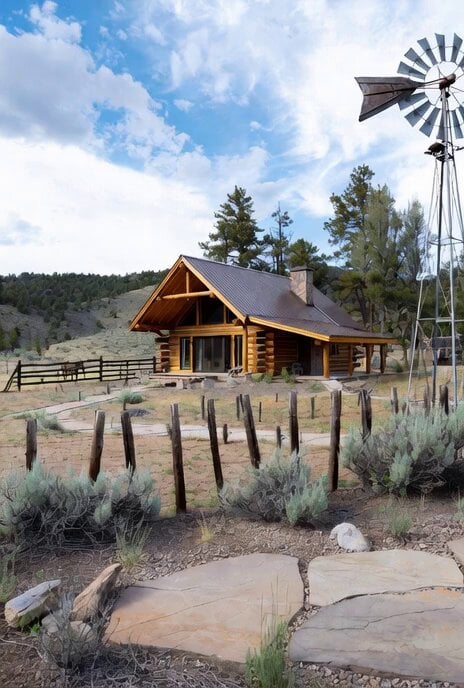
Modern log cabin in Forty Rod Flat, Wyoming
Petrol Pump Worker Storyboard

Anime Style Forest Cooking

AI Companion Ani French Salon Discussion
John Wick Cat Action Scene
Funny Rural Selfie Vlog

Nostalgic MiniDV Convenience Store Vlog - Seedance 2.5

Quantum Wormhole Travel
Browse template categories
Korean 7-Eleven Aesthetic Video questions
How do I use the Korean 7-Eleven Aesthetic Video template?
Add your photo if the template asks for one, edit the prompt if you like — the template's model and format are already selected — and press Generate. Your version opens in PicX Studio.
Can I customize the Korean 7-Eleven Aesthetic Video template?
Yes. You can change the subject, setting, lighting, mood, format, and available model controls before creating your video.
Is the Korean 7-Eleven Aesthetic Video template free?
Opening and editing this template is free. Generating uses credits, shown on the Generate button when you are signed in.
Which AI model should I use?
Start with Seedance 2.0, which is the model associated with this template. You can compare another compatible model for a different finish.
Looking for something else? Browse all templates.

Your photo, any look
Thousands of ready templates for every top image and video model, from one credit balance.