
Fashion Ad Storyboard Animation
A professional prompt for animating a multi-frame storyboard collage into a continuous, cinematic fashion advertisement with specific timing and motion instructions.
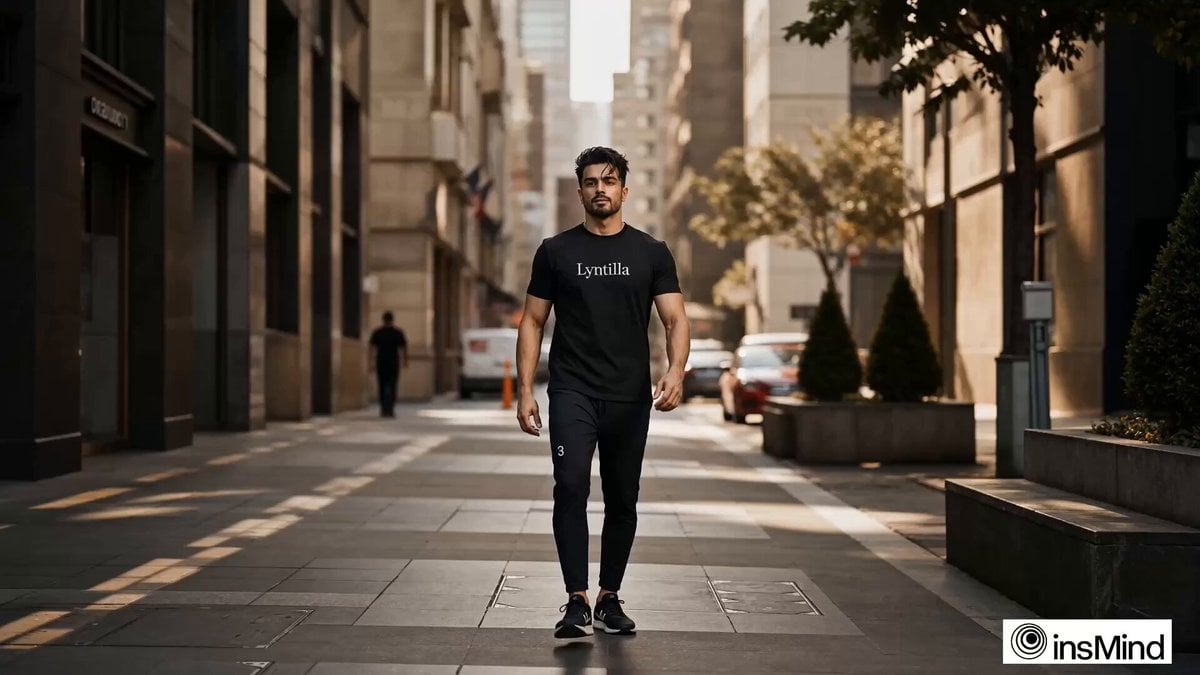
- Prompt included
- Model and format preset
- Free template
The prompt behind this video
Copy the exact prompt behind Fashion Ad Storyboard Animation, or open it in the studio and make it yours.
Video prompt:- Create a 14-second ultra-cinematic fashion advertisement video using a 20-frame storyboard collage as the source. The video should animate across each frame in sequence (left to right, top to bottom), transforming static images into a smooth, continuous motion experience. Style & Motion: •Slow cinematic Ken Burns movement (zoom + pan) on each frame •Subtle parallax depth effect (foreground vs background separation) •Natural motion blur transitions between frames •Smooth crossfade or swipe transitions (0.2–0.4s) •Maintain visual continuity as if it’s one single video shoot ⸻ ⏱️ Timing & Flow (14 sec total) •Frames 1–5 → 0.8s each (intro, slower pacing) •Frames 6–15 → 0.5–0.6s each (faster mid հատված energy) •Frames 16–20 → 0.8s each (slow down for impact) Final shot (Frame 20): •Hold longer (~1.5 sec) •Add slight push-in zoom •Emphasize “Lyntilla” logo Ensure smooth temporal consistency, preserve the same facial identity, maintain outfit and lighting continuity, and simulate realistic motion between frames as if captured from a single continuous fashion film Image prompt:- A high-resolution cinematic storyboard collage composed of 20 sequential frames (4x5 grid), designed as continuous screenshots from a premium fashion advertisement video. The same young male model appears consistently in all frames, wearing a clean, modern t-shirt with the brand name “Lyntilla” clearly visible on the chest in minimal, stylish typography. The frames follow a natural motion progression like a real video sequence: Row 1 (Intro – Establishing): 1.Wide shot – model walking into frame on an urban street 2.Mid-wide – approaching camera 3.Medium shot – slow confident walk 4.Slight turn – natural motion blur 5.Close-up – face + upper torso, calm expression Row 2 (Engagement – Movement): 6. Adjusting collar (hands in motion) 7. Looking sideways, candid moment 8. Wind blowing t-shirt slightly 9. Hands in pocket, relaxed stance 10. Walking past camera (motion blur edge frame) Row 3 (Detail – Product Focus): 11. Close-up of “Lyntilla” logo on chest 12. Fabric texture macro shot 13. Slight stretch of fabric showing quality 14. Over-the-shoulder glance 15. Side profile with soft light Row 4 (Lifestyle – Emotion): 16. Sitting casually on urban steps 17. Laughing candid moment 18. Leaning against wall, streetwear vibe 19. Low-angle power pose (hero energy) 20. Final hero shot – direct eye contact, strong confident stance ⸻ 🎥 Visual Style & Consistency •Ultra-cinematic fashion ad style •Golden hour + soft diffused lighting mix •Shallow depth of field, creamy bokeh •Subtle motion blur in transitional frames •Warm, filmic color grading (slightly desaturated luxury tones) •Clean urban + minimal studio hybrid backgrounds •Consistent outfit, lighting continuity, and character identity Generate image using uploaded image as reference for facial features
How to use Fashion Ad Storyboard Animation in 3 steps
- 1Upload ImagePNG, JPG or paste
Add your photo
Upload the photo the template builds on. The prompt, model and format are already set.
- 2…a portrait of your subject in softgolden-hour light, 85mm…
Personalize
Edit the subject and creative details for your destination.
- 3Generate
Generate
Press Generate — your video is created in PicX Studio, so you can compare it with the original and refine one variable at a time.
More like this
Templates with the same subject, style or setup. Open one to see its prompt.

Pigeon Nemesis Pixar Animation Storyboard
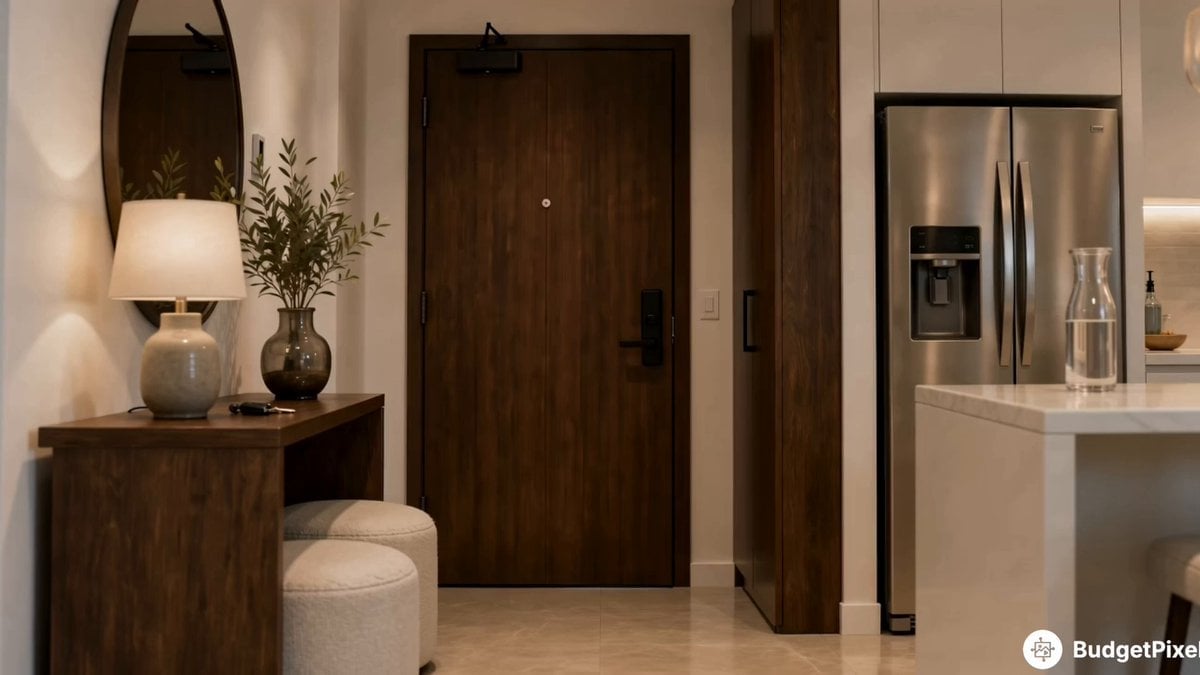
Apartment Arrival Storyboard Animation

3D Glossy Fairy Animation - Seedance 2.5
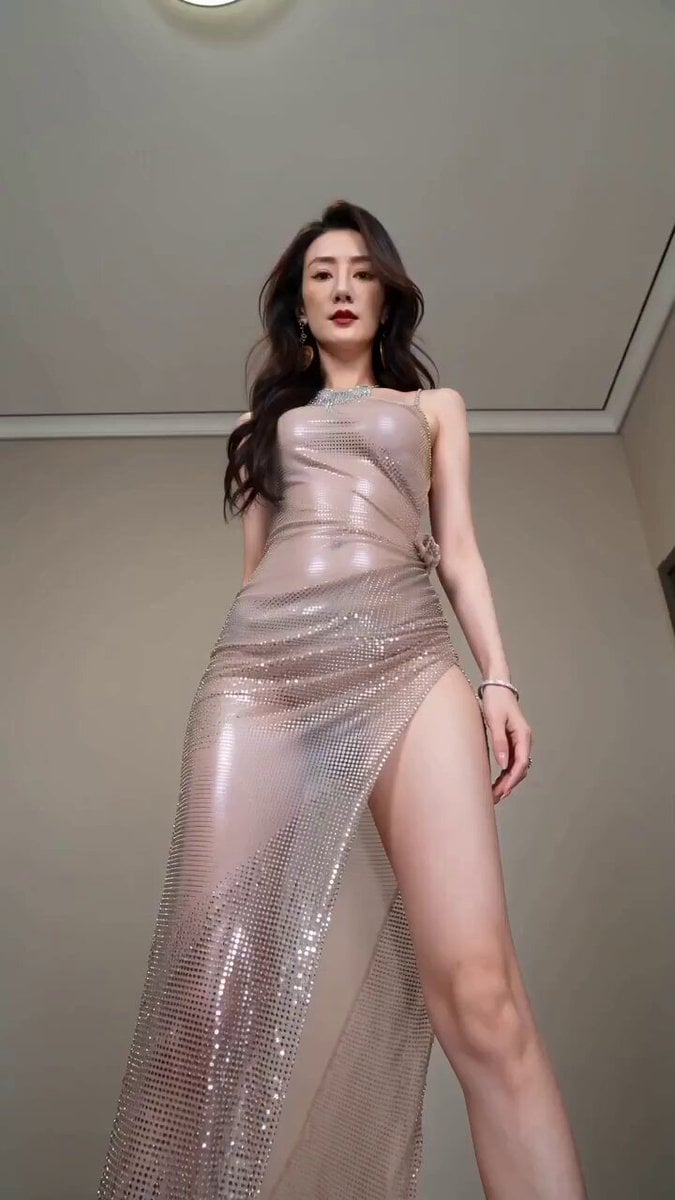
Realistic Fashion Quick Change Storyboard

3x3 Grid Storyboard Racing — Kling 3.0 O3 Pro

Dragon Rider Cinematic Flight — Seedance 2.5

Silk Road Pomegranate Folk Animation

Multilingual Creative Typography Loop

Sneaker Product Commercial

Cinematic Short Film Scene

Luxury Lifestyle Day Vlog
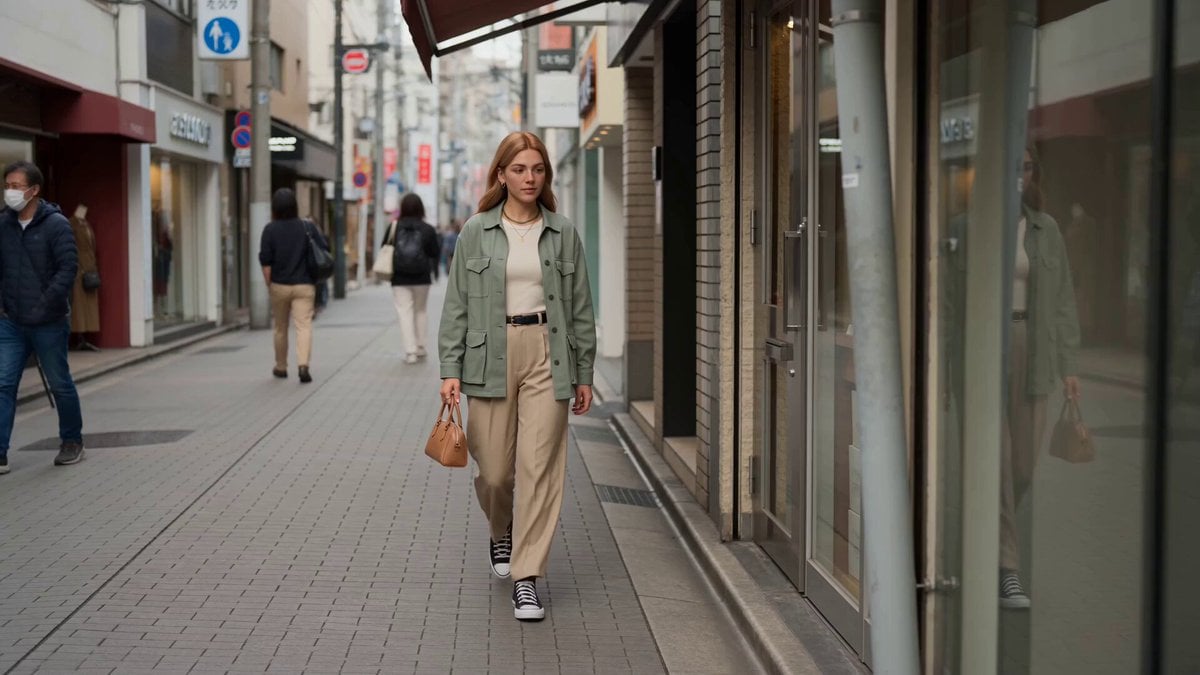
Character Animation Fashion Vlog
Make it yours
Fashion Ad Storyboard Animation works as-is. These are the safest ways to change it without losing the look.
Change one field
Copy a single group, rewrite it, and generate again so you can see what that field is doing.
Keep the frame, change the subject
Hold the composition and light of Fashion Ad Storyboard Animation, then swap wardrobe, props or the person for a new take.
| If the result… | Why | Fix |
|---|---|---|
| The result drifts from the preview | Too many fields changed at once. | Reuse Fashion Ad Storyboard Animation as-is first, then change one group — subject, light, or setting. |
| The model over-stylizes the scene | The prose prompt leaves finish and camera underspecified. | Add one camera or lighting sentence and stay on Seedance 2.0. |
More Seedance 2.0 templates
Other prompts made for Seedance 2.0.

Comical Martial Arts Punch Scene

Maglev Train Action Sequence

Martial Arts Fight Sequence

Wuxia Protection and Trust Script

Vintage Korean Arcade MiniDV Vlog

Mercedes 190 SL Luxury Ad

Rainy Night Supernatural Reverse Comedy Video Script

Amazon Civilization Discovery

Futuristic South Asian City Transformation

Cozy Luxury Cafe Commercial
More video prompts
Fresh picks from across the catalog.
Neon Railway Traveler Over Clouds
Taiwanese Girlfriend Night Market POV Video
Delivery Courier Character Turnaround
Floating Magic City Aerial Combat
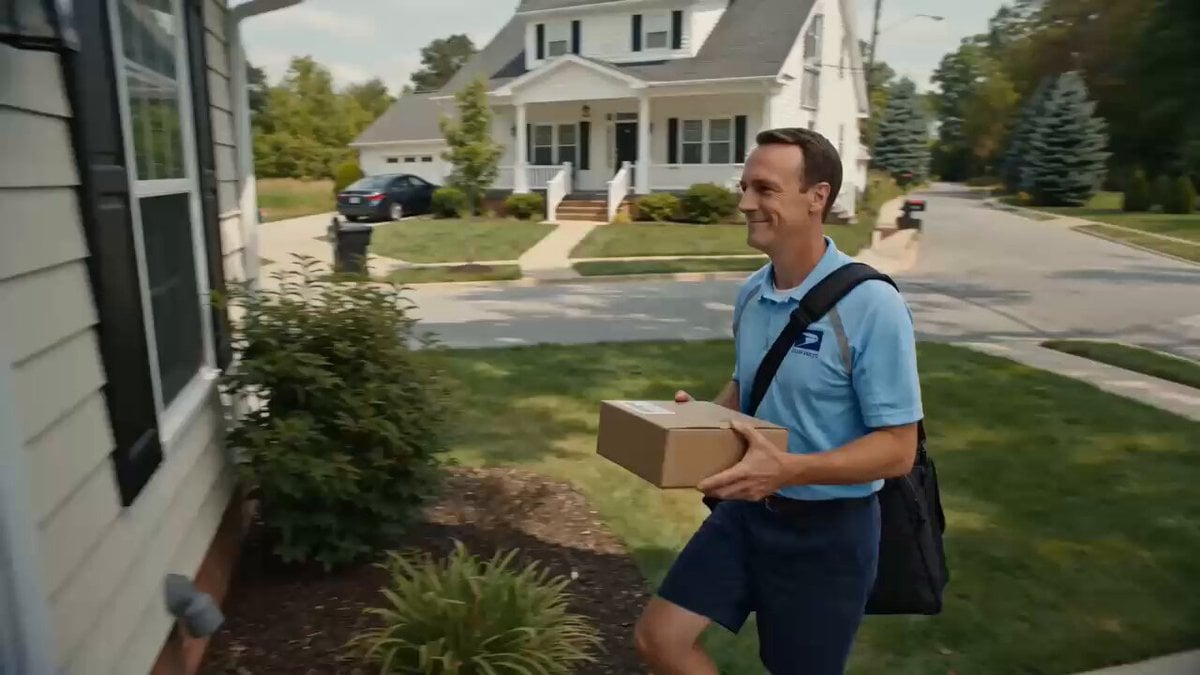
Superhuman Speed Delivery Man Cinematic Sequence
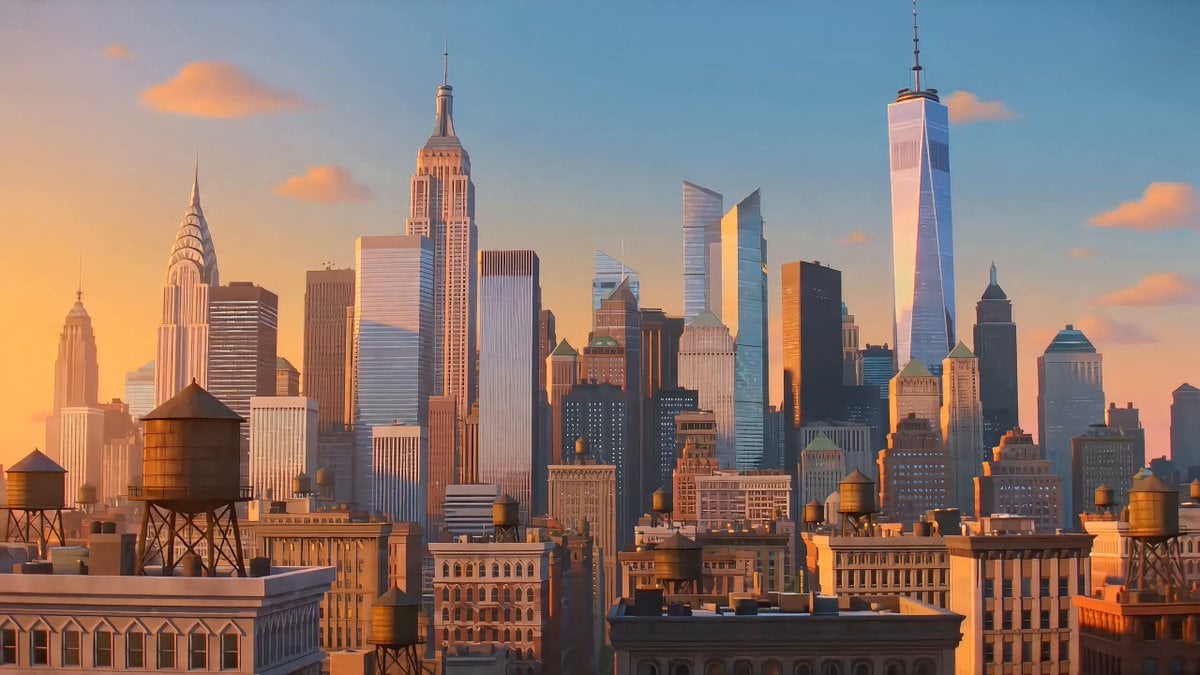
Seedance 2.0 Top Gun Pigeon Prompt
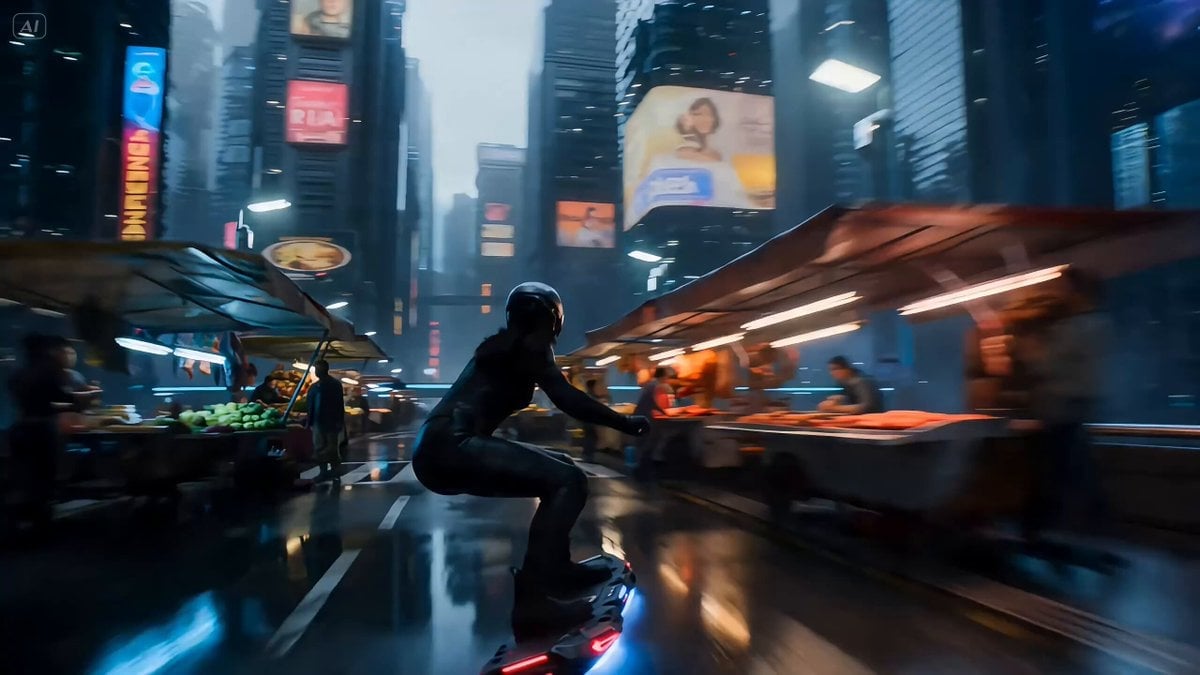
Rogue Data-Courier on a Hoverboard in a Cyberpunk Megacity
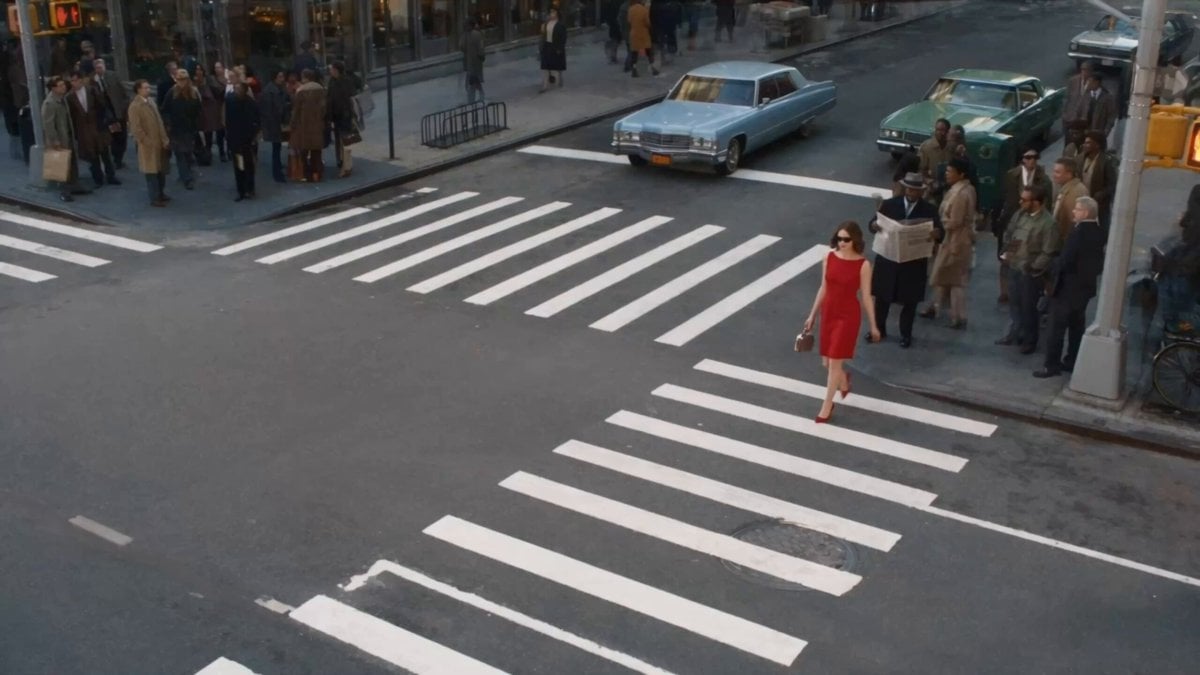
Surreal Lipstick Commercial Narrative

FPV flying through Kuru Kingdom
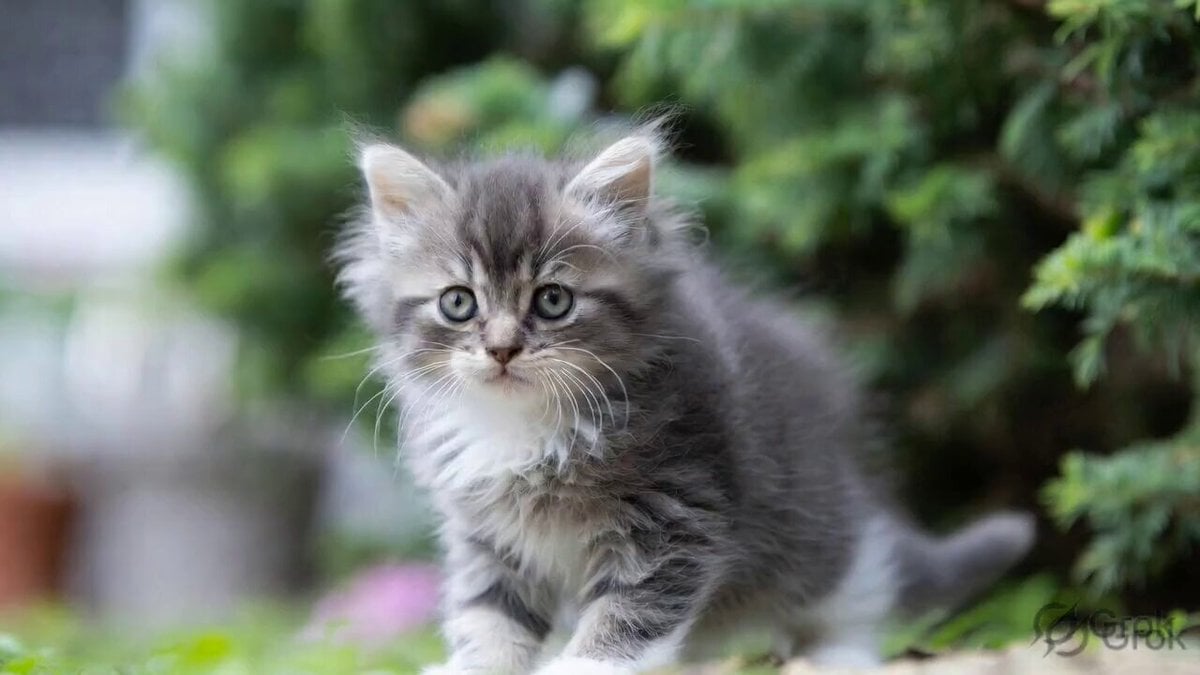
Fluffy Kitten in Outdoor Setting
Browse template categories
Fashion Ad Storyboard Animation questions
How do I use the Fashion Ad Storyboard Animation template?
Add your photo if the template asks for one, edit the prompt if you like — the template's model and format are already selected — and press Generate. Your version opens in PicX Studio.
Can I customize the Fashion Ad Storyboard Animation template?
Yes. You can change the subject, setting, lighting, mood, format, and available model controls before creating your video.
Is the Fashion Ad Storyboard Animation template free?
Opening and editing this template is free. Generating uses credits, shown on the Generate button when you are signed in.
Which AI model should I use?
Start with Seedance 2.0, which is the model associated with this template. You can compare another compatible model for a different finish.
Looking for something else? Browse all templates.

Your photo, any look
Thousands of ready templates for every top image and video model, from one credit balance.