
Luxury Product Cluster Master Prompt
A sophisticated master prompt designed for rendering multiple products as a dense, high-end 3D cluster with realistic textures.
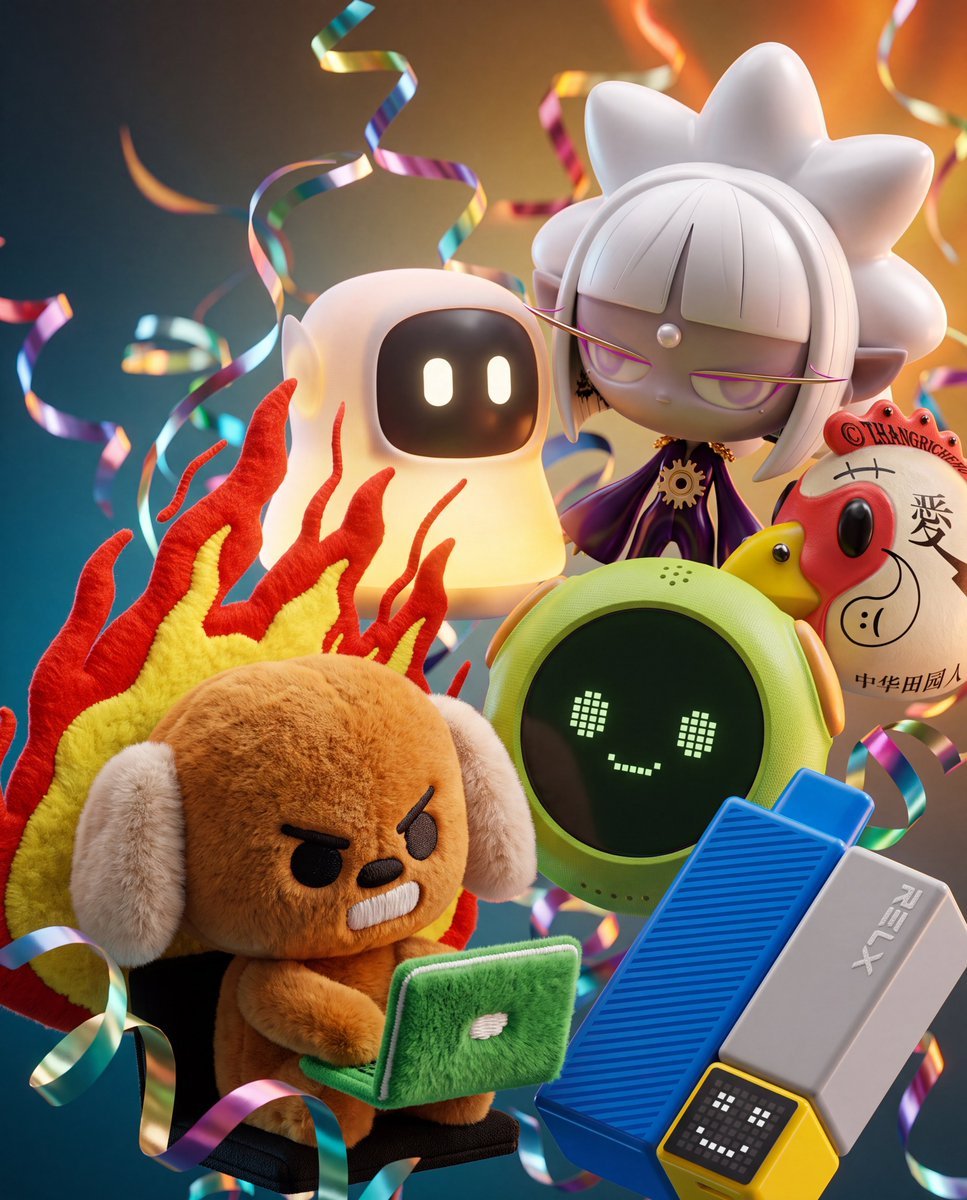
- Prompt included
- Model and format preset
- Premium template
The prompt behind this image
Copy the exact prompt behind Luxury Product Cluster Master Prompt, or open it in the studio and make it yours.
Extreme close-up, highly detailed Blender + Octane render of the attached product images arranged as a {argument name="composition style" default="dense, overlapping 3D floating cluster"}. Use the exact products shown in the attached photos preserve their true colors, materials, logos, labels, textures, and proportions exactly as photographed. Do not invent, substitute, or generically reinterpret any product; render them as faithful 3D versions of the attached references. Composition: objects overlap and float in a tight macro cluster, each catching light from a different angle, creating a layered depth-of-field effect with the nearest object in sharp focus and others softly falling off in the background blur. Intertwined throughout the cluster: long, curling streamers of {argument name="decorative element" default="metallic confetti ribbon"} and thin silky ribbon, threading between and behind the objects, catching specular highlights as they curl through the frame. Materials and rendering: emphasize contrasting textures true to each attached product brushed or polished metal, soft fabric sheen and folds, glass with complex caustics and refractions if transparent liquid is present, waxy or matte surfaces, glossy plastic or lacquer all rendered with physically accurate reflections, refractions, and soft shadow occlusion. Background: a {argument name="background lighting" default="sophisticated multi-tonal gradient"}, built creatively from the dominant and accent colors actually present in the attached product images analyze the attached photos' palette (primary object color, packaging color, any metallic or accent tones) and construct a smooth, moody gradient that transitions between 2–3 of those extracted tones, deepest/coolest tone at the bottom edge, warmest/lightest tone at the top edge, evoking a refined evening luxury atmosphere. Do not default to a fixed palette the gradient must visibly relate to and complement the attached products' actual colors. Confetti ribbon colors should also pull from this same extracted palette (one metallic tone + one soft tone). Lighting: soft key light from the upper background glow, subtle rim lighting on each object edge, gentle bounce light between overlapping items, no harsh shadows. Camera: macro lens look, shallow depth of field, extreme close-up framing, photorealistic, ultra-detailed, 8K render quality.
How to use Luxury Product Cluster Master Prompt in 3 steps
- 1Upload ImagePNG, JPG or paste
Add your photo
Upload the photo the template builds on. The prompt, model and format are already set.
- 2…a portrait of your subject in softgolden-hour light, 85mm…
Personalize
Edit the subject and creative details for your destination.
- 3Generate
Generate
Press Generate — your image is created in PicX Studio, so you can compare it with the original and refine one variable at a time.
More like this
Templates with the same subject, style or setup. Open one to see its prompt.
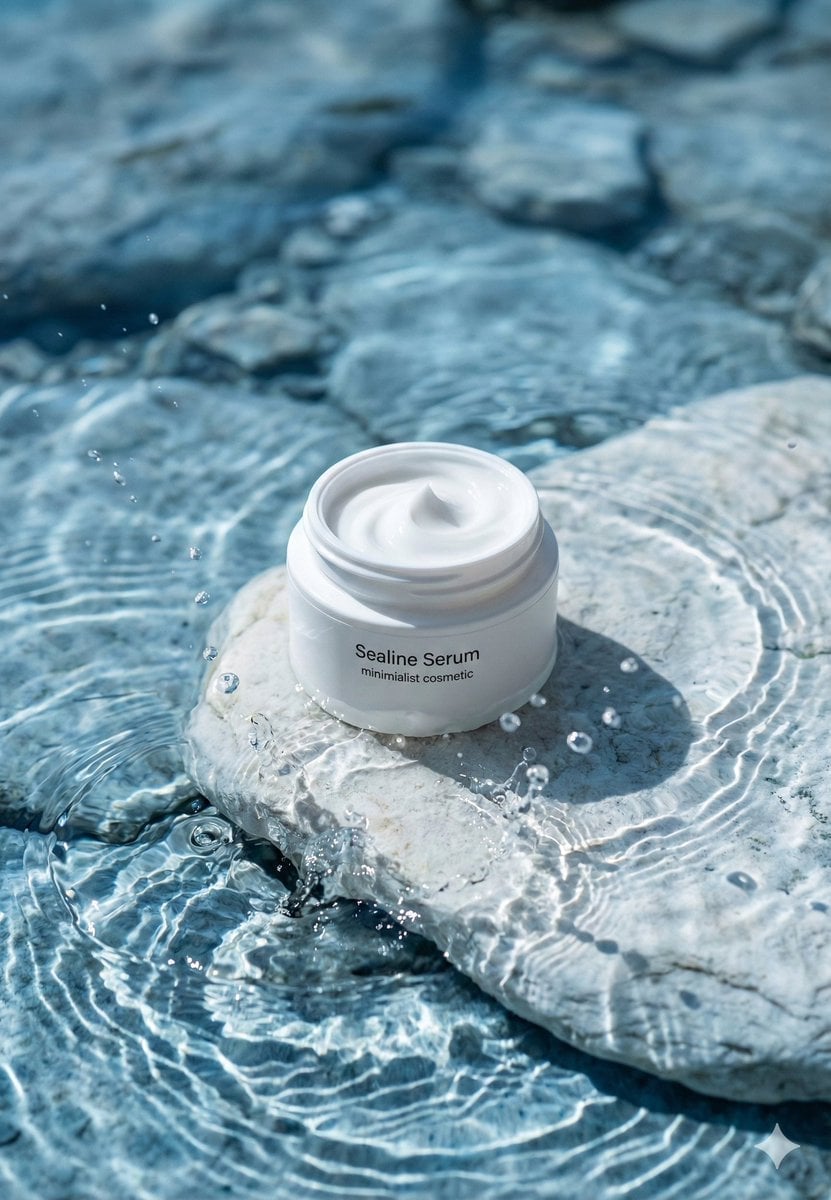
Minimalist Skincare Product Water Stone Still
Minimalist Skincare Product Water Stone Still
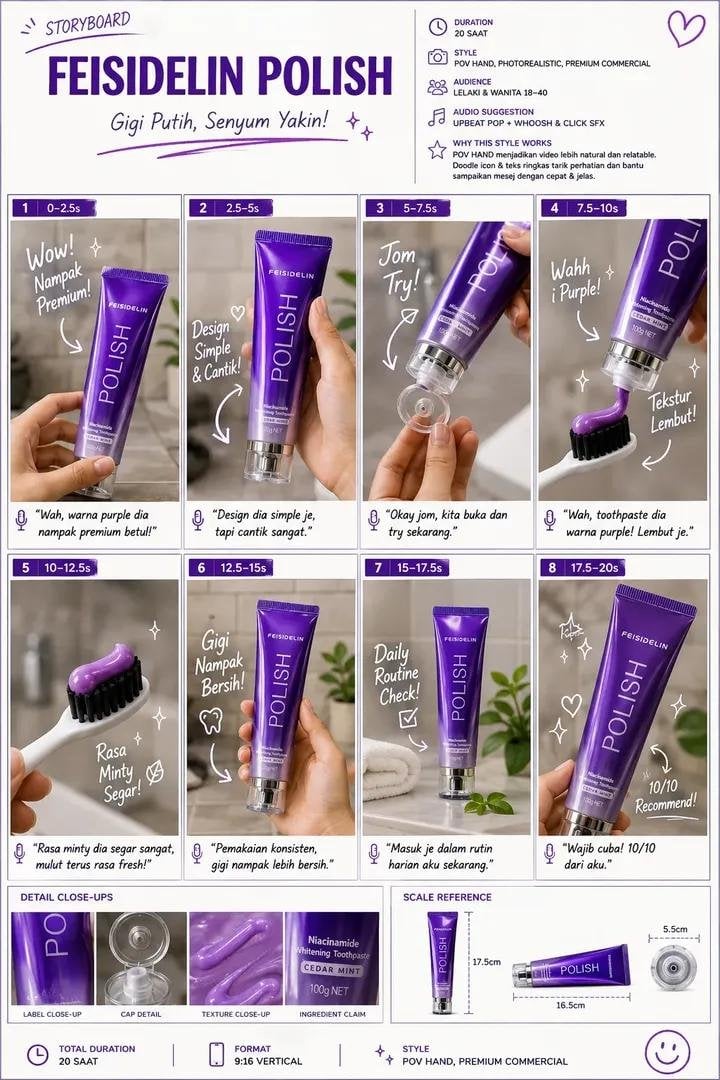
Luxury Toothpaste Commercial Storyboard
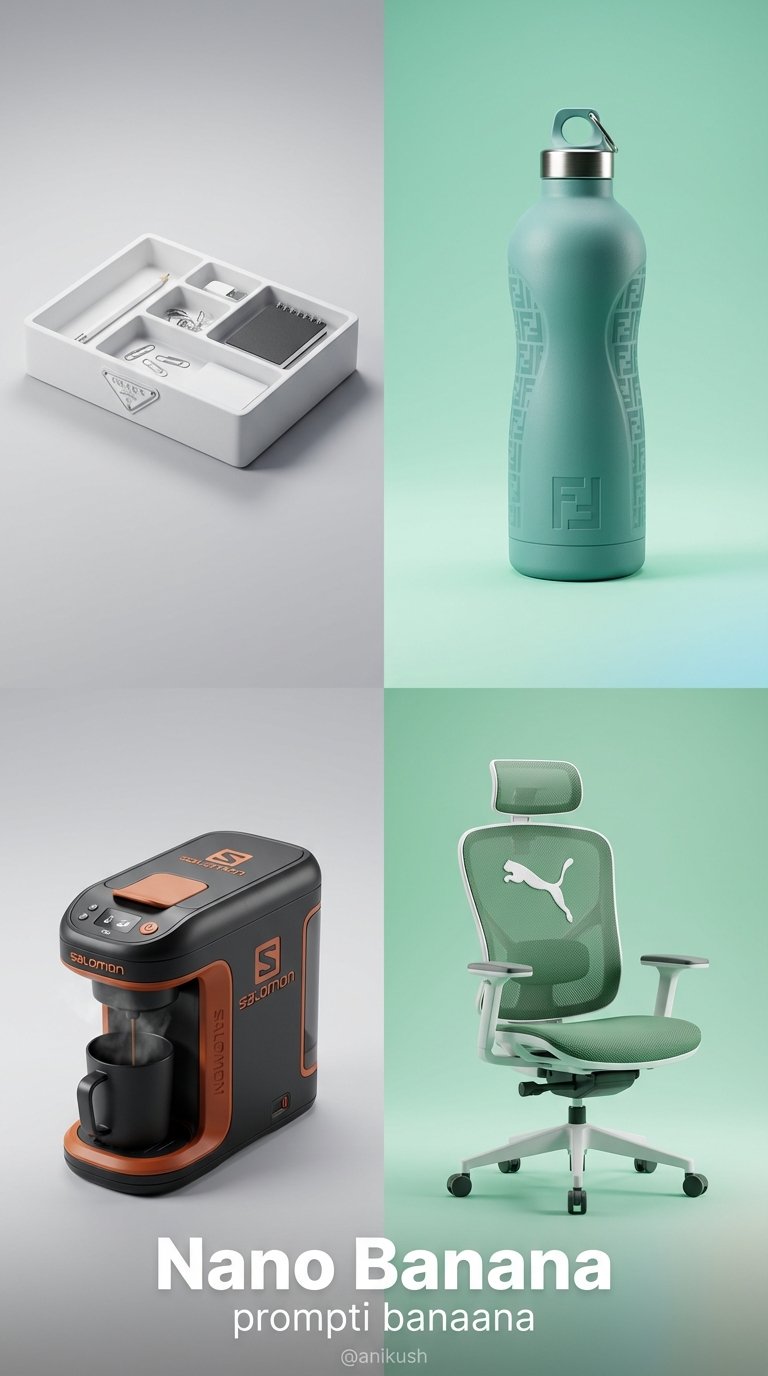
Minimalist Luxury Brand Concept
A k.pop idol on the stage with mic

Master Blind Embossed Paper Art — White-on-White Monochromatic Luxury Stationery
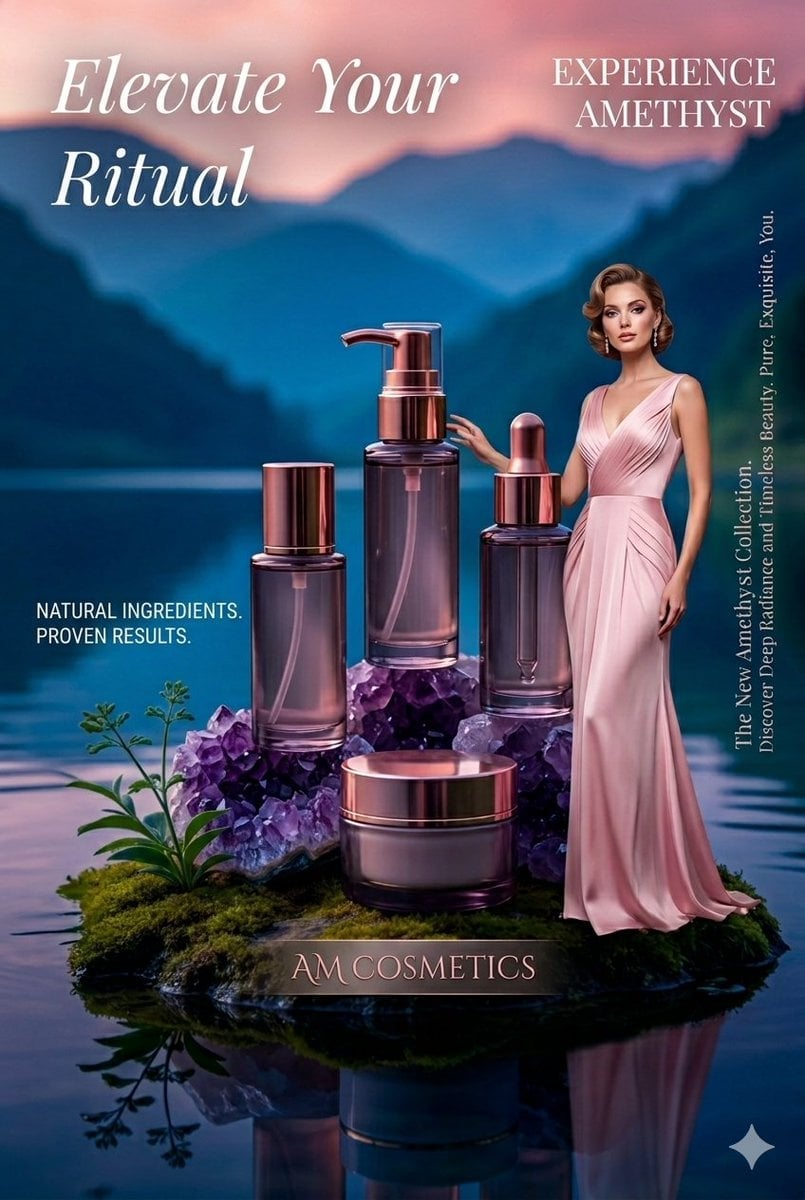
Luxury Skincare Product Photography
Sealing Wax Letter Desk
Ballroom Floor Reflections
Vintage Camera Leather Case
Hedge Maze Aerial Dawn
Tuxedo Cuff Adjust
Make it yours
Luxury Product Cluster Master Prompt works as-is. These are the safest ways to change it without losing the look.
Change one field
Copy a single group, rewrite it, and generate again so you can see what that field is doing.
Keep the frame, change the subject
Hold the composition and light of Luxury Product Cluster Master Prompt, then swap wardrobe, props or the person for a new take.
| If the result… | Why | Fix |
|---|---|---|
| The result drifts from the preview | Too many fields changed at once. | Reuse Luxury Product Cluster Master Prompt as-is first, then change one group — subject, light, or setting. |
| The model over-stylizes the scene | The prose prompt leaves finish and camera underspecified. | Add one camera or lighting sentence and stay on Nano Banana 2. |
More Nano Banana 2 templates
Other prompts made for Nano Banana 2.

Photorealistic Leaf Shaped Like a Dragon

K-Pop Idol Portrait Grid for Rapid Selection

Poetic Rain Forest Portrait During Golden Hour

Urban Street Portrait with Cartoon Inner Self Duo

Candid Nighttime Photo with Cat Prompt

High-Concept 3D Diorama Generation Prompt

Cinematic Futuristic Studio Portrait Template

Skincare Editorial Photography Collage Prompt

Hyper-Realistic Commercial Product Photography (Splash Effect)

Hyper-Realistic Nightclub Portrait Prompt
More image prompts
Fresh picks from across the catalog.
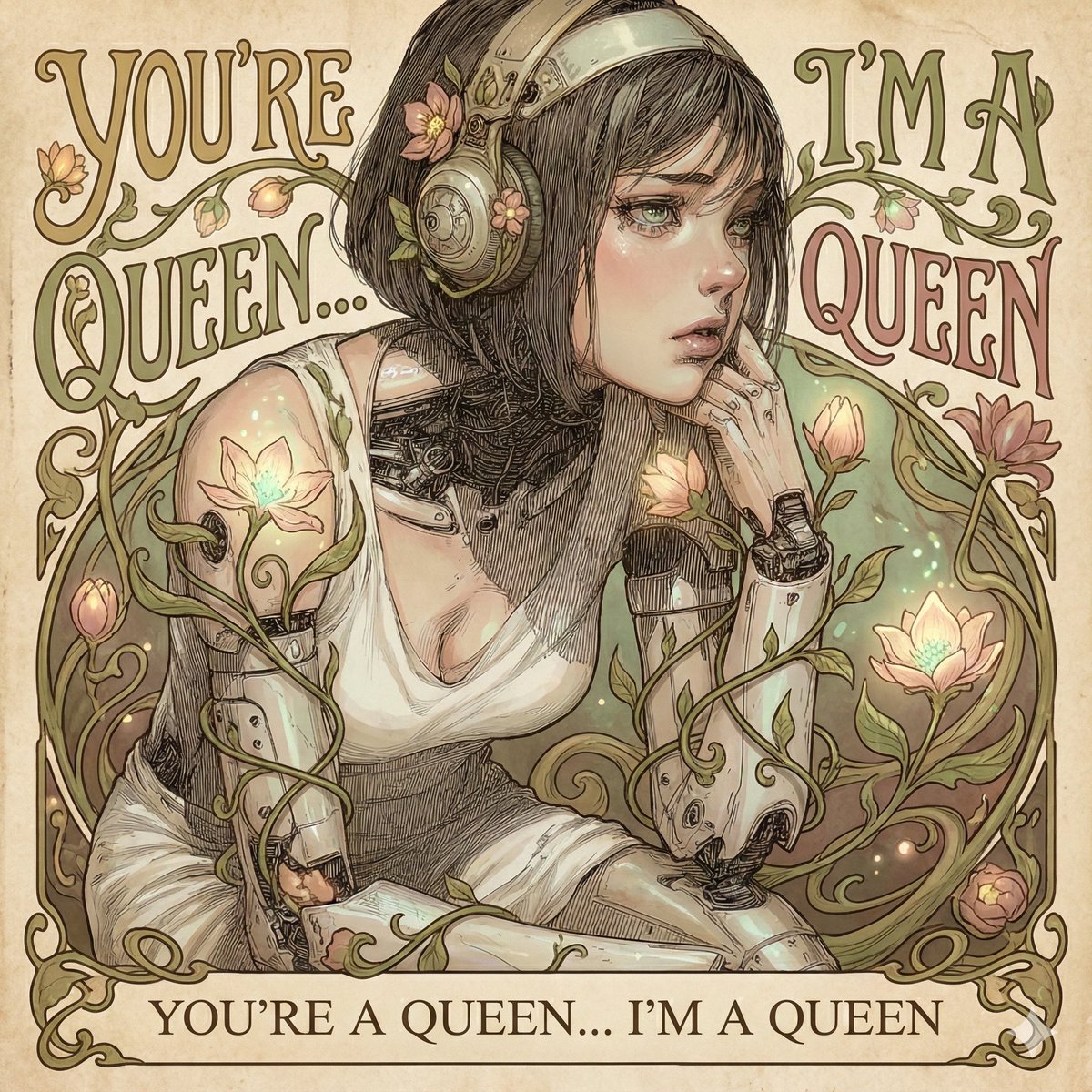
Designing an Album Jacket Font with Nano Banana Pro
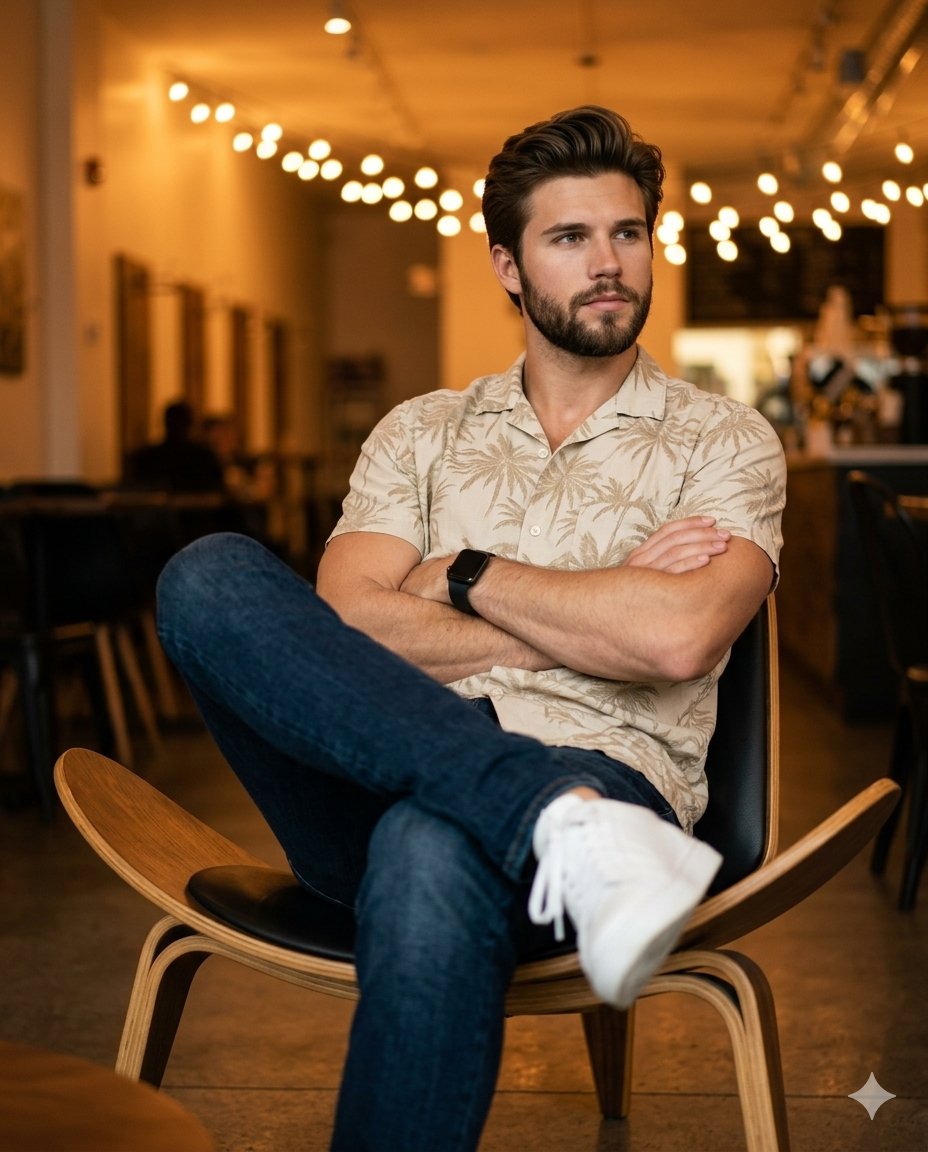
Ultra-Realistic Café Portrait Prompt for Nano Banana 2
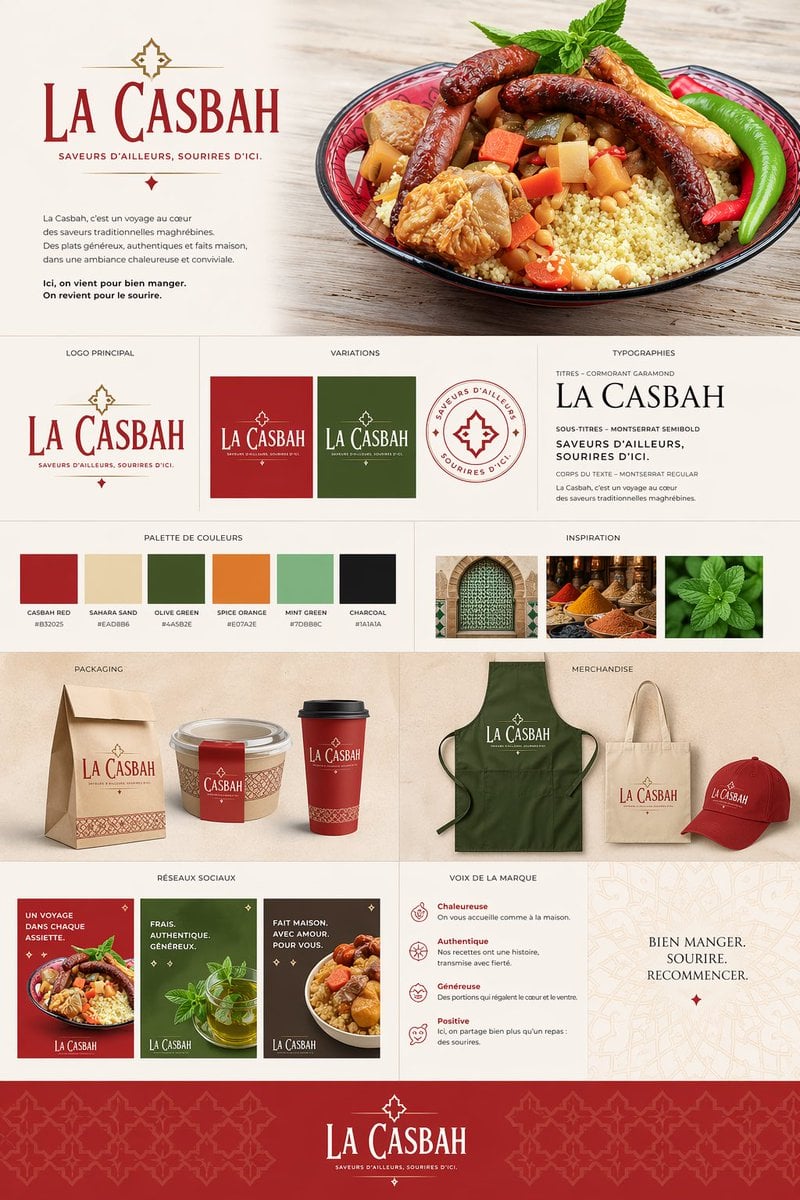
Moroccan Restaurant Brand Board
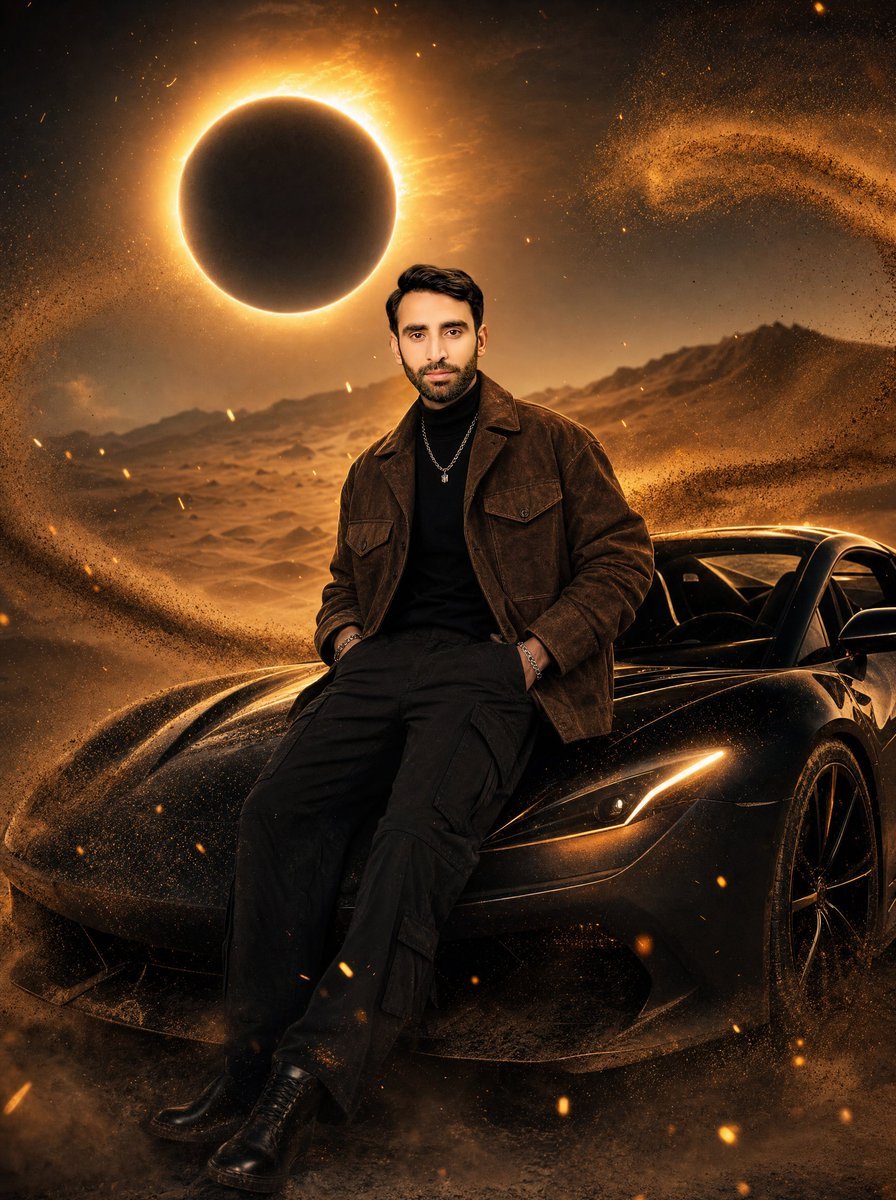
Eclipse Desert Sports Car Portrait
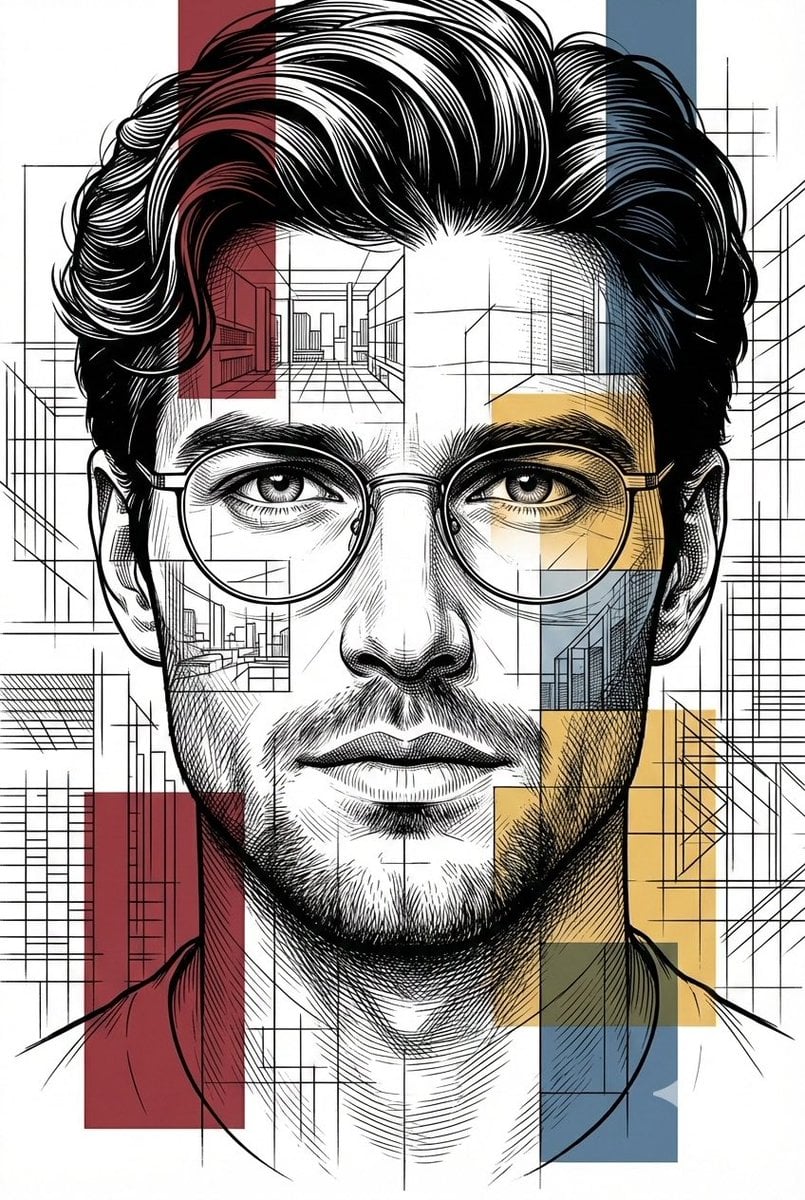
Architectural Blueprint Style Portrait
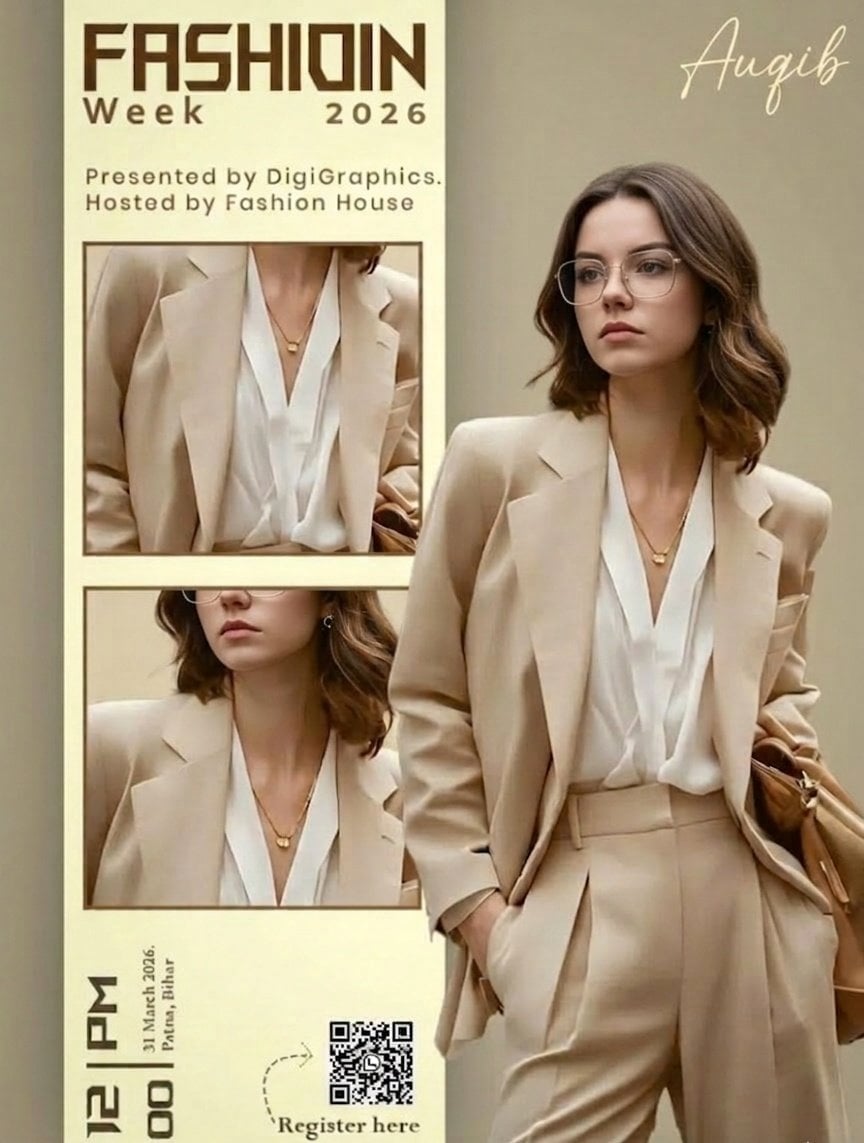
Editorial Fashion Ad Poster Prompt with Face Replacement
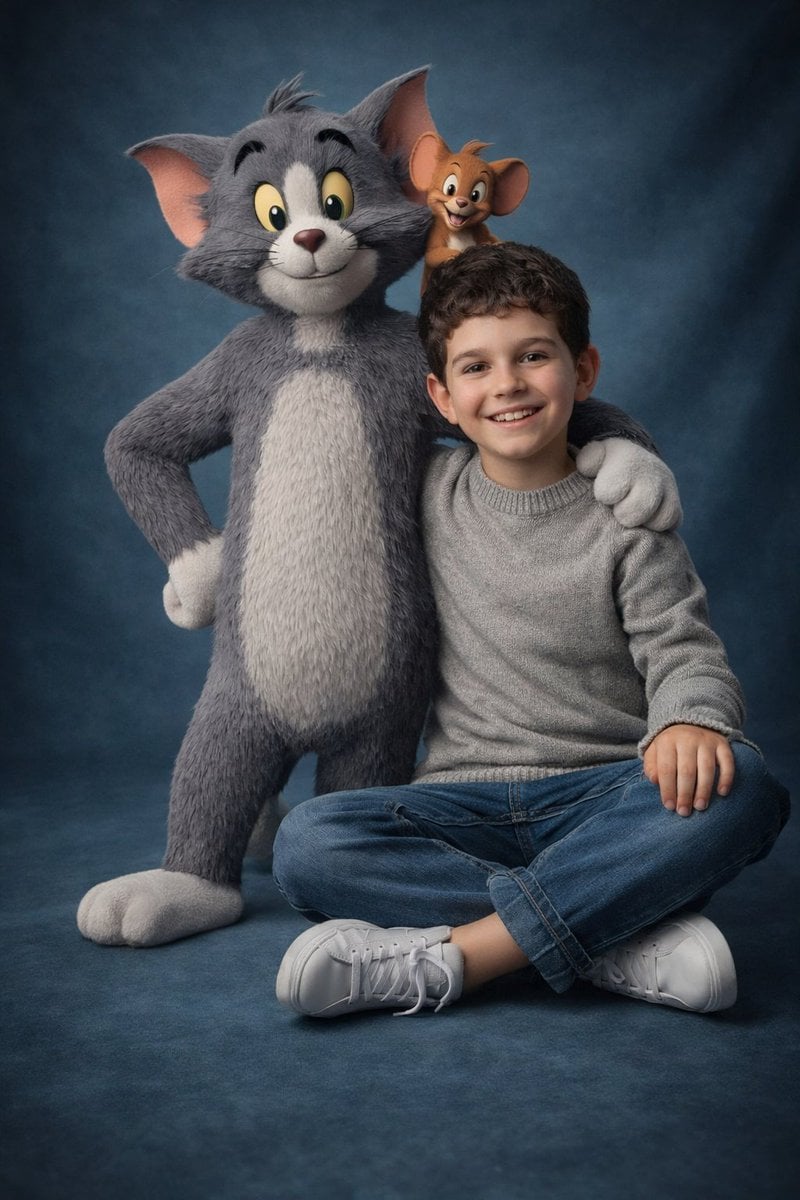
Ultra-Realistic 3D Cinematic Portrait with Tom and Jerry
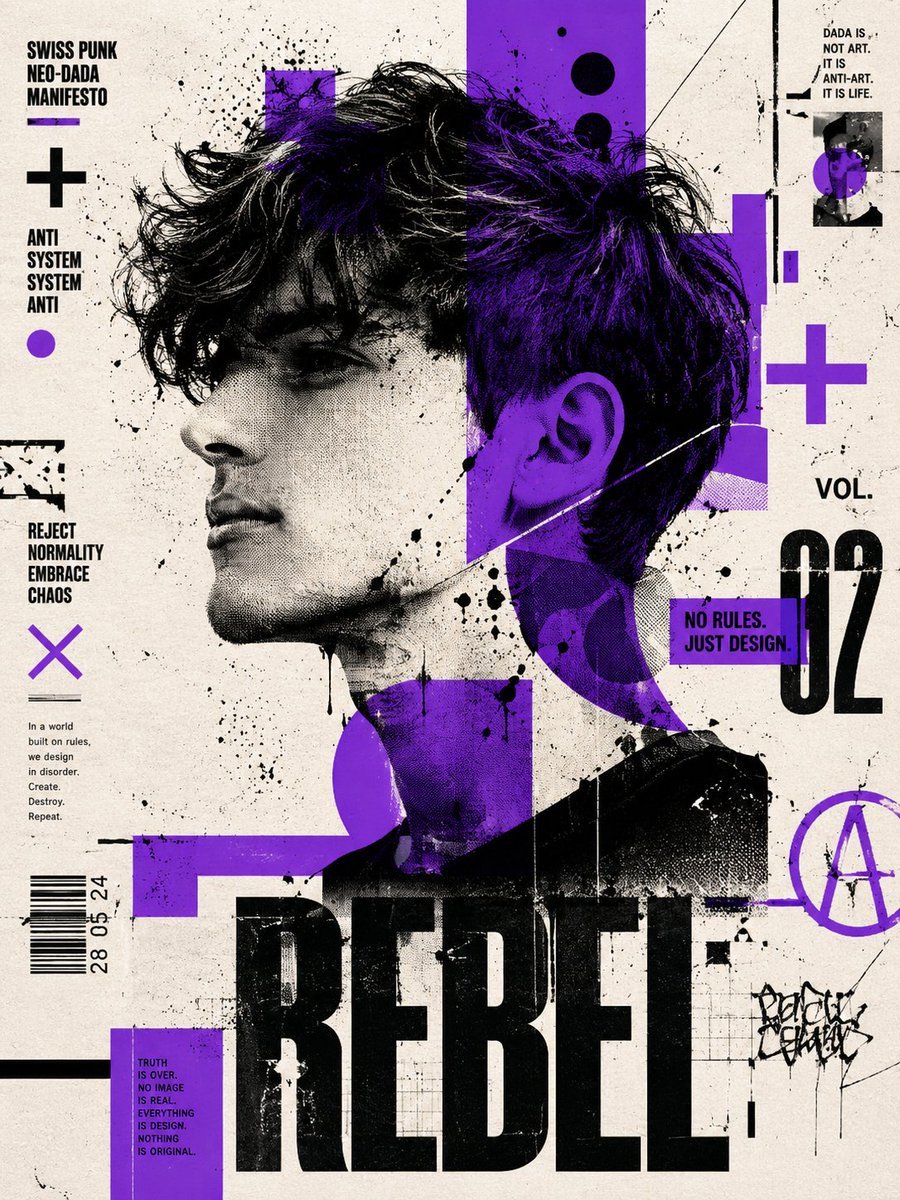
Swiss Punk Editorial Poster
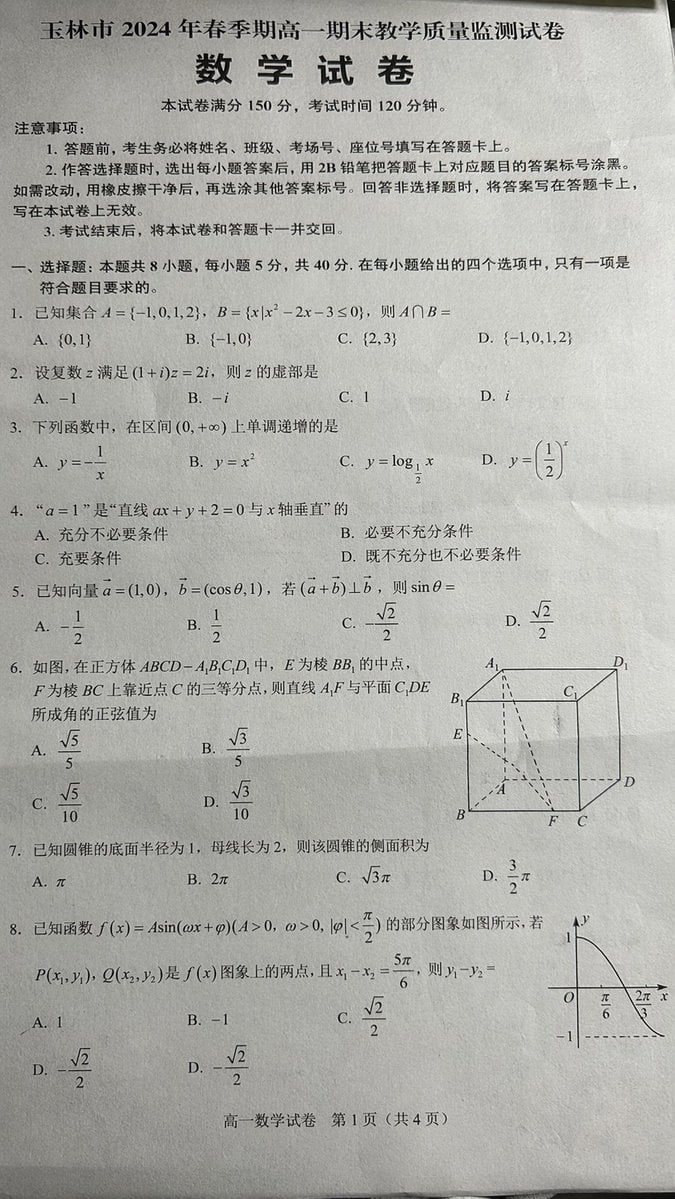
Photorealistic Chinese Math Exam Paper
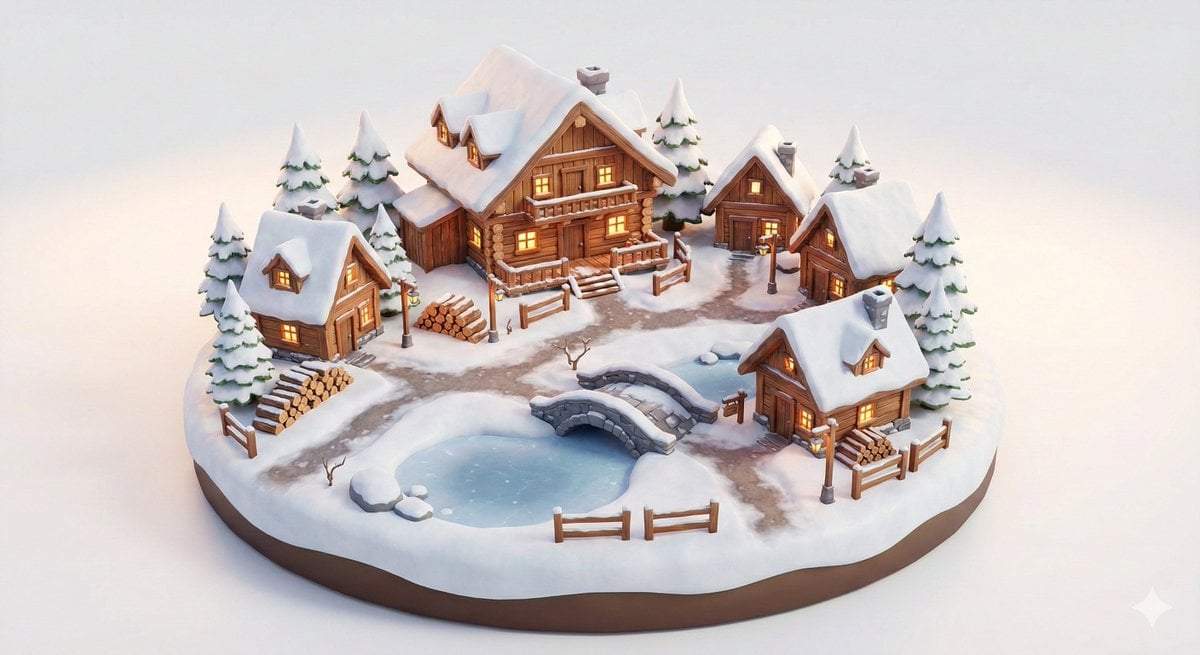
Miniature Alpine Mountainside Village Scene
Browse template categories
Luxury Product Cluster Master Prompt questions
How do I use the Luxury Product Cluster Master Prompt template?
Add your photo if the template asks for one, edit the prompt if you like — the template's model and format are already selected — and press Generate. Your version opens in PicX Studio.
Can I customize the Luxury Product Cluster Master Prompt template?
Yes. You can change the subject, setting, lighting, mood, format, and available model controls before creating your image.
Is the Luxury Product Cluster Master Prompt template free?
Opening and editing this template is free. Generating uses credits, shown on the Generate button when you are signed in.
Which AI model should I use?
Start with Nano Banana 2, which is the model associated with this template. You can compare another compatible model for a different finish.
Looking for something else? Browse all templates.

Your photo, any look
Thousands of ready templates for every top image and video model, from one credit balance.