
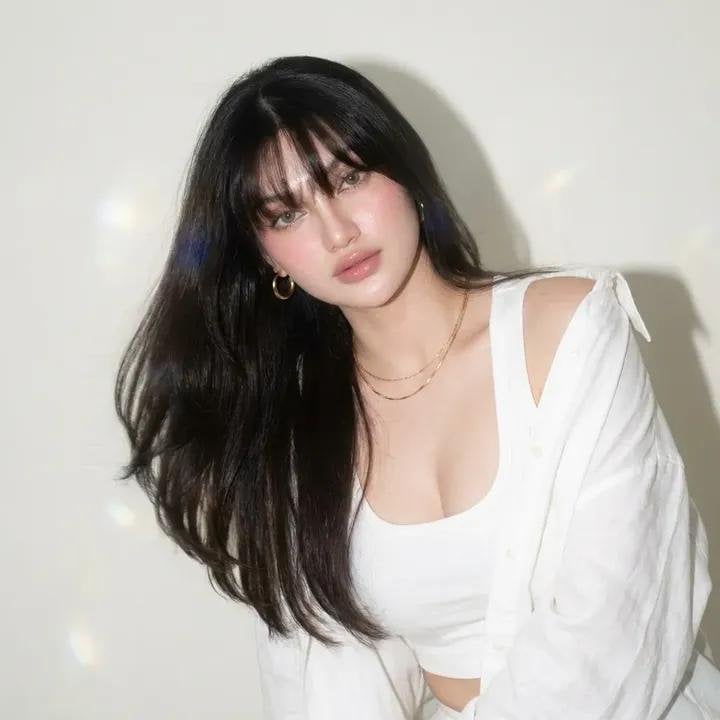
Editorial Smartphone Flash Portrait
A prompt designed to simulate high-end iPhone 16 Pro Max photography, featuring a woman with dynamic hair movement and authentic flash lighting.
- Prompt included
- Model and format preset
- Free template
The prompt behind this image
Copy the exact prompt behind Editorial Smartphone Flash Portrait, or open it in the studio and make it yours.
Ultra-realistic editorial half body portrait, authentic smartphone photography, dynamic motion shot, captured on an iPhone 16 Pro Max, 48MP main camera, 24mm equivalent lens, HDR enabled, ultra-high-resolution 8K, subtle handheld movement, cinematic composition, premium luxury beauty campaign, direct on-camera flash combined with ambient light, natural motion blur, realistic optical imperfections, soft lens bloom, glowing camera flare, dreamy light leaks, authentic smartphone lens reflections, realistic sensor bloom, premium editorial photography. Subject: A stunning young woman with a soft feminine oval face, perfectly balanced facial proportions, naturally radiant complexion, healthy glow, realistic pores, subtle peach fuzz, flawless yet natural skin texture, delicate jawline, elegant long neck, naturally flushed pink cheeks, and refined feminine facial features. Face Details: Large almond-shaped {argument name="eye color" default="hazel-brown"} eyes with glossy reflections. Long, wispy lashes enhanced with thick layered black mascara. Soft straight brows with feathered individual hair strokes. softly highlighted bridge nose. Full naturally plump soft-pink lips featuring blurred edges, a soft matte finish, lighter ombré color around the outer lip line, and a well-defined cupid's bow. Slightly parted lips creating a calm, effortless expression. Direct eye contact toward the camera. Hair: Ultra-long, thick silky {argument name="hair color" default="jet-black"} hair extending below the bust with a precision butterfly layered haircut and soft U-shaped ends. Thick full straight bangs gently grazing the eyebrows. Luxurious salon blowout with an ultra-glossy glass-hair finish. Smooth roots transition seamlessly into feathered face-framing layers. Fine individual strands remain visible around the face, while natural flyaways and baby hairs catch the camera flash beautifully. Hair flows naturally from body movement with subtle lift from motion and airflow, creating a cinematic mid-motion hair swing with soft reflective highlights. Outfit: {argument name="outfit" default="minimalist fitted white ribbed crop tank top"} crafted from premium stretch cotton, naturally contouring the silhouette. Clean neckline highlighting the collarbones. Oversized white linen shirt casually slipping off one shoulder with soft natural folds. Thin layered gold necklace paired with large textured gold hoop earrings, maintaining a clean luxury editorial aesthetic.
How to use Editorial Smartphone Flash Portrait in 3 steps
- 1
Open
The prompt is already in the box next to the preview, with the template's model and format selected.
- 2…a portrait of your subject in softgolden-hour light, 85mm…
Personalize
Edit the subject and creative details for your destination.
- 3Generate
Generate
Press Generate — your image is created in PicX Studio, so you can compare it with the original and refine one variable at a time.
More like this
Templates with the same subject, style or setup. Open one to see its prompt.
untitled
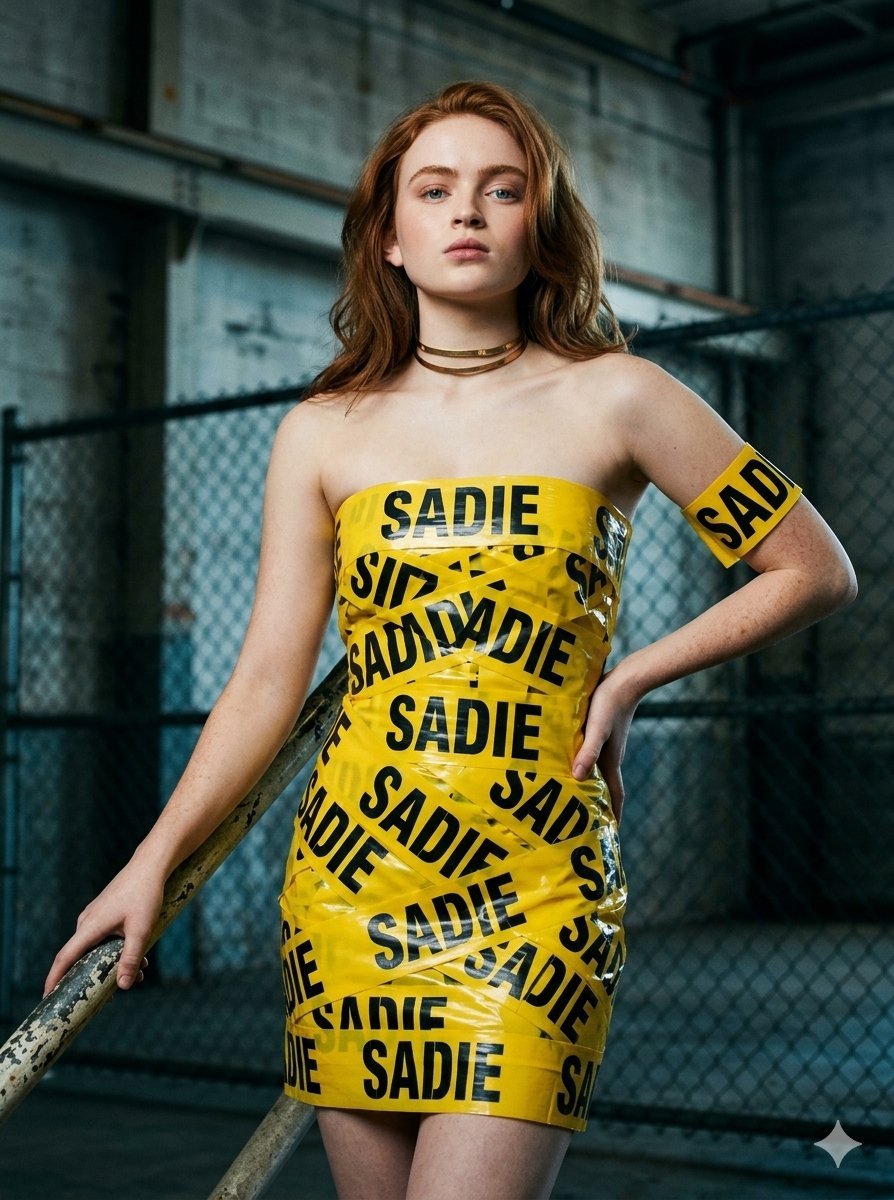
Caution Tape Fashion — Industrial Editorial
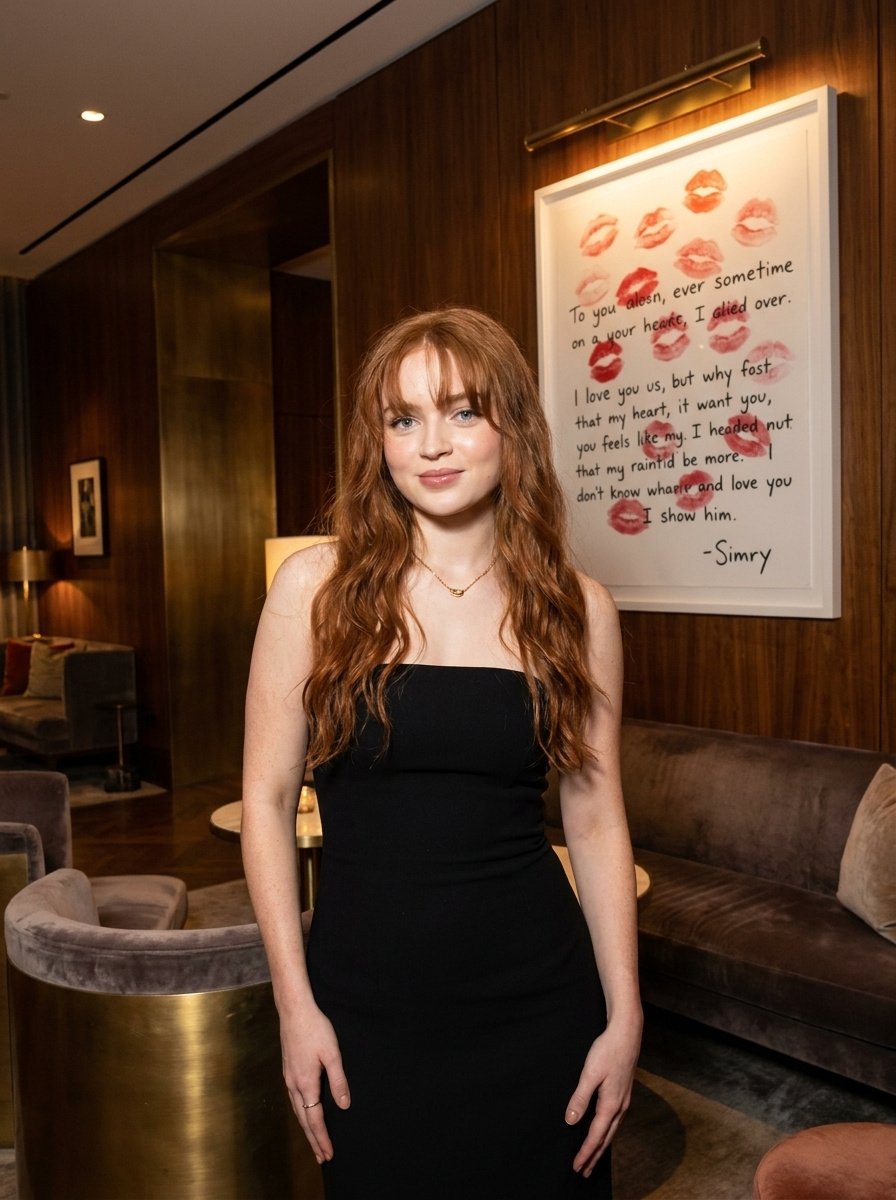
Ultra-Realistic Smartphone Flash Portrait
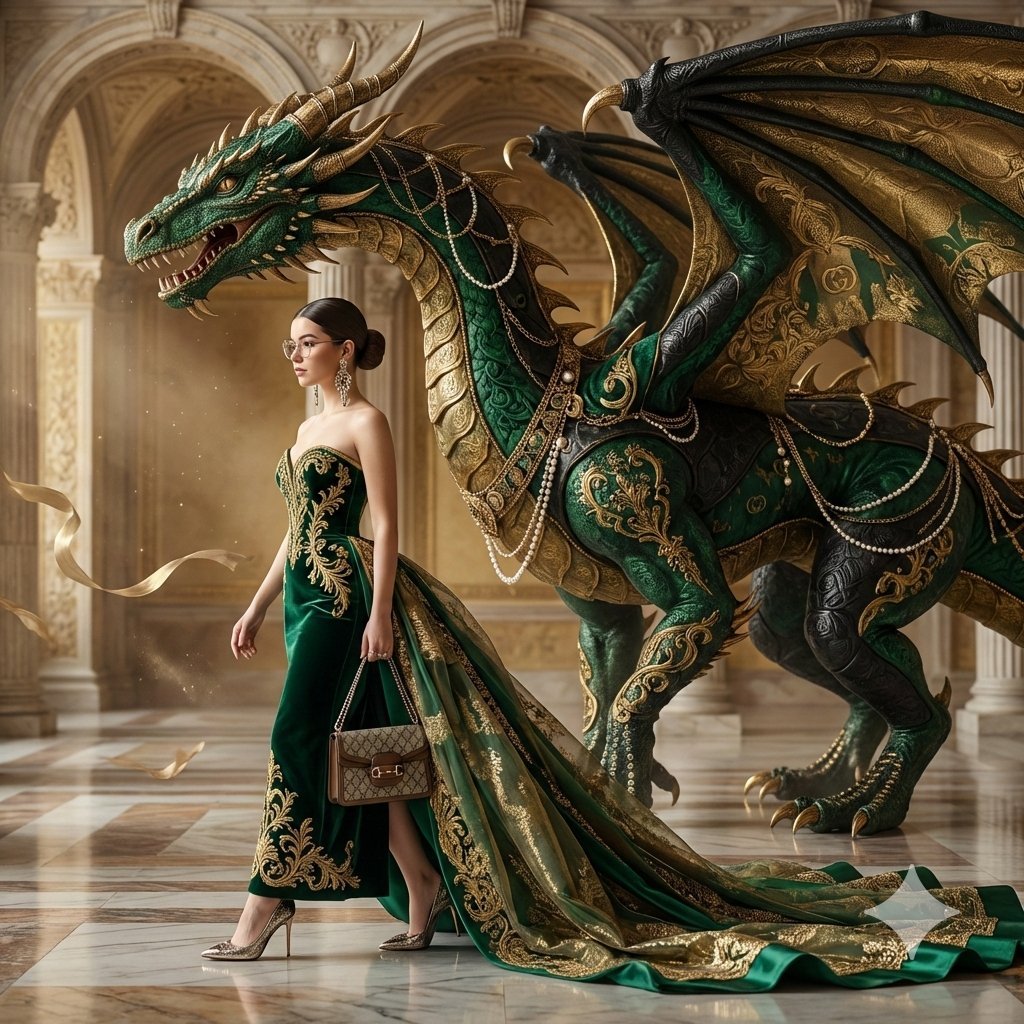
Couture Fashion Editorial Woman and Drag
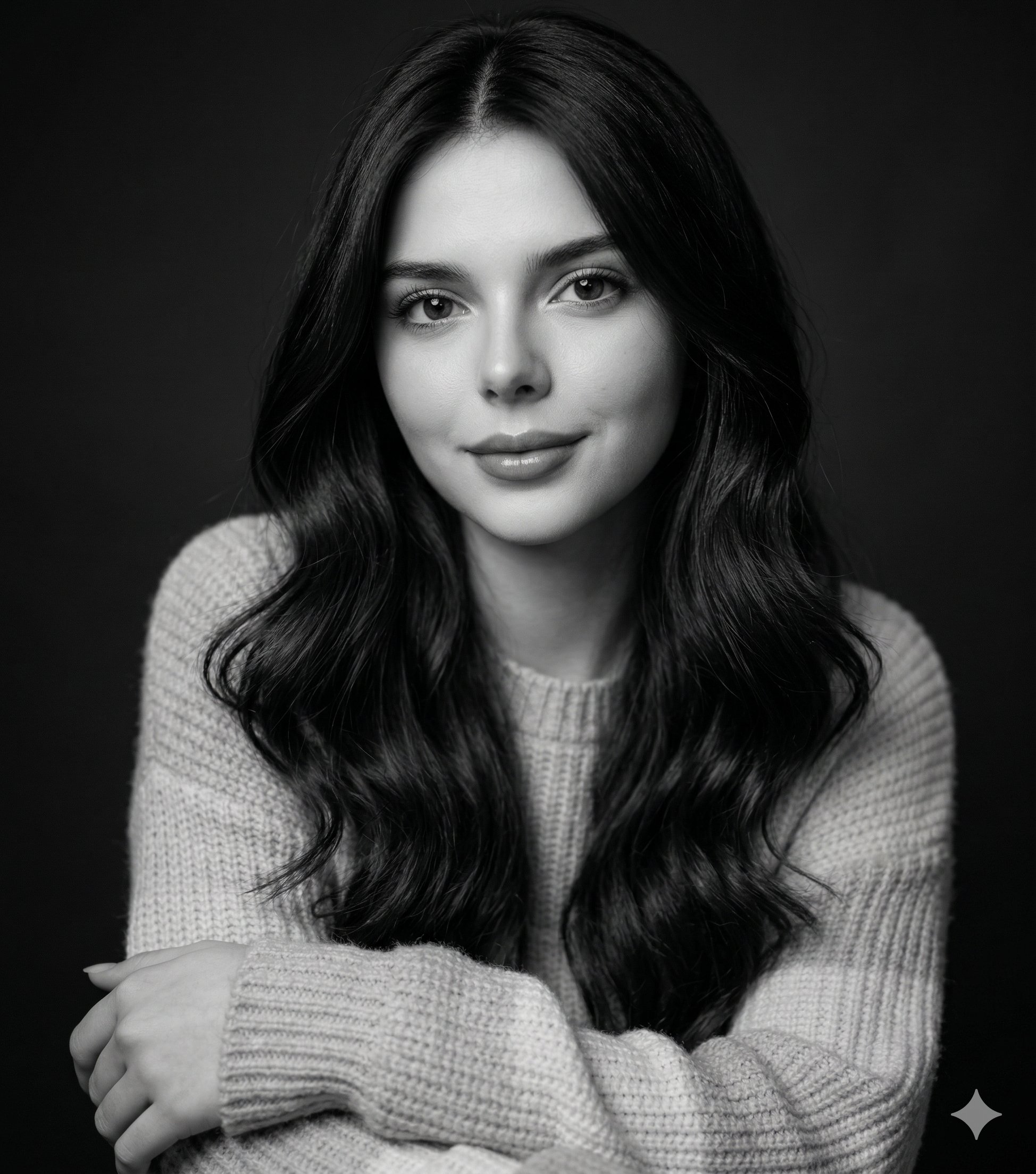
Nano Banana 2 Editorial Fashion Portrait

Found Photograph: Us, 1970

80s Couple Studio Portrait

80s Bollywood Star

80s Golden Hour Cinema

Me in 1985

1985 Studio Portrait
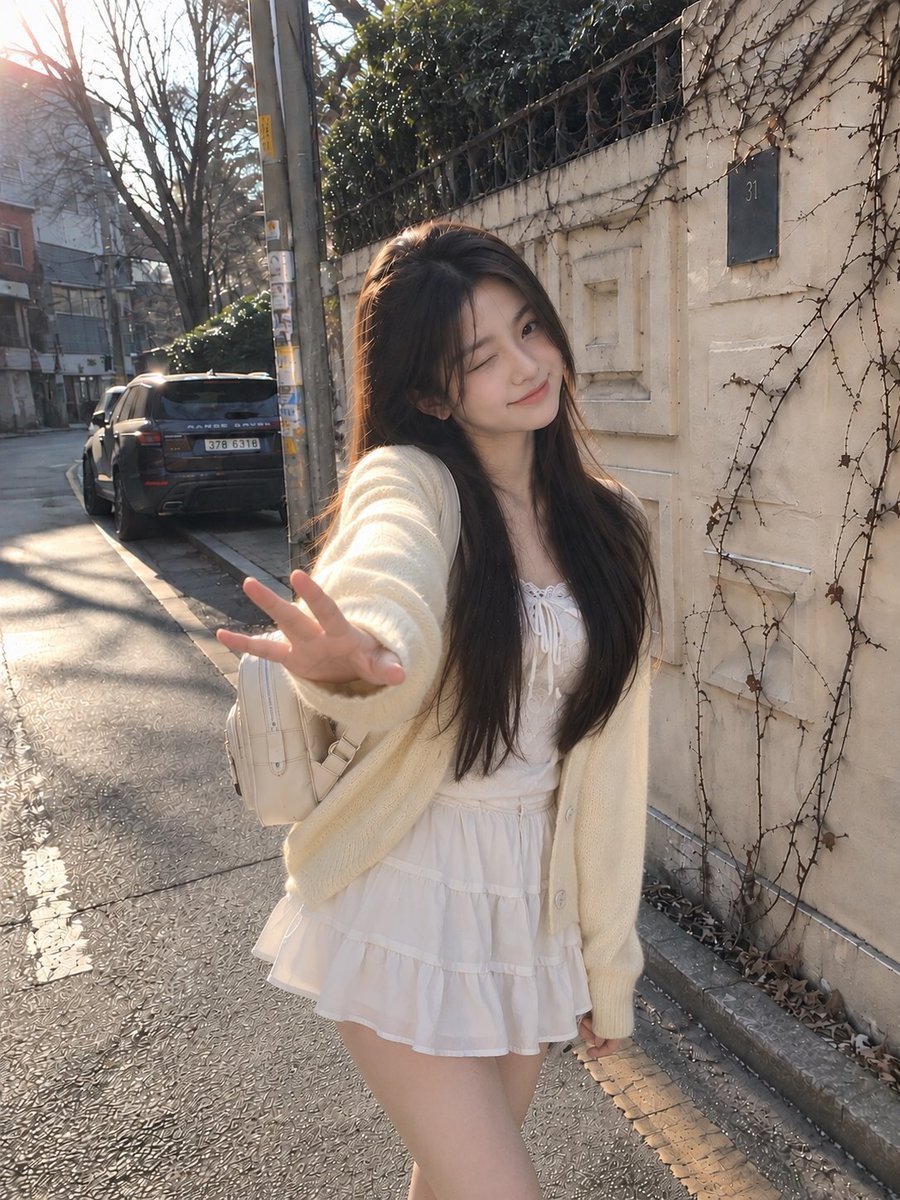
Candid Winter Smartphone Portrait
Make it yours
Editorial Smartphone Flash Portrait works as-is. These are the safest ways to change it without losing the look.
Change one field
Copy a single group, rewrite it, and generate again so you can see what that field is doing.
Keep the frame, change the subject
Hold the composition and light of Editorial Smartphone Flash Portrait, then swap wardrobe, props or the person for a new take.
| If the result… | Why | Fix |
|---|---|---|
| The result drifts from the preview | Too many fields changed at once. | Reuse Editorial Smartphone Flash Portrait as-is first, then change one group — subject, light, or setting. |
| The model over-stylizes the scene | The prose prompt leaves finish and camera underspecified. | Add one camera or lighting sentence and stay on Nano Banana 2. |
More Nano Banana 2 templates
Other prompts made for Nano Banana 2.

Photorealistic Leaf Shaped Like a Dragon

K-Pop Idol Portrait Grid for Rapid Selection

Poetic Rain Forest Portrait During Golden Hour

Urban Street Portrait with Cartoon Inner Self Duo

Candid Nighttime Photo with Cat Prompt

High-Concept 3D Diorama Generation Prompt

Cinematic Futuristic Studio Portrait Template

Skincare Editorial Photography Collage Prompt

Hyper-Realistic Commercial Product Photography (Splash Effect)

Hyper-Realistic Nightclub Portrait Prompt
More image prompts
Fresh picks from across the catalog.
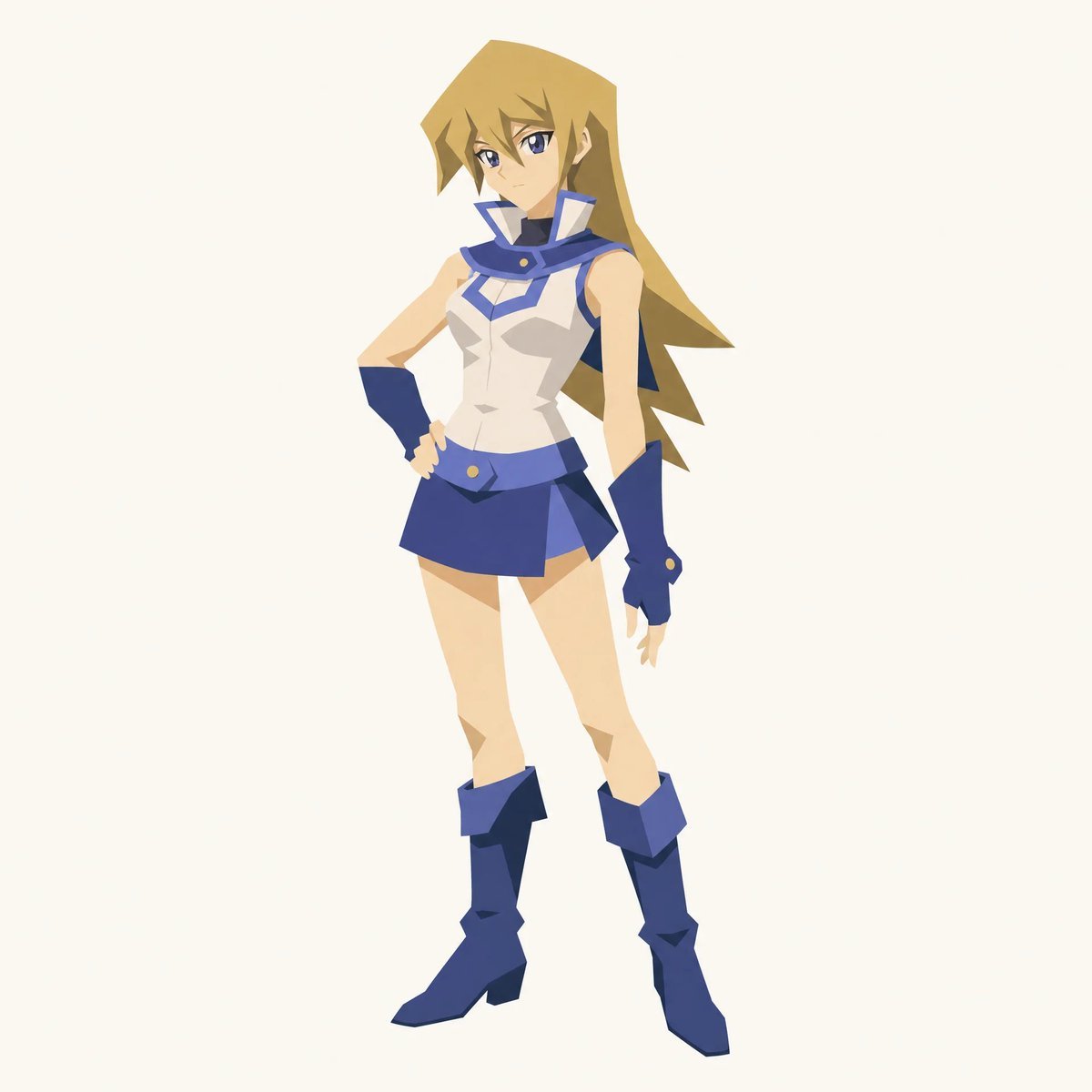
Cut-out Style Character Illustration
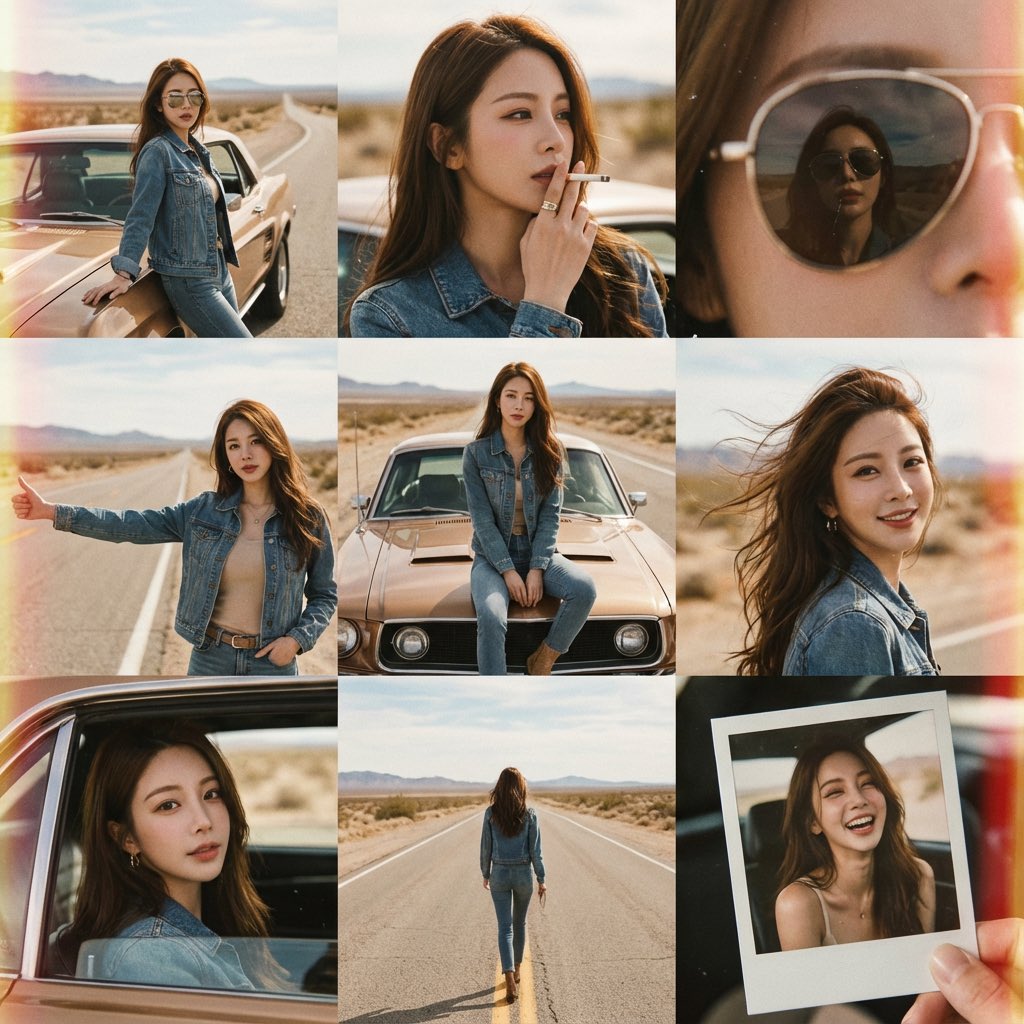
Vintage 70s Desert Highway 3x3 Grid Collage
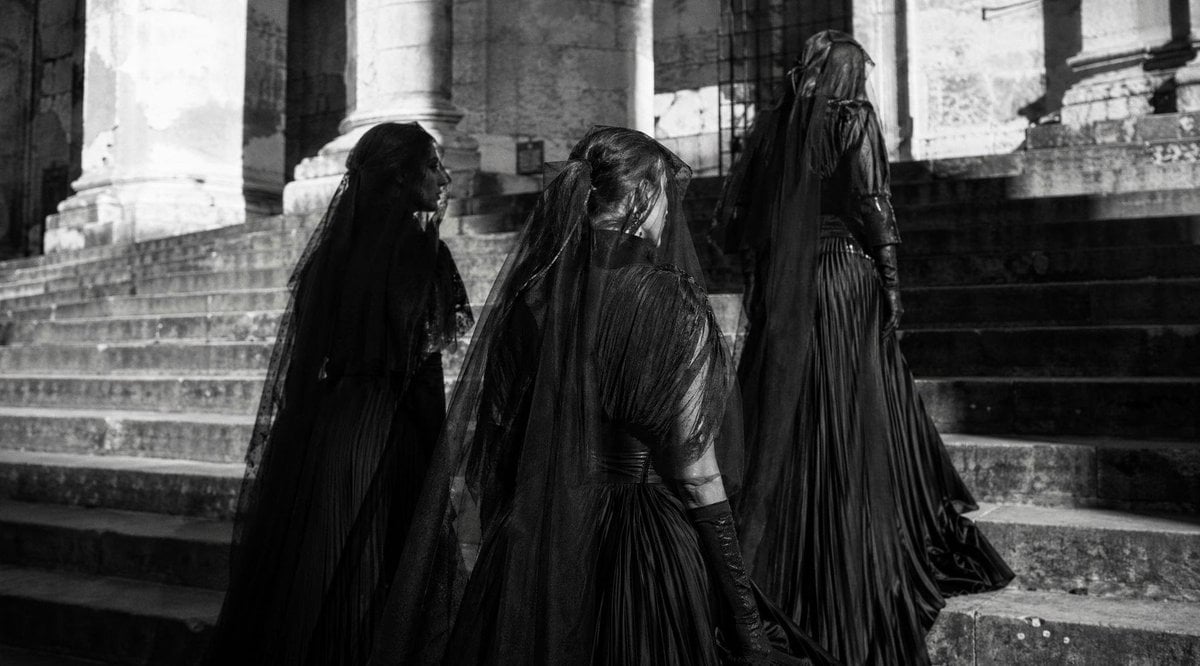
Gothic Mourning Procession
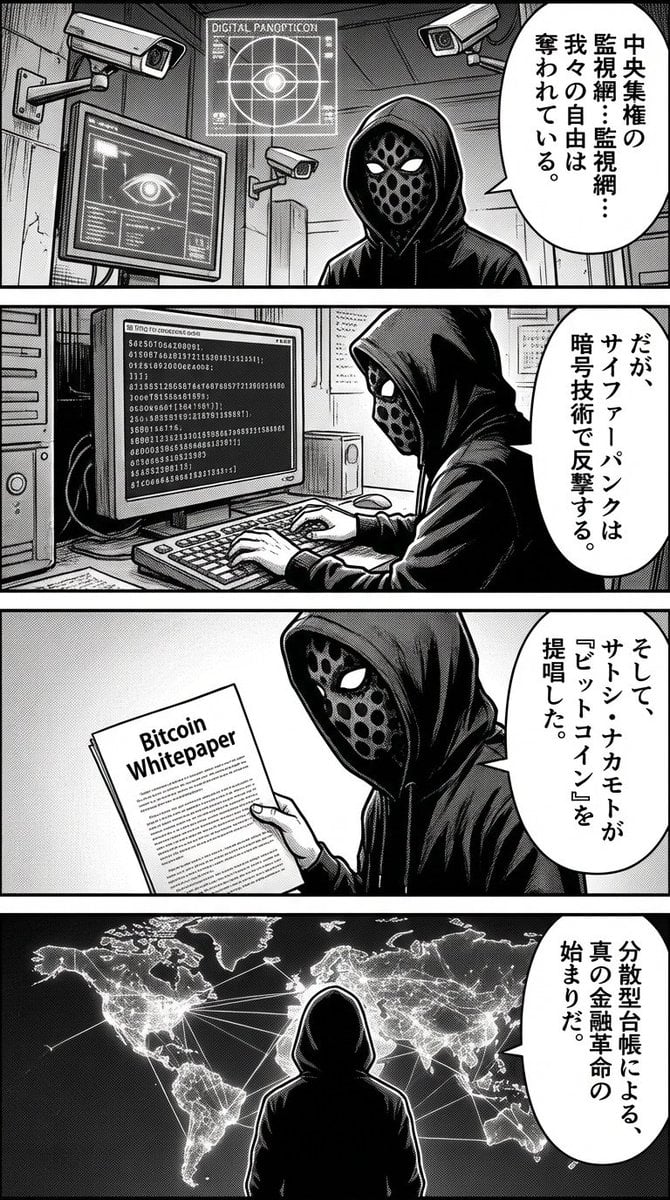
Four-panel manga about Bitcoin from cypherpunk view
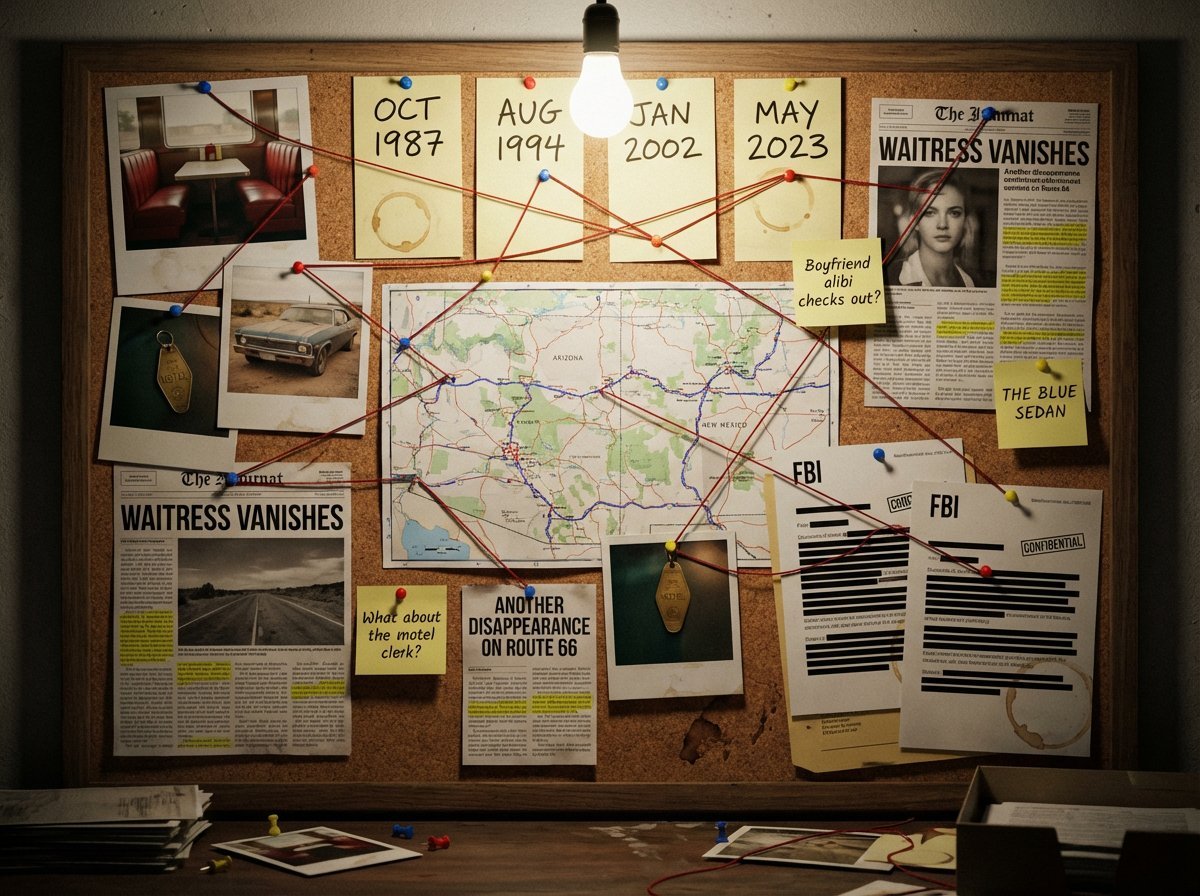
Noir Detective Evidence Board Visualization
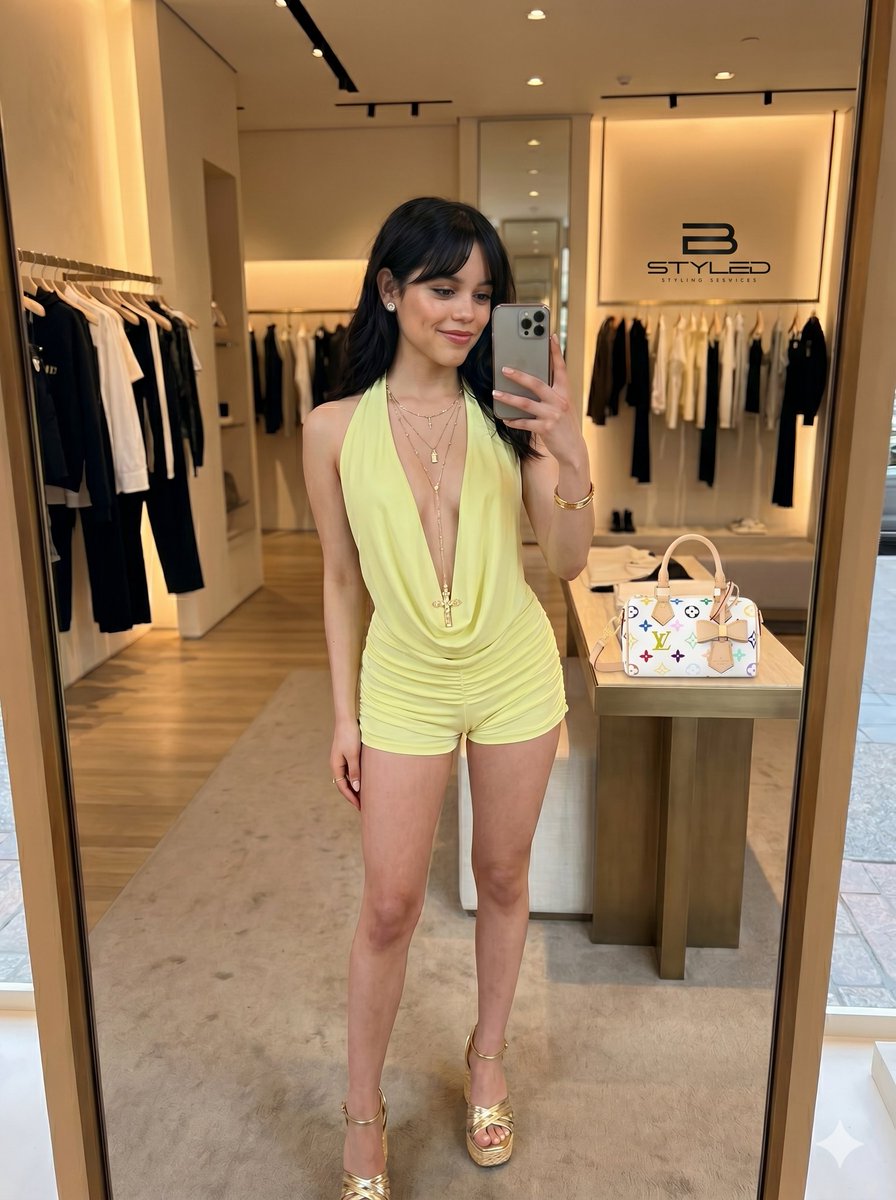
Ultra-Realistic Boutique Mirror Selfie
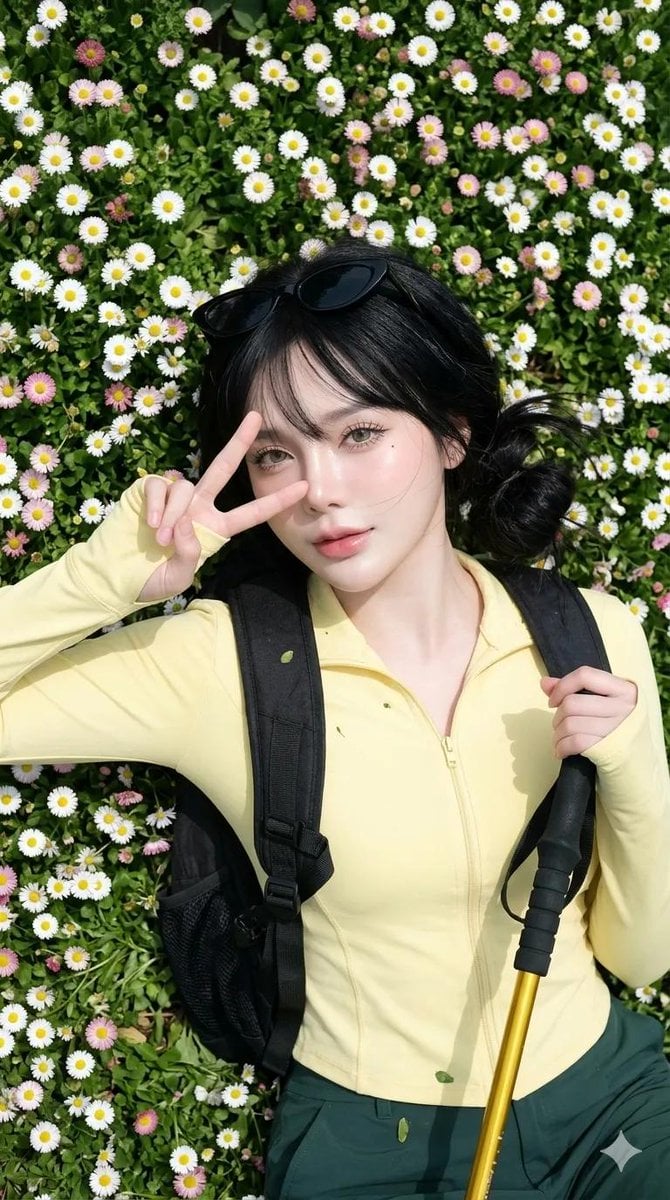
Spring Daisy Field Portrait
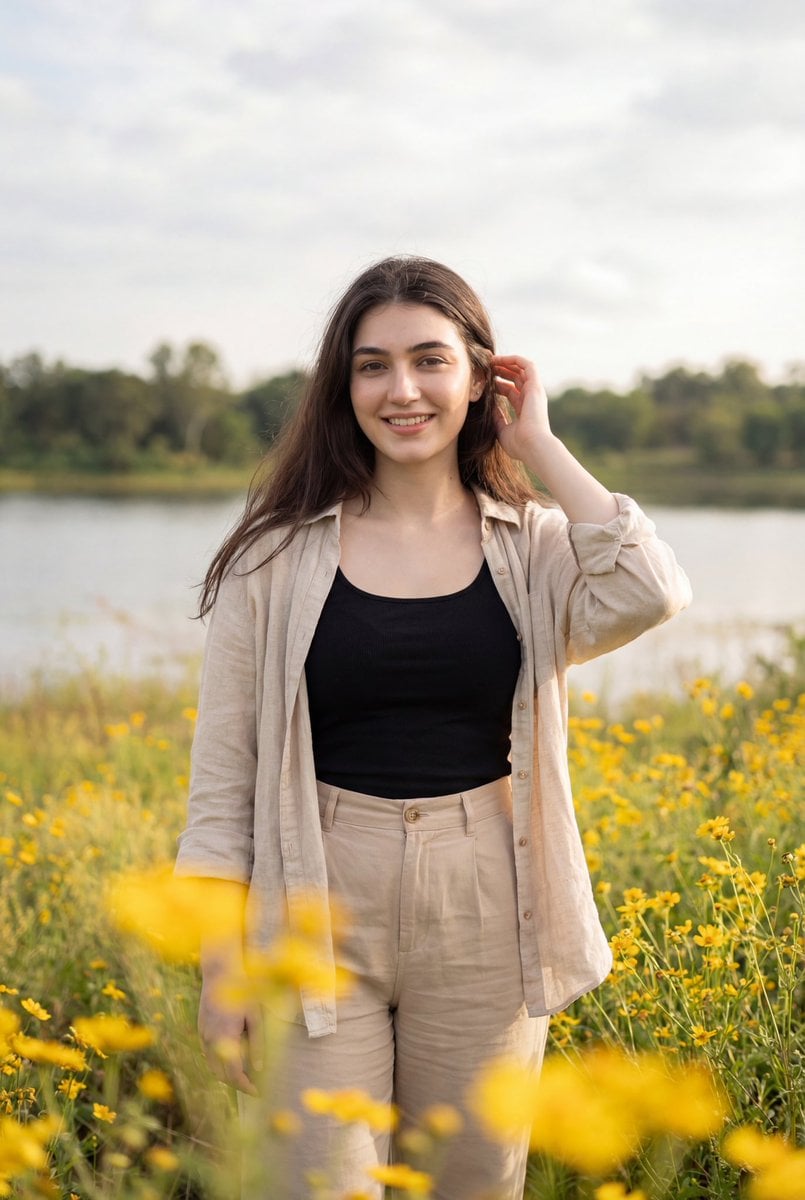
Photorealistic Portrait of Woman in Wildflowers
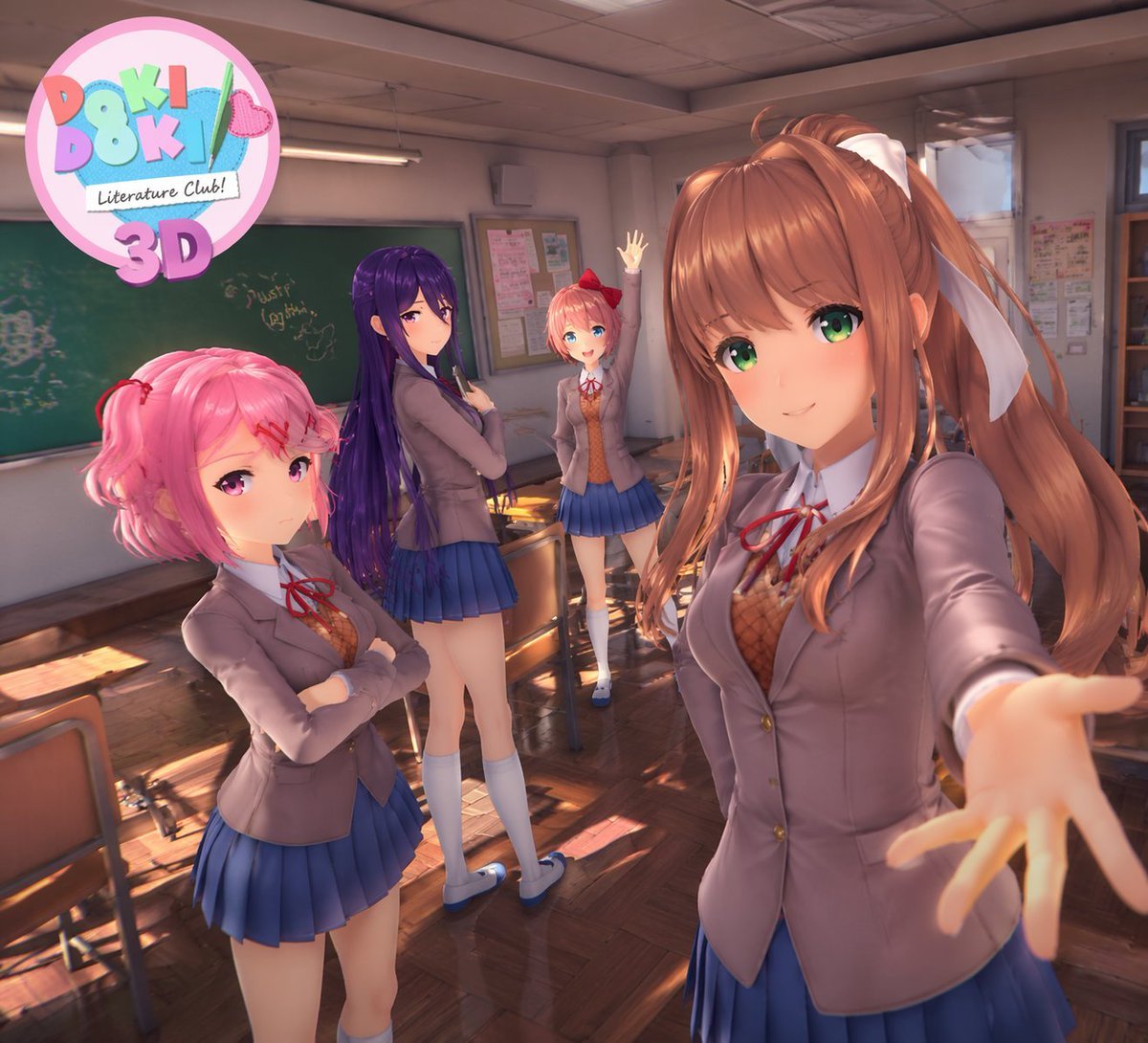
3D Anime Visual Novel Game Cover
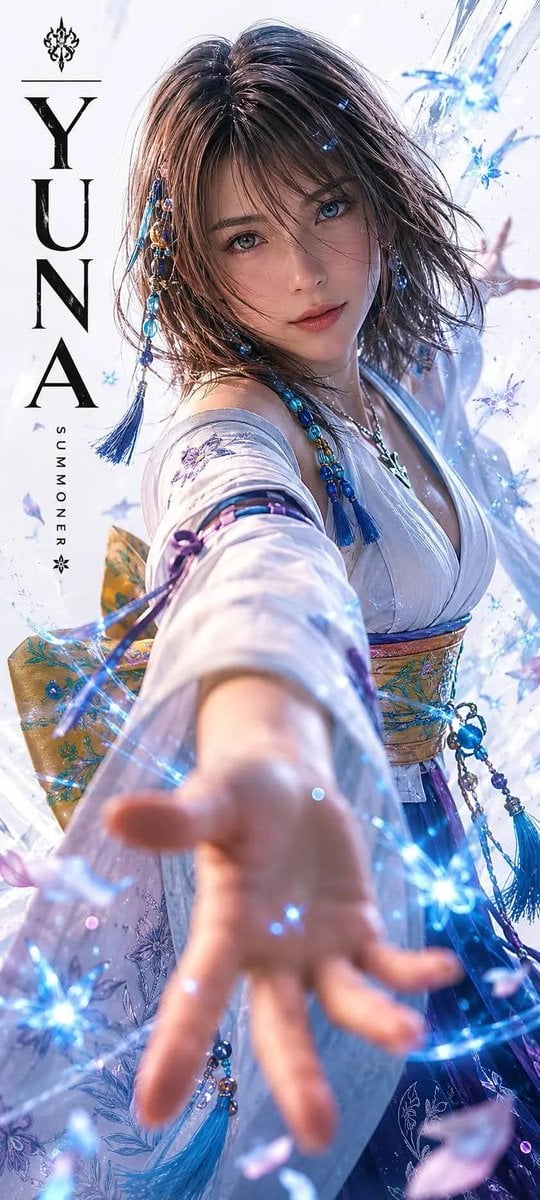
Realistic Live-Action Rikku Portrait
Browse template categories
Editorial Smartphone Flash Portrait questions
How do I use the Editorial Smartphone Flash Portrait template?
Add your photo if the template asks for one, edit the prompt if you like — the template's model and format are already selected — and press Generate. Your version opens in PicX Studio.
Can I customize the Editorial Smartphone Flash Portrait template?
Yes. You can change the subject, setting, lighting, mood, format, and available model controls before creating your image.
Is the Editorial Smartphone Flash Portrait template free?
Opening and editing this template is free. Generating uses credits, shown on the Generate button when you are signed in.
Which AI model should I use?
Start with Nano Banana 2, which is the model associated with this template. You can compare another compatible model for a different finish.
Looking for something else? Browse all templates.

Your photo, any look
Thousands of ready templates for every top image and video model, from one credit balance.