
Vintage 70s Desert Highway 3x3 Grid Collage
A structured JSON prompt for generating a 3x3 photo collage with a vintage 70s film aesthetic, specifically Kodak Portra 400 emulation.
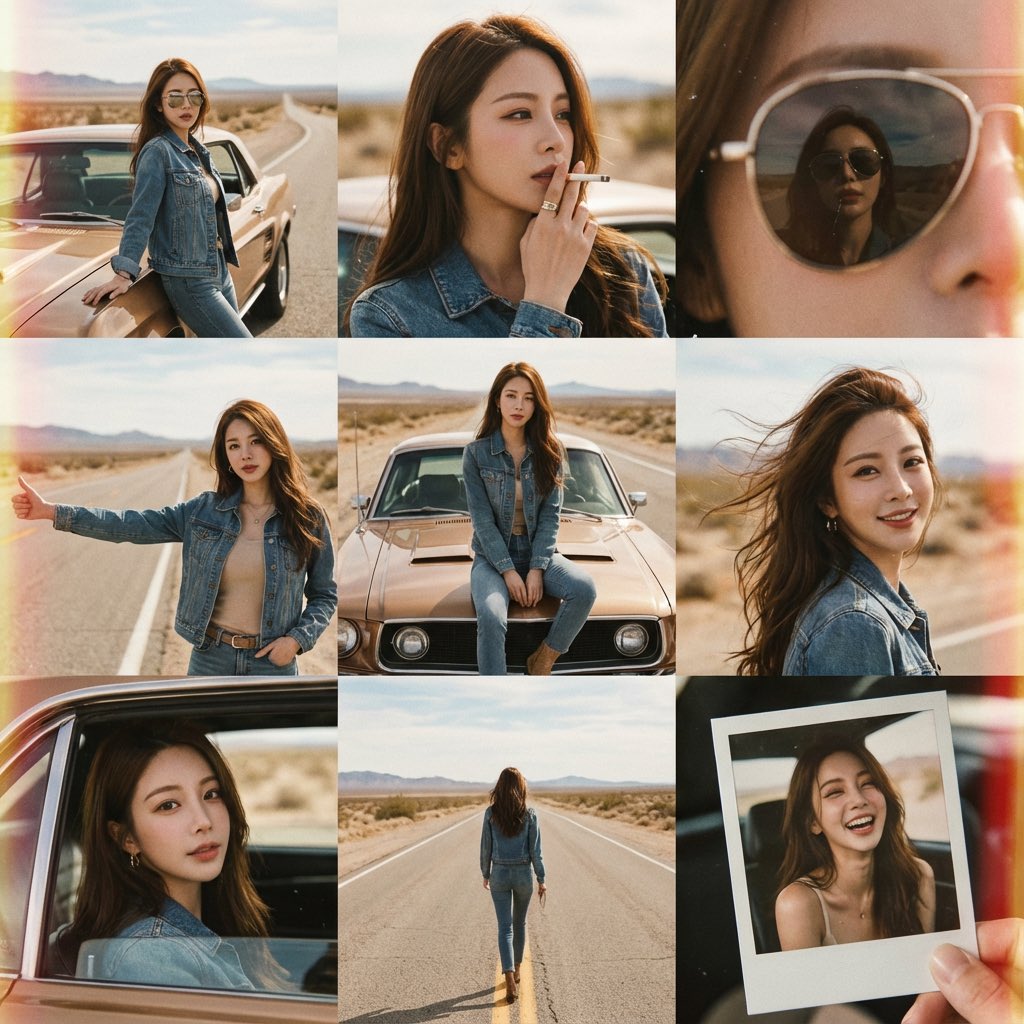
- Prompt included
- Model and format preset
- Free template
The prompt behind this image
Copy the exact prompt behind Vintage 70s Desert Highway 3x3 Grid Collage, or open it in the studio and make it yours.
- Objective
- Create a 3x3 grid photo collage with vintage 70s film aesthetics
- FaceReference › Mode
- Strict face preservation
- FaceReference › Instruction
- Use uploaded reference for exact facial features
- FaceReference › Consistency
- Face identical across all nine frames
- GridComposition › Layout
- 3x3 grid
- GridComposition › PoseVariety
- Leaning on vintage car, Cigarette prop pose, Sunglasses reflection, Hitchhiking gesture, Sitting on car hood, Wind in hair, Through car window, Walking empty road, Polaroid candid
- PersonaDetails › Subject › Type
- Same as reference
- PersonaDetails › Subject › Wardrobe
- Vintage denim jacket, band tee, high-waisted flares, aviators
- PersonaDetails › Subject › OverallPresence
- Retro cool, free spirit
- Environment › Setting
- Desert highway, vintage car
- Environment › Background
- Open road, blue sky, retro signage
- Environment › Lighting › Style
- Natural harsh sunlight
- Environment › Lighting › Quality
- Film grain, light leaks
- ImageQuality › Resolution
- Kodak Portra 400 emulation
- ImageQuality › Aesthetic
- 70s road trip editorial
- NegativePrompt
- digital sharpness, modern elements, different face, altered facial features
- ResponseFormat › Layout
- 3x3 grid
- ResponseFormat › AspectRatio
- 1:1
Raw JSON
{
  "Objective": "Create a 3x3 grid photo collage with vintage 70s film aesthetics",
  "FaceReference": {"Mode": "Strict face preservation", "Instruction": "Use uploaded reference for exact facial features", "Consistency": "Face identical across all nine frames"},
  "GridComposition": {"Layout": "3x3 grid", "PoseVariety": ["Leaning on vintage car", "Cigarette prop pose", "Sunglasses reflection", "Hitchhiking gesture", "Sitting on car hood", "Wind in hair", "Through car window", "Walking empty road", "Polaroid candid"]},
  "PersonaDetails": {"Subject": {"Type": "Same as reference", "Wardrobe": "Vintage denim jacket, band tee, high-waisted flares, aviators", "OverallPresence": "Retro cool, free spirit"}},
  "Environment": {"Setting": "Desert highway, vintage car", "Background": "Open road, blue sky, retro signage", "Lighting": {"Style": "Natural harsh sunlight", "Quality": "Film grain, light leaks"}},
  "ImageQuality": {"Resolution": "Kodak Portra 400 emulation", "Aesthetic": "70s road trip editorial"},
  "NegativePrompt": ["digital sharpness", "modern elements", "different face", "altered facial features"],
  "ResponseFormat": {"Layout": "3x3 grid", "AspectRatio": "1:1"}
}How to use Vintage 70s Desert Highway 3x3 Grid Collage in 3 steps
- 1Upload ImagePNG, JPG or paste
Add your photo
Upload the photo the template builds on. The prompt, model and format are already set.
- 2…a portrait of your subject in softgolden-hour light, 85mm…
Personalize
Edit the subject and creative details for your destination.
- 3Generate
Generate
Press Generate — your image is created in PicX Studio, so you can compare it with the original and refine one variable at a time.
More like this
Templates with the same subject, style or setup. Open one to see its prompt.

70s Living Room Shag Carpet

3x3 Grid Collage of Emotions in 3D Cartoon Style

Sunday Afternoon, 1988

Two Tickets, One Night

If We Met in 1985

Found Photograph: Us, 1970

One Dance Before Midnight

Before We said Goodbye

Our Song was on a Cassette

Meet Me When It Rains

The Date After College

Two Hearts. One Scooter.
Make it yours
Vintage 70s Desert Highway 3x3 Grid Collage works as-is. These are the safest ways to change it without losing the look.
Change one field
Copy a single group, rewrite it, and generate again so you can see what that field is doing.
Keep the frame, change the subject
Hold the composition and light of Vintage 70s Desert Highway 3x3 Grid Collage, then swap wardrobe, props or the person for a new take.
| If the result… | Why | Fix |
|---|---|---|
| The result drifts from the preview | Too many fields changed at once. | Reuse Vintage 70s Desert Highway 3x3 Grid Collage as-is first, then change one group — subject, light, or setting. |
| Nano Banana 2 ignores part of the JSON | Some models flatten or skip nested keys. | Keep the same values and paste them as a short paragraph instead. |
More Nano Banana 2 templates
Other prompts made for Nano Banana 2.

Photorealistic Leaf Shaped Like a Dragon

K-Pop Idol Portrait Grid for Rapid Selection

Poetic Rain Forest Portrait During Golden Hour

Urban Street Portrait with Cartoon Inner Self Duo

Candid Nighttime Photo with Cat Prompt

High-Concept 3D Diorama Generation Prompt

Cinematic Futuristic Studio Portrait Template

Skincare Editorial Photography Collage Prompt

Hyper-Realistic Commercial Product Photography (Splash Effect)

Hyper-Realistic Nightclub Portrait Prompt
More image prompts
Fresh picks from across the catalog.

Macro Realism of Mechanical and Gemstone Insects
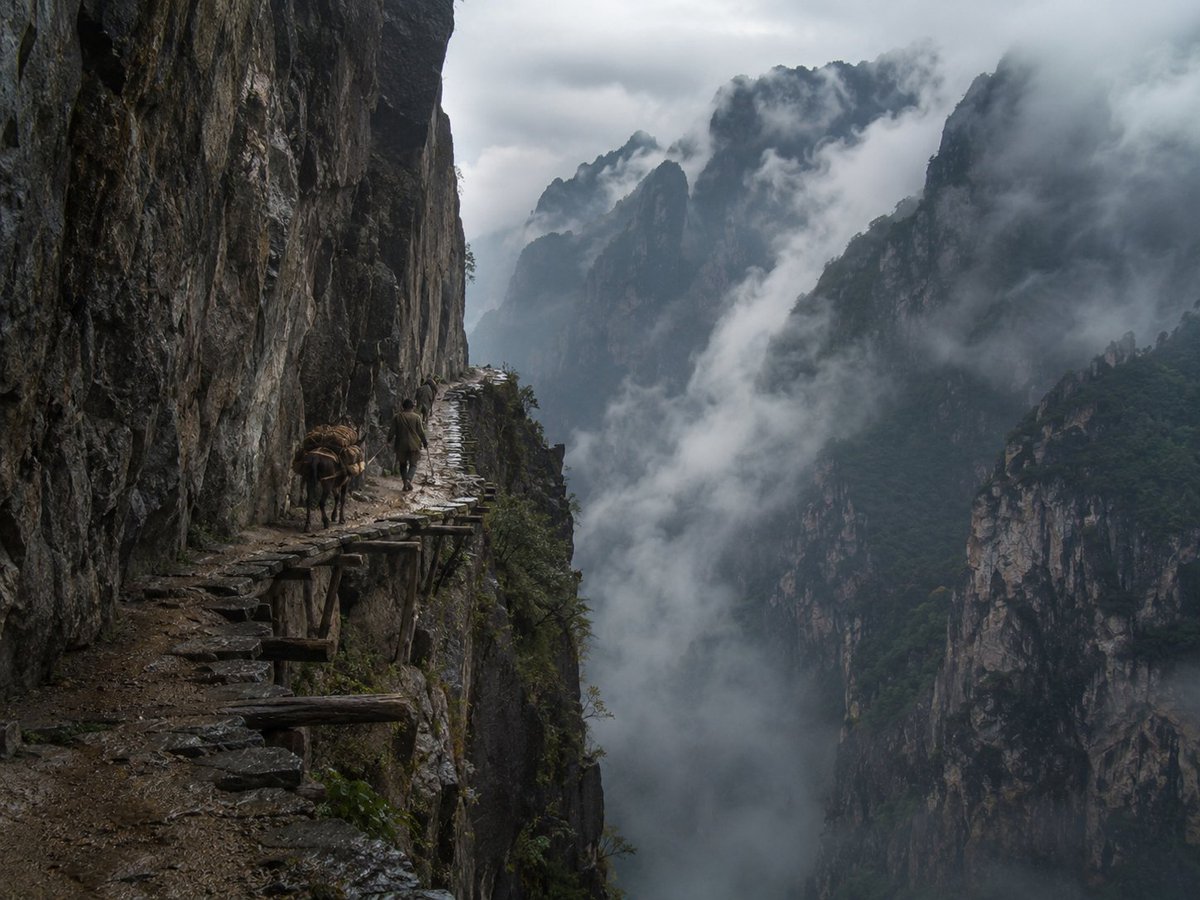
Misty Cliff Plank Road Photograph
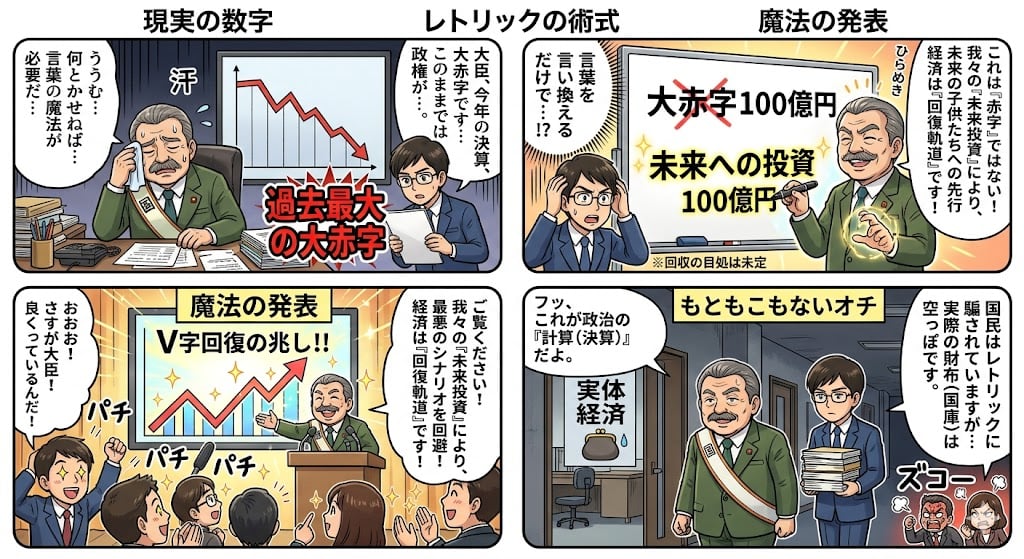
Four-Panel Manga: The Magic of Numbers

8K 3D Illustration of Anthropomorphic Bees (Gym and Relaxing)
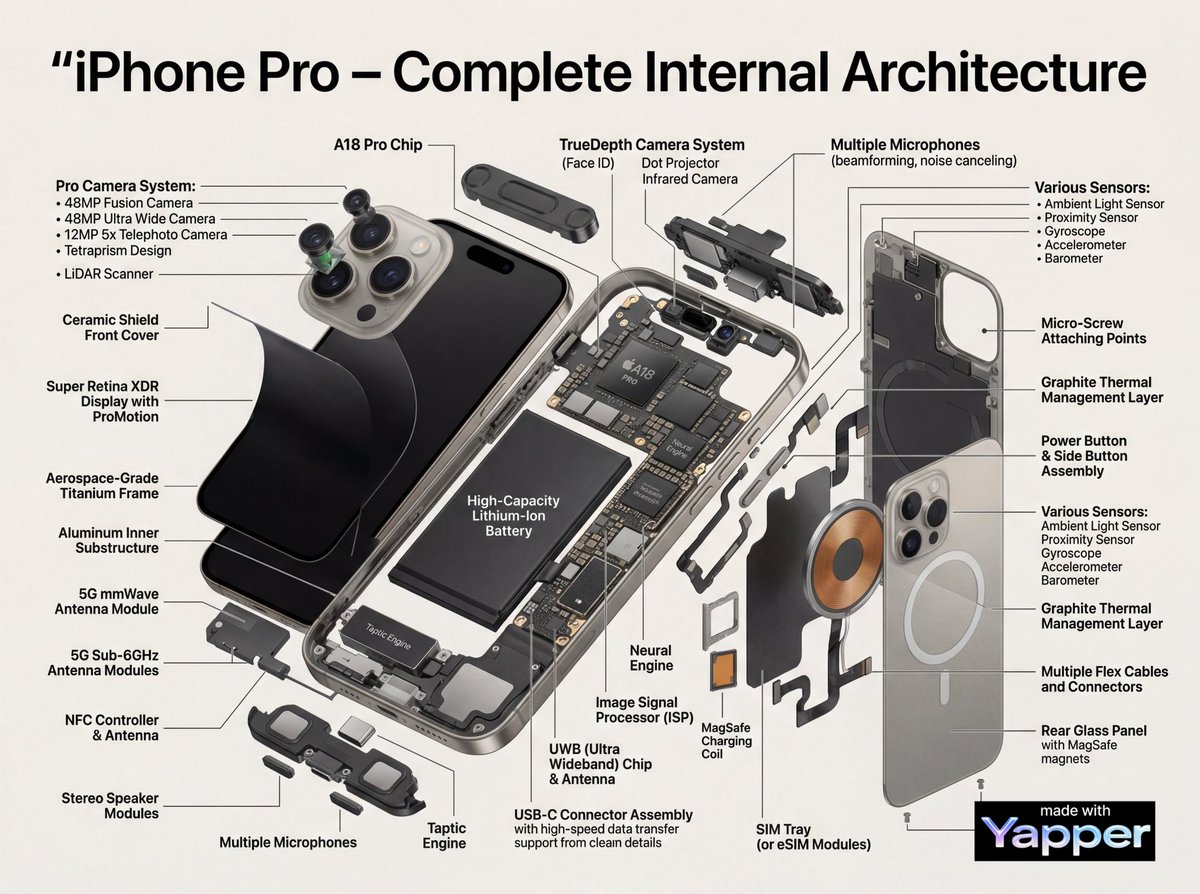
Technical Infographic Cutaway Prompt
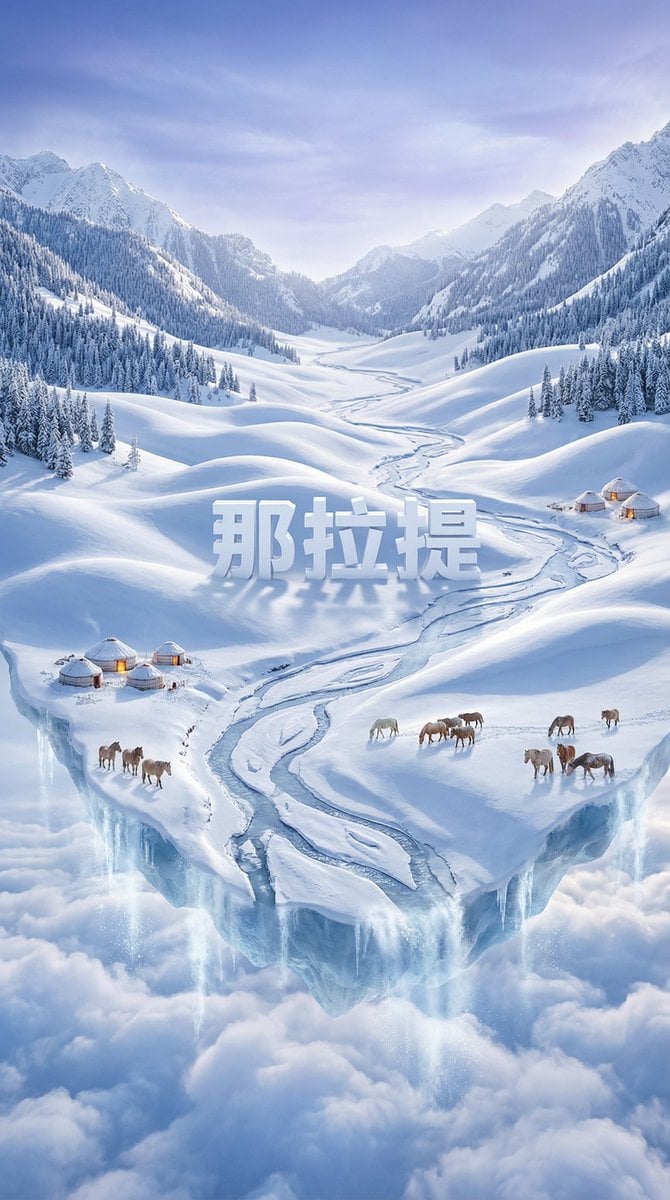
Dreamlike Snow Country Scene

Tianjin City Promotional Poster Prompt
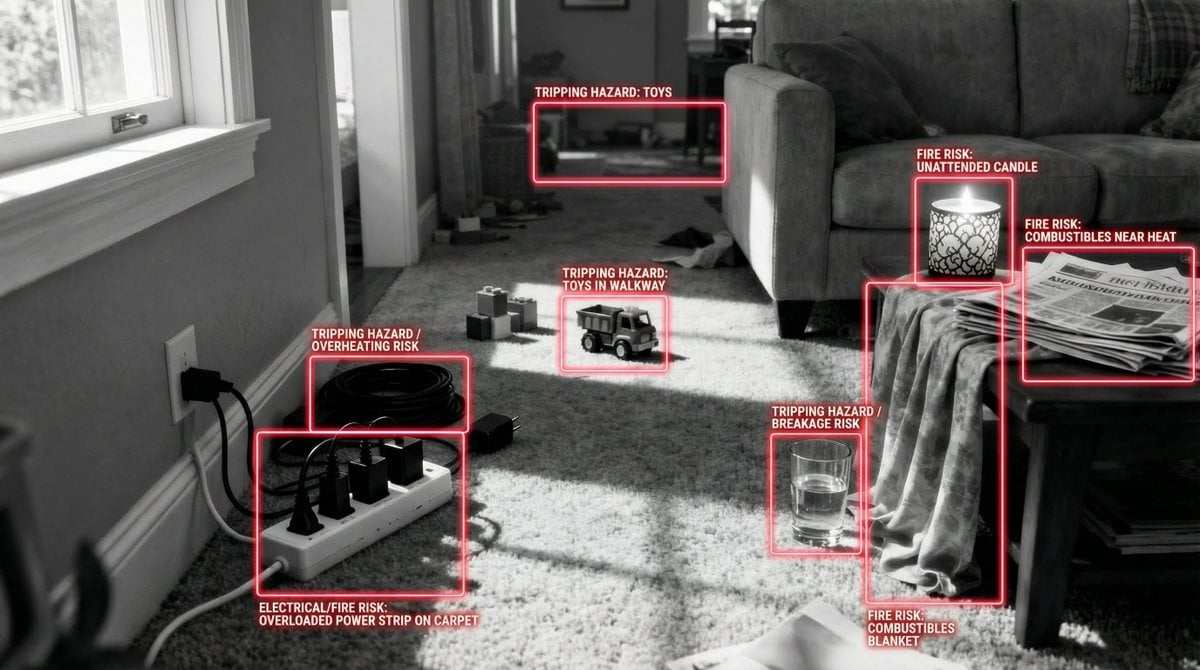
Safety Hazard Analysis and Visualization
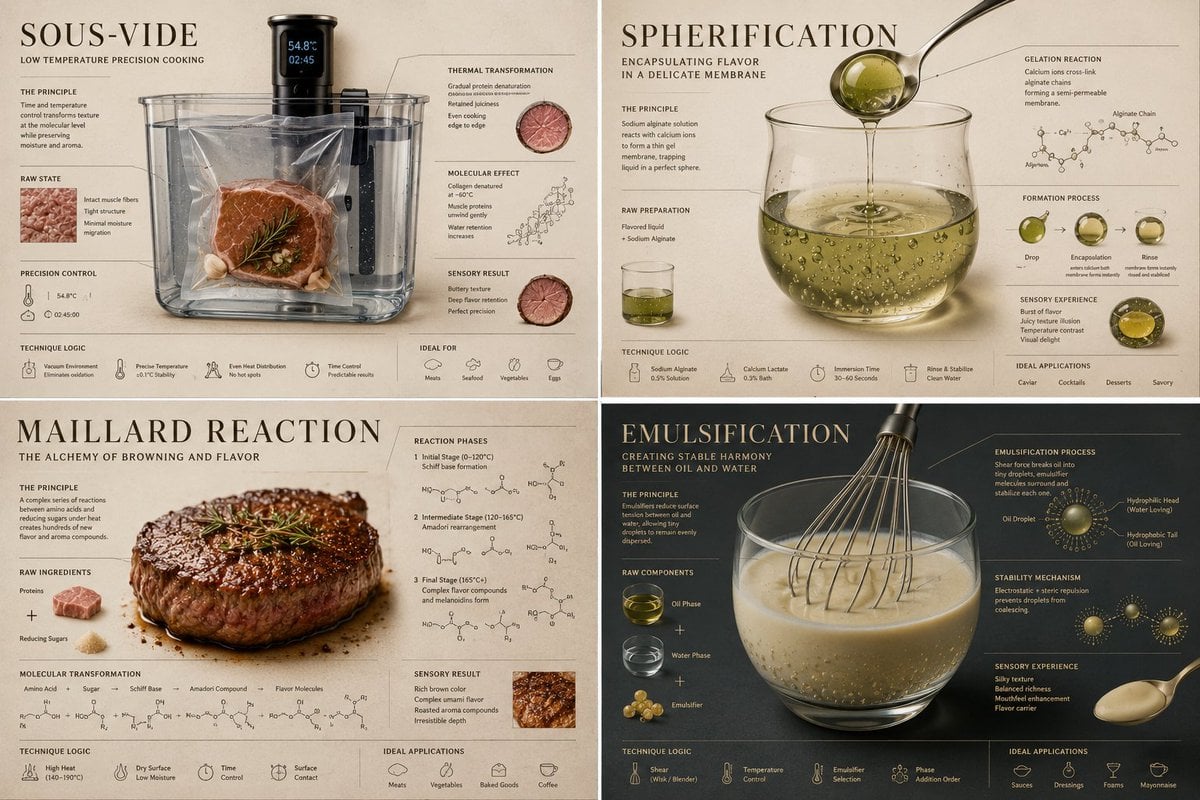
Luxury Culinary Chemistry Poster
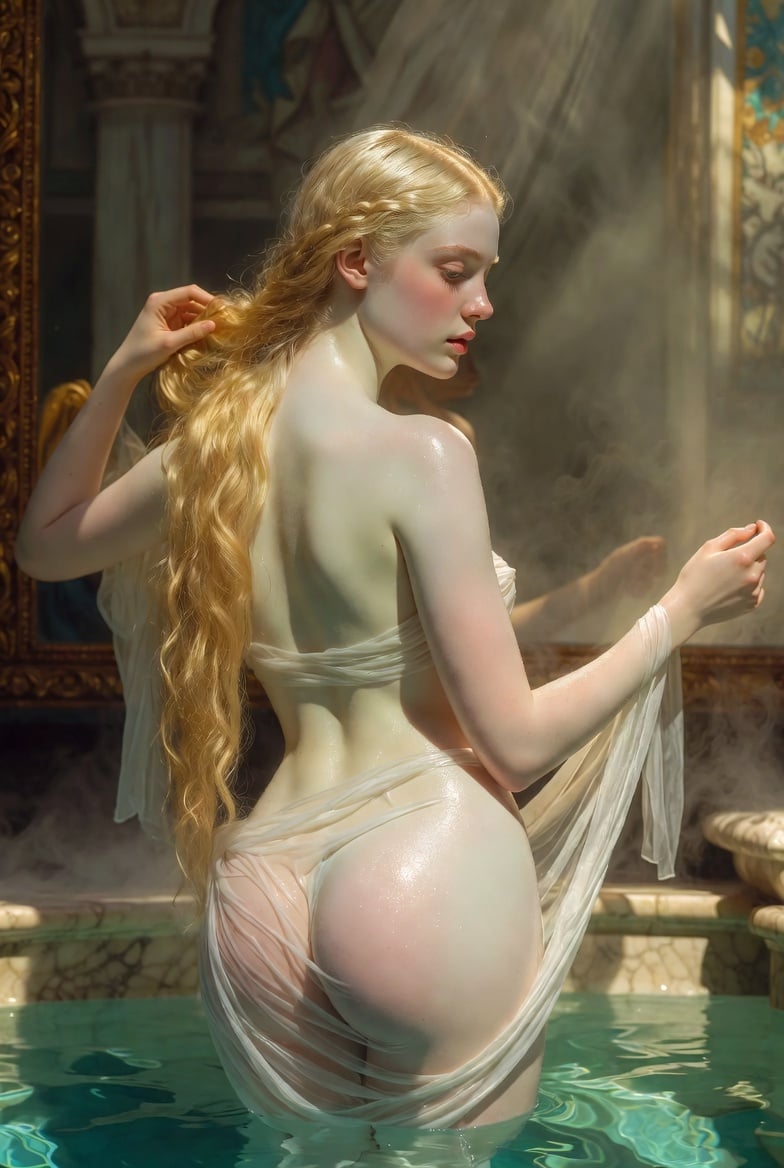
Renaissance Bathing Portrait
Browse template categories
Vintage 70s Desert Highway 3x3 Grid Collage questions
How do I use the Vintage 70s Desert Highway 3x3 Grid Collage template?
Add your photo if the template asks for one, edit the prompt if you like — the template's model and format are already selected — and press Generate. Your version opens in PicX Studio.
Can I customize the Vintage 70s Desert Highway 3x3 Grid Collage template?
Yes. You can change the subject, setting, lighting, mood, format, and available model controls before creating your image.
Is the Vintage 70s Desert Highway 3x3 Grid Collage template free?
Opening and editing this template is free. Generating uses credits, shown on the Generate button when you are signed in.
Which AI model should I use?
Start with Nano Banana 2, which is the model associated with this template. You can compare another compatible model for a different finish.
Looking for something else? Browse all templates.

Your photo, any look
Thousands of ready templates for every top image and video model, from one credit balance.