
Cinematic Candlelit Noir Scene
A dramatic film noir prompt for a candlelit negotiation scene, focusing on shallow depth of field, warm lighting, and intense facial expressions.
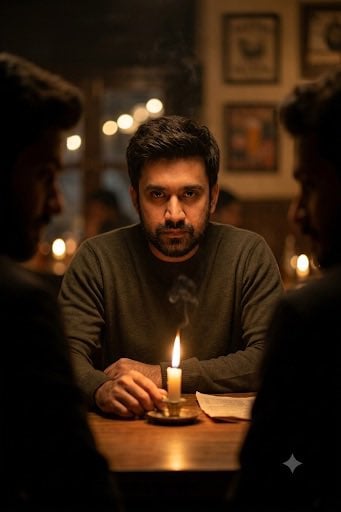
- Prompt included
- Model and format preset
- Free template
The prompt behind this image
Copy the exact prompt behind Cinematic Candlelit Noir Scene, or open it in the studio and make it yours.
A cinematic candlelit interior scene of a {argument name="subject" default="male figure"} seated at a small wooden table across from two other blurred figures, seen in the framing gap between their silhouetted heads and shoulders in the foreground. He sits directly facing the camera, gaze locked intensely on something or someone off-frame with a calm, cold, and calculating expression — the look of someone in the middle of a tense negotiation, secretive meeting, or confrontation. His hair is short, dark, neatly styled. He wears a {argument name="clothing" default="dark olive-charcoal crew-neck sweater"}, casual but composed. His arms rest on the wooden tabletop in front of him. A single lit candle sits in a small holder on the table between the figures — the flickering warm flame the primary light source of the entire scene, with a thin wisp of smoke curling upward from it. A folded paper or document is visible on the table near the candle, suggesting a covert exchange or deal being discussed. The two figures in the foreground on either side are cropped and out of focus — only the backs and sides of their heads and shoulders visible in silhouette, framing the central figure’s face between them. The background reveals a dimly lit bar, tavern, or restaurant interior — blurred wall-mounted picture frames, soft warm and cool bokeh window lights, and other blurred patrons visible in the deep background. The lighting is entirely warm and low — dominated by the candle’s flickering amber-gold glow illuminating the central figure’s face from below-front, casting soft warm highlights on his forehead, nose, cheekbones, and beard, while everything else recedes into rich brown-black shadow. Color palette: warm candlelight amber-gold, deep brown-black shadow, muted background bokeh. Photography style: cinematic film noir interior scene, candlelit dramatic lighting, {argument name="lens" default="50mm lens"}, shallow depth of field with foreground figures softly blurred, photorealistic, 8K. Use the provided face reference image for all facial details — bone structure, eyes, brow, nose, jawline, beard, and skin tone should be taken entirely from the reference photo. Apply only the calm calculating direct gaze and warm candlelit lighting on top of the reference face.
How to use Cinematic Candlelit Noir Scene in 3 steps
- 1Upload ImagePNG, JPG or paste
Add your photo
Upload the photo the template builds on. The prompt, model and format are already set.
- 2…a portrait of your subject in softgolden-hour light, 85mm…
Personalize
Edit the subject and creative details for your destination.
- 3Generate
Generate
Press Generate — your image is created in PicX Studio, so you can compare it with the original and refine one variable at a time.
More like this
Templates with the same subject, style or setup. Open one to see its prompt.
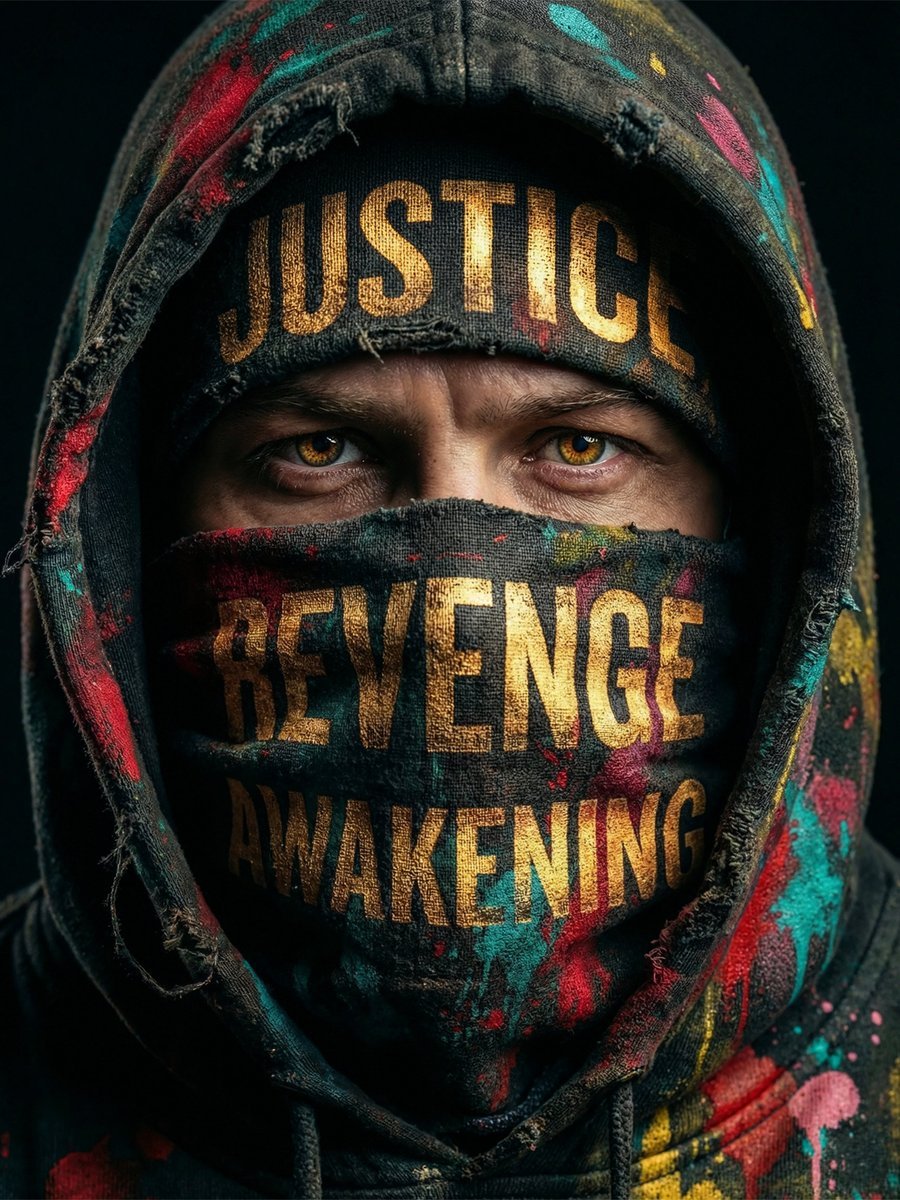
Noir Justice Revenge Awakening Portrait
Masked Vigilante Noir Poster
Spider-Man Noir Detective Rain Alley
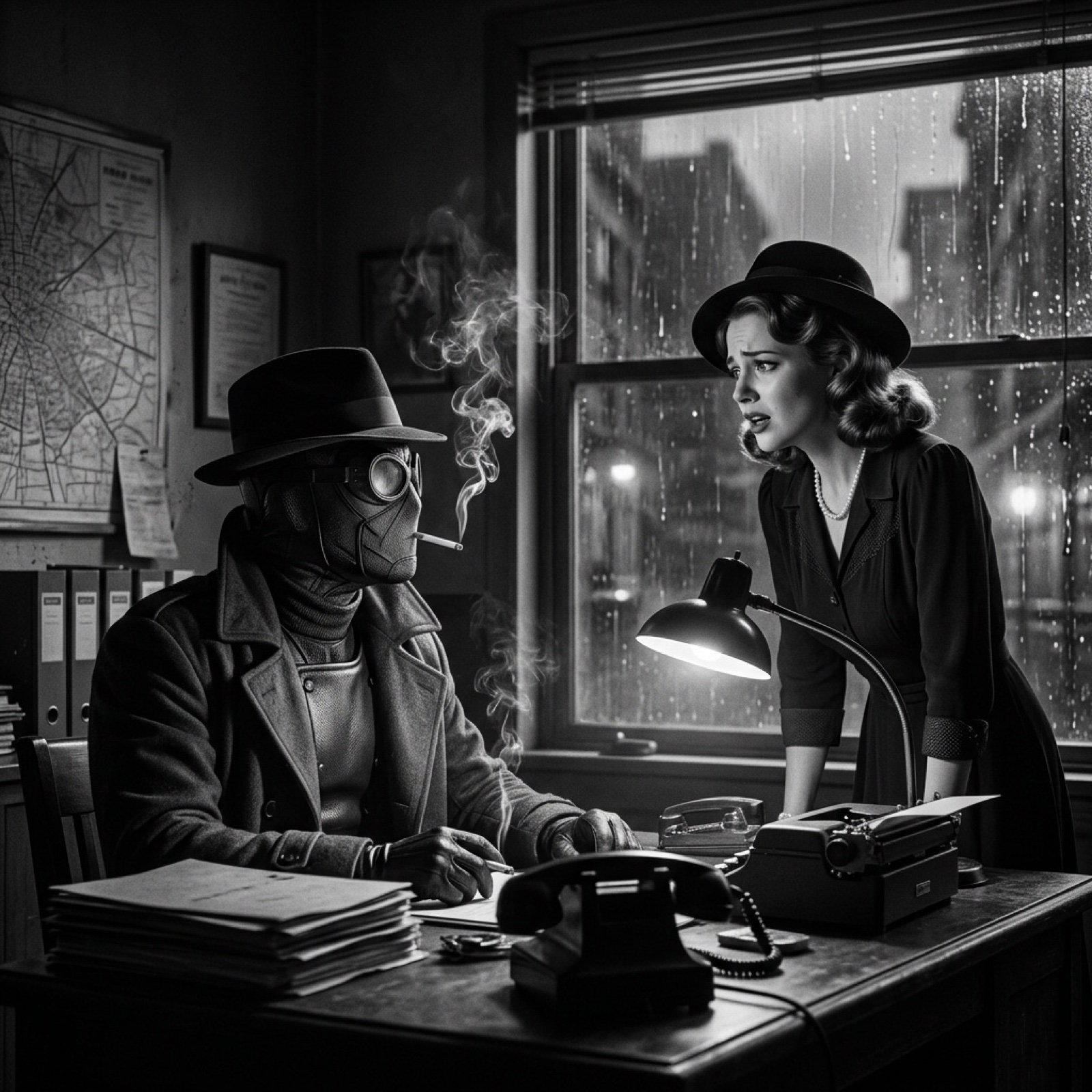
Seedance 2.0 - Spider-Man Noir
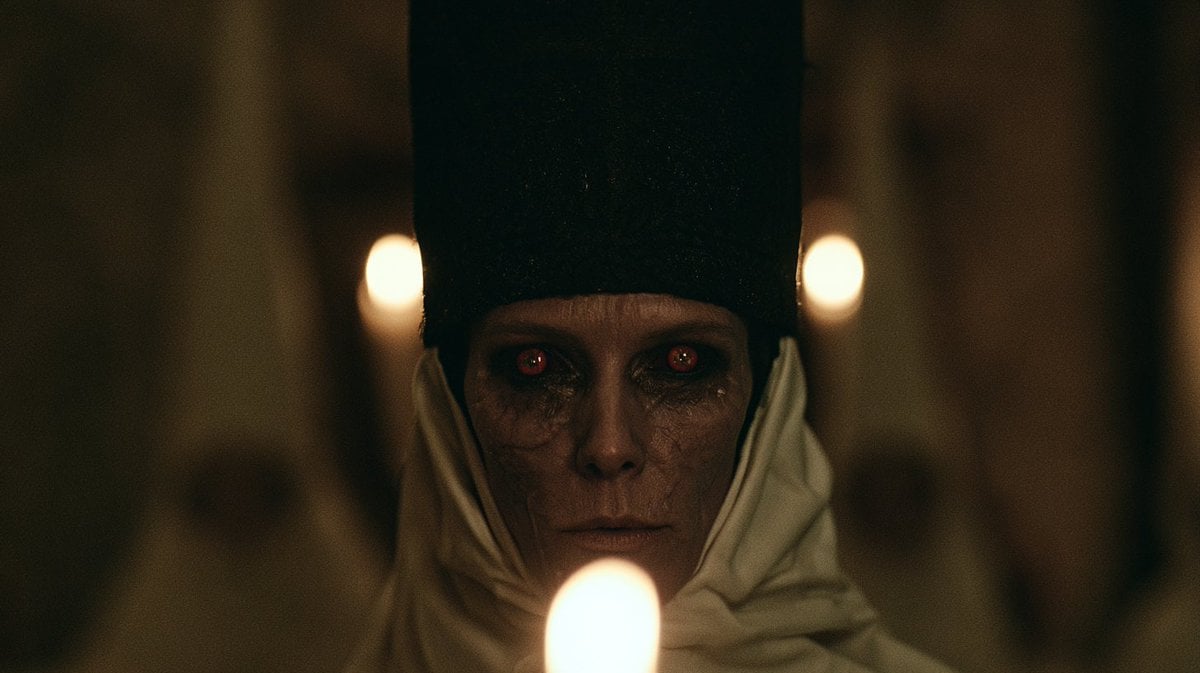
Candlelit Occult Priestess Close-Up
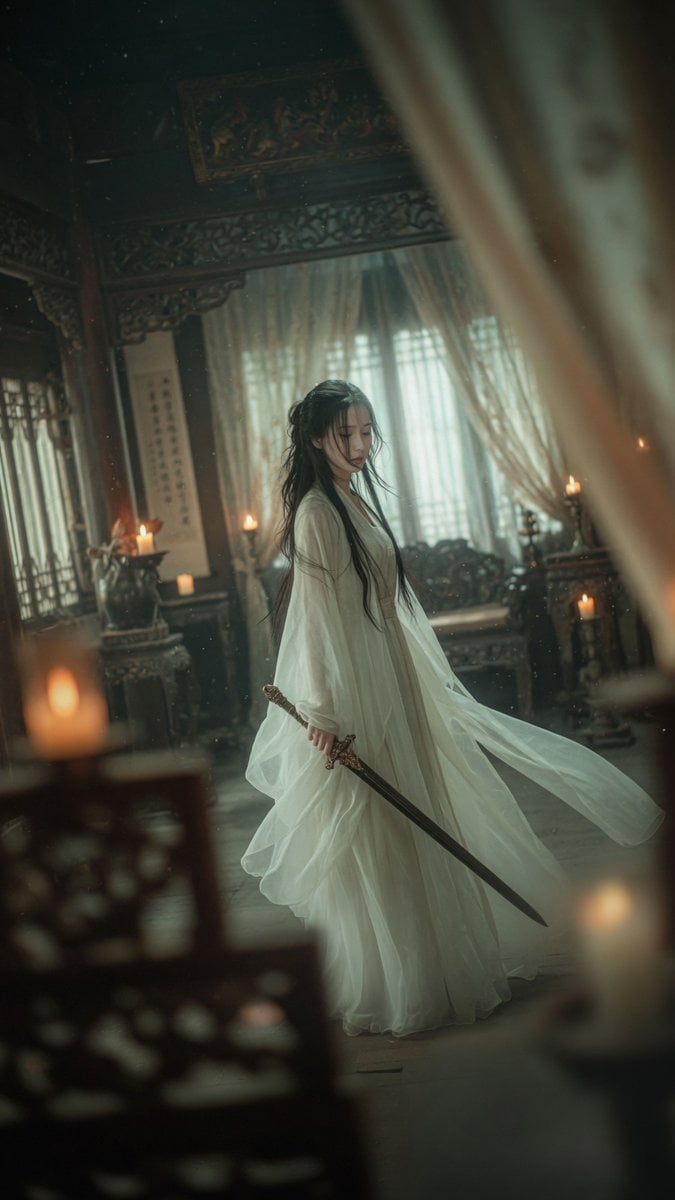
Cinematic Wuxia Swordswoman in Candlelit Chamber
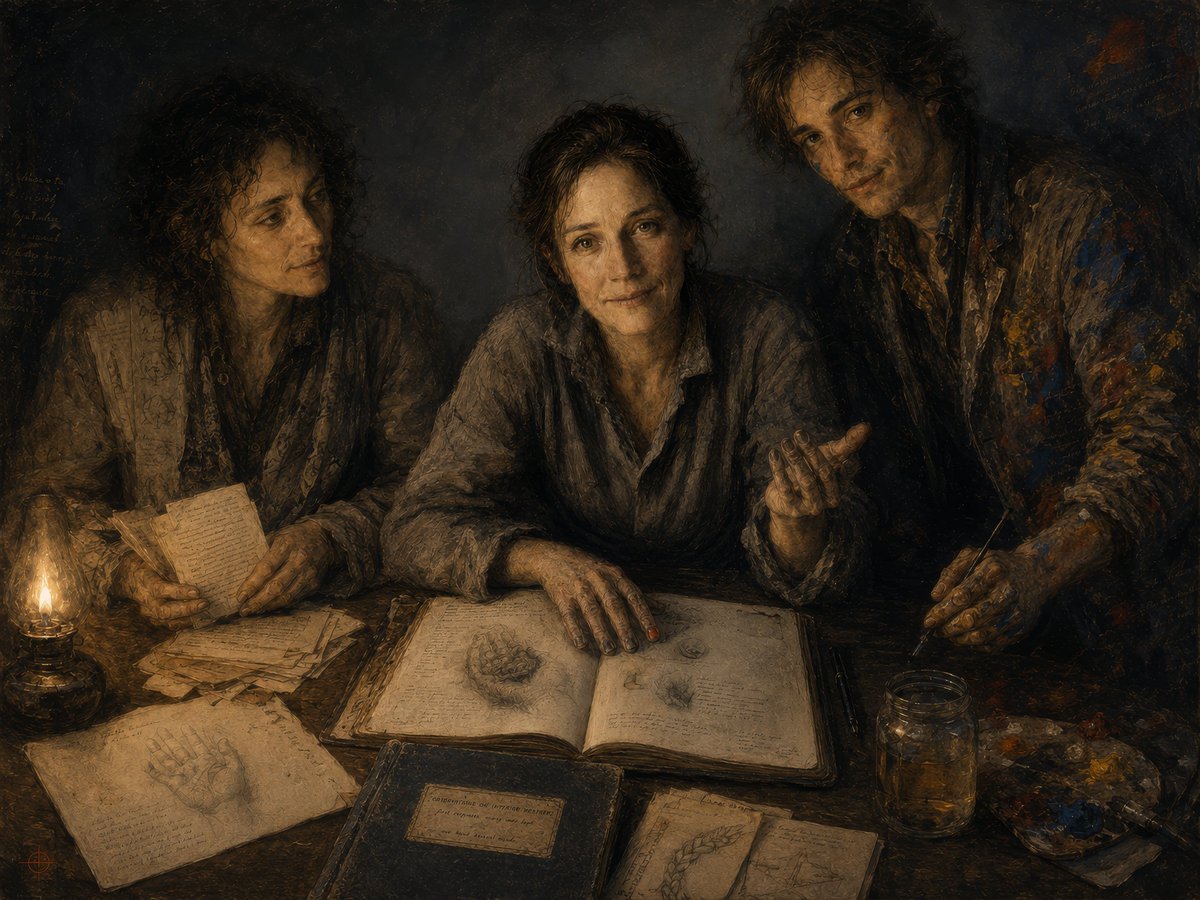
Candlelit Old-Master Creative Trio
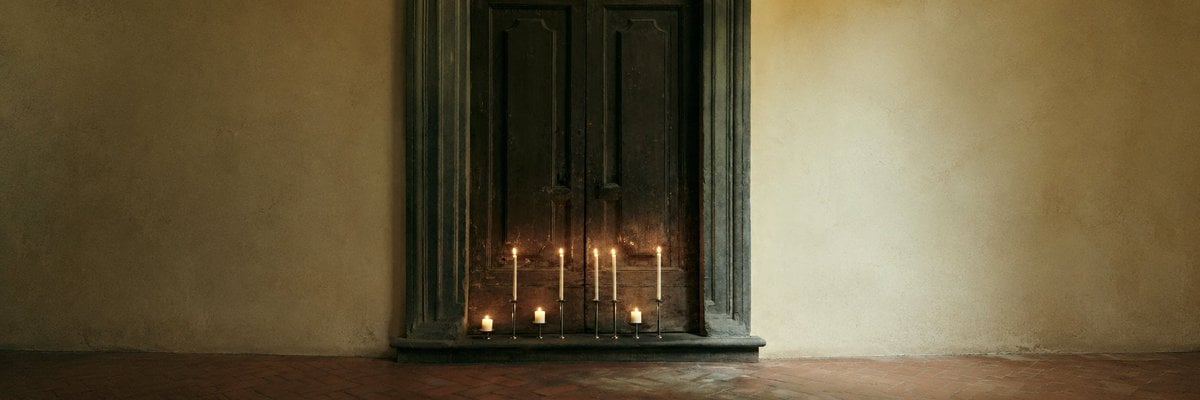
Candlelit Antique Door Interior
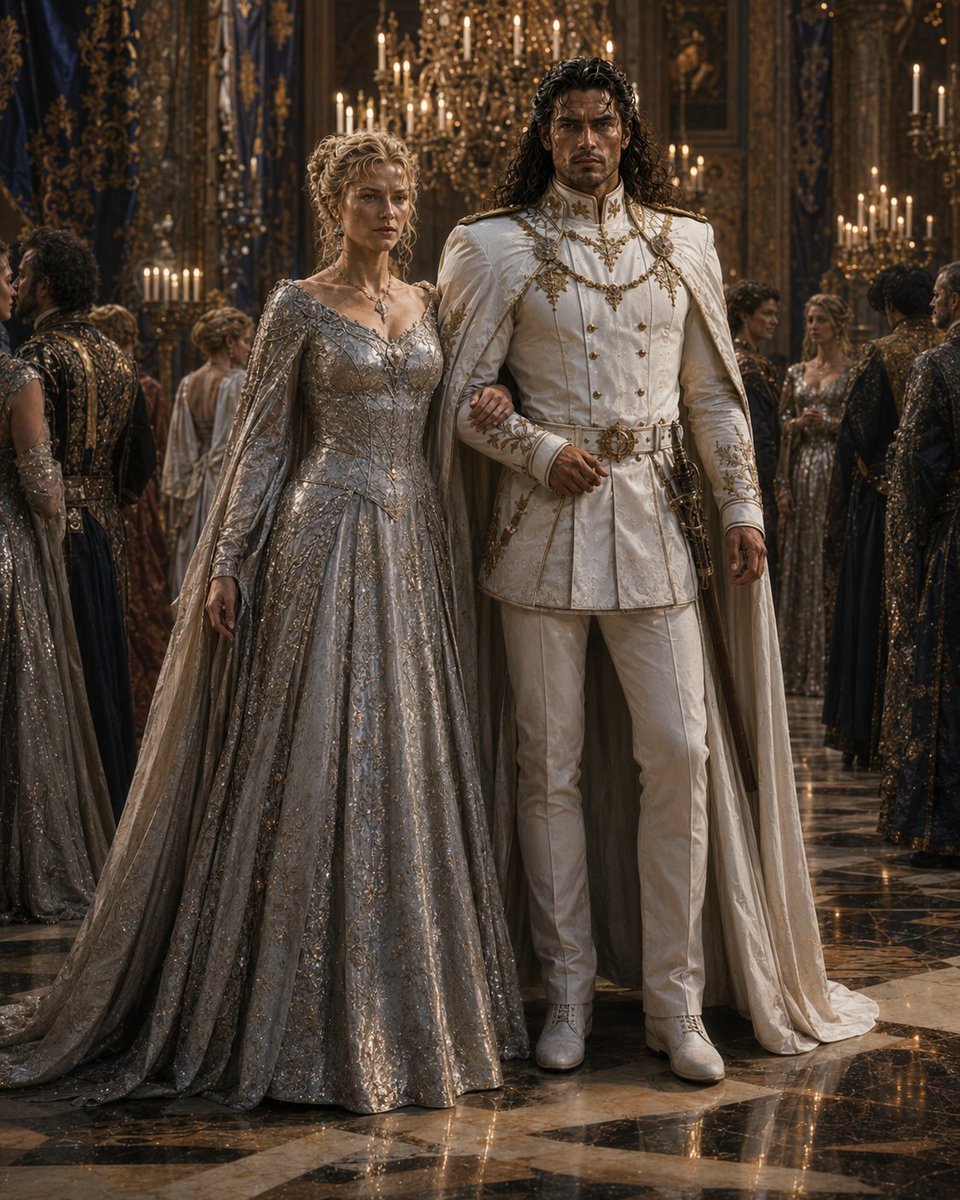
Candlelit Royal Ballroom Couple
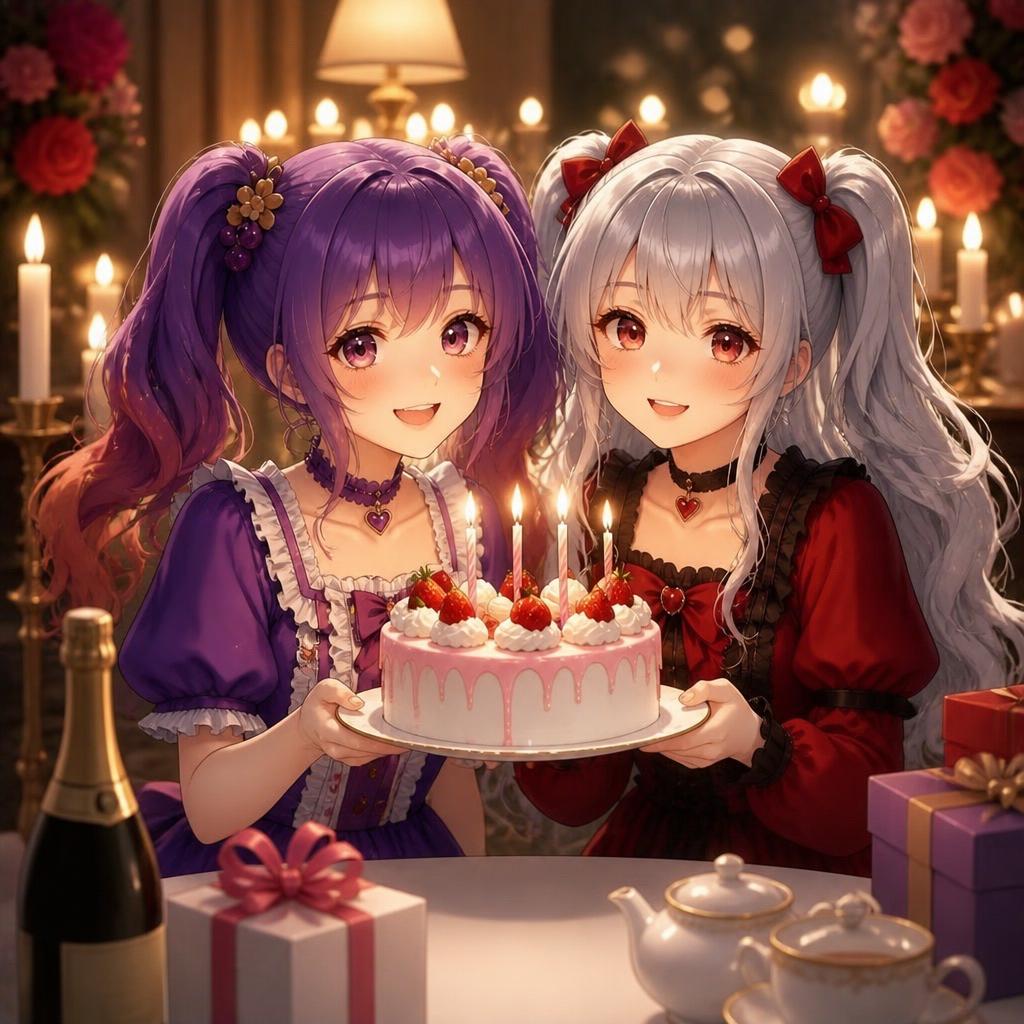
Candlelit Anime Birthday Twins
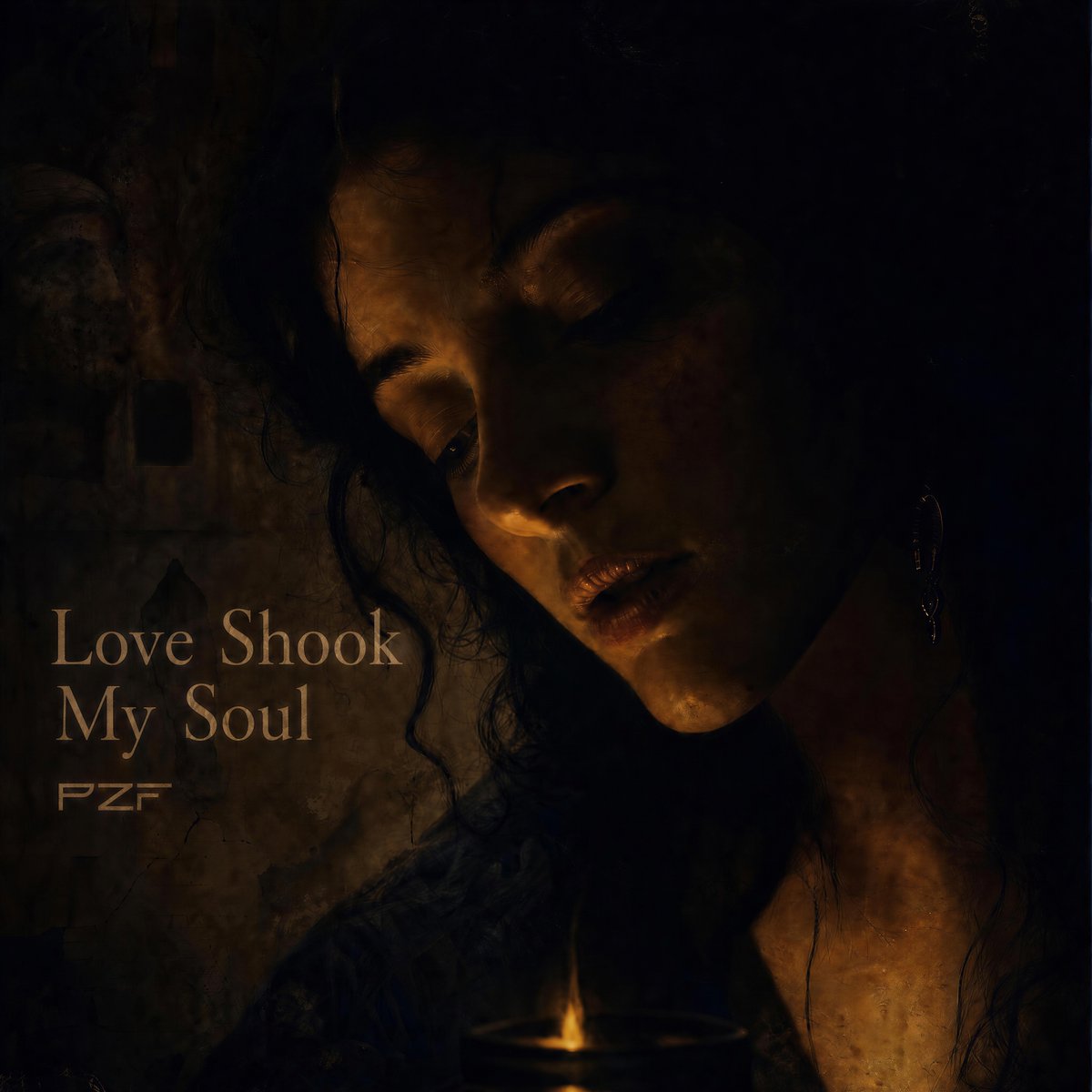
Candlelit Darkwave Chiaroscuro Portrait
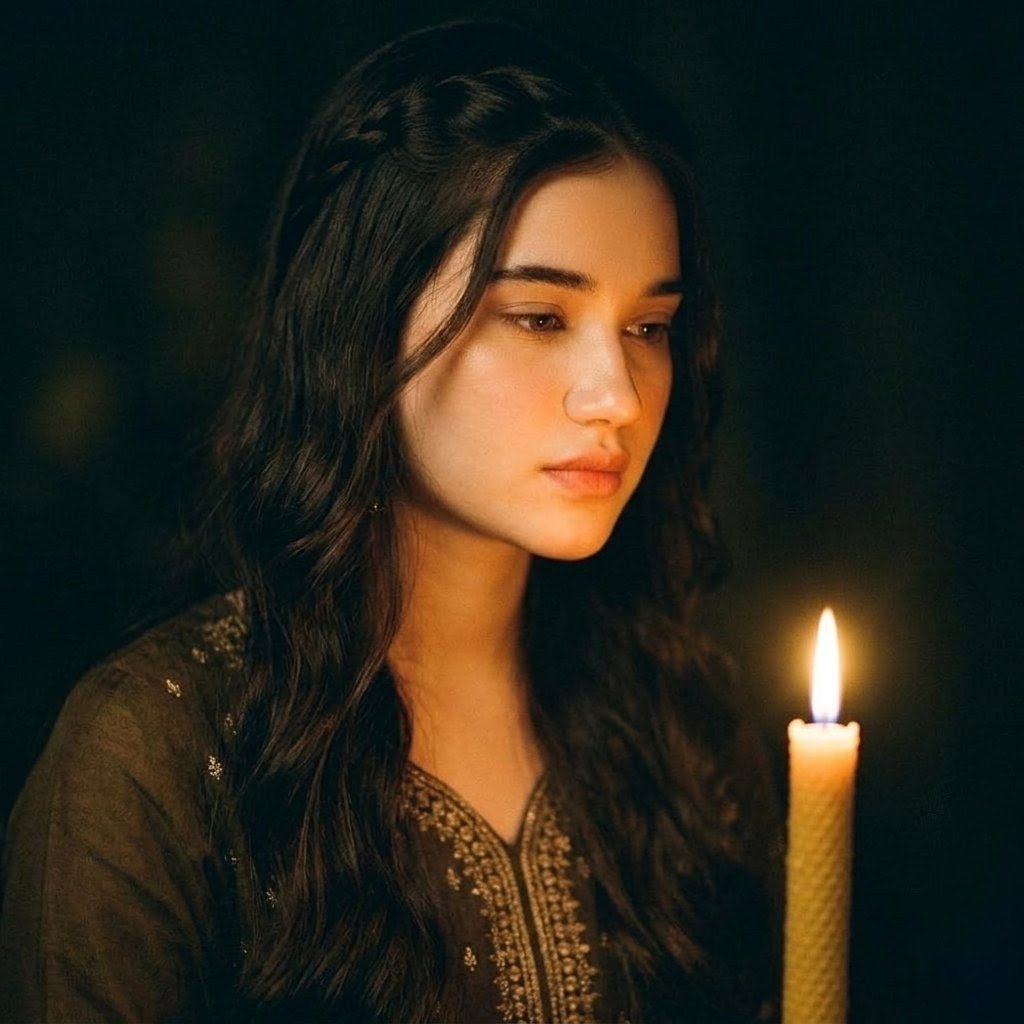
Candlelit Portrait With Obscured Face
Make it yours
Cinematic Candlelit Noir Scene works as-is. These are the safest ways to change it without losing the look.
Change one field
Copy a single group, rewrite it, and generate again so you can see what that field is doing.
Keep the frame, change the subject
Hold the composition and light of Cinematic Candlelit Noir Scene, then swap wardrobe, props or the person for a new take.
| If the result… | Why | Fix |
|---|---|---|
| The result drifts from the preview | Too many fields changed at once. | Reuse Cinematic Candlelit Noir Scene as-is first, then change one group — subject, light, or setting. |
| The model over-stylizes the scene | The prose prompt leaves finish and camera underspecified. | Add one camera or lighting sentence and stay on Nano Banana 2. |
More Nano Banana 2 templates
Other prompts made for Nano Banana 2.

Photorealistic Leaf Shaped Like a Dragon

K-Pop Idol Portrait Grid for Rapid Selection

Poetic Rain Forest Portrait During Golden Hour

Urban Street Portrait with Cartoon Inner Self Duo

Candid Nighttime Photo with Cat Prompt

High-Concept 3D Diorama Generation Prompt

Cinematic Futuristic Studio Portrait Template

Skincare Editorial Photography Collage Prompt

Hyper-Realistic Commercial Product Photography (Splash Effect)

Hyper-Realistic Nightclub Portrait Prompt
More image prompts
Fresh picks from across the catalog.
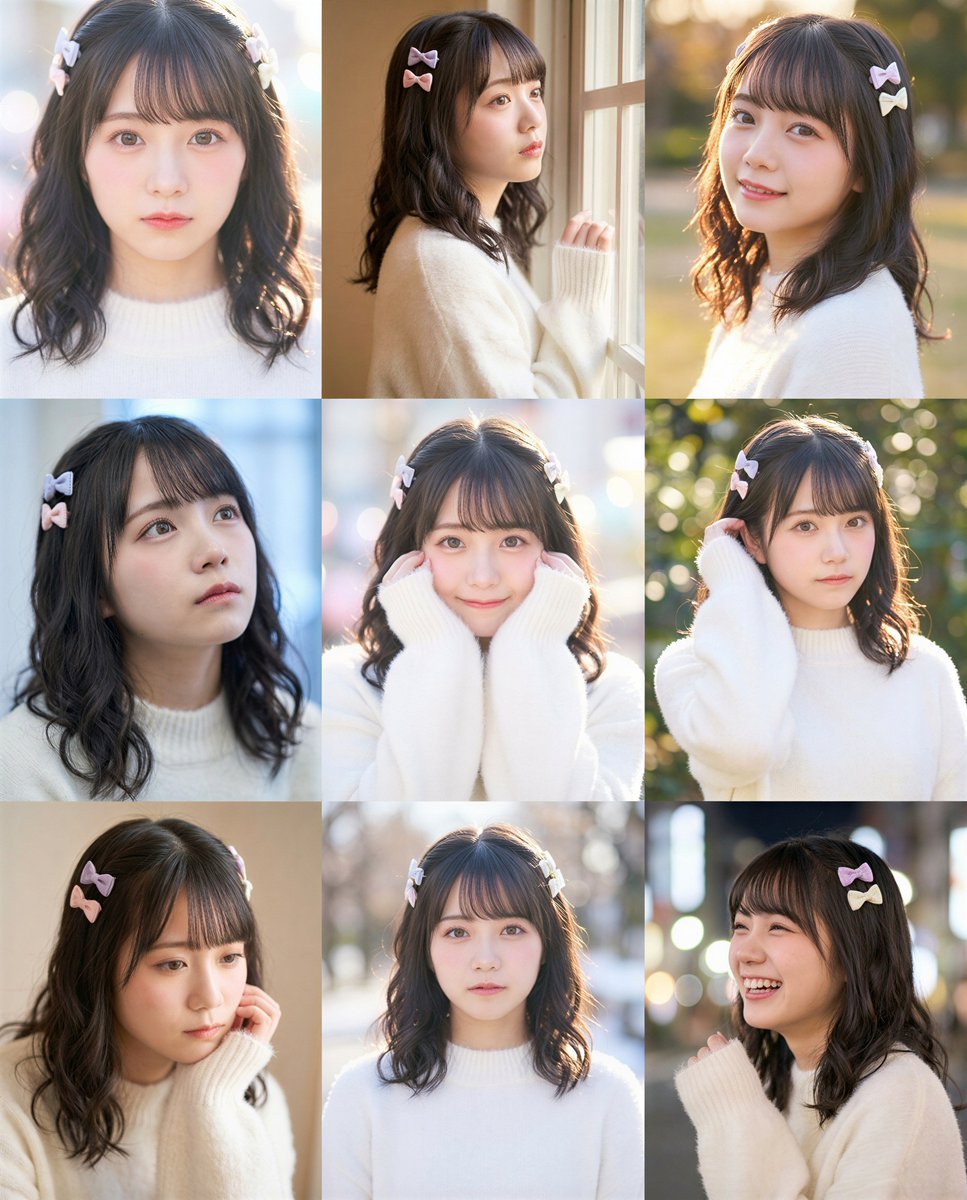
grid Instagram portrait variation prompt for Nano Banana Pro
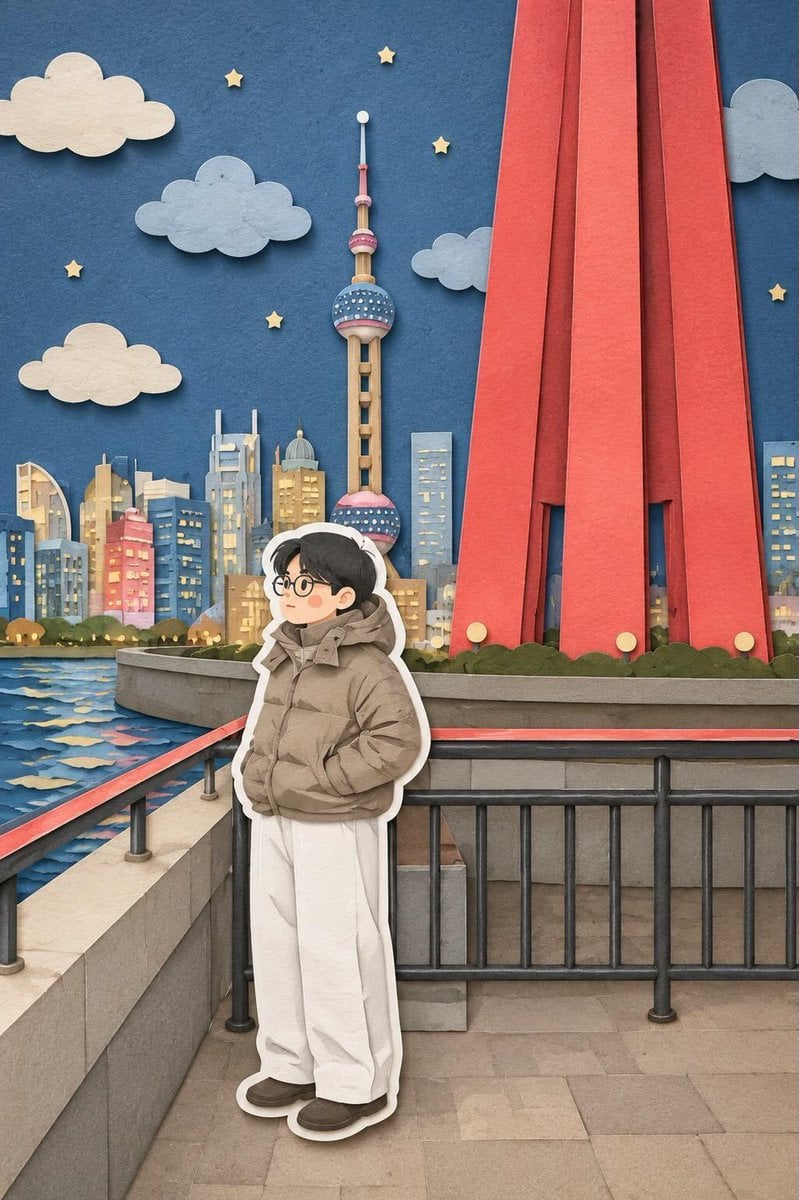
Paper-Cut Layered Illustration Style
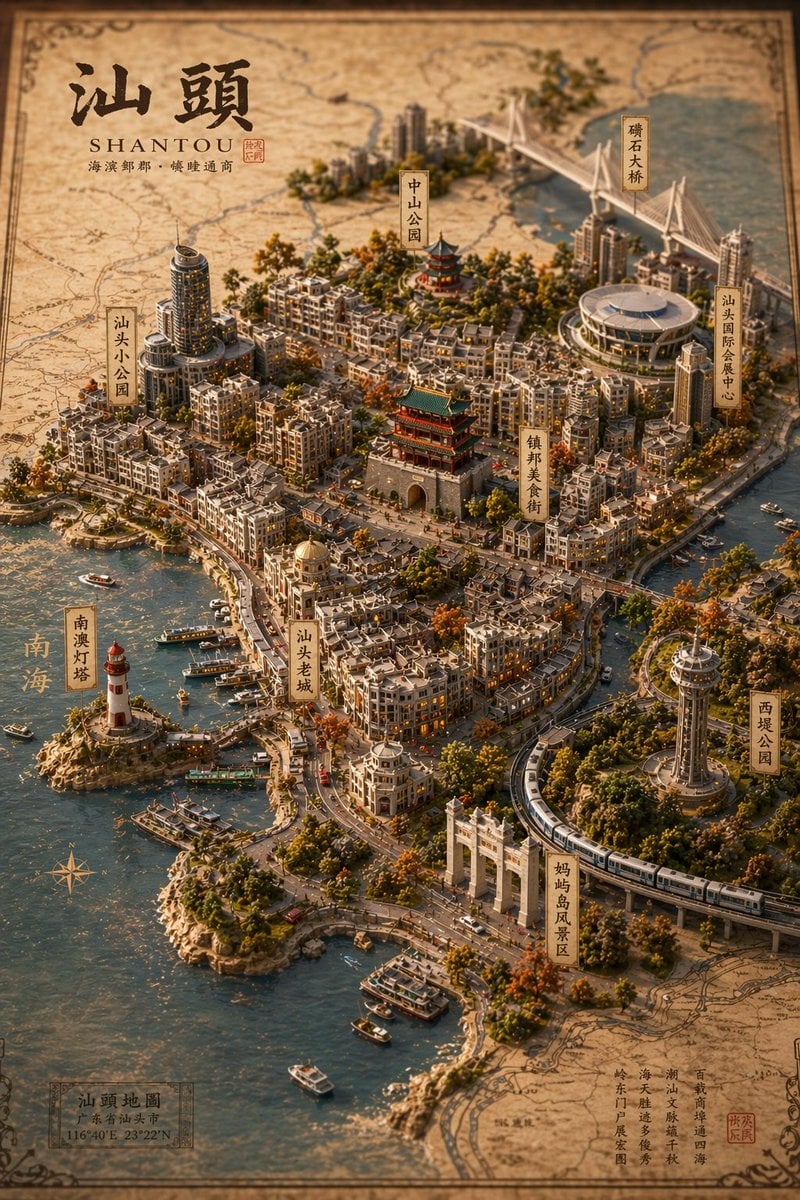
Vintage 3D Miniature City Map
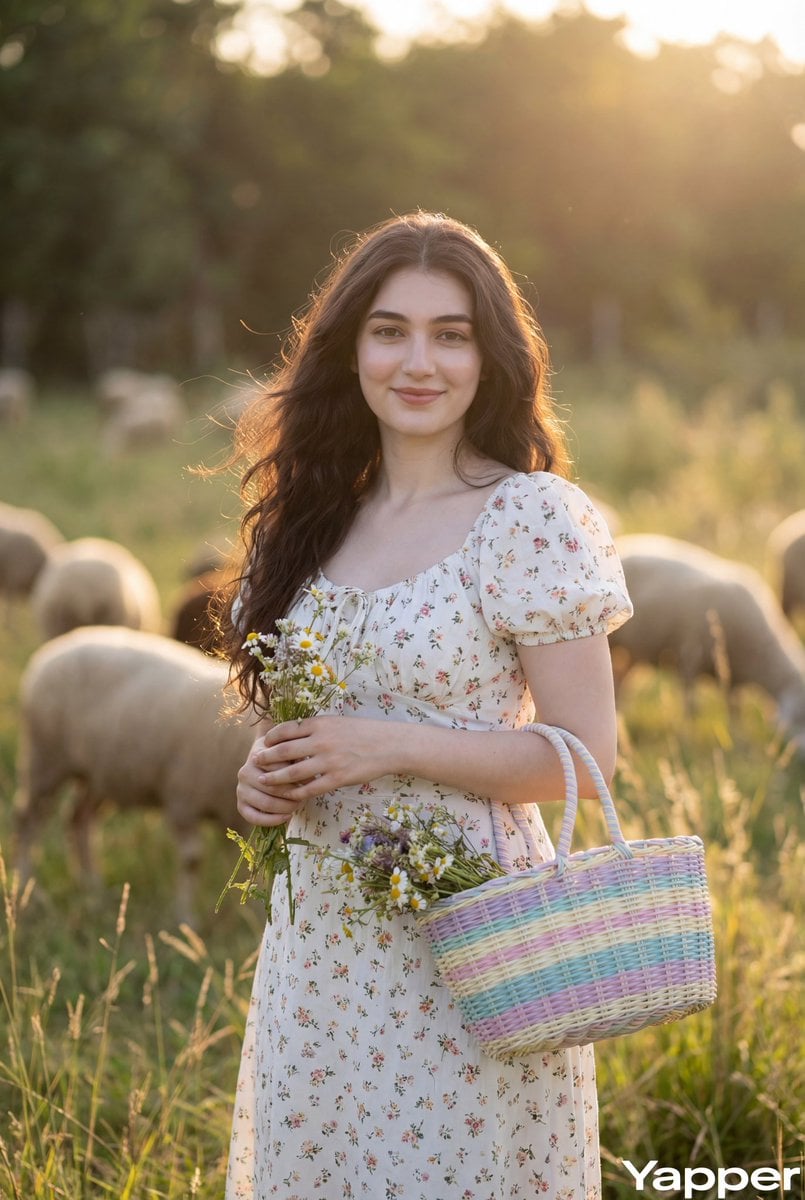
Cottagecore Pastoral Portrait Prompt
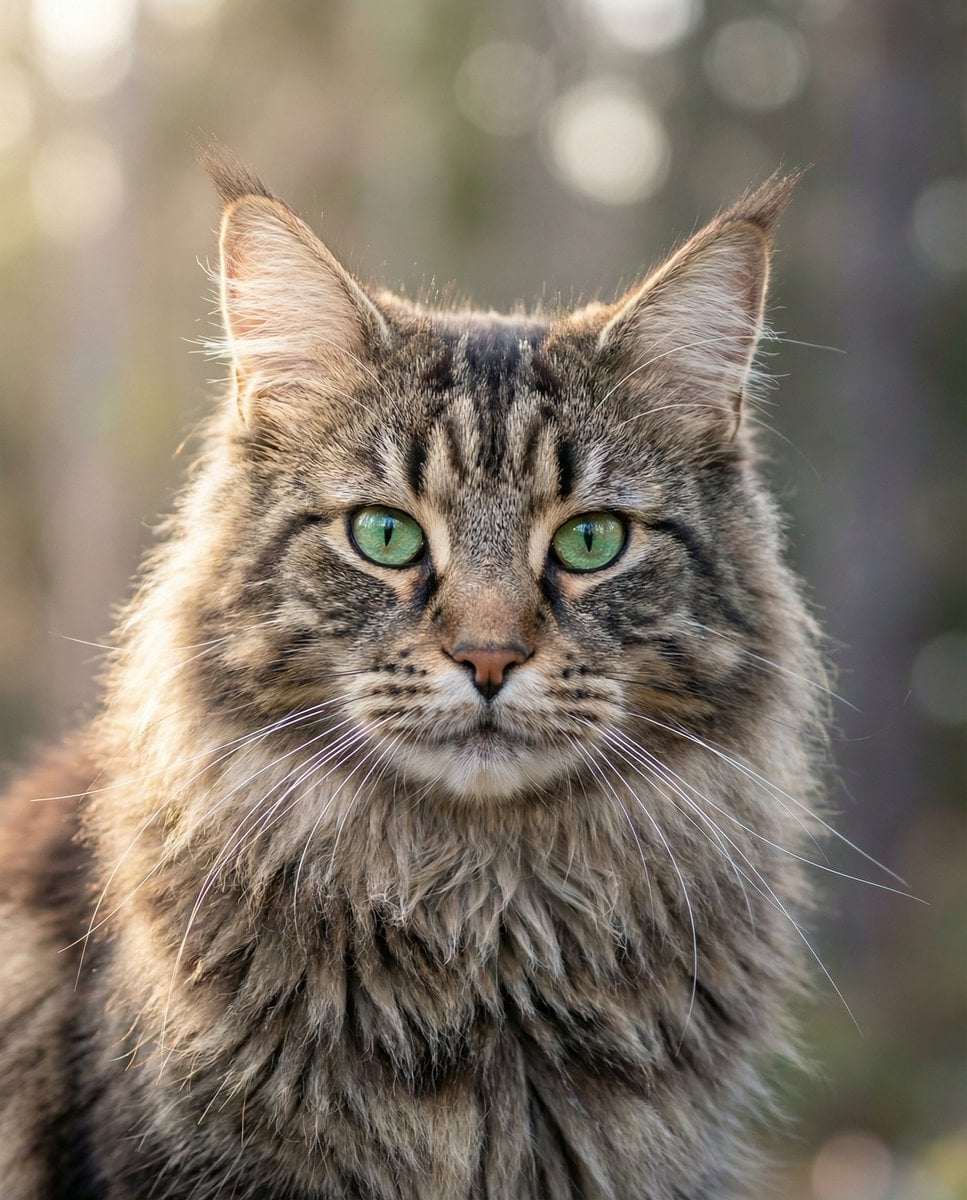
Hyper-Realistic Maine Coon Portrait
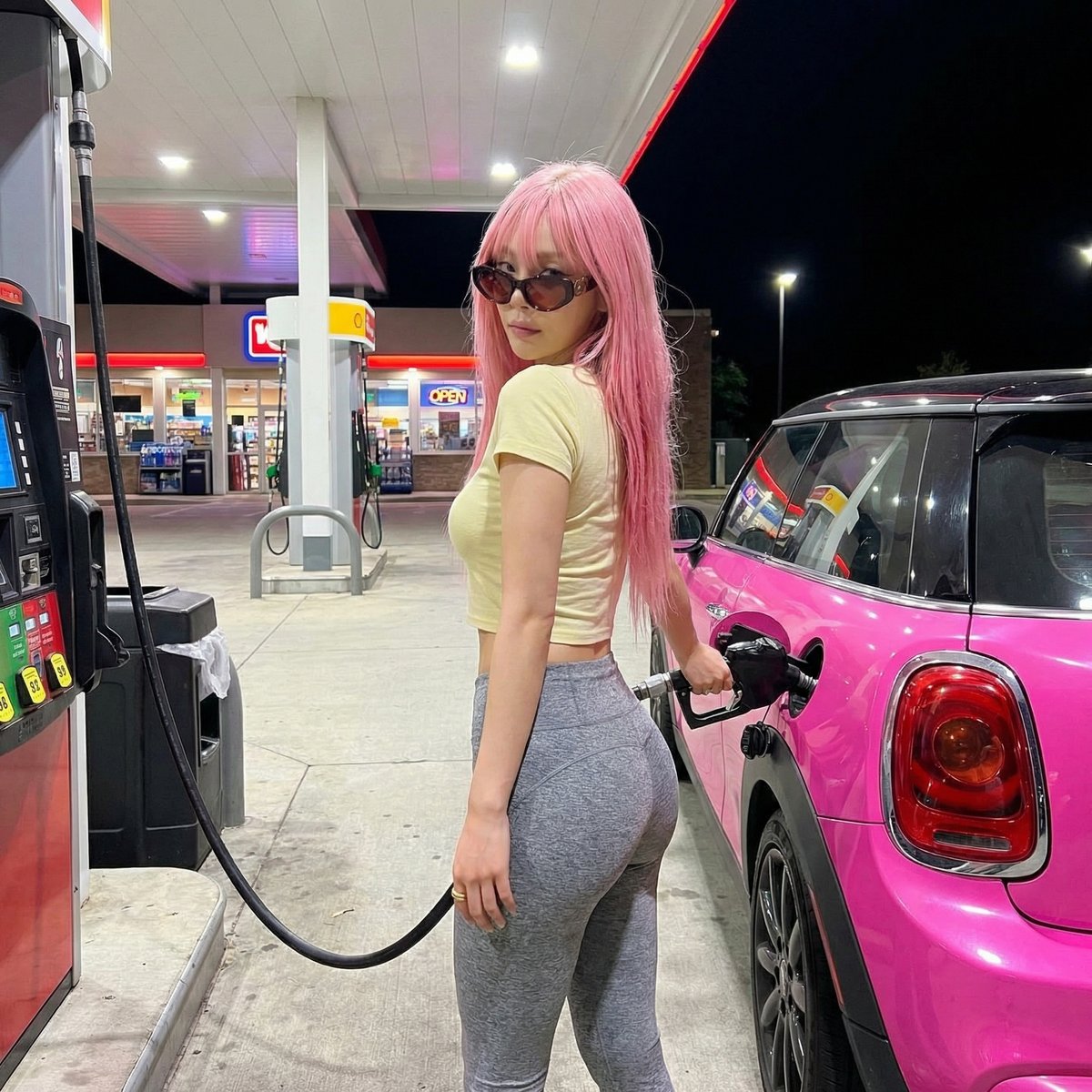
Exaggerated Curvy Figure at Gas Station
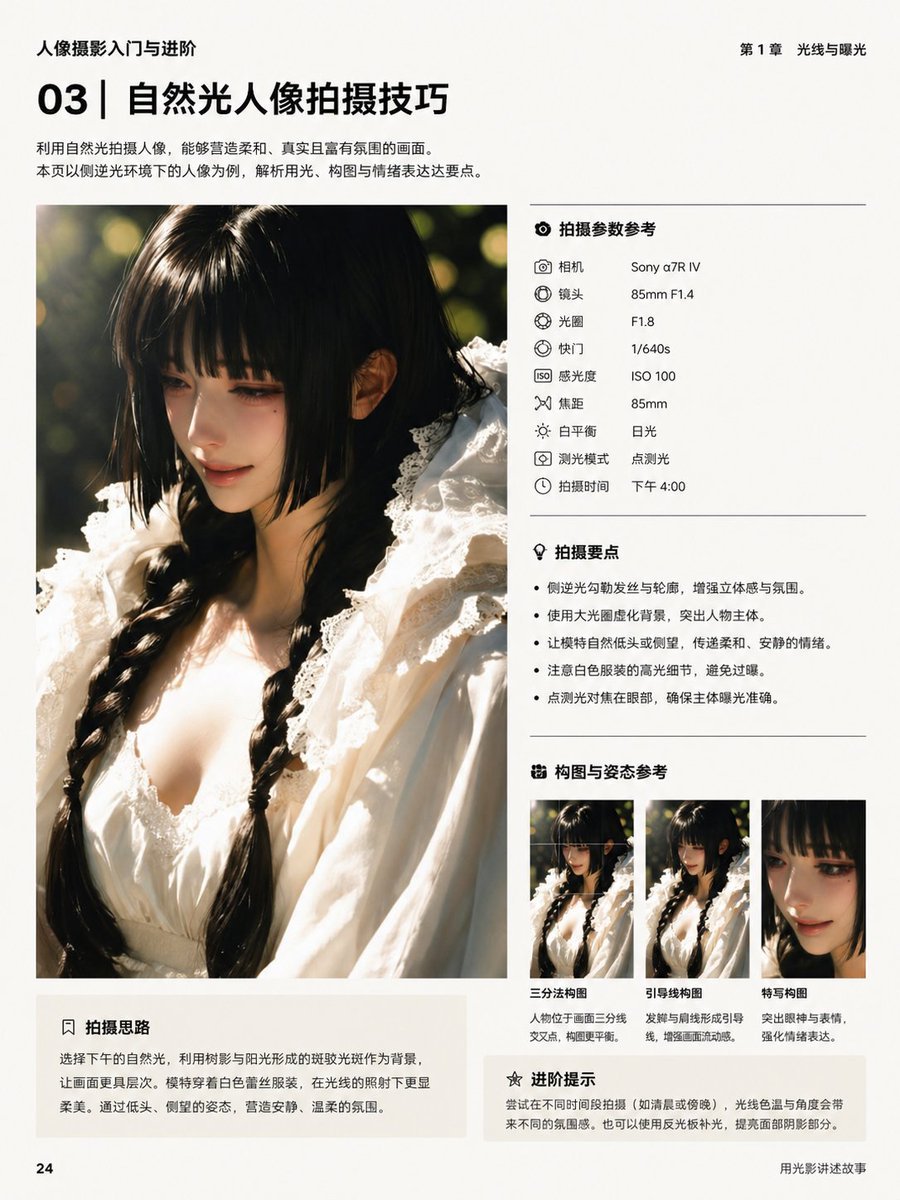
Chinese Photography Book Layout
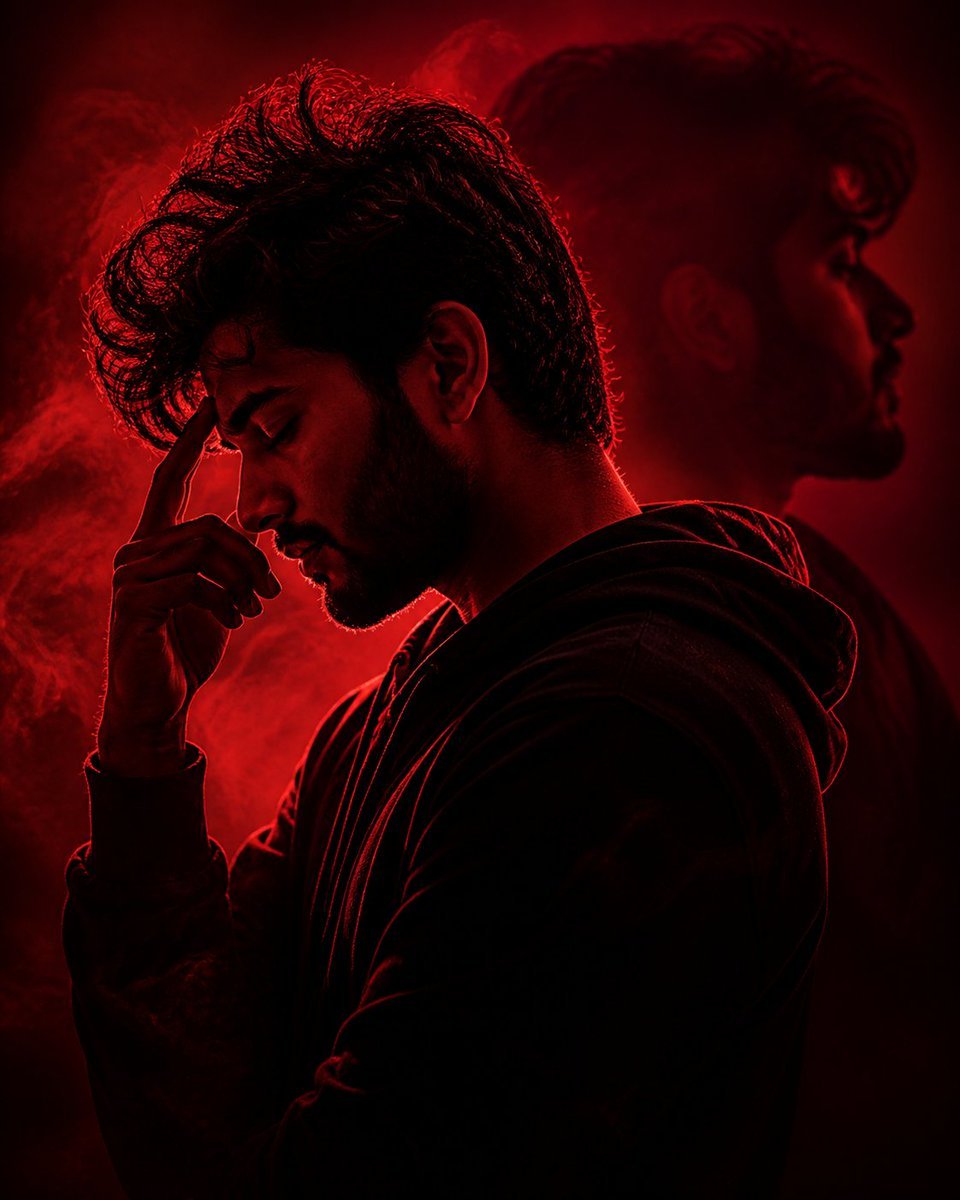
Crimson Moody Double Exposure Portrait
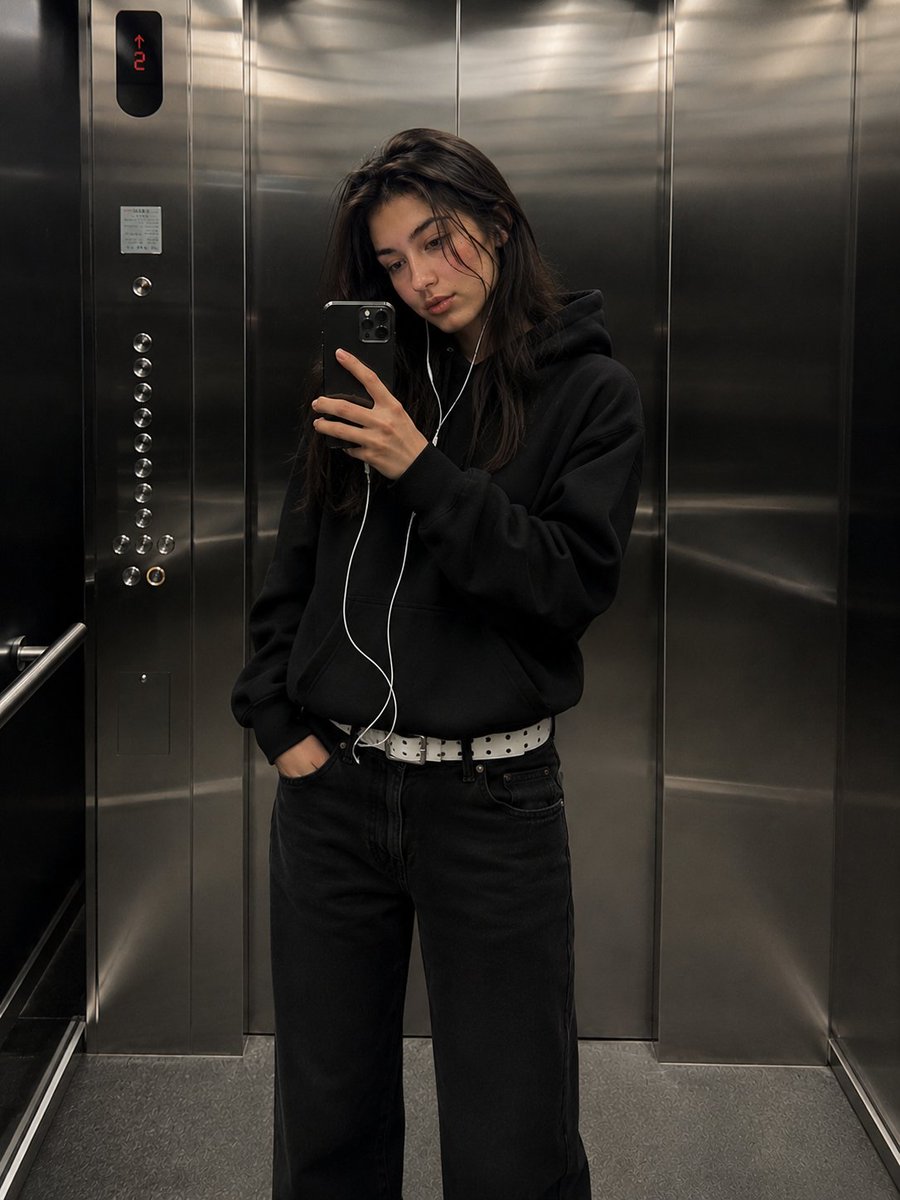
Urban Streetwear Elevator Mirror Selfie
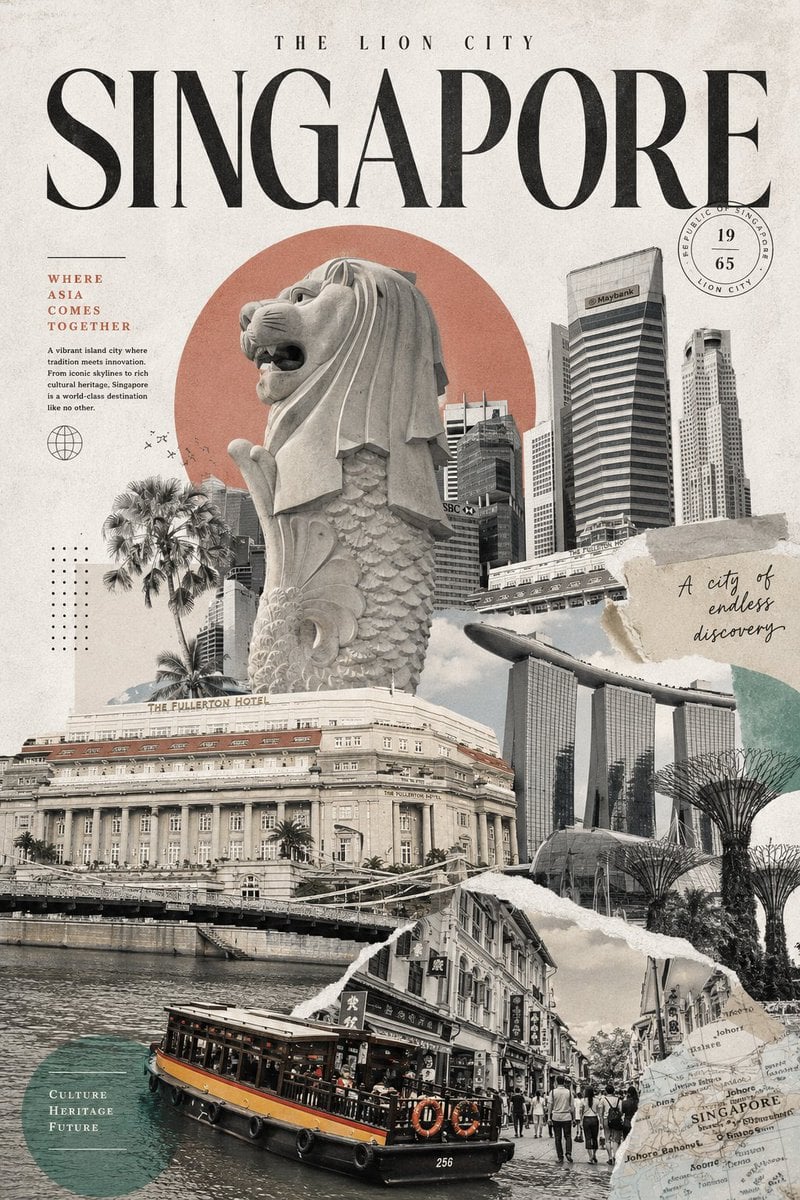
Retro Inspired Travel Collage Poster
Browse template categories
Cinematic Candlelit Noir Scene questions
How do I use the Cinematic Candlelit Noir Scene template?
Add your photo if the template asks for one, edit the prompt if you like — the template's model and format are already selected — and press Generate. Your version opens in PicX Studio.
Can I customize the Cinematic Candlelit Noir Scene template?
Yes. You can change the subject, setting, lighting, mood, format, and available model controls before creating your image.
Is the Cinematic Candlelit Noir Scene template free?
Opening and editing this template is free. Generating uses credits, shown on the Generate button when you are signed in.
Which AI model should I use?
Start with Nano Banana 2, which is the model associated with this template. You can compare another compatible model for a different finish.
Looking for something else? Browse all templates.

Your photo, any look
Thousands of ready templates for every top image and video model, from one credit balance.