How do I use the Urban Bridge Lifestyle Photography template?
Edit the prompt in the box under the preview — the template's model and format are already selected — and press Generate. Your version appears right on this page.
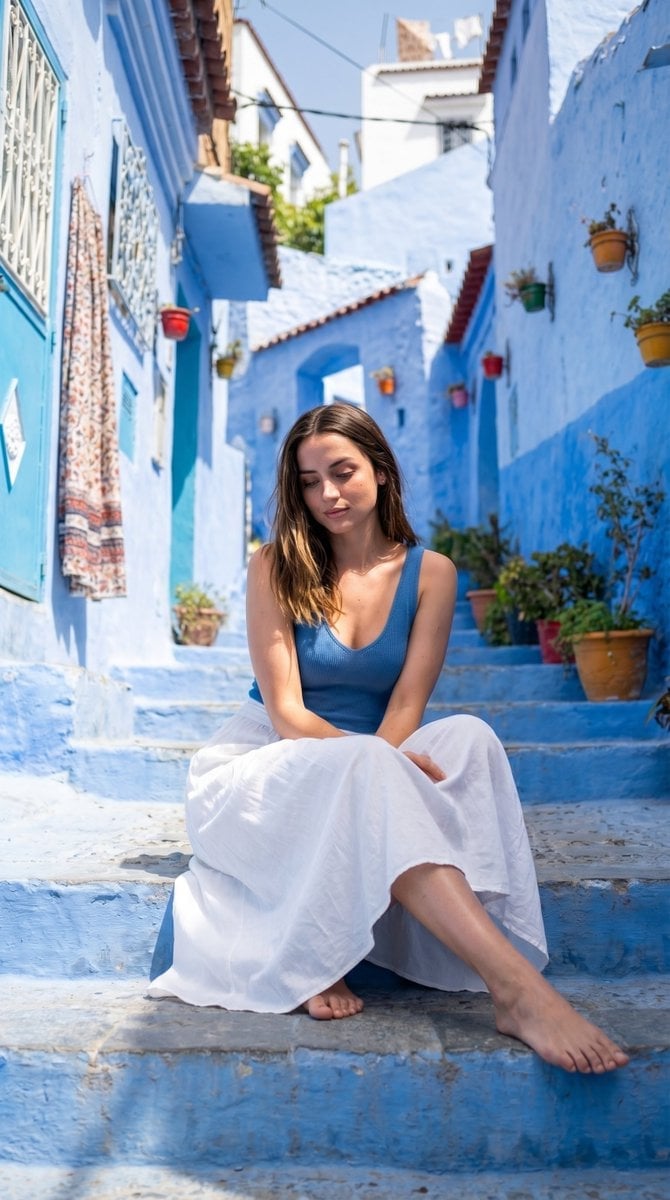
A set of prompts for urban lifestyle shots featuring a woman on an industrial bridge with an electric blue color grade and directional sunlight.

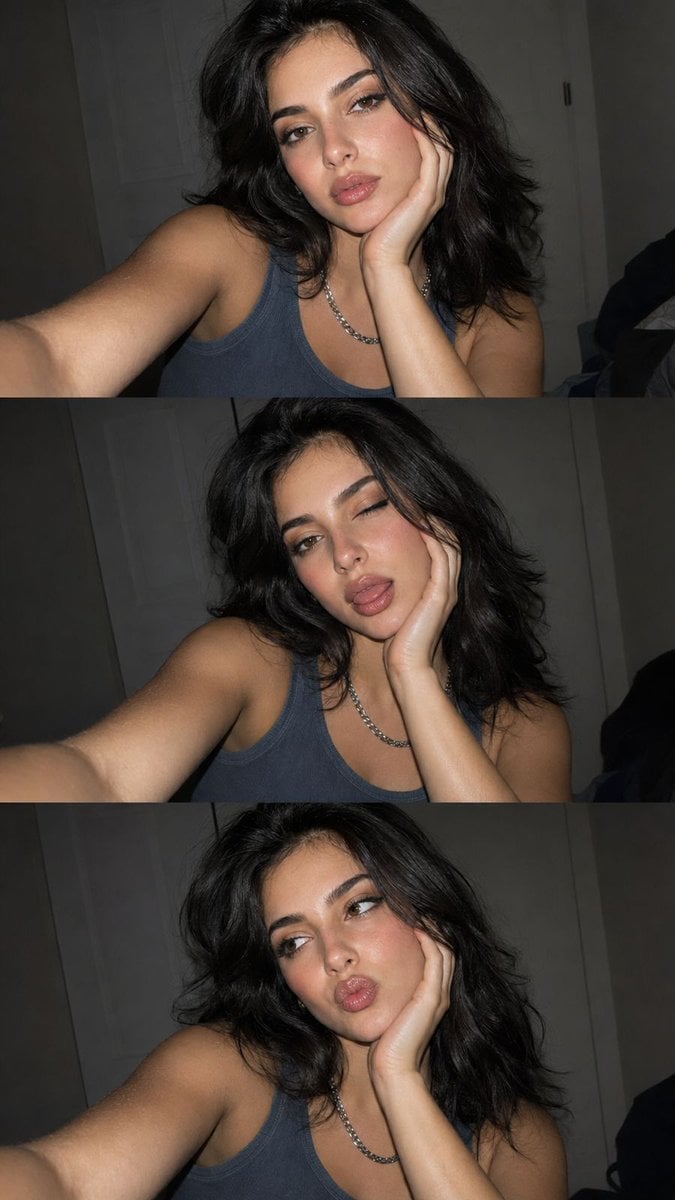
Wide urban lifestyle shot, woman in {argument name="outfit" default="deep blue ribbed tank top"} standing on or near {argument name="setting" default="industrial steel bridge"}, long dark hair blown dramatically by wind, slim blue-tinted sunglasses, confident upward chin tilt, full steel lattice structure and blue sky visible in background with slight blur, strong directional sunlight, {argument name="color grade" default="electric blue"} color grade, negative space in sky for caption text, vertical 4:5 composition --ar 4:5 --v 6 Close-up lifestyle portrait, woman with long wind-blown dark hair crossing her face, sharp direct gaze through slim rectangular blue-tinted sunglasses, warm glowing skin, deep blue ribbed tank top strap visible at shoulder, blurred blue steel structure and sky background, strong directional sunlight, electric blue color grade, shallow depth of field, vertical 4:5 --ar 4:5 --v 6 Extreme close-up beauty portrait, woman's face with wind-blown dark hair strands crossing cheek, sharp direct gaze through slim silver-frame sunglasses with blue mirror lenses reflecting sky and steel structure, warm sun-kissed skin texture visible, strong directional sunlight, cool electric blue color grade, shallow depth of field, vertical 4:5 --ar 4:5 --v 6
Wide urban lifestyle shot, woman in {argument name="outfit" default="deep blue ribbed tank top"} standing on or near {argument name="setting" default="industrial steel bridge"}, long dark hair blown dramatically by wind, slim blue-tinted sunglasses, confident upward chin tilt, full steel lattice structure and blue sky visible in background with slight blur, strong directional sunlight, {argument name="color grade" default="electric blue"} color grade, negative space in sky for caption text, vertical 4:5 composition --ar 4:5 --v 6 Close-up lifestyle portrait, woman with long wind-blown dark hair crossing her face, sharp direct gaze through slim rectangular blue-tinted sunglasses, warm glowing skin, deep blue ribbed tank top strap visible at shoulder, blurred blue steel structure and sky background, strong directional sunlight, electric blue color grade, shallow depth of field, vertical 4:5 --ar 4:5 --v 6 Extreme close-up beauty portrait, woman's face with wind-blown dark hair strands crossing cheek, sharp direct gaze through slim silver-frame sunglasses with blue mirror lenses reflecting sky and steel structure, warm sun-kissed skin texture visible, strong directional sunlight, cool electric blue color grade, shallow depth of field, vertical 4:5 --ar 4:5 --v 6
Edit the prompt in the box under the preview — the template's model and format are already selected — and press Generate. Your version appears right on this page.
Yes. You can change the subject, setting, lighting, mood, format, and available model controls before creating your image.
Opening and editing this template is free. Generating uses credits, shown on the Generate button when you are signed in.
Start with Nano Banana 2, which is the model associated with this template. You can compare another compatible model for a different finish.
Follow a topic to a crawlable collection of related PicX Studio templates.