
Monochromatic Coastal Riviera Portrait
A sophisticated high-contrast black and white prompt for an editorial-style portrait of a man in a coastal Italian setting.
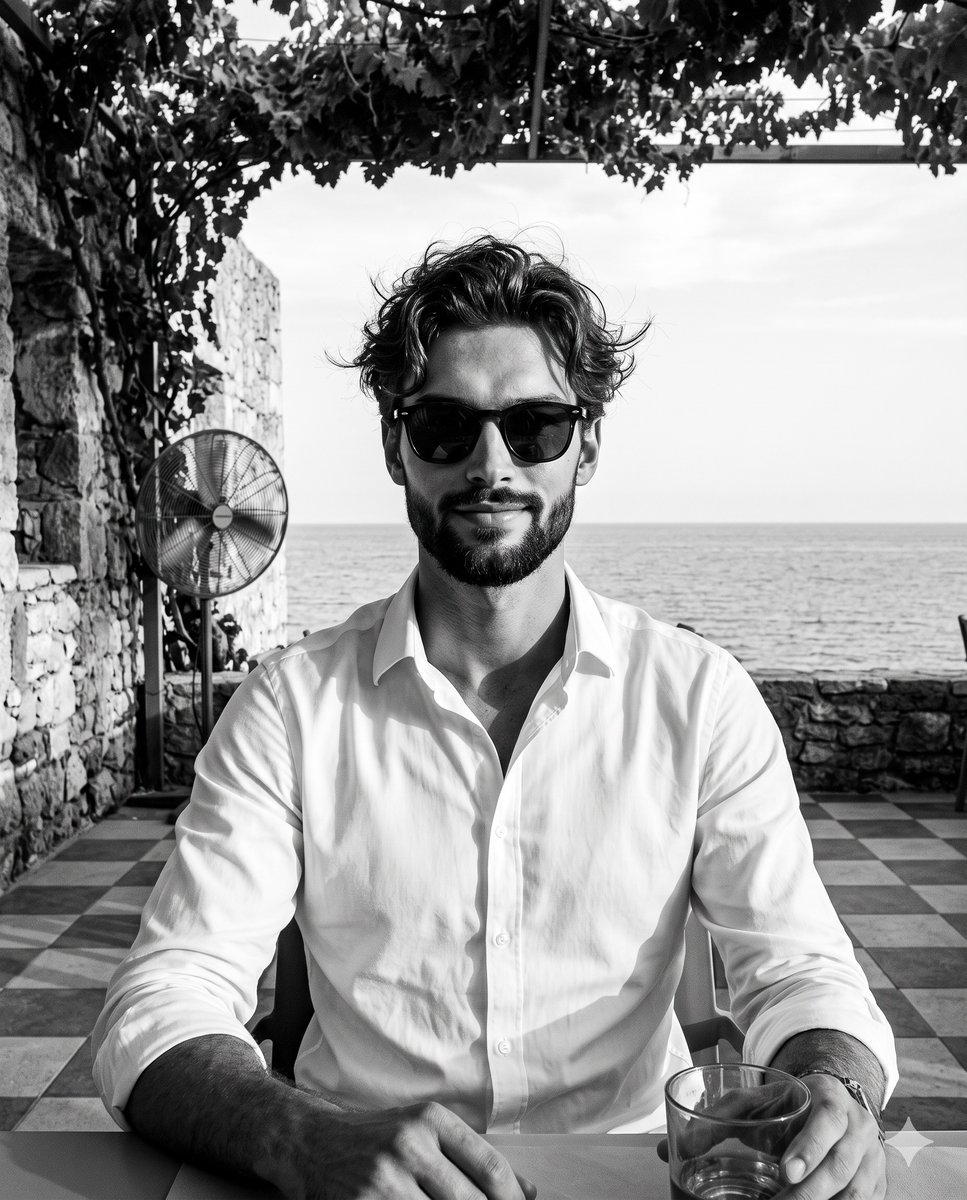
- Prompt included
- Model and format preset
- Free template
The prompt behind this image
Copy the exact prompt behind Monochromatic Coastal Riviera Portrait, or open it in the studio and make it yours.
A {argument name="subject" default="confident man"} sits centered facing the camera in a {argument name="clothing" default="crisp white shirt"} and dark sunglasses, exuding an effortless candid demeanor with a subtle, closed-mouth smile and relaxed eyebrows. His dark, wavy hair, cut to about three to four inches, features a tousled, unstructured volume with a natural matte finish, slight frizz, and visible flyaways. His shoulders are entirely relaxed as his weight rests symmetrically, with his left hand casually resting on a surface and his right hand organically grasping a glass tumbler in a fluid, relaxed gesture. He is layered seamlessly into a {argument name="setting" default="deep outdoor coastal setting"}, framed from above by thriving, dense leafy canopy vines in the foreground. The midground reveals a weathered, rough matte mid-gray stone masonry wall with patchy, visible mortar on the left, alongside a worn industrial fan mounted to the canopy frame on the right. He sits above a gray checkered tile floor, with the scene extending outward to a pristine background ocean marked by a perfectly flat horizon. The monochromatic atmosphere is rendered in a strict black-and-white high-contrast palette where the bright whites of the shirt and sky balance against deep black shadows and mid-gray midtones. Bright, natural light filters down from multiple sources above but strikes with a hard, directional quality, creating dramatic, harshly defined deep black shadows under the lush canopy, across his neck, and down the right side of his face, while meticulously preserving brilliant specular highlights on the shoulders of his shirt and the distant sky to evoke a sophisticated Italian Riviera summer lifestyle mood. Captured as a tack-sharp digital editorial photograph shot straight on at f/4.0, 1/500s, and ISO 100, the realistic image features a medium depth of field and distinct digital noise, refined with high-contrast curve adjustments to emphasize its organic visual style, all framed in a 4:5 aspect ratio.
How to use Monochromatic Coastal Riviera Portrait in 3 steps
- 1
Open
The prompt is already in the box next to the preview, with the template's model and format selected.
- 2…a portrait of your subject in softgolden-hour light, 85mm…
Personalize
Edit the subject and creative details for your destination.
- 3Generate
Generate
Press Generate — your image is created in PicX Studio, so you can compare it with the original and refine one variable at a time.
More like this
Templates with the same subject, style or setup. Open one to see its prompt.

Found Photograph: Us, 1970

80s Couple Studio Portrait

80s Bollywood Star

80s Golden Hour Cinema

Me in 1985

1985 Studio Portrait

Hyper-Realistic Minecraft POV Portrait

Rooftop Fisheye — Cat-Ear Balaclava at Golden Hour

Master Blind Embossed Paper Art — White-on-White Monochromatic Luxury Stationery
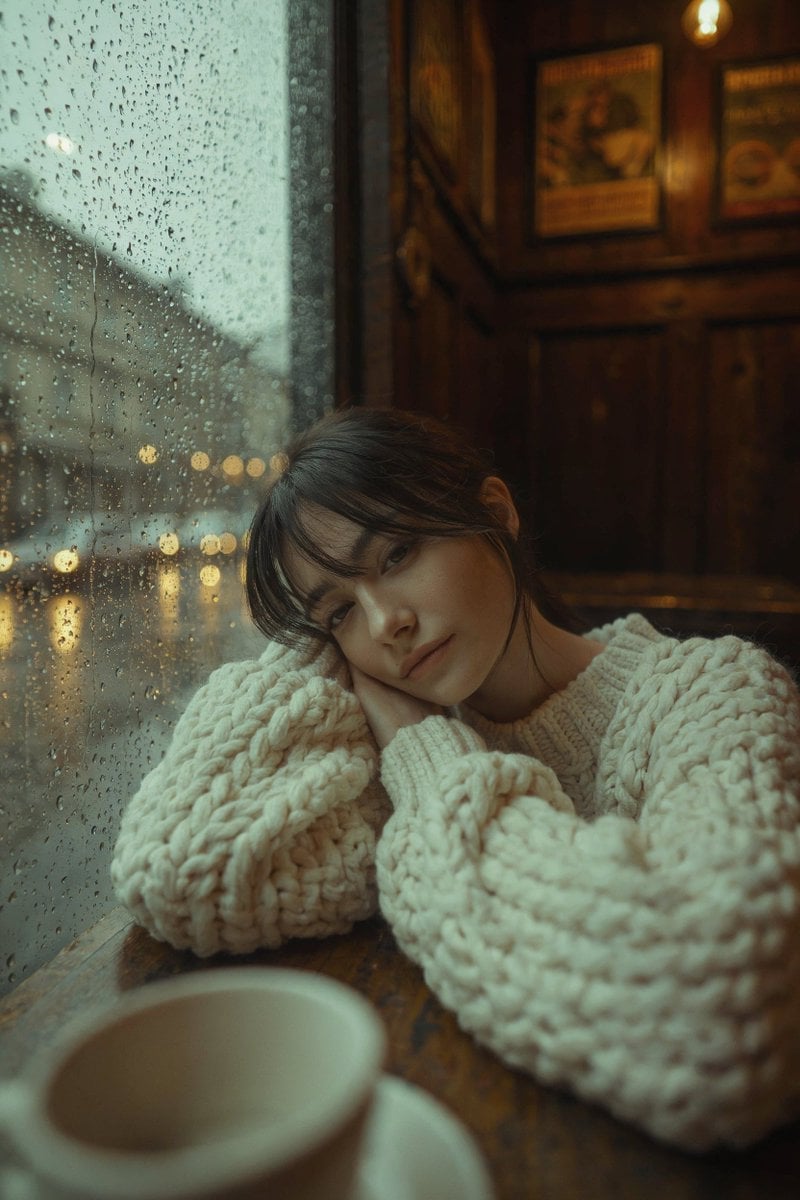
Rainy Café Window Moody Portrait
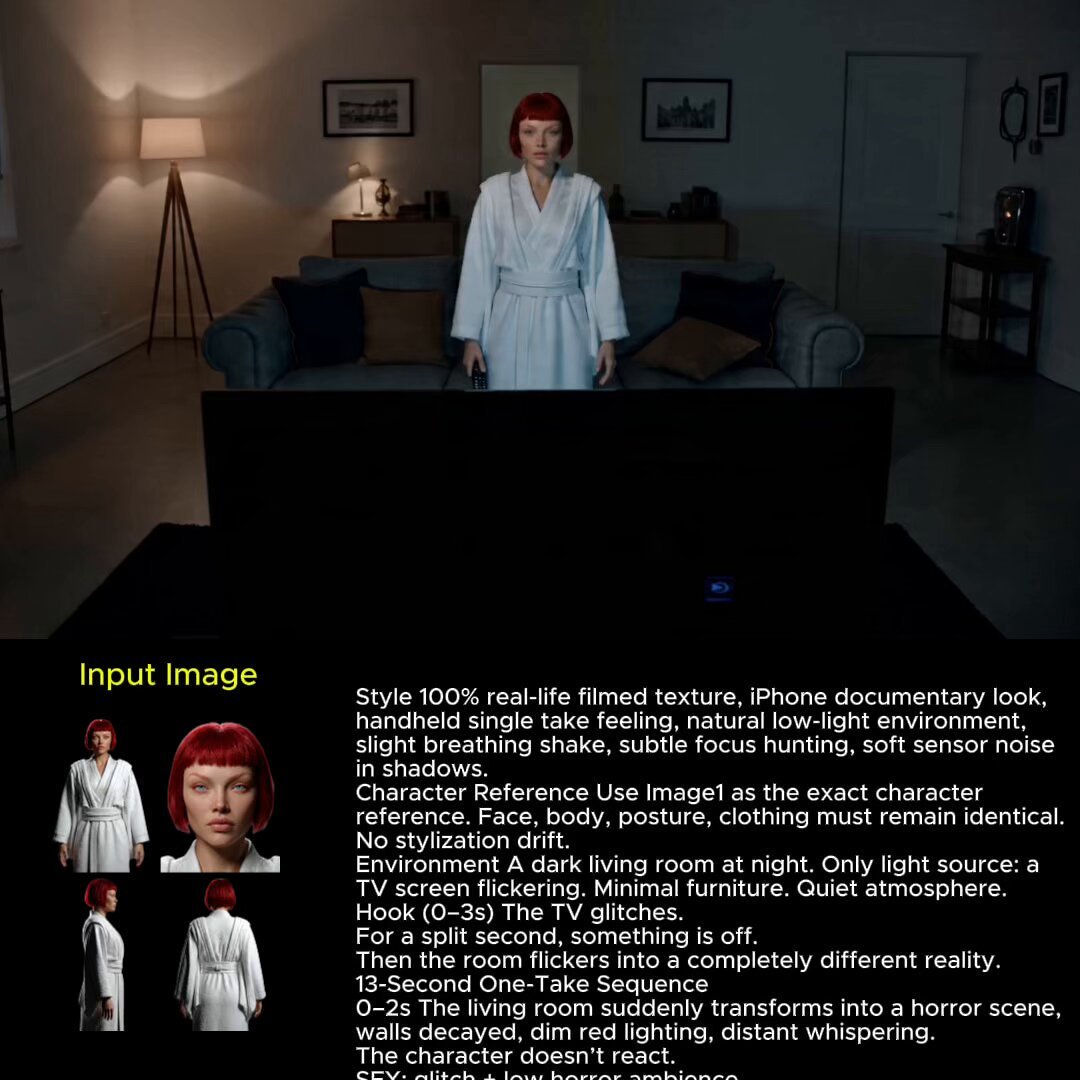
2025 Aesthetic Photography
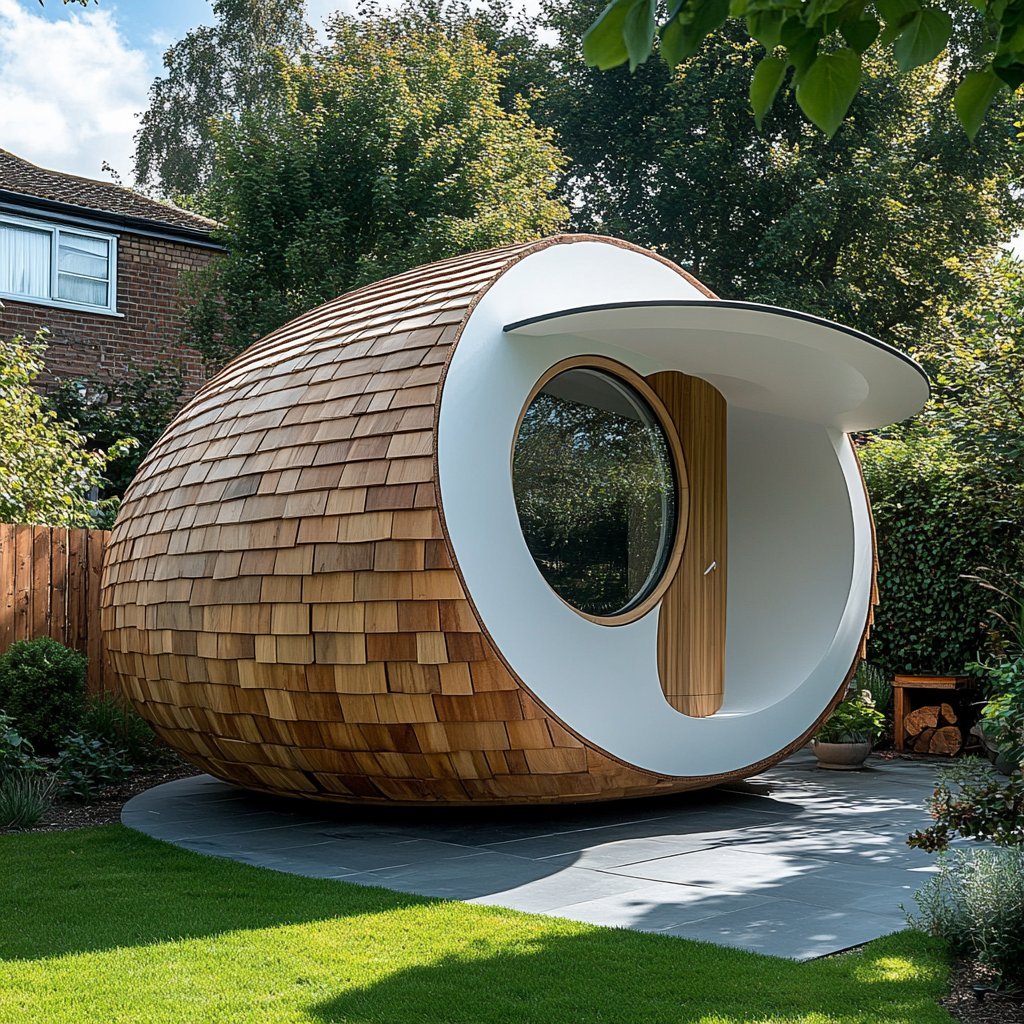
Nano Banana Is So Addictive
Make it yours
Monochromatic Coastal Riviera Portrait works as-is. These are the safest ways to change it without losing the look.
Change one field
Copy a single group, rewrite it, and generate again so you can see what that field is doing.
Keep the frame, change the subject
Hold the composition and light of Monochromatic Coastal Riviera Portrait, then swap wardrobe, props or the person for a new take.
| If the result… | Why | Fix |
|---|---|---|
| The result drifts from the preview | Too many fields changed at once. | Reuse Monochromatic Coastal Riviera Portrait as-is first, then change one group — subject, light, or setting. |
| The model over-stylizes the scene | The prose prompt leaves finish and camera underspecified. | Add one camera or lighting sentence and stay on Nano Banana 2. |
More Nano Banana 2 templates
Other prompts made for Nano Banana 2.

Photorealistic Leaf Shaped Like a Dragon

K-Pop Idol Portrait Grid for Rapid Selection

Poetic Rain Forest Portrait During Golden Hour

Urban Street Portrait with Cartoon Inner Self Duo

Candid Nighttime Photo with Cat Prompt

High-Concept 3D Diorama Generation Prompt

Cinematic Futuristic Studio Portrait Template

Skincare Editorial Photography Collage Prompt

Hyper-Realistic Commercial Product Photography (Splash Effect)

Hyper-Realistic Nightclub Portrait Prompt
More image prompts
Fresh picks from across the catalog.
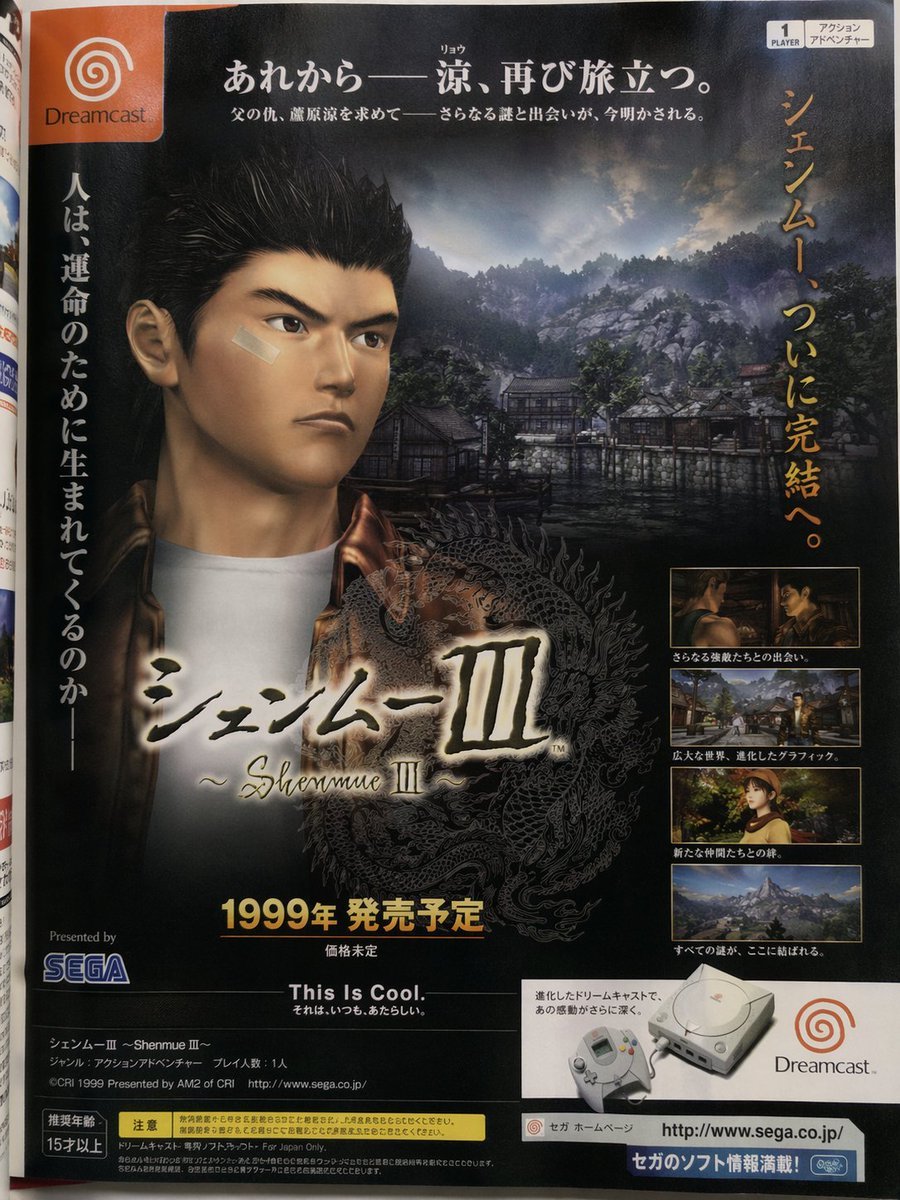
Retro Japanese Game Magazine Ad
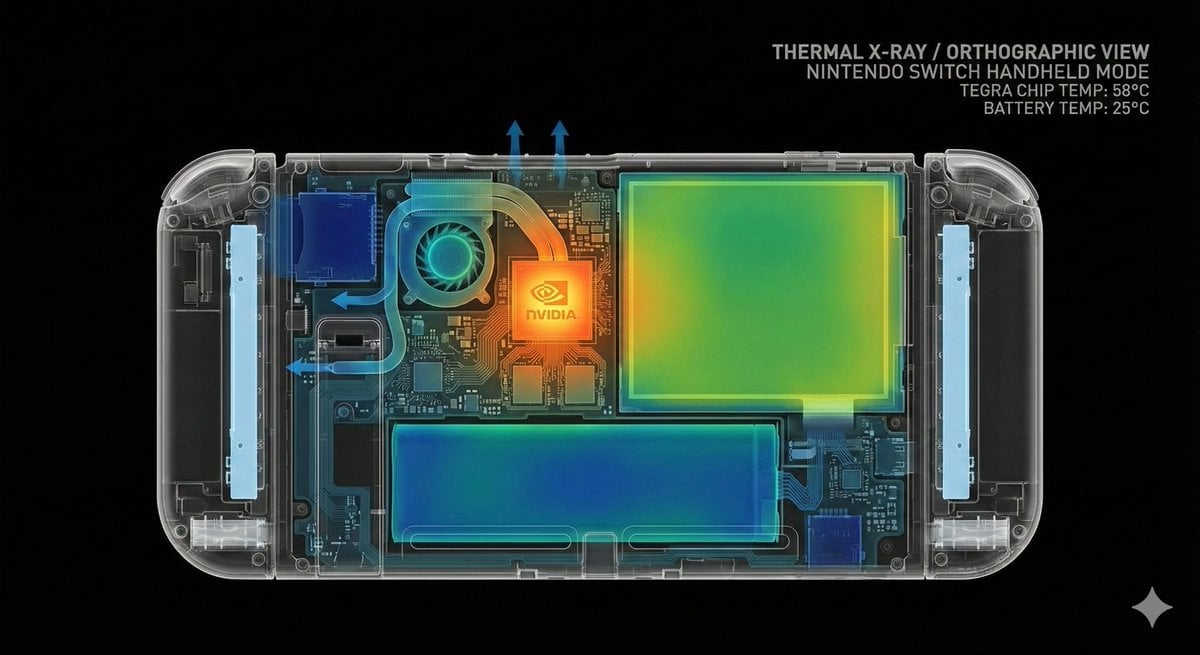
Thermal X-Ray Style Infographic Prompt (Nintendo Switch Example)
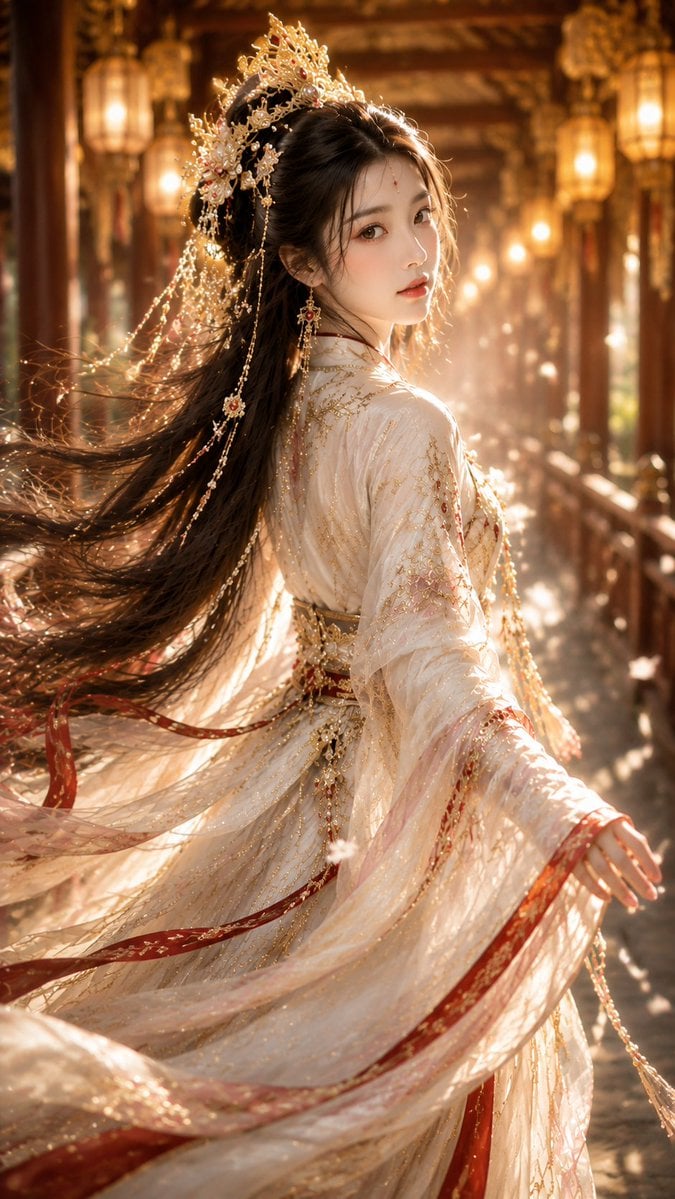
Ancient Chinese Fantasy Female Portrait
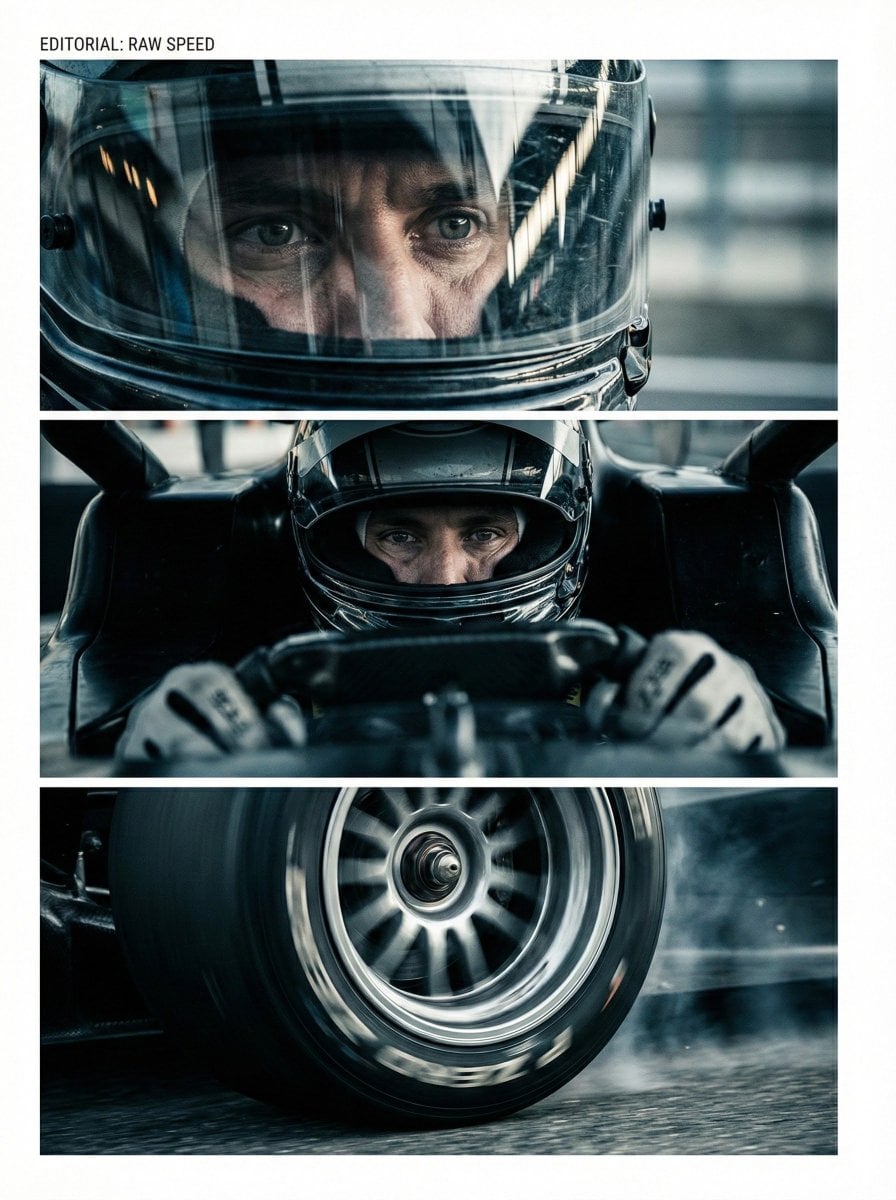
Nano Banana Pro Storyboard Prompt Pattern
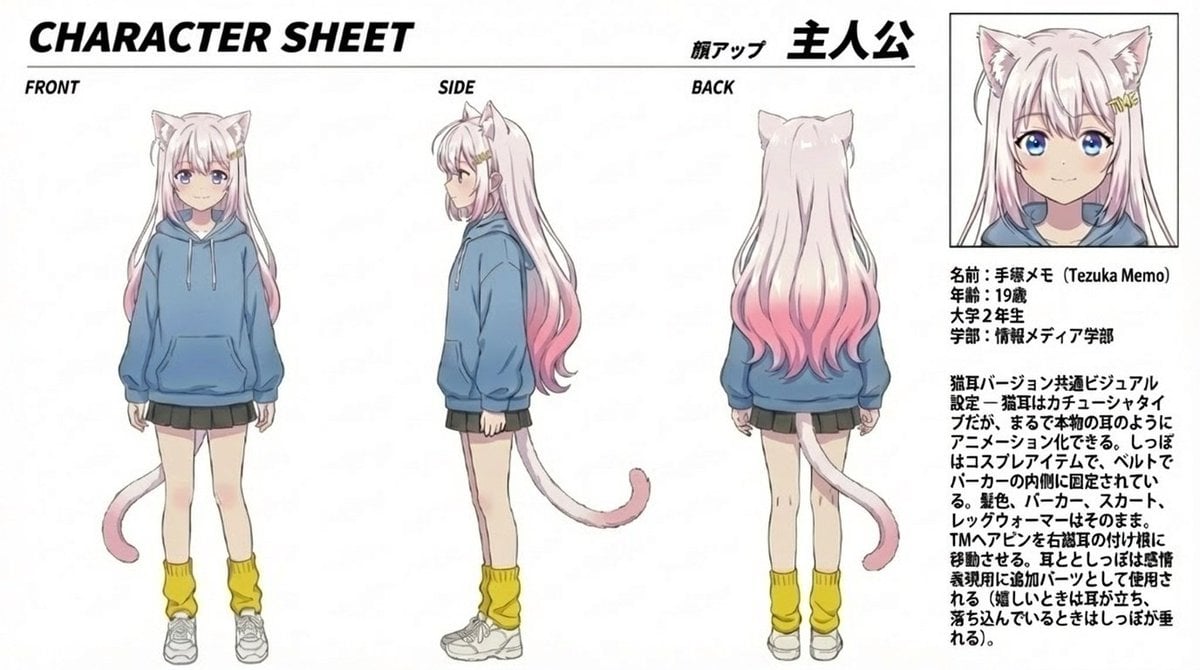
Anime Cat Girl Character Sheet
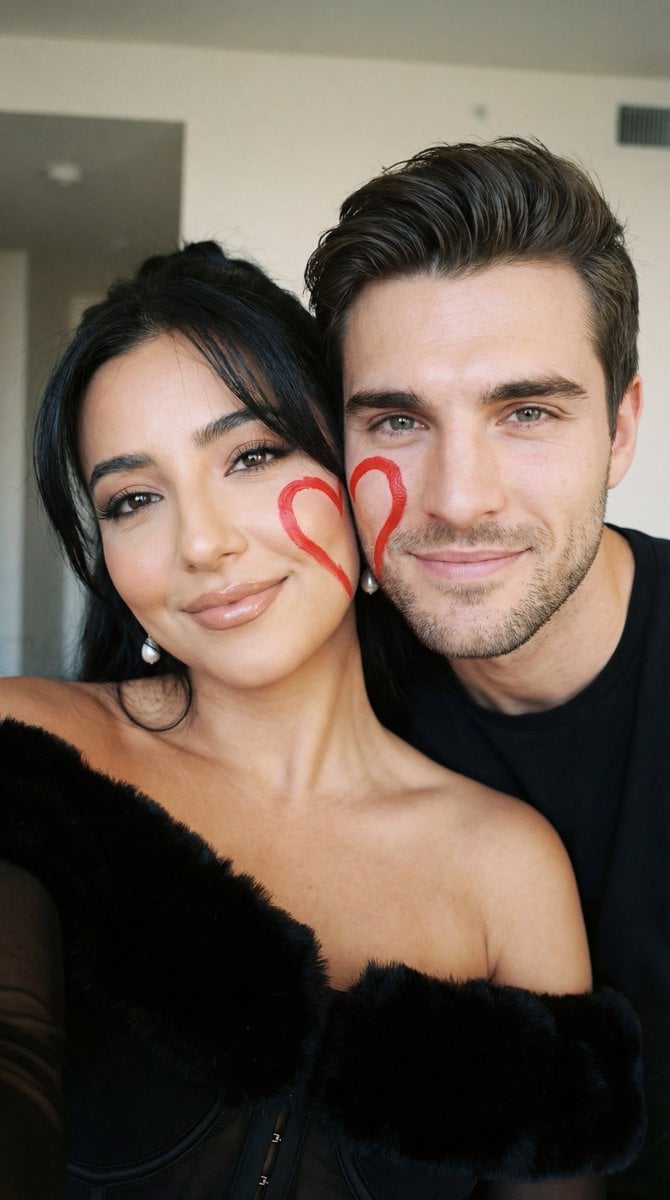
Ultra-Close Photorealistic Couple Selfie with Heart Cheek Paint
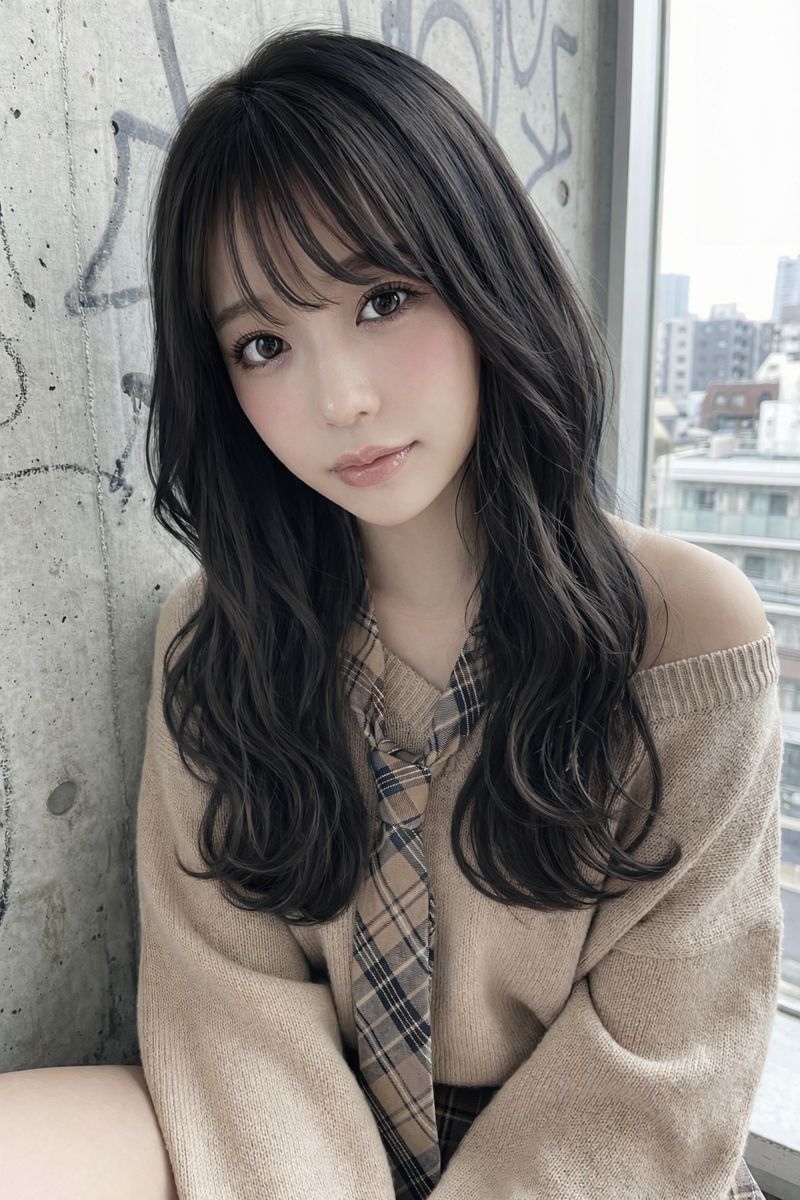
Image Editing: Change Hair Color to Black
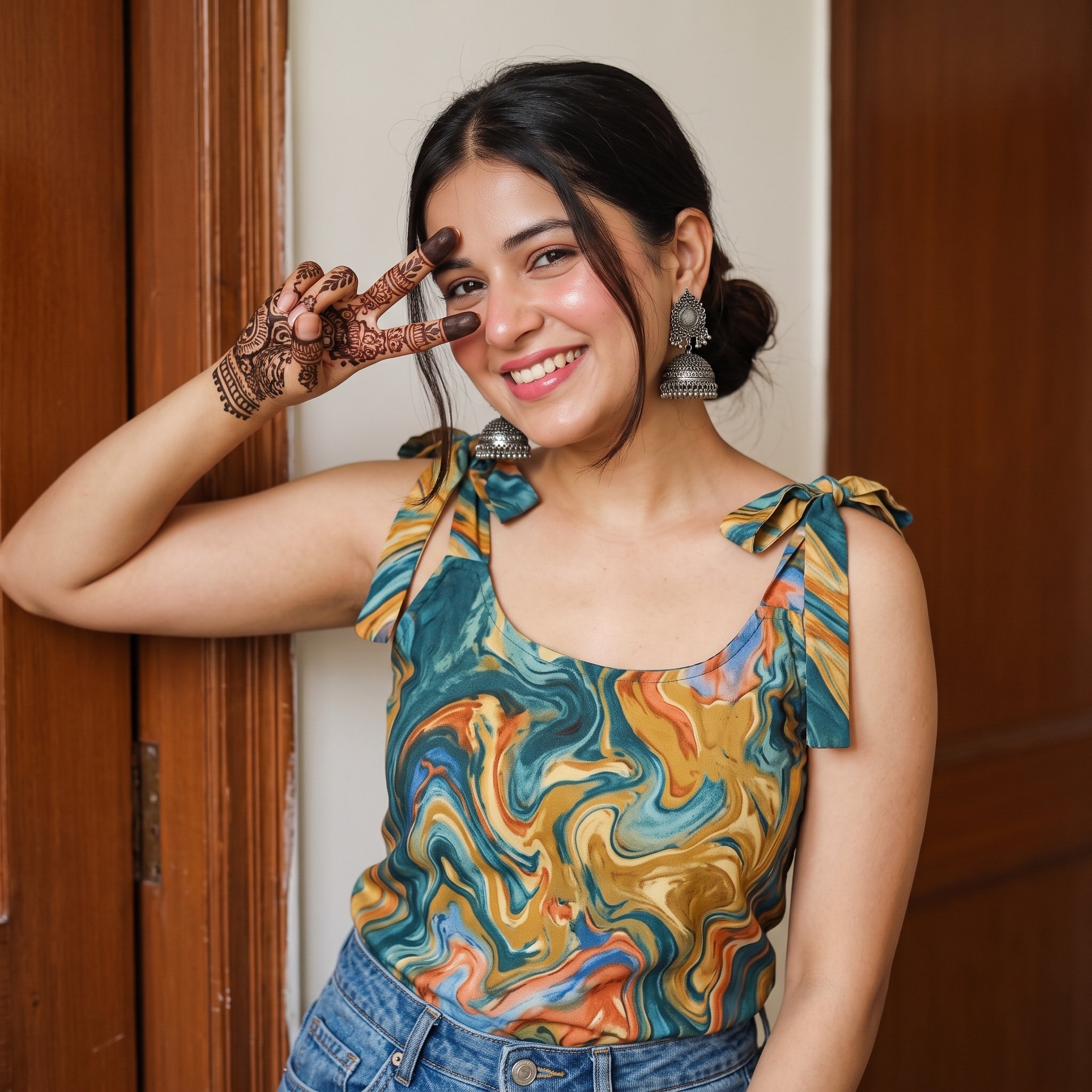
Image Analysis Prompt for Young Woman with Henna
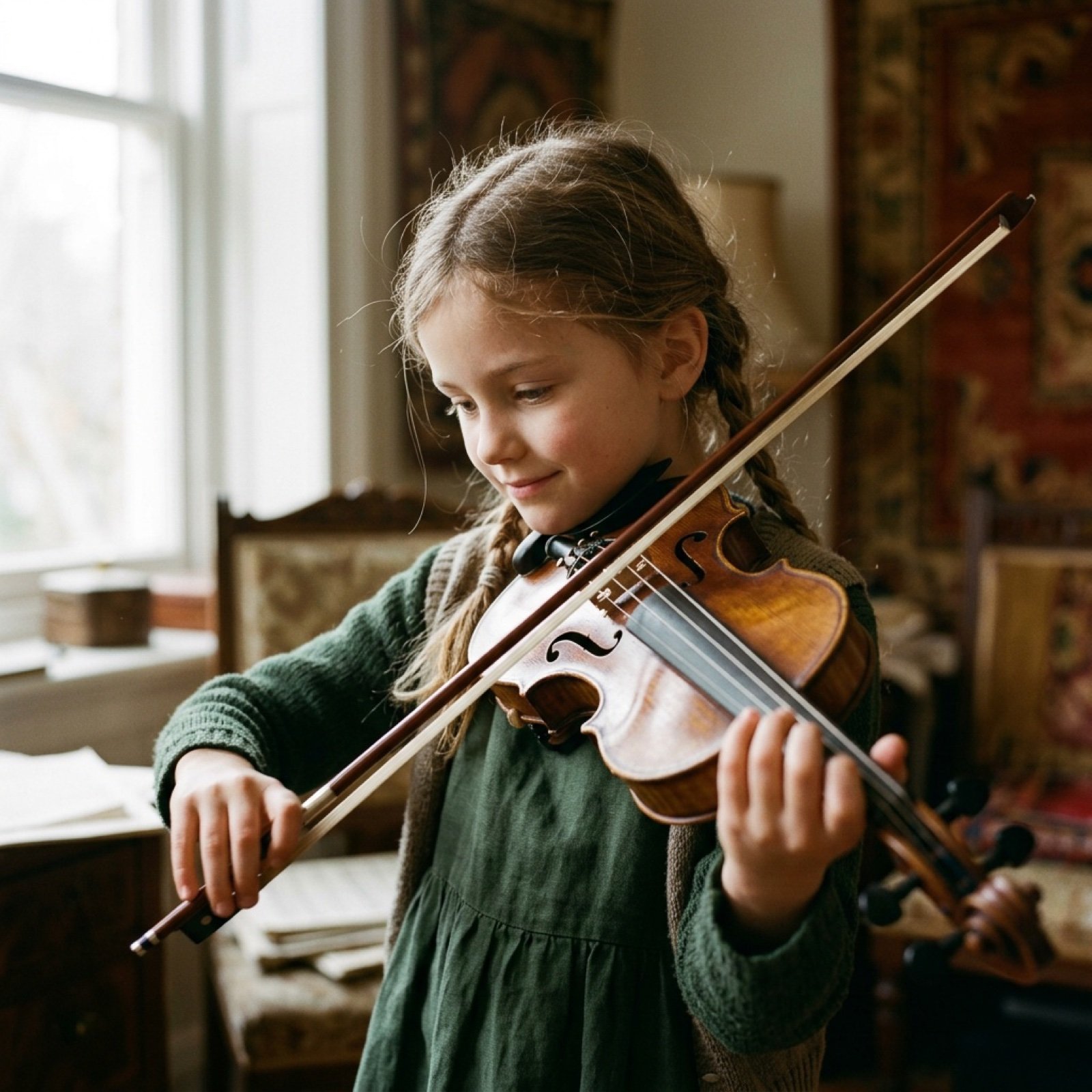
Cinematic Video Prompt for Violinist Girl
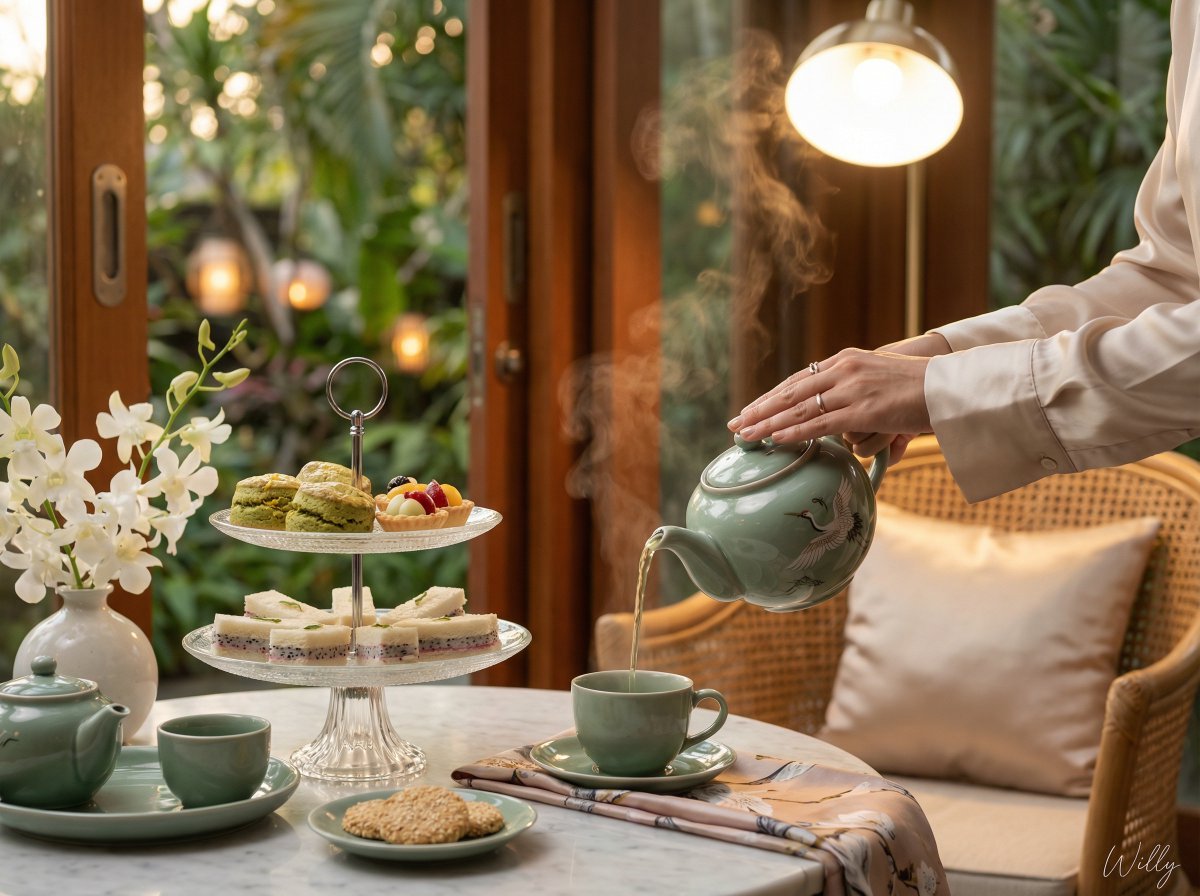
Photorealistic Vietnamese Afternoon Tea Scene
Browse template categories
Monochromatic Coastal Riviera Portrait questions
How do I use the Monochromatic Coastal Riviera Portrait template?
Add your photo if the template asks for one, edit the prompt if you like — the template's model and format are already selected — and press Generate. Your version opens in PicX Studio.
Can I customize the Monochromatic Coastal Riviera Portrait template?
Yes. You can change the subject, setting, lighting, mood, format, and available model controls before creating your image.
Is the Monochromatic Coastal Riviera Portrait template free?
Opening and editing this template is free. Generating uses credits, shown on the Generate button when you are signed in.
Which AI model should I use?
Start with Nano Banana 2, which is the model associated with this template. You can compare another compatible model for a different finish.
Looking for something else? Browse all templates.

Your photo, any look
Thousands of ready templates for every top image and video model, from one credit balance.