
Cinematic Aurora Heart Lovers Photography
A cinematic photography prompt featuring two lovers with a glowing heart formed from aurora light, creating a dreamy and emotional atmosphere.
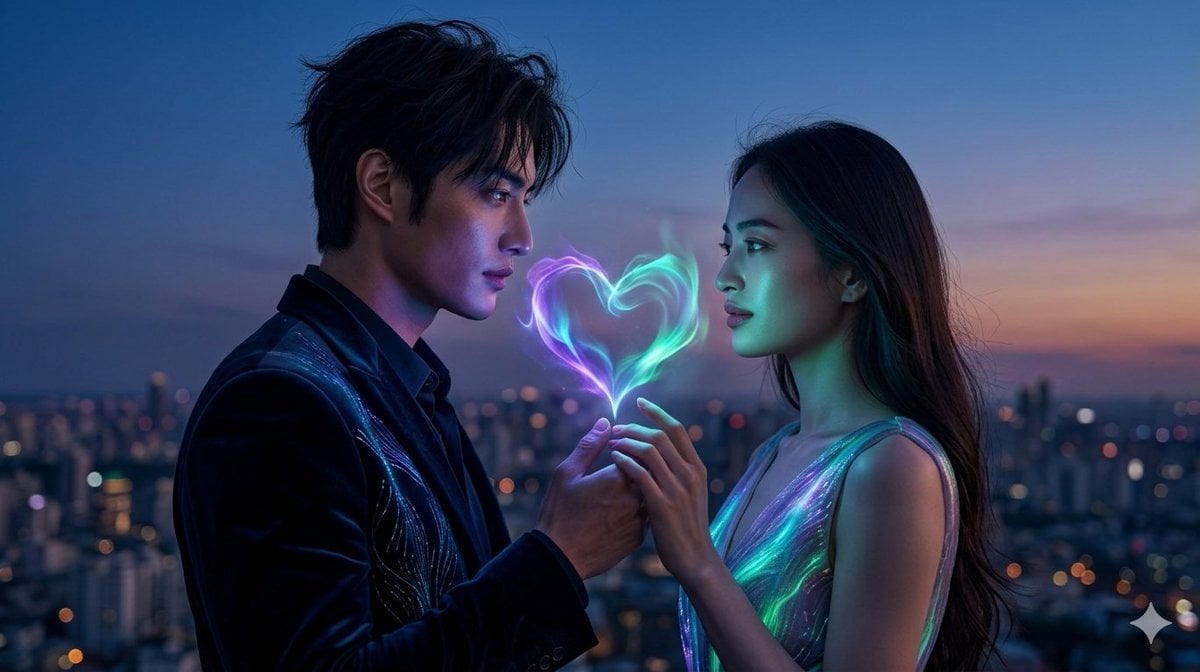
- Prompt included
- Model and format preset
- Premium template
The prompt behind this image
Copy the exact prompt behind Cinematic Aurora Heart Lovers Photography, or open it in the studio and make it yours.
Ultra-realistic cinematic photography. {argument name="subject" default="Two lovers"} reach toward each other while a luminous heart formed from {argument name="light effect" default="flowing aurora light"} floats between their hands. Purple, cyan, and emerald colors softly illuminate their faces. {argument name="time of day" default="Twilight sky"}, distant city skyline blurred in the background, emotional eye contact, dreamy atmosphere, natural skin texture, volumetric lighting, 8K HDR, luxury fashion editorial style.
How to use Cinematic Aurora Heart Lovers Photography in 3 steps
- 1
Open
The prompt is already in the box next to the preview, with the template's model and format selected.
- 2…a portrait of your subject in softgolden-hour light, 85mm…
Personalize
Edit the subject and creative details for your destination.
- 3Generate
Generate
Press Generate — your image is created in PicX Studio, so you can compare it with the original and refine one variable at a time.
More like this
Templates with the same subject, style or setup. Open one to see its prompt.
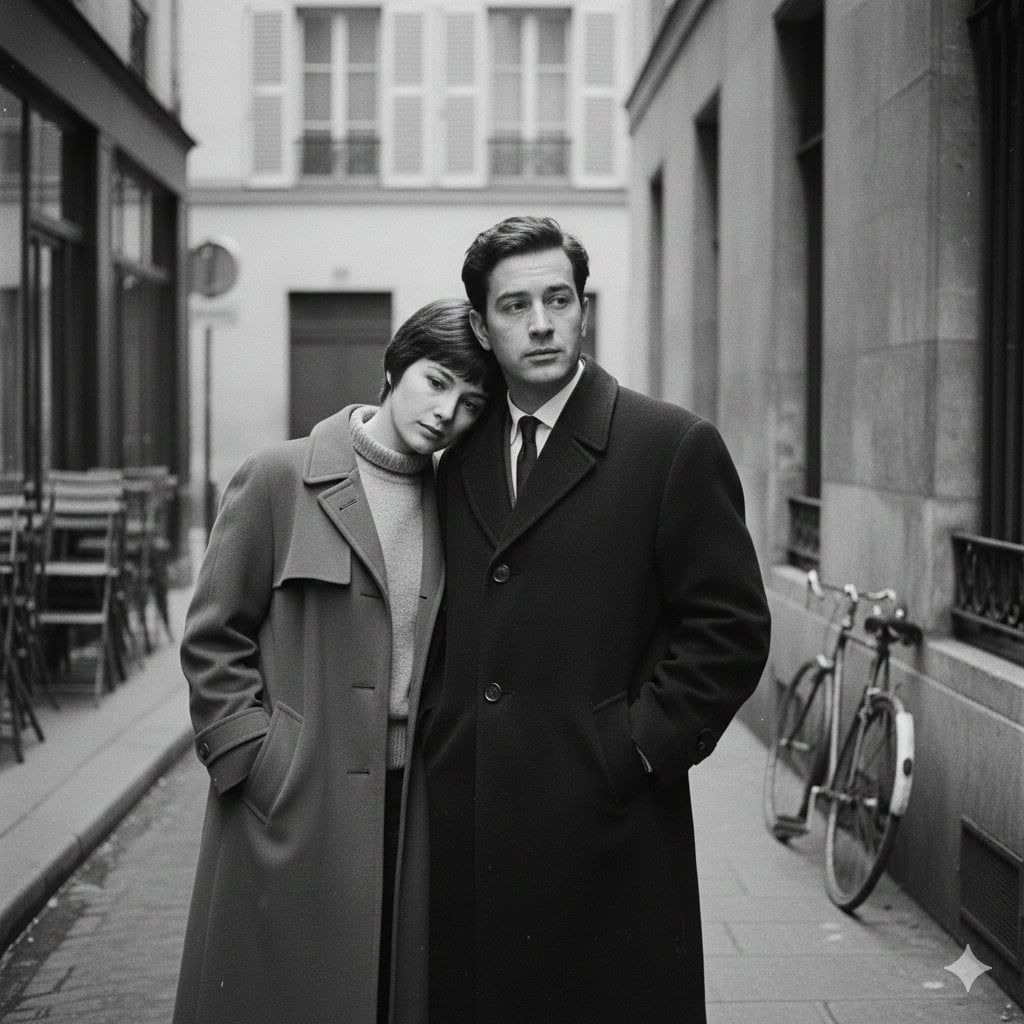
A French New Wave style minimalist lovers scene, black and white, 1950s
Mirror Selfie Chibi Characters Pixar Style
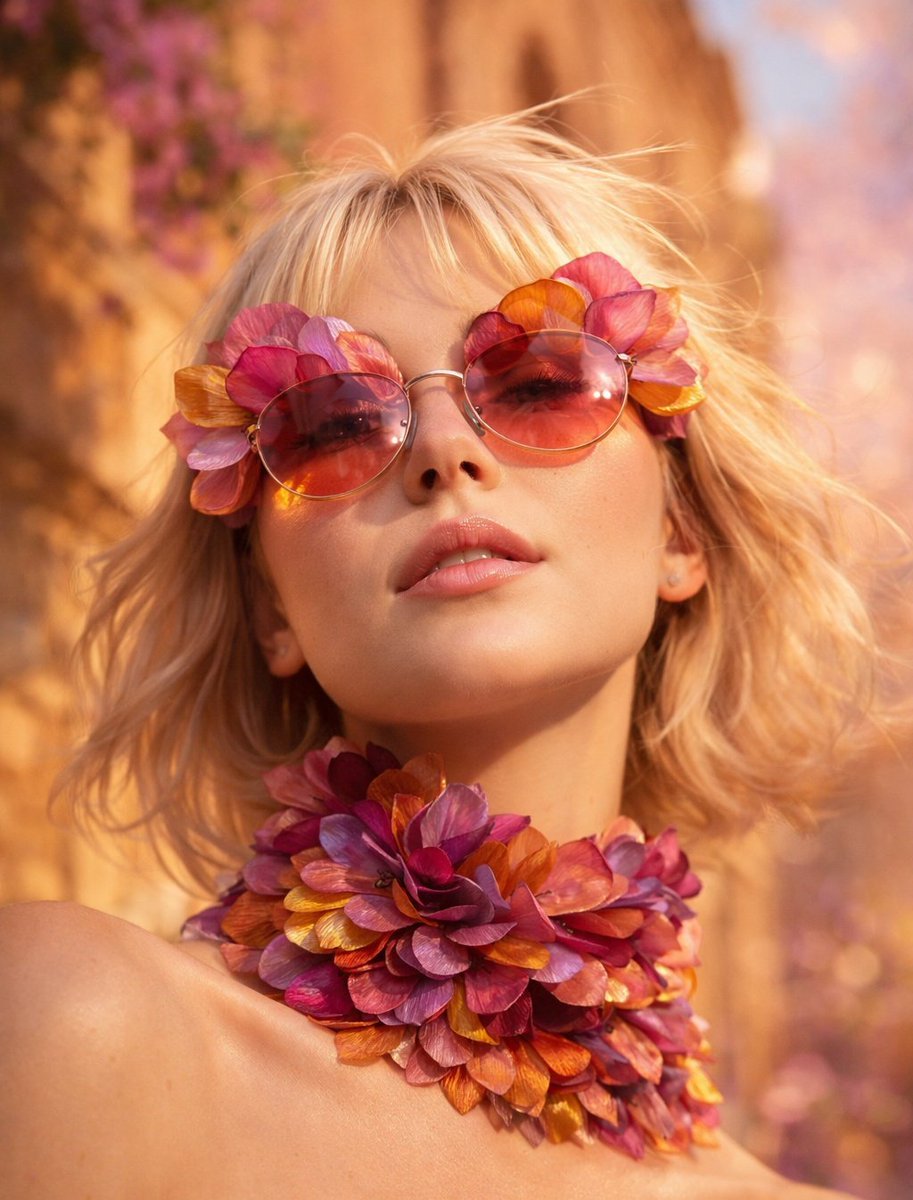
Flower Petal Sunglasses Couture Portrait

Fashion Portrait Colored Smoke Studio
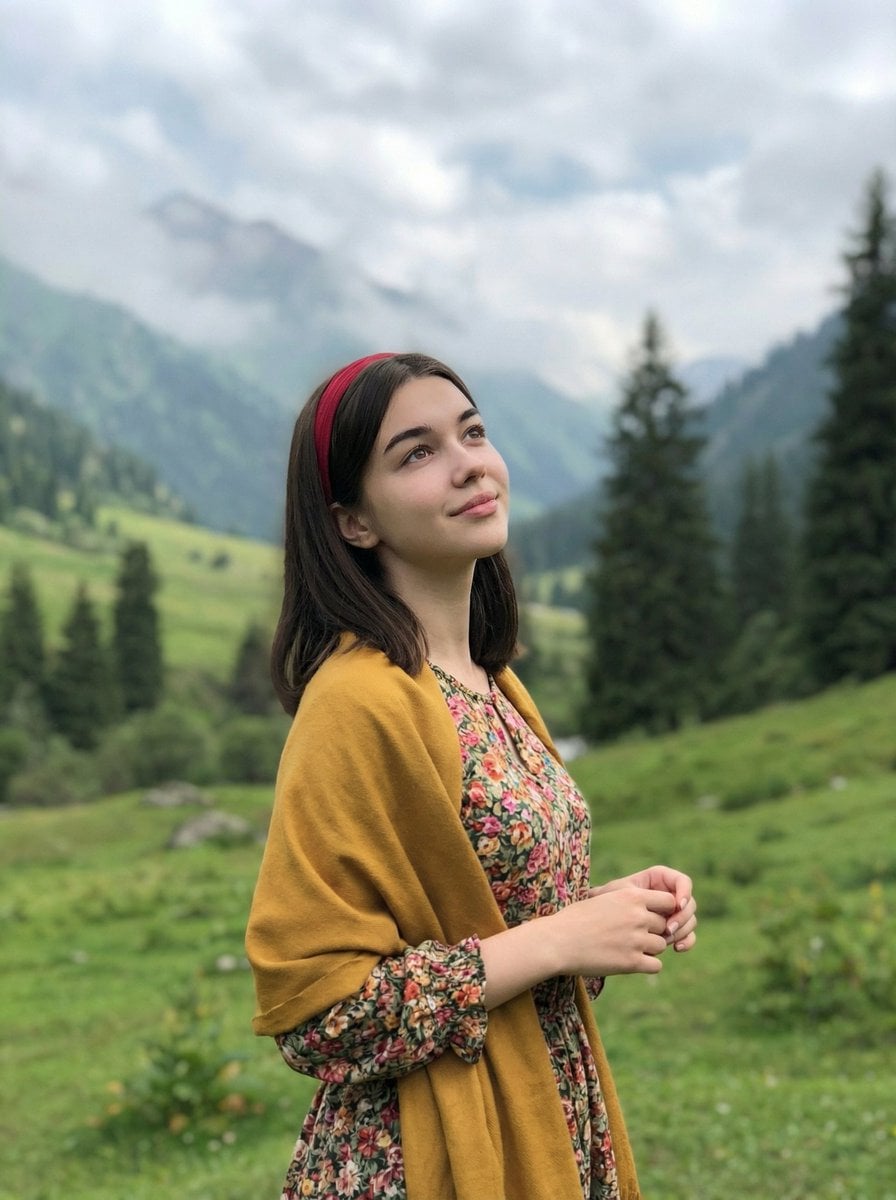
Mountain Valley Lifestyle Portrait

青蛇小青写真大片,绿色紧身蛇鳞裙,湿发红唇,妖娆妩媚
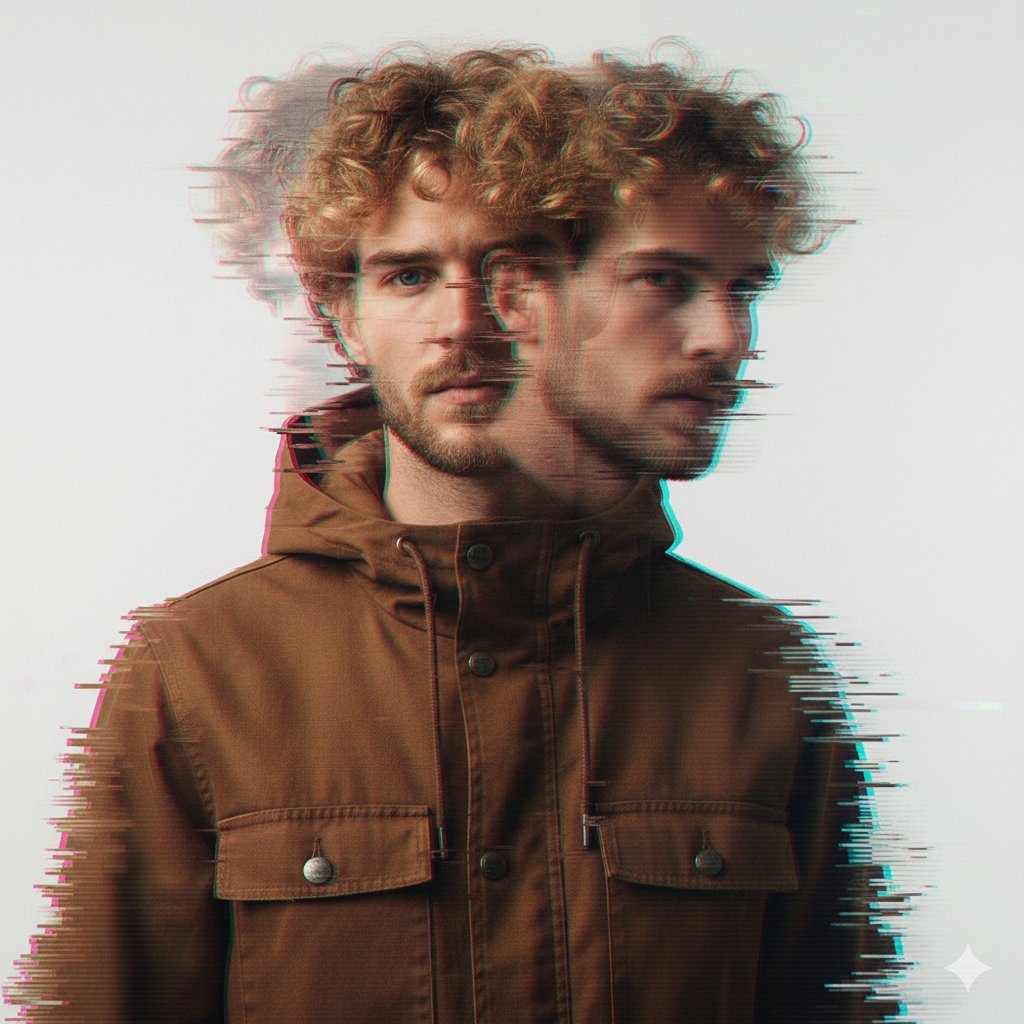
A double exposure, long exposure editorial photograph of a man Use image

Portrait of a young woman in her early 20s walking calmly on a beautiful
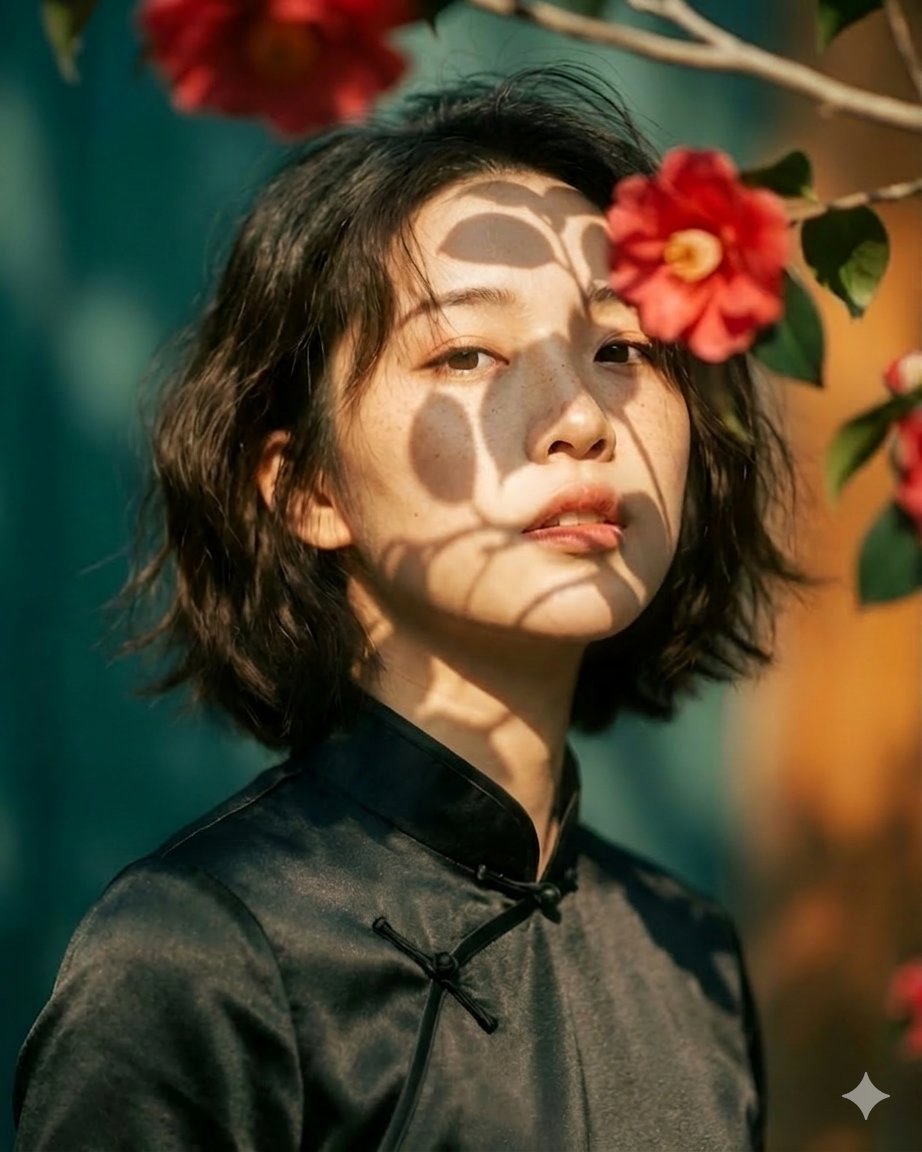
Artistic portrait of an elegant Asian woman wearing a black silk
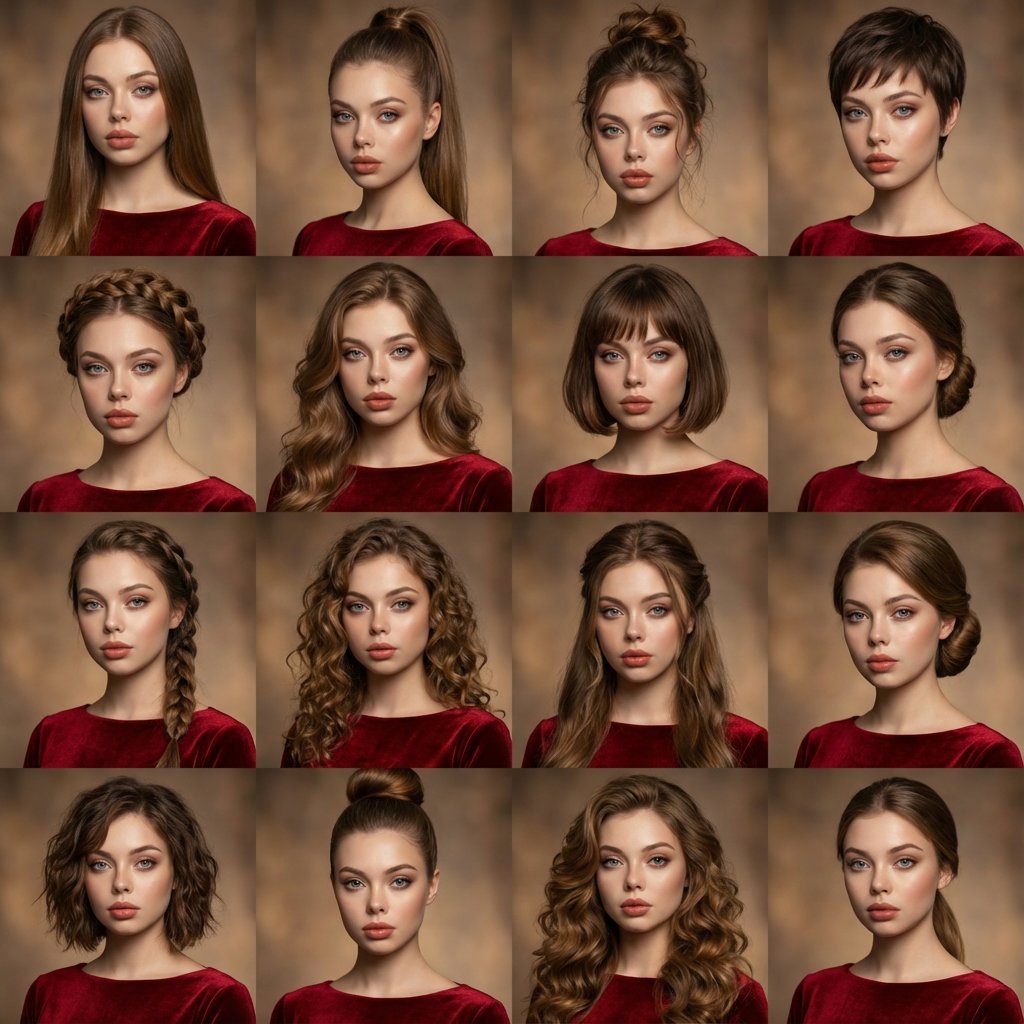
A high-quality photo collage featuring the same person with identical
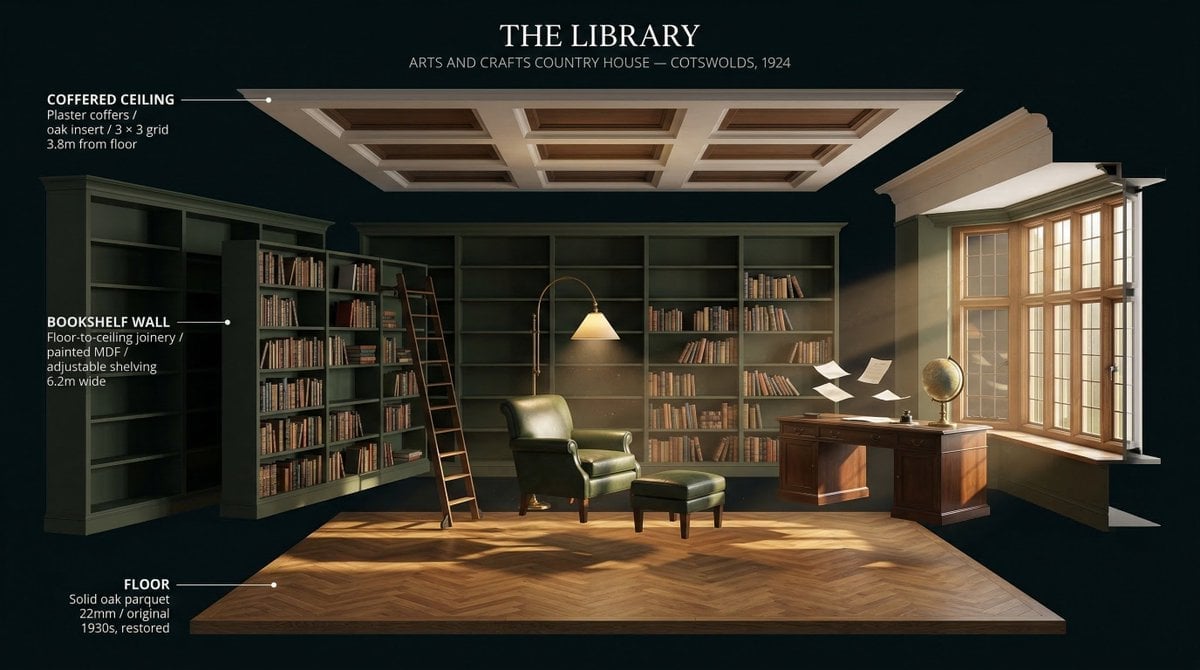
LIGHTING each element still lit by its original source, windows casting
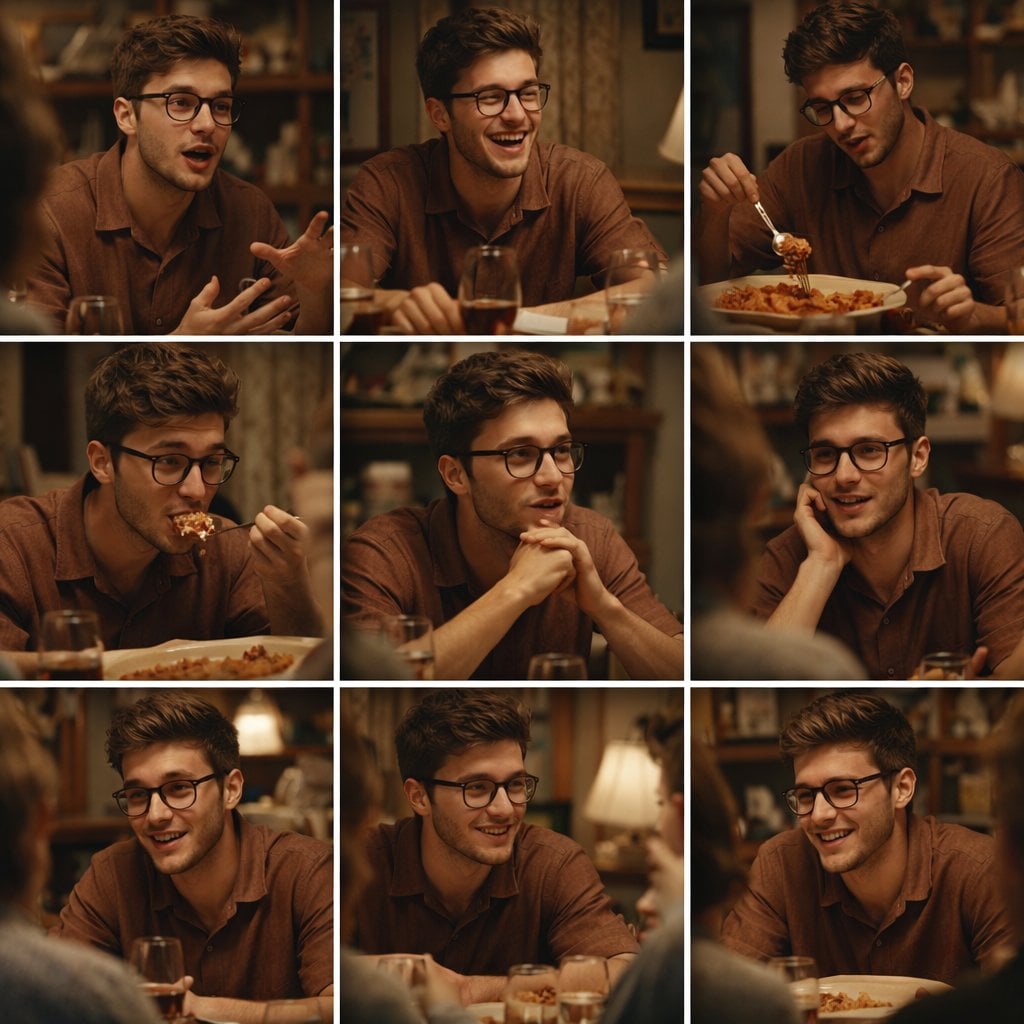
A 3x3 grid storyboard contact sheet comprised of nine candid, cinematic
Make it yours
Cinematic Aurora Heart Lovers Photography works as-is. These are the safest ways to change it without losing the look.
Change one field
Copy a single group, rewrite it, and generate again so you can see what that field is doing.
Keep the frame, change the subject
Hold the composition and light of Cinematic Aurora Heart Lovers Photography, then swap wardrobe, props or the person for a new take.
| If the result… | Why | Fix |
|---|---|---|
| The result drifts from the preview | Too many fields changed at once. | Reuse Cinematic Aurora Heart Lovers Photography as-is first, then change one group — subject, light, or setting. |
| The model over-stylizes the scene | The prose prompt leaves finish and camera underspecified. | Add one camera or lighting sentence and stay on Nano Banana 2. |
More Nano Banana 2 templates
Other prompts made for Nano Banana 2.

Photorealistic Leaf Shaped Like a Dragon

K-Pop Idol Portrait Grid for Rapid Selection

Poetic Rain Forest Portrait During Golden Hour

Urban Street Portrait with Cartoon Inner Self Duo

Candid Nighttime Photo with Cat Prompt

High-Concept 3D Diorama Generation Prompt

Cinematic Futuristic Studio Portrait Template

Skincare Editorial Photography Collage Prompt

Hyper-Realistic Commercial Product Photography (Splash Effect)

Hyper-Realistic Nightclub Portrait Prompt
More image prompts
Fresh picks from across the catalog.
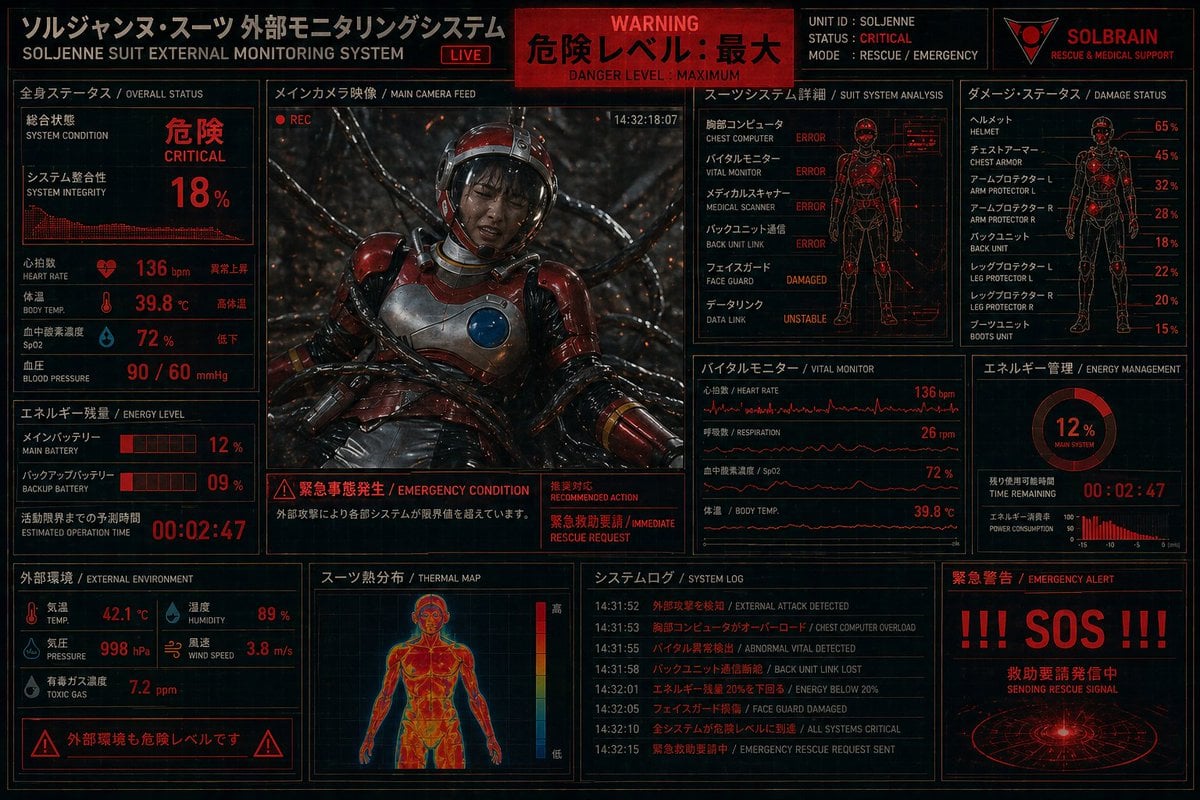
Critical Rescue Suit Monitoring HUD

Wacky flowchart for toasting bread
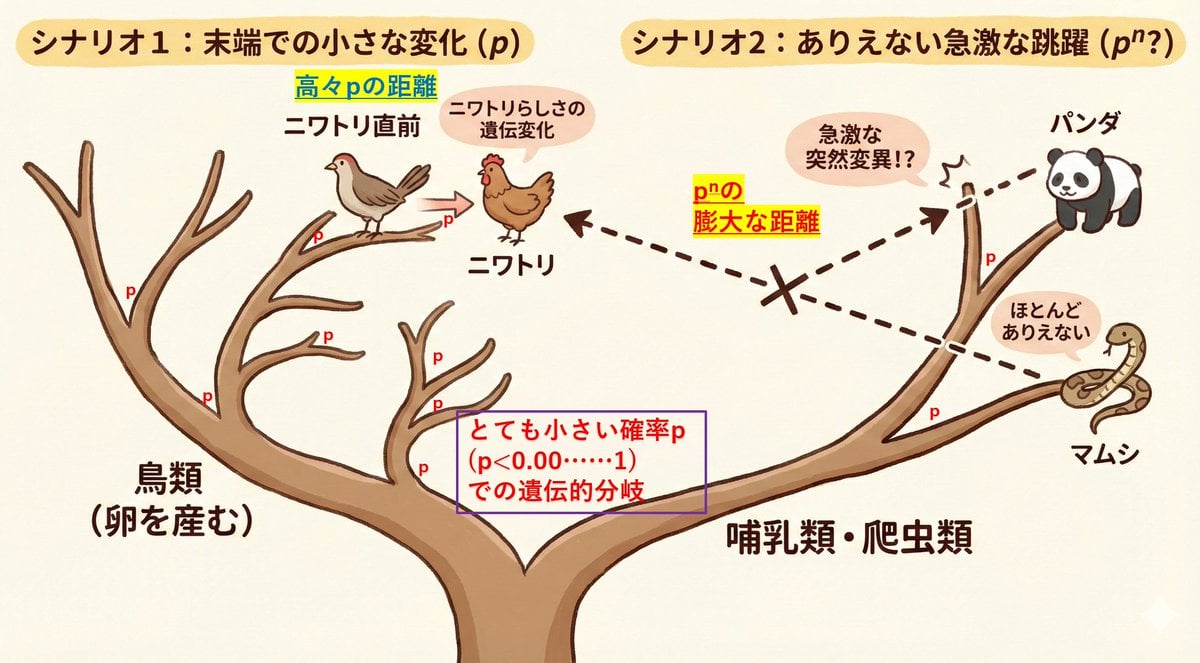
Visualize conceptual difficulty: from chicken to chicken vs. panda to chicken
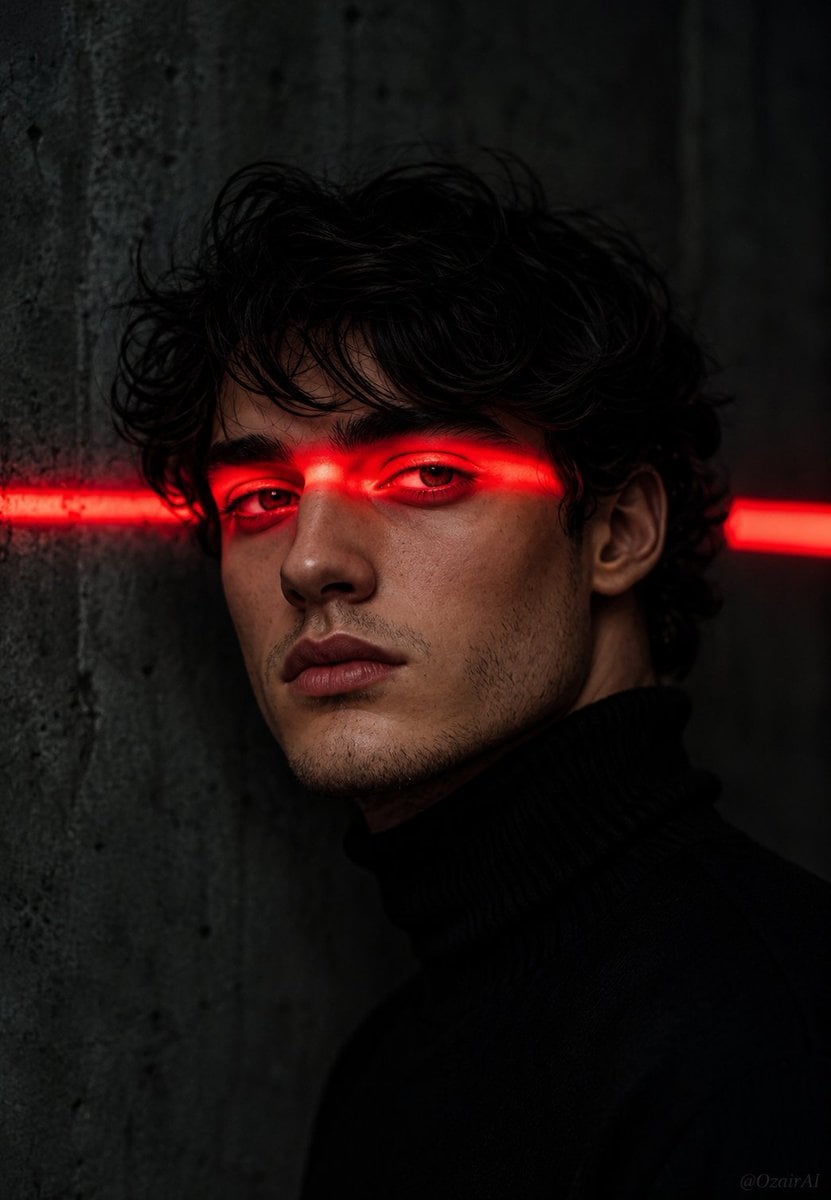
Cinematic Noir Neon Identity Portrait

Panel Japanese Advertising Concept Grid
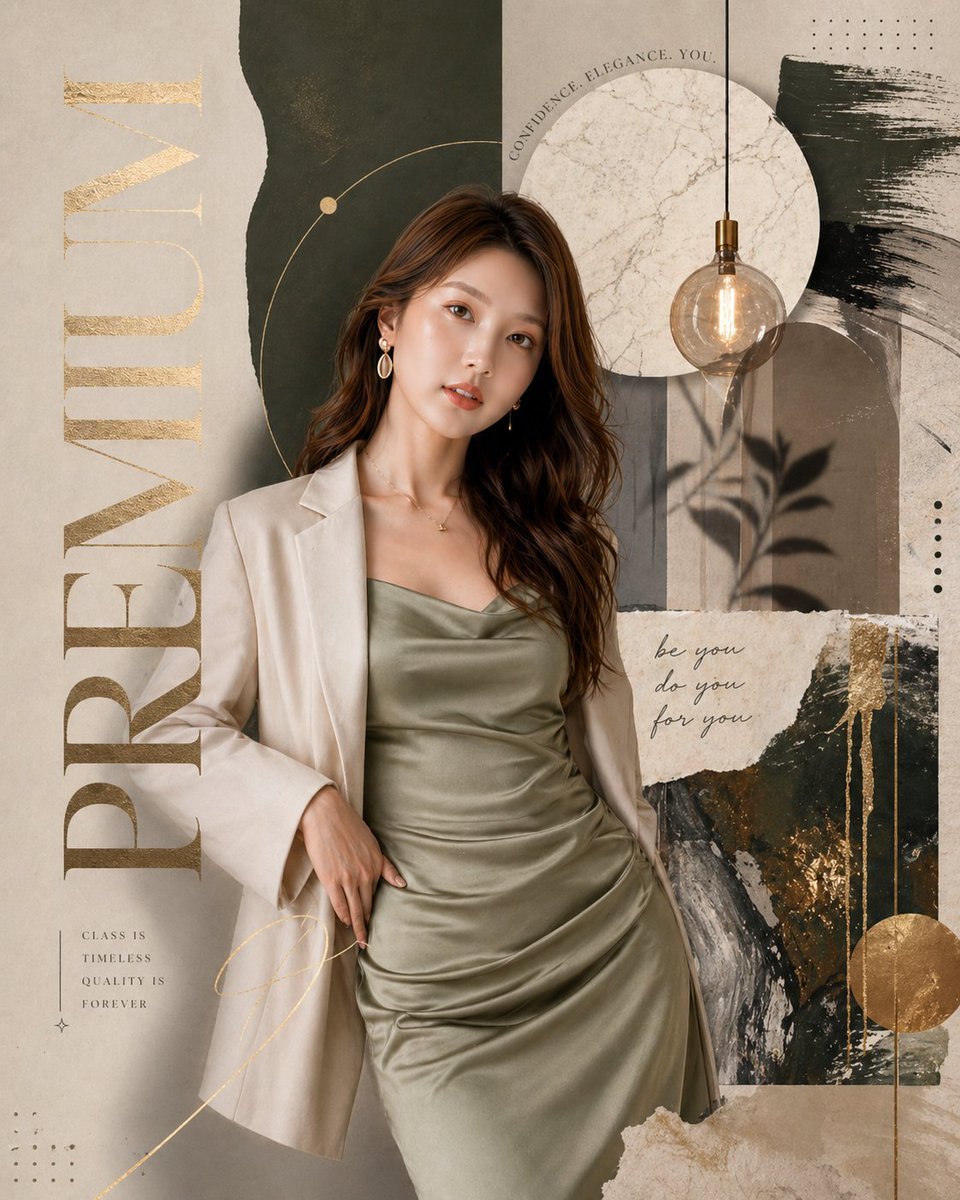
Luxury Fashion Editorial Magazine Poster

Cinematic Editorial Male Portrait
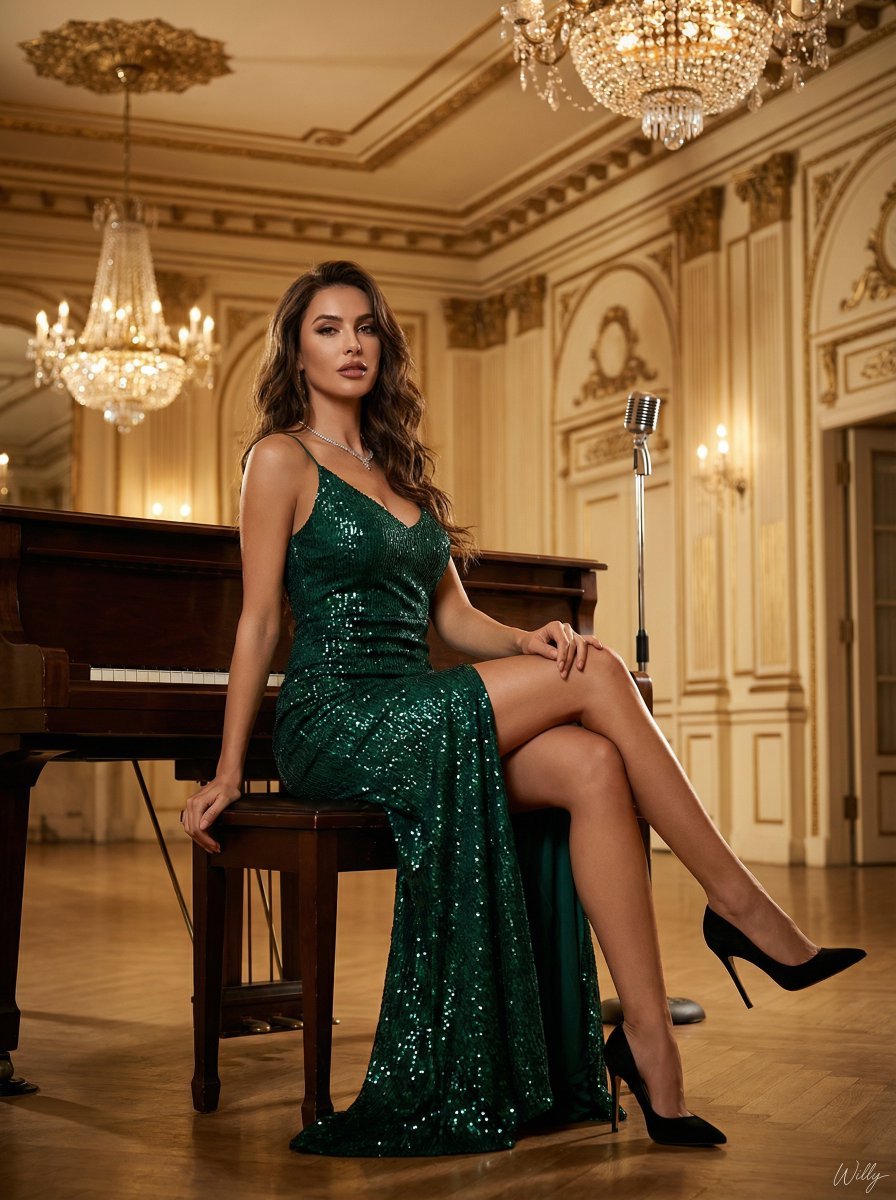
Ultra-Luxury Art Deco Fashion Editorial Prompt
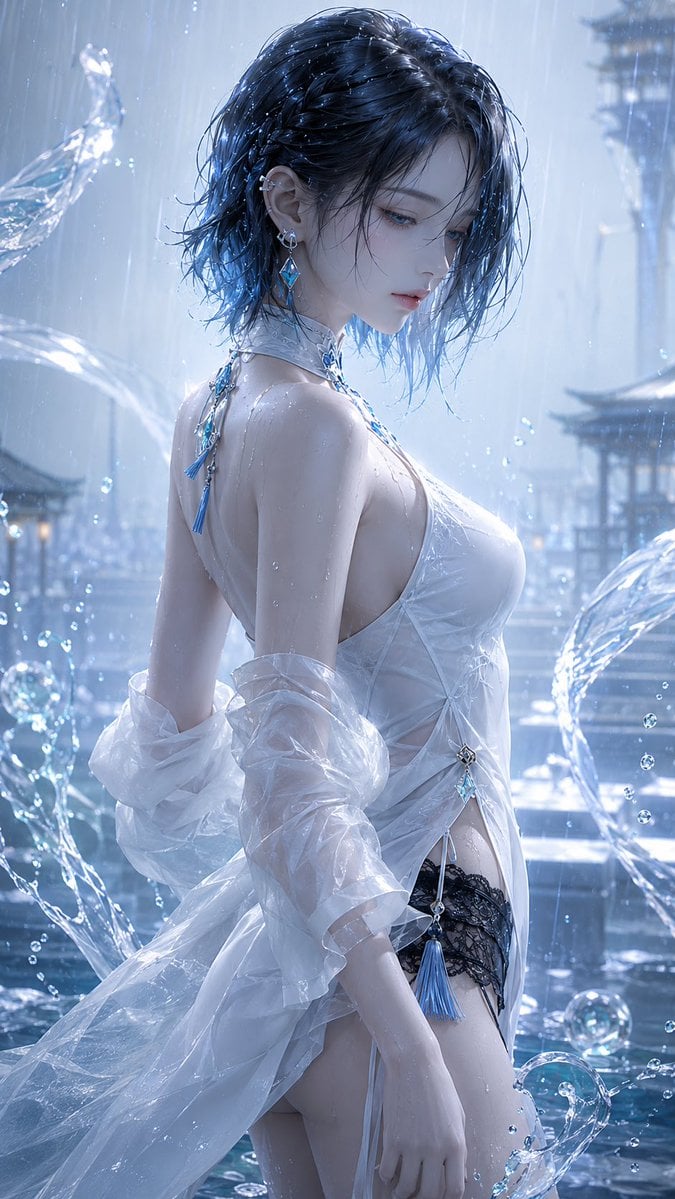
3D CG Oriental Fantasy Goddess
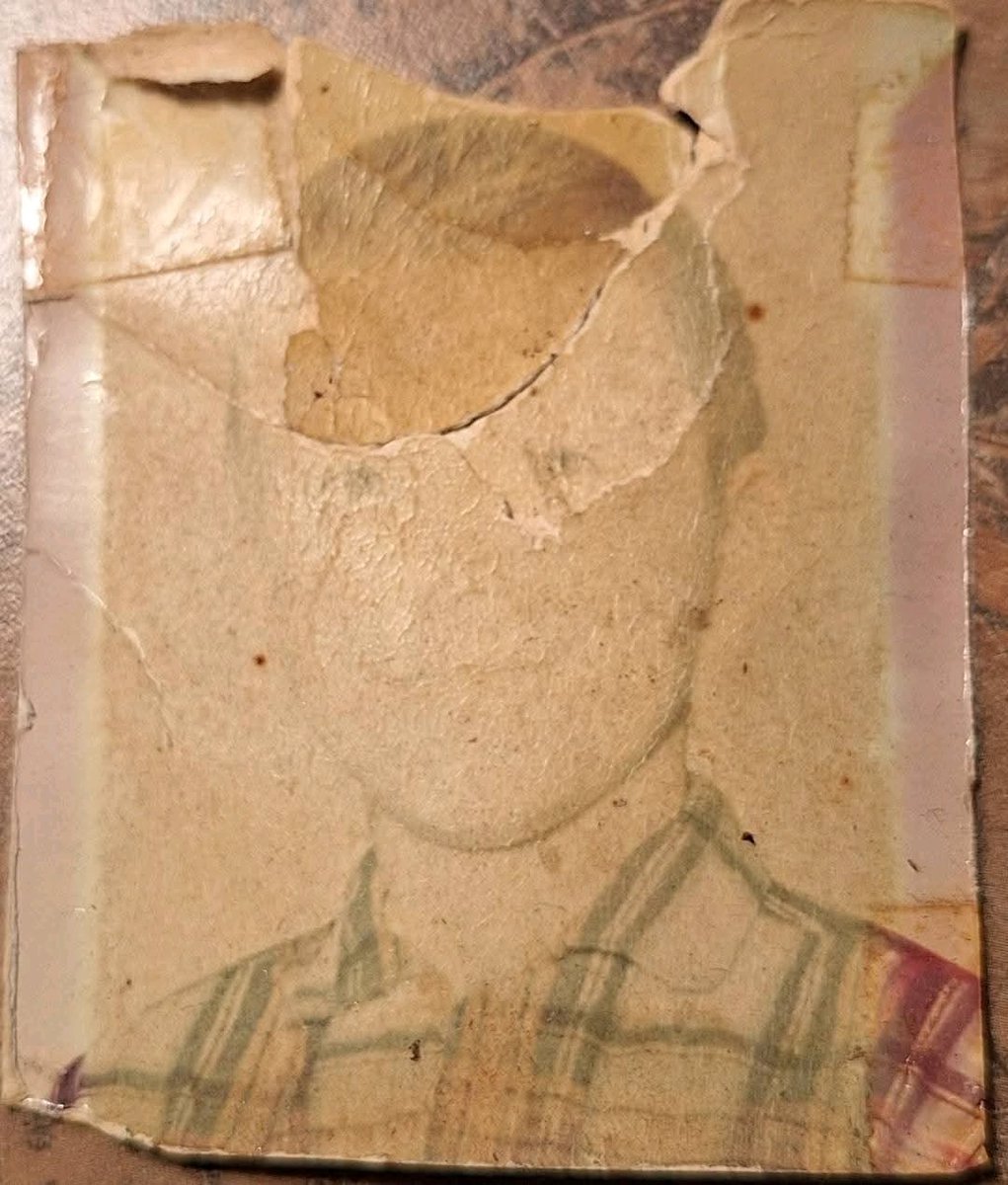
Old Photo Restoration to DSLR-Quality Portrait
Browse template categories
Cinematic Aurora Heart Lovers Photography questions
How do I use the Cinematic Aurora Heart Lovers Photography template?
Add your photo if the template asks for one, edit the prompt if you like — the template's model and format are already selected — and press Generate. Your version opens in PicX Studio.
Can I customize the Cinematic Aurora Heart Lovers Photography template?
Yes. You can change the subject, setting, lighting, mood, format, and available model controls before creating your image.
Is the Cinematic Aurora Heart Lovers Photography template free?
Opening and editing this template is free. Generating uses credits, shown on the Generate button when you are signed in.
Which AI model should I use?
Start with Nano Banana 2, which is the model associated with this template. You can compare another compatible model for a different finish.
Looking for something else? Browse all templates.

Your photo, any look
Thousands of ready templates for every top image and video model, from one credit balance.