
Realistic Woman Portrait with Freckles
A hyper-realistic 4K portrait of a young woman standing by a window in morning sunlight, capturing natural skin textures and a nostalgic aesthetic.
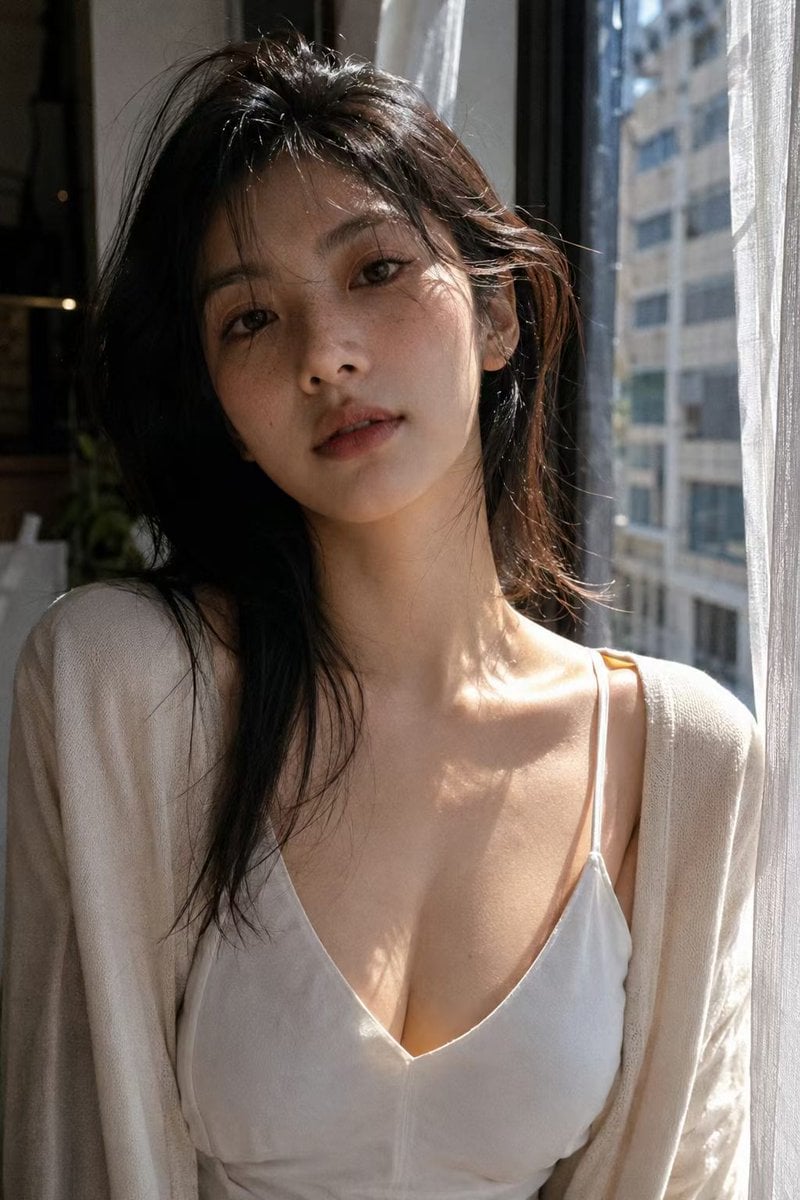
- Prompt included
- Model and format preset
- Premium template
The prompt behind this image
Copy the exact prompt behind Realistic Woman Portrait with Freckles, or open it in the studio and make it yours.
原生 4K 竖版超写实半身人像,一位 {argument name="视觉年龄" default="20 岁出头"}的成年东亚女性,站在{argument name="场景" default="卧室窗边"},清晨阳光照进房间,微乱长黑发,自然妆容,温柔自信的眼神,真实皮肤纹理,可见毛孔,轻微雀斑,{argument name="着装" default="白色 V 领吊带搭配浅色开衫"},上半身曲线优雅,金色阳光穿过薄纱窗帘,发丝有明亮边缘光,脸部和锁骨有斑驳窗影,强烈明暗对比,胶片摄影质感,自然颗粒,无美颜滤镜,高级性感,不裸露,无文字,无水印
How to use Realistic Woman Portrait with Freckles in 3 steps
- 1
Open
The prompt is already in the box next to the preview, with the template's model and format selected.
- 2…a portrait of your subject in softgolden-hour light, 85mm…
Personalize
Edit the subject and creative details for your destination.
- 3Generate
Generate
Press Generate — your image is created in PicX Studio, so you can compare it with the original and refine one variable at a time.
More like this
Templates with the same subject, style or setup. Open one to see its prompt.
Couture Fashion Editorial Woman and Drag

Found Photograph: Us, 1970

80s Couple Studio Portrait

80s Bollywood Star

80s Golden Hour Cinema

Me in 1985

1985 Studio Portrait

Hyper-Realistic Minecraft POV Portrait

Rooftop Fisheye — Cat-Ear Balaclava at Golden Hour
Rainy Café Window Moody Portrait
2025 Aesthetic Photography
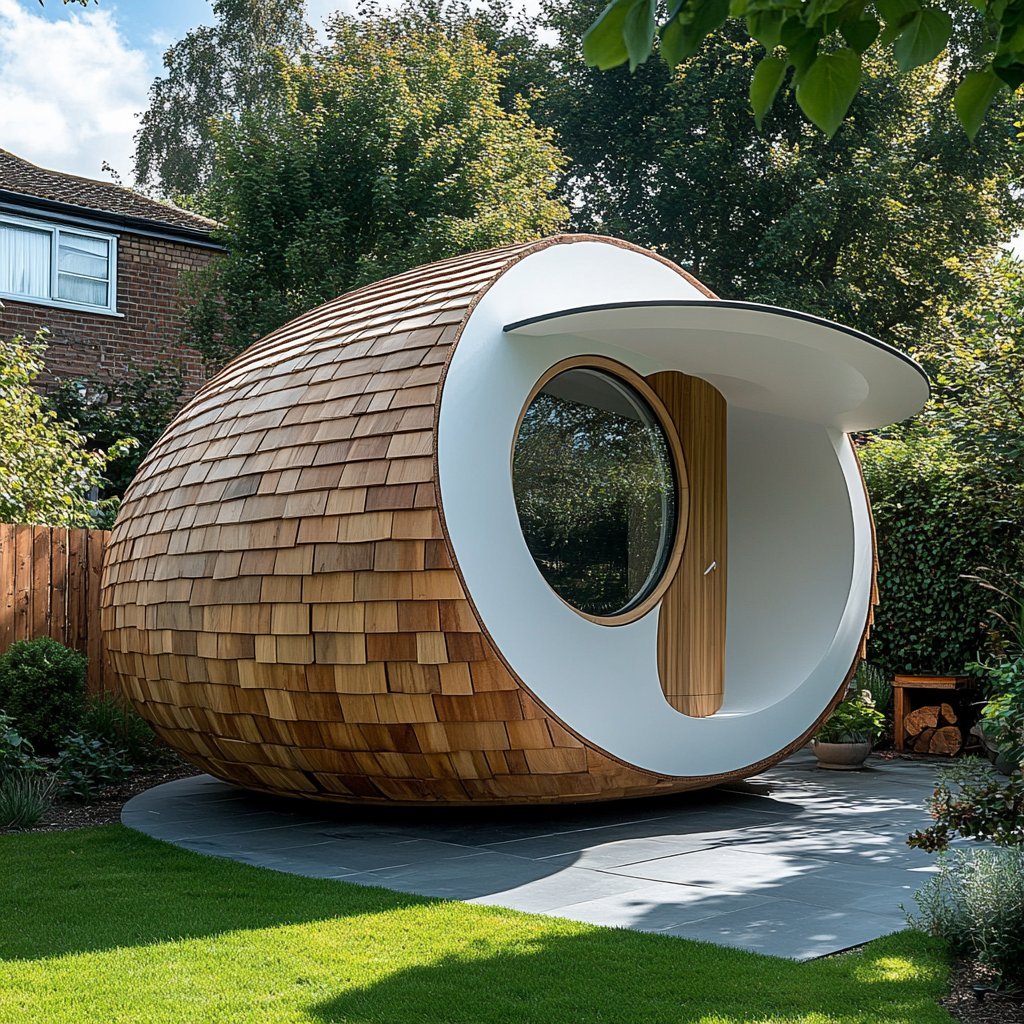
Nano Banana Is So Addictive
Make it yours
Realistic Woman Portrait with Freckles works as-is. These are the safest ways to change it without losing the look.
Change one field
Copy a single group, rewrite it, and generate again so you can see what that field is doing.
Keep the frame, change the subject
Hold the composition and light of Realistic Woman Portrait with Freckles, then swap wardrobe, props or the person for a new take.
| If the result… | Why | Fix |
|---|---|---|
| The result drifts from the preview | Too many fields changed at once. | Reuse Realistic Woman Portrait with Freckles as-is first, then change one group — subject, light, or setting. |
| The model over-stylizes the scene | The prose prompt leaves finish and camera underspecified. | Add one camera or lighting sentence and stay on Nano Banana 2. |
More Nano Banana 2 templates
Other prompts made for Nano Banana 2.

Photorealistic Leaf Shaped Like a Dragon

K-Pop Idol Portrait Grid for Rapid Selection

Poetic Rain Forest Portrait During Golden Hour

Urban Street Portrait with Cartoon Inner Self Duo

Candid Nighttime Photo with Cat Prompt

High-Concept 3D Diorama Generation Prompt

Cinematic Futuristic Studio Portrait Template

Skincare Editorial Photography Collage Prompt

Hyper-Realistic Commercial Product Photography (Splash Effect)

Hyper-Realistic Nightclub Portrait Prompt
More image prompts
Fresh picks from across the catalog.
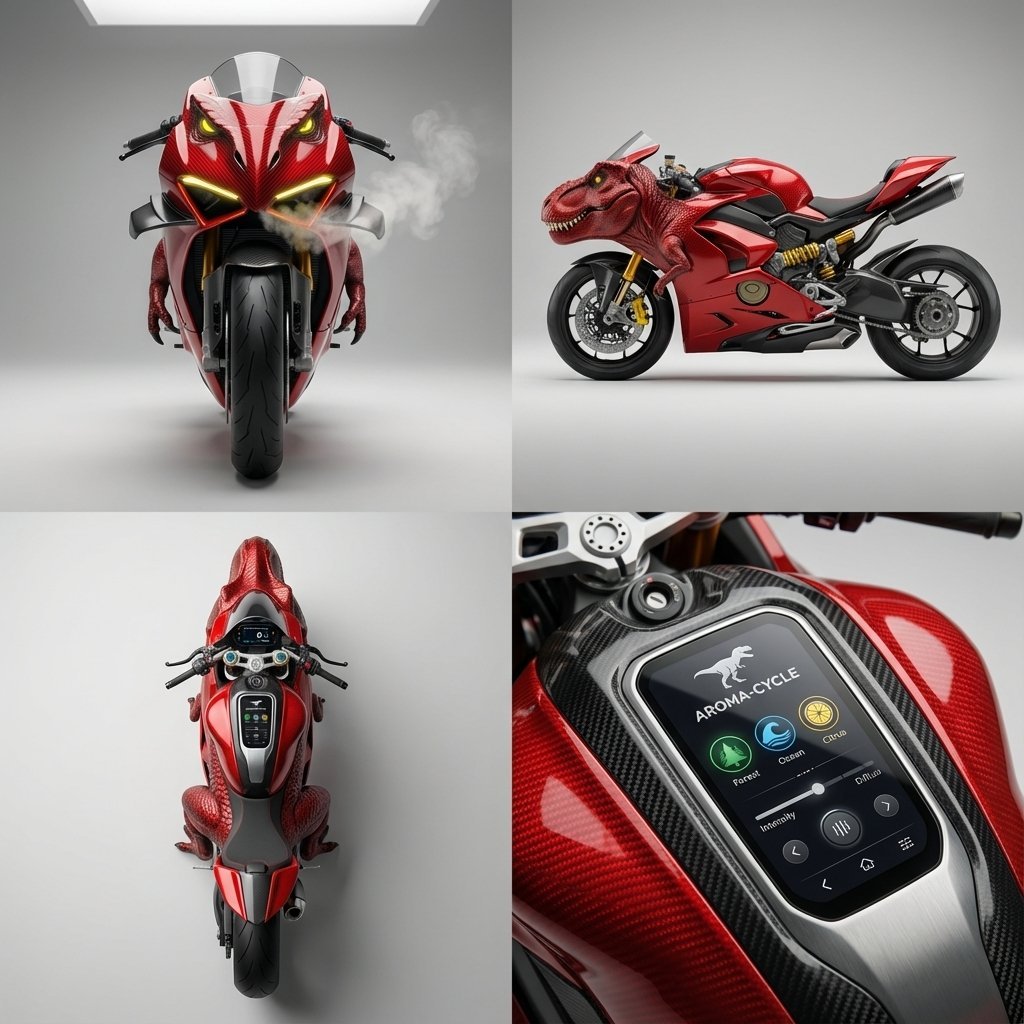
Hybrid Product Shot Grid (T-Rex and Ferrari)
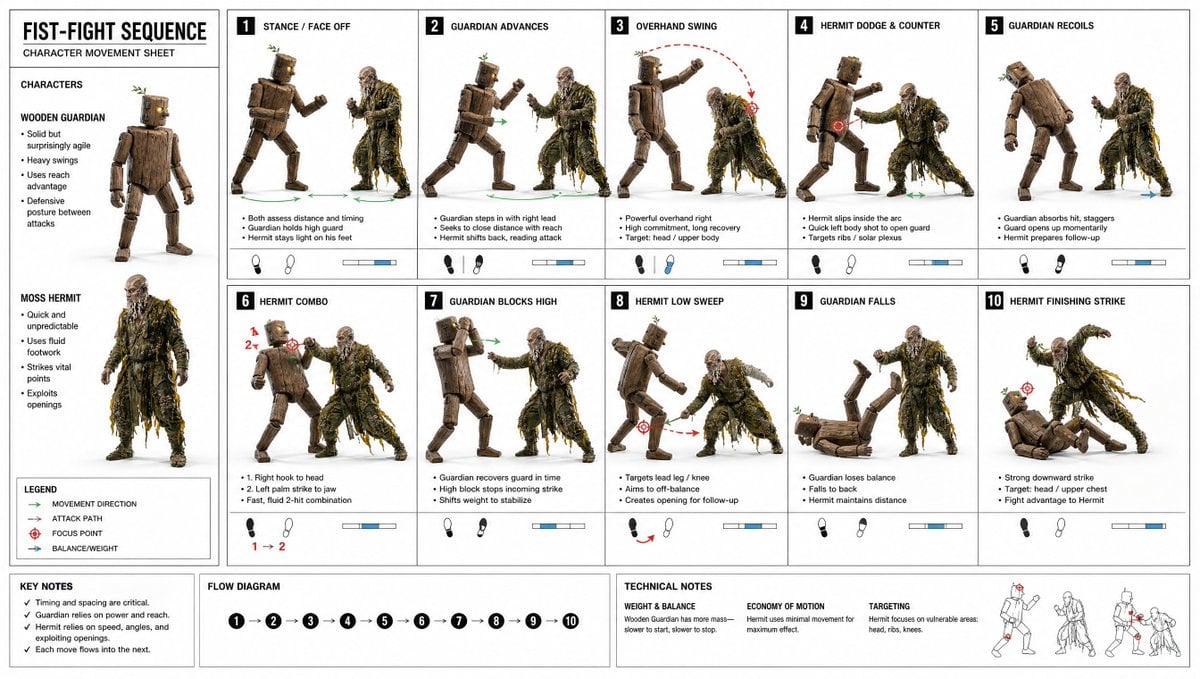
Fist-Fight Character Motion Sheet
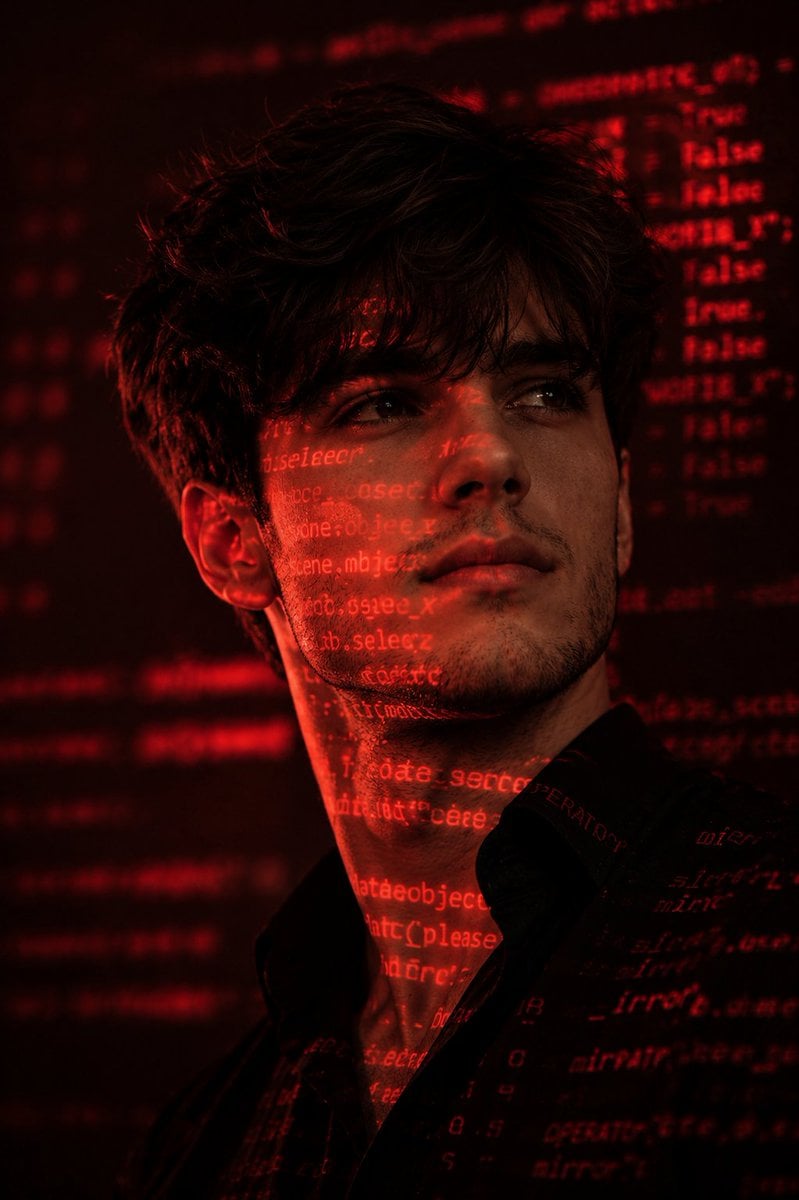
Cyberpunk Hacker Red Portrait
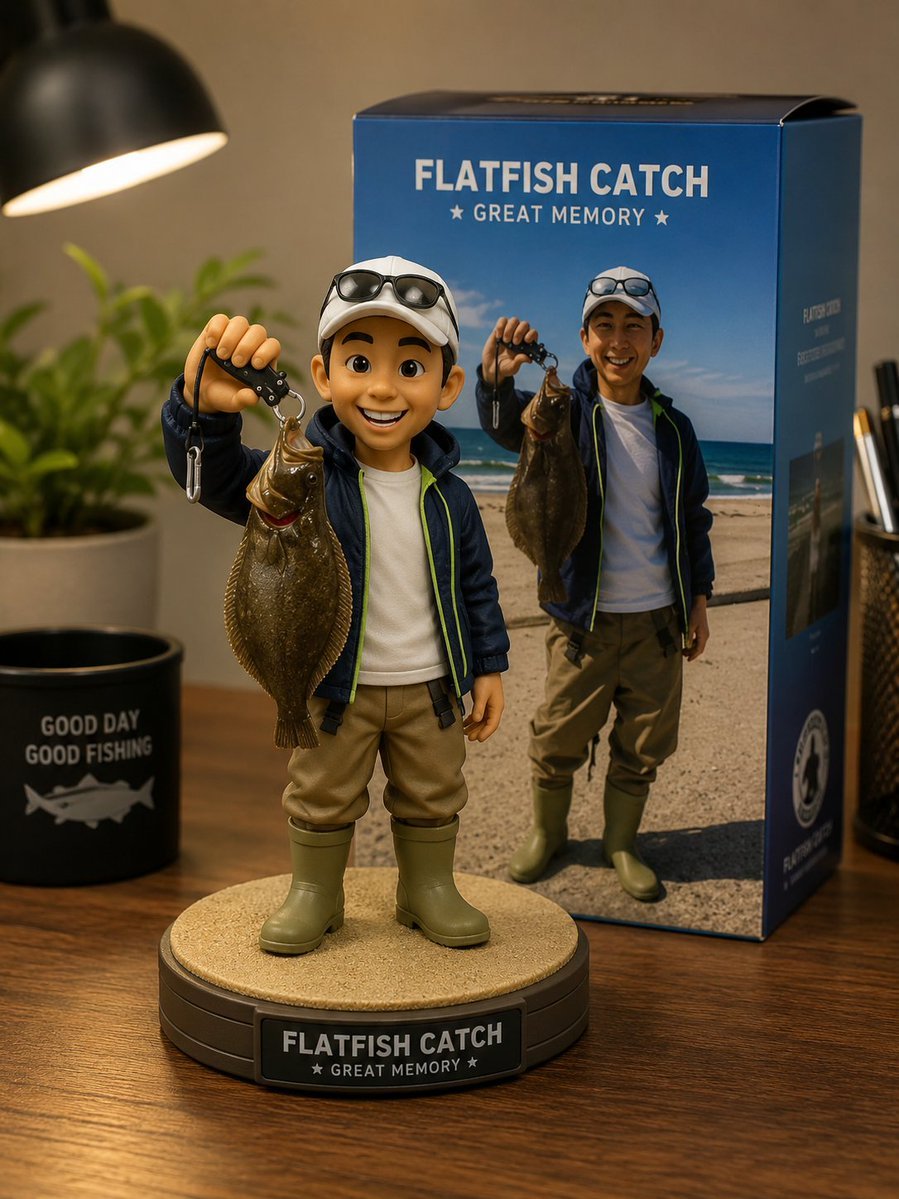
Toy Figure Character Transformation
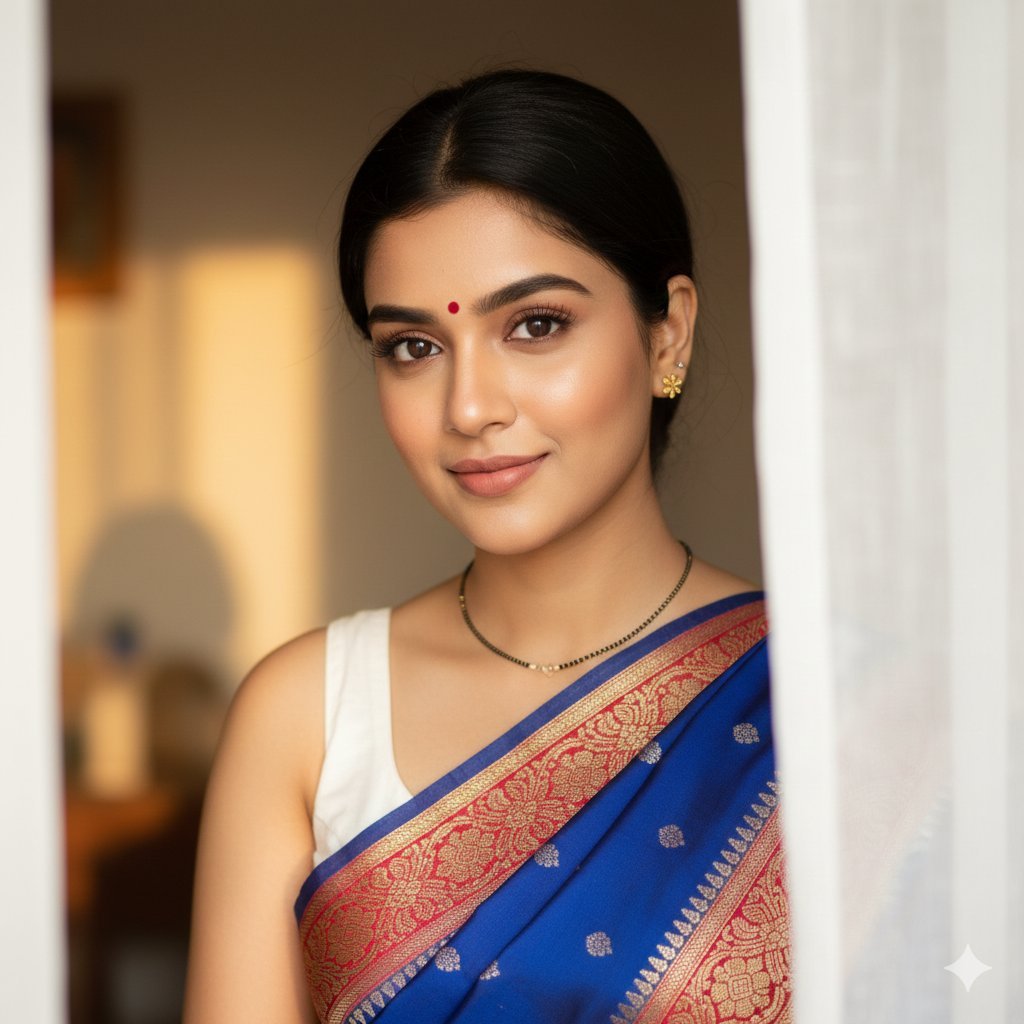
South Asian Woman Portrait with Saree and Sheer Curtains
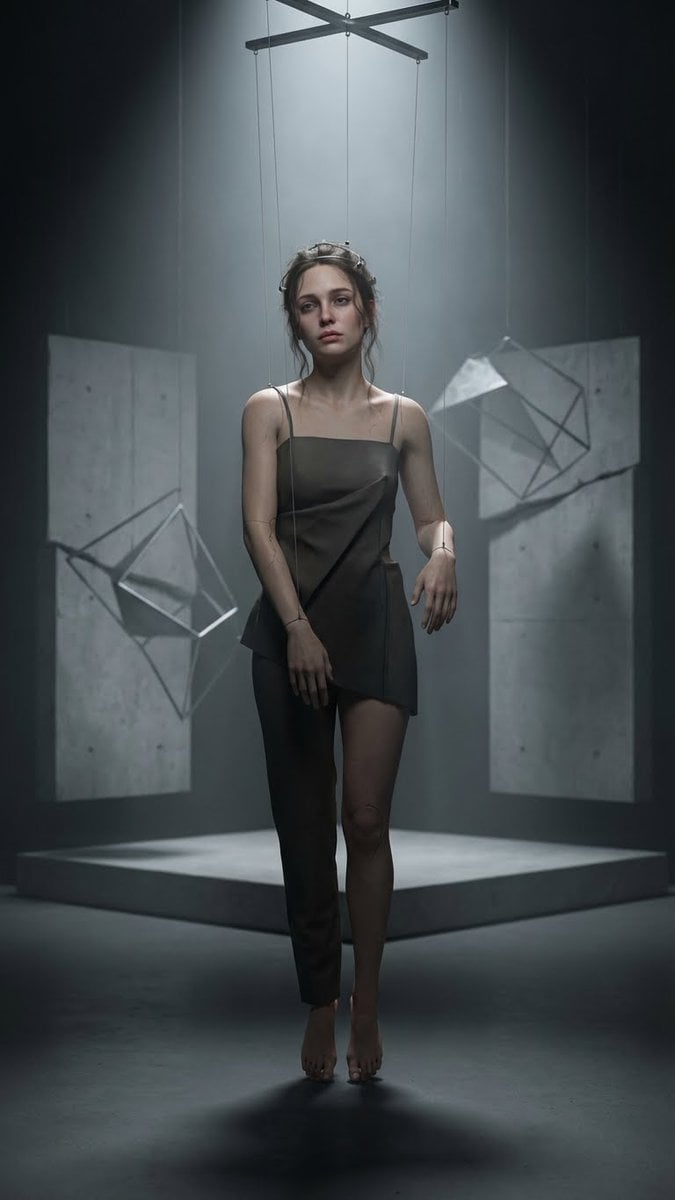
Hyper-Realistic Marionette in Post-Modern Gallery

Racing Car Poster with Specs

LinkedIn Banner Design Prompt
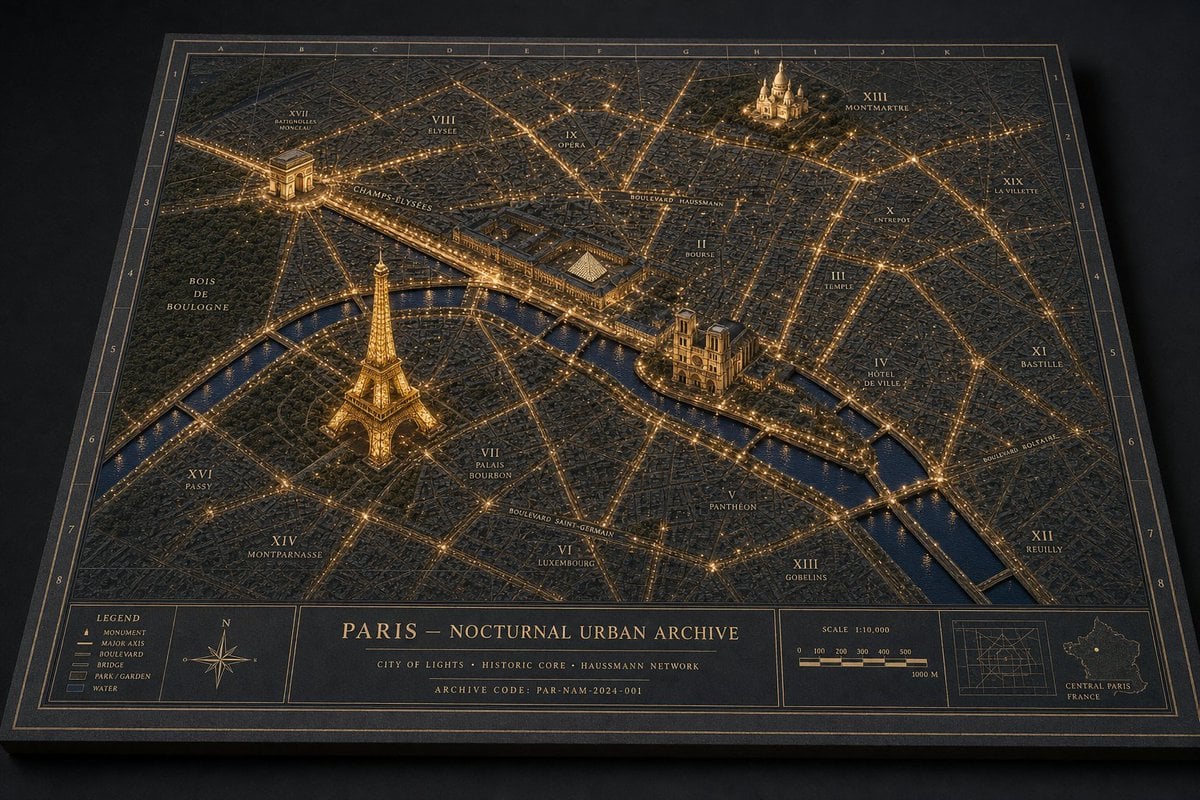
Paris Nocturnal Urban Archive Map
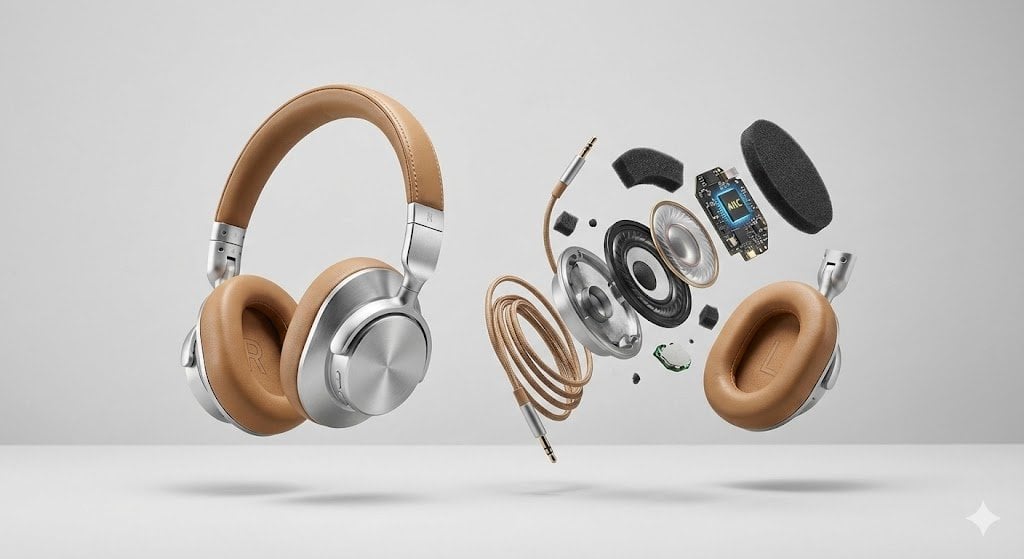
Advertising Visual Prompt: High-End Headphone Product Shot
Browse template categories
Realistic Woman Portrait with Freckles questions
How do I use the Realistic Woman Portrait with Freckles template?
Add your photo if the template asks for one, edit the prompt if you like — the template's model and format are already selected — and press Generate. Your version opens in PicX Studio.
Can I customize the Realistic Woman Portrait with Freckles template?
Yes. You can change the subject, setting, lighting, mood, format, and available model controls before creating your image.
Is the Realistic Woman Portrait with Freckles template free?
Opening and editing this template is free. Generating uses credits, shown on the Generate button when you are signed in.
Which AI model should I use?
Start with Nano Banana 2, which is the model associated with this template. You can compare another compatible model for a different finish.
Looking for something else? Browse all templates.

Your photo, any look
Thousands of ready templates for every top image and video model, from one credit balance.