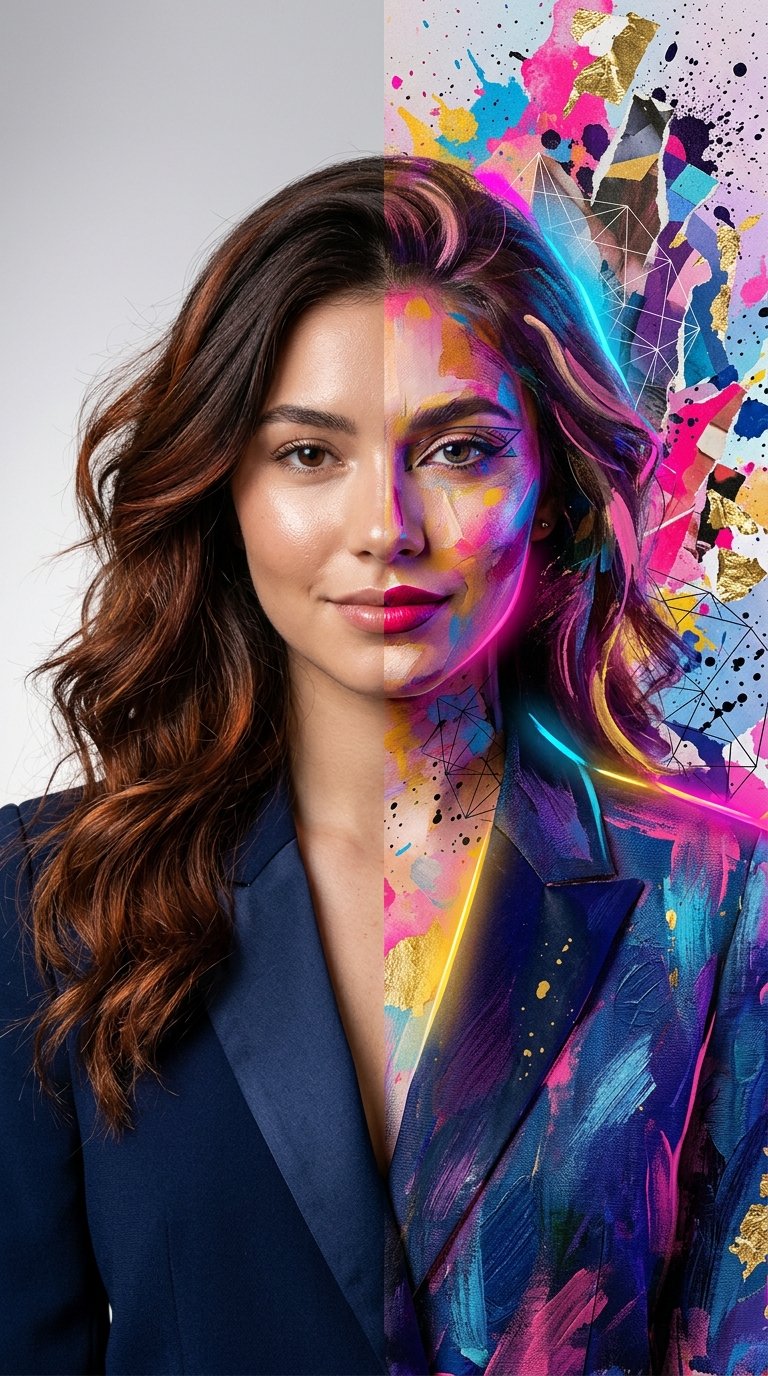
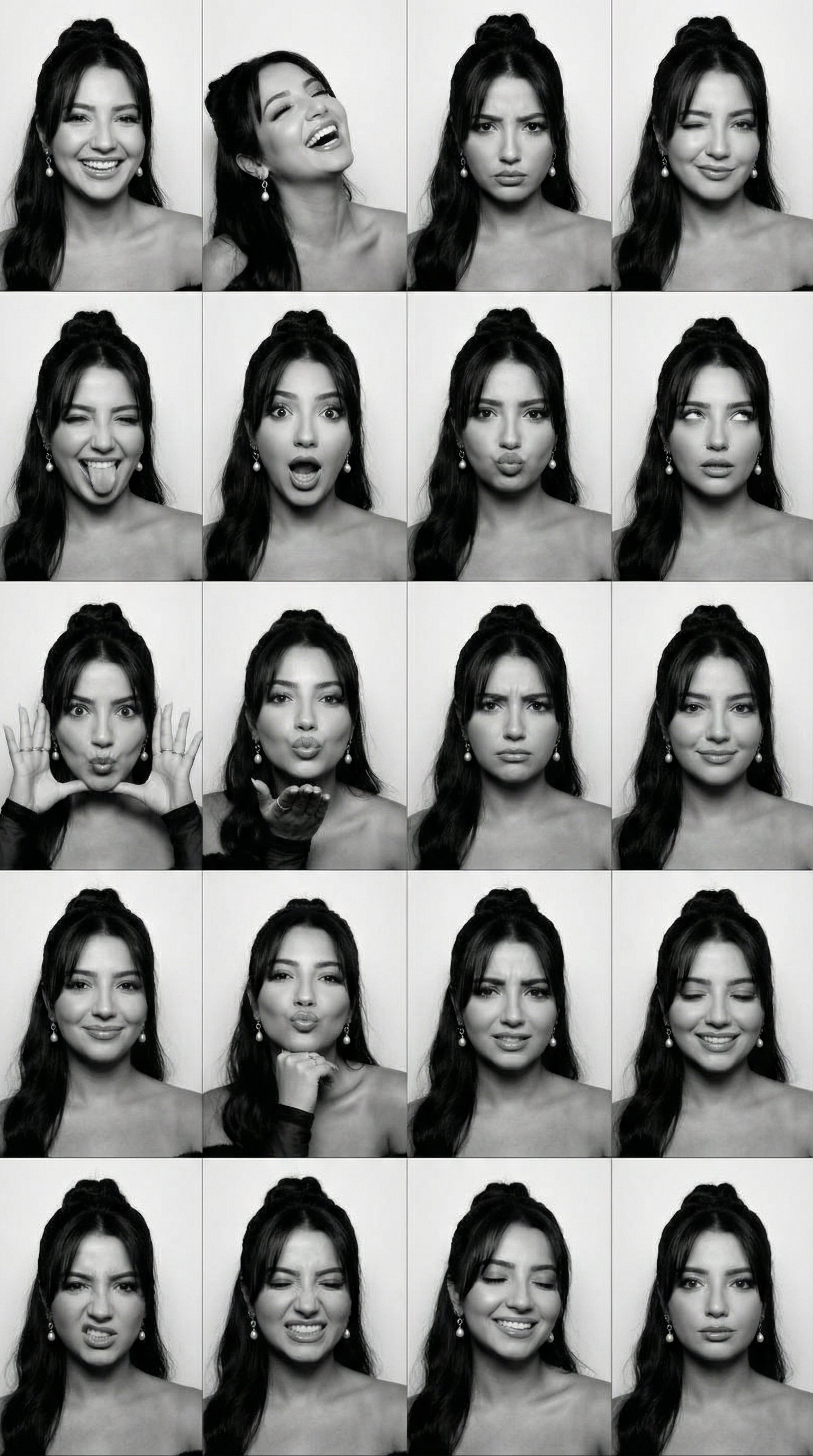
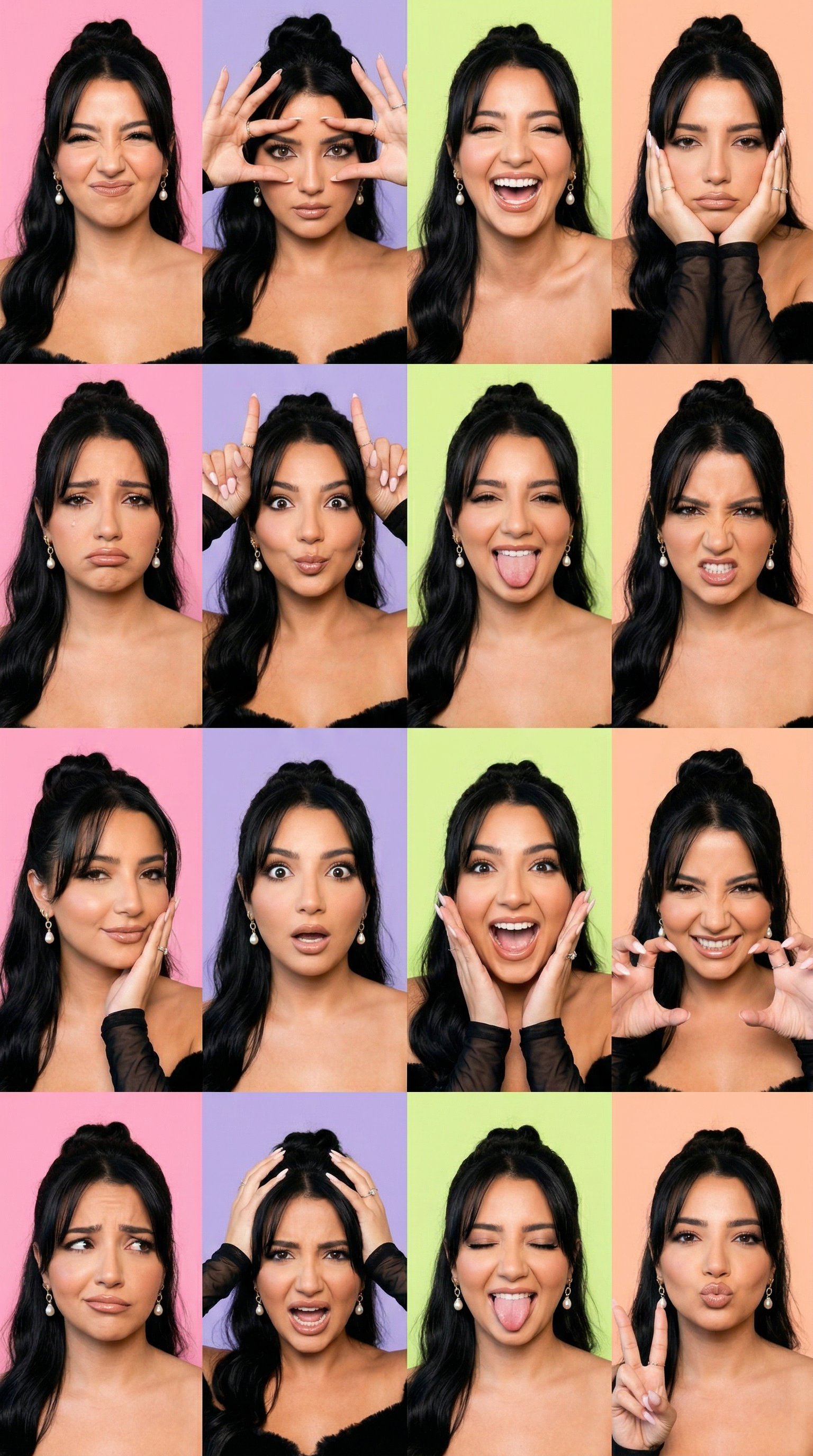
How do I use the Dual Expression Split-Panel Portrait template?
Edit the prompt in the box under the preview — the template's model and format are already selected — and press Generate. Your version appears right on this page.
A dual-panel portrait showcasing consistent character facial features with two different expressions: a beaming smile and a playful nose-crinkling look.

A split-panel or side-by-side portrait of a {argument name="subject" default="woman with wavy, light brown hair"} styled half-up, wearing a {argument name="clothing" default="cozy black knit sweater"} and a layered silver and gold chain necklace. In the first view, she is captured in a candid three-quarter profile, resting her chin on her hand with a joyful, beaming smile, looking slightly off-camera. In the second view, she looks directly at the camera with a playful, mischievous expression, crinkling her nose and gently biting her lower lip. Both shots share a {argument name="background" default="warm, natural indoor setting"} with soft lighting, a blurred bookshelf, and a textured brick wall in the background, maintaining perfect facial and stylistic consistency across both expressions.
A split-panel or side-by-side portrait of a {argument name="subject" default="woman with wavy, light brown hair"} styled half-up, wearing a {argument name="clothing" default="cozy black knit sweater"} and a layered silver and gold chain necklace. In the first view, she is captured in a candid three-quarter profile, resting her chin on her hand with a joyful, beaming smile, looking slightly off-camera. In the second view, she looks directly at the camera with a playful, mischievous expression, crinkling her nose and gently biting her lower lip. Both shots share a {argument name="background" default="warm, natural indoor setting"} with soft lighting, a blurred bookshelf, and a textured brick wall in the background, maintaining perfect facial and stylistic consistency across both expressions.
Edit the prompt in the box under the preview — the template's model and format are already selected — and press Generate. Your version appears right on this page.
Yes. You can change the subject, setting, lighting, mood, format, and available model controls before creating your image.
Opening and editing this template is free. Generating uses credits, shown on the Generate button when you are signed in.
Start with Nano Banana 2, which is the model associated with this template. You can compare another compatible model for a different finish.
Follow a topic to a crawlable collection of related PicX Studio templates.