How do I use the Photo to Crayon Drawing template?
Edit the prompt in the box under the preview — the template's model and format are already selected — and press Generate. Your version appears right on this page.
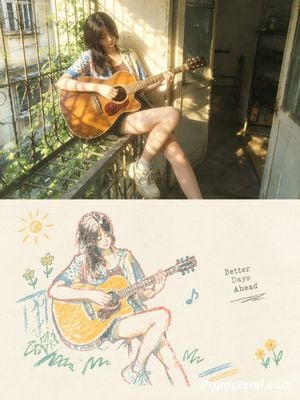
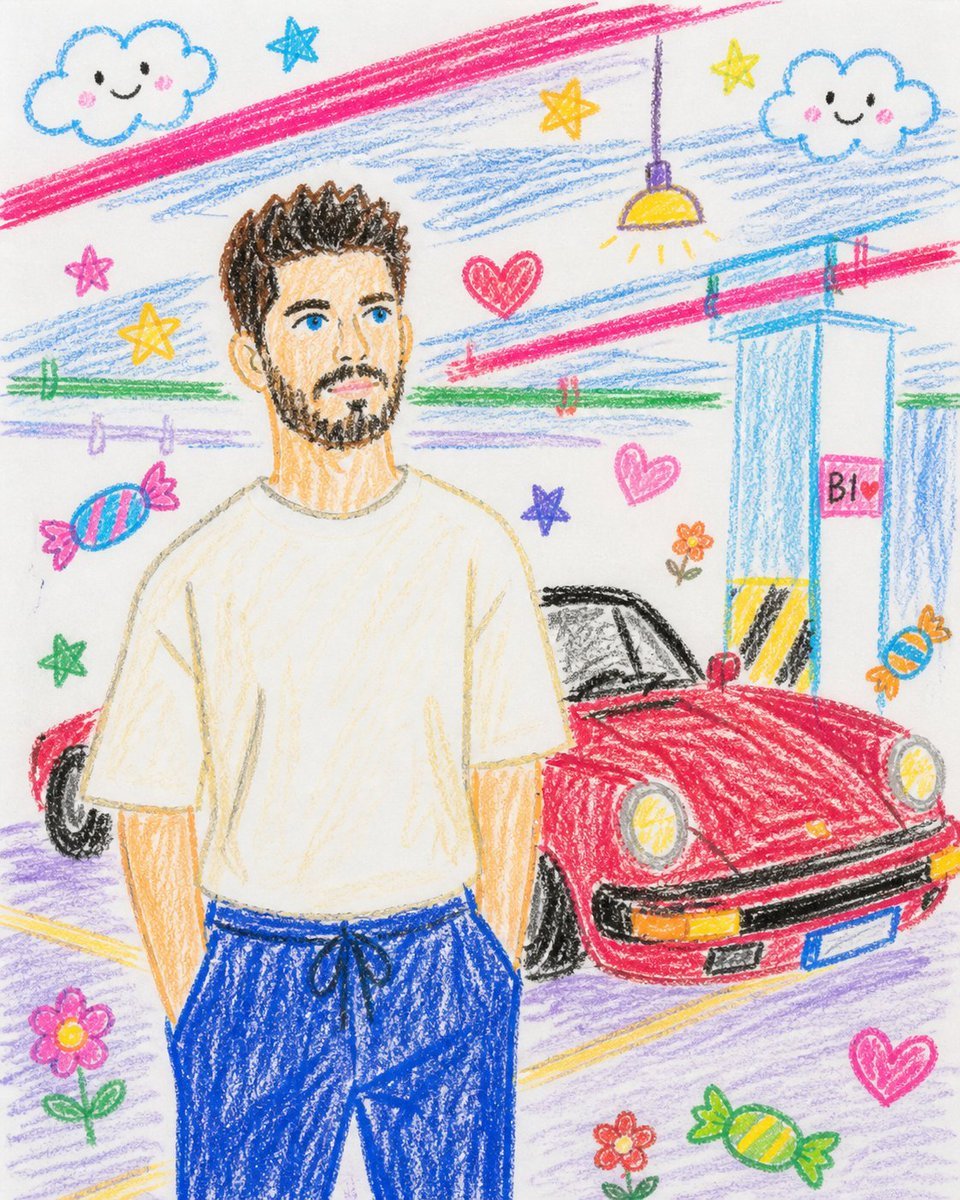
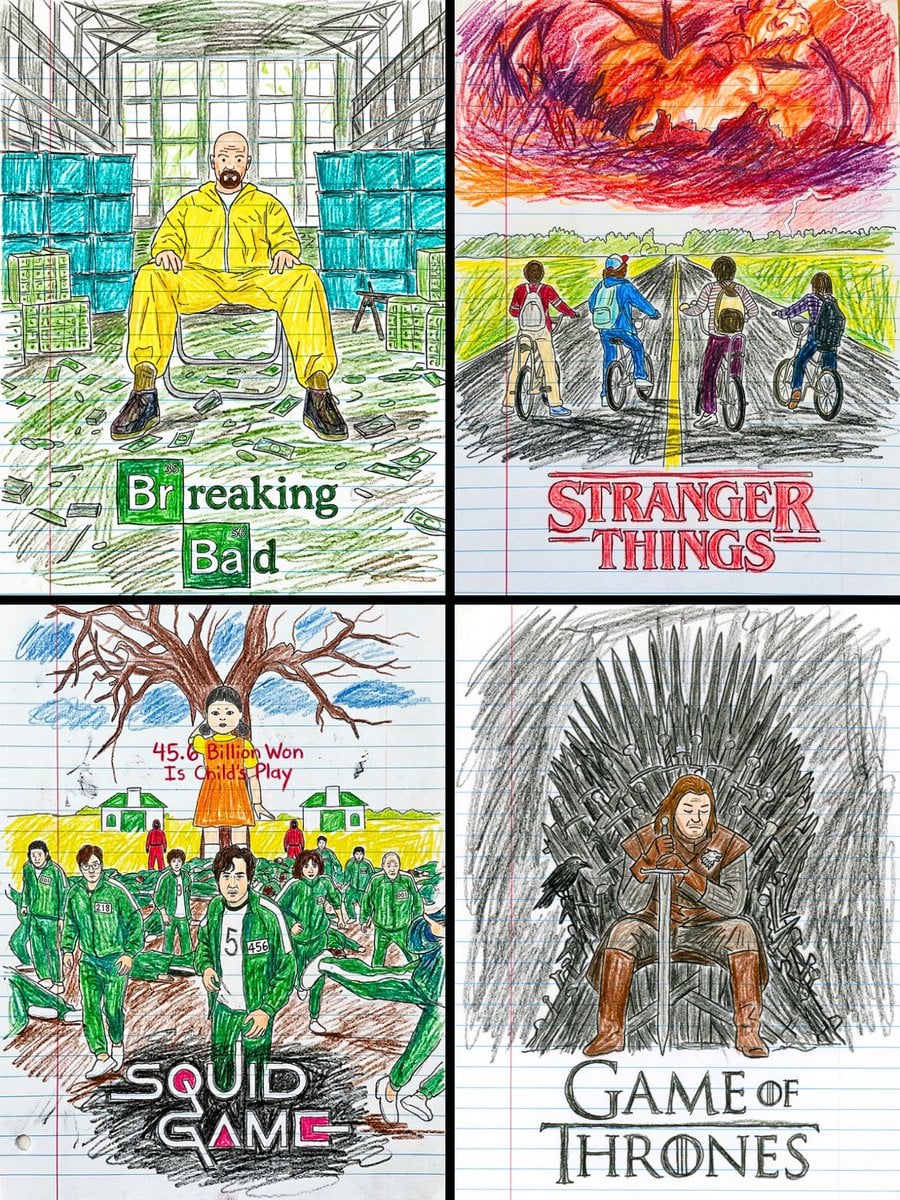
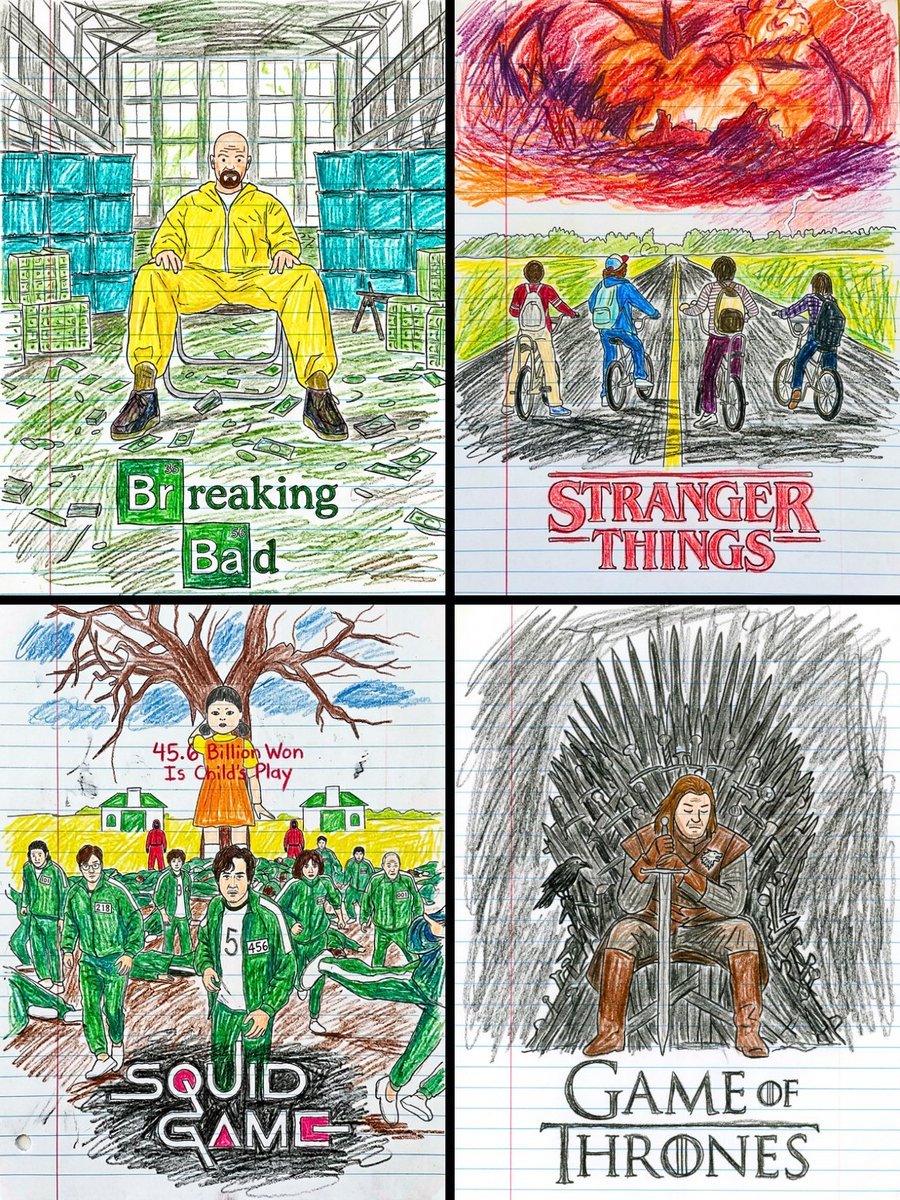
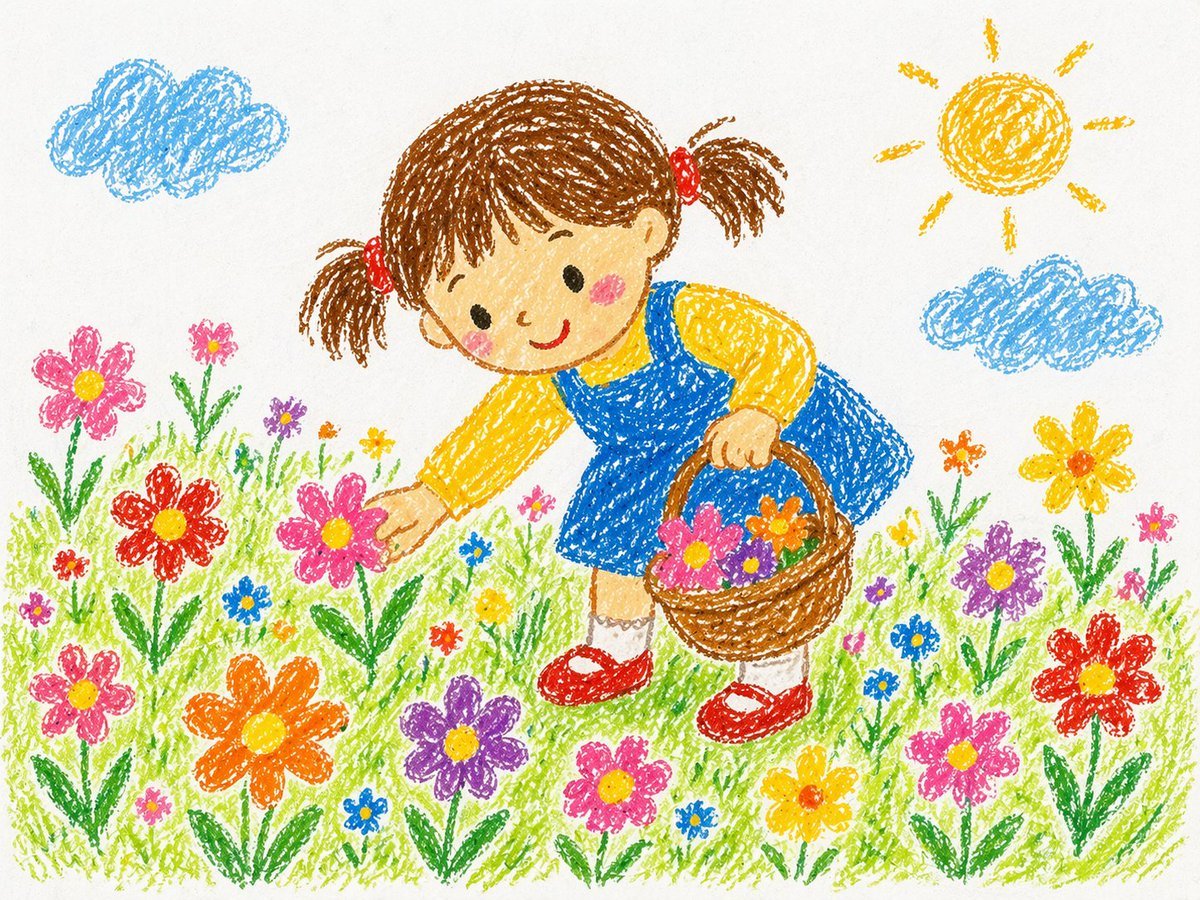
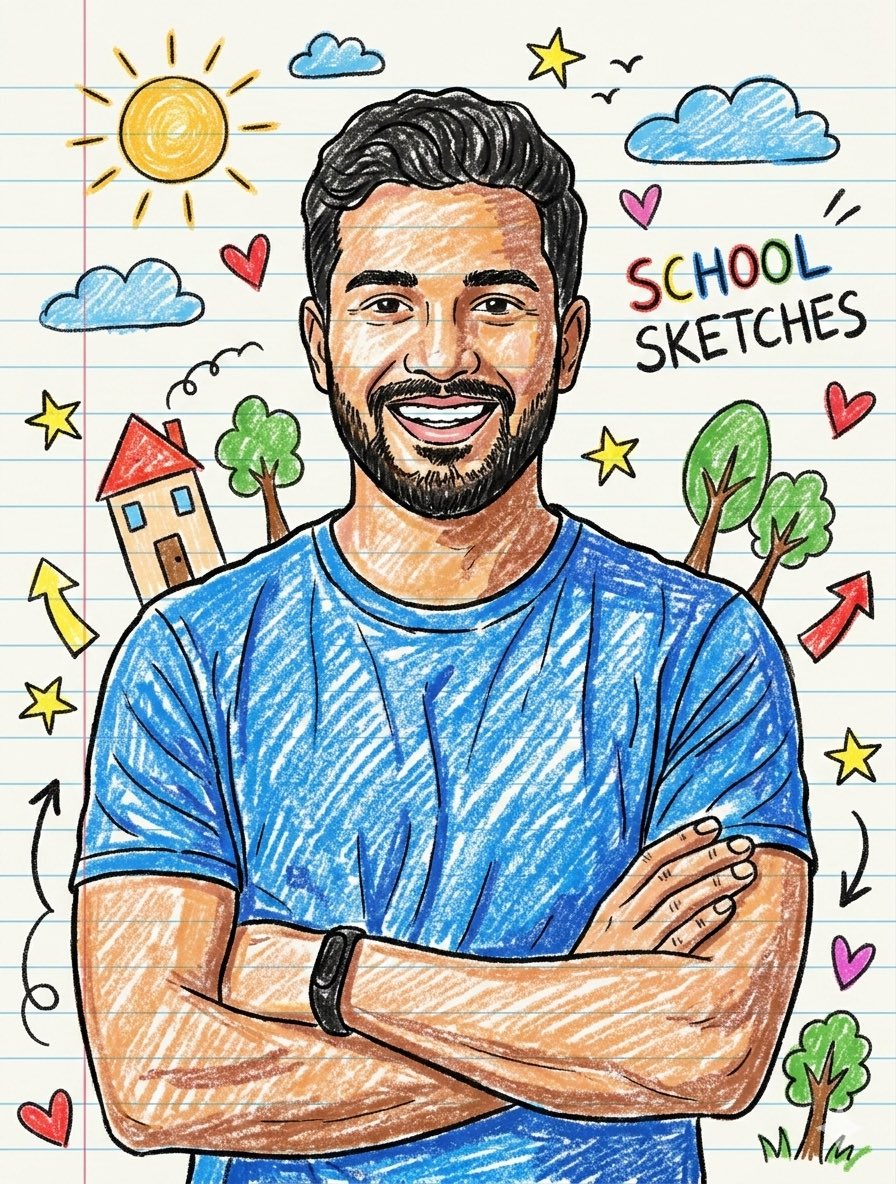
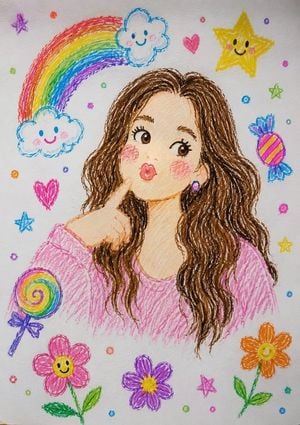
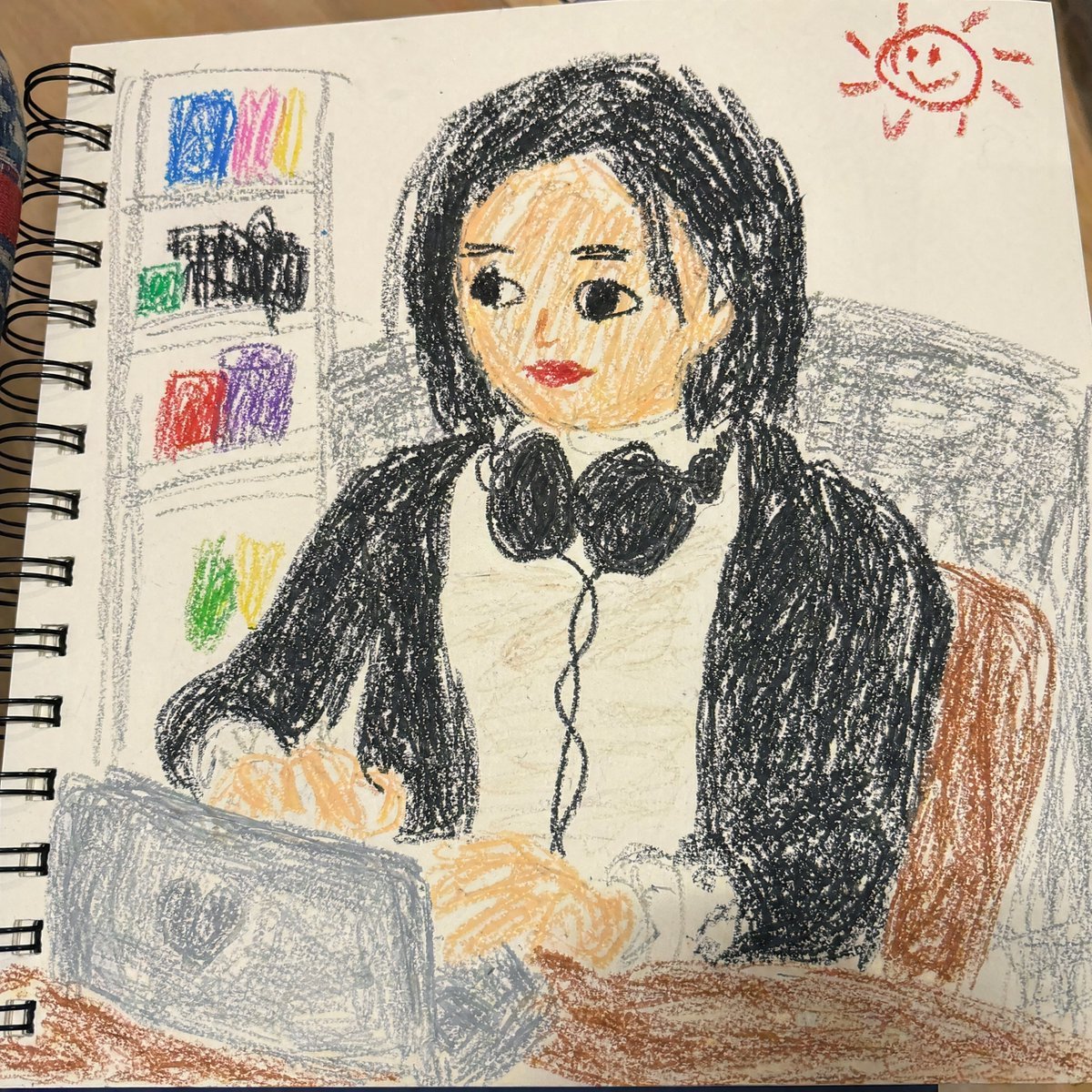
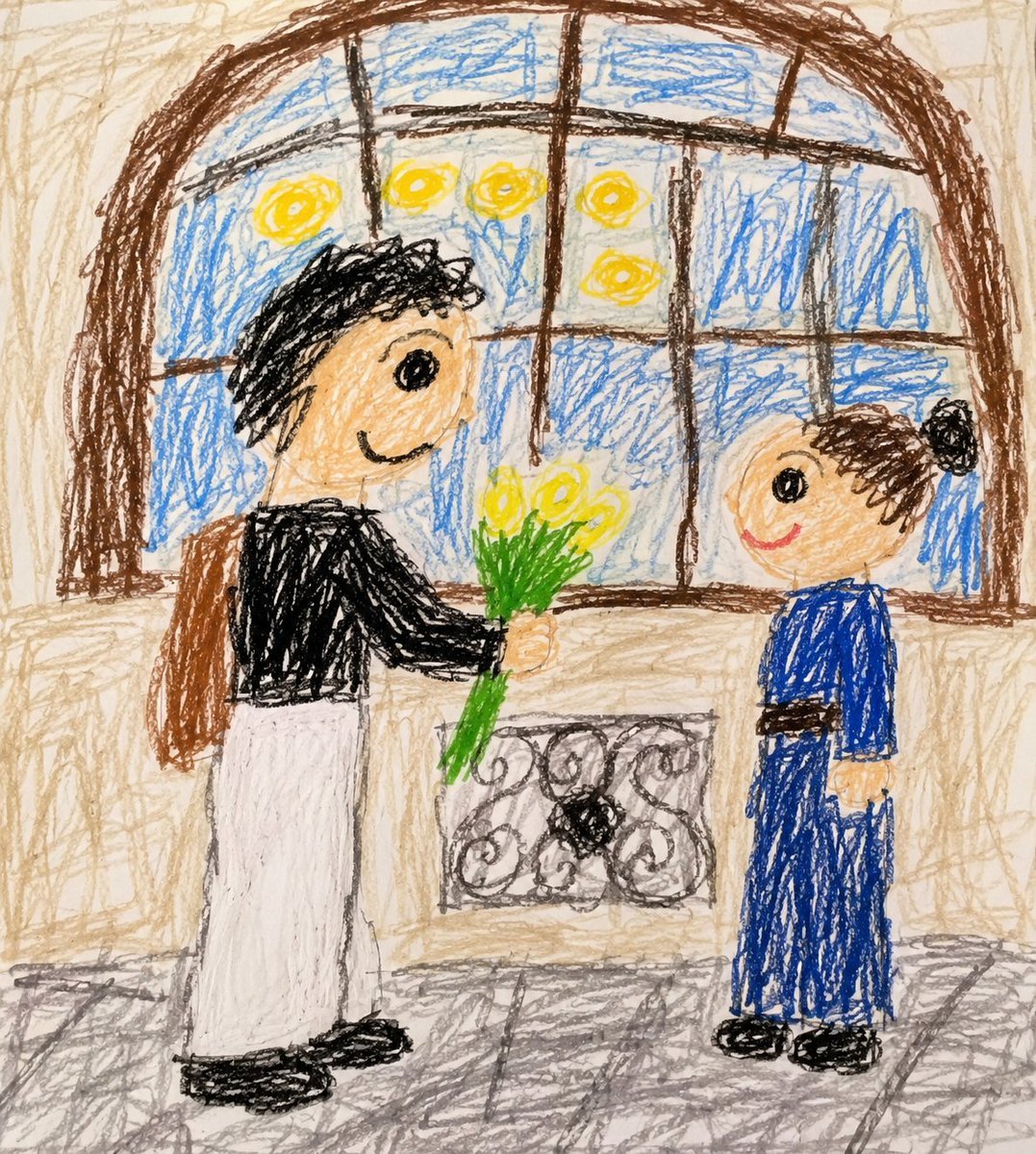
Transforms a standard photograph into a cute, childlike crayon drawing while preserving composition.

Transform the {argument name="subject" default="uploaded photo"} into a {argument name="style" default="cute childlike crayon drawing"} while keeping the original pose, composition, clothing, expressions, and background. Use {argument name="texture" default="colorful wax-crayon and colored-pencil textures"}, messy scribbles, shaky outlines, and uneven coloring on textured paper. Simplify the faces into adorable cartoon-style characters with big eyes and rosy cheeks. Keep the mountains, lake, trees, clouds, and sky in a playful hand-drawn style. Add a small rounded-corner reference photo inset in the bottom-right corner showing the original image, with a white border and subtle shadow. Vibrant colors, charming, funny, handmade, high-detail crayon artwork.
Transform the {argument name="subject" default="uploaded photo"} into a {argument name="style" default="cute childlike crayon drawing"} while keeping the original pose, composition, clothing, expressions, and background. Use {argument name="texture" default="colorful wax-crayon and colored-pencil textures"}, messy scribbles, shaky outlines, and uneven coloring on textured paper. Simplify the faces into adorable cartoon-style characters with big eyes and rosy cheeks. Keep the mountains, lake, trees, clouds, and sky in a playful hand-drawn style. Add a small rounded-corner reference photo inset in the bottom-right corner showing the original image, with a white border and subtle shadow. Vibrant colors, charming, funny, handmade, high-detail crayon artwork.
Edit the prompt in the box under the preview — the template's model and format are already selected — and press Generate. Your version appears right on this page.
Yes. You can change the subject, setting, lighting, mood, format, and available model controls before creating your image.
Opening and editing this template is free. Generating uses credits, shown on the Generate button when you are signed in.
Start with Nano Banana 2, which is the model associated with this template. You can compare another compatible model for a different finish.
Follow a topic to a crawlable collection of related PicX Studio templates.