
Realistic Asian Woman Loungewear Portrait
A detailed prompt for generating a close-up portrait of an Asian woman in specific loungewear against a rural morning landscape.
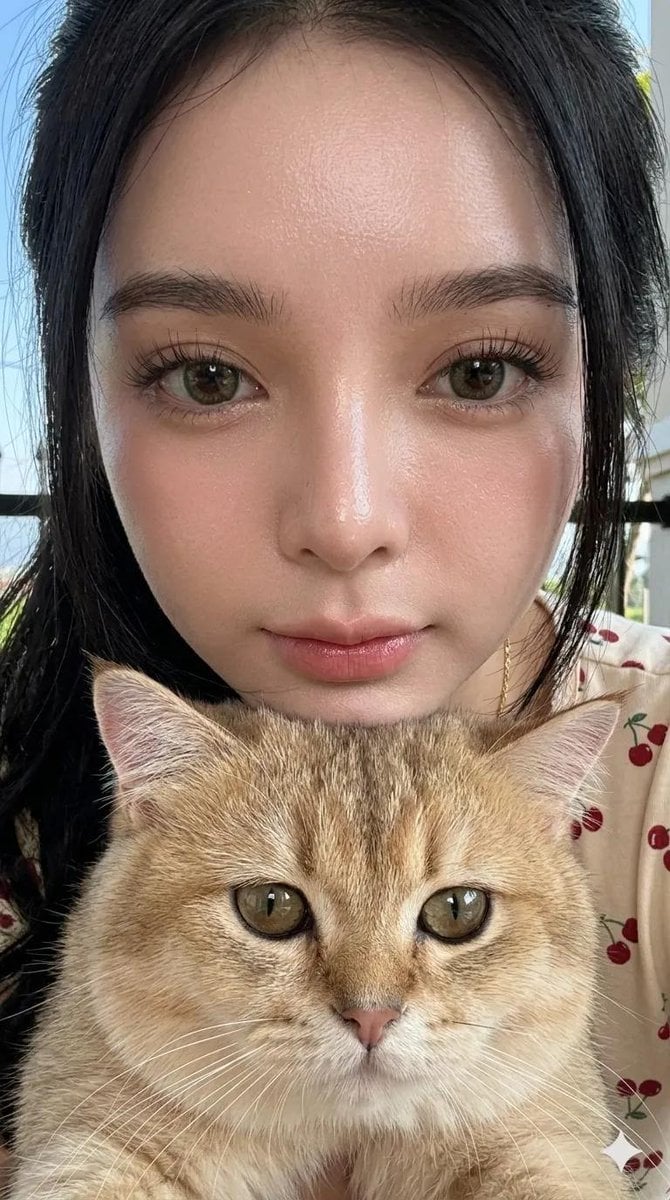
- Prompt included
- Model and format preset
- Premium template
The prompt behind this image
Copy the exact prompt behind Realistic Asian Woman Loungewear Portrait, or open it in the studio and make it yours.
Create a highly realistic close-up portrait of a beautiful young Asian woman with bright porcelain-white skin and perfectly symmetrical facial features. She is standing outdoors in a home setting, such as a front porch, house yard, or garden area. Her body is posed slightly sideways while her head turns toward the camera. She has a calm, soft, and gentle expression. Outfit: Wearing a matching {argument name="clothing style" default="sleepwear/loungewear set"}. Cream-colored crop top with {argument name="pattern" default="cherry fruit patterns"}. Short sleeves featuring delicate white lace wave trim on the sleeve edges. V-neck collar with a small elegant red ribbon detail on the chest. Dark red high-waisted shorts with an elastic waistband. Small red ribbon at the center of the waistband. White lace wave trim detail along the hem of the shorts. Accessories: Elegant gold necklace with a small pendant displaying the name "{argument name="name" default="Fitri"}". Small stud earrings. Makeup: Natural makeup look. Naturally glowing skin with visible skin texture and subtle pores. Thick, neatly groomed natural eyebrows. Thick, dramatic curled eyelashes. Rosy pink lips that appear juicy, plump, and hydrated. Hair: Long, deep black hair. Extremely smooth, silky, and healthy shine. Styled in a single ponytail. Curly waves at the lower section of the ponytail. Slightly messy volume at the top. Loose strands of hair falling naturally across the forehead and sides of the face. Background: Black iron fence visible behind her. Outside the fence, a road and green rice fields can be seen. Mountains visible in the distance. Bright clear blue sky. A tree positioned beside her, only partially visible within the frame. Lighting: Natural morning sunlight. Soft bright illumination on the face. Fresh, vibrant color palette with bright tones, rich greens, and vivid blues. Photography Style: Half-body portrait. Close-up composition. Ultra-realistic photography. High detail and lifelike skin texture. Natural depth of field. Lively, realistic background. Professional portrait photography. Sharp focus on the face. 9:16 vertical aspect ratio. Photorealistic, ultra-detailed, high-resolution, realistic lighting, realistic shadows, realistic colors. Important: Do not alter the woman's facial identity or facial structure. Preserve her original face exactly while applying the described hairstyle, outfit, makeup, pose, lighting, and environment.
How to use Realistic Asian Woman Loungewear Portrait in 3 steps
- 1
Open
The prompt is already in the box next to the preview, with the template's model and format selected.
- 2…a portrait of your subject in softgolden-hour light, 85mm…
Personalize
Edit the subject and creative details for your destination.
- 3Generate
Generate
Press Generate — your image is created in PicX Studio, so you can compare it with the original and refine one variable at a time.
More like this
Templates with the same subject, style or setup. Open one to see its prompt.

Couture Fashion Editorial Woman and Drag
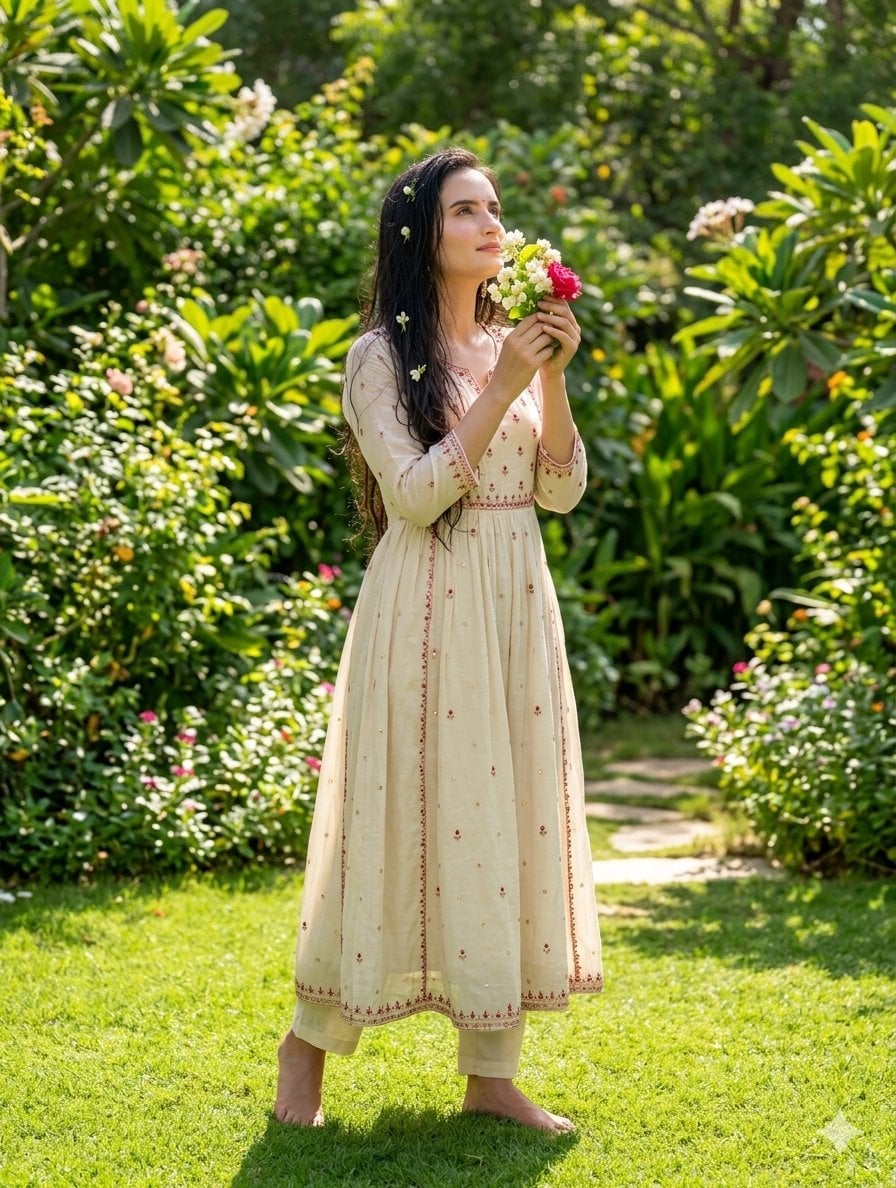
South Asian Woman in Garden Portrait
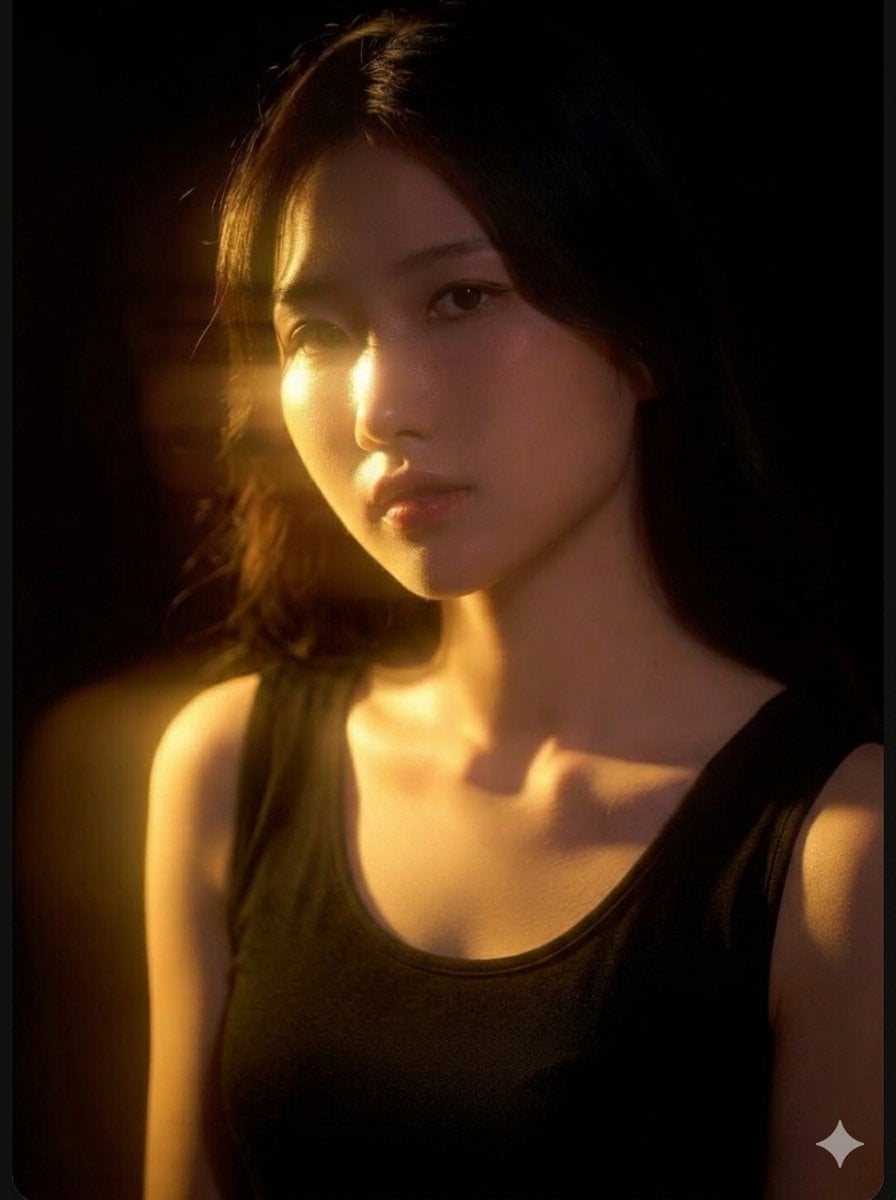
Cinematic East Asian Woman Portrait
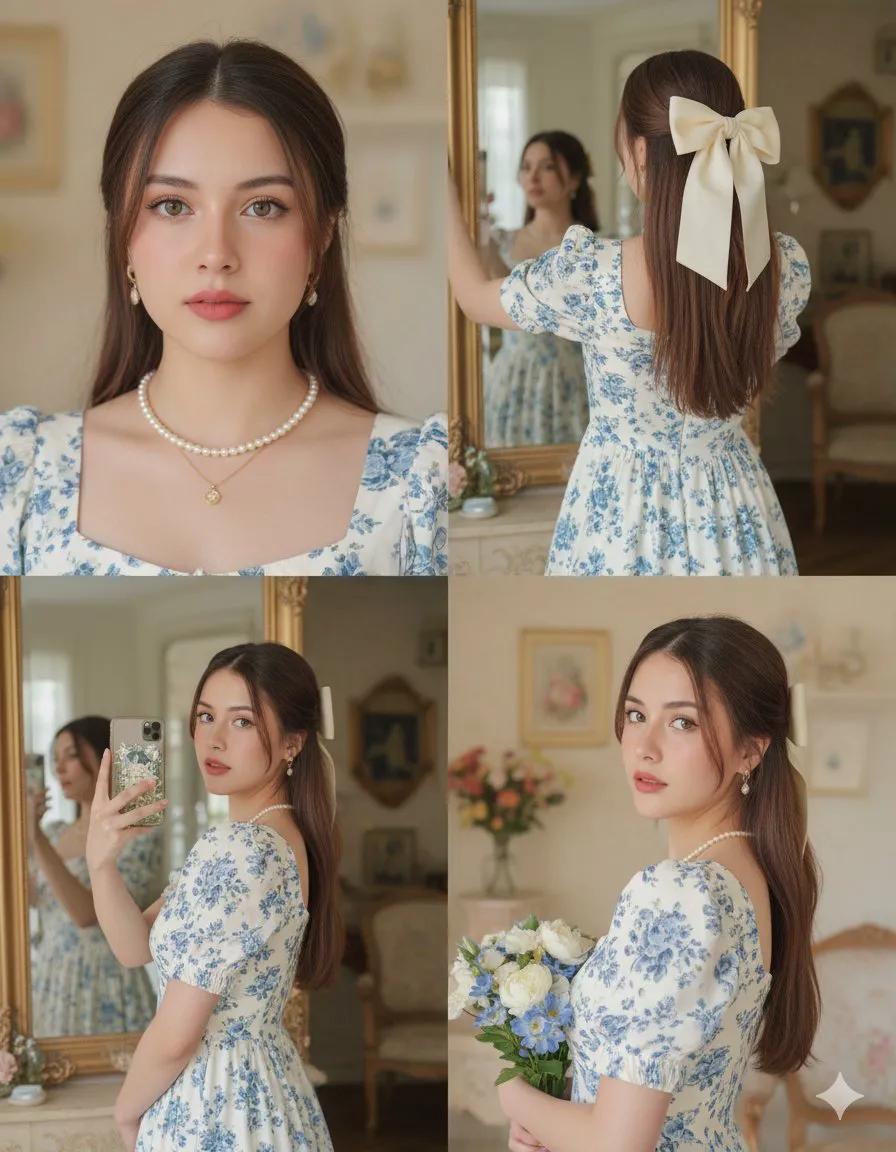
Collage Portrait of Asian Woman
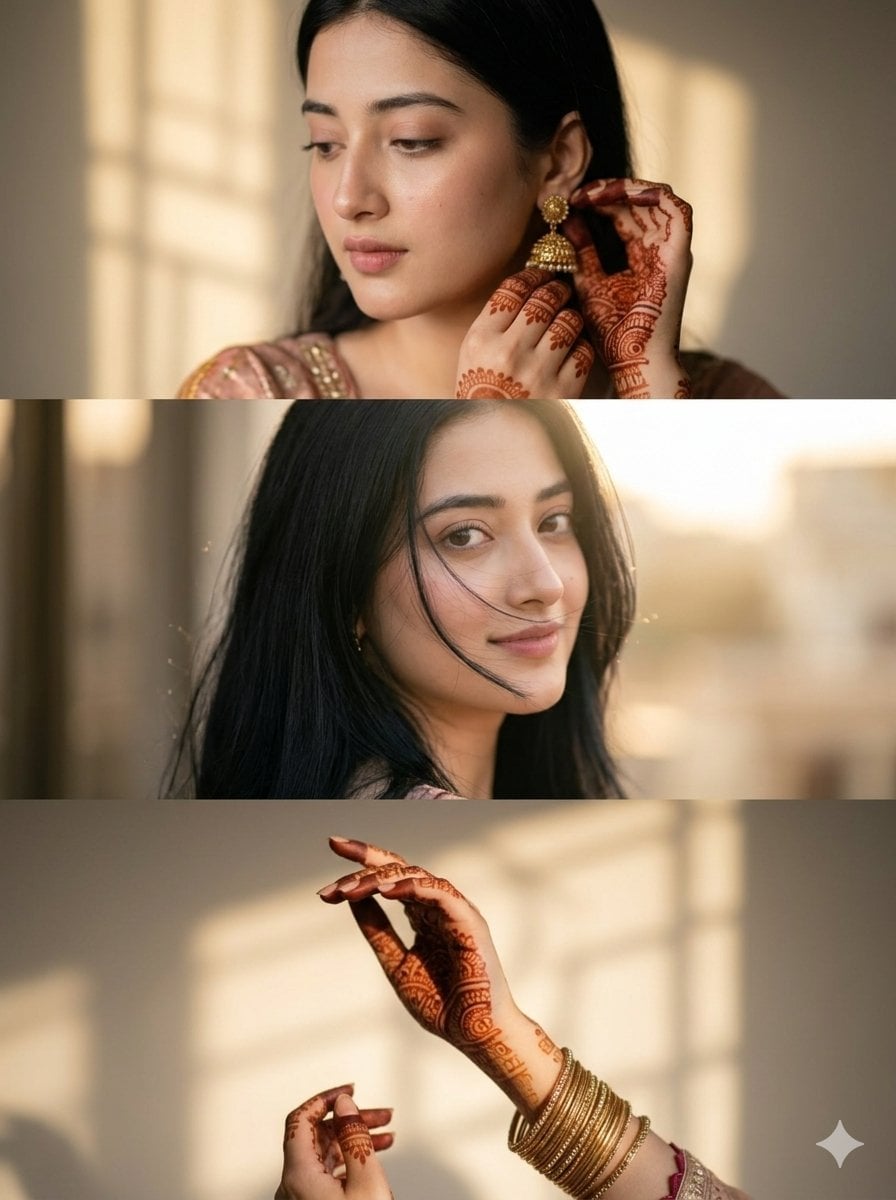
Cinematic South Asian Woman Portrait Collage
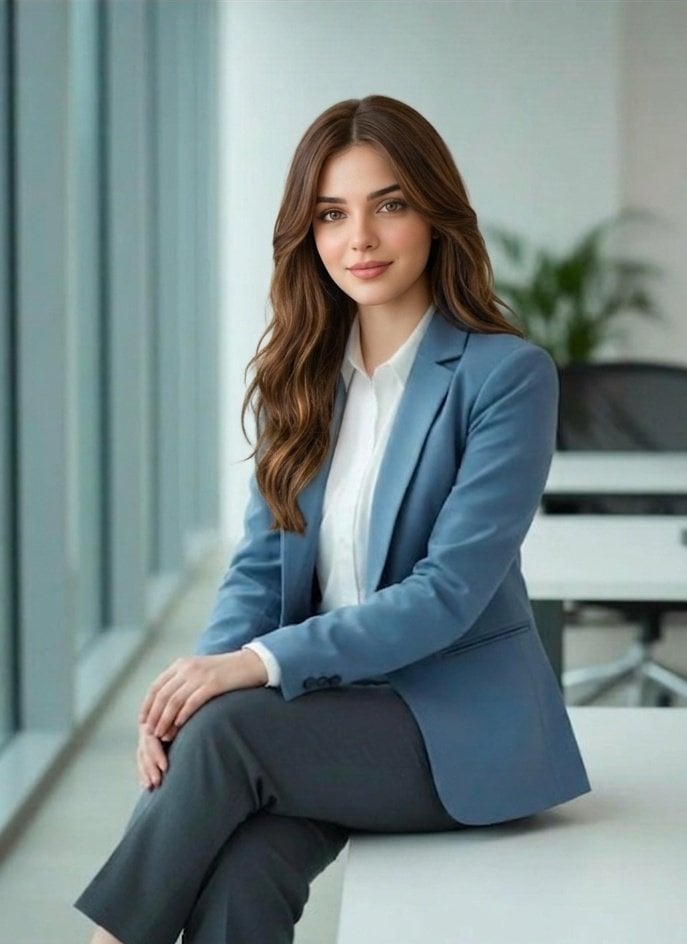
Professional South Asian Woman Portrait
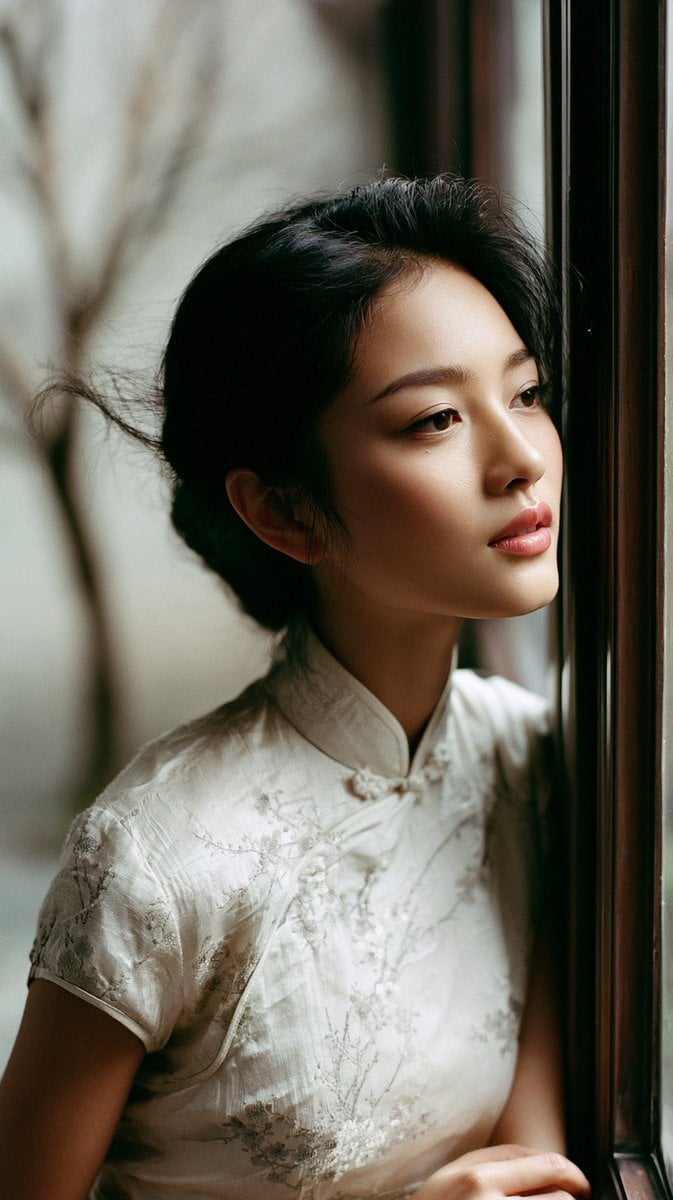
East Asian Woman in Silk Qipao Corridor Portrait
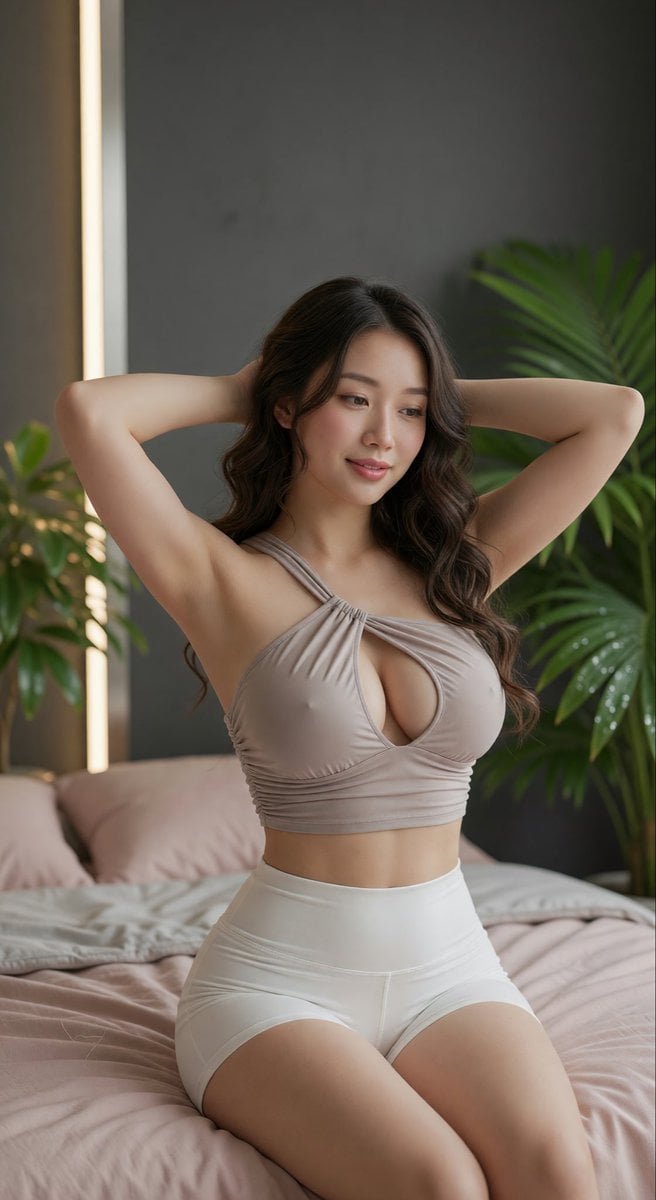
East Asian Woman Portrait
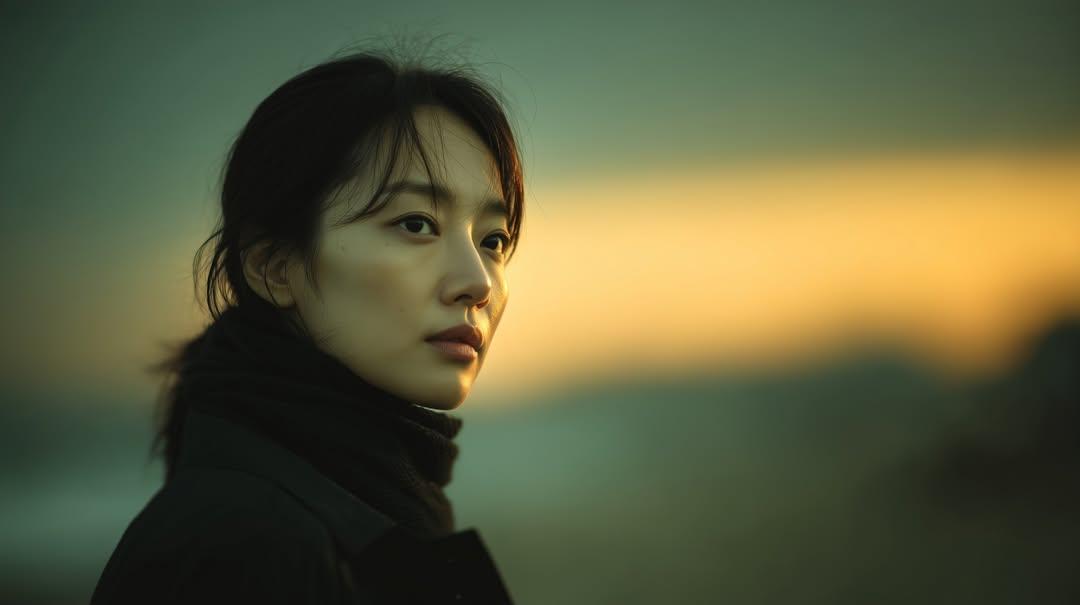
Cinematic Sunset Portrait of East Asian Woman

Found Photograph: Us, 1970

80s Couple Studio Portrait

80s Bollywood Star
Make it yours
Realistic Asian Woman Loungewear Portrait works as-is. These are the safest ways to change it without losing the look.
Change one field
Copy a single group, rewrite it, and generate again so you can see what that field is doing.
Keep the frame, change the subject
Hold the composition and light of Realistic Asian Woman Loungewear Portrait, then swap wardrobe, props or the person for a new take.
| If the result… | Why | Fix |
|---|---|---|
| The result drifts from the preview | Too many fields changed at once. | Reuse Realistic Asian Woman Loungewear Portrait as-is first, then change one group — subject, light, or setting. |
| The model over-stylizes the scene | The prose prompt leaves finish and camera underspecified. | Add one camera or lighting sentence and stay on Nano Banana 2. |
More Nano Banana 2 templates
Other prompts made for Nano Banana 2.

Photorealistic Leaf Shaped Like a Dragon

K-Pop Idol Portrait Grid for Rapid Selection

Poetic Rain Forest Portrait During Golden Hour

Urban Street Portrait with Cartoon Inner Self Duo

Candid Nighttime Photo with Cat Prompt

High-Concept 3D Diorama Generation Prompt

Cinematic Futuristic Studio Portrait Template

Skincare Editorial Photography Collage Prompt

Hyper-Realistic Commercial Product Photography (Splash Effect)

Hyper-Realistic Nightclub Portrait Prompt
More image prompts
Fresh picks from across the catalog.
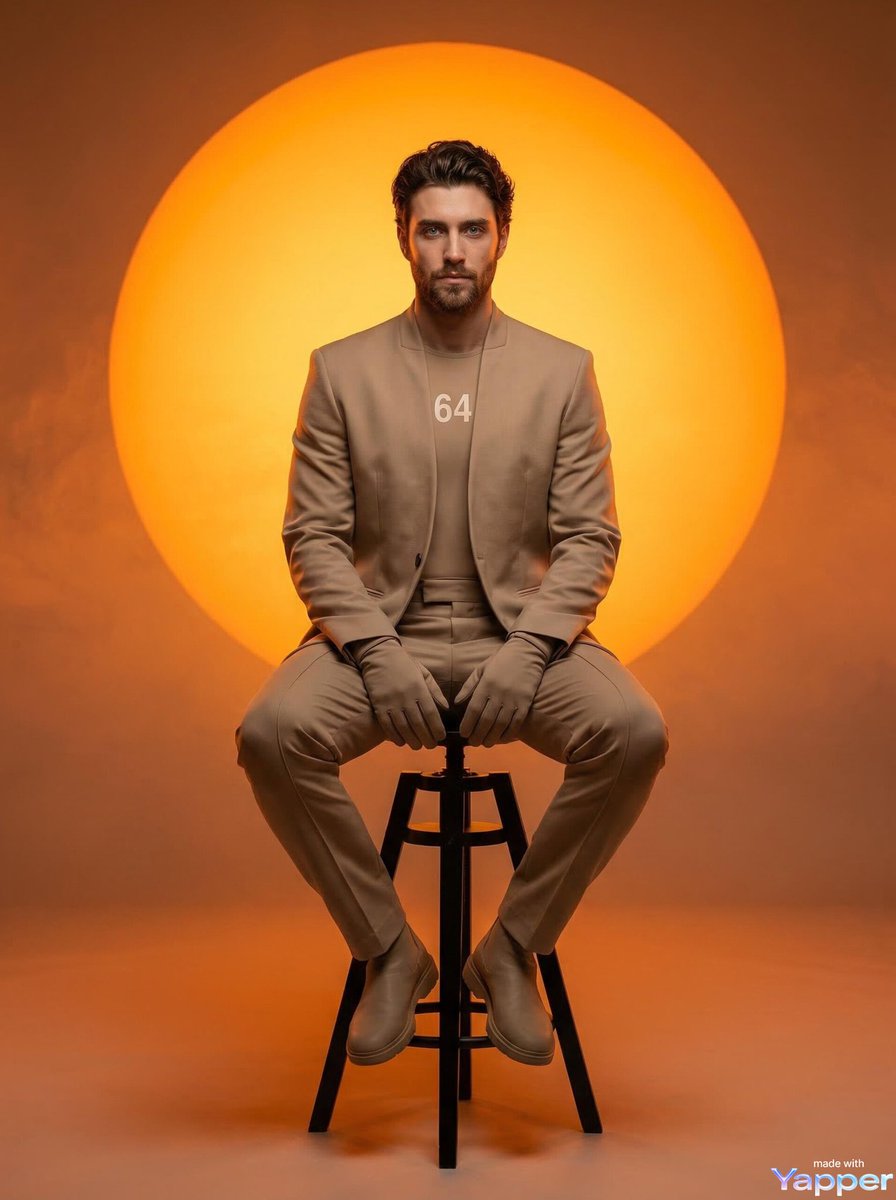
Futuristic Fashion Editorial Prompt for Nano Banana 2
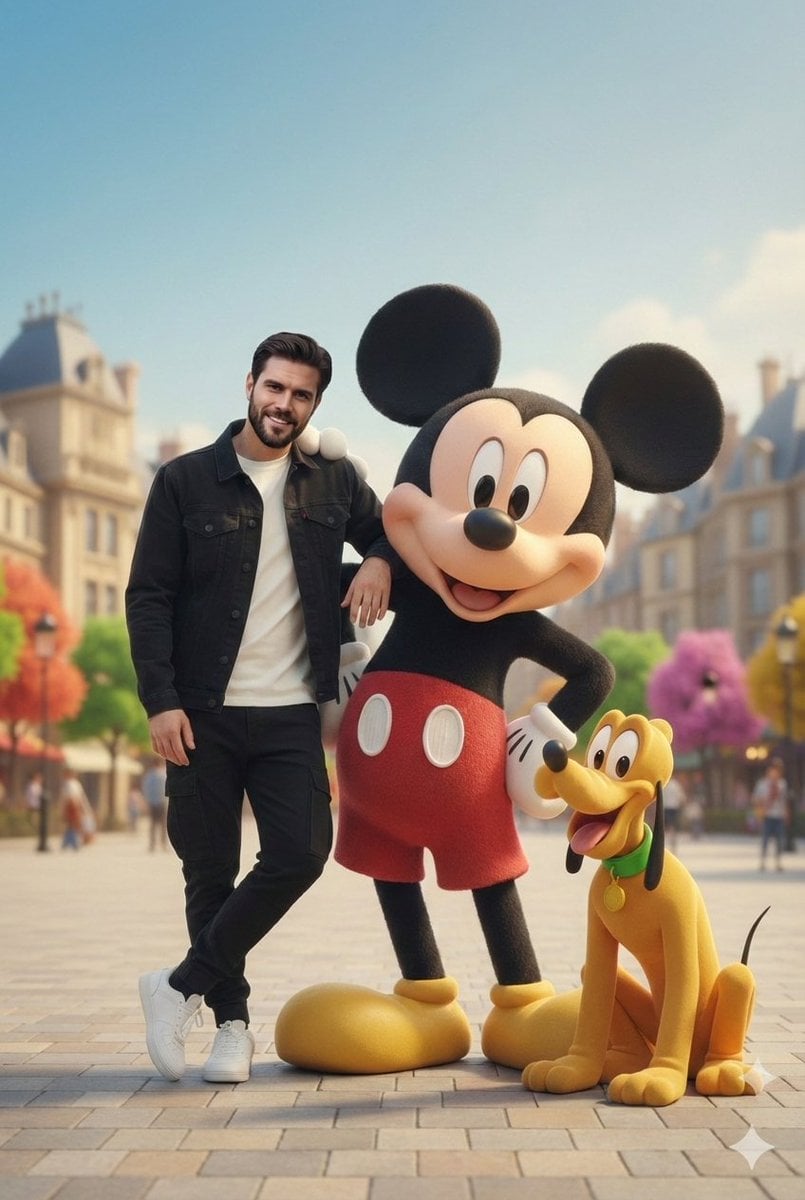
Cinematic Lifestyle with 3D Cartoon Characters
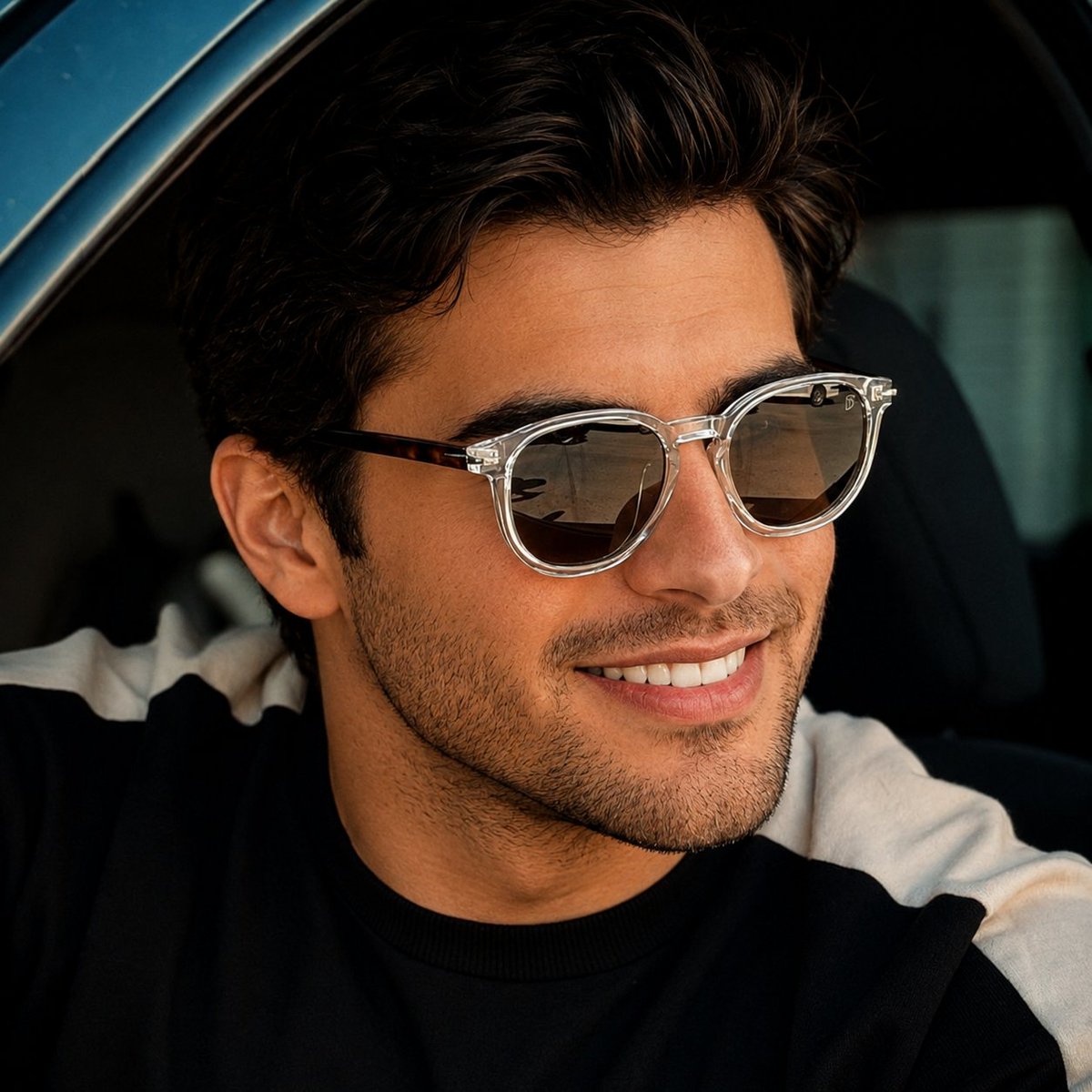
Luxury Car Lifestyle Portrait
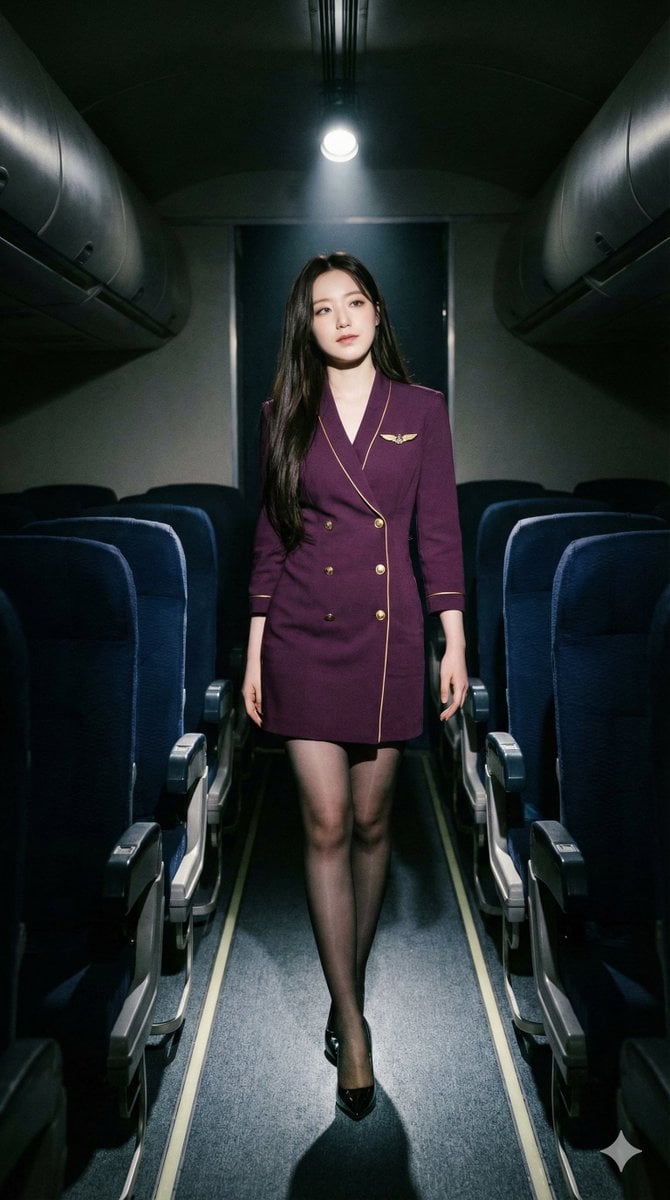
High-Contrast Noir Flight Attendant Prompt for Nano Banana Pro
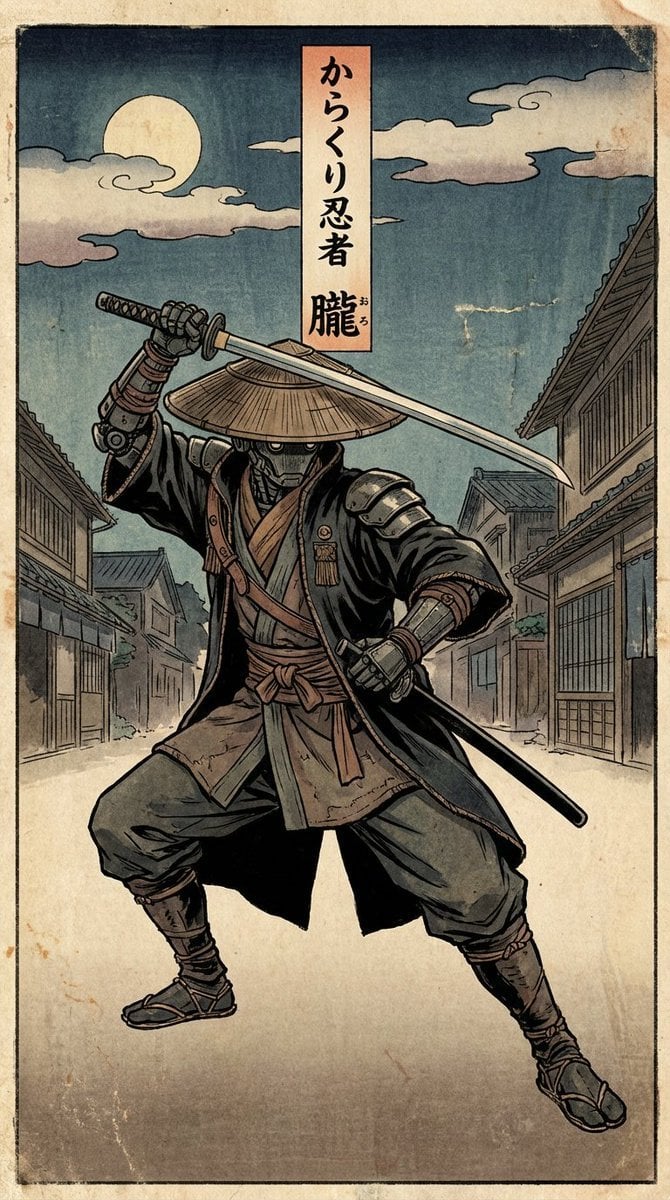
Edo-style woodblock print ninja character
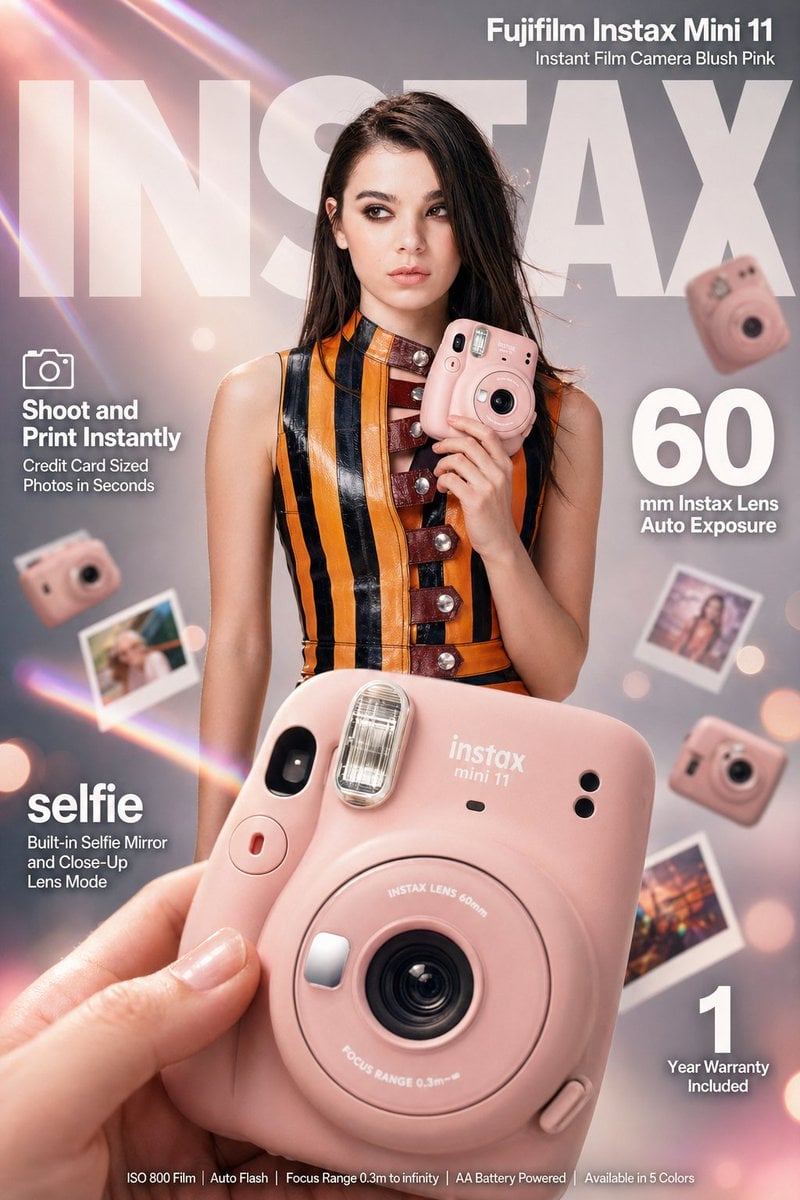
X Meng Dagg695 Gpt Image 2 on Socialsight
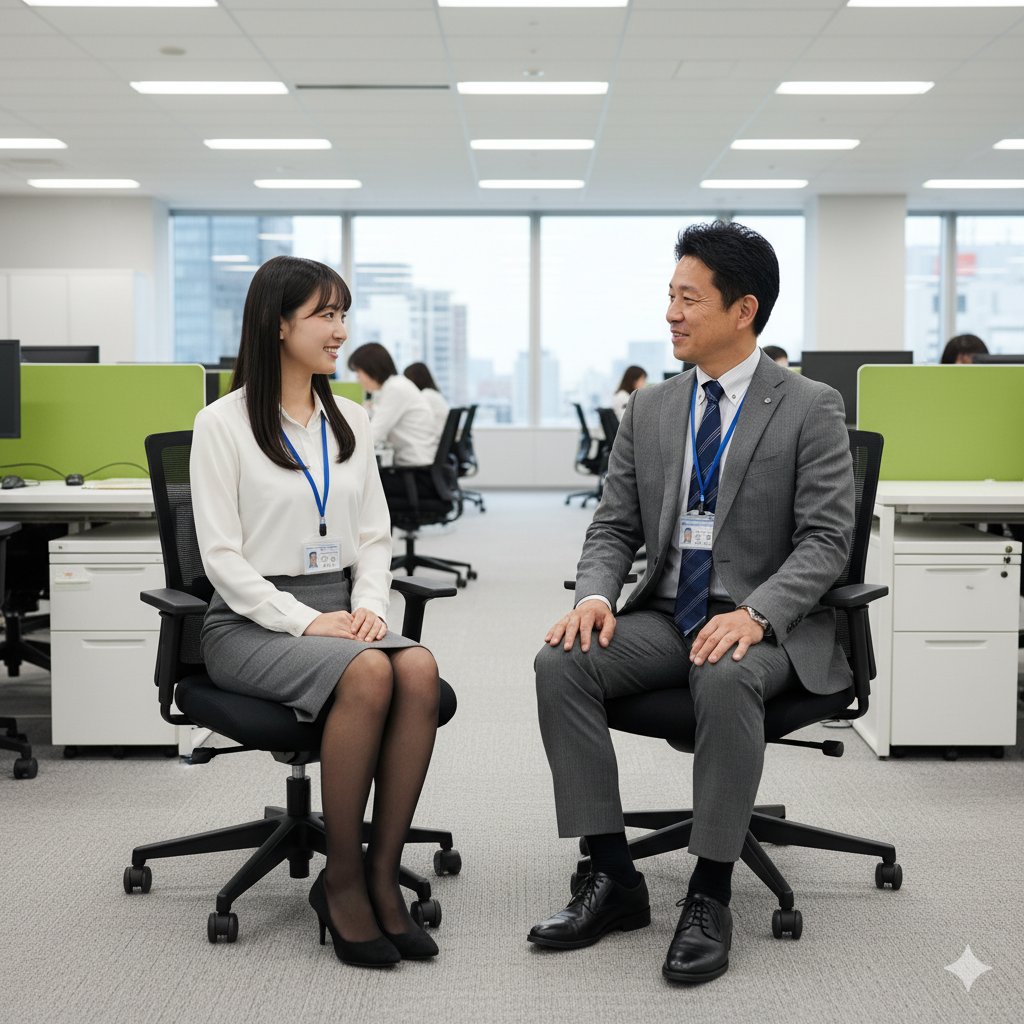
Image-to-Image Instruction for Clothing Swap

Advertising Visual Prompt: Sports Car Model Exploration
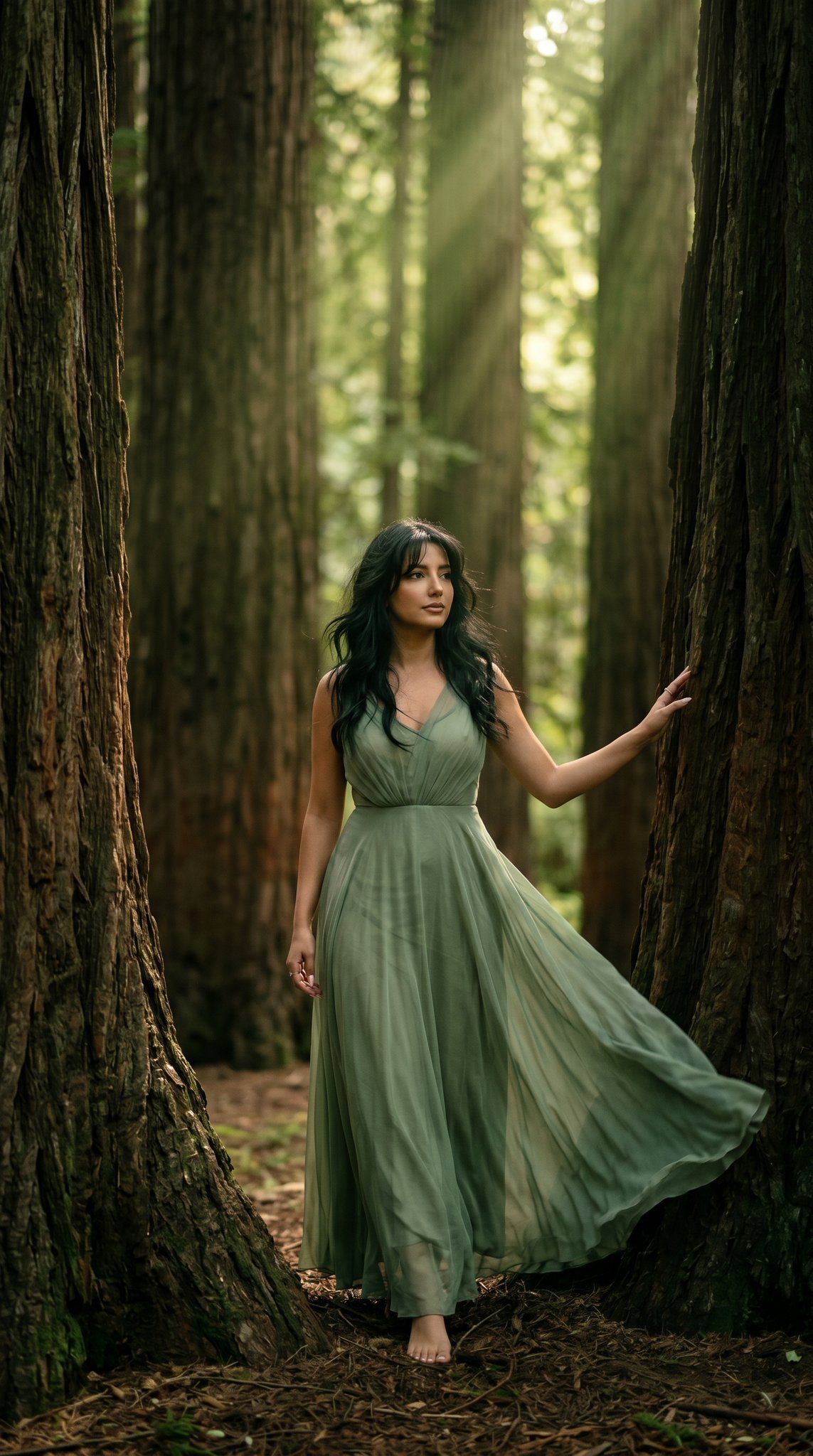
23 California Redwood Forest — California Series

Generate Ghostbusters Scene with Gozer and Stay Puft
Browse template categories
Realistic Asian Woman Loungewear Portrait questions
How do I use the Realistic Asian Woman Loungewear Portrait template?
Add your photo if the template asks for one, edit the prompt if you like — the template's model and format are already selected — and press Generate. Your version opens in PicX Studio.
Can I customize the Realistic Asian Woman Loungewear Portrait template?
Yes. You can change the subject, setting, lighting, mood, format, and available model controls before creating your image.
Is the Realistic Asian Woman Loungewear Portrait template free?
Opening and editing this template is free. Generating uses credits, shown on the Generate button when you are signed in.
Which AI model should I use?
Start with Nano Banana 2, which is the model associated with this template. You can compare another compatible model for a different finish.
Looking for something else? Browse all templates.

Your photo, any look
Thousands of ready templates for every top image and video model, from one credit balance.