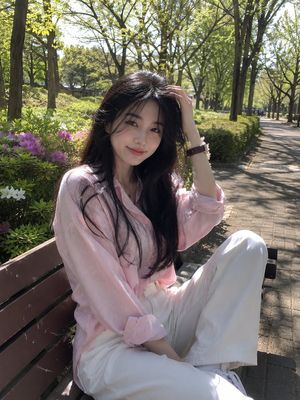
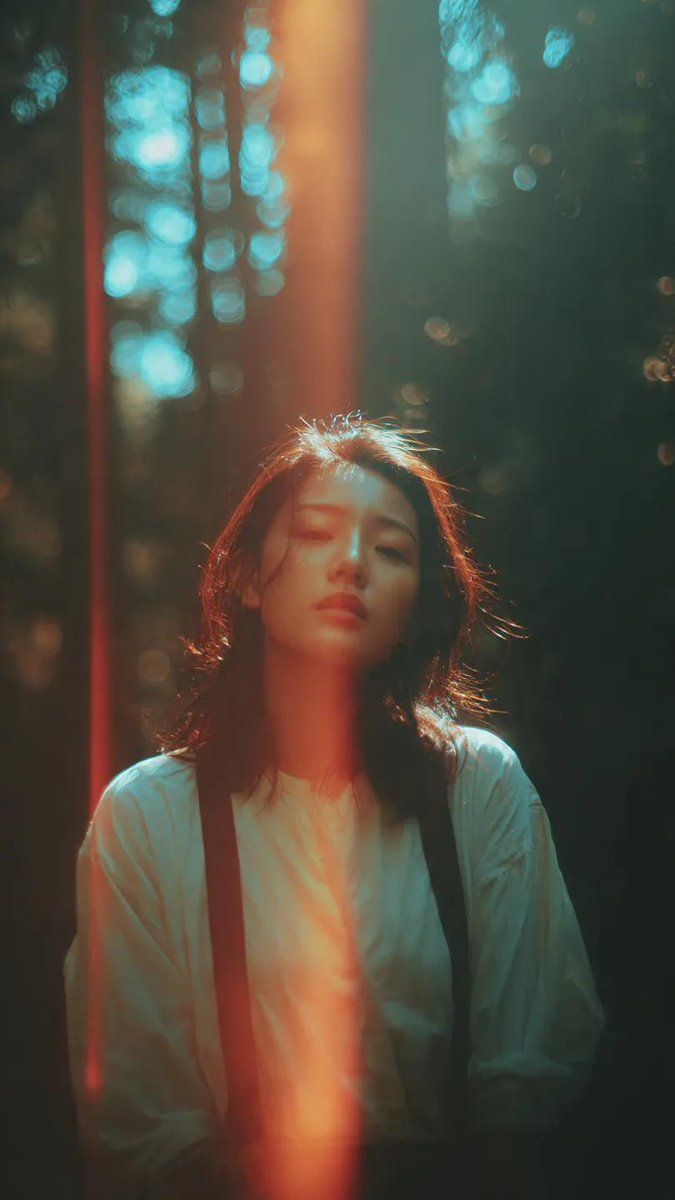
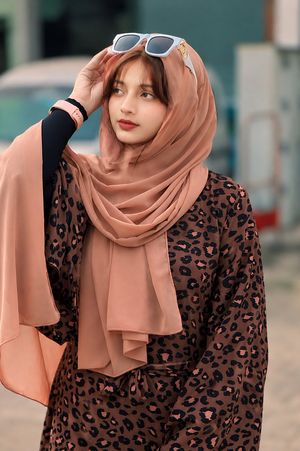
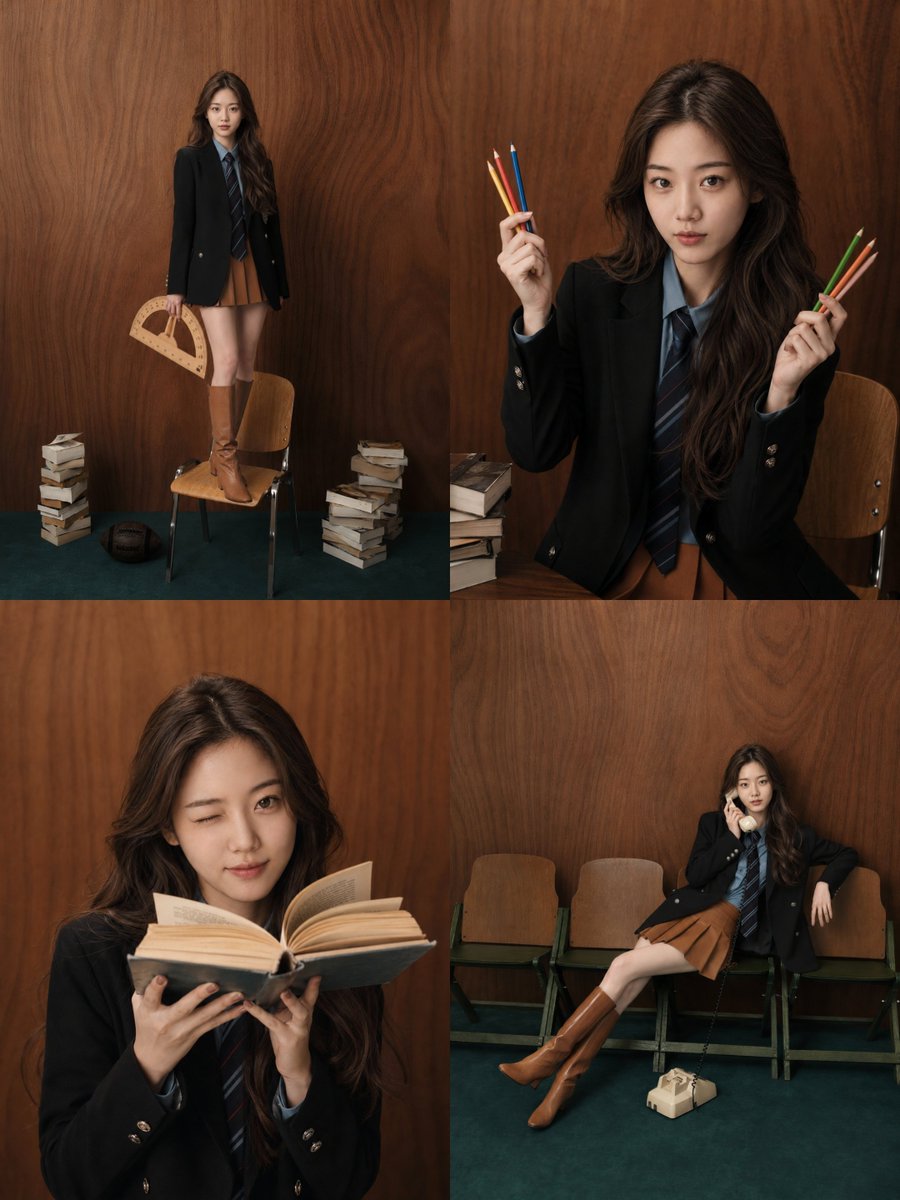
How do I use the Collage Portrait of Asian Woman template?
Choose the primary action to open PicX Studio with the available template settings. Review the model and format, personalize the creative direction, and generate when ready.
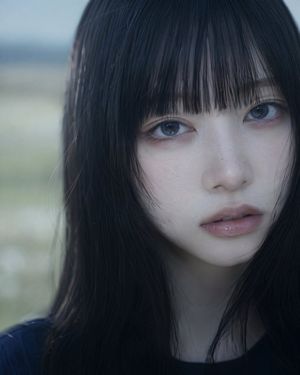
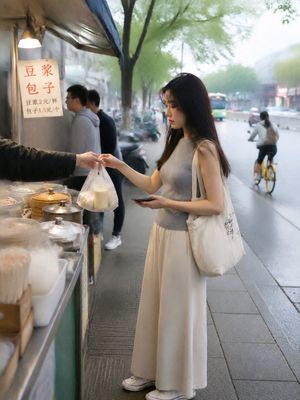
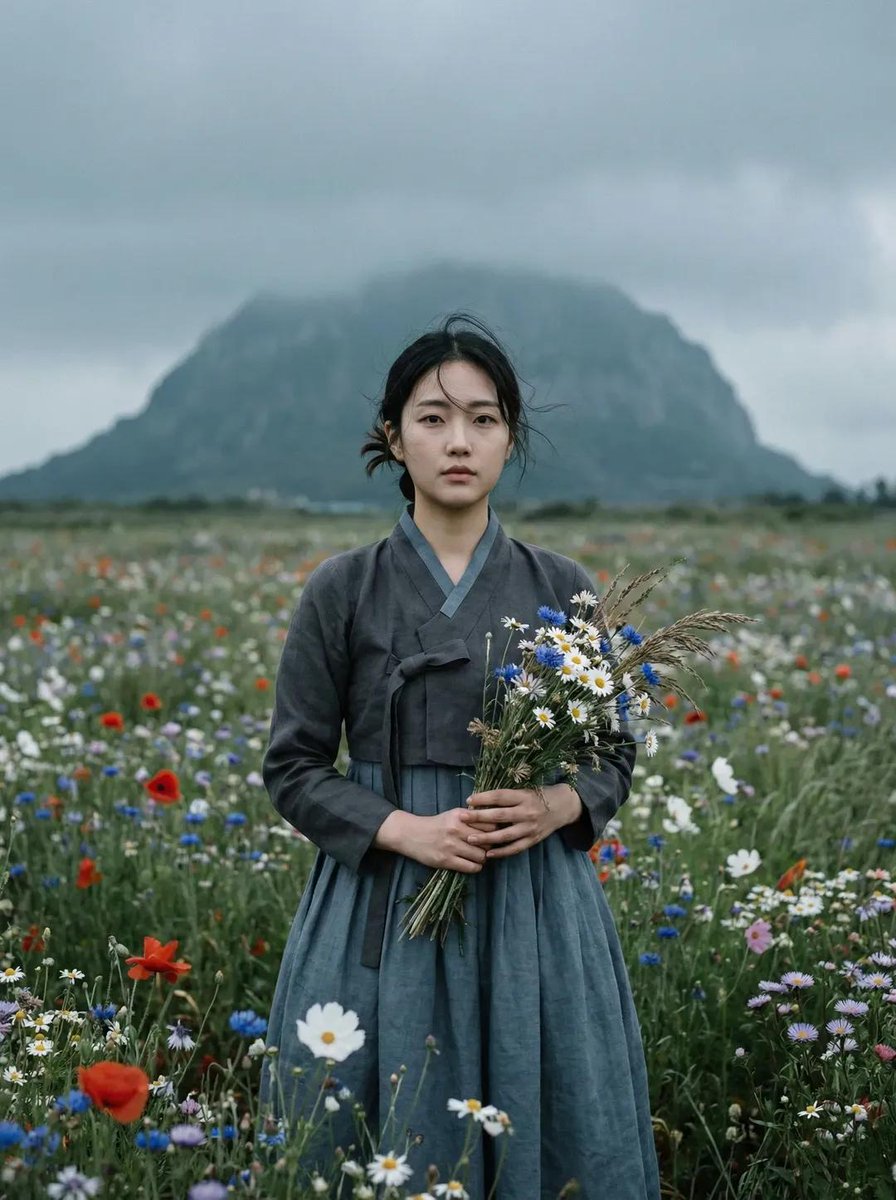
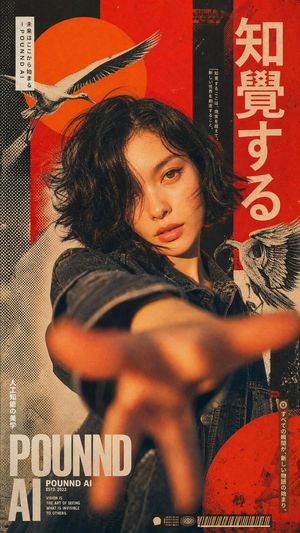
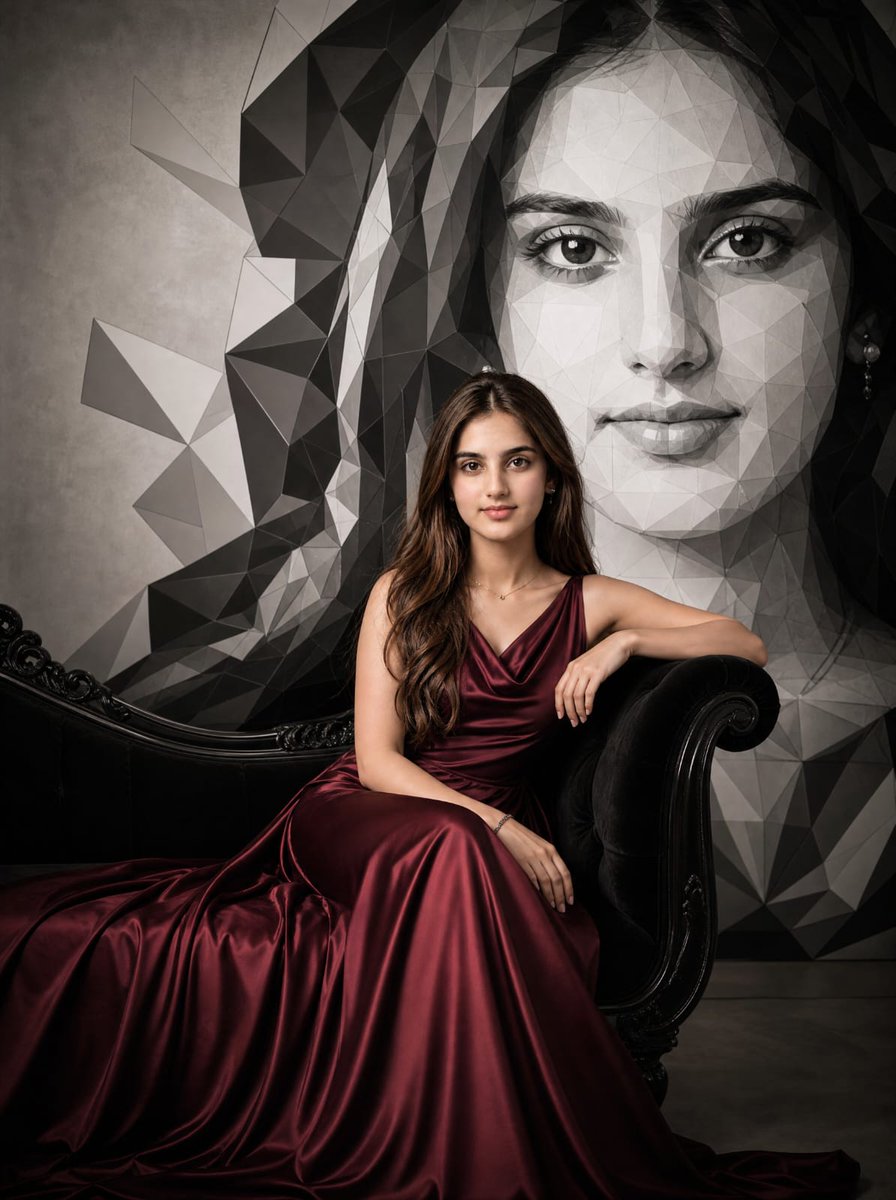
A structured JSON-style prompt for creating a 2x2 collage of an Asian woman in a vintage floral dress, including mirror selfies and specific hair accessories.
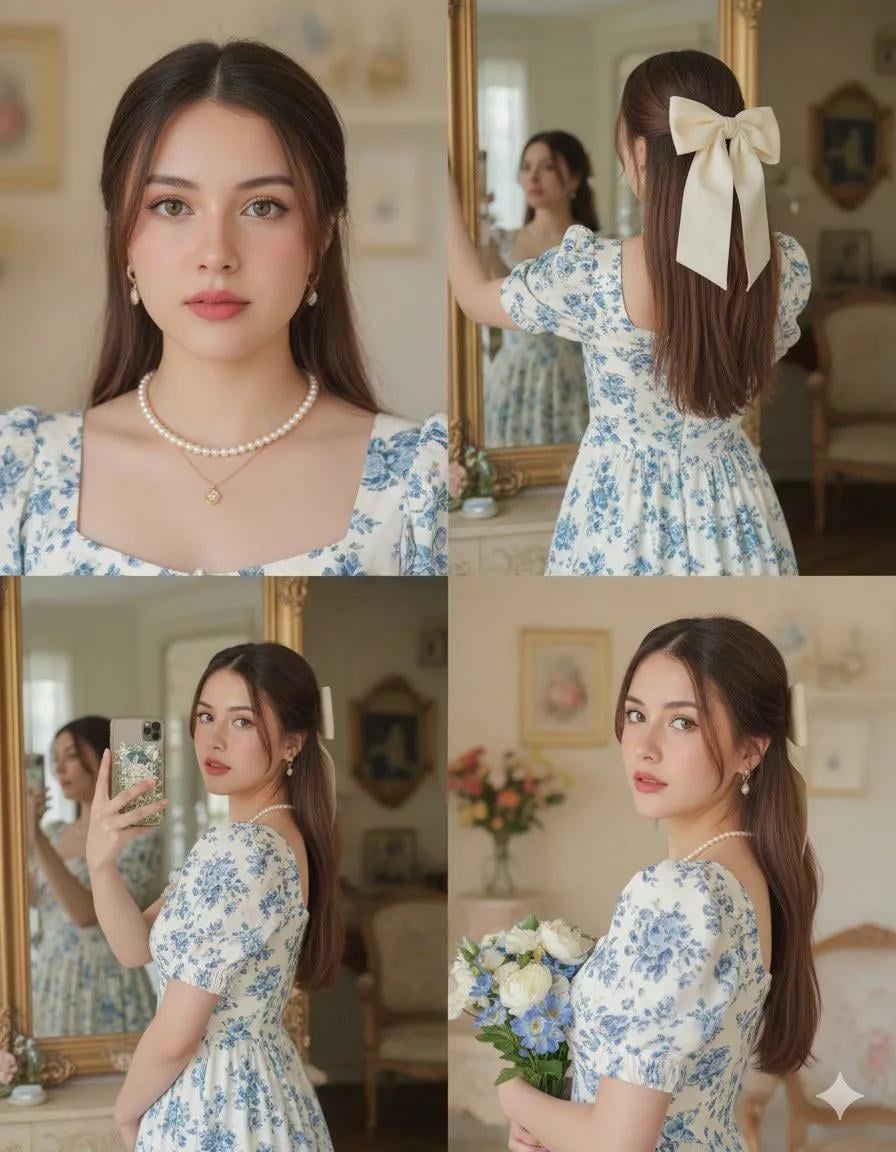
{ "image_prompt": { "reference": { "face_identity": "uploaded reference image", "identity_lock": true, "pose_lock": true, "camera_angle_lock": true, "expression_lock": true, "face_preservation": "100% identical facial structure, proportions, eyes, lips, nose, brows, skin texture" }, "composition": { "layout": "2x2 collage", "aspect_ratio": "1:1", "pose_matching": "exactly match reference image poses, angles, framing, and body orientation", "no_variation_allowed": true }, "panel_1": { "view": "front-facing portrait", "pose": "head slightly tilted, eyes toward camera, soft lips", "framing": "chest-up selfie angle", "expression": "calm, elegant", "match_reference": true }, "panel_2": { "view": "back view", "pose": "standing facing mirror, arms raised slightly", "focus": "back of head and bow hairstyle", "framing": "upper-body rear shot", "match_reference": true }, "panel_3": { "view": "mirror selfie", "pose": "phone covering part of face, body angled sideways", "framing": "waist-up", "match_reference": true }, "panel_4": { "view": "side portrait", "pose": "head turned over shoulder looking into camera, holding bouquet close to chest", "expression": "soft romantic gaze", "framing": "upper torso", "match_reference": true }, "subject": { "gender": "female", "ethnicity": "{argument name="ethnicity" default="Asian"}", "skin_tone": "fair with soft blush" }, "hair": { "style": "long straight hair, half-up", "accessory": "{argument name="hair accessory" default="large cream ribbon bow"}", "placement": "exact position as reference image" }, "outfit": { "dress": { "color": "white", "pattern": "blue floral print", "style": "{argument name="dress style" default="vintage puff-sleeve dress"}", "neckline": "square neckline" }, "jewelry": [ "pearl necklace", "delicate gold pendant" ] }, "environment": { "location": "vintage-style indoor room", "background": [ "ornate mirror", "cream walls", "soft floral decor", "classic furniture" ], "match_reference_background": true }, "lighting": { "type": "soft indoor daylight", "quality": "even, gentle, warm", "shadow": "minimal", "match_reference": true }, "photography_style": { "style": "romantic vintage lifestyle", "lens": "DSLR portrait lens", "depth_of_field": "shallow", "color_grading": "soft pastel" }, "render_quality": { "realism": "photorealistic", "resolution": "high", "texture_detail": "natural skin and fabric detail", "no_cartoon": true } } }
Choose the primary action to open PicX Studio with the available template settings. Review the model and format, personalize the creative direction, and generate when ready.
Yes. You can change the subject, setting, lighting, mood, format, and available model controls before creating your image.
This template is free to open and customize. Generation usage is shown in PicX Studio before you create.
Start with Nano Banana 2, which is the model associated with this template. You can compare another compatible model for a different finish.
Follow a topic to a crawlable collection of related PicX Studio templates.