How do I use the Luxury Garden Fashion Editorial Portrait template?
Choose the primary action to open PicX Studio with the available template settings. Review the model and format, personalize the creative direction, and generate when ready.
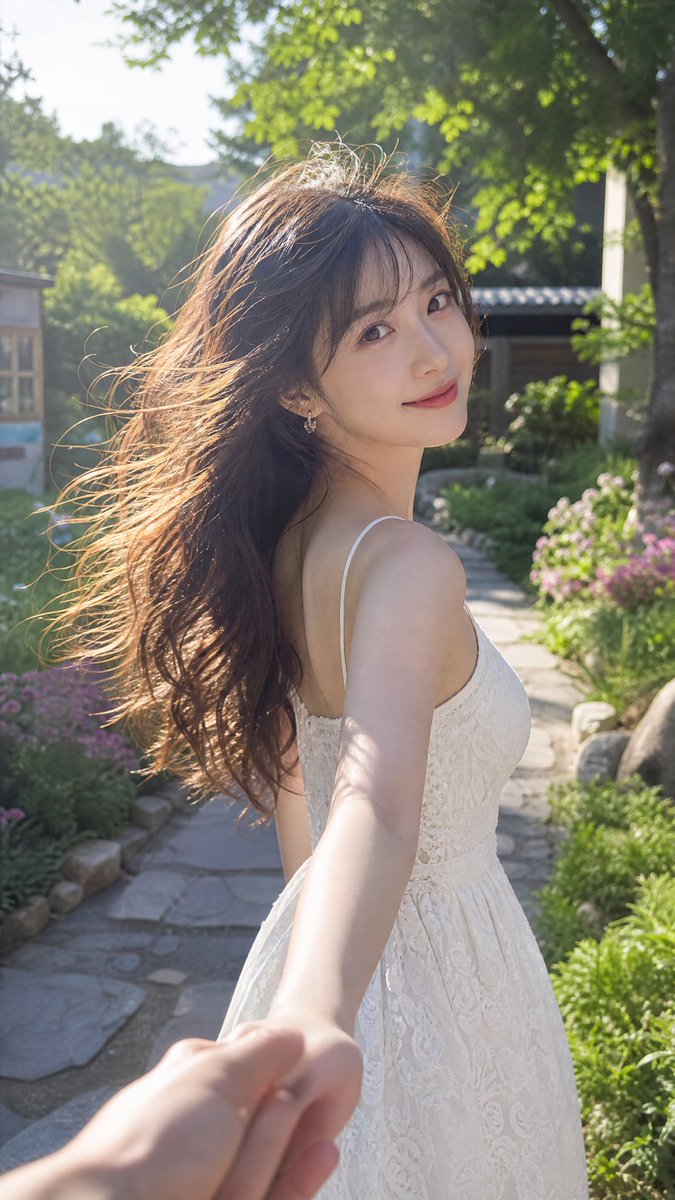
A detailed high-fashion editorial prompt for a woman in a floral couture gown by a garden fountain, featuring realistic skin textures and cinematic lighting.
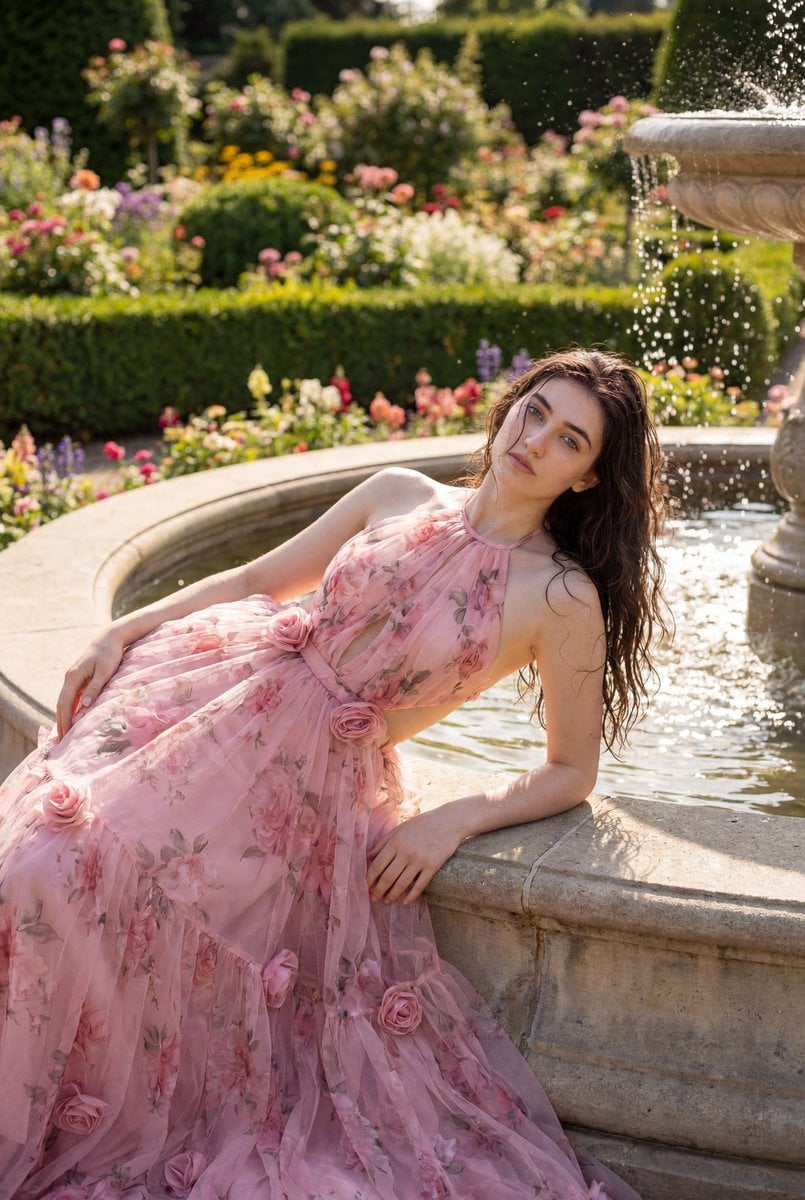
An ultra-realistic professional shot of a {argument name="subject" default="beautiful young woman"} reclining gracefully by a large fountain in a {argument name="background" default="luxurious flower garden"}. The backdrop is filled with lush greenery, colorful blooms, trimmed bushes, and an aesthetically pleasing and romantic garden setting. The clear fountain gently splashes around her, with a few fine droplets falling naturally onto her face and hair, creating a refreshing cinematic moment. She poses like a high-fashion model, reclining gracefully by the fountain with a relaxed, feminine expression and an elegant, natural posture. She's wearing a {argument name="outfit" default="romantic floral couture evening gown"}. Dress details: Pink color, Material appears to be flowing tulle or organza, Halter neckline (straps at the neck), Cut-out and flared skirt, 3D rose accents on the dress, Backless. The feel of a princess-like, luxurious garden shoot with identical style and details. Her hair is very long, thick, and silky dark brown with soft curls that frame the front of her face, flowing beautifully around her body. Her makeup is subtle and radiant, and her skin appears naturally radiant in the bright sunlight. The warm sunlight gently illuminates her face, creating a bright, fresh complexion with realistic highlights and soft shadows. Shot with a professional DSLR camera, it features razor-sharp focus, highly detailed skin textures, realistic water reflections, a luxury fashion editorial aesthetic, natural depth of field, crisp lighting, cinematic composition, authentic colors, crystal clear, realistic photography, and premium magazine-style shooting quality. Wet strands of hair gently rest on her cheeks and neck, The reflection of the water glistens on her skin, A natural and honest expression, A gentle breeze naturally moves her long hair, A luxurious garden aesthetic, A high-fashion editorial style, An elegant feminine aura, Sunlight beautifully reflected in a fountain, Highly detailed eyes and glossy lips, Natural skin texture, unedited, Beautiful bokeh background, Cinematic outdoor photography, Rich natural colors, Perfect exposure and lighting balance, Expensive-looking aesthetic, Shot with an 85mm lens, Professional camera quality RAW, Fine water droplets on skin, Soft, luminous daylight, A luxury Instagram model shoot feel. Negative messages: Low quality, blurry, overexposed, underexposed, poor anatomy, deformed body, disproportionate body, extra fingers, missing fingers, poorly drawn hands, awkward poses, stiff bodies, duplicate body parts, mutated hands, distorted faces, asymmetrical eyes, crossed eyes, unnatural smiles, bad hair, short hair, hair messy, flat hair, curly hair, cartoon, anime, CGI, 3D rendering, painting, unrealistic skin, plastic skin, too smooth skin, heavy editing, over-makeup, dull skin, bad lighting, harsh shadows, washed out colors, over-saturated colors, noisy images, grainy, pixelated, watermarks, text, logos, cropped heads, cropped bodies, too strong background blur, messy backgrounds, dirty fountains, dark atm
Choose the primary action to open PicX Studio with the available template settings. Review the model and format, personalize the creative direction, and generate when ready.
Yes. You can change the subject, setting, lighting, mood, format, and available model controls before creating your image.
This template is free to open and customize. Generation usage is shown in PicX Studio before you create.
Start with Nano Banana 2, which is the model associated with this template. You can compare another compatible model for a different finish.
Follow a topic to a crawlable collection of related PicX Studio templates.