How do I use the Street Fashion Valley Hike Portrait template?
Choose the primary action to open PicX Studio with the available template settings. Review the model and format, personalize the creative direction, and generate when ready.
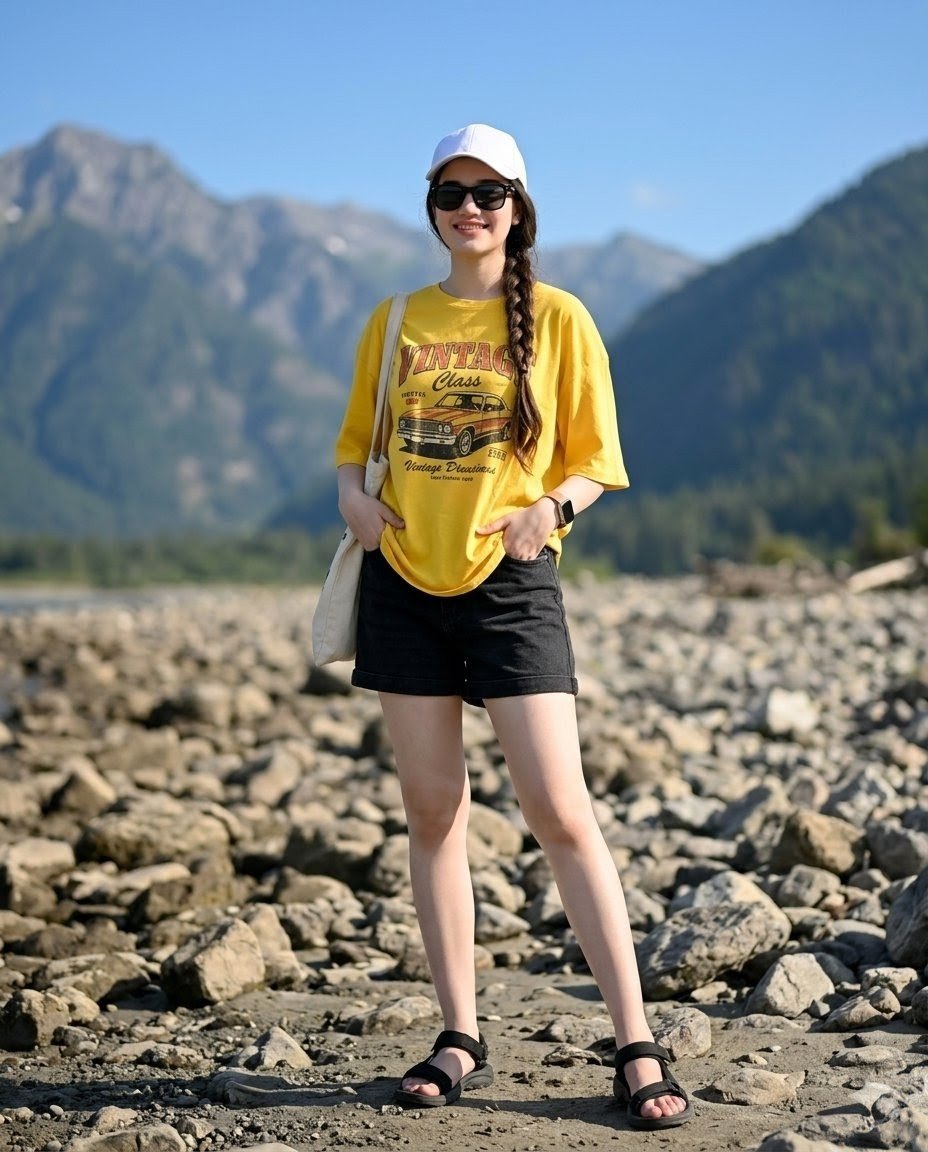
A cinematic shot of a stylish teenage girl walking through a lush green mountain valley during a moody sunset, featuring detailed layered street fashion.
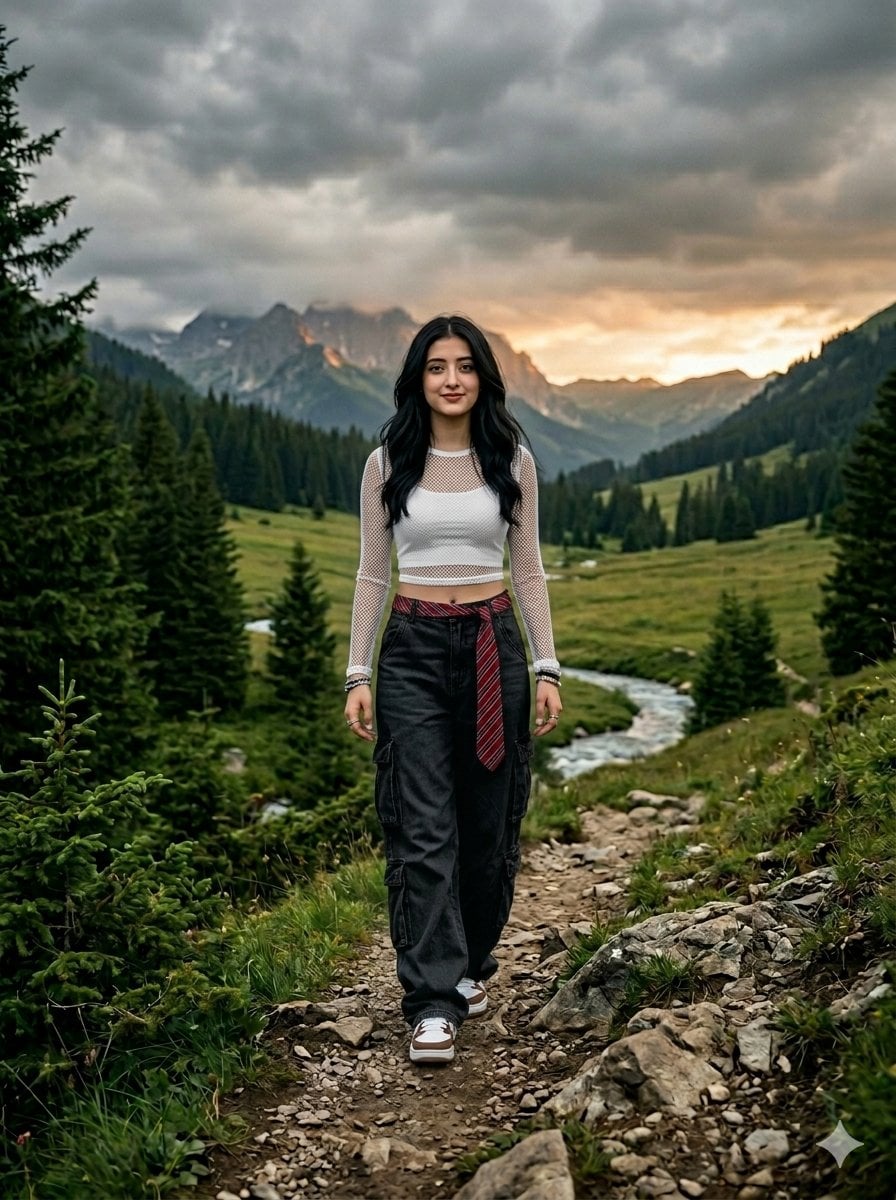
Cinematic, ultra-realistic full-body shot of a {argument name="subject" default="stylish teenage girl"} from behind, walking away down a narrow rocky trail in a {argument name="environment" default="lush green mountain valley"}. Moody, overcast cloudy weather with dramatic low-angle lighting during sunset. Surrounded by deep green pine forests, a grass field, and a small river stream cutting through the valley. The girl has long, soft black hair flowing naturally. She is wearing a {argument name="outfit" default="dark red and black aesthetic mesh crop top with full sleeves, oversized light blue baggy cargo jeans, and a striped red tie"}, layered street-fashion accessories, and trendy white and brown sneakers. Shot on an 85mm lens, high-fidelity details, photorealistic texture, Instagram aesthetic, 8K resolution.
Choose the primary action to open PicX Studio with the available template settings. Review the model and format, personalize the creative direction, and generate when ready.
Yes. You can change the subject, setting, lighting, mood, format, and available model controls before creating your image.
This template is free to open and customize. Generation usage is shown in PicX Studio before you create.
Start with Nano Banana 2, which is the model associated with this template. You can compare another compatible model for a different finish.
Follow a topic to a crawlable collection of related PicX Studio templates.