
Golden Hour Colosseum Travel Portrait
A cinematic travel portrait prompt set at the Roman Colosseum during golden hour, emphasizing high-contrast lighting and sharp focus.
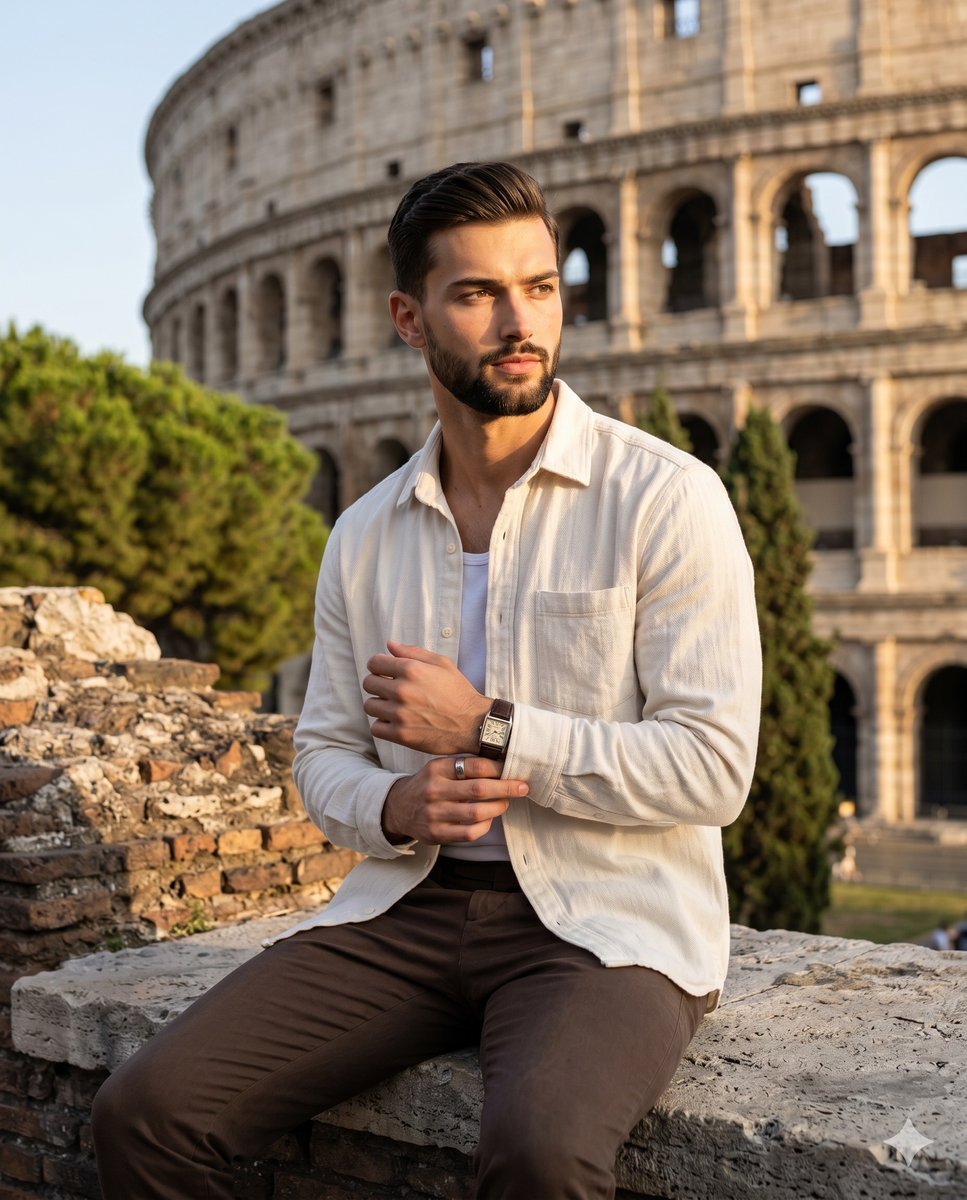
- Prompt included
- Model and format preset
- Free template
The prompt behind this image
Copy the exact prompt behind Golden Hour Colosseum Travel Portrait, or open it in the studio and make it yours.
A {argument name="subject" default="young adult male"} sits calmly on a highly eroded, unfinished ancient stone wall, his body angled slightly to the right while his weight is comfortably centered. He wears a textured, off-white button-down shirt and deep brown trousers. His face bears a contemplative, confident expression with a neutral mouth and eyes focused distantly off to the right. His wavy brown hair features subtle, natural flyaways catching the warm light. His left hand rests naturally on his left thigh with loosely curled fingers, revealing a silver ring on the ring finger and a square-dial watch with a black leather strap, while his relaxed right hand reaches organically across his torso to gently grip and adjust the cuff of his left sleeve. He is layered over a monumental, deep background featuring the awe-inspiring architecture of the {argument name="background" default="Roman Colosseum"}, its massive, weathered travertine stone arcades and interior ruins stretching expansively into the center and top of the frame. To the top left, the thriving dark green needle clusters of a Mediterranean pine tree and leafy midground bushes organically frame the ancient structures against a clear blue sky. The foreground seating wall beneath him features a rough, matte masonry surface of warm grays and earth tones, rich with pitted textures, deep crevices, and organic debris. A bright, highly directional single light source of {argument name="lighting" default="warm golden hour sunlight"} pours in from a 45-degree front-left angle, creating a striking, high-contrast cinematic mood. This hard light preserves brilliant golden ochre highlights on the left side of his face, hair tips, left shoulder, and arm, while casting dramatic, deep black, harsh-edged shadows across the right side of his face, neck, and torso, including a distinct nose shadow cleanly defined on his right cheek. Shot as a realistic digital photograph on an 85mm lens at a wide aperture, the image maintains tack-sharp focus on the subject and the foreground stone's rugged texture, while a medium depth of field renders the architectural background slightly soft yet distinctly recognizable without any film grain. Post-processing enhances the warm golden and orange highlights, deepens the shadowy blacks for pronounced dramatic effect, and slightly lifts clarity on the fabric and masonry, perfectly encapsulating contemporary lifestyle travel portraiture framed in a 4:5 aspect ratio.
How to use Golden Hour Colosseum Travel Portrait in 3 steps
- 1
Open
The prompt is already in the box next to the preview, with the template's model and format selected.
- 2…a portrait of your subject in softgolden-hour light, 85mm…
Personalize
Edit the subject and creative details for your destination.
- 3Generate
Generate
Press Generate — your image is created in PicX Studio, so you can compare it with the original and refine one variable at a time.
More like this
Templates with the same subject, style or setup. Open one to see its prompt.

80s Golden Hour Cinema

Rooftop Fisheye — Cat-Ear Balaclava at Golden Hour

untitled

Kids Crayon Travel Journal Illustration
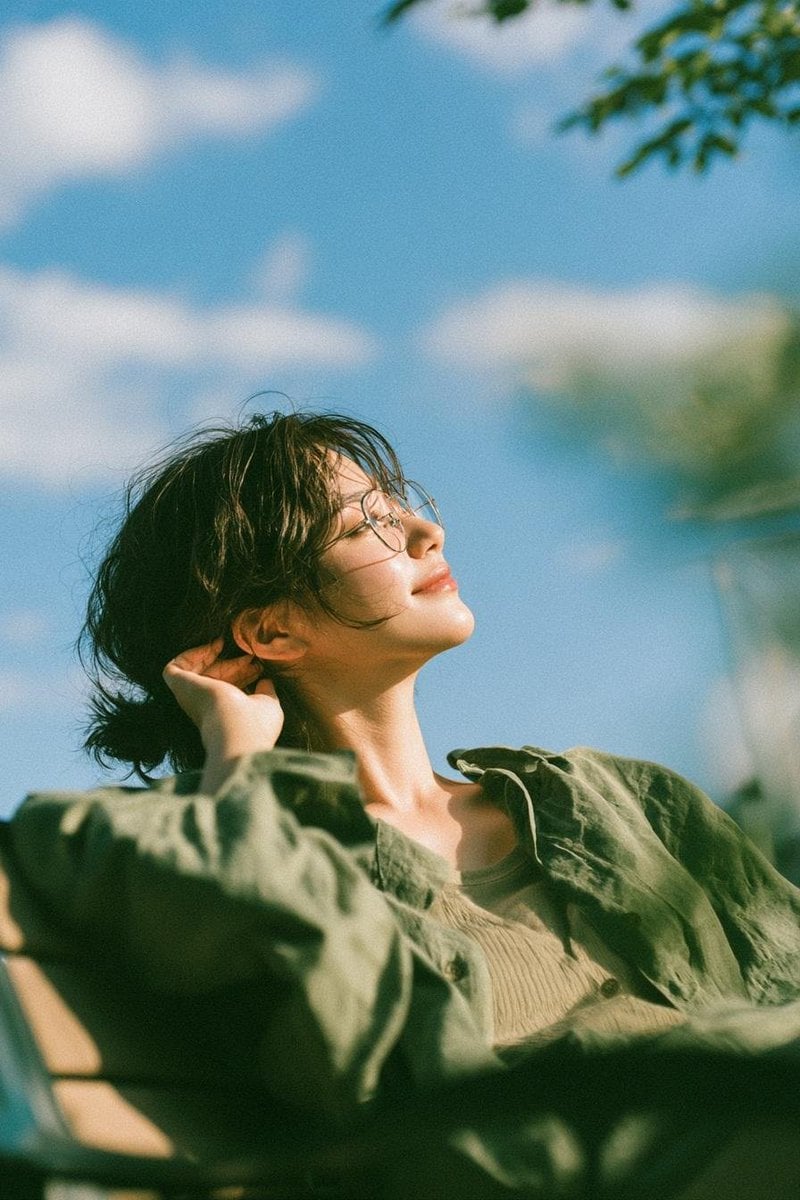
Cinematic Golden Hour Garden Portrait
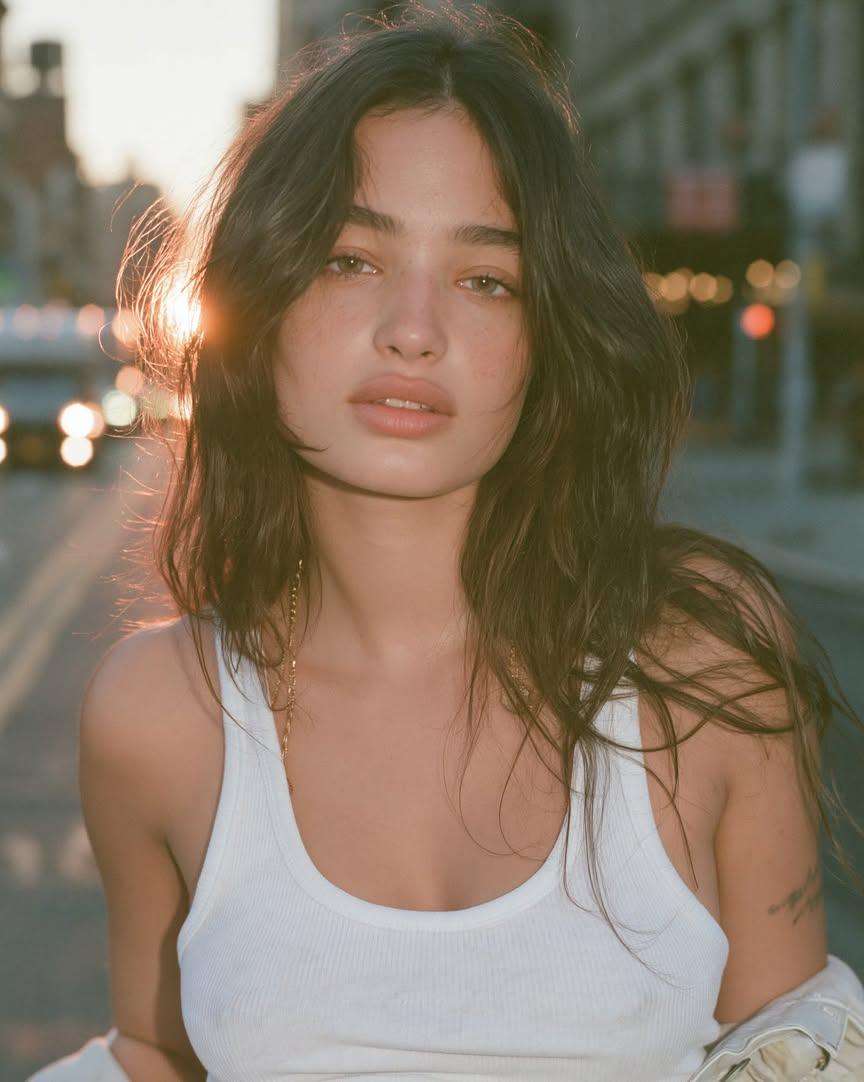
Cinematic Golden Hour Urban Portrait
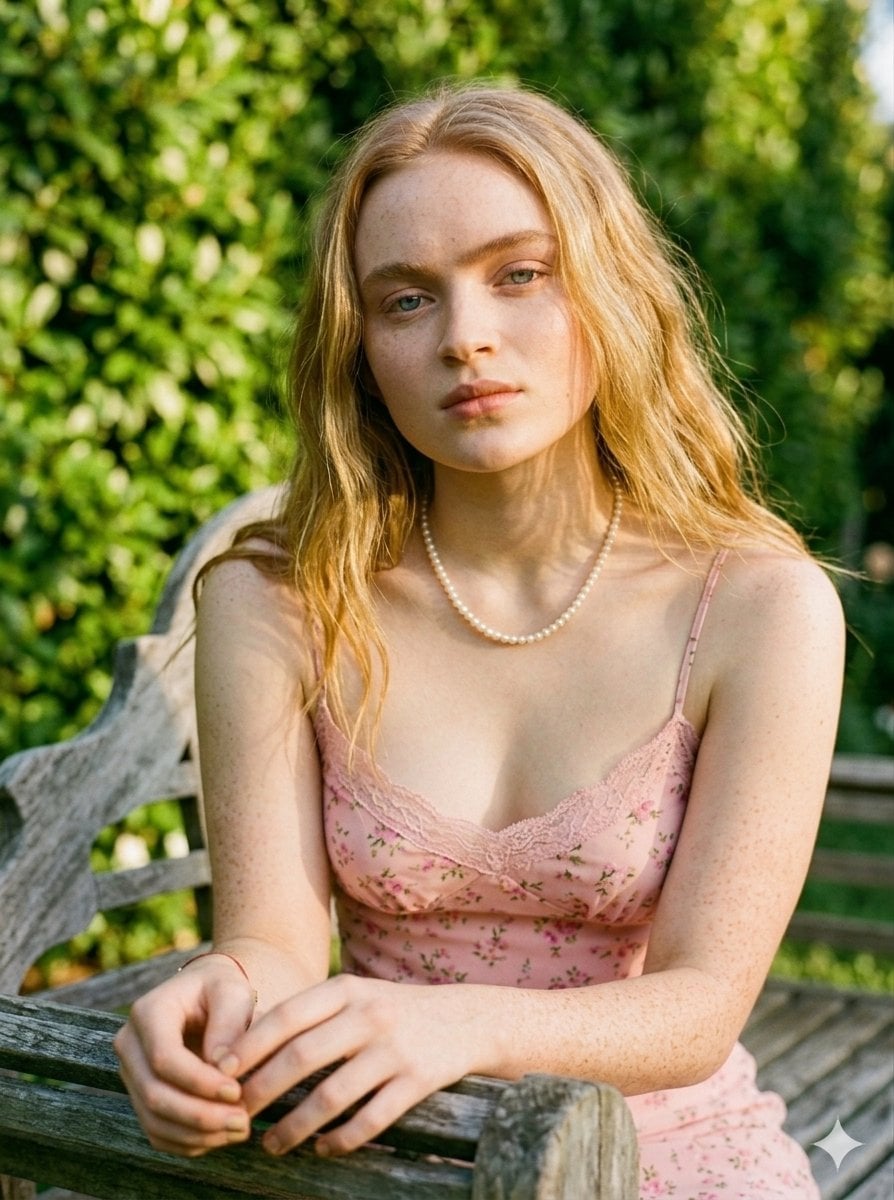
Golden Hour Redhead Portrait
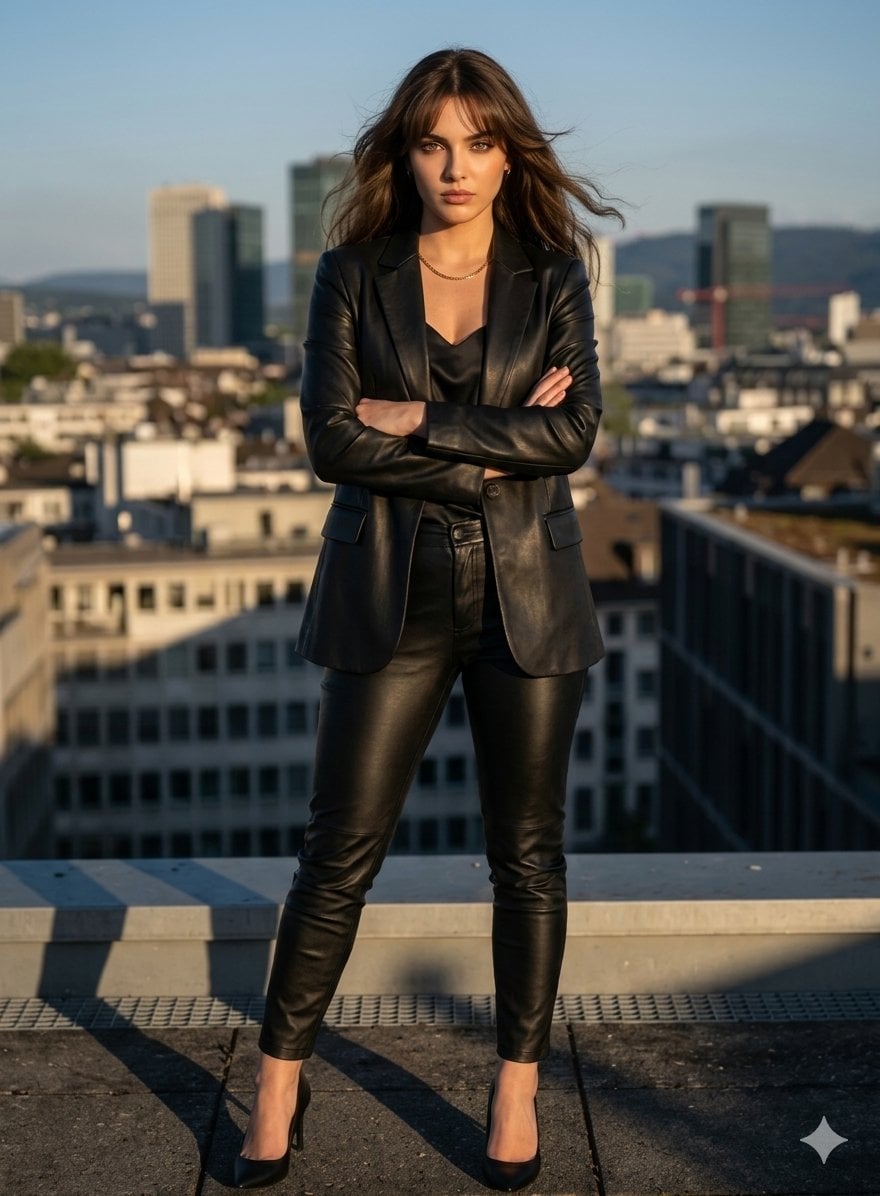
Golden Hour Cinematic Boss Energy Portrait
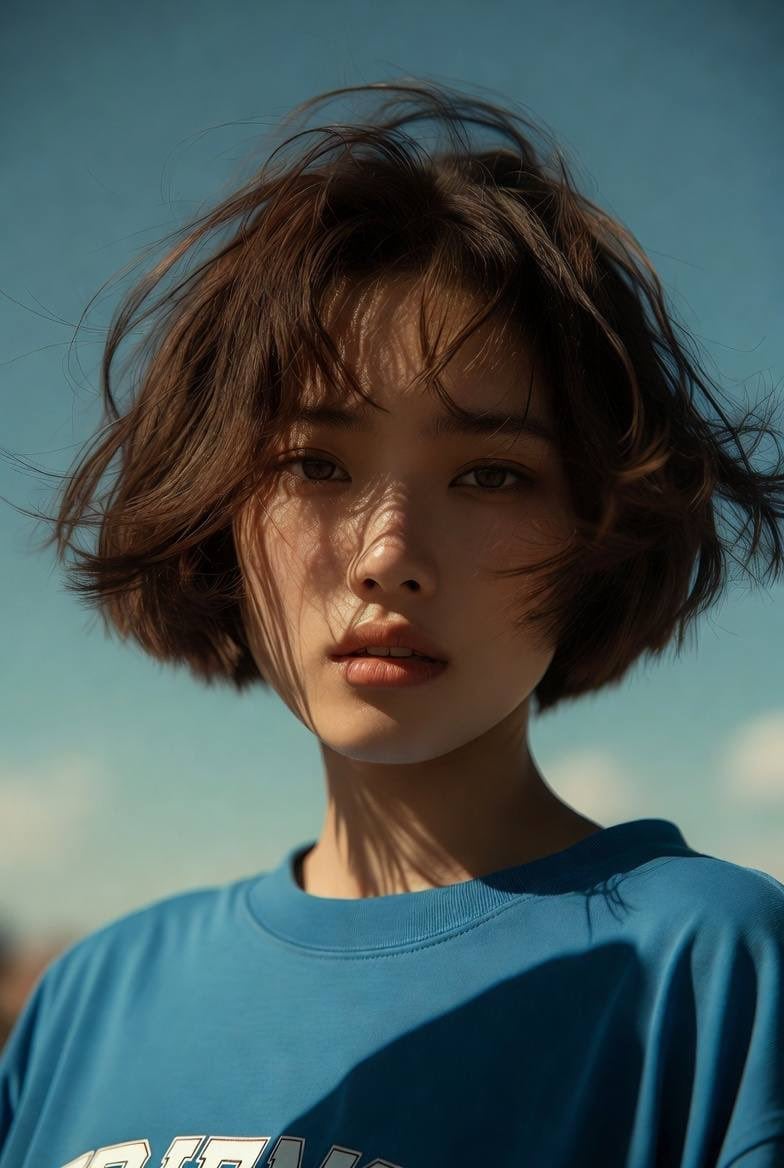
Golden Hour Cinematic Portrait
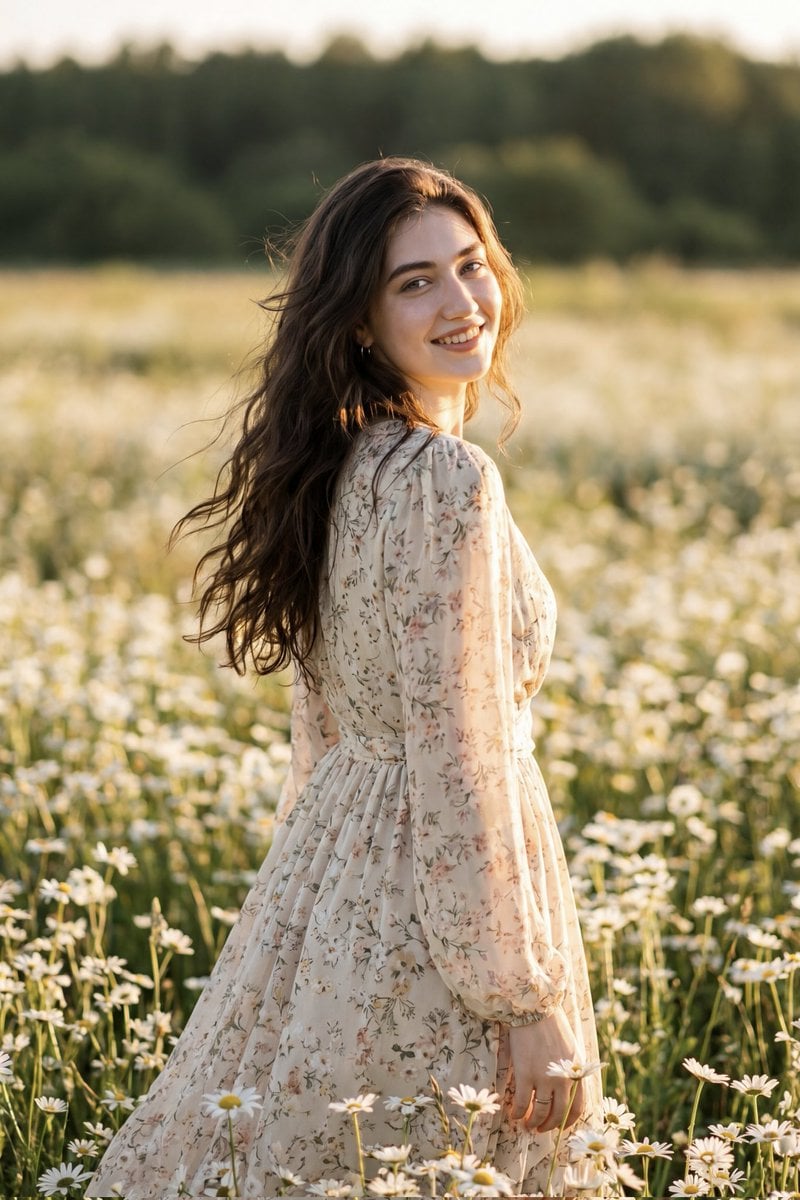
Golden Hour Daisy Field Portrait
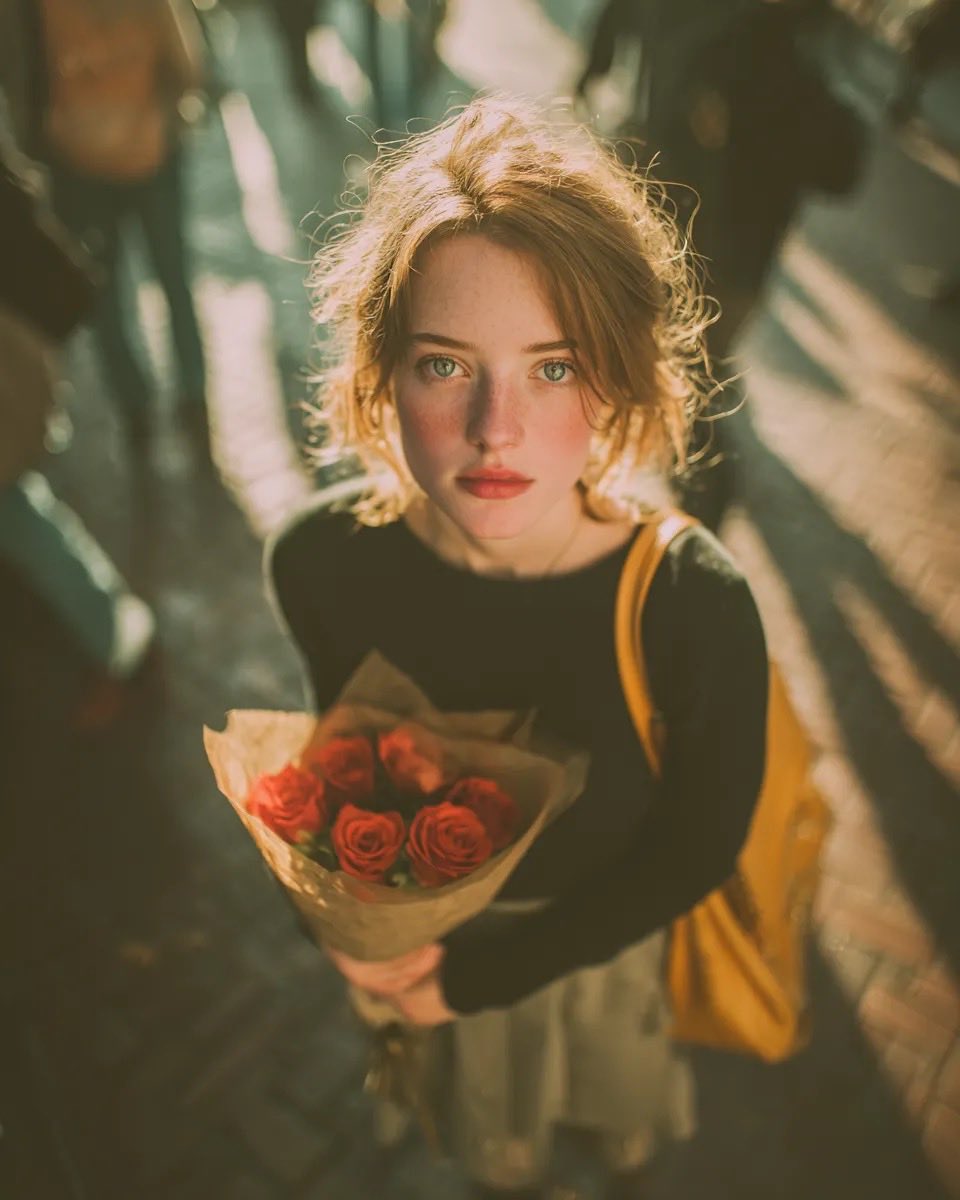
Golden Hour Rose Portrait

Golden Hour Korean Classroom Portrait
Make it yours
Golden Hour Colosseum Travel Portrait works as-is. These are the safest ways to change it without losing the look.
Change one field
Copy a single group, rewrite it, and generate again so you can see what that field is doing.
Keep the frame, change the subject
Hold the composition and light of Golden Hour Colosseum Travel Portrait, then swap wardrobe, props or the person for a new take.
| If the result… | Why | Fix |
|---|---|---|
| The result drifts from the preview | Too many fields changed at once. | Reuse Golden Hour Colosseum Travel Portrait as-is first, then change one group — subject, light, or setting. |
| The model over-stylizes the scene | The prose prompt leaves finish and camera underspecified. | Add one camera or lighting sentence and stay on Nano Banana 2. |
More Nano Banana 2 templates
Other prompts made for Nano Banana 2.

Photorealistic Leaf Shaped Like a Dragon

K-Pop Idol Portrait Grid for Rapid Selection

Urban Street Portrait with Cartoon Inner Self Duo

Candid Nighttime Photo with Cat Prompt

High-Concept 3D Diorama Generation Prompt

Cinematic Futuristic Studio Portrait Template

Skincare Editorial Photography Collage Prompt

Hyper-Realistic Commercial Product Photography (Splash Effect)

Hyper-Realistic Nightclub Portrait Prompt
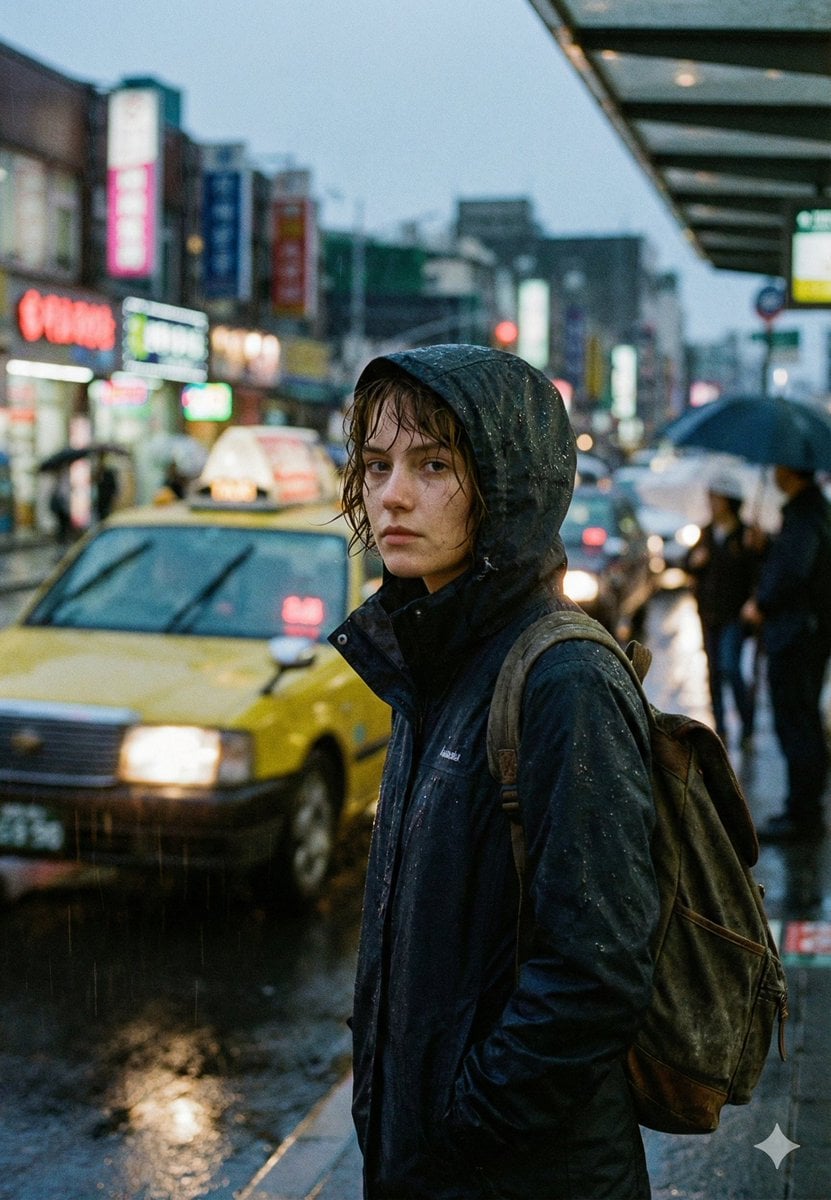
Cinematic Urban Rain Scene Prompt (Neo-Noir)
More image prompts
Fresh picks from across the catalog.
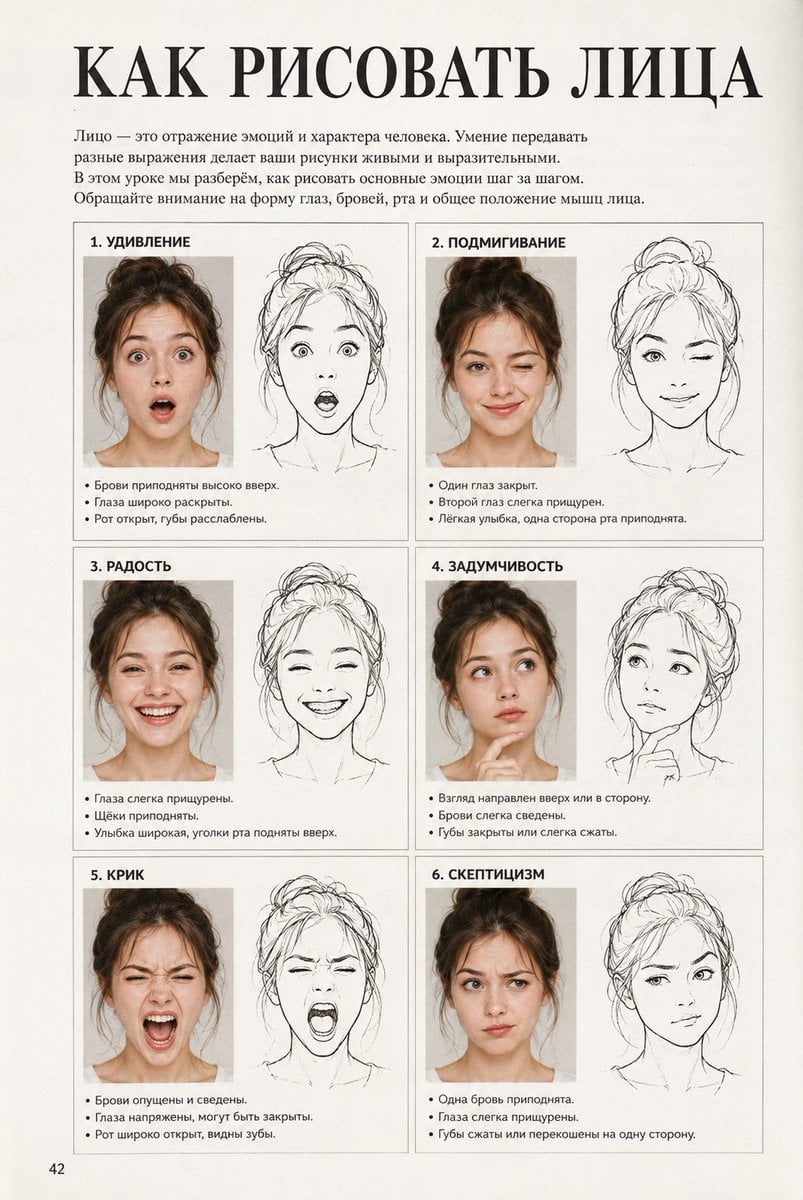
Vintage Russian Face Drawing Lesson
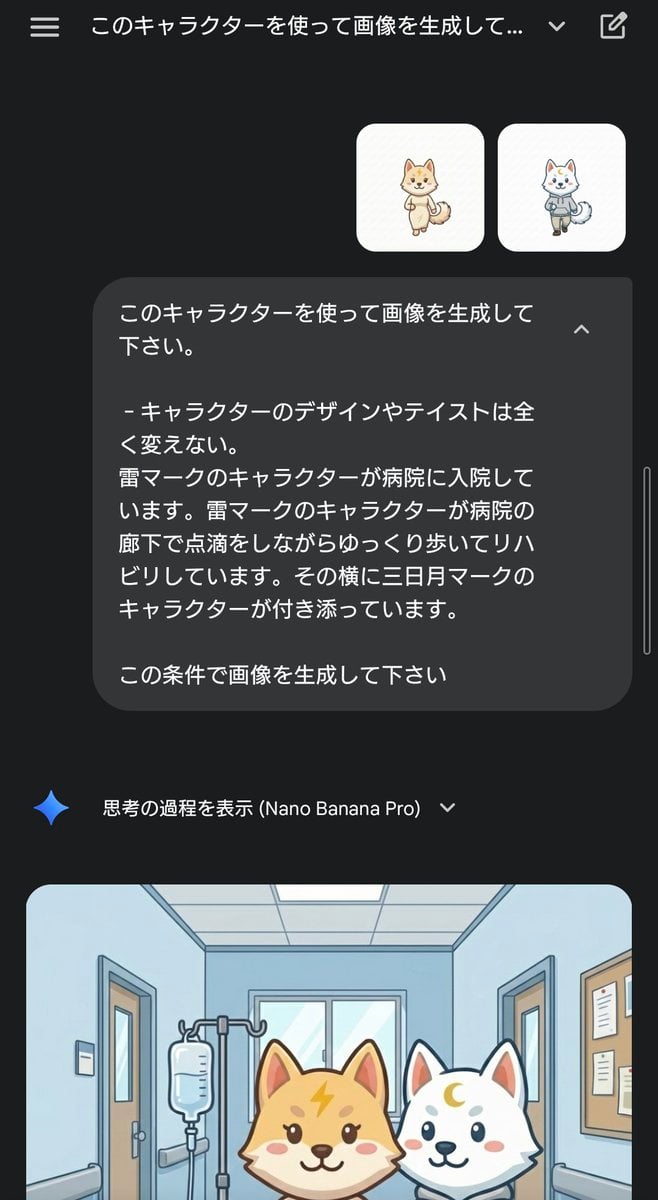
Character Rehabilitation Scene Generation Prompt
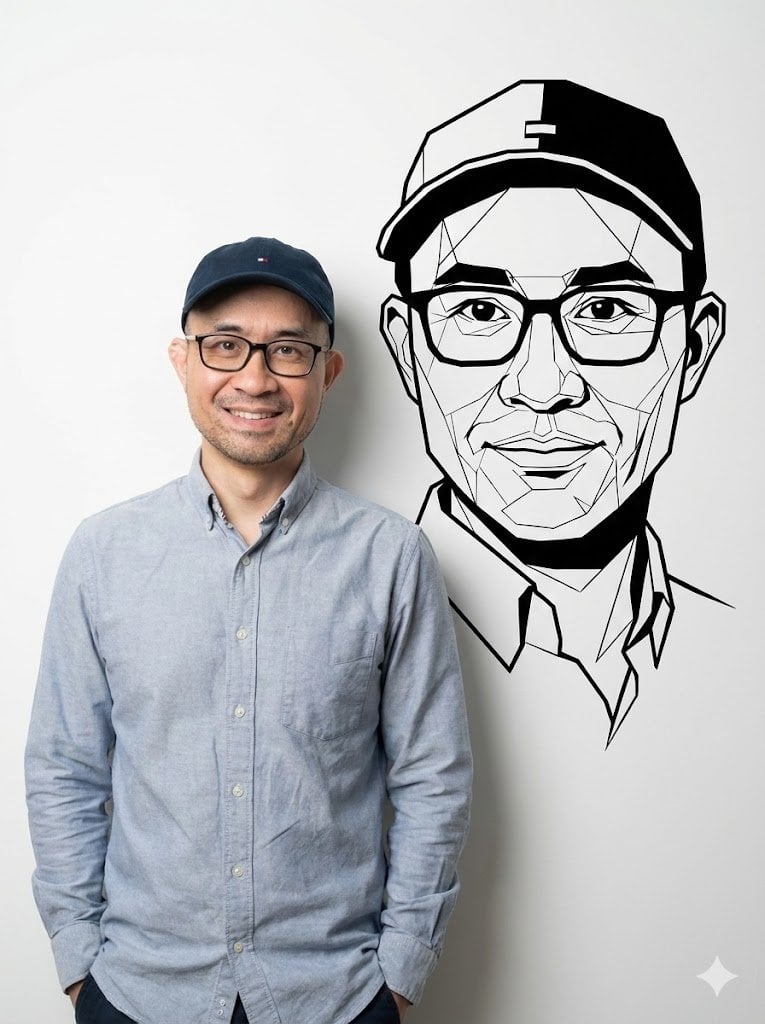
Photorealistic Half-Body Portrait with Vector Graphic Overlay (Chinese Version)
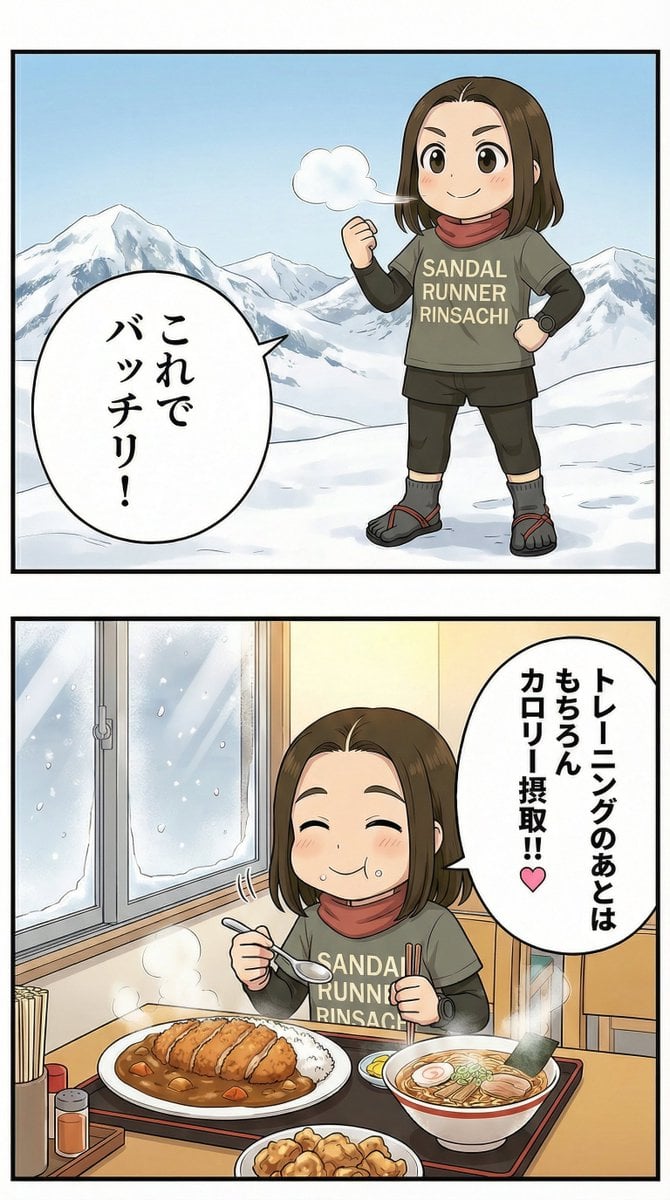
Manga Panel Image Editing Prompt: Katsu Curry Scene
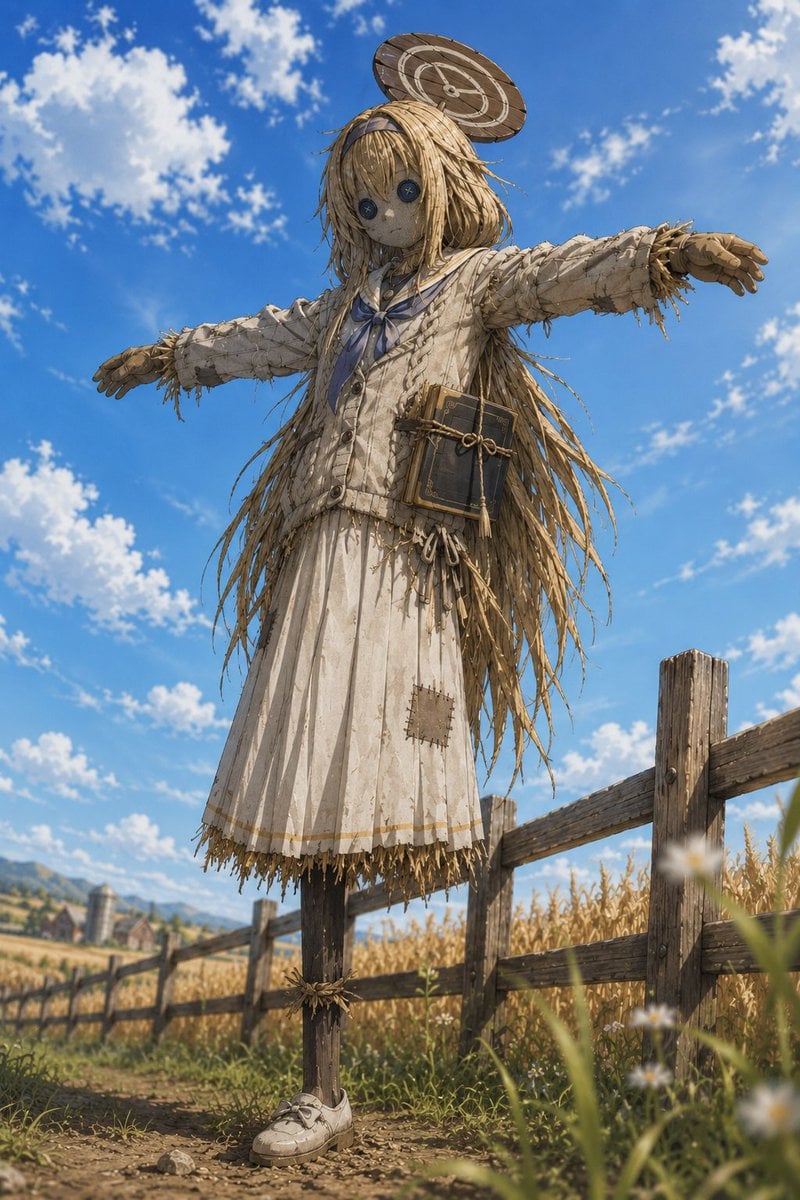
Anime Schoolgirl Scarecrow in Rural Field
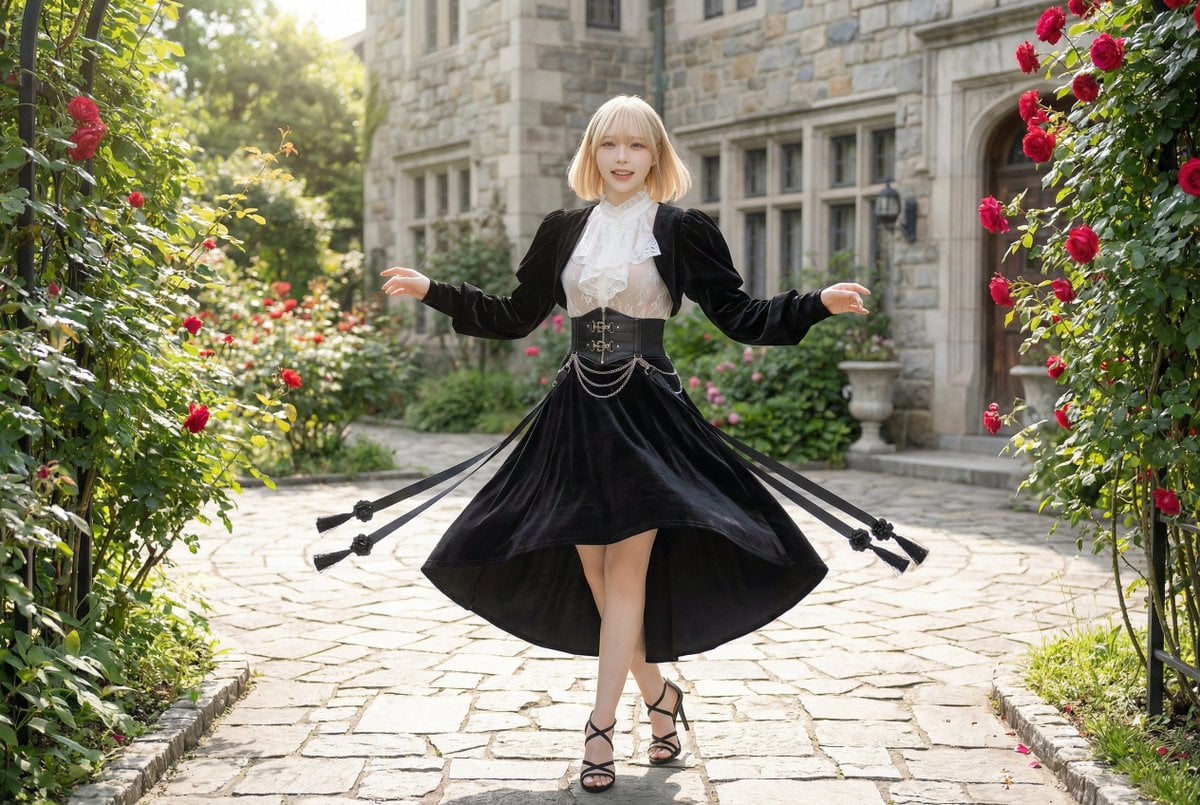
Cinematic scene prompt for Nano Banana Pro (Image Generation)
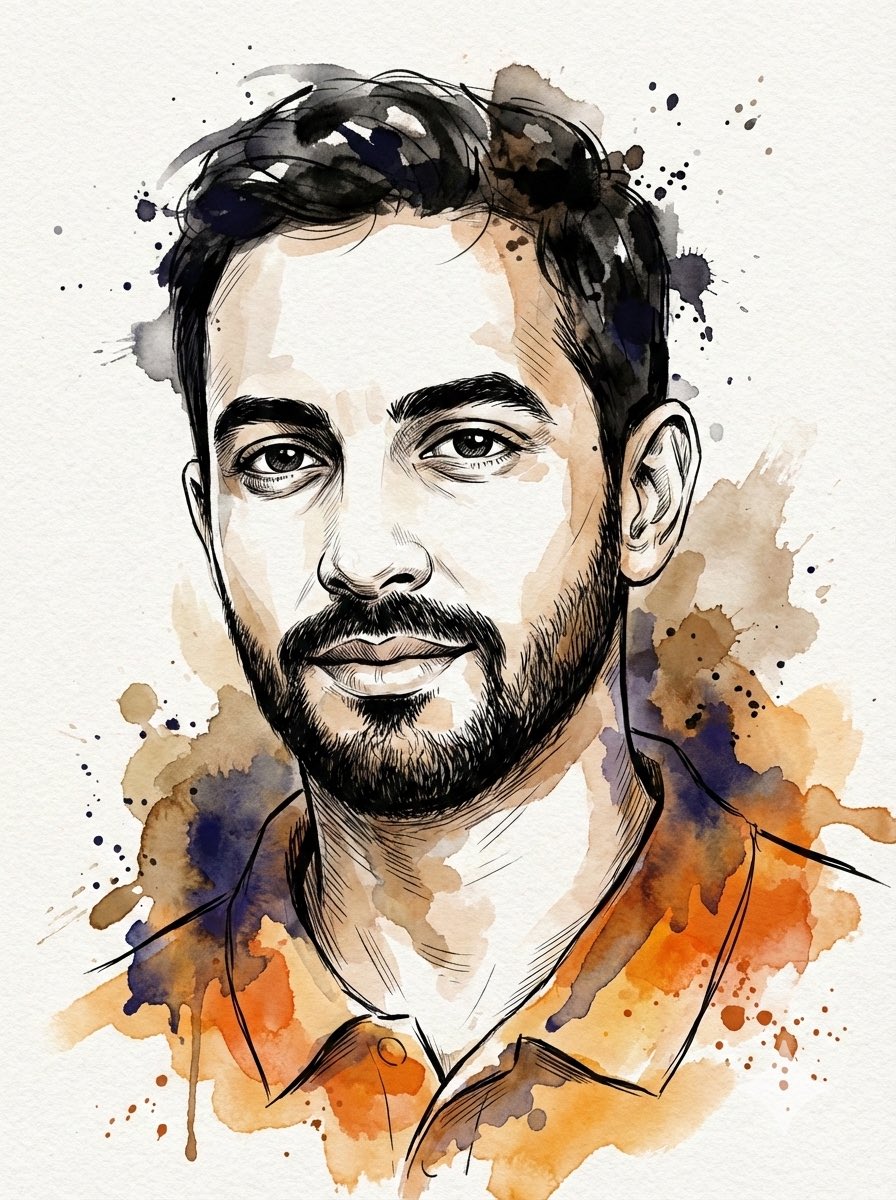
Digital Splashes-and-Ink Portrait from Photo
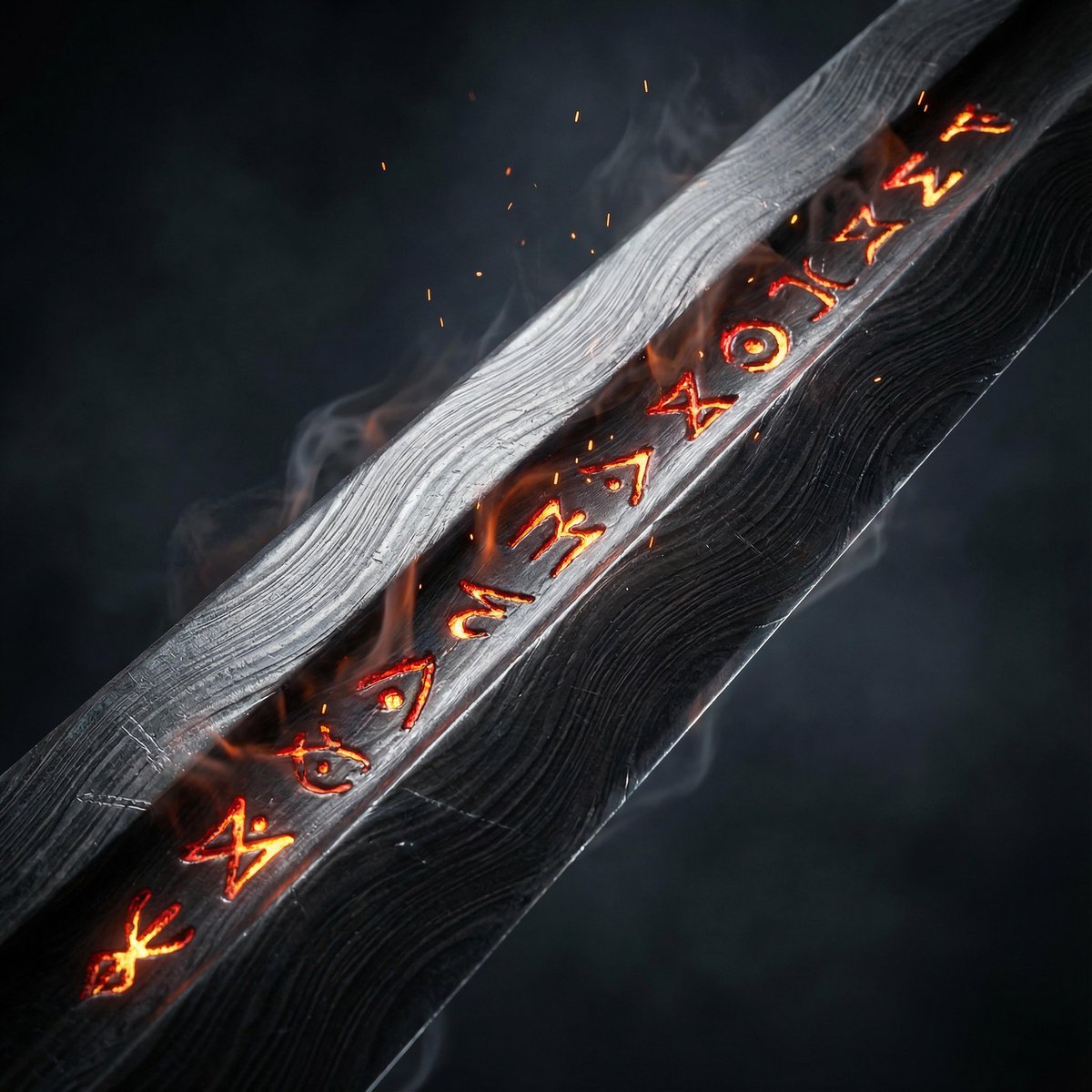
Ultra-Cinematic Arcane Sword Close-up
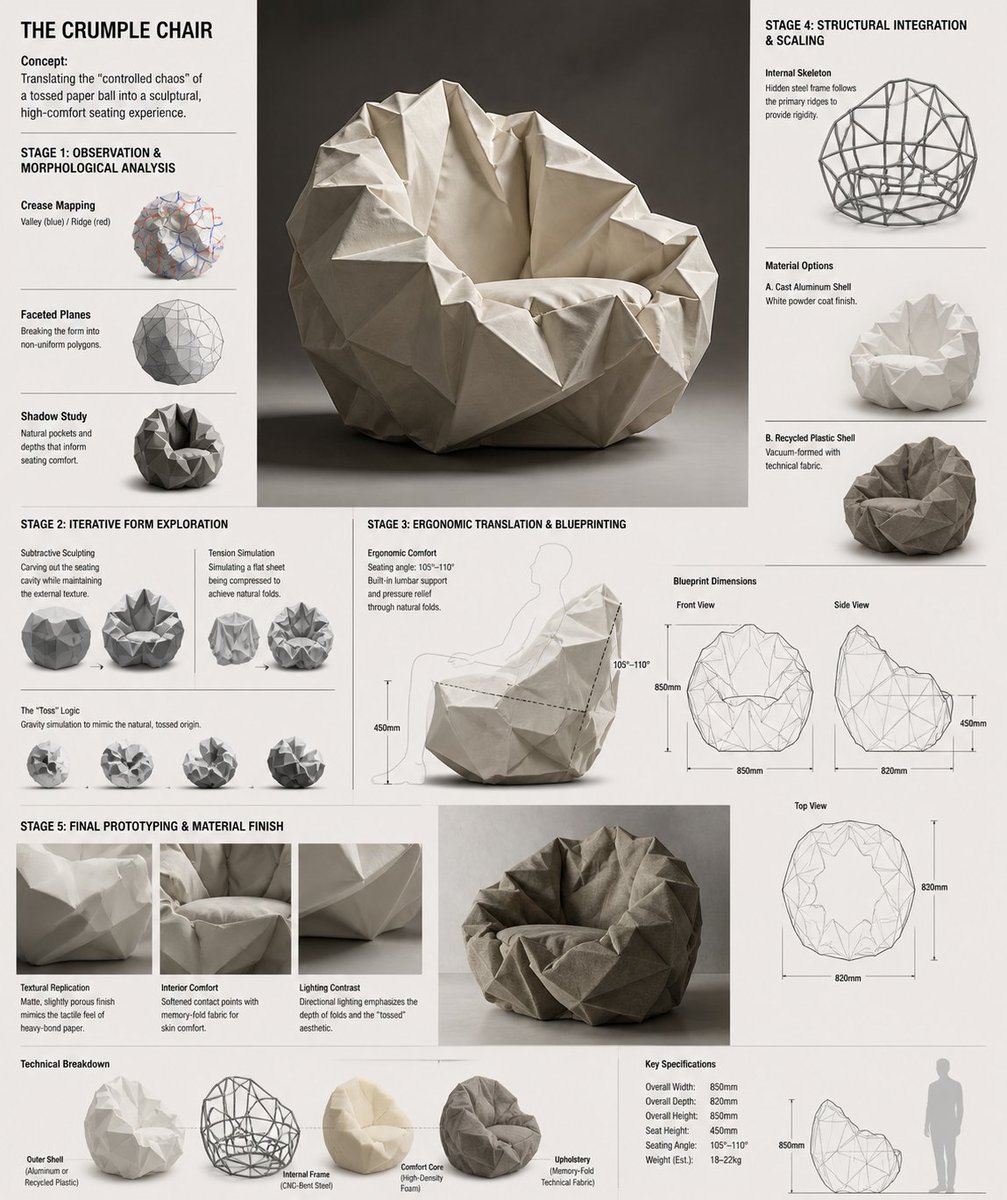
Crumple Paper Furniture Concept Design
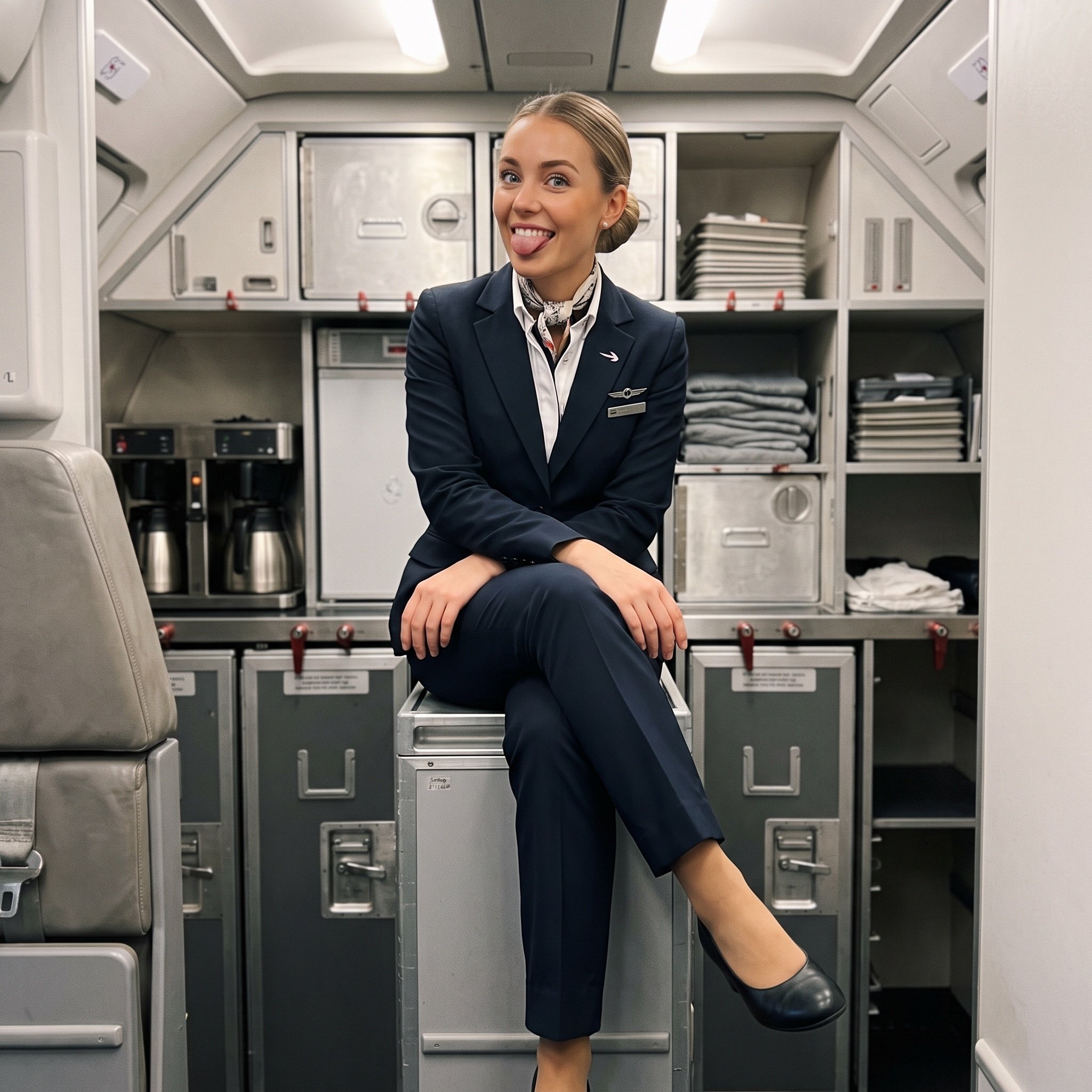
Playful off-duty cabin crew flash photo prompt
Browse template categories
Golden Hour Colosseum Travel Portrait questions
How do I use the Golden Hour Colosseum Travel Portrait template?
Add your photo if the template asks for one, edit the prompt if you like — the template's model and format are already selected — and press Generate. Your version opens in PicX Studio.
Can I customize the Golden Hour Colosseum Travel Portrait template?
Yes. You can change the subject, setting, lighting, mood, format, and available model controls before creating your image.
Is the Golden Hour Colosseum Travel Portrait template free?
Opening and editing this template is free. Generating uses credits, shown on the Generate button when you are signed in.
Which AI model should I use?
Start with Nano Banana 2, which is the model associated with this template. You can compare another compatible model for a different finish.
Looking for something else? Browse all templates.

Your photo, any look
Thousands of ready templates for every top image and video model, from one credit balance.