How do I use the Cinematic Urban Rain Portrait template?
Choose the primary action to open PicX Studio with the available template settings. Review the model and format, personalize the creative direction, and generate when ready.
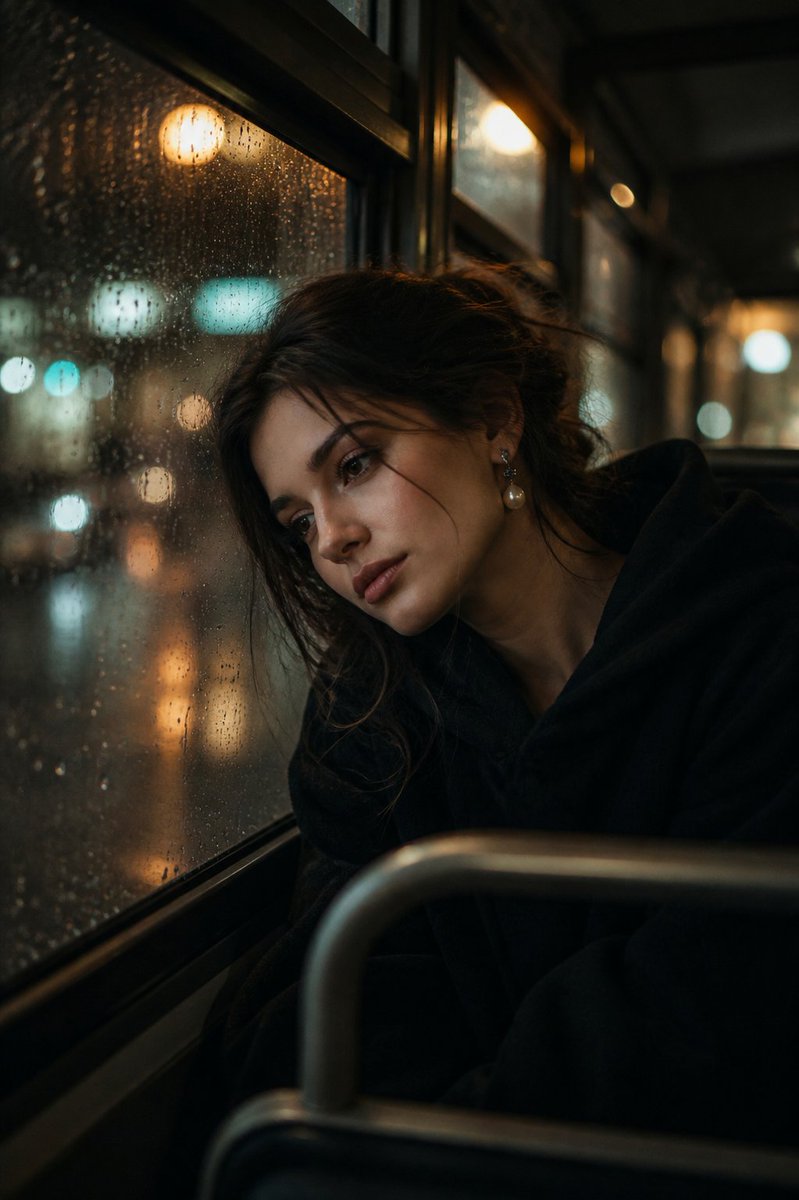
A cinematic urban portrait featuring a woman with short dark-red hair on a rain-soaked street during golden hour, evoking a melancholic and poetic atmosphere.
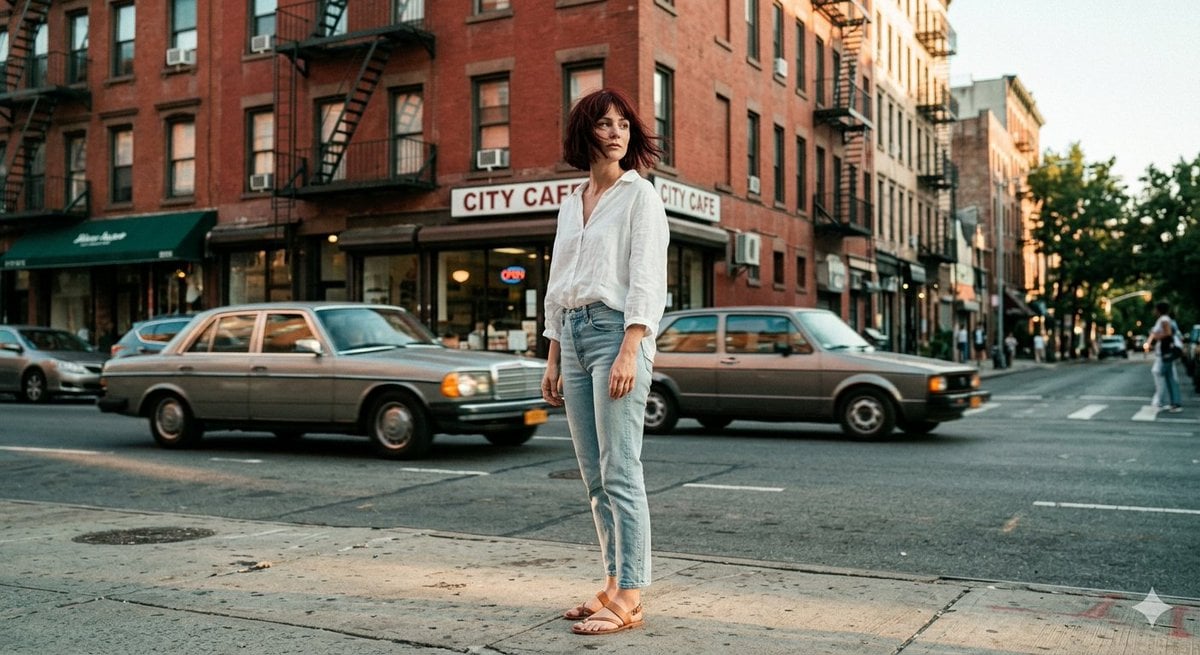
Cinematic portrait photography of a mysterious pale young woman with {argument name="hair style" default="short messy dark-red bob hair"}, standing alone on a rain-soaked urban street during golden hour, soft wind blowing through her hair, wearing an {argument name="outfit" default="oversized textured white linen shirt with light vintage denim jeans"}, melancholic yet powerful expression, looking sideways as warm sunset light hits her face. Wet pavement reflecting city lights, motion-blurred cars in the background, dreamy bokeh, subtle neon glow, dramatic clouds, soft film grain, warm amber and teal color grading, poetic urban atmosphere, shallow depth of field, editorial fashion photography, ultra realistic, emotional storytelling, masterpiece composition, cinematic mood, 35mm lens, highly detailed.
Choose the primary action to open PicX Studio with the available template settings. Review the model and format, personalize the creative direction, and generate when ready.
Yes. You can change the subject, setting, lighting, mood, format, and available model controls before creating your image.
This template is free to open and customize. Generation usage is shown in PicX Studio before you create.
Start with Nano Banana 2, which is the model associated with this template. You can compare another compatible model for a different finish.
Follow a topic to a crawlable collection of related PicX Studio templates.