
Fashion Brand Mood Board Layout
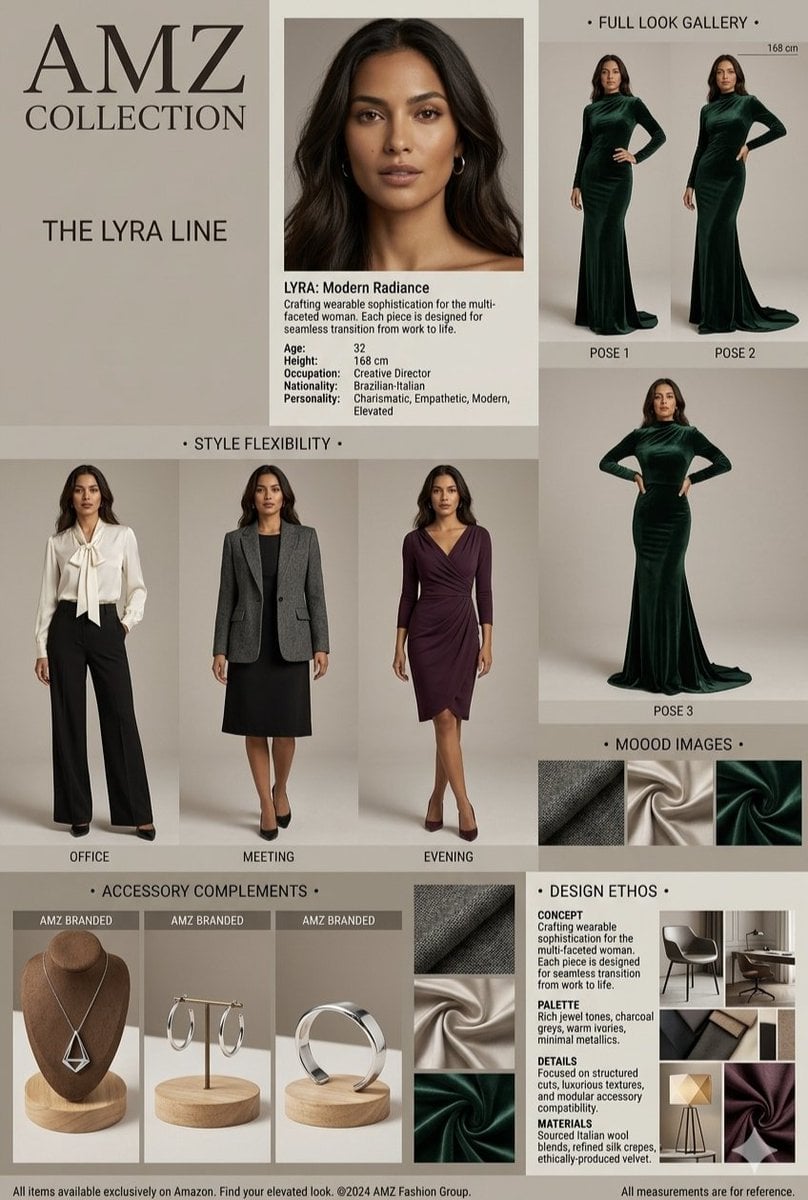
A prompt for a professional fashion catalog grid layout featuring diverse outfits and elegant jewelry sections.
- Prompt included
- Model and format preset
- Premium template
The prompt behind this image
Copy the exact prompt behind Fashion Brand Mood Board Layout, or open it in the studio and make it yours.
A professional fashion brand mood board and style catalog layout titled "{argument name="collection title" default="AMZ COLLECTION - THE LYRA LINE"}". The clean, grid-style layout features a beautiful Brazilian-Italian female model with long, wavy dark brown hair and a radiant complexion. The catalog showcases versatile wardrobe options, including a floor-length emerald green velvet evening gown shown in different poses, a professional office look with a {argument name="blouse" default="cream-colored silk bow blouse"} and black wide-leg trousers, a corporate meeting outfit with a black dress and structured grey wool blazer, and a sophisticated draped {argument name="dress color" default="plum-purple"} cocktail dress. The design features elegant sections labeled "STYLE FLEXIBILITY", "FULL LOOK GALLERY", "MOOD IMAGES", and "ACCESSORY COMPLEMENTS," which display minimalist silver jewelry like a geometric necklace, hoop earrings, and a sleek cuff ring. The overall aesthetic is highly editorial, sophisticated, and modern, using a color palette of rich jewel tones, charcoal greys, warm ivories, and minimal metallics set against a clean, neutral beige background.
How to use Fashion Brand Mood Board Layout in 3 steps
- 1
Open
The prompt is already in the box next to the preview, with the template's model and format selected.
- 2…a portrait of your subject in softgolden-hour light, 85mm…
Personalize
Edit the subject and creative details for your destination.
- 3Generate
Generate
Press Generate — your image is created in PicX Studio, so you can compare it with the original and refine one variable at a time.
More like this
Templates with the same subject, style or setup. Open one to see its prompt.
Premium Editorial Branding Poster Charcoal Green

80s College Gate

1988 Mall Style

80s Polka Dot Saree
Rainy Season Pinterest Moodboard

Modern Korean Fashion Editorial Board
Roast Rice Branding Proposal Board
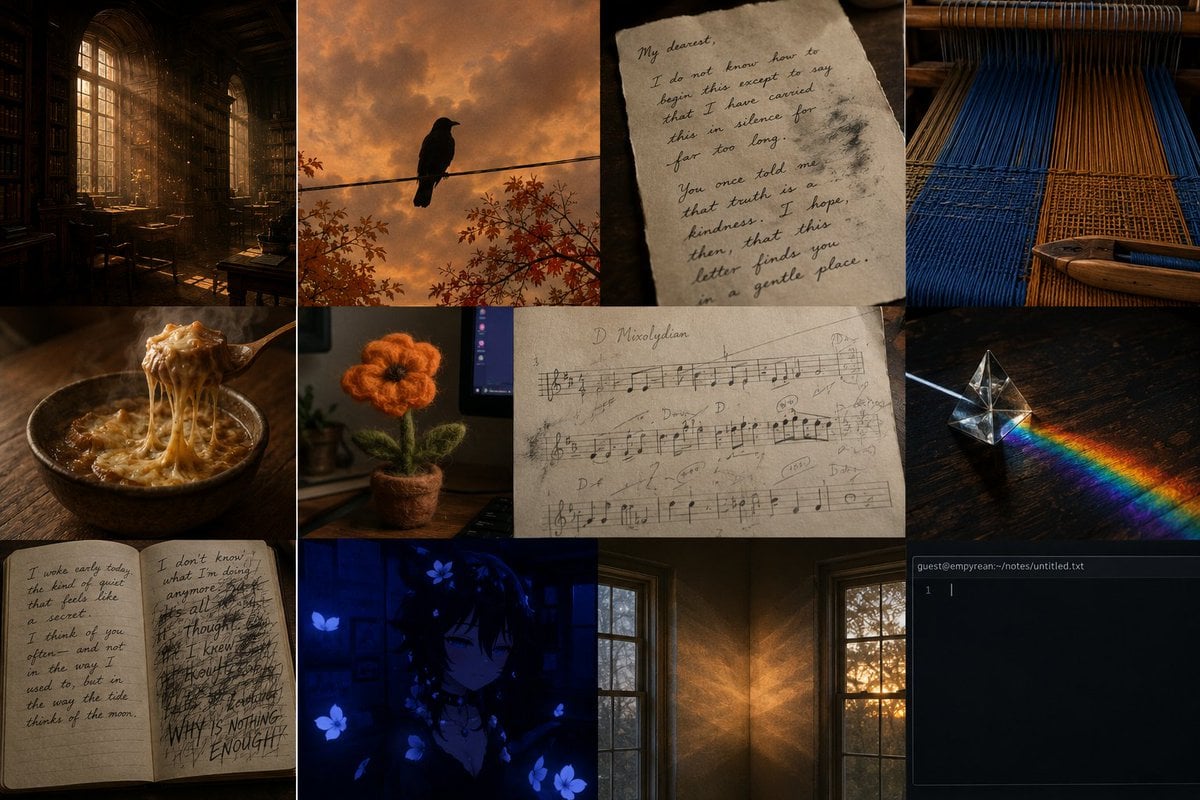
Dark Academia AI Moodboard Collage
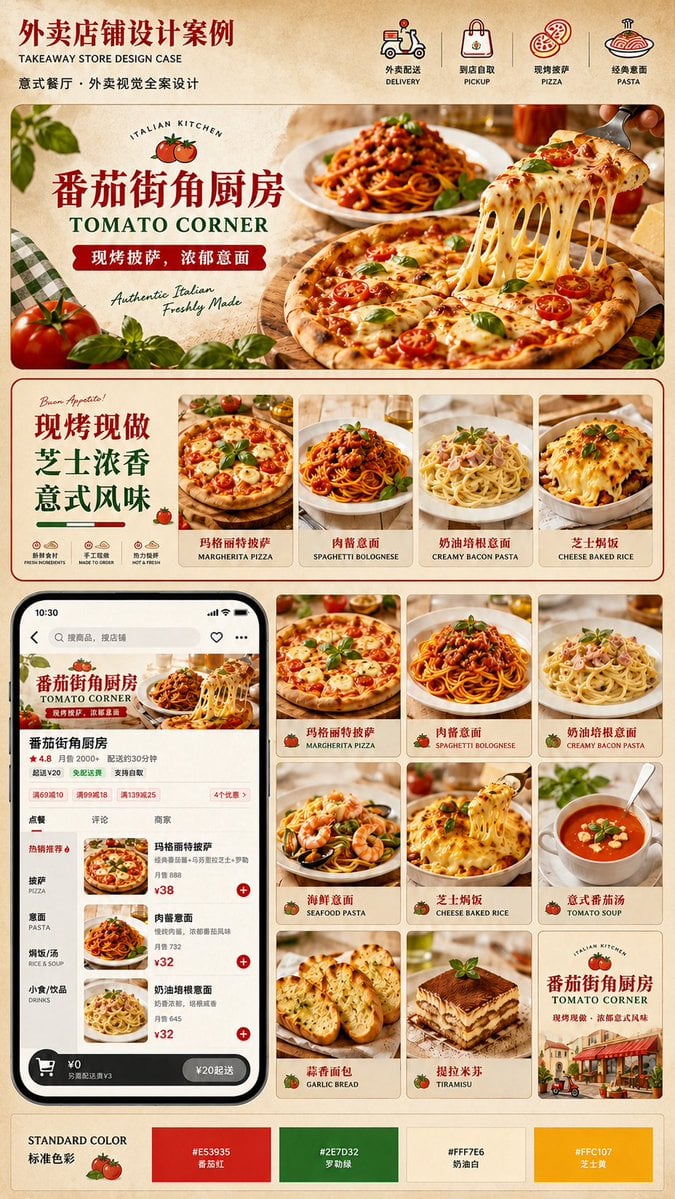
Italian Takeaway Brand Board
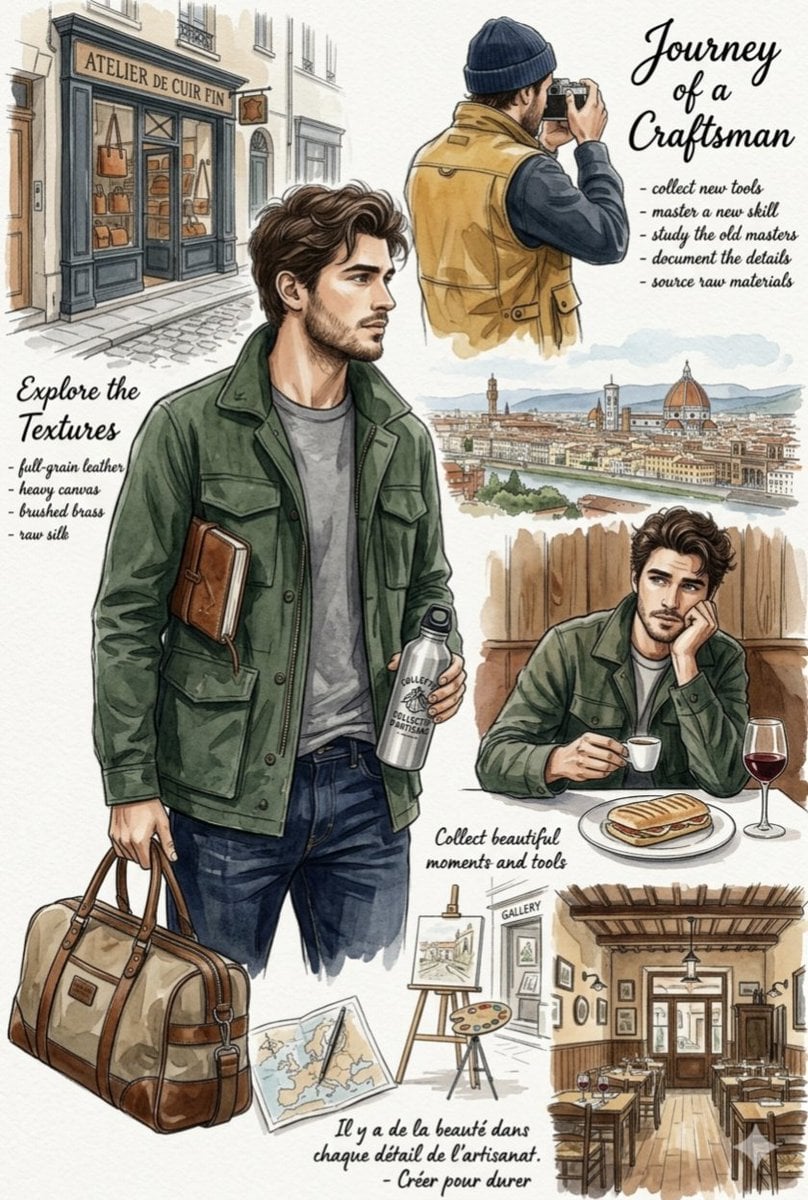
European Travel Lifestyle Moodboard
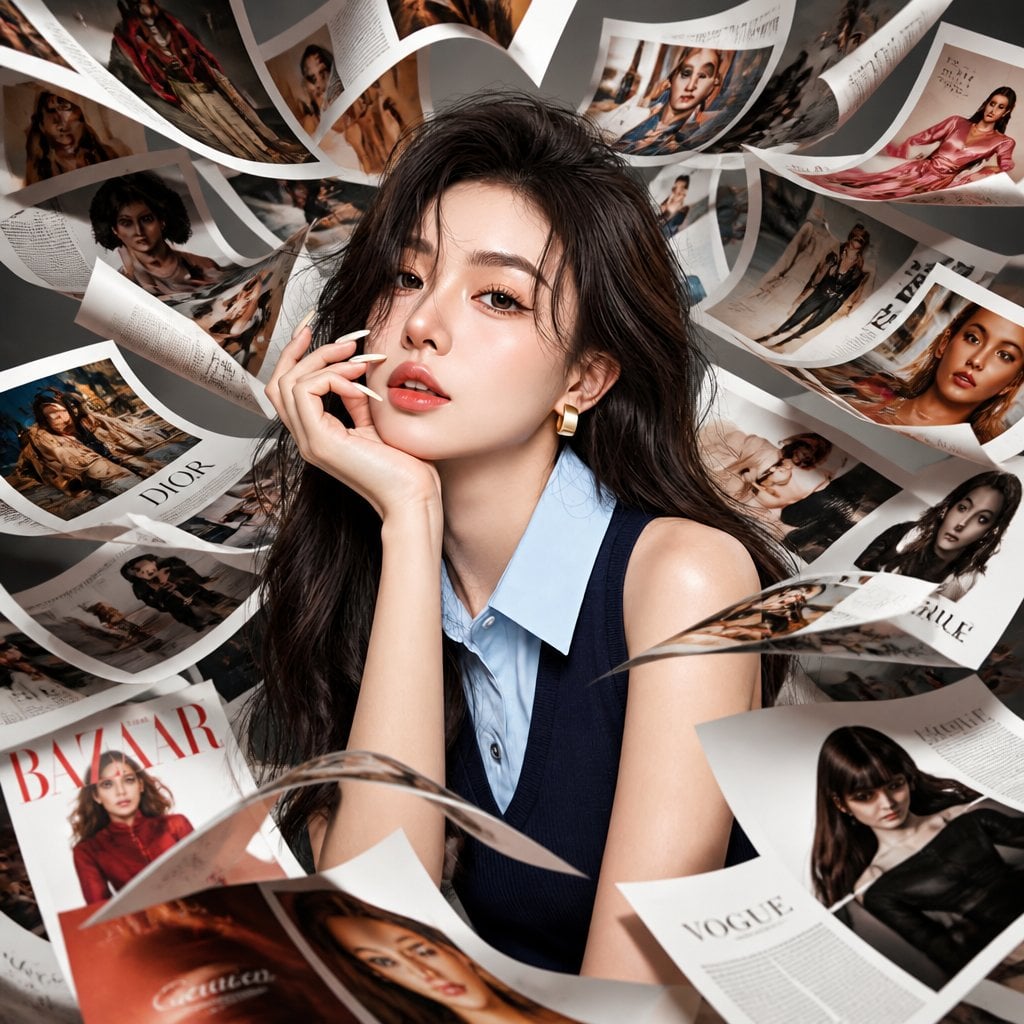
Korean Model Floating Magazine Pages Campaign

Blue Backdrop Luxury Fashion Portrait Campaign
Make it yours
Fashion Brand Mood Board Layout works as-is. These are the safest ways to change it without losing the look.
Change one field
Copy a single group, rewrite it, and generate again so you can see what that field is doing.
Keep the frame, change the subject
Hold the composition and light of Fashion Brand Mood Board Layout, then swap wardrobe, props or the person for a new take.
| If the result… | Why | Fix |
|---|---|---|
| The result drifts from the preview | Too many fields changed at once. | Reuse Fashion Brand Mood Board Layout as-is first, then change one group — subject, light, or setting. |
| The model over-stylizes the scene | The prose prompt leaves finish and camera underspecified. | Add one camera or lighting sentence and stay on Nano Banana 2. |
More Nano Banana 2 templates
Other prompts made for Nano Banana 2.

Photorealistic Leaf Shaped Like a Dragon

K-Pop Idol Portrait Grid for Rapid Selection

Poetic Rain Forest Portrait During Golden Hour

Urban Street Portrait with Cartoon Inner Self Duo

Candid Nighttime Photo with Cat Prompt

High-Concept 3D Diorama Generation Prompt

Cinematic Futuristic Studio Portrait Template

Skincare Editorial Photography Collage Prompt

Hyper-Realistic Commercial Product Photography (Splash Effect)

Hyper-Realistic Nightclub Portrait Prompt
More image prompts
Fresh picks from across the catalog.
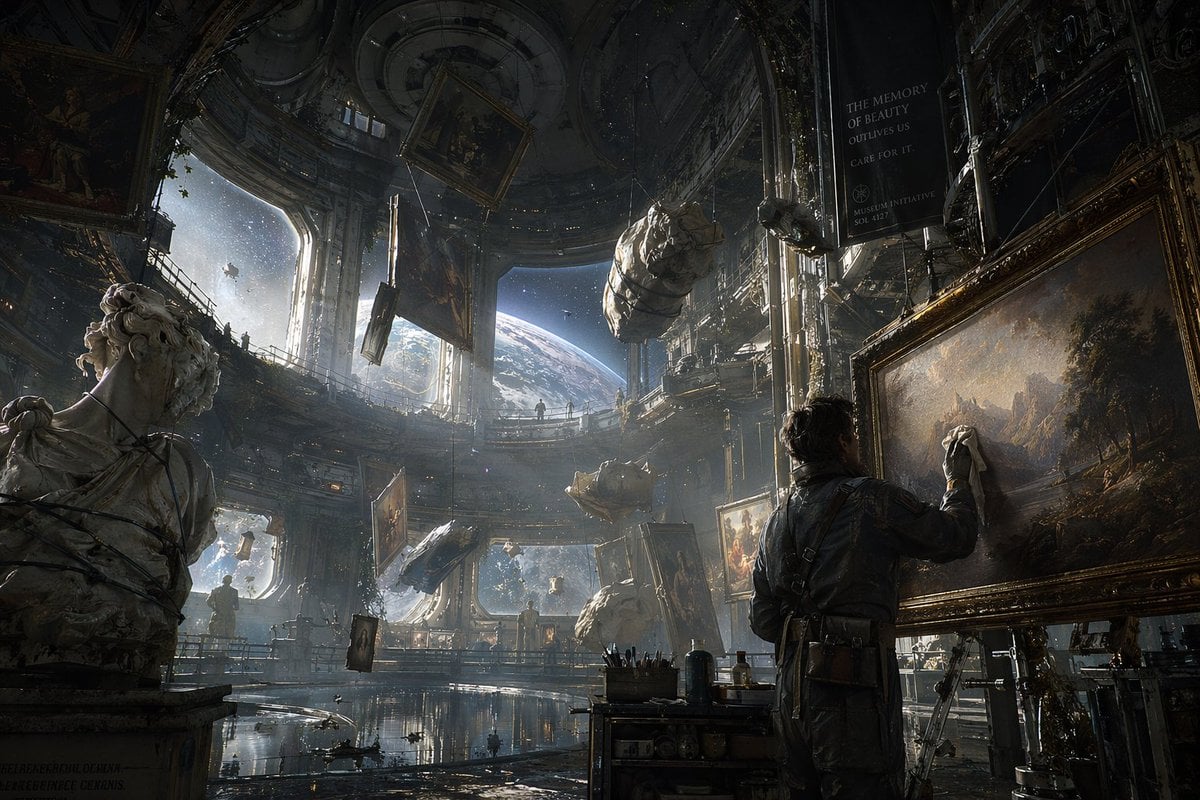
Sci-Fi Orbital Art Museum
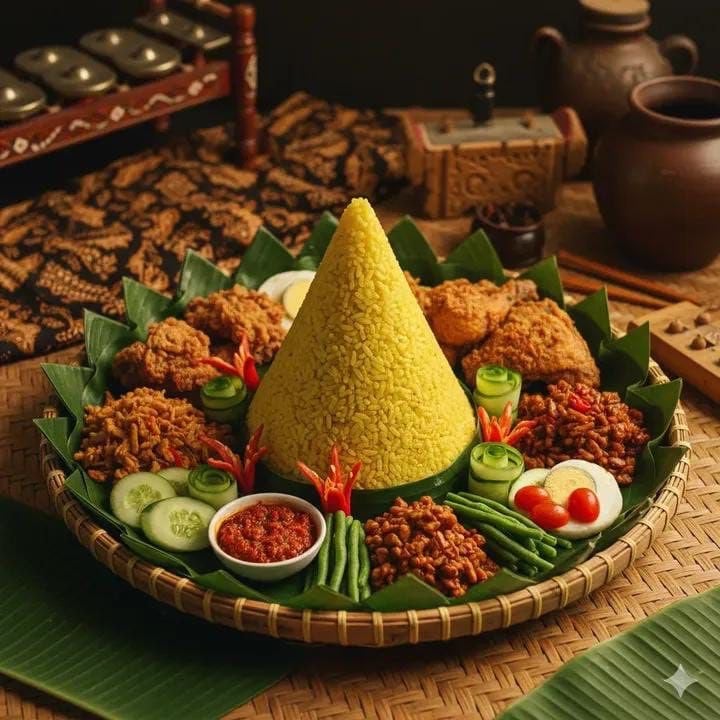
Authentic Indonesian Nasi Tumpeng Food Photography
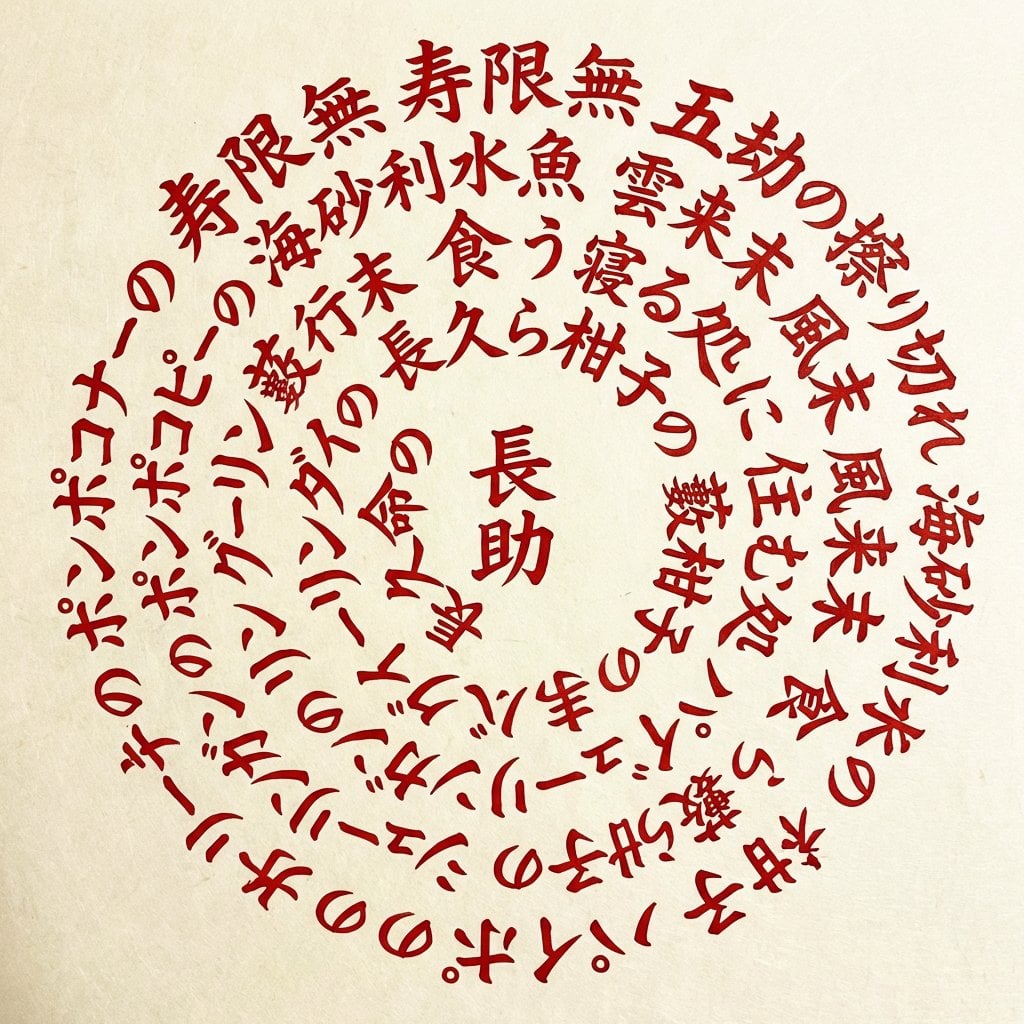
Lavart Agent Text Correction for Jugemu Prompt
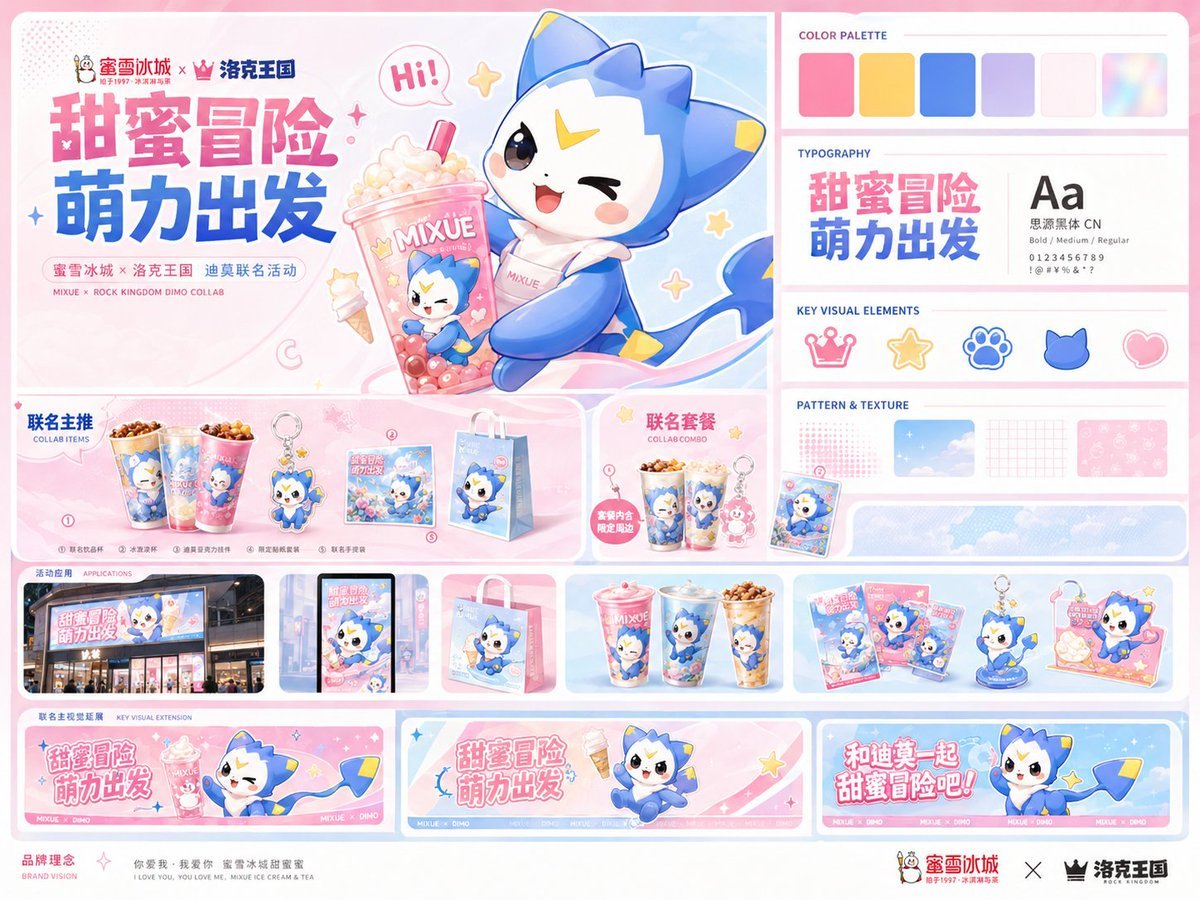
MIXUE Dimo Collaboration Brand Board
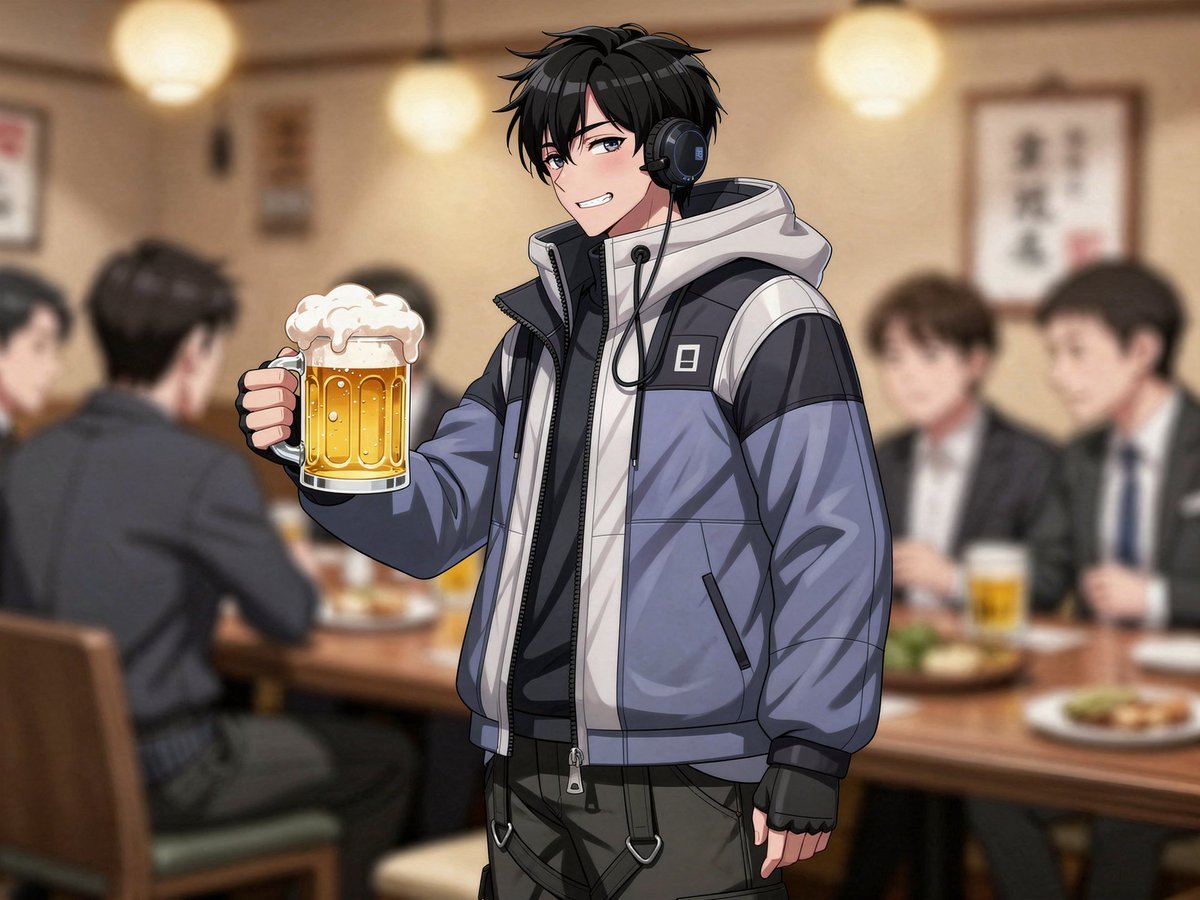
Image generation prompt for a year-end party scene
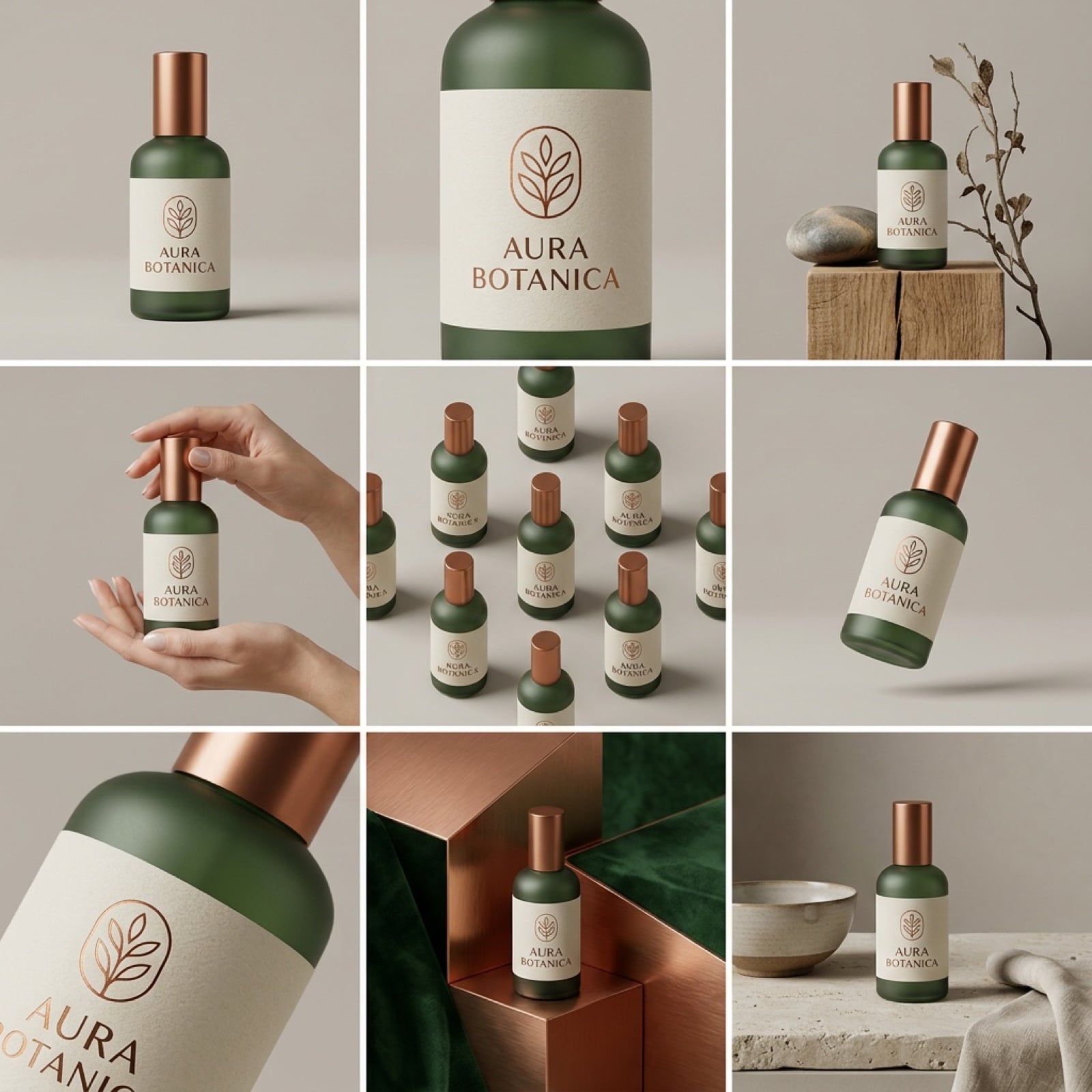
Panel Product Storyboard Mockup Prompt
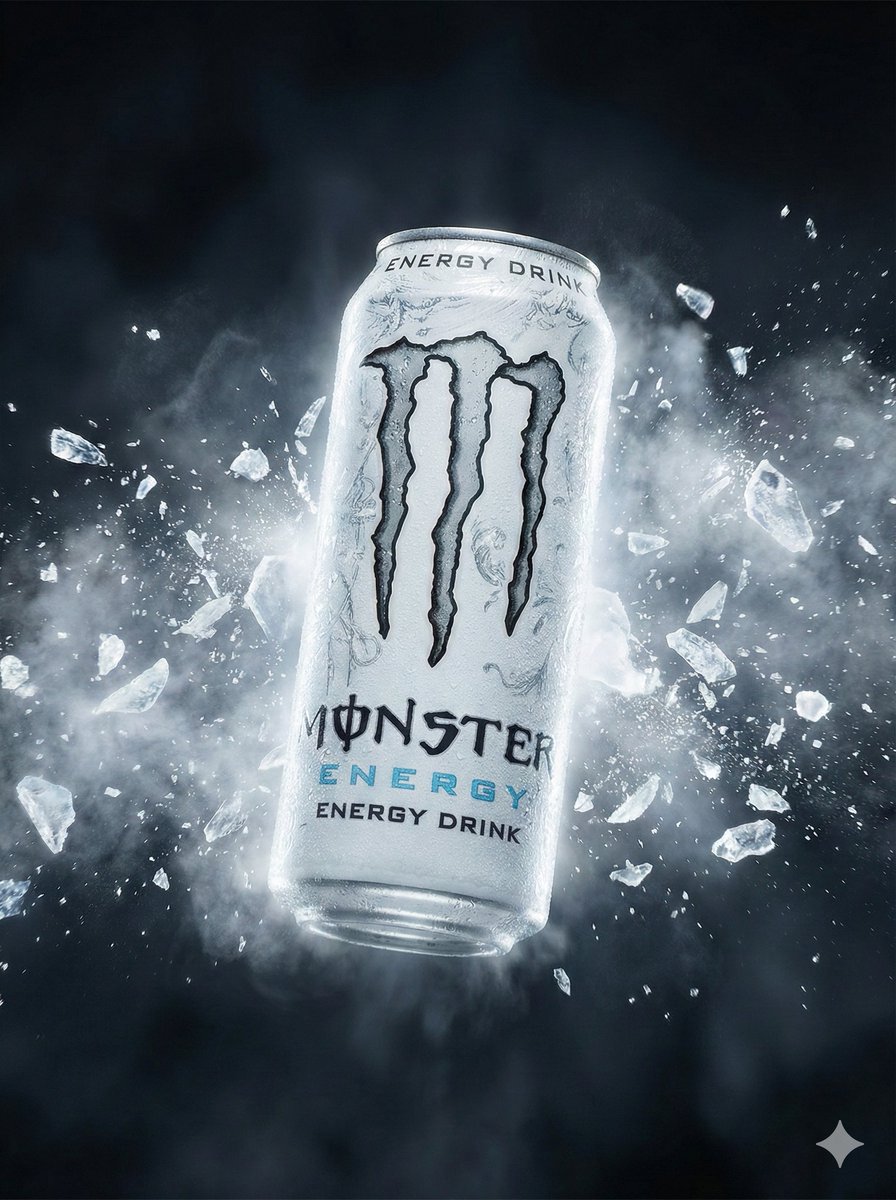
Hyper-Realistic Commercial Portrait for Monster Energy
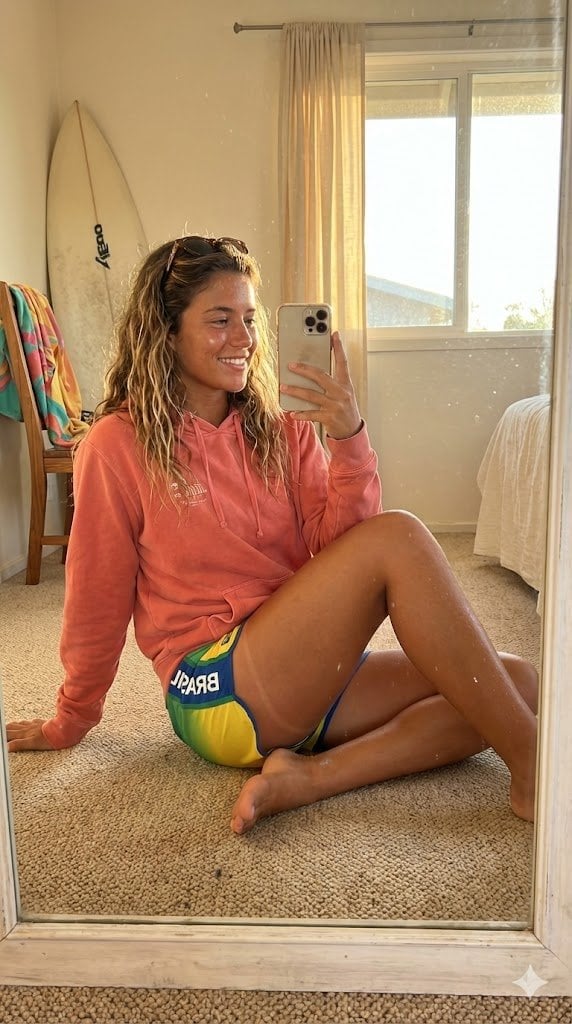
Hyper-Realistic Brazilian Surfer Girl Portrait Prompt
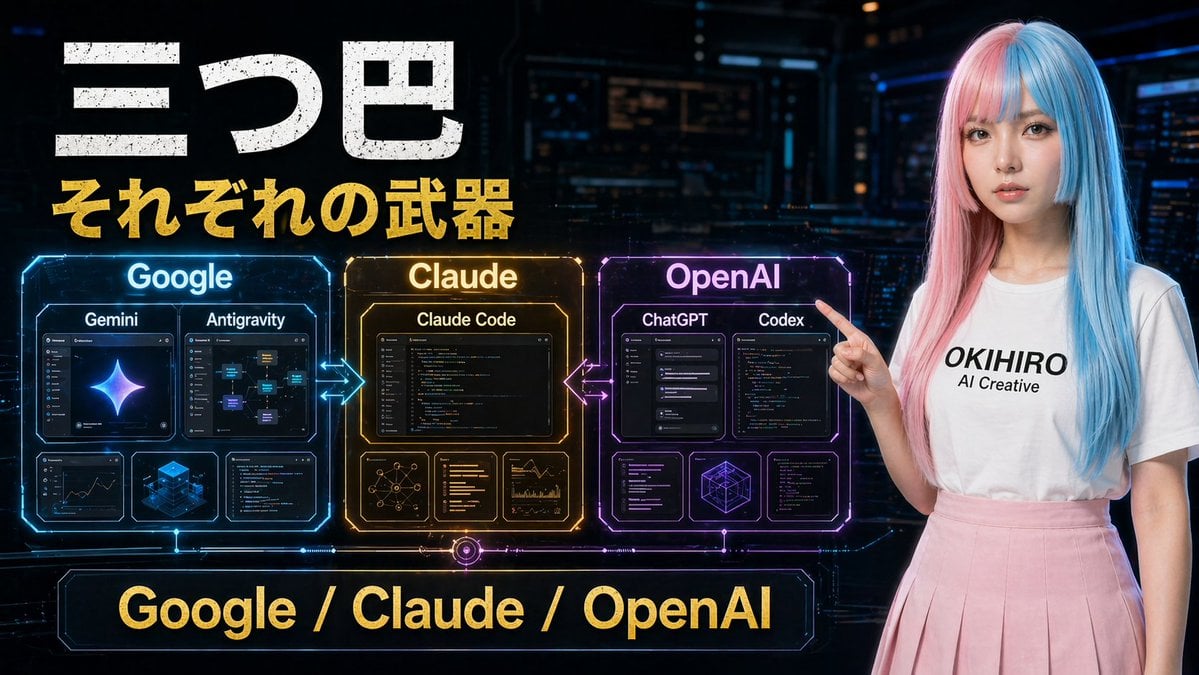
Gpt2 Youtube Thumbnail Cyberpunk Ai Tools Comparison Poster
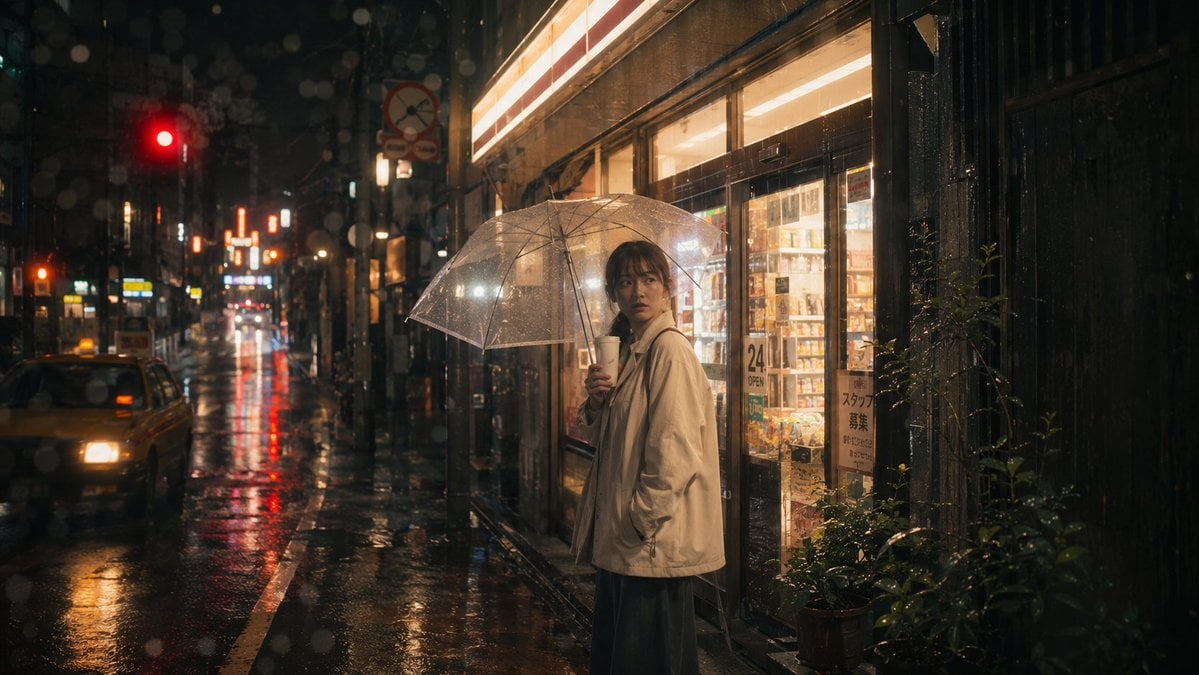
Rainy Tokyo Convenience Store Scene
Browse template categories
Fashion Brand Mood Board Layout questions
How do I use the Fashion Brand Mood Board Layout template?
Add your photo if the template asks for one, edit the prompt if you like — the template's model and format are already selected — and press Generate. Your version opens in PicX Studio.
Can I customize the Fashion Brand Mood Board Layout template?
Yes. You can change the subject, setting, lighting, mood, format, and available model controls before creating your image.
Is the Fashion Brand Mood Board Layout template free?
Opening and editing this template is free. Generating uses credits, shown on the Generate button when you are signed in.
Which AI model should I use?
Start with Nano Banana 2, which is the model associated with this template. You can compare another compatible model for a different finish.
Looking for something else? Browse all templates.

Your photo, any look
Thousands of ready templates for every top image and video model, from one credit balance.