
Emotional Overhead Flash Portrait
A detailed template for an intimate, high-fashion bedroom portrait captured with an overhead straight flash, emphasizing authentic textures and emotional gaze.
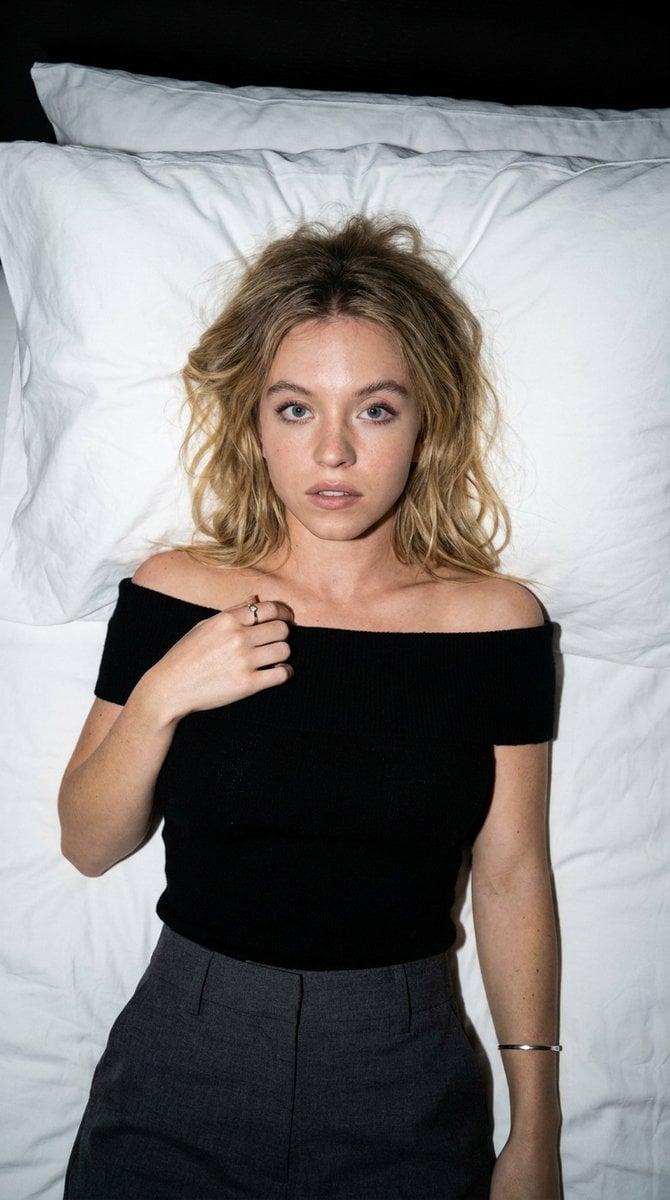
- Prompt included
- Model and format preset
- Premium template
The prompt behind this image
Copy the exact prompt behind Emotional Overhead Flash Portrait, or open it in the studio and make it yours.
Generate an image of an adult female fashion portrait in the {argument name="style" default="Overhead Straight Flash Emotional Portrait"} style, with an aspect ratio of 【Aspect Ratio】. Scene Setup: The subject lies on a clean {argument name="bed surface" default="Bed Surface Type"}, captured from an overhead or slightly angled overhead perspective, with the face clearly centered and the body naturally extended. The bedsheets and pillows create large areas of negative space. The overall composition evokes a sense of authentic, restrained, intimate bedroom straight flash photography. Character Setup: Adult female with a distinctly recognizable appearance, featuring naturally refined facial features without an influencer-like face. Hairstyle is 【Hairstyle】, hair color is 【Hair Color】, and makeup style is 【Makeup Style】. The gaze conveys 【Emotional Keywords】, such as a need for protection, slight surprise, mild anticipation, quietness, vulnerability, clarity, or semi-dazed, but without exaggerated performative elements. Retain authentic skin texture without excessive smoothing. Clothing Setup: Outfit is {argument name="outfit" default="Clothing Type"}, such as crop tops, off-shoulder styles, strapless tops, tie-front blouses, short tees, tank tops, knit tops, or silk blouses, leaning toward a fashionable editorial feel with everyday wearability. Pair with minimal metallic accessories, bracelets, rings, or earrings, but avoid over-layering. Composition: The subject is presented in central or slightly off-center composition, with the face as the primary visual focus and hands and waistline as secondary focal points. Hair strands naturally splay out to create a sense of line and flow. The image should have a clear main subject, clean background, and stable visual reading path. Lighting and Texture: Employ strong straight flash from a phone or camera, resulting in distinct highlights, hard shadows, and authentic flash quality. Bedsheets, skin, and clothing should show clear reflective layers, evoking a genuine moment captured by flash in a nighttime bedroom, avoiding soft studio lighting effects. Color and Atmosphere: Dominant color palette is 【Dominant Color Tone】, with low saturation, authenticity, restraint, and cleanliness overall. The background features a white bed, subtle gray shadows, and minimal bedding folds, steering clear of complex props or cluttered scenes. The image's vibe draws from bedroom flash editorial, overhead emotional portraits, and a subtle blend of Y2K with soft grunge aesthetics. Quality Requirements: High-definition, authentic photographic feel, natural hand structure, realistic hair strands, accurate body proportions, clear facial details, fine skin textures, and a high-fashion sensibility.
How to use Emotional Overhead Flash Portrait in 3 steps
- 1
Open
The prompt is already in the box next to the preview, with the template's model and format selected.
- 2…a portrait of your subject in softgolden-hour light, 85mm…
Personalize
Edit the subject and creative details for your destination.
- 3Generate
Generate
Press Generate — your image is created in PicX Studio, so you can compare it with the original and refine one variable at a time.
More like this
Templates with the same subject, style or setup. Open one to see its prompt.

Found Photograph: Us, 1970

80s Couple Studio Portrait

80s Bollywood Star

80s Golden Hour Cinema

Me in 1985

1985 Studio Portrait

Hyper-Realistic Minecraft POV Portrait

Rooftop Fisheye — Cat-Ear Balaclava at Golden Hour

Rainy Café Window Moody Portrait
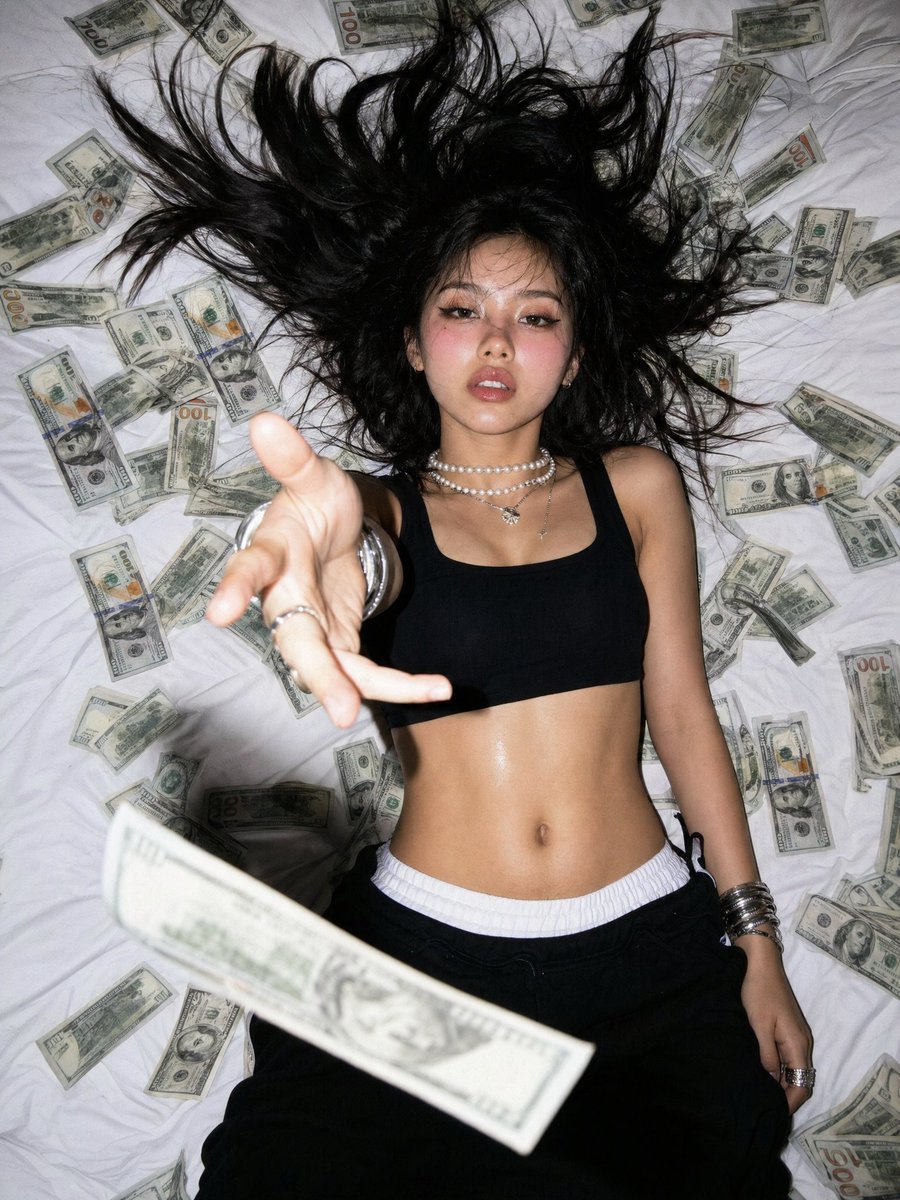
Overhead Flash Money Bed Editorial

untitled

2025 Aesthetic Photography
Make it yours
Emotional Overhead Flash Portrait works as-is. These are the safest ways to change it without losing the look.
Change one field
Copy a single group, rewrite it, and generate again so you can see what that field is doing.
Keep the frame, change the subject
Hold the composition and light of Emotional Overhead Flash Portrait, then swap wardrobe, props or the person for a new take.
| If the result… | Why | Fix |
|---|---|---|
| The result drifts from the preview | Too many fields changed at once. | Reuse Emotional Overhead Flash Portrait as-is first, then change one group — subject, light, or setting. |
| The model over-stylizes the scene | The prose prompt leaves finish and camera underspecified. | Add one camera or lighting sentence and stay on Nano Banana 2. |
More Nano Banana 2 templates
Other prompts made for Nano Banana 2.

Photorealistic Leaf Shaped Like a Dragon

K-Pop Idol Portrait Grid for Rapid Selection

Poetic Rain Forest Portrait During Golden Hour

Urban Street Portrait with Cartoon Inner Self Duo

Candid Nighttime Photo with Cat Prompt

High-Concept 3D Diorama Generation Prompt

Cinematic Futuristic Studio Portrait Template

Skincare Editorial Photography Collage Prompt

Hyper-Realistic Commercial Product Photography (Splash Effect)

Hyper-Realistic Nightclub Portrait Prompt
More image prompts
Fresh picks from across the catalog.
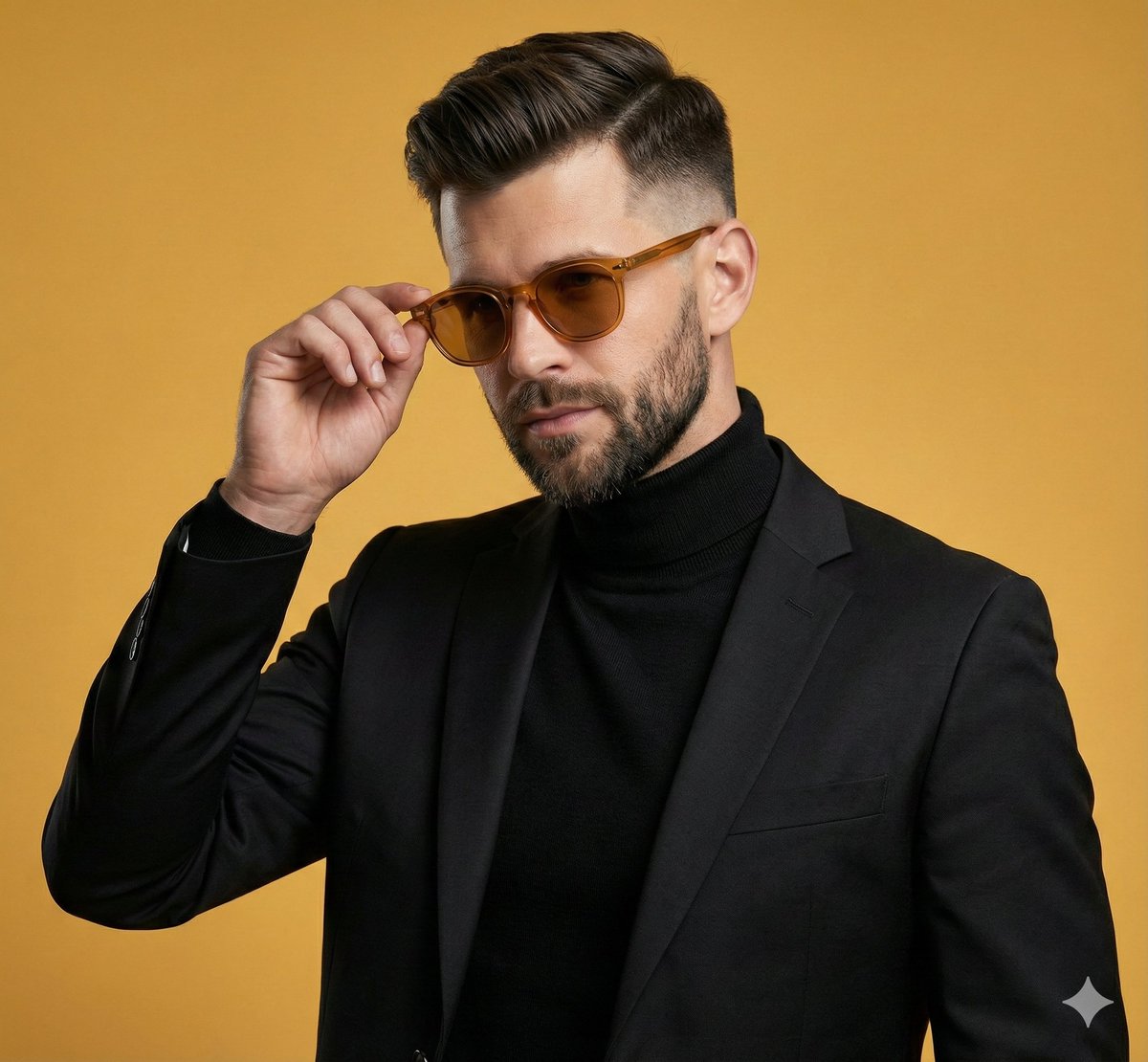
Confident Man Studio Portrait
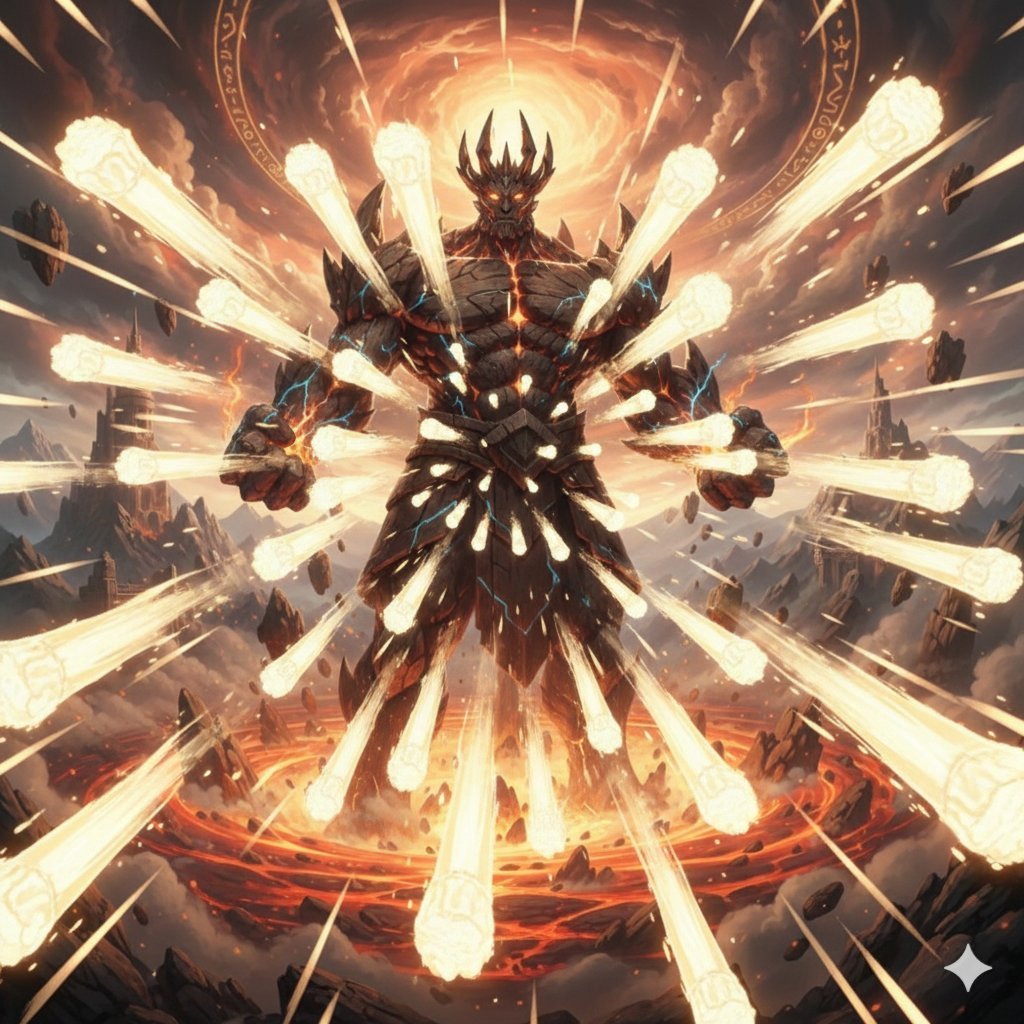
Titan with Hokuto Hyakuretsu Ken Generation
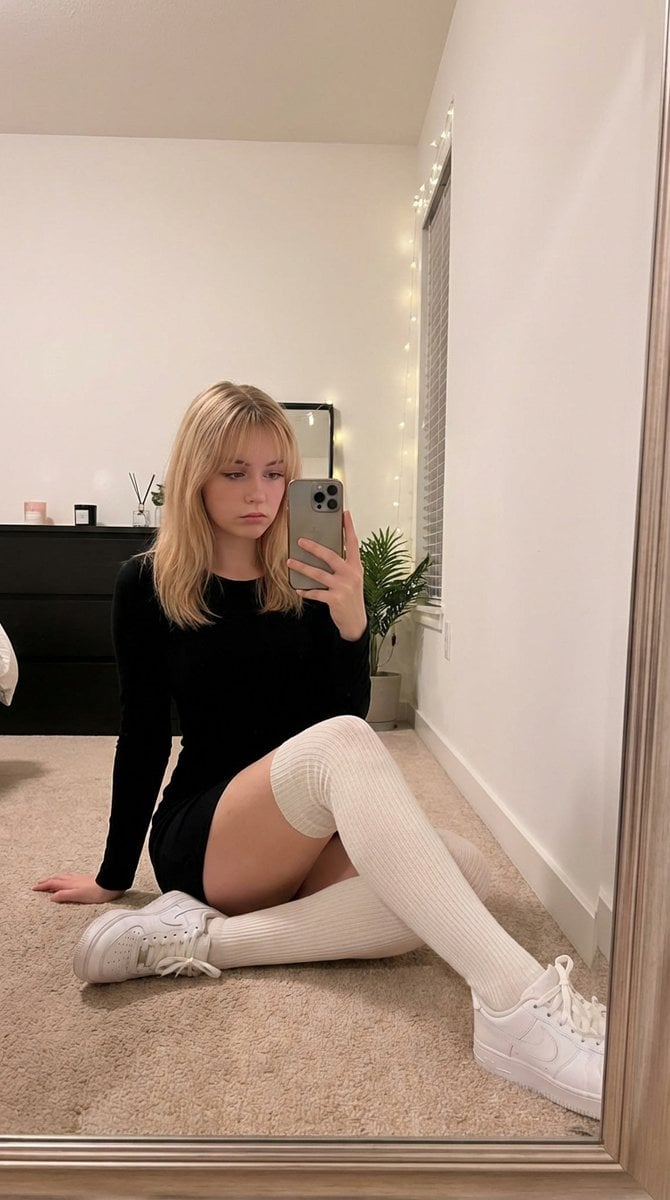
Candid Mirror Selfie in Soft Aesthetic Bedroom
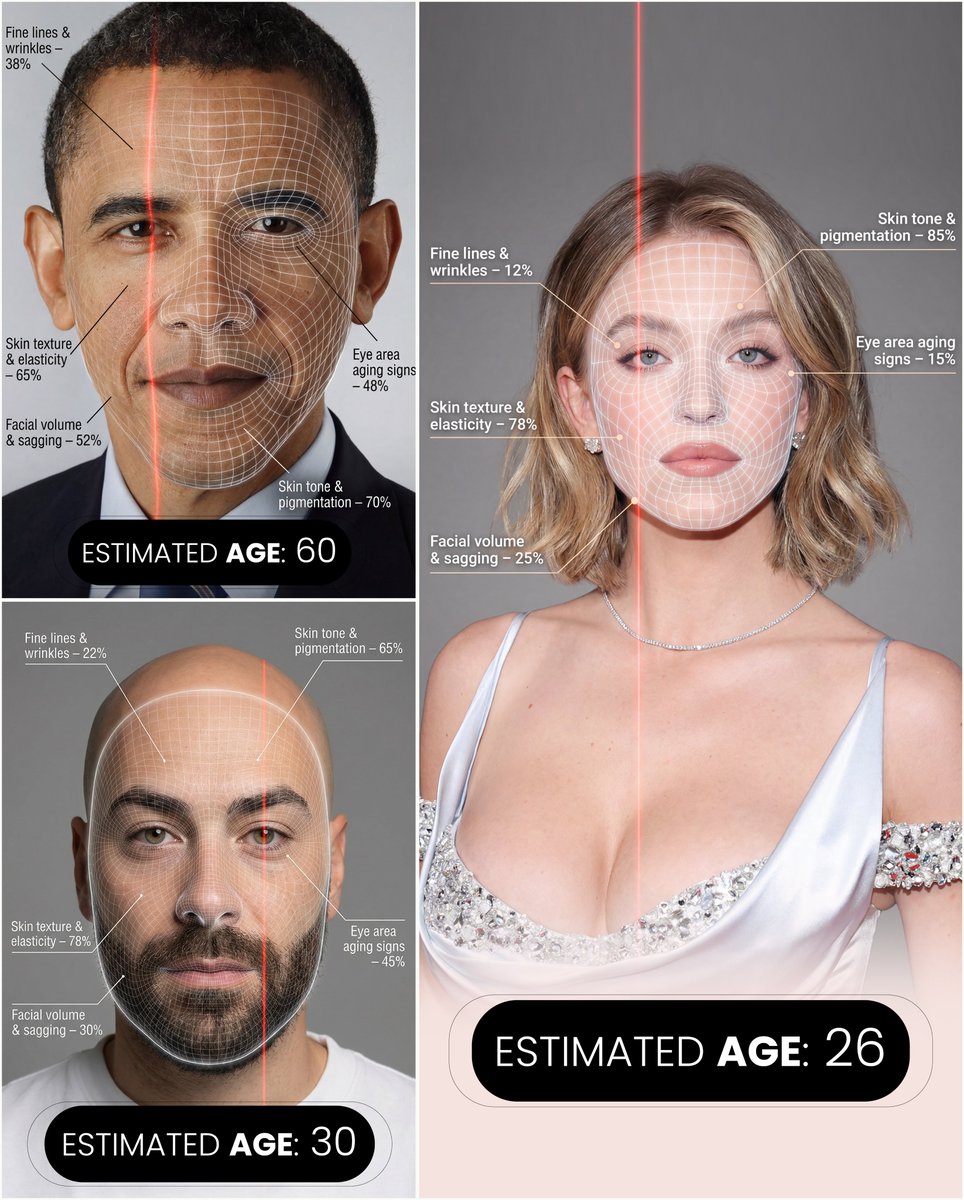
Futuristic facial age-checker infographic portrait

Underwater Fantasy CG Illustration
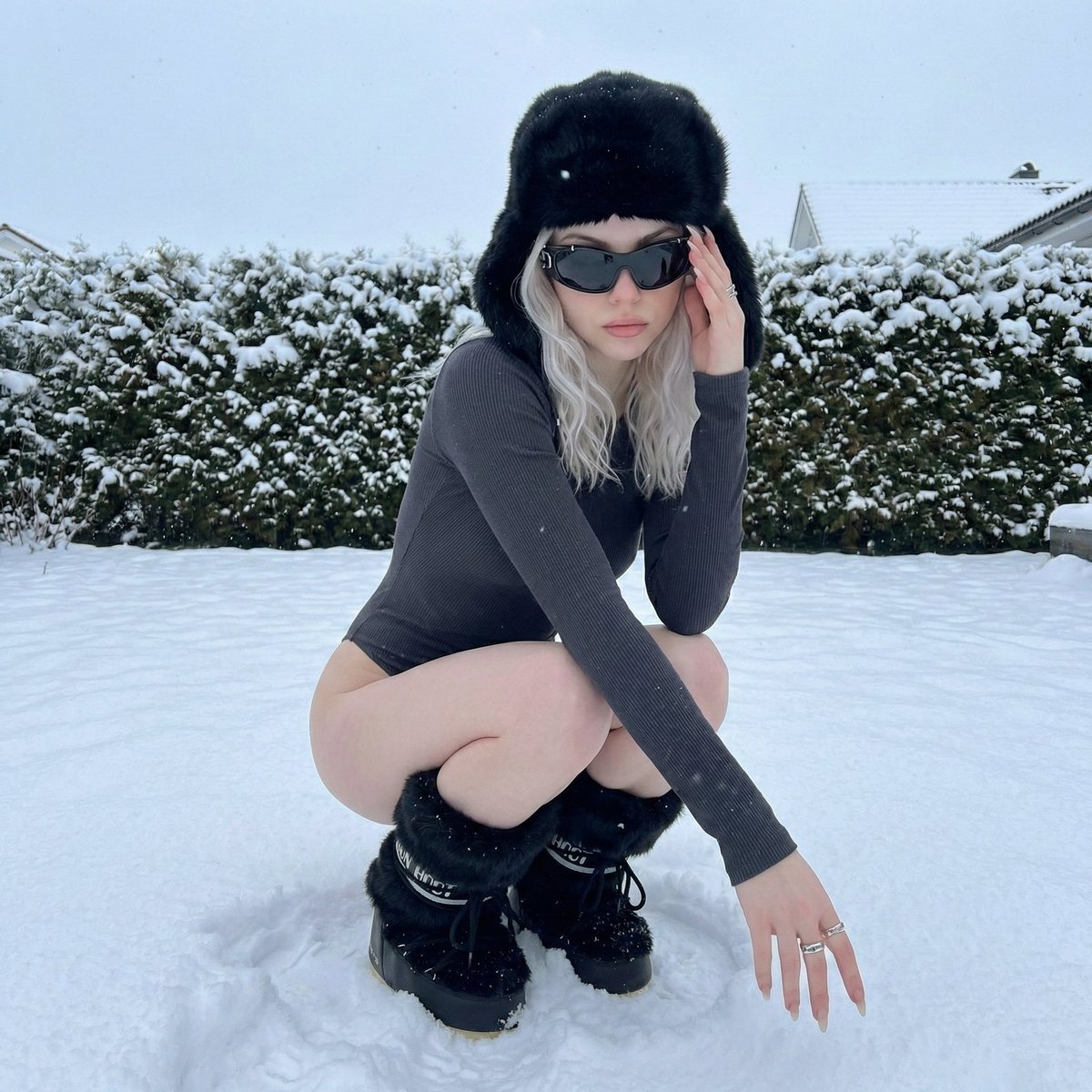
Winter Editorial Low-Angle Squat Pose Prompt (iPhone Style)

Degree Panorama Generation Formula
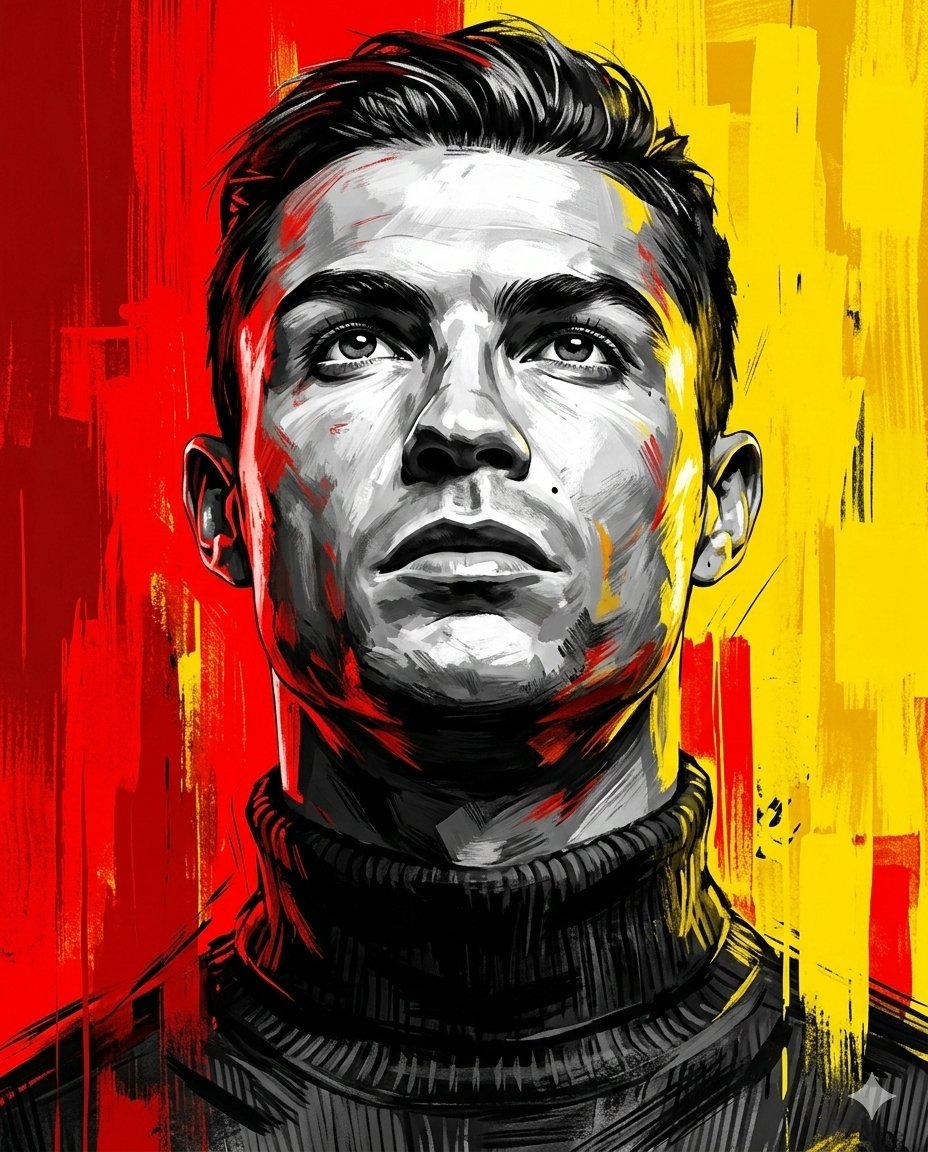
Dramatic Digital Painting Portrait Prompt
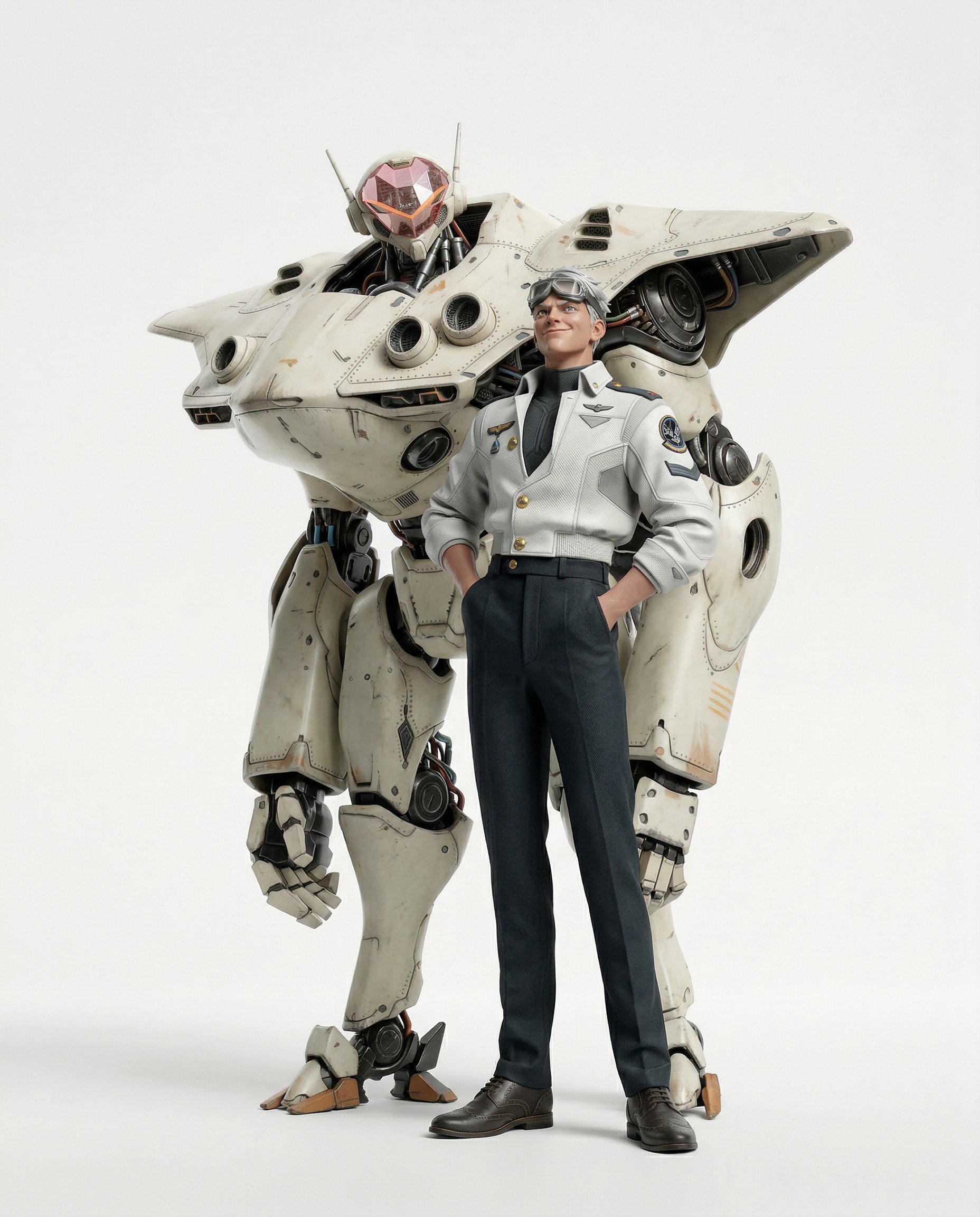
Final Character Design Made with Nano Ba
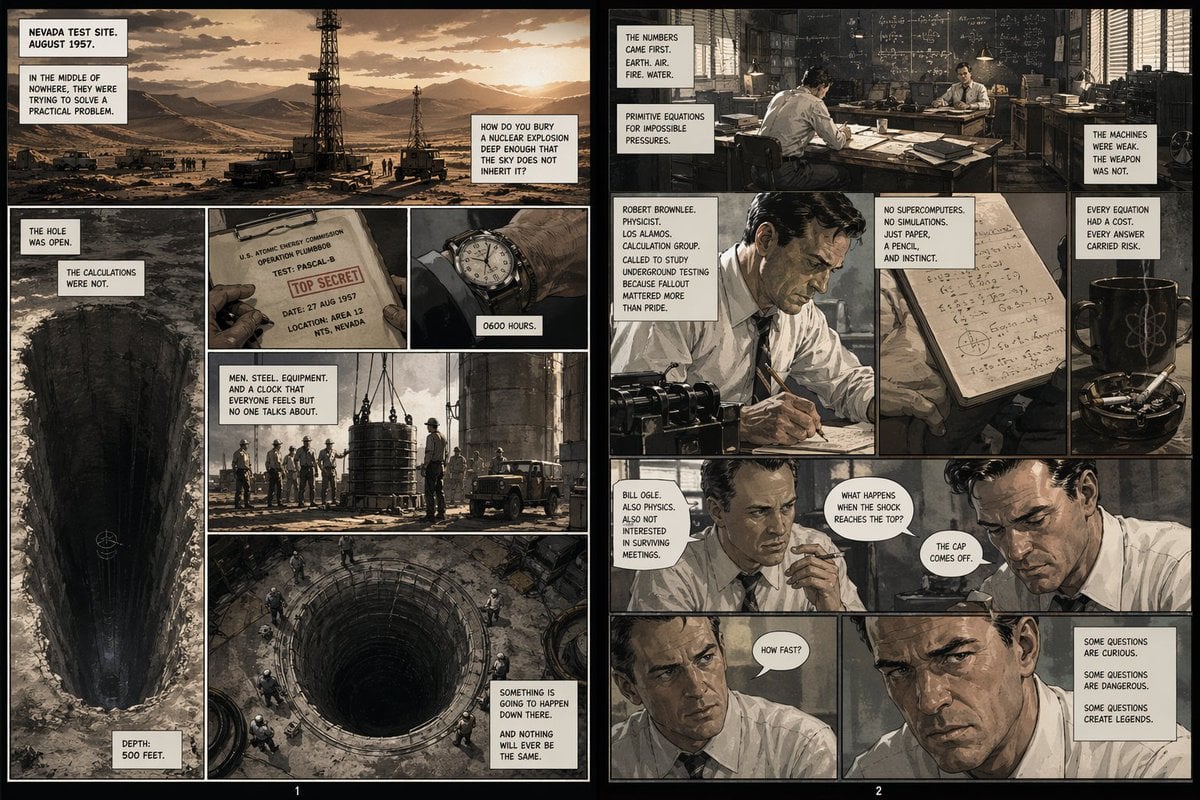
Pascal-B Comic Strip History
Browse template categories
Emotional Overhead Flash Portrait questions
How do I use the Emotional Overhead Flash Portrait template?
Add your photo if the template asks for one, edit the prompt if you like — the template's model and format are already selected — and press Generate. Your version opens in PicX Studio.
Can I customize the Emotional Overhead Flash Portrait template?
Yes. You can change the subject, setting, lighting, mood, format, and available model controls before creating your image.
Is the Emotional Overhead Flash Portrait template free?
Opening and editing this template is free. Generating uses credits, shown on the Generate button when you are signed in.
Which AI model should I use?
Start with Nano Banana 2, which is the model associated with this template. You can compare another compatible model for a different finish.
Looking for something else? Browse all templates.

Your photo, any look
Thousands of ready templates for every top image and video model, from one credit balance.