How do I use the Melancholic Indie Bedroom Portrait template?
Choose the primary action to open PicX Studio with the available template settings. Review the model and format, personalize the creative direction, and generate when ready.
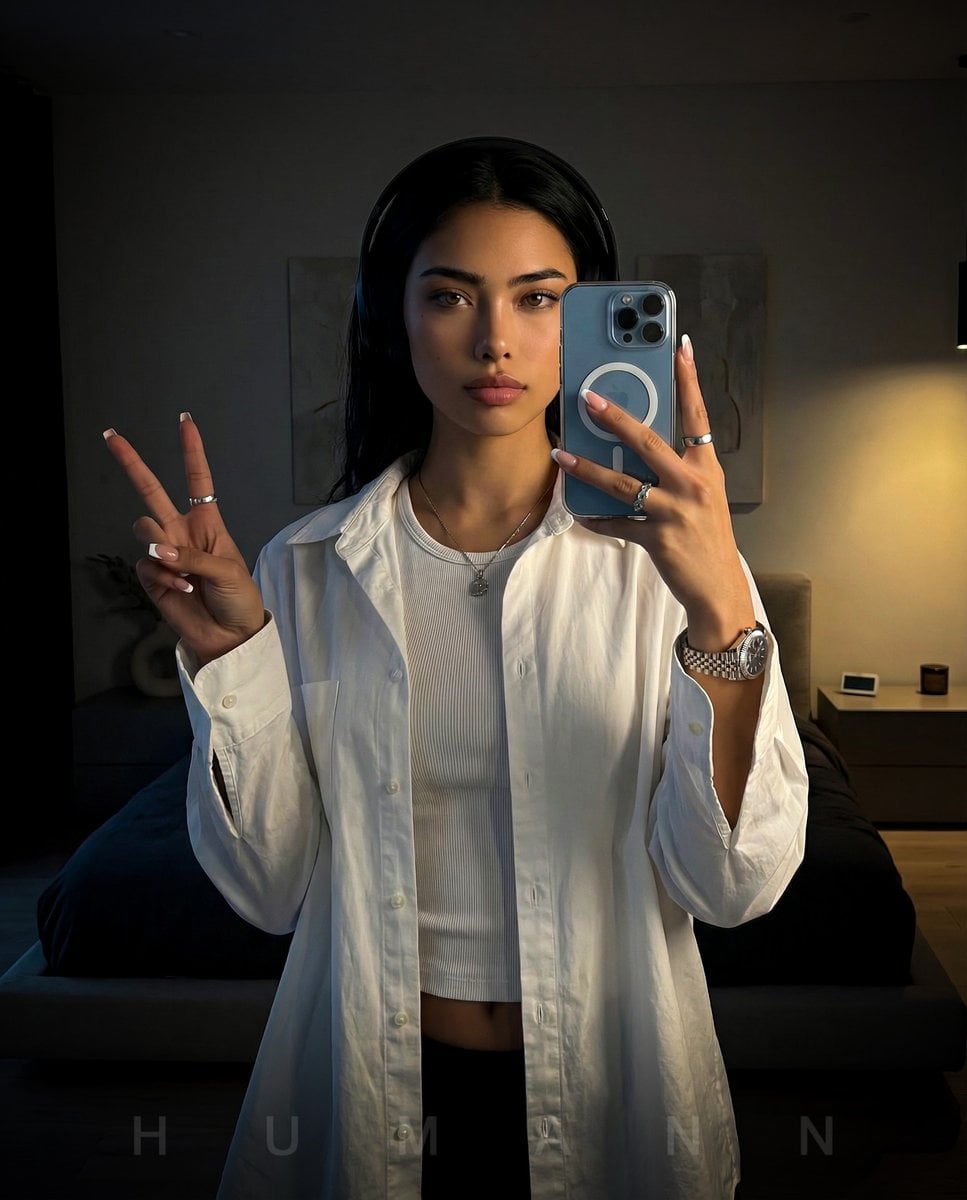
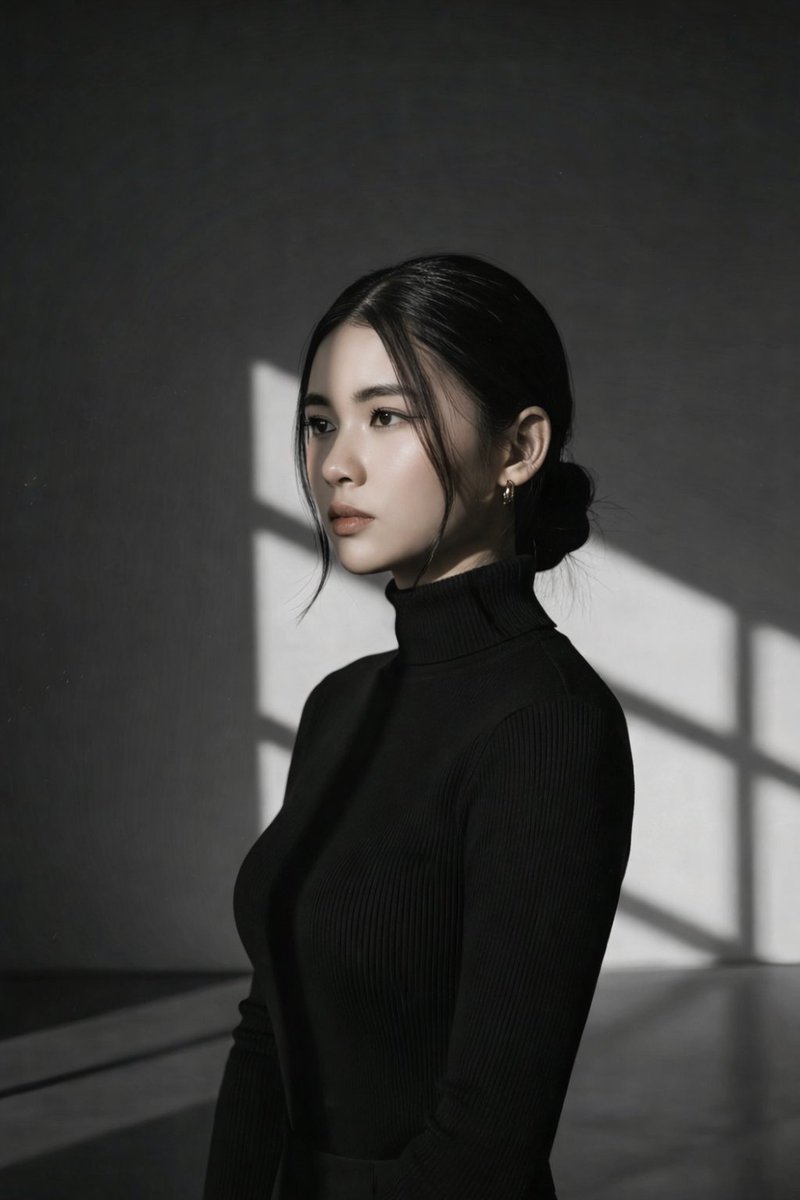
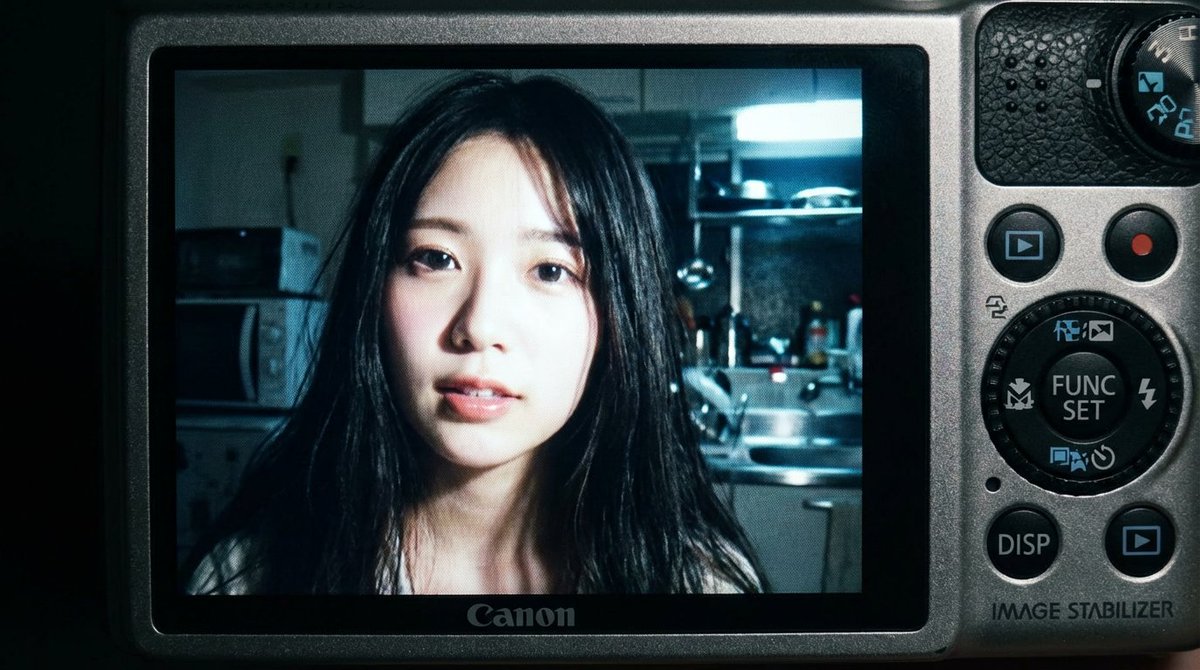
A dreamy, vulnerable portrait of a young woman in an indie bedroom setting, inspired by the mood of Radiohead's 'Let Down'.
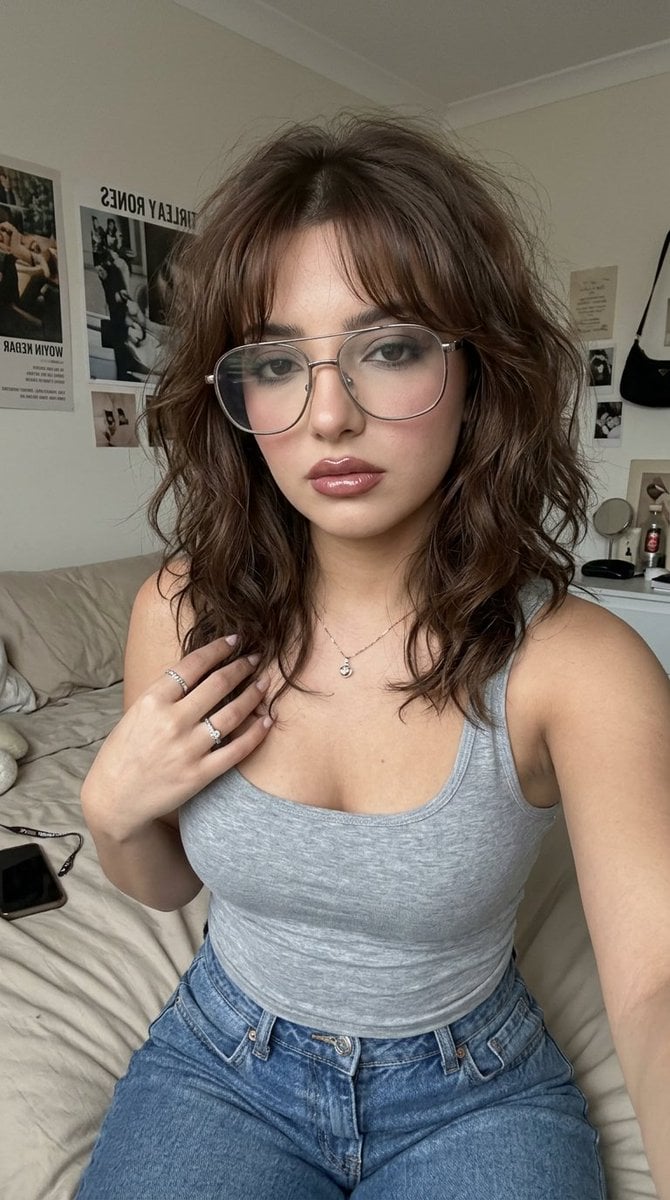
Ultra-photorealistic portrait of a beautiful young woman in a soft, melancholic indie bedroom atmosphere, inspired by the emotional mood of {argument name="song" default="Let Down by Radiohead"}. The overall feeling is dreamy, intimate, lonely, nostalgic, and quietly vulnerable. She has {argument name="hair style" default="tousled medium-length brown hair"} with soft messy waves and wispy curtain bangs, giving an effortless, slightly undone look. She wears {argument name="accessories" default="oversized vintage-style glasses, delicate silver rings, and a subtle necklace"} for a casual intellectual aesthetic. Her makeup is soft, moody, and ethereal: muted taupe and gray-brown eyeshadow, lightly smudged eyeliner, softly defined lashes, natural brushed brows, cool pink blush, luminous skin, and glossy muted rose-brown lips. Her outfit is simple and understated, matching the introspective indie mood: a fitted soft gray tank top or thin-strapped top with relaxed blue denim jeans, cozy and effortless, slightly 90s-inspired. The room has a warm but emotionally distant atmosphere, with soft dim lighting, beige or gray bedding, slightly messy sheets, posters on the wall, personal objects scattered naturally, and a lived-in bedroom feel. The aesthetic should feel intimate, cinematic, and realistic, like a still frame from an indie coming-of-age film. Muted neutral tones, dusty blues, gray-beige palette, soft shadows, emotional quietness, subtle sadness, dreamy bedroom mood, realistic skin texture, natural composition, candid pose, cinematic softness.
Choose the primary action to open PicX Studio with the available template settings. Review the model and format, personalize the creative direction, and generate when ready.
Yes. You can change the subject, setting, lighting, mood, format, and available model controls before creating your image.
This template is free to open and customize. Generation usage is shown in PicX Studio before you create.
Start with Nano Banana 2, which is the model associated with this template. You can compare another compatible model for a different finish.
Follow a topic to a crawlable collection of related PicX Studio templates.