
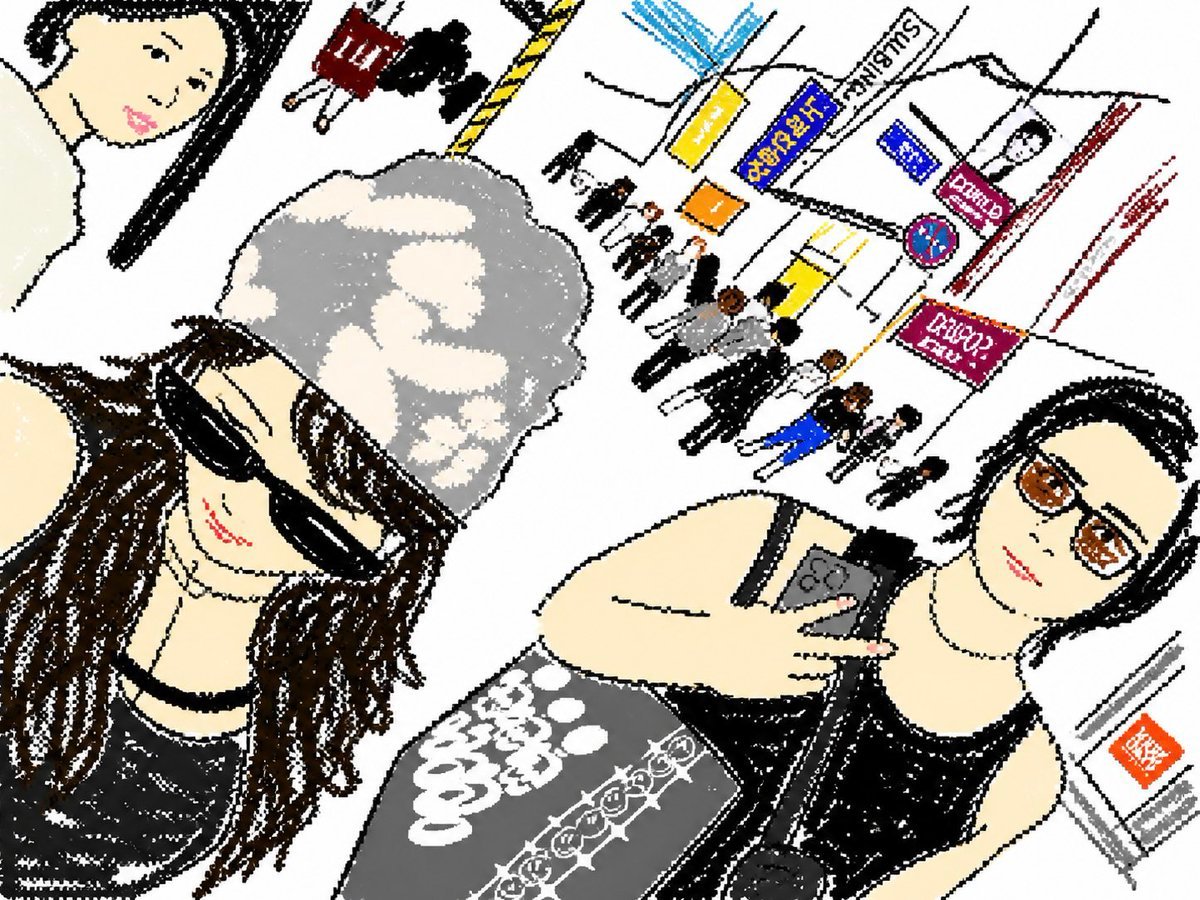
Cute Tilted Street Selfie Illustration
Generates a charming hand-drawn anonymized selfie scene with two stylish women in a busy Japanese shopping-street setting.
- Prompt included
- Model and format preset
- Free template
The prompt behind this image
Copy the exact prompt behind Cute Tilted Street Selfie Illustration, or open it in the studio and make it yours.
Create a playful hand-drawn digital illustration in a naive crayon-and-marker sketch style, with rough black outlines, speckled texture, flat off-white background, and a dramatically tilted wide-angle composition like a casual selfie taken in a busy {argument name="setting" default="Japanese shopping street or station concourse"}. In the foreground are exactly 2 young women posing close to the camera: on the left, a smiling woman with long wavy {argument name="hair color" default="dark brown"} hair, black sunglasses, a pearl-like necklace, a black sleeveless top, and a puffy {argument name="hat" default="gray camouflage bucket hat"}; on the right, a second woman in a black sleeveless top holds a dark smartphone with three rear camera lenses, wearing a gray skirt with bold white graphic lettering including {argument name="shirt text" default="Good cool good"}. Both faces are covered by square beige {argument name="privacy blur style" default="soft pixelated privacy blocks"}, as if anonymized. The background is skewed diagonally and contains exactly 14 tiny pedestrians drawn as simple black, white, blue, orange, and red stick-like figures, plus exactly 7 visible street/sign elements: a blue-and-yellow rectangular sign, a vertical white sign reading “SUNDAY,” a small blue sign, a pink sign reading “CAFE,” a round no-parking sign, a magenta shop sign with tiny unreadable text, and an orange square sign near a stair or doorway. Use lots of empty white space, energetic scribbly strokes, imperfect proportions, charming low-fi texture, and a cute editorial travel-diary feeling while keeping the image polished and intentional.
How to use Cute Tilted Street Selfie Illustration in 3 steps
- 1Upload ImagePNG, JPG or paste
Add your photo
Upload the photo the template builds on. The prompt, model and format are already set.
- 2…a portrait of your subject in softgolden-hour light, 85mm…
Personalize
Edit the subject and creative details for your destination.
- 3Generate
Generate
Press Generate — your image is created in PicX Studio, so you can compare it with the original and refine one variable at a time.
More like this
Templates with the same subject, style or setup. Open one to see its prompt.
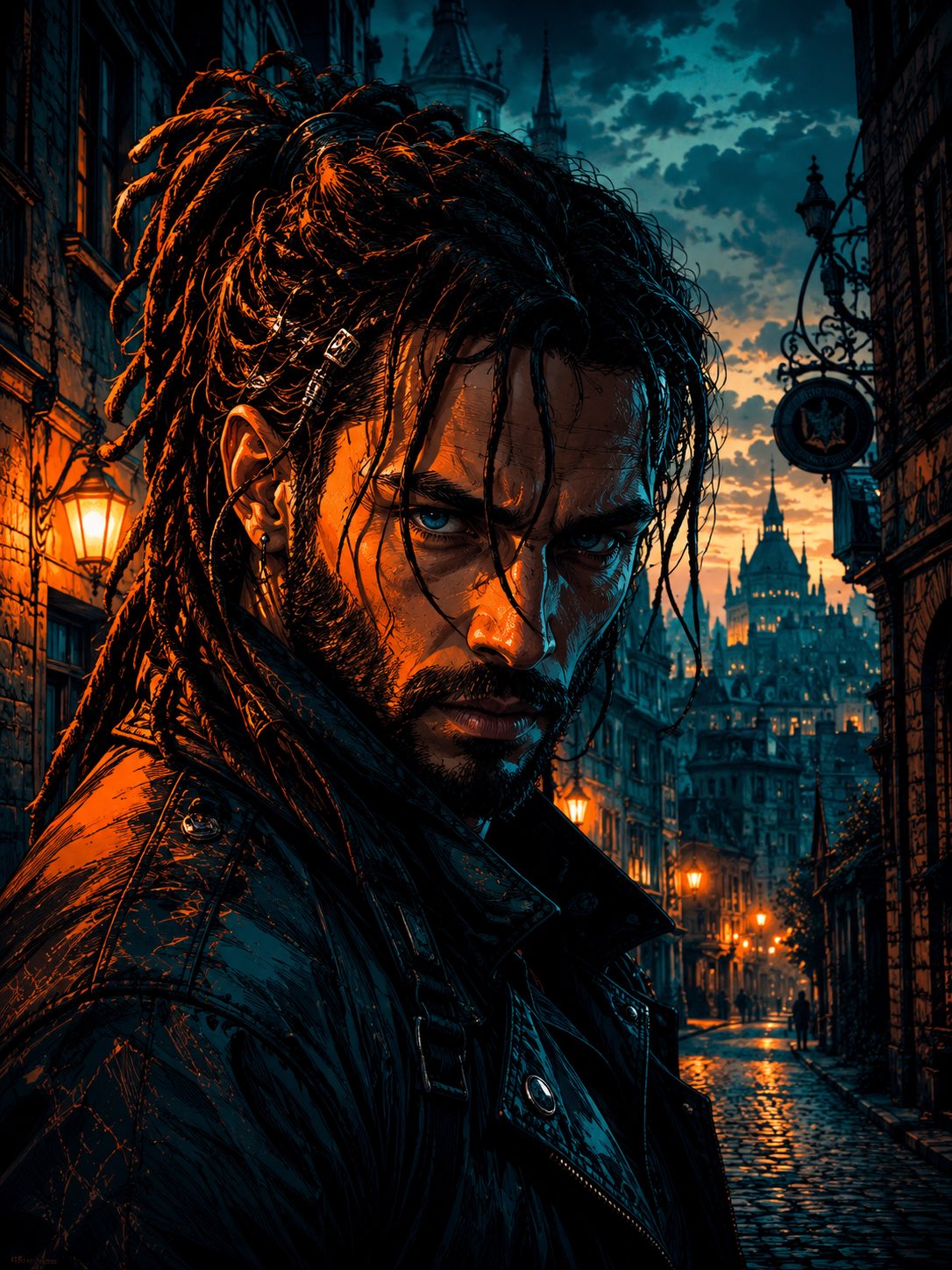
Cyber Noir Dreadlocks Street Portrait

Giant Forced Perspective Street Product Selfie

Two Tickets, One Night

Meet Me When It Rains

Two Hearts. One Scooter.

1986 Street Couple

1985 Street Scene

Rooftop Fisheye — Cat-Ear Balaclava at Golden Hour

Felt & Knit 3D Character — Photo-Exact Face, Pixar-Quality Plush Figurine

Surreal Cat Astronaut — Humanoid Face Freefall
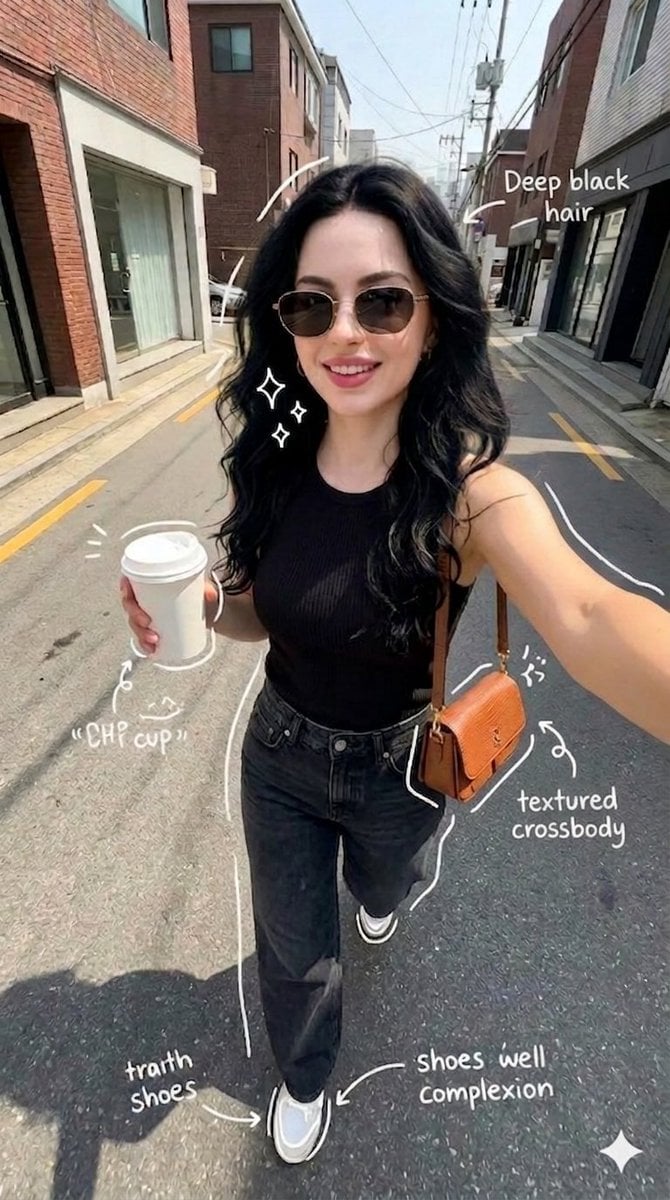
Street Style Selfie with Doodles

Cinematic Street Fashion Portrait Motion Blur Crowd
Make it yours
Cute Tilted Street Selfie Illustration works as-is. These are the safest ways to change it without losing the look.
Change one field
Copy a single group, rewrite it, and generate again so you can see what that field is doing.
Keep the frame, change the subject
Hold the composition and light of Cute Tilted Street Selfie Illustration, then swap wardrobe, props or the person for a new take.
| If the result… | Why | Fix |
|---|---|---|
| The result drifts from the preview | Too many fields changed at once. | Reuse Cute Tilted Street Selfie Illustration as-is first, then change one group — subject, light, or setting. |
| The model over-stylizes the scene | The prose prompt leaves finish and camera underspecified. | Add one camera or lighting sentence and stay on GPT Image 2. |
More GPT Image 2 templates
Other prompts made for GPT Image 2.

Six VTuber Japanese Logo Sheet

Realistic Portrait of Woman and Deer

The Vista Modular Condo Poster

AI Model Routing Comparison Infographic

2.5D Anime Art Board

Isometric Productivity Desk Scene

New York Double Exposure Poster

Four-Panel AI Landscape Comparison

Japanese Tatami Lifestyle Magazine Cover

NESCAFÉ Coffee Map Poster
More image prompts
Fresh picks from across the catalog.

Luxury Perfume Ad Portrait
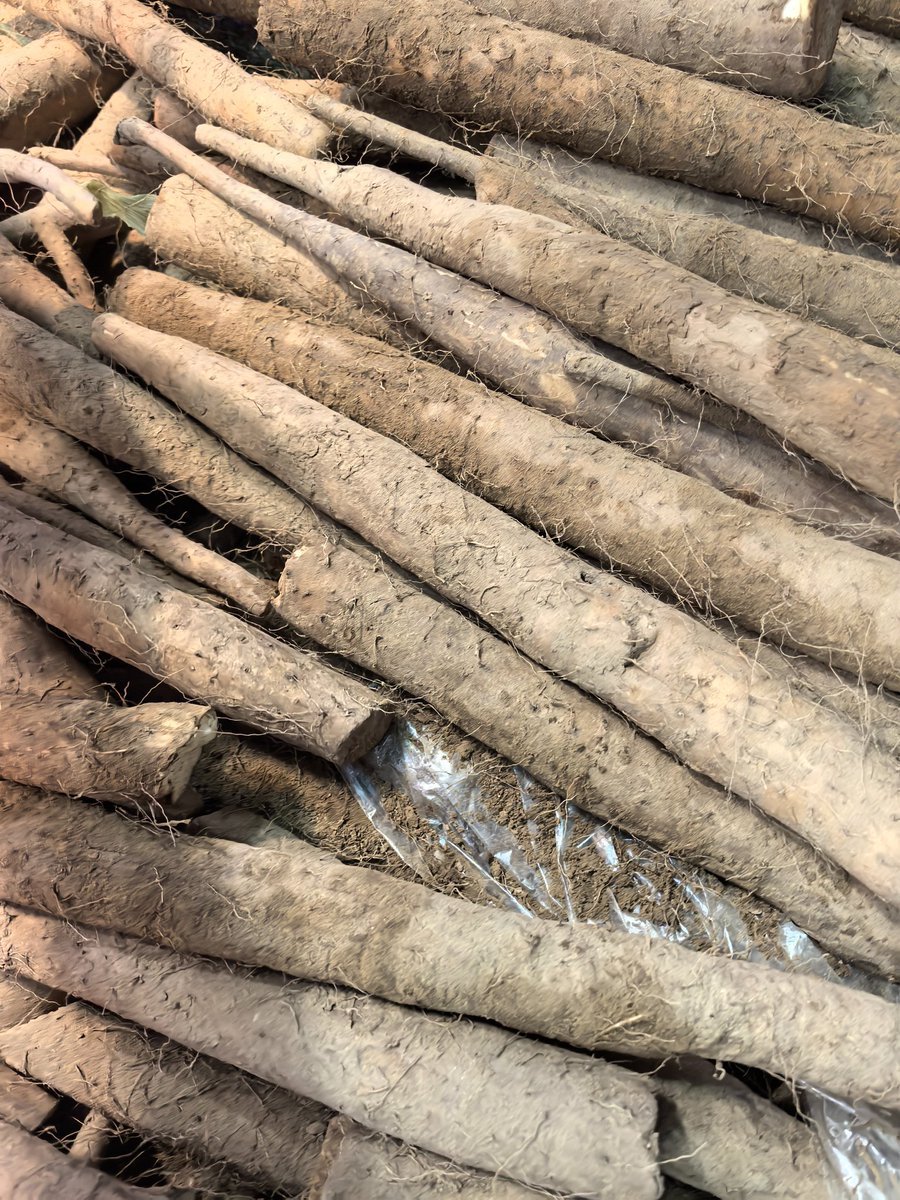
Yam Product Packaging Design Prompt
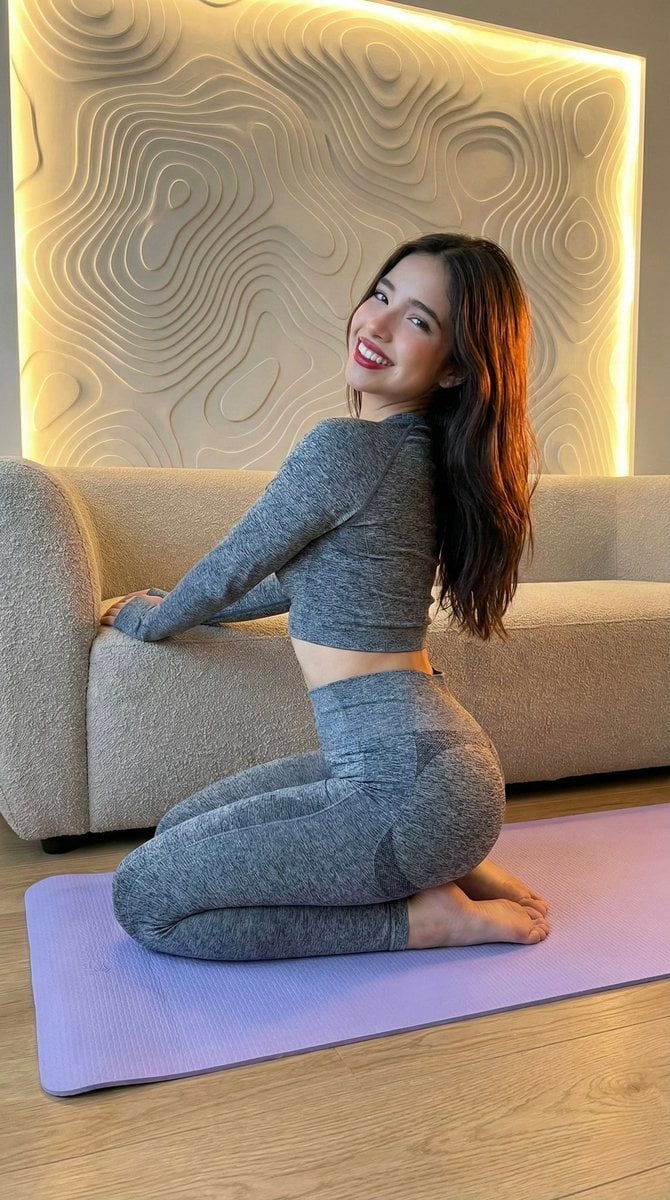
High-Fidelity Fitness Portrait Prompt (Identity Locking)
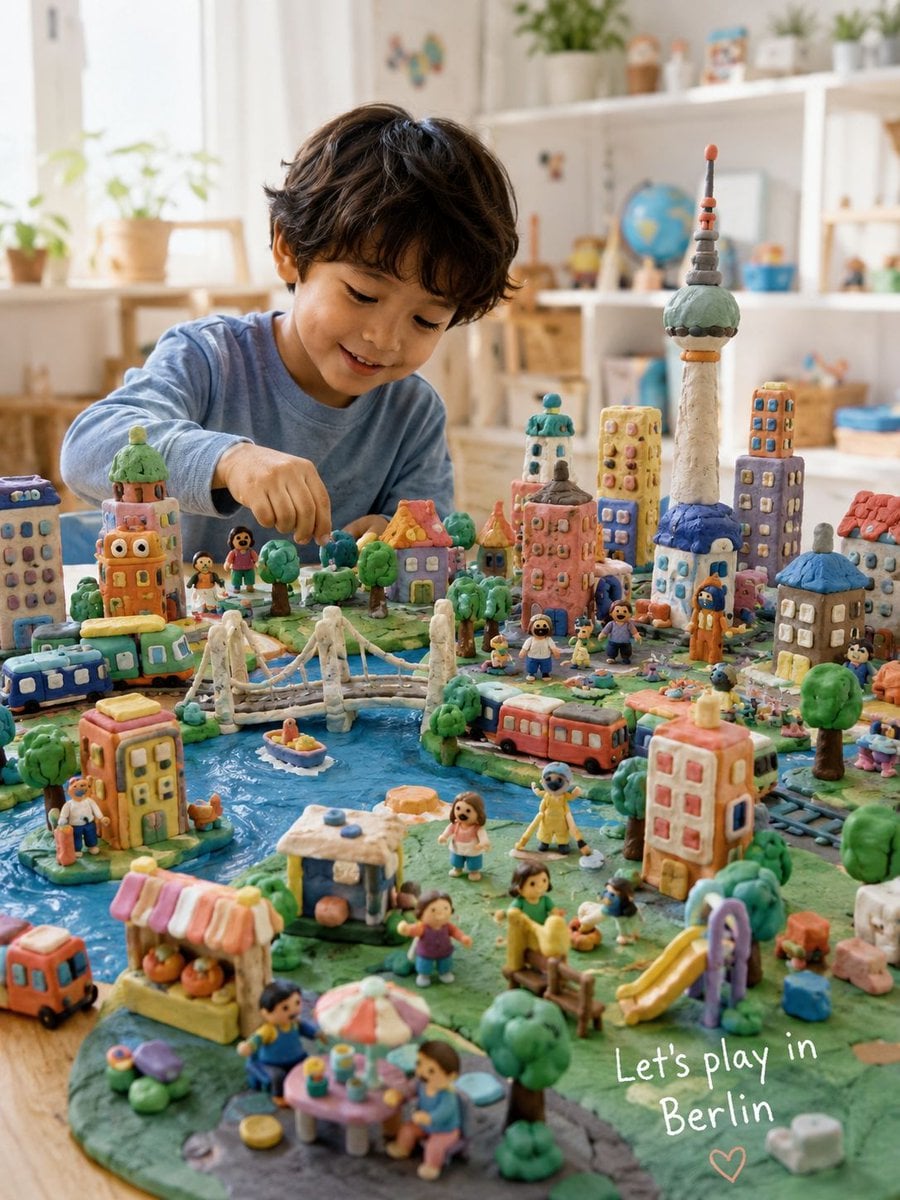
Handmade Play-Doh City Scene

Simple YouTube Thumbnail Generation Prompt
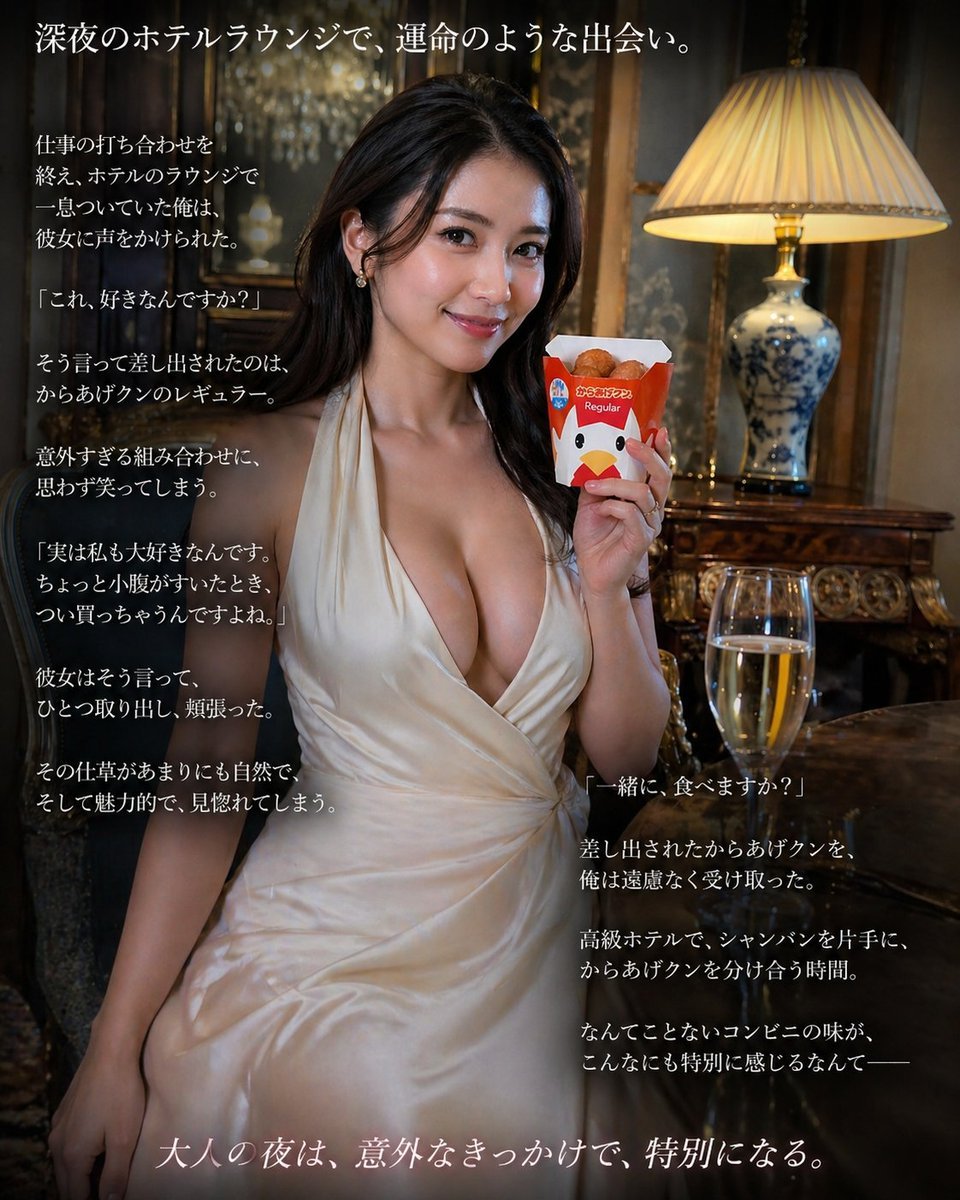
Cinematic Hotel Lounge Portrait
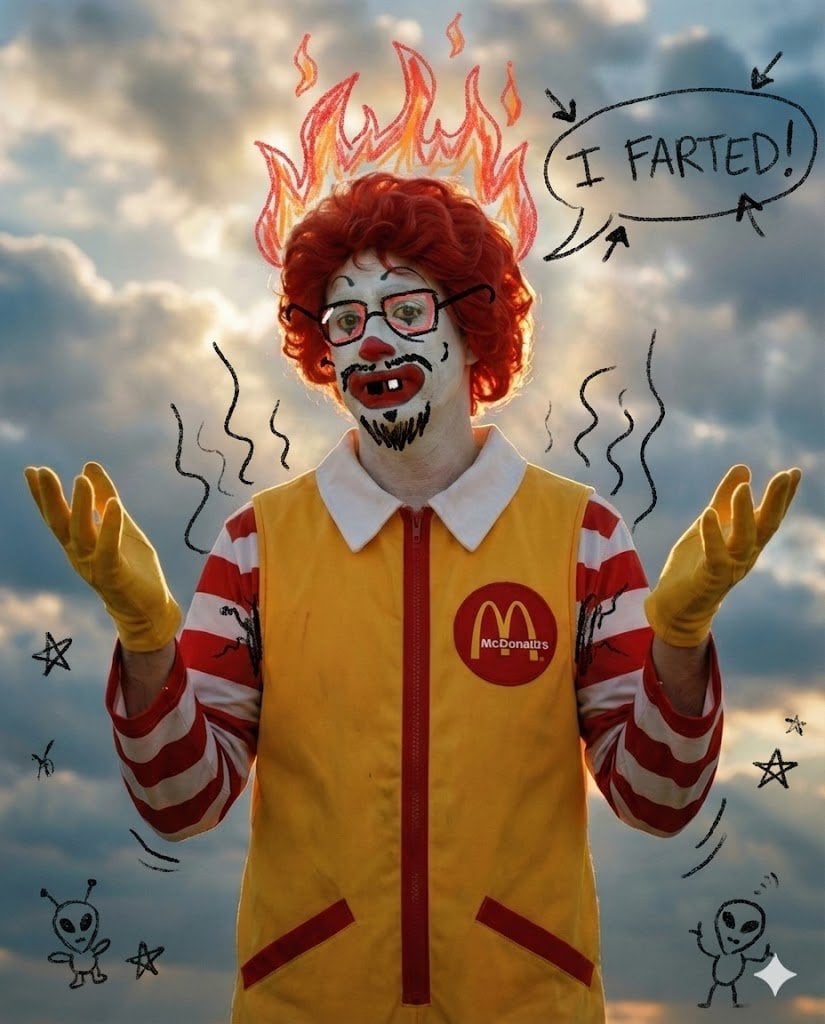
Nano Banana Pro Silly Doodle Generation Prompt
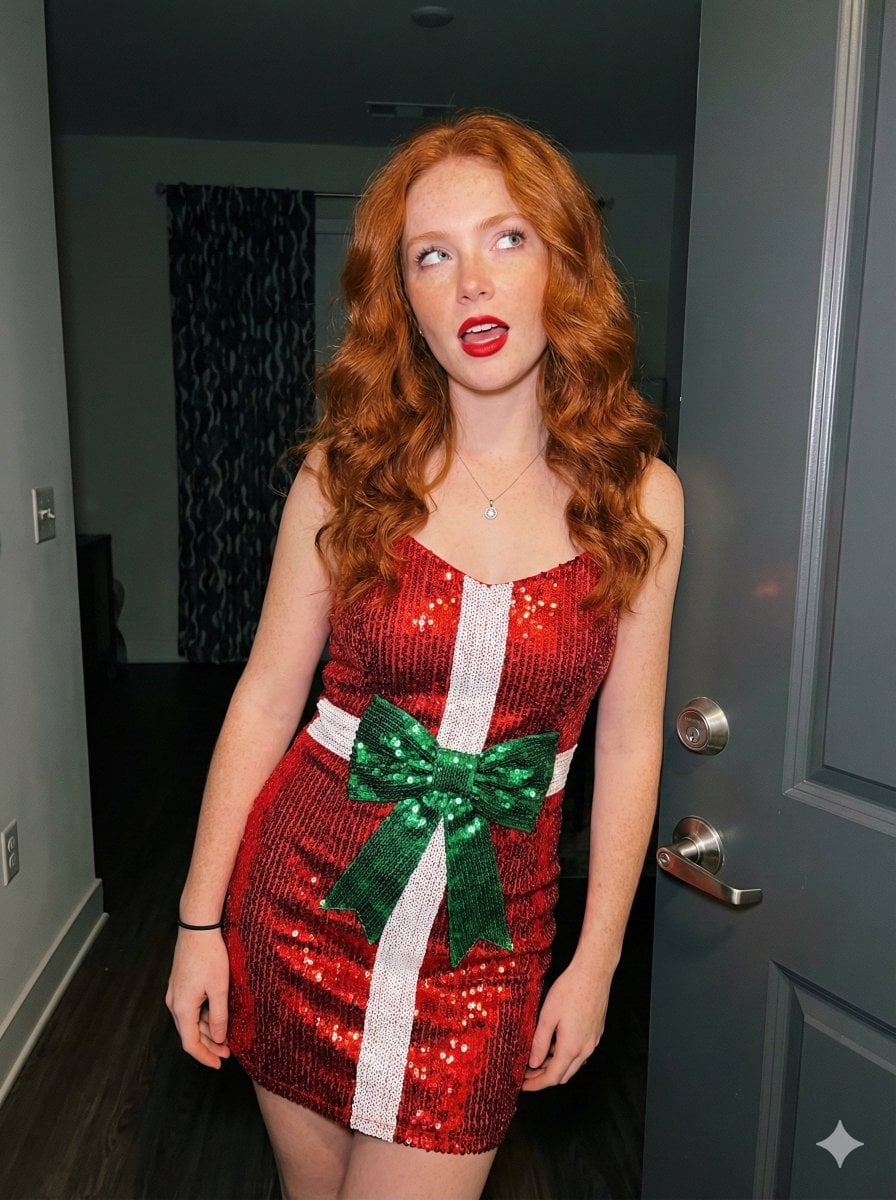
Candid Holiday Portrait with Sequin Dress and Red Hair
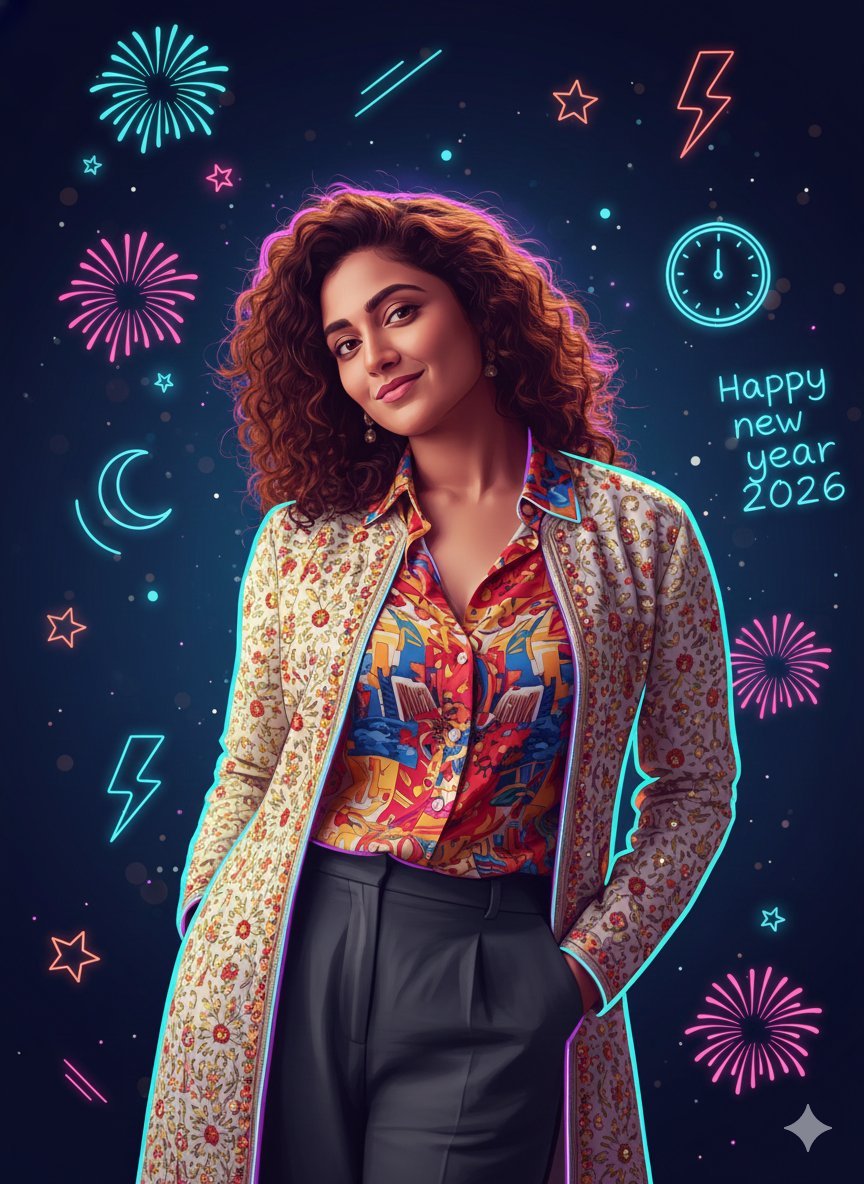
Sigma Dark Neon New Year 2026 Doodle Illustration Prompt
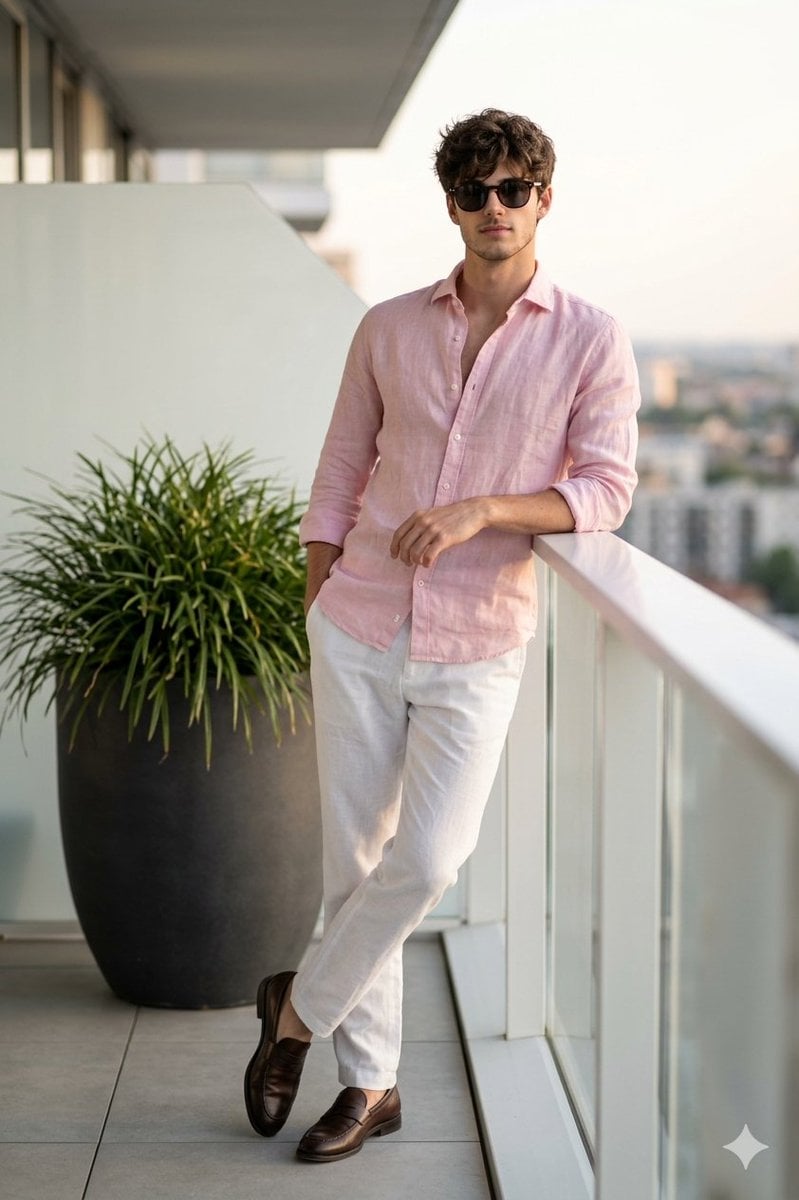
Cinematic Portrait of a Man on a Luxury Balcony
Browse template categories
Cute Tilted Street Selfie Illustration questions
How do I use the Cute Tilted Street Selfie Illustration template?
Add your photo if the template asks for one, edit the prompt if you like — the template's model and format are already selected — and press Generate. Your version opens in PicX Studio.
Can I customize the Cute Tilted Street Selfie Illustration template?
Yes. You can change the subject, setting, lighting, mood, format, and available model controls before creating your image.
Is the Cute Tilted Street Selfie Illustration template free?
Opening and editing this template is free. Generating uses credits, shown on the Generate button when you are signed in.
Which AI model should I use?
Start with GPT Image 2, which is the model associated with this template. You can compare another compatible model for a different finish.
Looking for something else? Browse all templates.

Your photo, any look
Thousands of ready templates for every top image and video model, from one credit balance.