How do I use the Y2K Aesthetic Digital Scrapbook template?
Choose the primary action to open PicX Studio with the available template settings. Review the model and format, personalize the creative direction, and generate when ready.
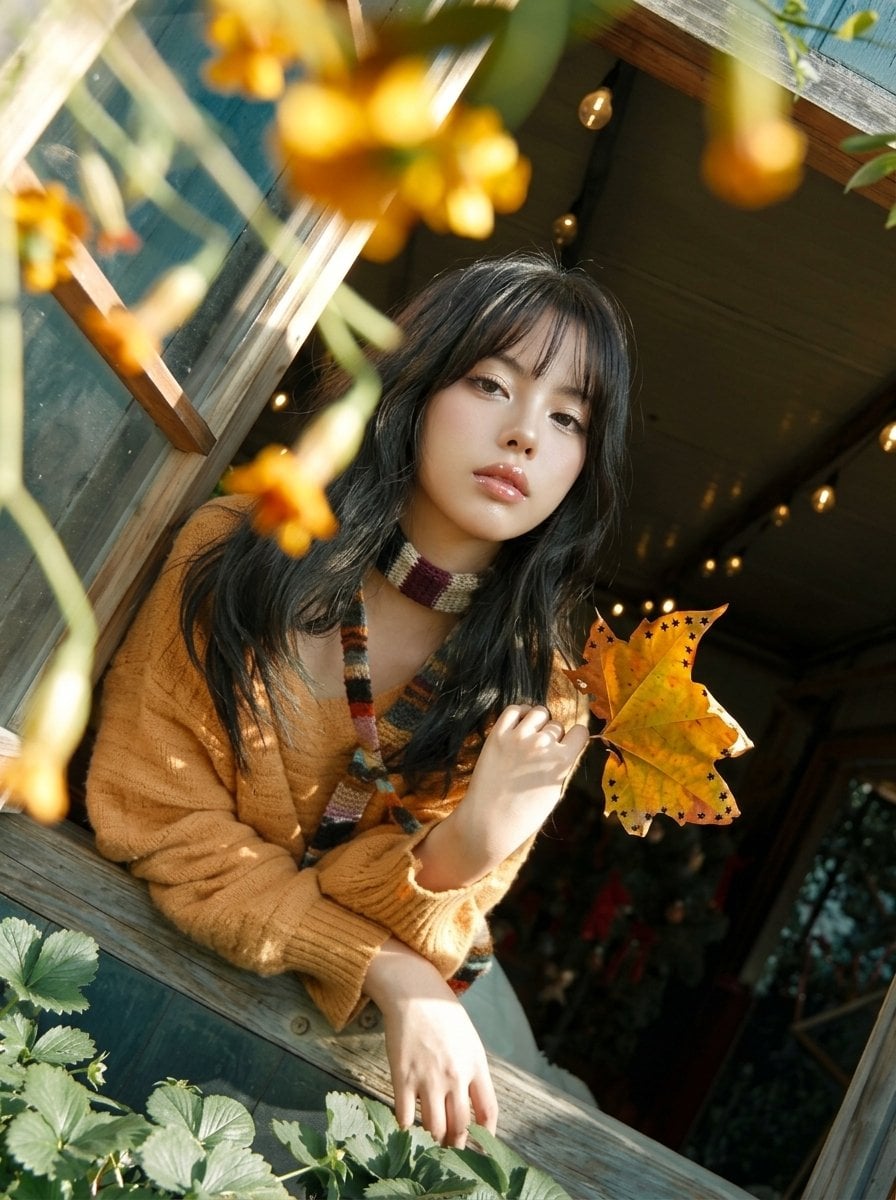
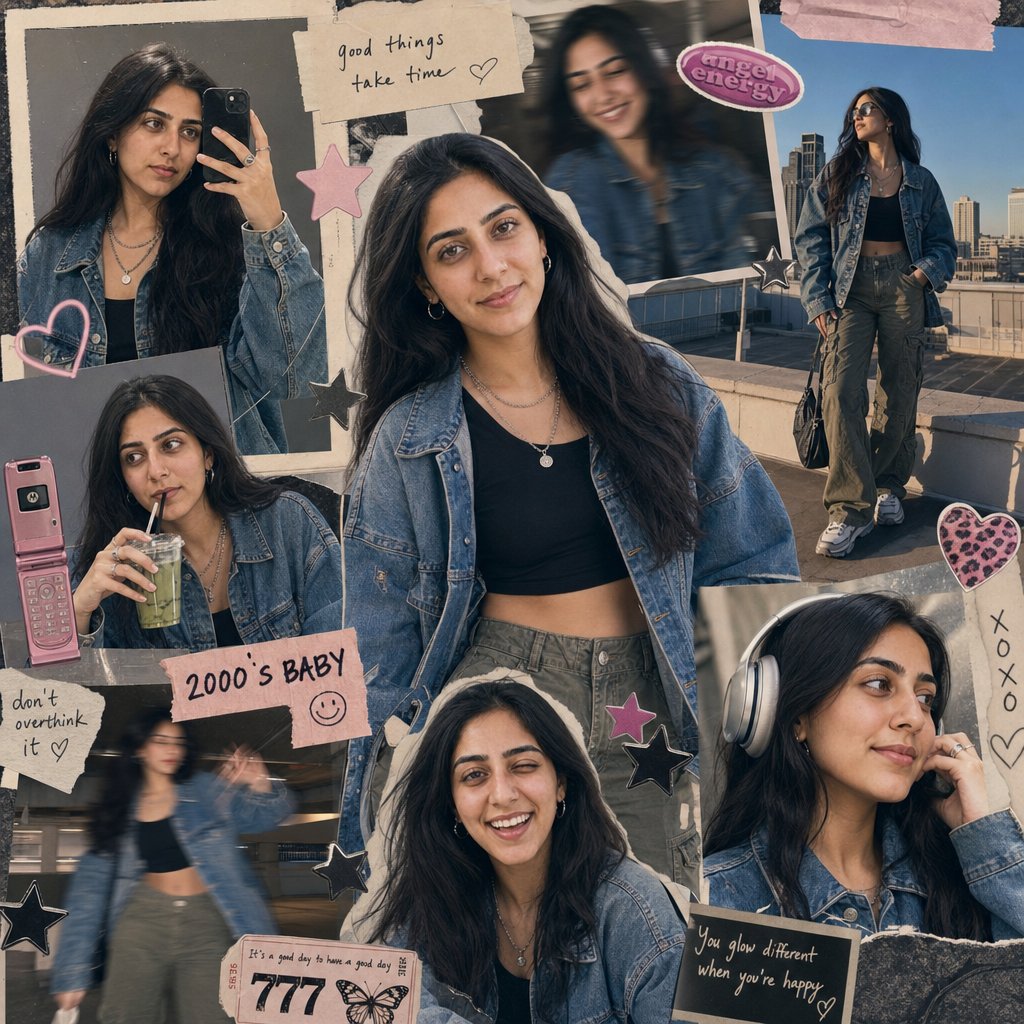
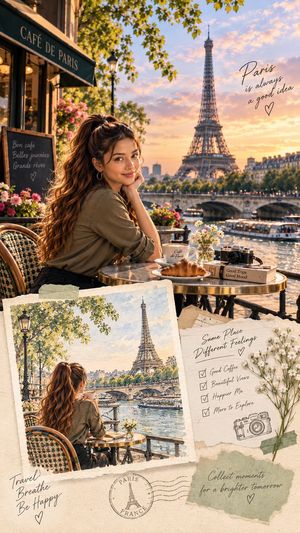
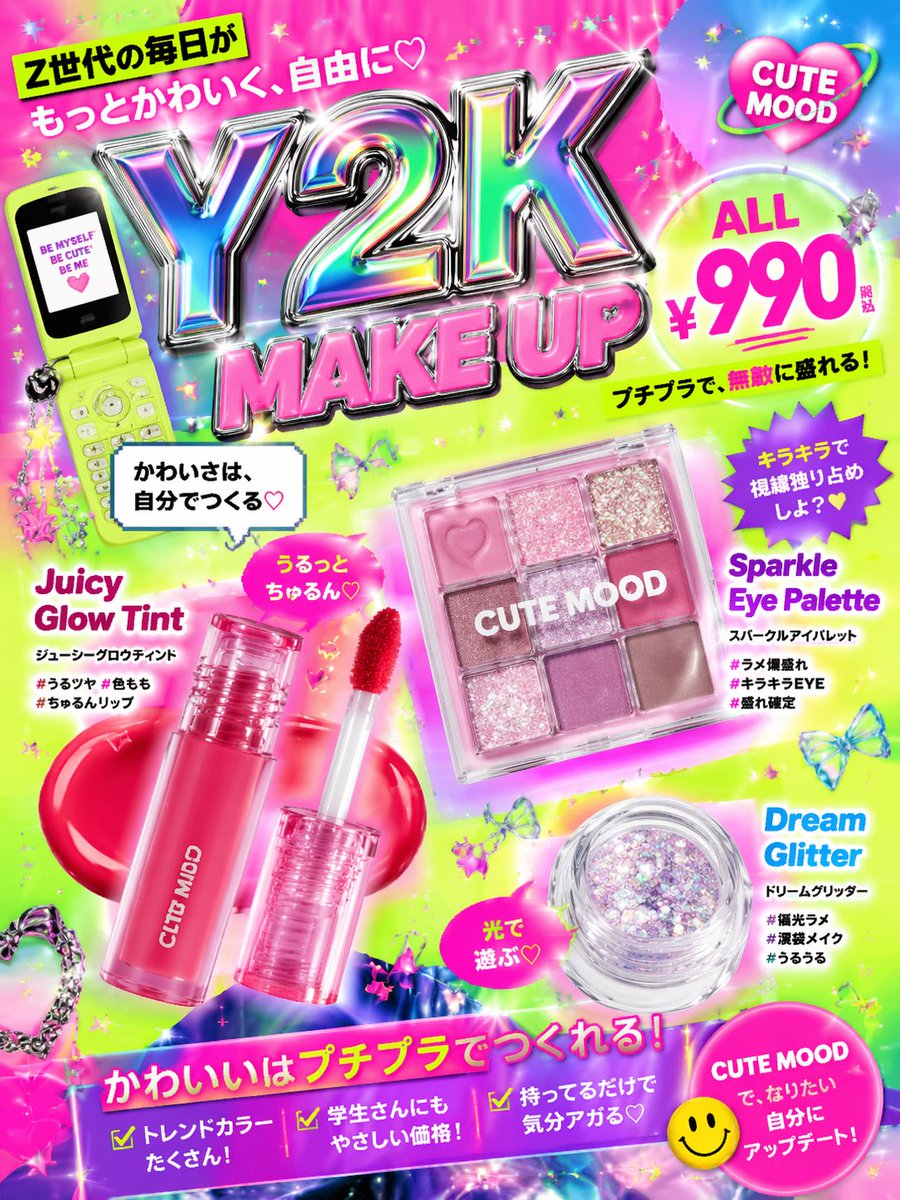
A comprehensive prompt for creating a vibrant Y2K-style digital scrapbook collage with K-pop idol visuals, stickers, and textured pink backgrounds.
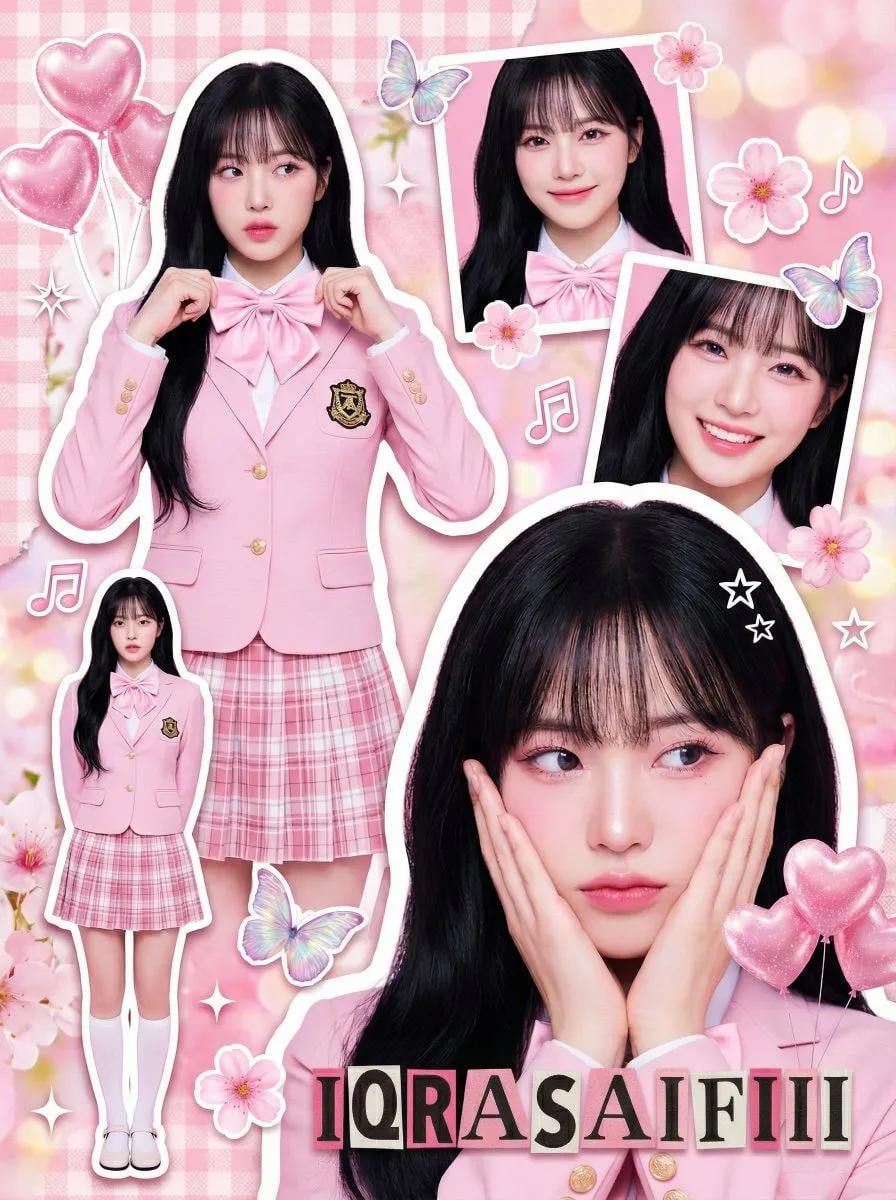
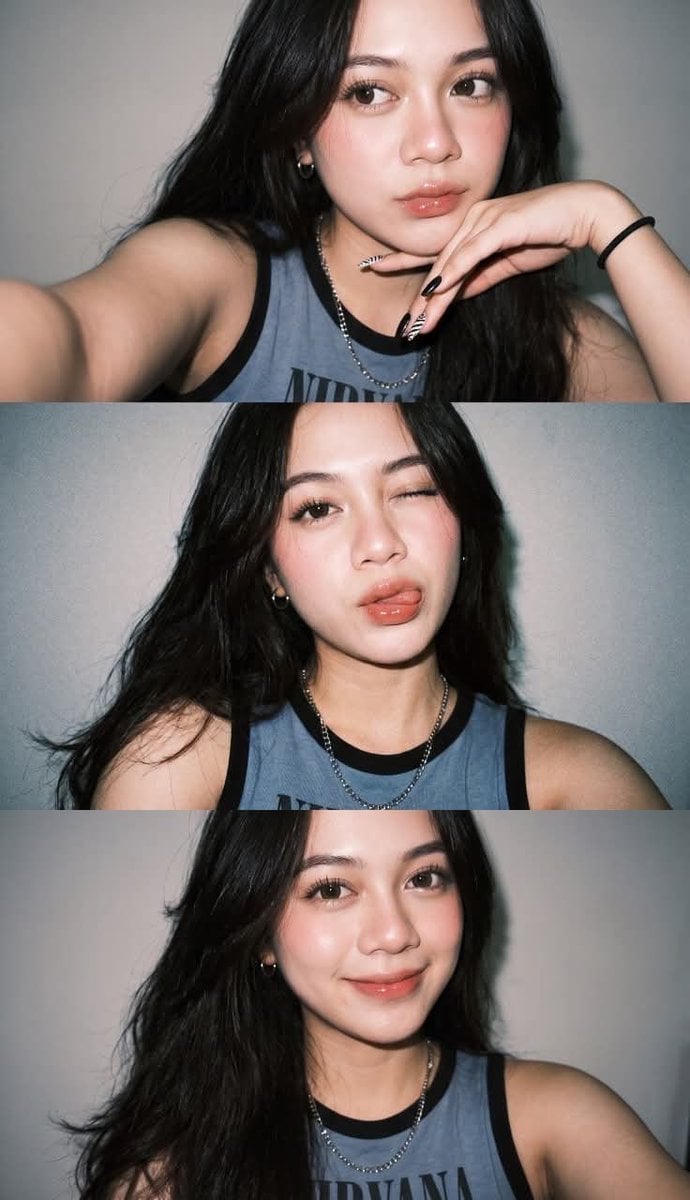
"A crowded, vibrant composition featuring multiple photographic cutouts of the same subject layered over a {argument name="background color" default="textured pink background"}.", "key_elements": "White sticker outlines around the subject cuts, sparkle effects, floating graphics, and ransom-note style text." }, "subject_details": { "demographics": "{argument name="subject description" default="Young Asian woman (K-pop idol visual)"}, fair porcelain skin, soft feminine features.", "hair": "Long, voluminous jet-black hair with see-through bangs (air bangs). Styled straight or with very loose waves.", "makeup": "Pink-toned 'wonyoung' or 'douyin' makeup: gradient pink lips, heavy pink blush on apple of cheeks and nose tip, glitter eyeshadow, sharp eyeliner.", "jewelry": "Pearl drop earrings, delicate silver necklace, silver rings, and a baby pink digital watch (Casio style) with a beaded bracelet." }, "outfit_details": { "style": "{argument name="clothing style" default="High-teen / Preppy School Uniform"}.", "garments": { "outer": "Pastel pink fitted blazer with dark grey piping and a gold school crest emblem on the pocket.", "inner": "White button-up shirt.", "neckwear": "Large pink satin bow tie.", "bottom": "Pink and white plaid pleated mini skirt.", "legwear": "White knee-high socks.", "footwear": "White Mary Jane shoes." } }, "pose_layout_breakdown": { "main_portrait_bottom_right": "Large close-up. Subject holding both hands against her cheeks (flower pose), looking slightly to the side with a dreamy expression.", "upper_left_cutout": "Waist-up shot. Subject adjusting her bow tie with both hands, looking forward.", "full_body_insert_bottom_left": "Miniature full-body cutout. Standing straight with arms at sides, neutral sweet pose.", "top_right_cutout": "Headshot. Smiling gently at the camera.", "middle_right_cutout": "Close-up. Smiling brightly." }, "graphic_overlays": { "stickers": "Pink heart balloons, iridescent butterflies, cherry blossom flowers, music notes, white stars.", "text": "Ransom-note style text reading 'IQRASAIFIII' at the bottom.", "background_texture": "Pink gingham pattern mixed with floral textures and soft bokeh." }, "camera_technical_values": { "source_photography_style": "High-end Commercial Studio Portraiture.", "focal_length": "85mm (Flattering portrait lens for the cutouts).", "aperture": "f/4.0 (Sharp focus on subject faces).", "shutter_speed": "N/A (Collage).", "iso": "ISO 100.", "lighting_setup": "High-Key Beauty Lighting. Large bright softbox from the front to eliminate shadows on the face. Ring light reflections visible in the eyes.", "color_grading": "Pastel pink dominant, high saturation, slightly overexposed for a 'bloom' effect." }
Choose the primary action to open PicX Studio with the available template settings. Review the model and format, personalize the creative direction, and generate when ready.
Yes. You can change the subject, setting, lighting, mood, format, and available model controls before creating your image.
This template is free to open and customize. Generation usage is shown in PicX Studio before you create.
Start with Nano Banana 2, which is the model associated with this template. You can compare another compatible model for a different finish.
Follow a topic to a crawlable collection of related PicX Studio templates.