How do I use the Minimalist Living Room Portrait template?
Choose the primary action to open PicX Studio with the available template settings. Review the model and format, personalize the creative direction, and generate when ready.
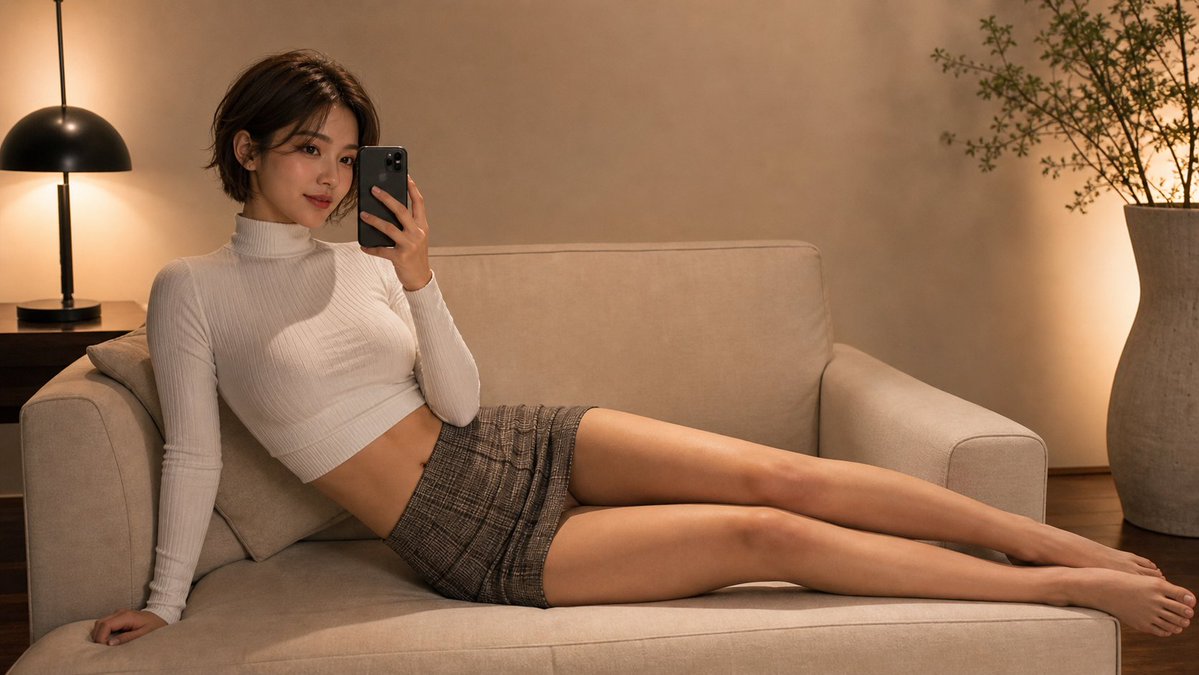
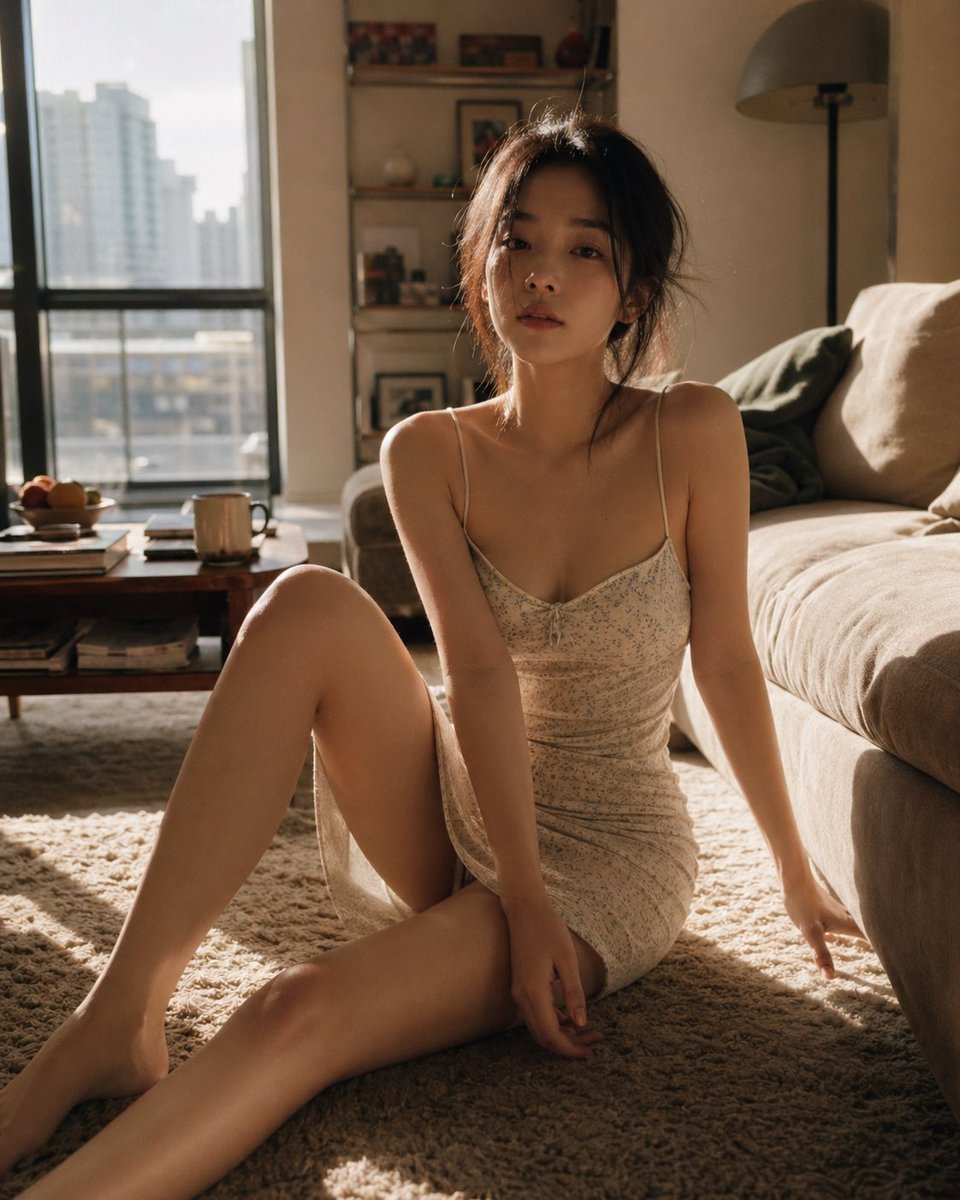
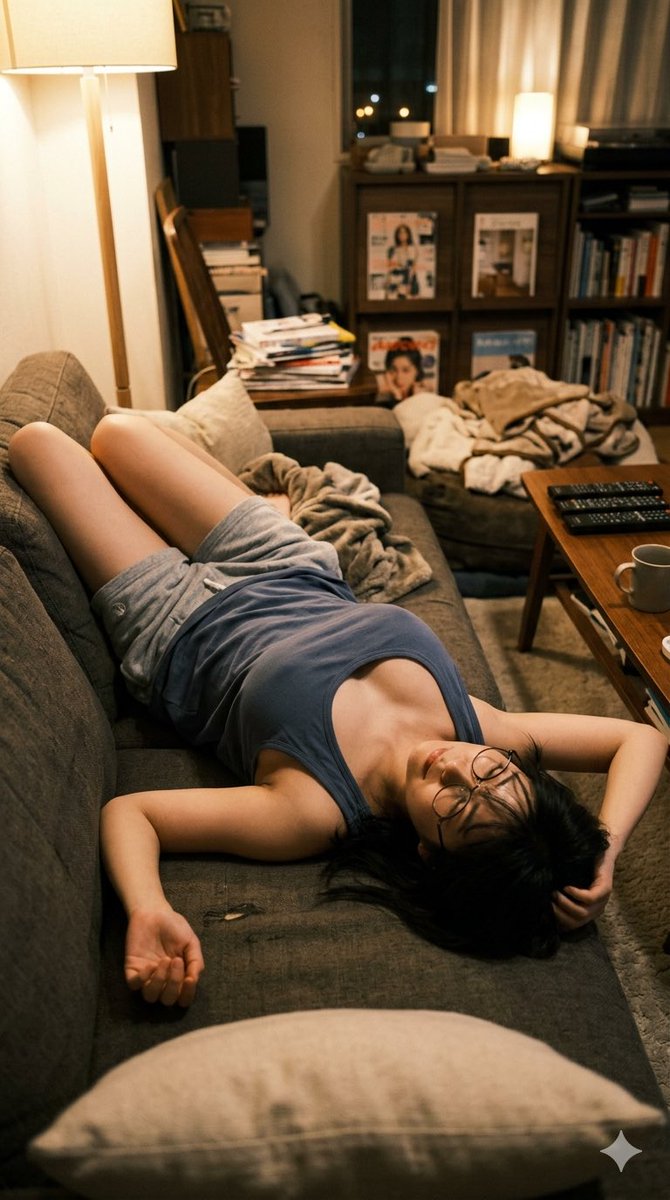
A cinematic prompt for a photorealistic portrait of a woman in a silver sequin dress, set in a minimalist modern living room.
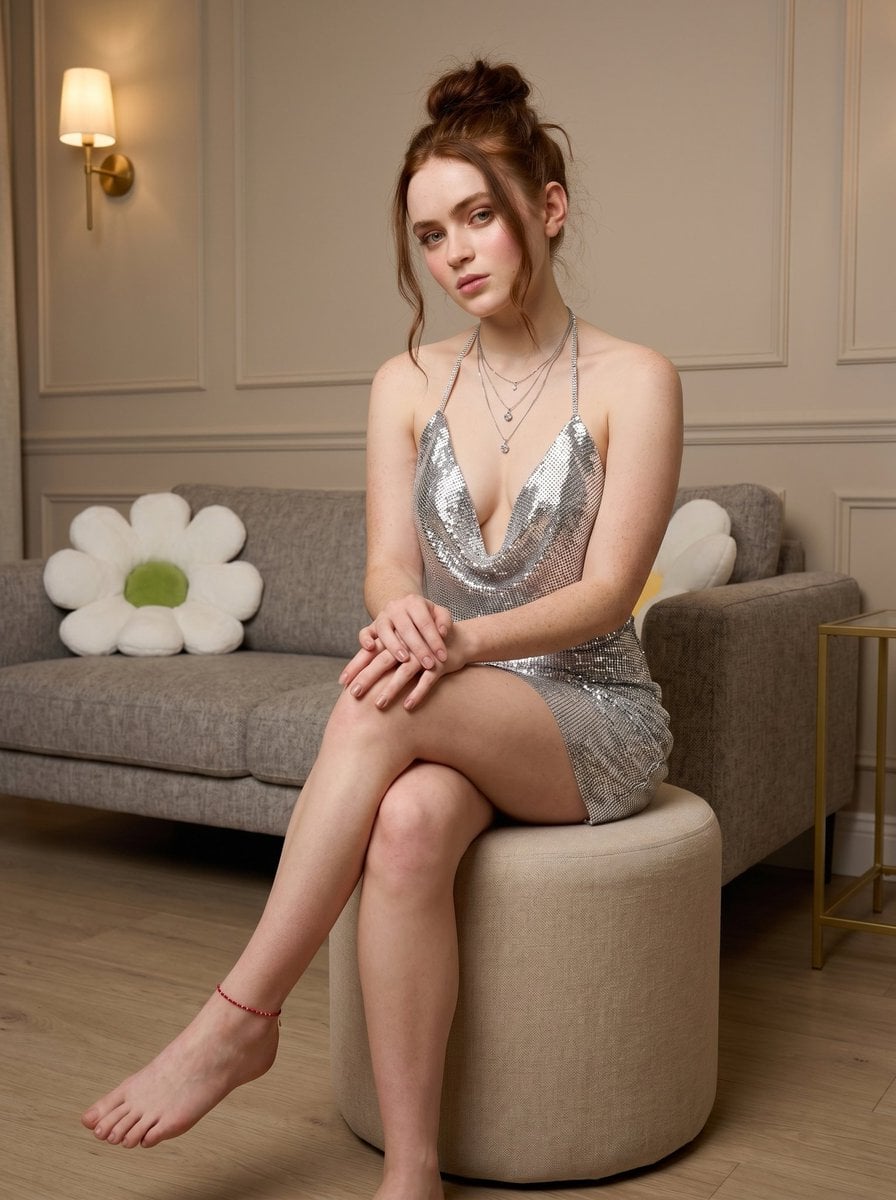
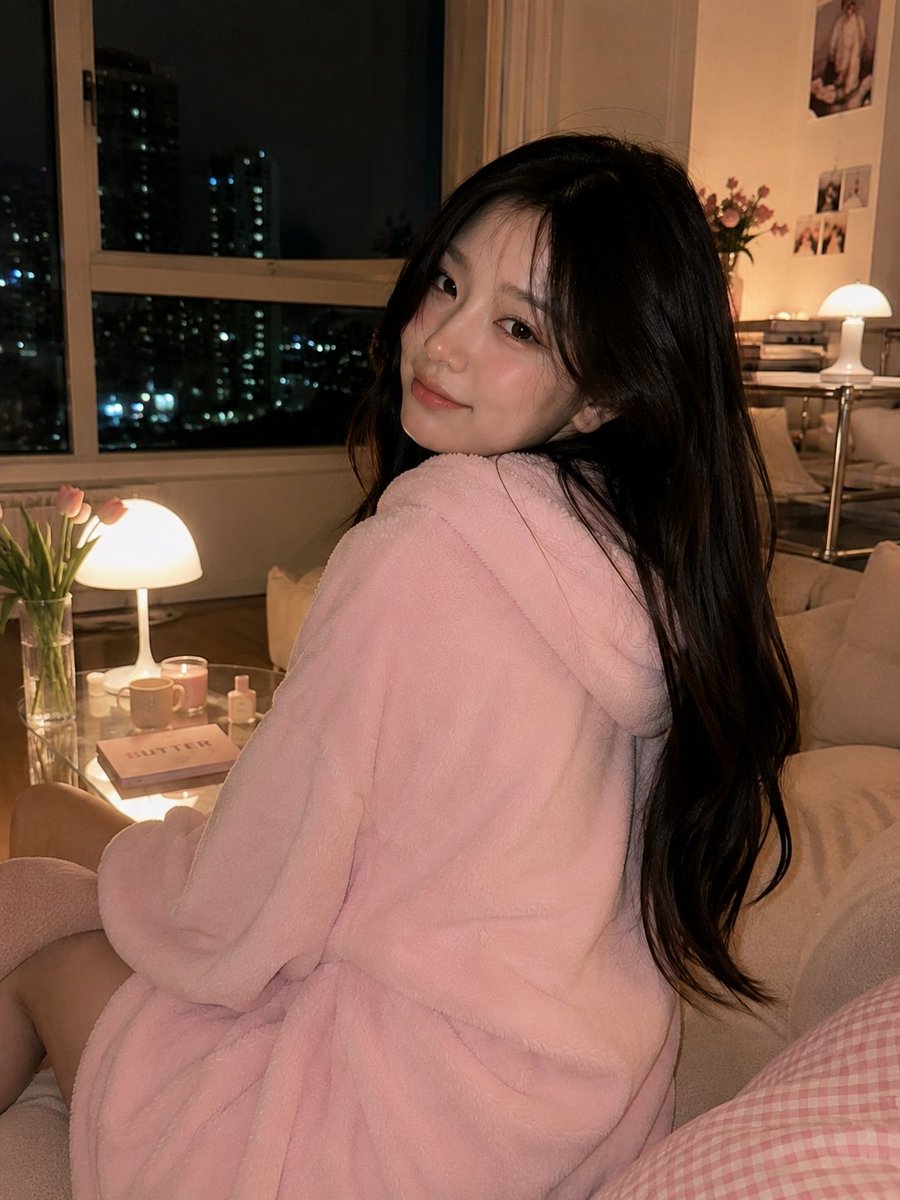
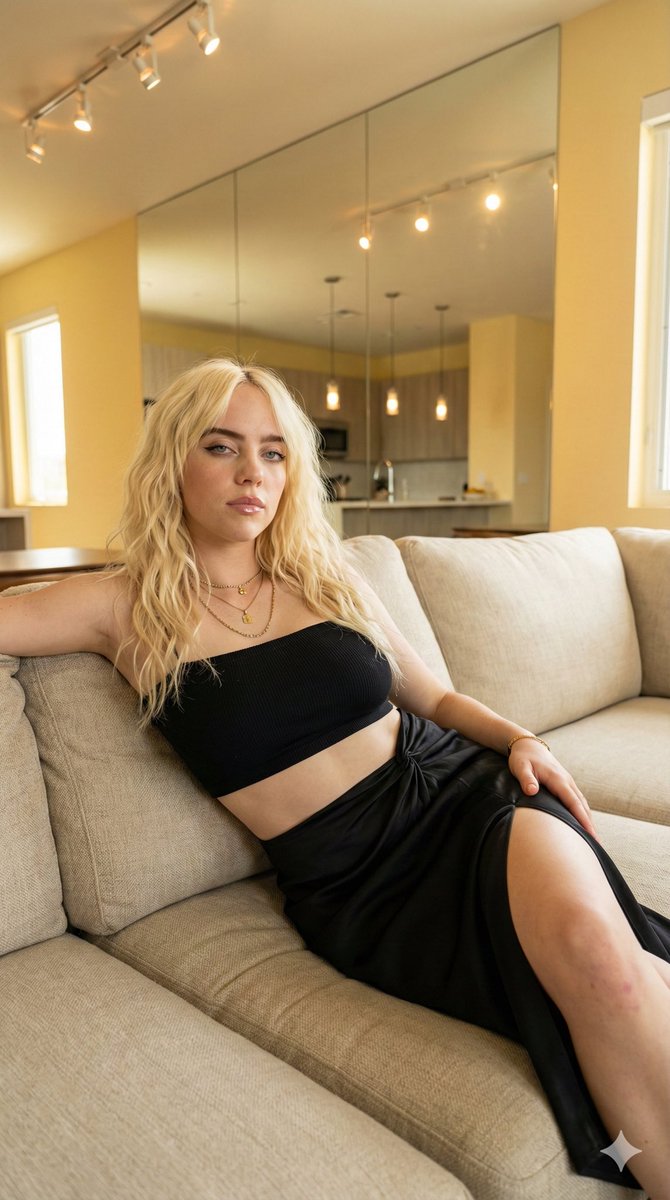
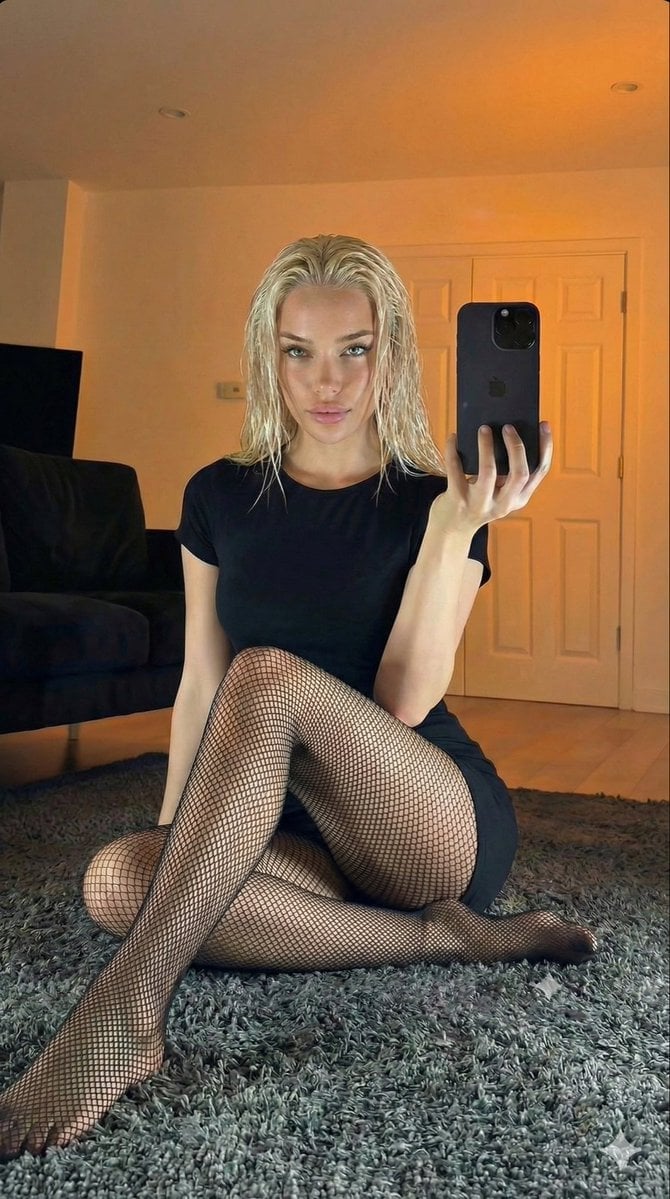
{ "prompt": "Photorealistic full-body portrait of a beautiful young woman with fair skin and light freckles, early 20s, striking blue-green eyes, subtle makeup with natural glow, long wavy reddish-brown hair styled in a messy high bun with loose strands framing her face. She is sitting elegantly on a round beige fabric ottoman in a modern minimalist living room, legs crossed with one bare foot extended forward. She wears a {argument name="dress style" default="short, tight-fitting silver sequin halter mini dress with deep plunging neckline and cowl drape"}, multiple layered delicate silver necklaces with pendants, and a thin red beaded anklet on her right ankle. Her hands are clasped together resting on her knee. Soft natural lighting from the side, warm ambient light from a modern wall sconce in the background. Detailed realistic skin texture, fabric shimmer on sequins, shallow depth of field. Background features a {argument name="background sofa" default="neutral-toned sofa with a large white daisy-shaped pillow (green center)"}, paneled walls, light wood flooring, and a small gold side table. Cinematic composition, highly detailed, 8k resolution, photorealistic, natural pose, elegant and confident expression with direct gaze slightly to the side", "negative_prompt": "blurry, low resolution, deformed, ugly, extra limbs, bad anatomy, watermark, text, cartoon, painting, illustration, overexposed, underexposed, plastic skin, doll-like, heavy makeup, distorted proportions, extra fingers, poorly drawn hands, childlike", "style": "photorealistic", "aspect_ratio": "9:16", "quality": "high", "model": "grok-imagine" }
Choose the primary action to open PicX Studio with the available template settings. Review the model and format, personalize the creative direction, and generate when ready.
Yes. You can change the subject, setting, lighting, mood, format, and available model controls before creating your image.
This template is free to open and customize. Generation usage is shown in PicX Studio before you create.
Start with Nano Banana 2, which is the model associated with this template. You can compare another compatible model for a different finish.
Follow a topic to a crawlable collection of related PicX Studio templates.