How do I use the Cinematic Subway Portrait template?
Choose the primary action to open PicX Studio with the available template settings. Review the model and format, personalize the creative direction, and generate when ready.
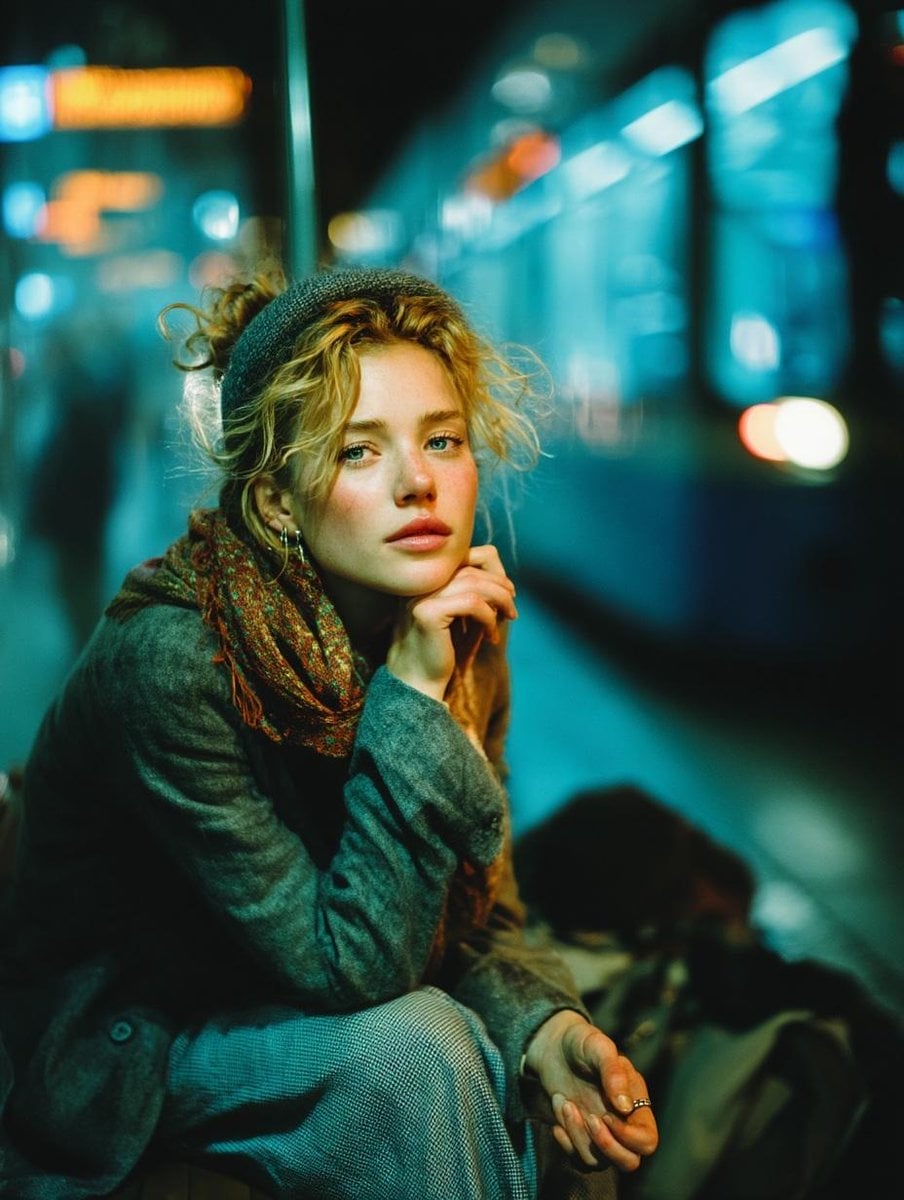
A moody, cinematic editorial portrait of a subject standing still amidst a motion-blurred crowd in a subway station.

Cinematic editorial portrait of a {argument name="subject" default="man in his early 30's"} standing motionless at the center of a moving crowd. Short {argument name="hair style" default="platinum blonde hair cut unevenly"} with loose strands falling across his forehead, icy blue eyes staring directly into the camera with a detached melancholic expression, fair skin with visible pores and faint redness around the cheeks, defined jawline, slightly parted lips. He wears a {argument name="outfit" default="dark charcoal herringbone tweed blazer"} with subtle vertical pinstripes layered over an olive-green button-up shirt with the collar unbuttoned. Surrounding him, blurred silhouettes of commuters caught in heavy radial motion blur - heads, shoulders, hair streaking outward from the frame edges - while only he remains in perfect razor-sharp focus. Dimly lit underground subway station setting, atmospheric haze drifting through the air, moody desaturated teal-green color grade with warm amber highlights on his face. Deep crushed shadows, strong vignette around the corners, shallow depth of field, 35mm film aesthetic with subtle grain, cinematic overhead lighting. Mood of isolation, introspection, melancholy. Hyper-realistic photographic quality, fashion editorial style, vertical composition, no AI artifacts, zero plastic skin texture.
Choose the primary action to open PicX Studio with the available template settings. Review the model and format, personalize the creative direction, and generate when ready.
Yes. You can change the subject, setting, lighting, mood, format, and available model controls before creating your image.
This template is free to open and customize. Generation usage is shown in PicX Studio before you create.
Start with Nano Banana 2, which is the model associated with this template. You can compare another compatible model for a different finish.
Follow a topic to a crawlable collection of related PicX Studio templates.