How do I use the Vibrant Whimsical Fish Illustration template?
Choose the primary action to open PicX Studio with the available template settings. Review the model and format, personalize the creative direction, and generate when ready.
A cheerful, flat illustration prompt for various colorful cartoonish fish swimming in a whimsical composition.
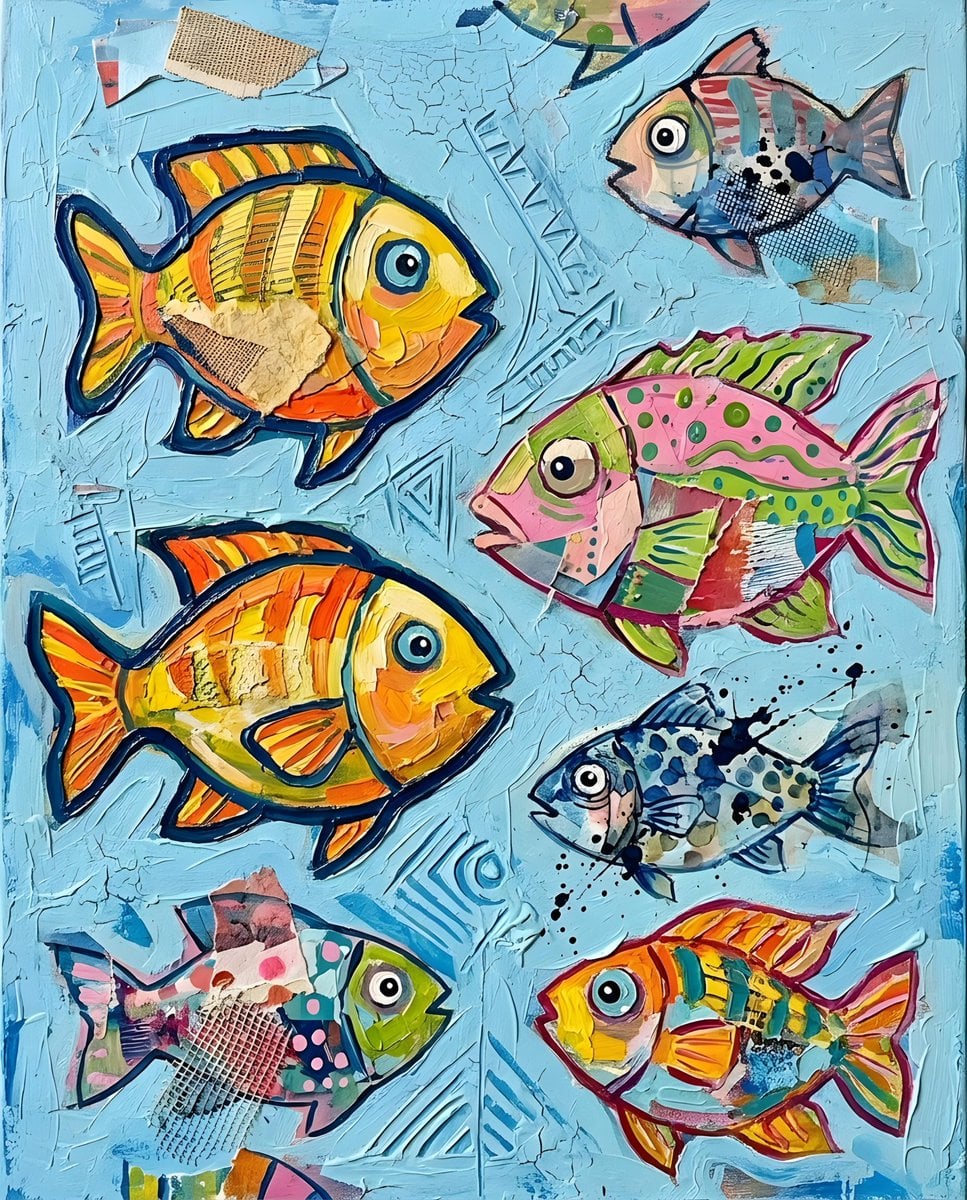
{argument name="style" default="A vibrant, flat illustration of various colorful fish swimming against a light blue background. The fish are depicted in a whimsical, cartoonish style with bold outlines and simple patterns"}. They are arranged in a scattered, playful composition, with some overlapping and others swimming in different directions. The color palette is bright and cheerful, featuring {argument name="colors" default="shades of yellow, pink, orange, blue, green, and gray"}. Each {argument name="subject" default="fish"} has a unique pattern, such as stripes, dots, or wavy lines, adding to the overall playful and energetic feel of the artwork.
Choose the primary action to open PicX Studio with the available template settings. Review the model and format, personalize the creative direction, and generate when ready.
Yes. You can change the subject, setting, lighting, mood, format, and available model controls before creating your image.
This template is free to open and customize. Generation usage is shown in PicX Studio before you create.
Start with Nano Banana 2, which is the model associated with this template. You can compare another compatible model for a different finish.
Follow a topic to a crawlable collection of related PicX Studio templates.