How do I use the Cinematic Overhead Street Style Shot template?
Choose the primary action to open PicX Studio with the available template settings. Review the model and format, personalize the creative direction, and generate when ready.
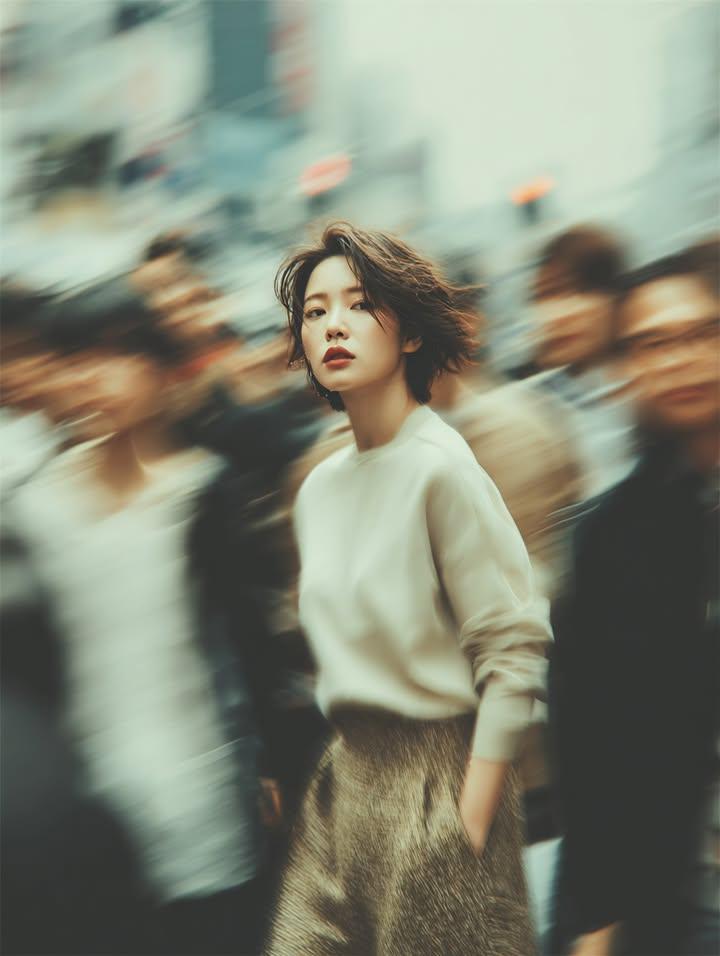
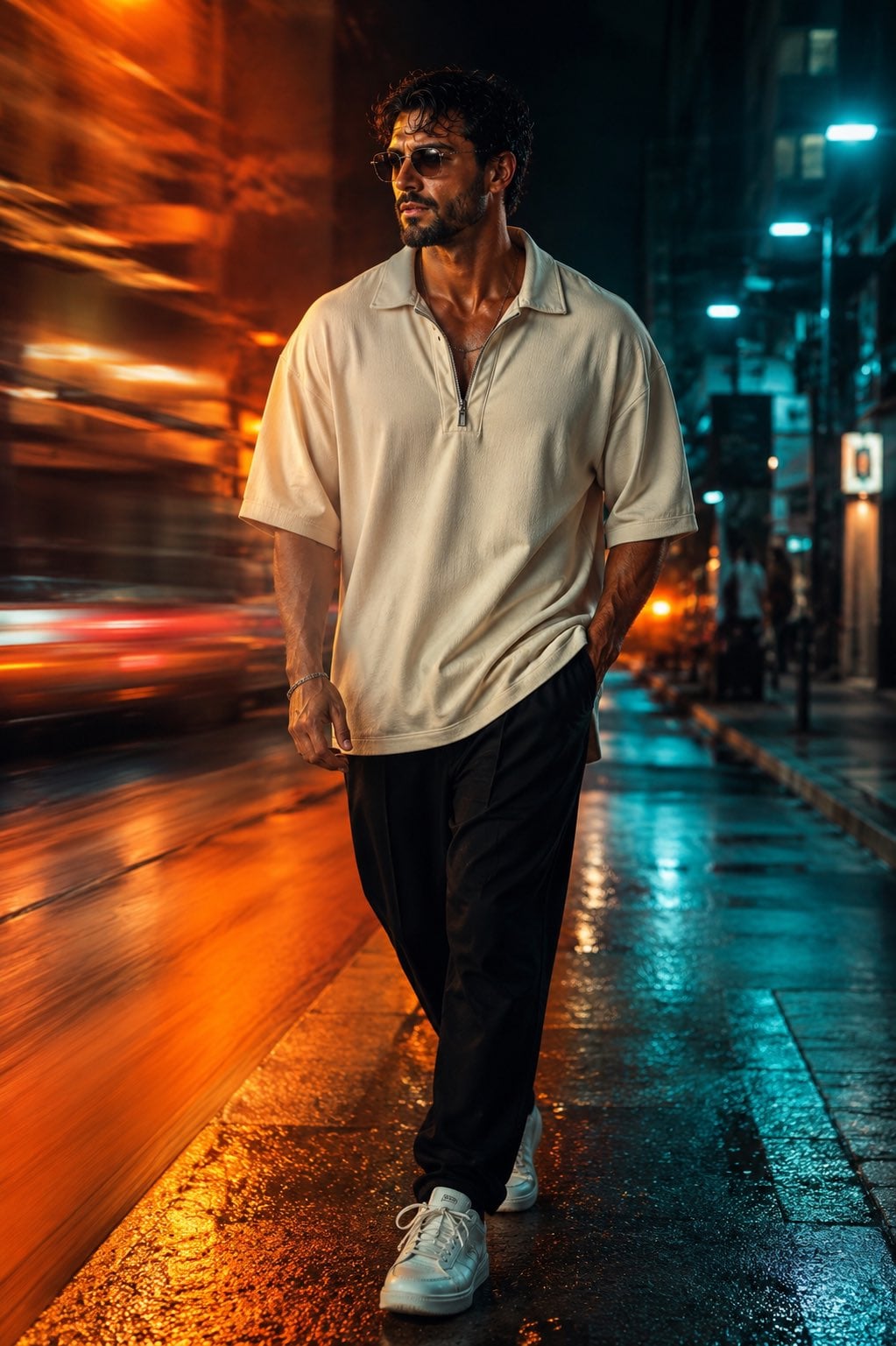
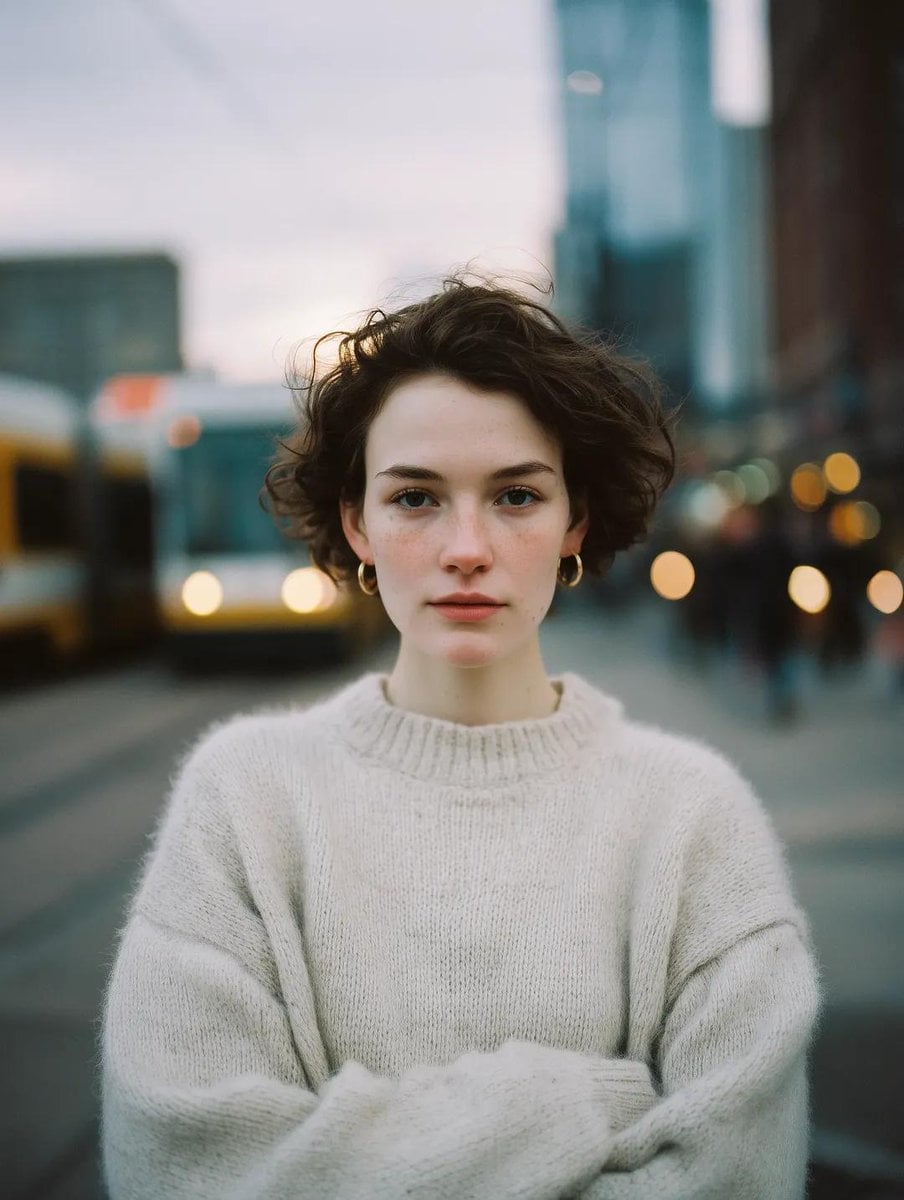
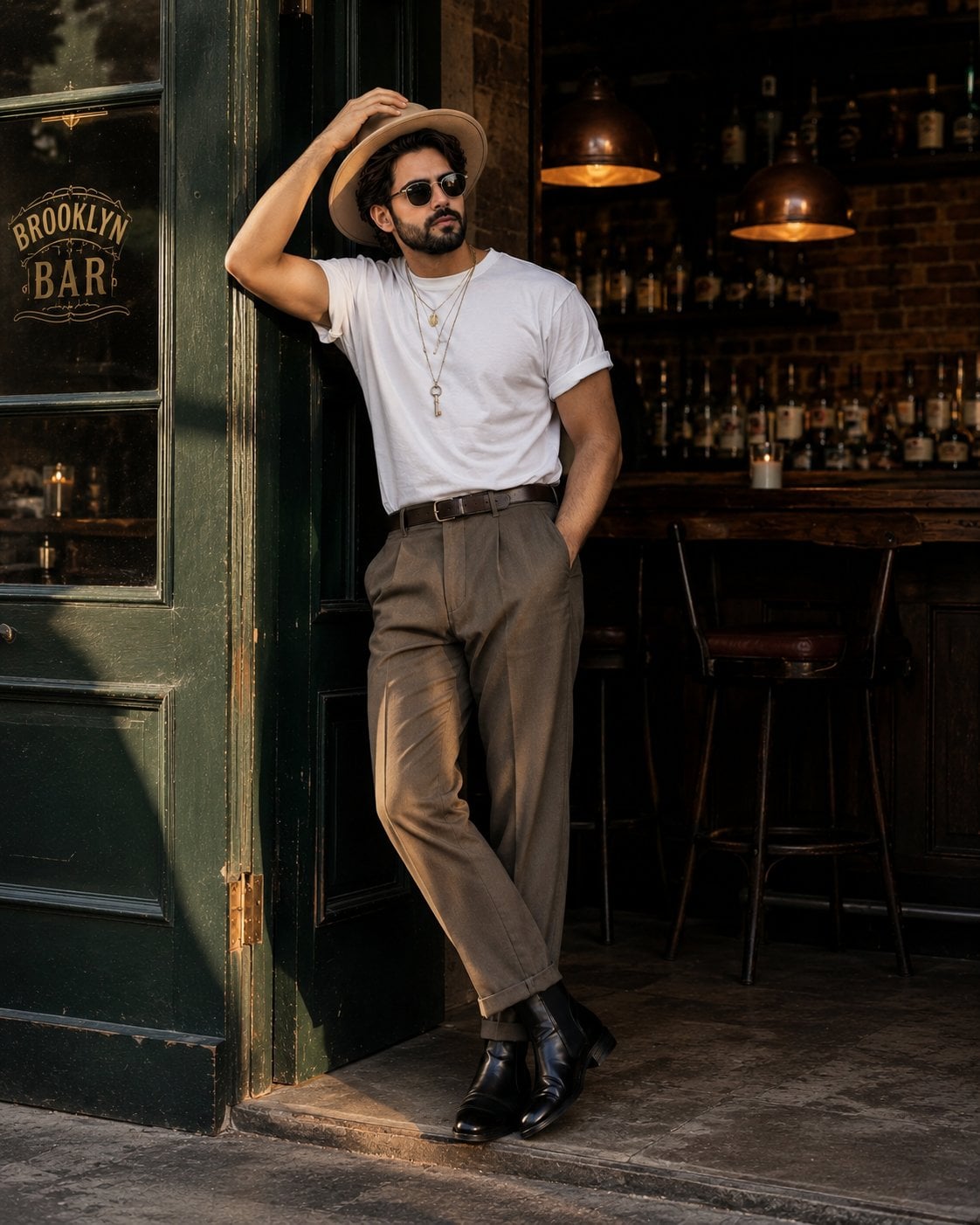
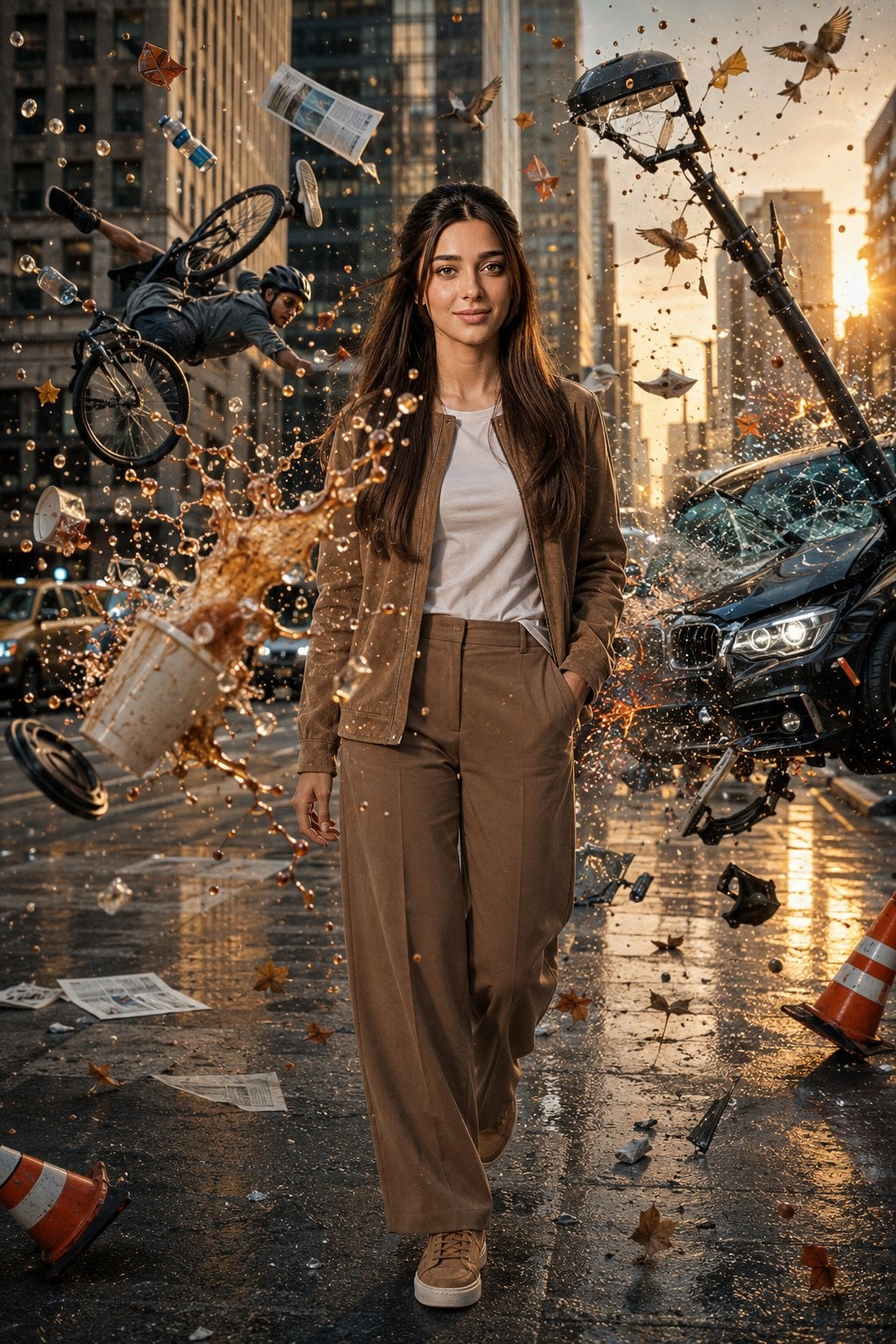
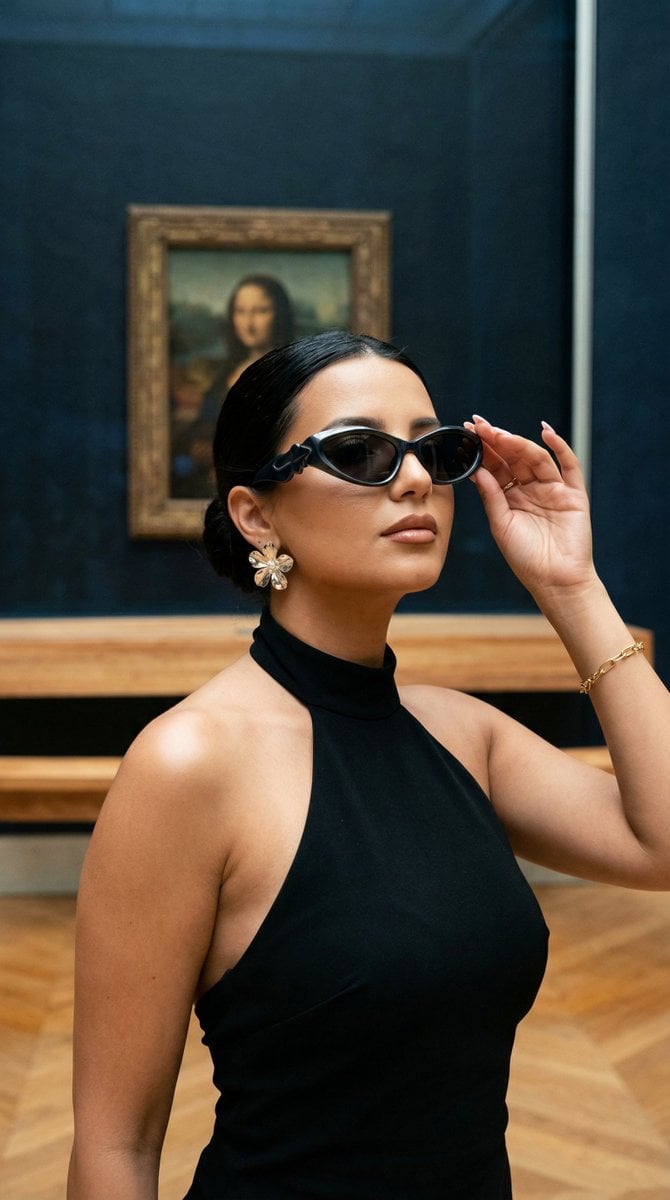
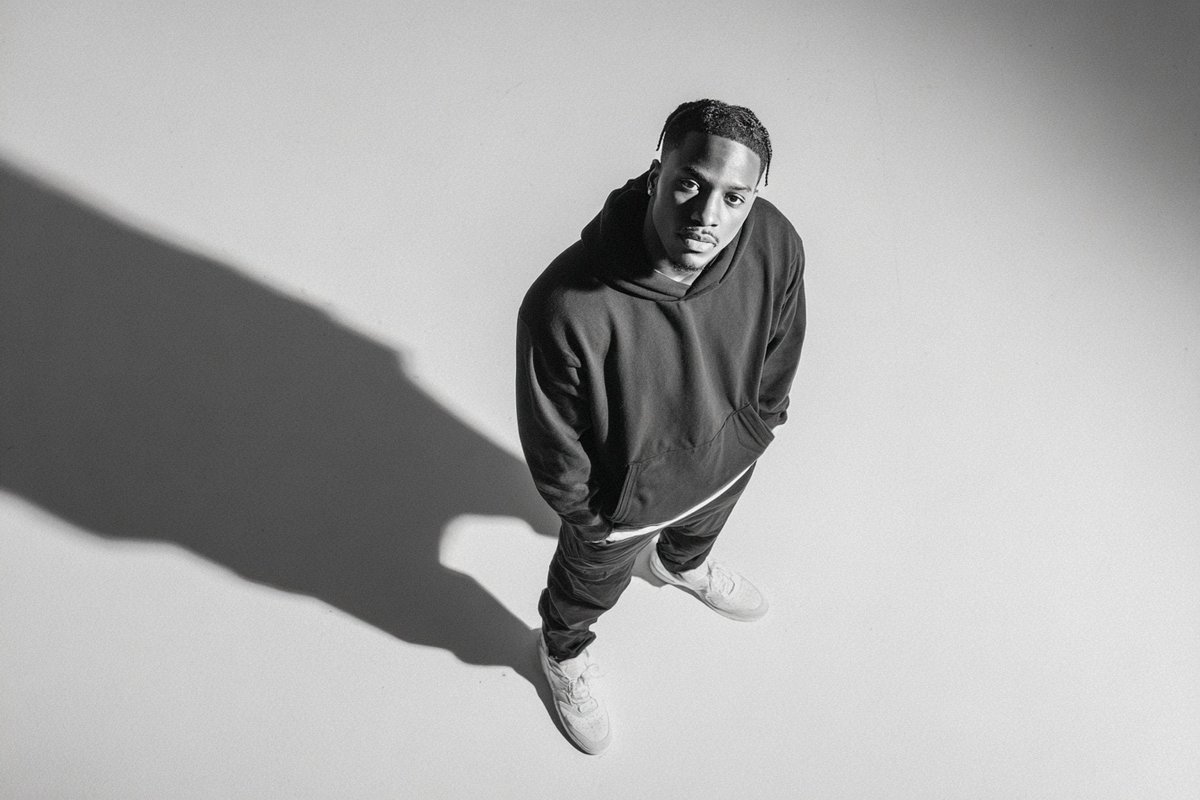
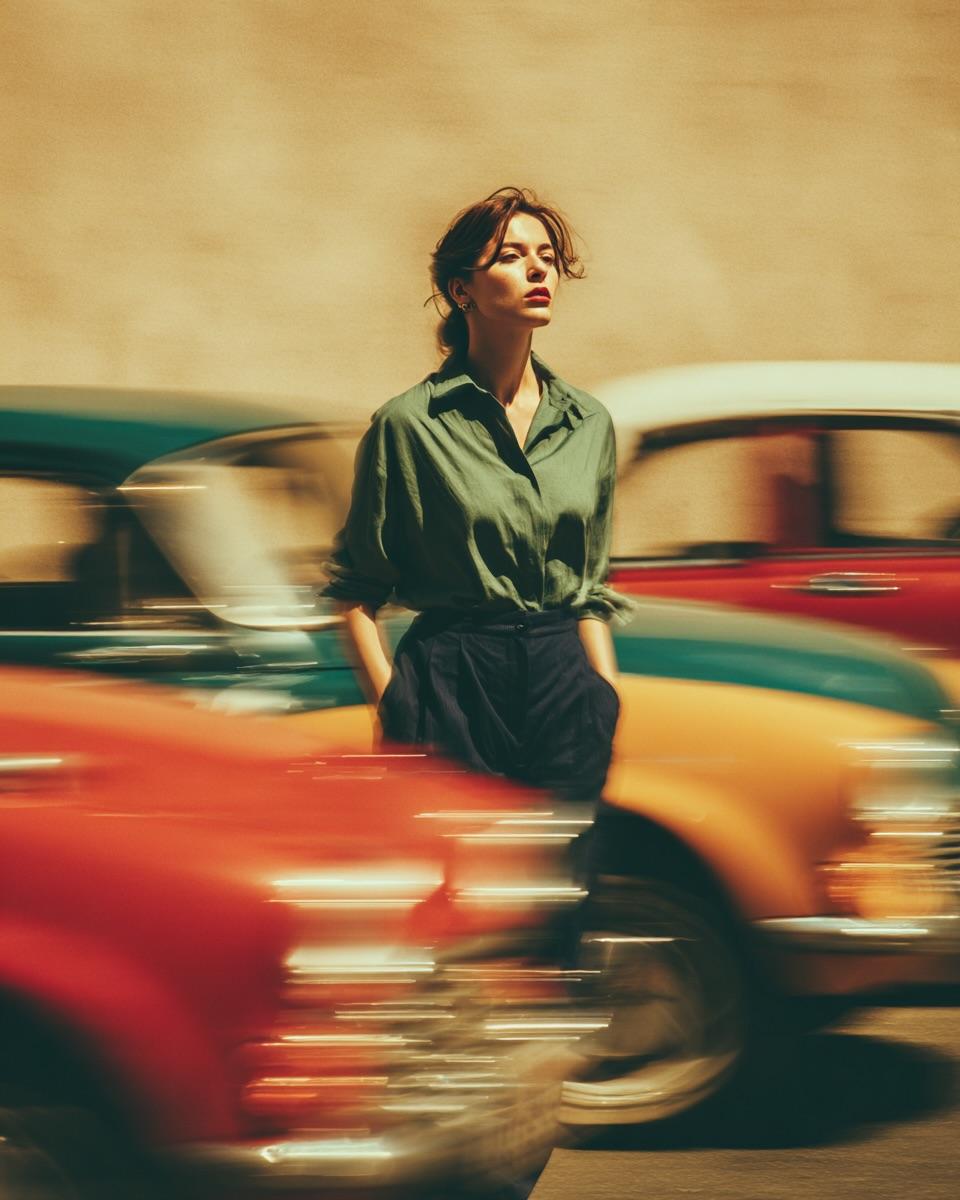
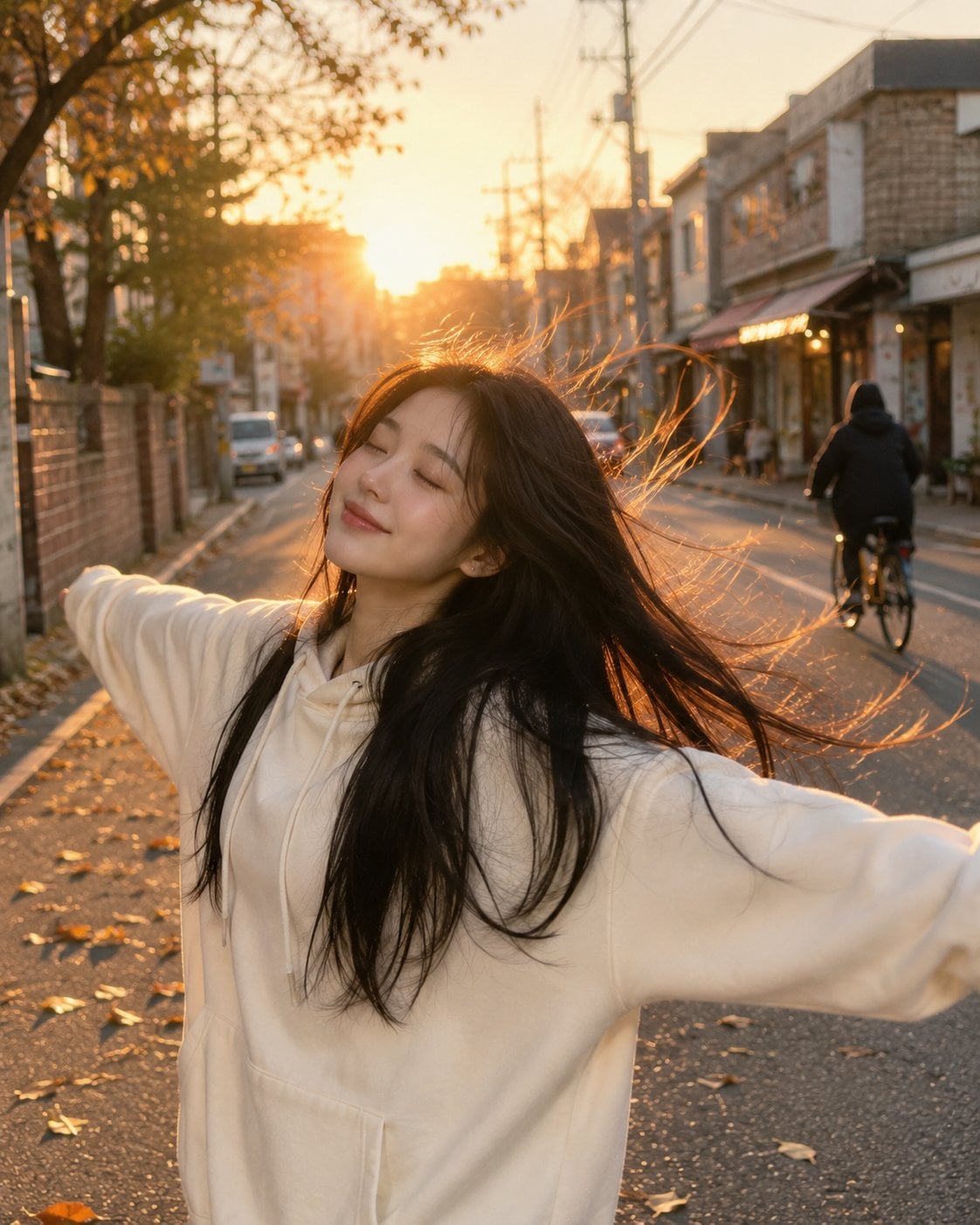
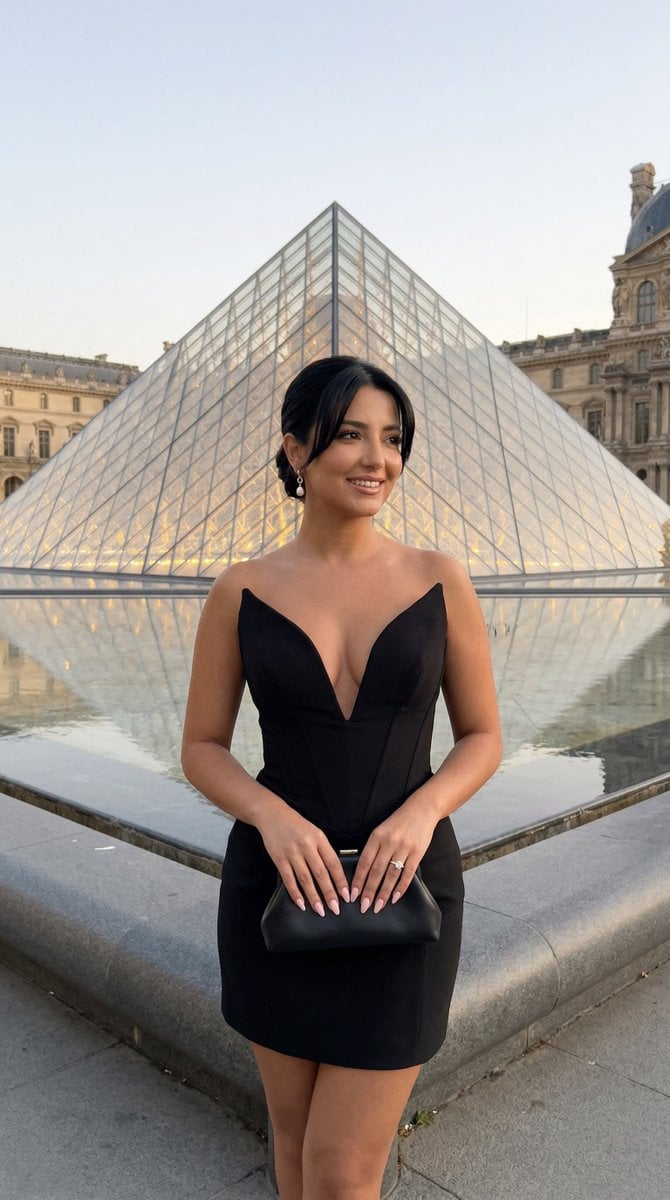
An overhead cinematic shot of a person at a crossing lane, featuring specific street fashion and accessories.
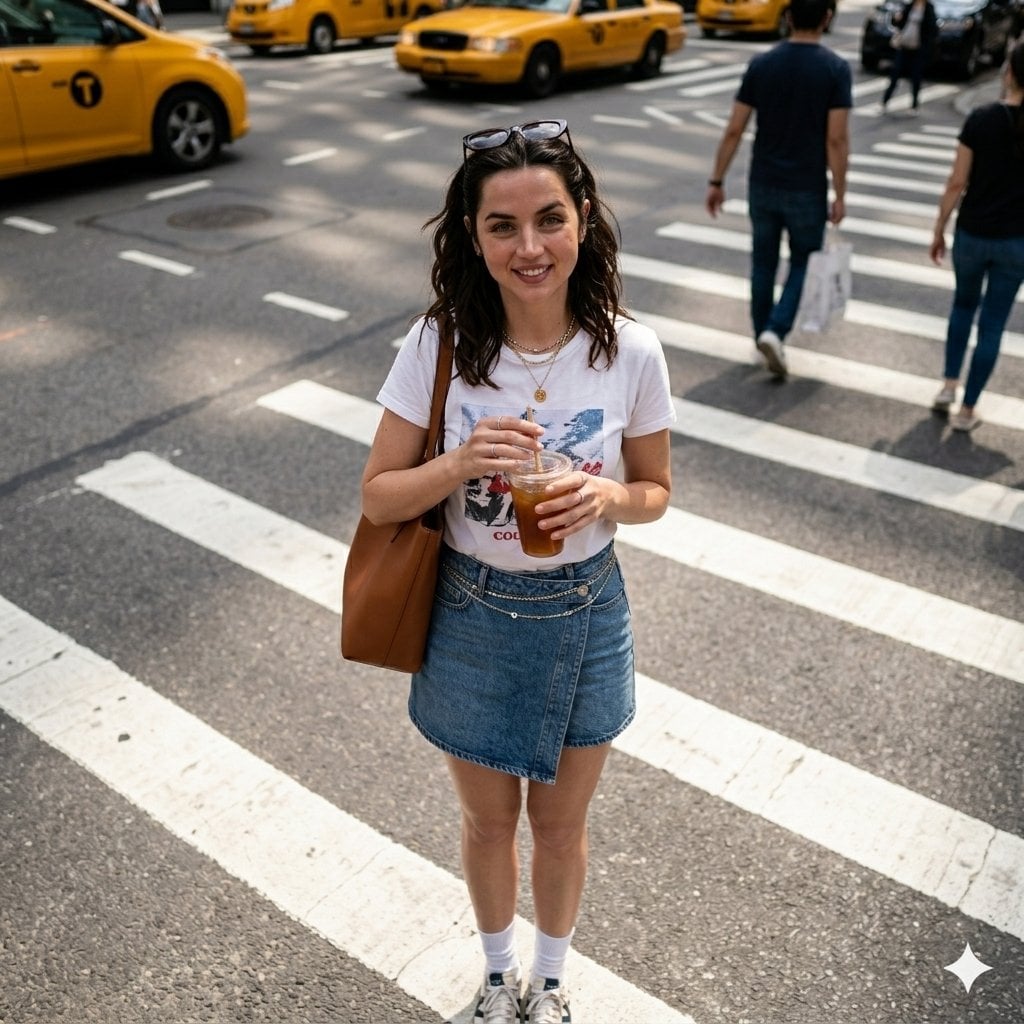
Generate an image of A cinematic overhead shot of {argument name="subject" default="me standing on a crossing lane"}, {argument name="outfit" default="white tshirt with printed top, denim skirt sayal, sneakers with socks"}, shade on the top of my hair and accessories, having a sholder bag, tie my hair and holding a {argument name="object" default="ice tea"} including a waist chain make it clean. Keep original aspect ratio.
Choose the primary action to open PicX Studio with the available template settings. Review the model and format, personalize the creative direction, and generate when ready.
Yes. You can change the subject, setting, lighting, mood, format, and available model controls before creating your image.
This template is free to open and customize. Generation usage is shown in PicX Studio before you create.
Start with Nano Banana 2, which is the model associated with this template. You can compare another compatible model for a different finish.
Follow a topic to a crawlable collection of related PicX Studio templates.