
Content creator journey infographic
A portrait of a young woman surrounded by floating 3D chibi versions of herself representing content creation stages.
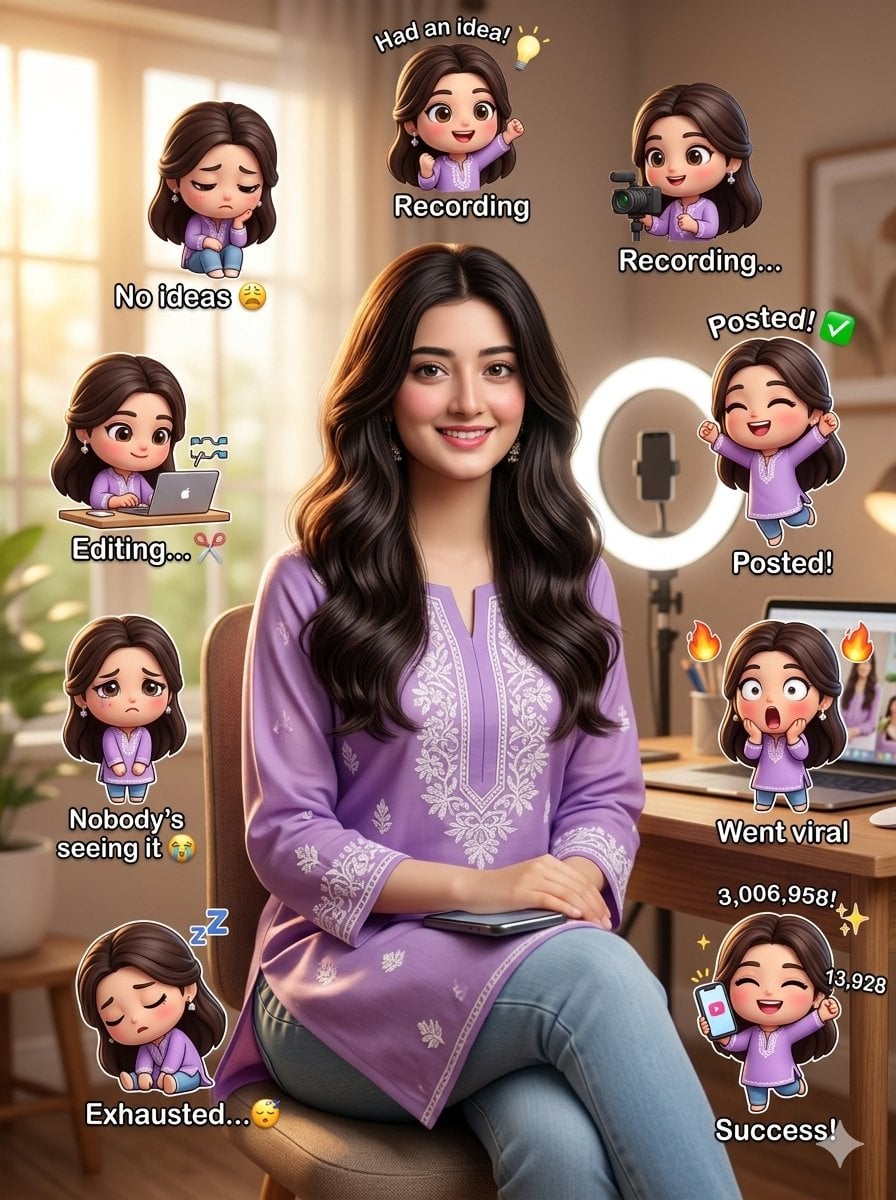
- Prompt included
- Model and format preset
- Free template
The prompt behind this image
Copy the exact prompt behind Content creator journey infographic, or open it in the studio and make it yours.
Create a hyper-realistic, ultra-detailed, DSLR-quality vertical portrait scene using the provided reference image, keeping the face, identity, facial structure, skin tone, hairstyle, soft expression, and authentic {argument name="ethnicity" default="Asian"} features exactly the same with no distortion or stylization, featuring a {argument name="subject" default="young woman in her early 20s"} with glowing natural skin, long slightly wavy dark hair, minimal influencer-style makeup, wearing a stylish modest {argument name="outfit color" default="lavender-purple"} full-sleeve influencer suit with soft white embroidery details, paired with light blue denim and minimal silver accessories, standing or sitting confidently in a {argument name="setting" default="cozy modern bedroom"} creator setup with a wooden desk, smartphone, ring light, laptop, aesthetic neutral decor, plants, shelves, warm daylight from a window, shallow depth of field, and soft cinematic lighting, while multiple cute glowing 3D chibi mini versions of the same girl float around the scene in kawaii cartoon style showing different content creation stages including a sad chibi with blank notebook and text “No ideas 😩”, excited chibi with bulb and text “Had an idea! 💡”, recording chibi using phone and ring light, editing chibi on laptop with text “Editing... ✂️”, celebrating upload chibi with text “Posted! ✅”, sad ignored chibi with text “Nobody’s seeing it 😭”, shocked happy viral chibi with text “Went viral 🔥”, sleepy exhausted chibi with text “Exhausted... 😴”, and successful final chibi holding a phone with huge engagement numbers and text “Success! ✨”, all rendered in ultra-realistic 8K quality with cinematic composition, vibrant details, soft shadows, influencer aesthetic, clean modern atmosphere, realistic textures, and highly engaging viral social media poster style in 4:5 portrait orientation.
How to use Content creator journey infographic in 3 steps
- 1Upload ImagePNG, JPG or paste
Add your photo
Upload the photo the template builds on. The prompt, model and format are already set.
- 2…a portrait of your subject in softgolden-hour light, 85mm…
Personalize
Edit the subject and creative details for your destination.
- 3Generate
Generate
Press Generate — your image is created in PicX Studio, so you can compare it with the original and refine one variable at a time.
More like this
Templates with the same subject, style or setup. Open one to see its prompt.

Japan Travel Brochure Poster

Isometric Process Educational Diorama

Isometric Vehicle Teardown Infographic Template
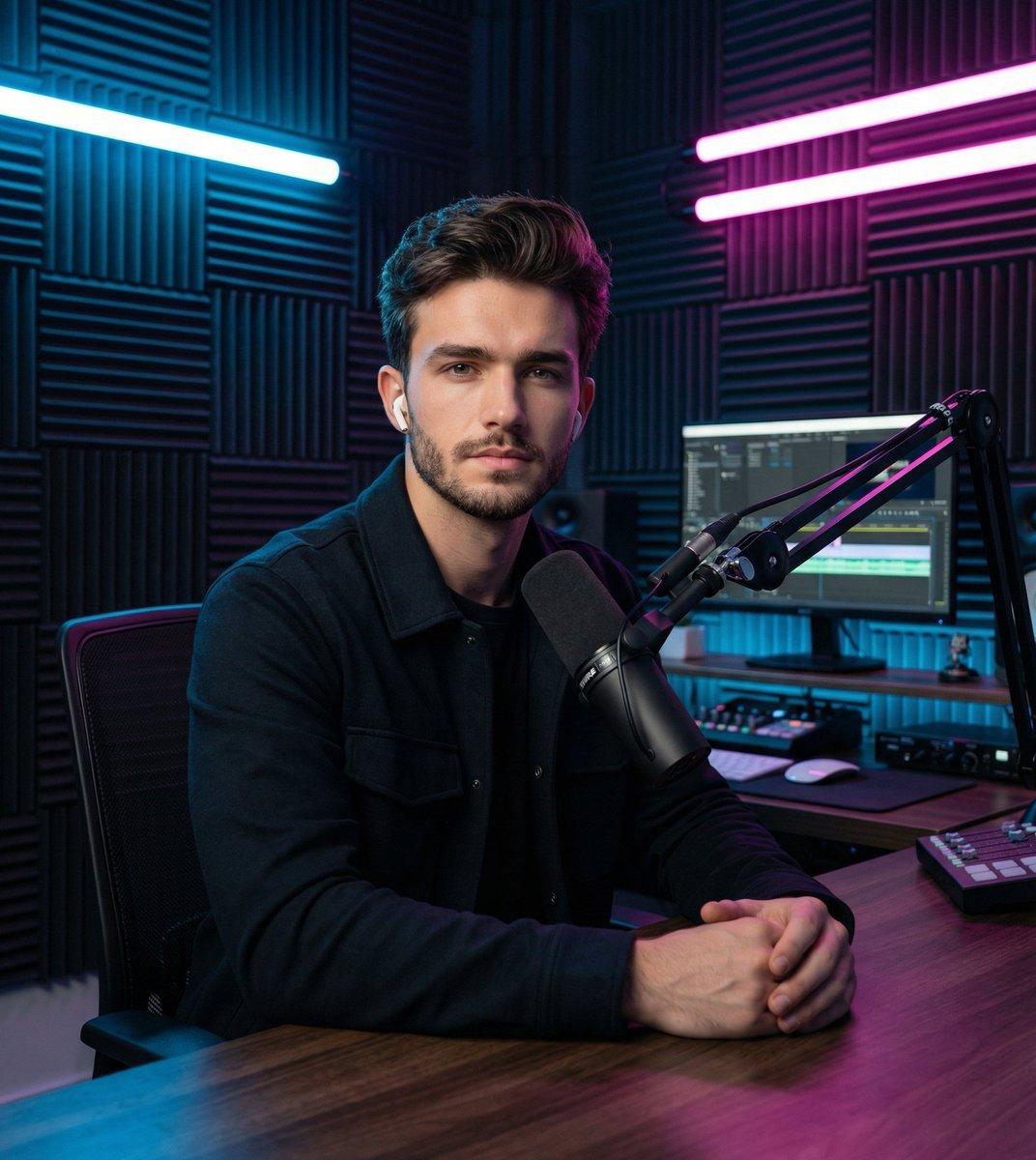
Image Transformation Prompt for Nano Banana Pro (Content Creator Studio)

Gpt2 E Commerce Main Image Earbuds E Commerce Infographic

Gpt2 Infographic Edu Visual Alishan One Day Travel Poster

Gpt2 Infographic Edu Visual Ethnographic Plate for Tibetan Ceremonial Hat

Gpt2 Infographic Edu Visual Earth Signs Zodiac Character Poster

Gpt2 Infographic Edu Visual Water Signs Zodiac Character Poster

Gpt2 Infographic Edu Visual Ink Wash Tribute Poster for Chen Uen

Gpt2 Infographic Edu Visual Vintage Claude Shannon Infographic Poster

Gpt2 Infographic Edu Visual Taoist Three Souls Seven Po Poster
Make it yours
Content creator journey infographic works as-is. These are the safest ways to change it without losing the look.
Change one field
Copy a single group, rewrite it, and generate again so you can see what that field is doing.
Keep the frame, change the subject
Hold the composition and light of Content creator journey infographic, then swap wardrobe, props or the person for a new take.
| If the result… | Why | Fix |
|---|---|---|
| The result drifts from the preview | Too many fields changed at once. | Reuse Content creator journey infographic as-is first, then change one group — subject, light, or setting. |
| The model over-stylizes the scene | The prose prompt leaves finish and camera underspecified. | Add one camera or lighting sentence and stay on Nano Banana 2. |
More Nano Banana 2 templates
Other prompts made for Nano Banana 2.

Photorealistic Leaf Shaped Like a Dragon

K-Pop Idol Portrait Grid for Rapid Selection

Poetic Rain Forest Portrait During Golden Hour

Urban Street Portrait with Cartoon Inner Self Duo

Candid Nighttime Photo with Cat Prompt

High-Concept 3D Diorama Generation Prompt

Cinematic Futuristic Studio Portrait Template

Skincare Editorial Photography Collage Prompt

Hyper-Realistic Commercial Product Photography (Splash Effect)

Hyper-Realistic Nightclub Portrait Prompt
More image prompts
Fresh picks from across the catalog.
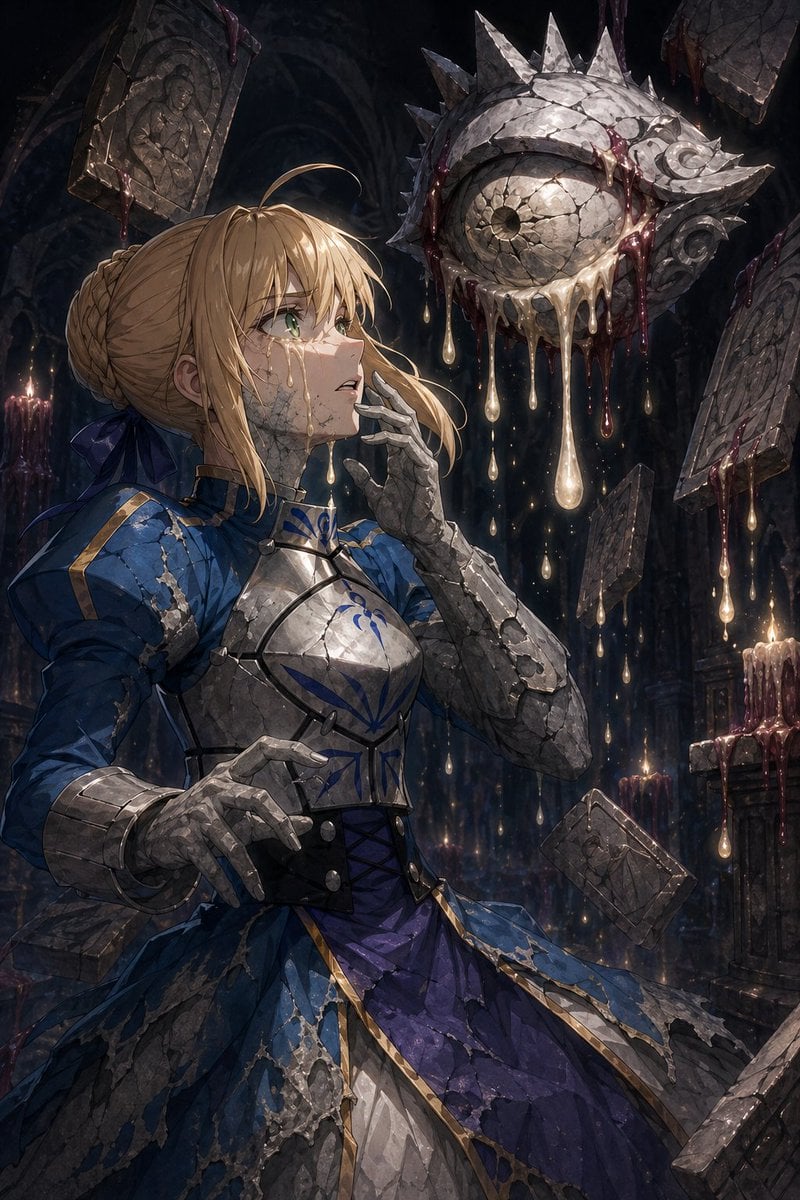
Partial Petrification Dark Fantasy Card Art
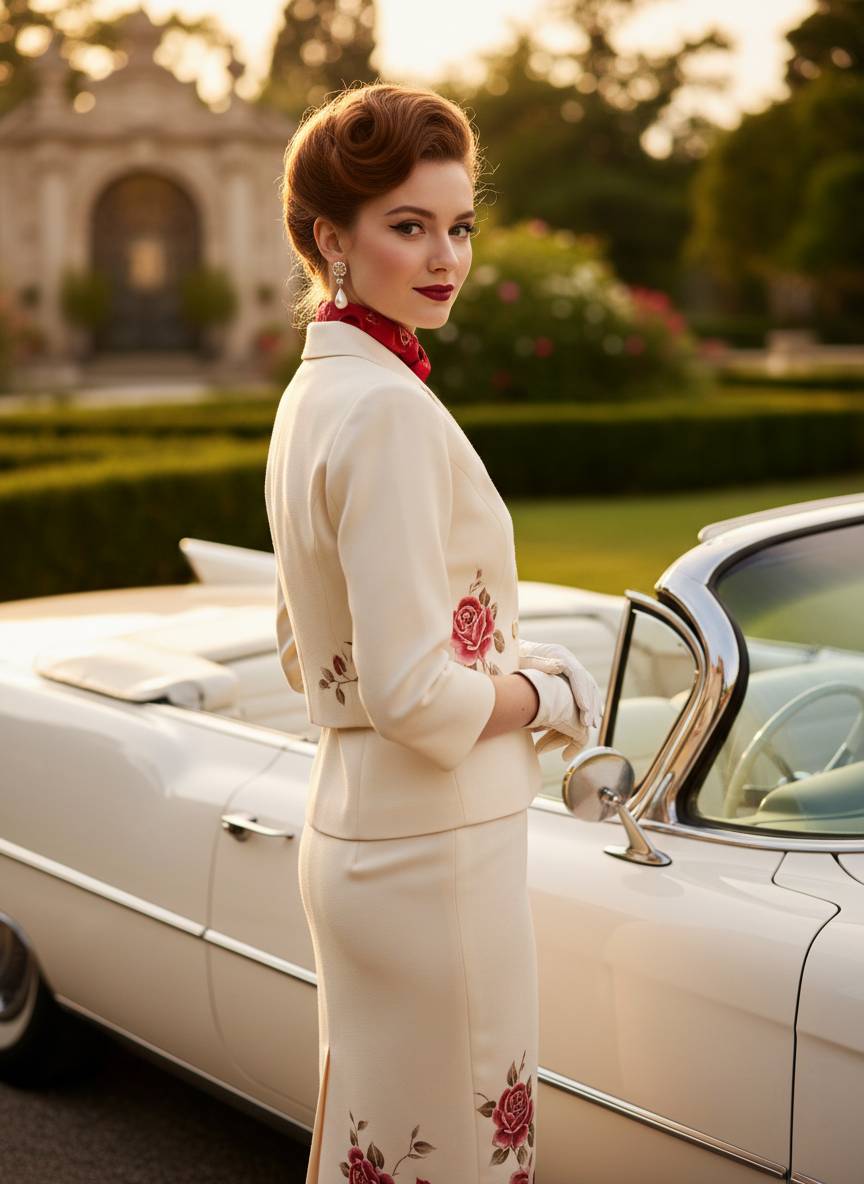
1950s Vintage Fashion Convertible Portrait Prompt
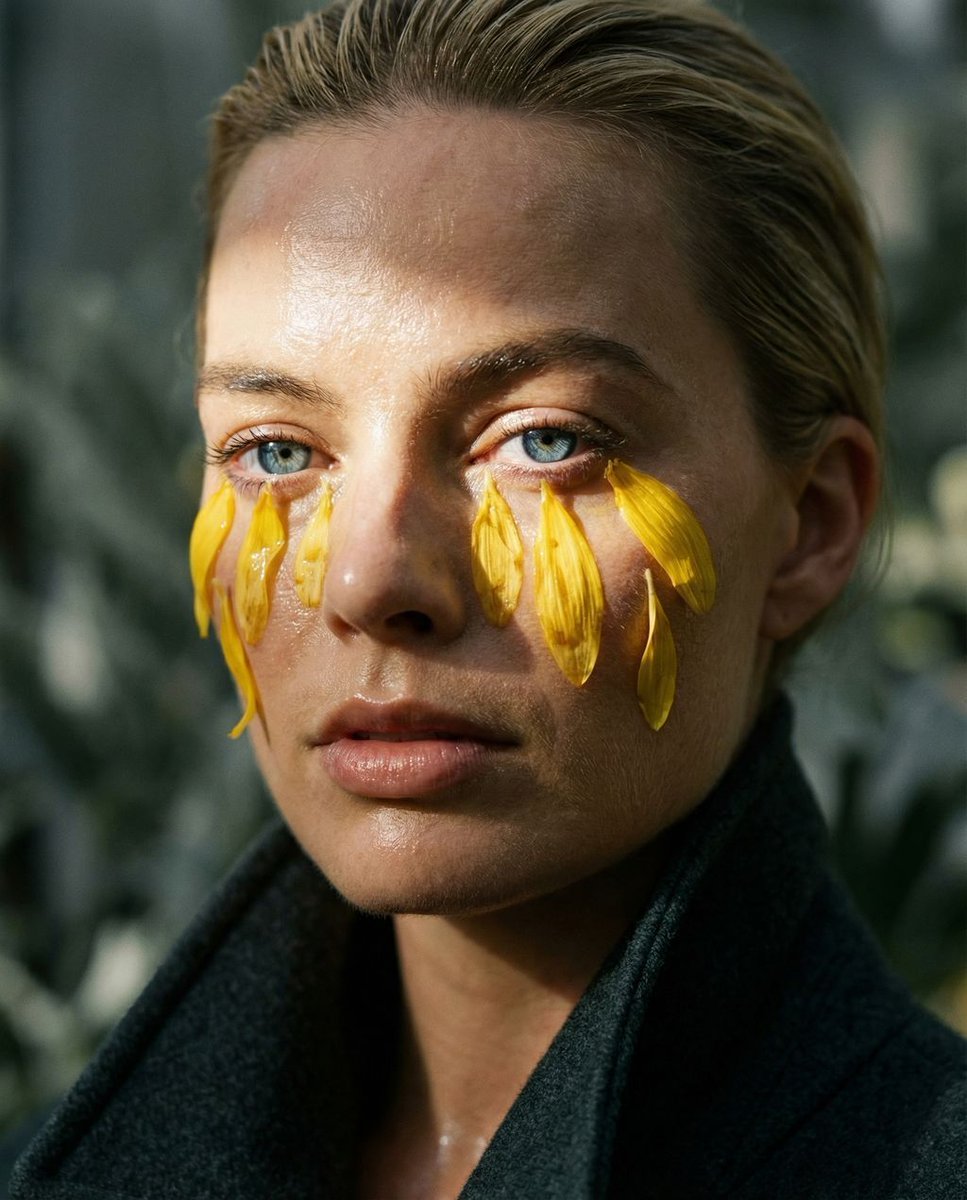
Macro Portrait with Organic Melancholy Aesthetic (JSON Format)
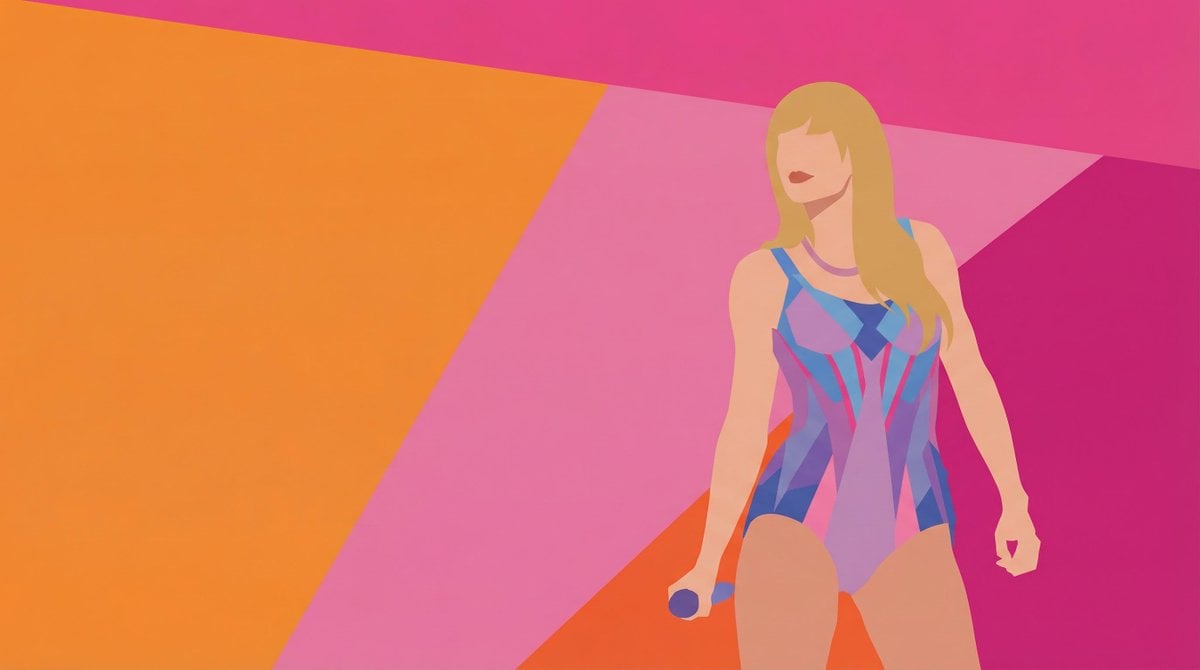
Colorful Minimalist Vector Art Style Transfer Prompt
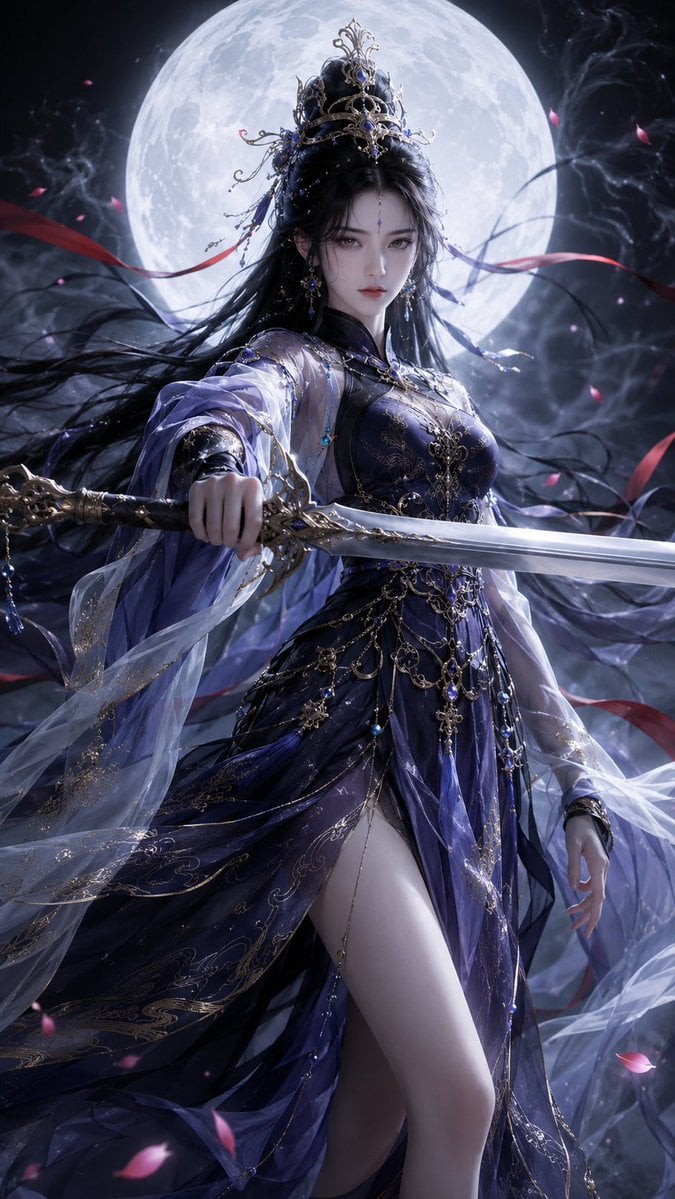
Oriental Fantasy 3D CG Heroine
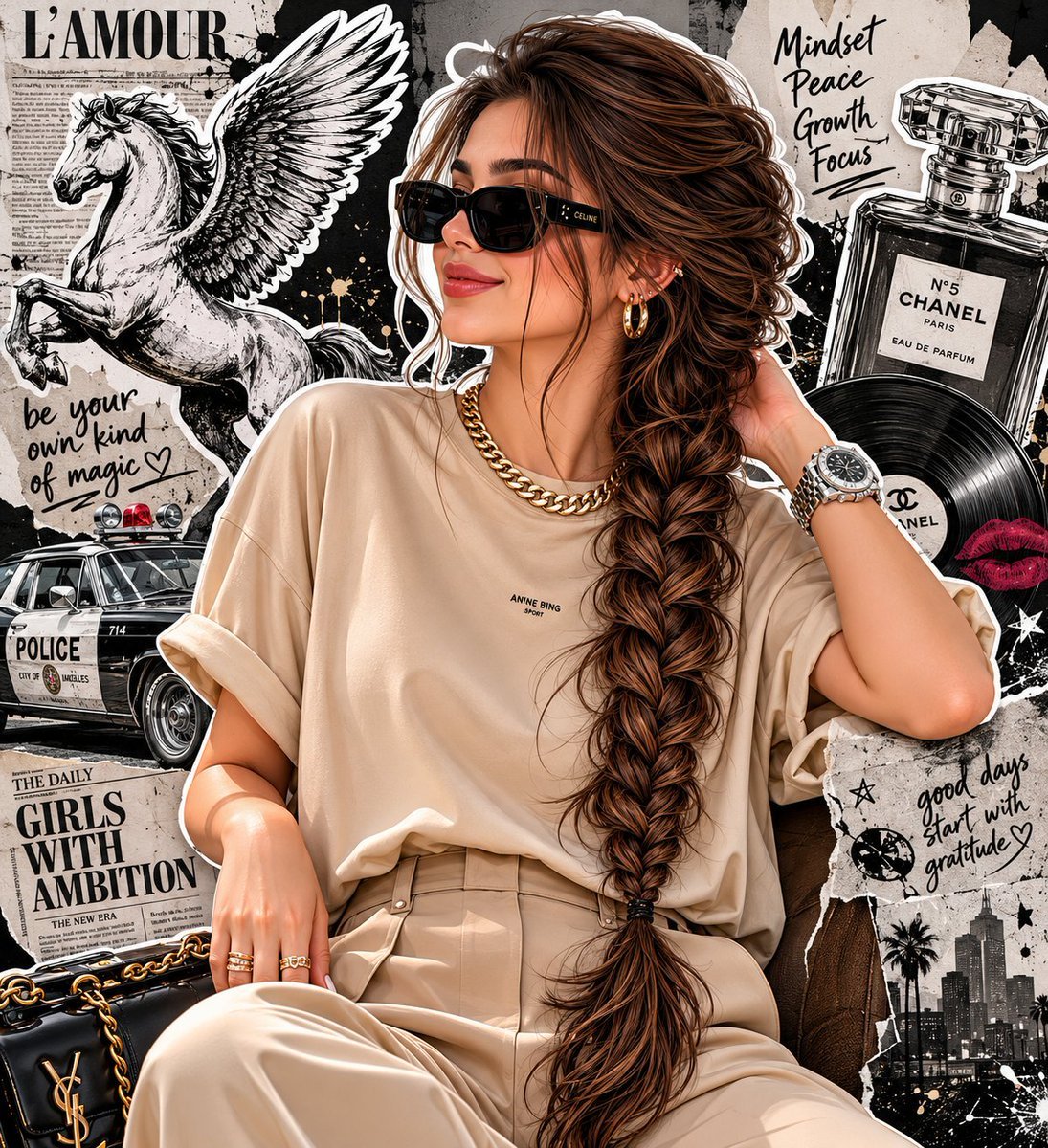
Fashion Editorial Portrait with Grunge Collage
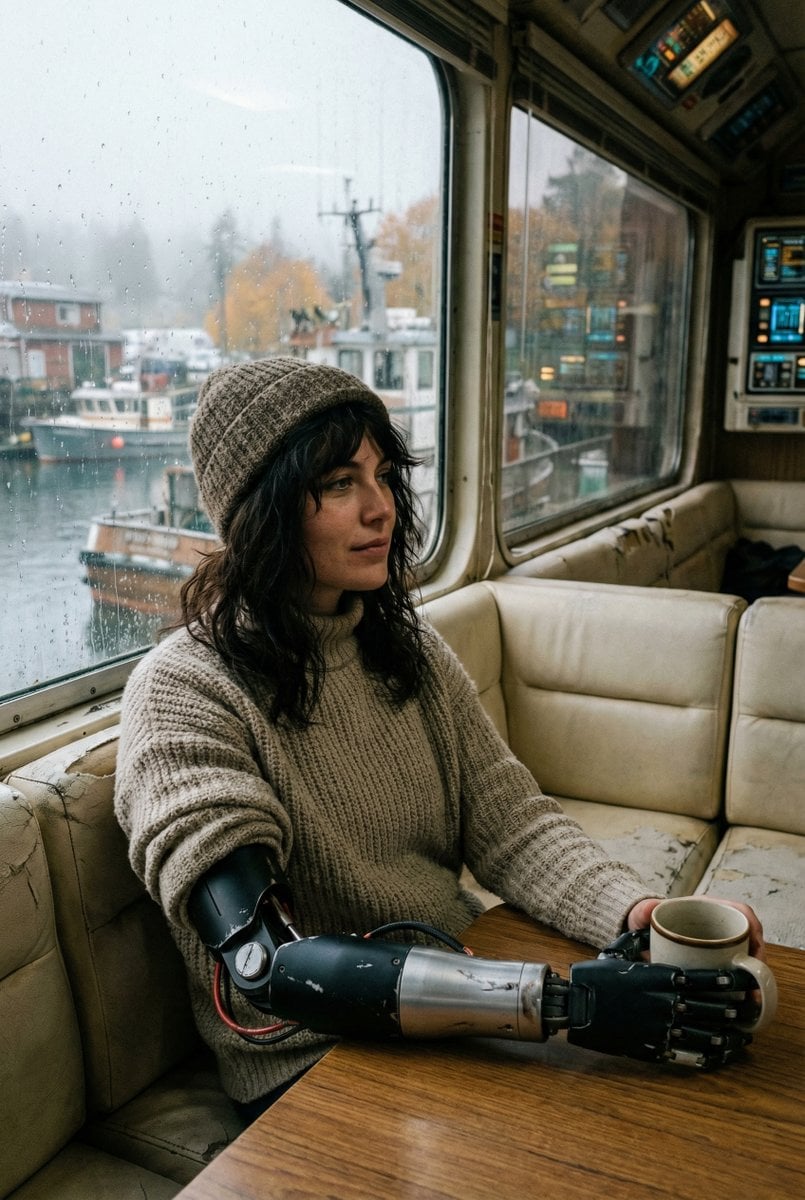
Film Stock Emulation Prompt
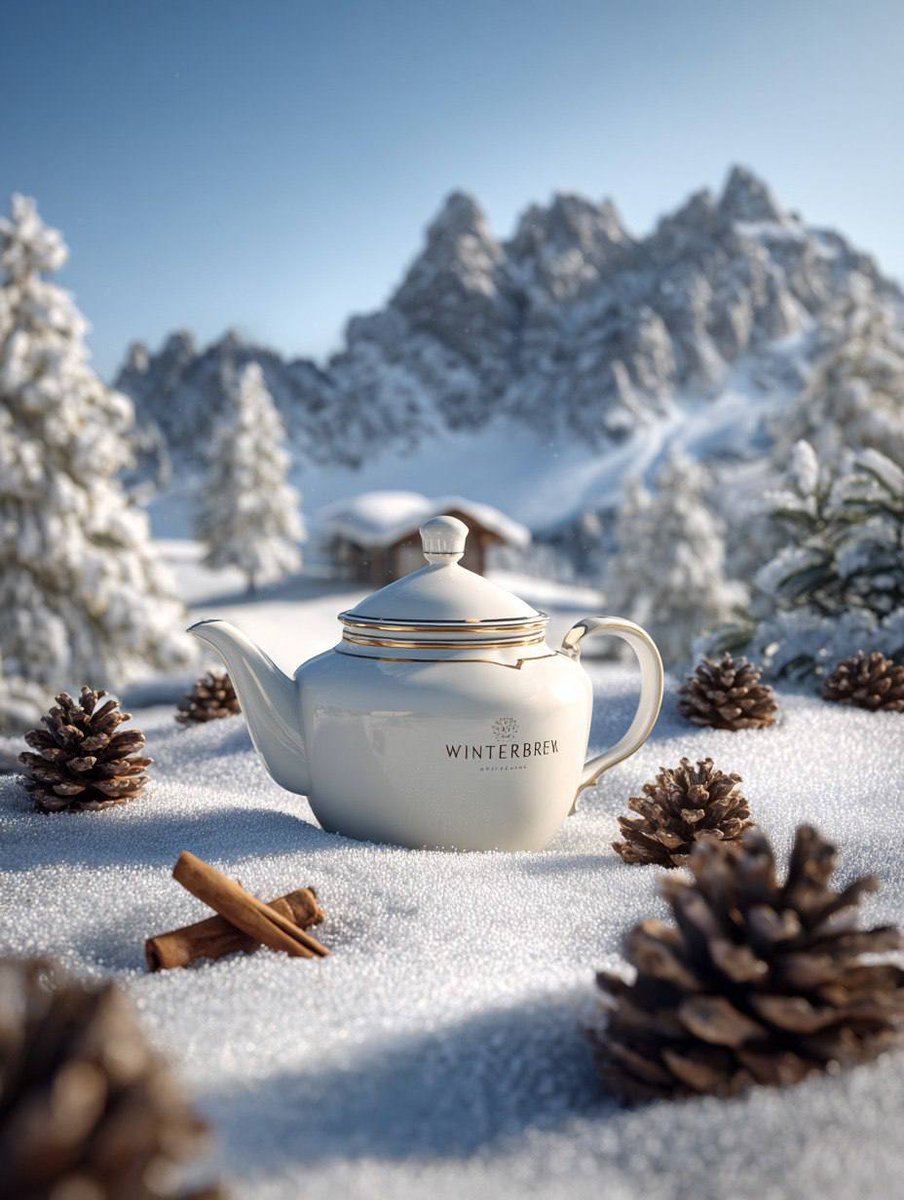
Premium Winter Product Photography in Alpine Setting
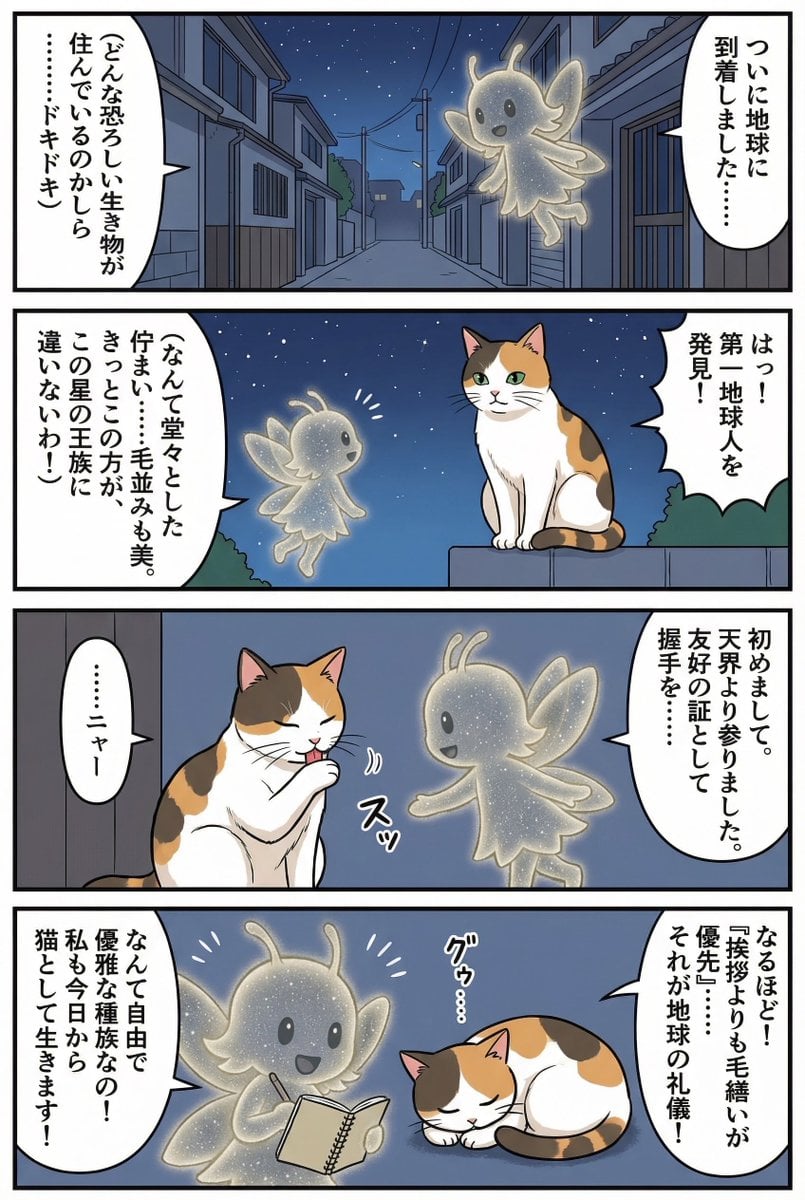
Four-panel manga of a fairy who thinks Earth is a cat planet
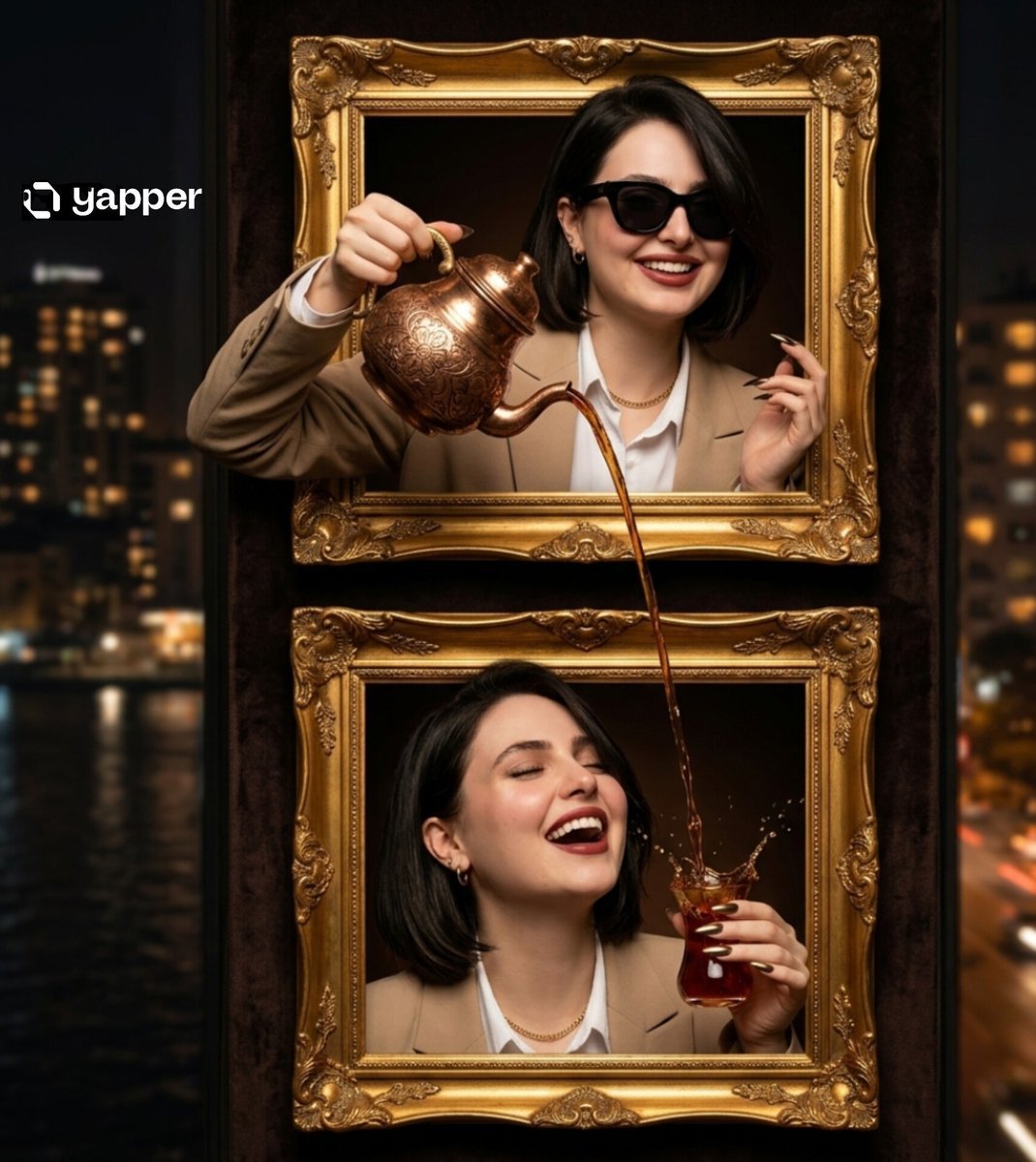
Surreal Two-Frame Tea Pouring Illusion
Browse template categories
Content creator journey infographic questions
How do I use the Content creator journey infographic template?
Add your photo if the template asks for one, edit the prompt if you like — the template's model and format are already selected — and press Generate. Your version opens in PicX Studio.
Can I customize the Content creator journey infographic template?
Yes. You can change the subject, setting, lighting, mood, format, and available model controls before creating your image.
Is the Content creator journey infographic template free?
Opening and editing this template is free. Generating uses credits, shown on the Generate button when you are signed in.
Which AI model should I use?
Start with Nano Banana 2, which is the model associated with this template. You can compare another compatible model for a different finish.
Looking for something else? Browse all templates.

Your photo, any look
Thousands of ready templates for every top image and video model, from one credit balance.