
Porsche 911 GT3 City Scene
A descriptive prompt for a lifestyle shot featuring a woman standing by a Porsche 911 GT3 in Moscow, capturing specific details like the license plate and background architecture.
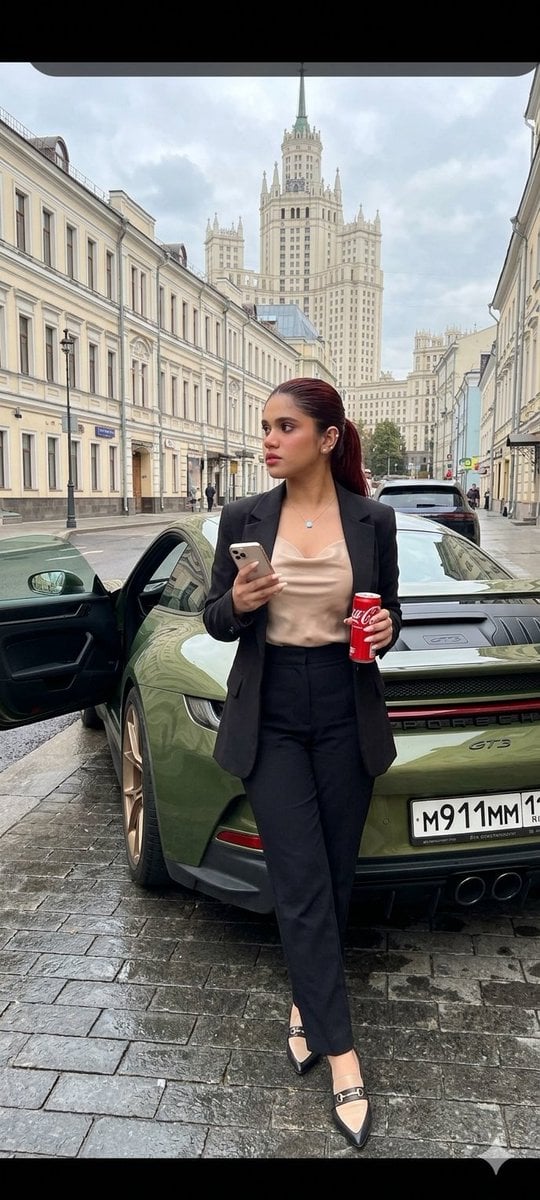
- Prompt included
- Model and format preset
- Free template
The prompt behind this image
Copy the exact prompt behind Porsche 911 GT3 City Scene, or open it in the studio and make it yours.
In the image, a young woman is captured, similar to the reference photo, standing next to a {argument name="car model" default="black sports car — a Porsche 911 GT3 in Oak Green Metallic color"} on a city street. The girl is wearing a {argument name="outfit" default="black t-shirt under a beige bomber jacket and light blue jeans, paired with white Nike Force sneakers"}. She is standing semi-sideways next to the car, holding an iPhone in one hand and looking at the screen, while holding a can of Coca-Cola in the other hand. The car is a Porsche 911 GT3 sports car with the driver’s door open. On the rear of the vehicle, the license plate reads {argument name="license plate" default="M911MM11"}. The "GT3" badge is visible on the trunk, indicating the model of the car. The image depicts a city street, likely in Moscow, judging by the architecture and the view of one of the tall Stalinist-style high-rise buildings in the background. The street is paved with asphalt and has a pedestrian crossing. The road surface is wet. On the left and right are historic buildings with classical architecture, decorated with elements such as cornices, columns, and balconies. Some buildings have shop signs on the ground floor.
How to use Porsche 911 GT3 City Scene in 3 steps
- 1Upload ImagePNG, JPG or paste
Add your photo
Upload the photo the template builds on. The prompt, model and format are already set.
- 2…a portrait of your subject in softgolden-hour light, 85mm…
Personalize
Edit the subject and creative details for your destination.
- 3Generate
Generate
Press Generate — your image is created in PicX Studio, so you can compare it with the original and refine one variable at a time.
More like this
Templates with the same subject, style or setup. Open one to see its prompt.

Cozy Knit Sweater Window Portrait

Minimalist Hand-Drawn Doodle Portrait
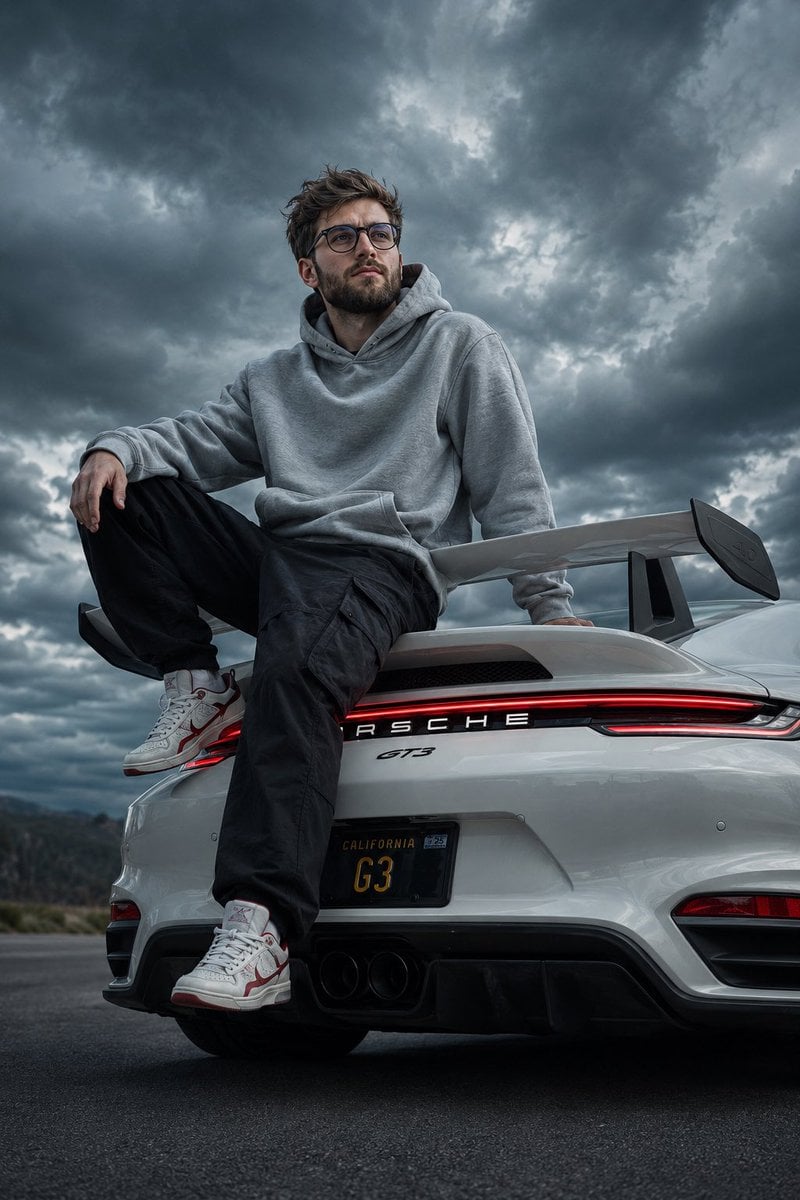
Cinematic Porsche GT3 Automotive Portrait
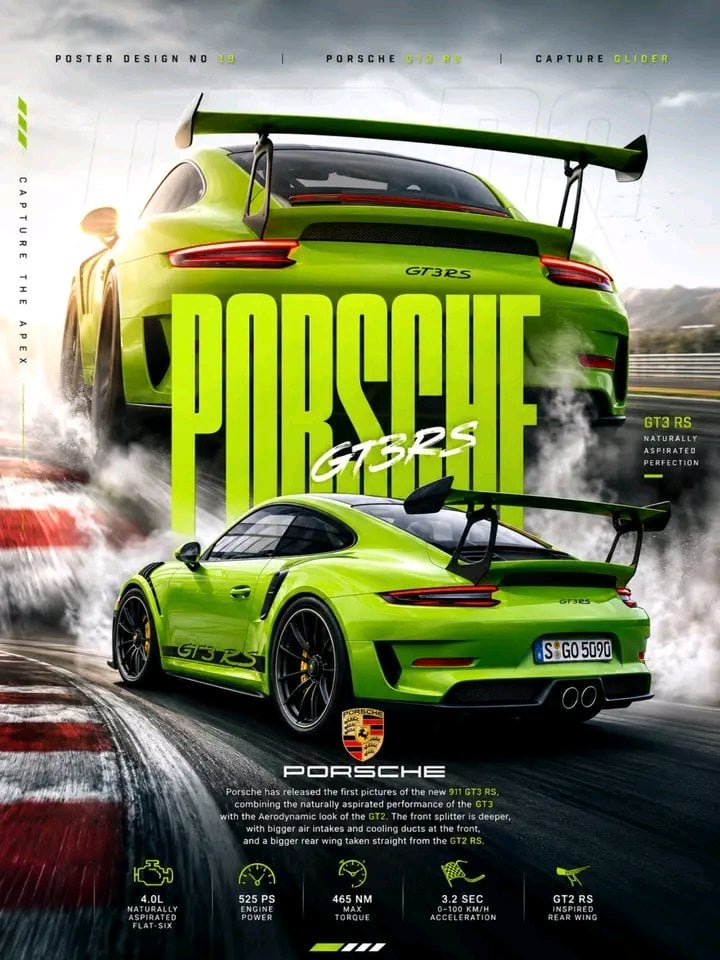
Porsche 911 GT3 RS Motorsport Poster
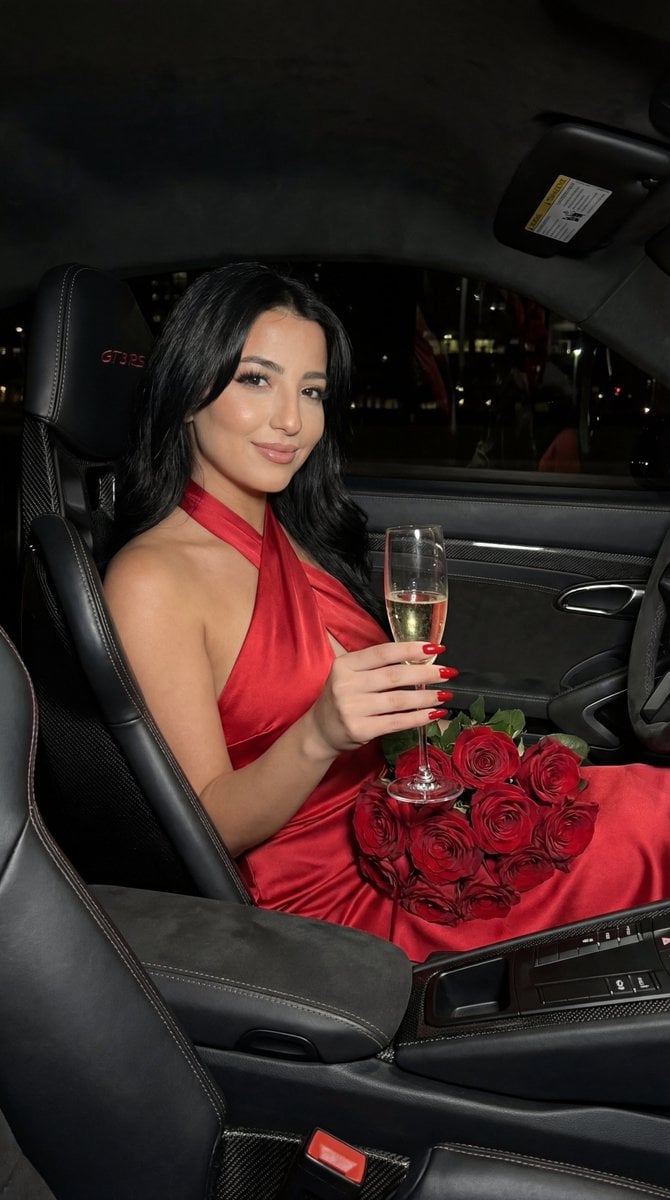
Flash Editorial Portrait in Porsche 911 GT3 RS
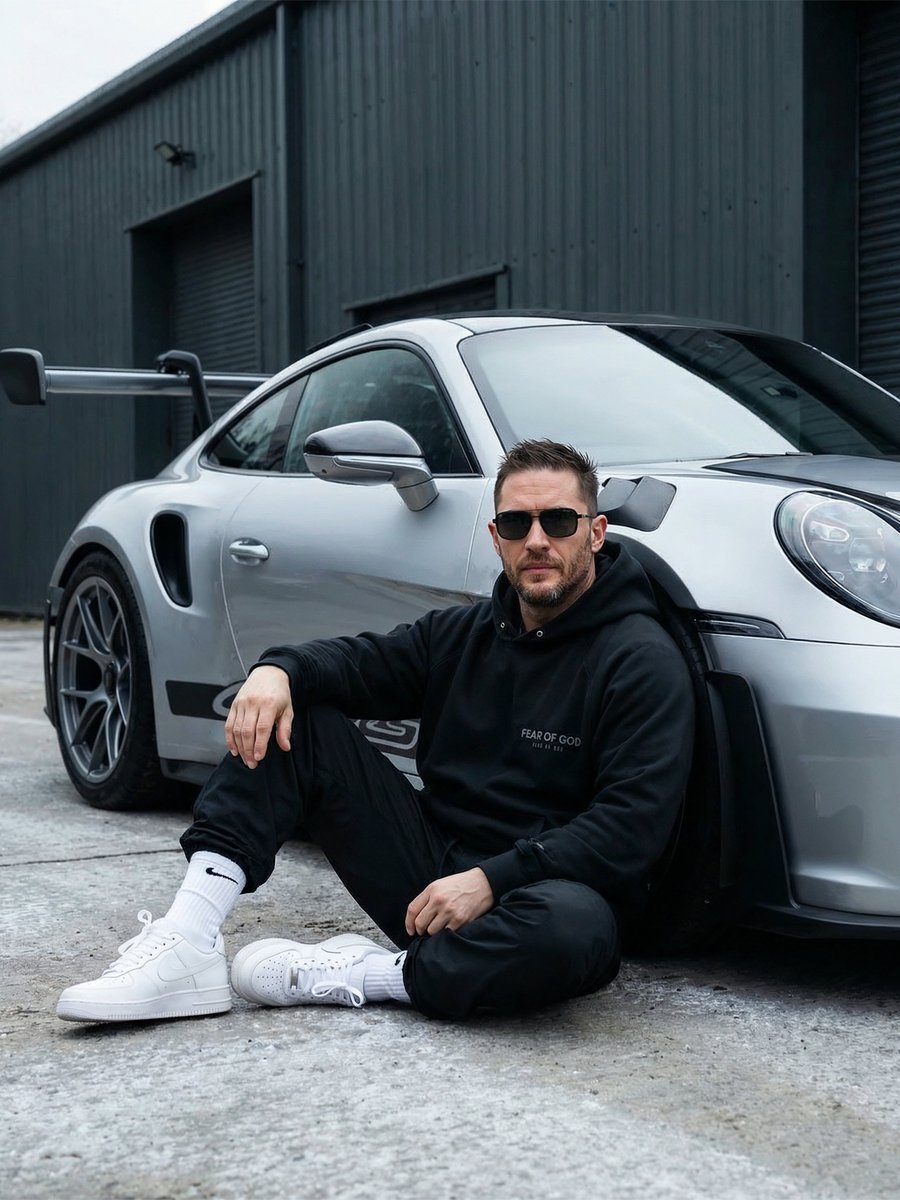
Urban Porsche 911 GT3 Portrait

Nano Banana Pro 2.0 — 3x3 Travel Profile Grid
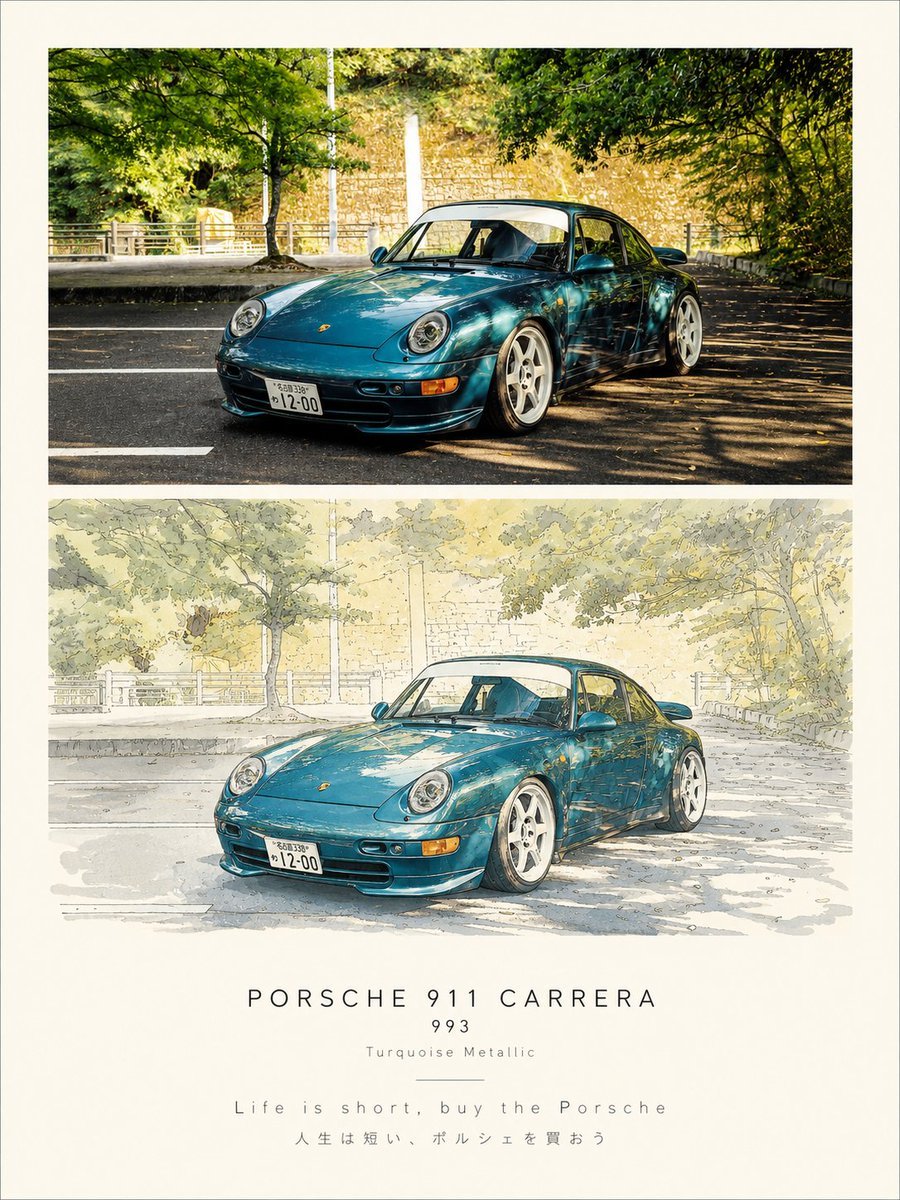
Porsche 911 Photo and Watercolor Poster
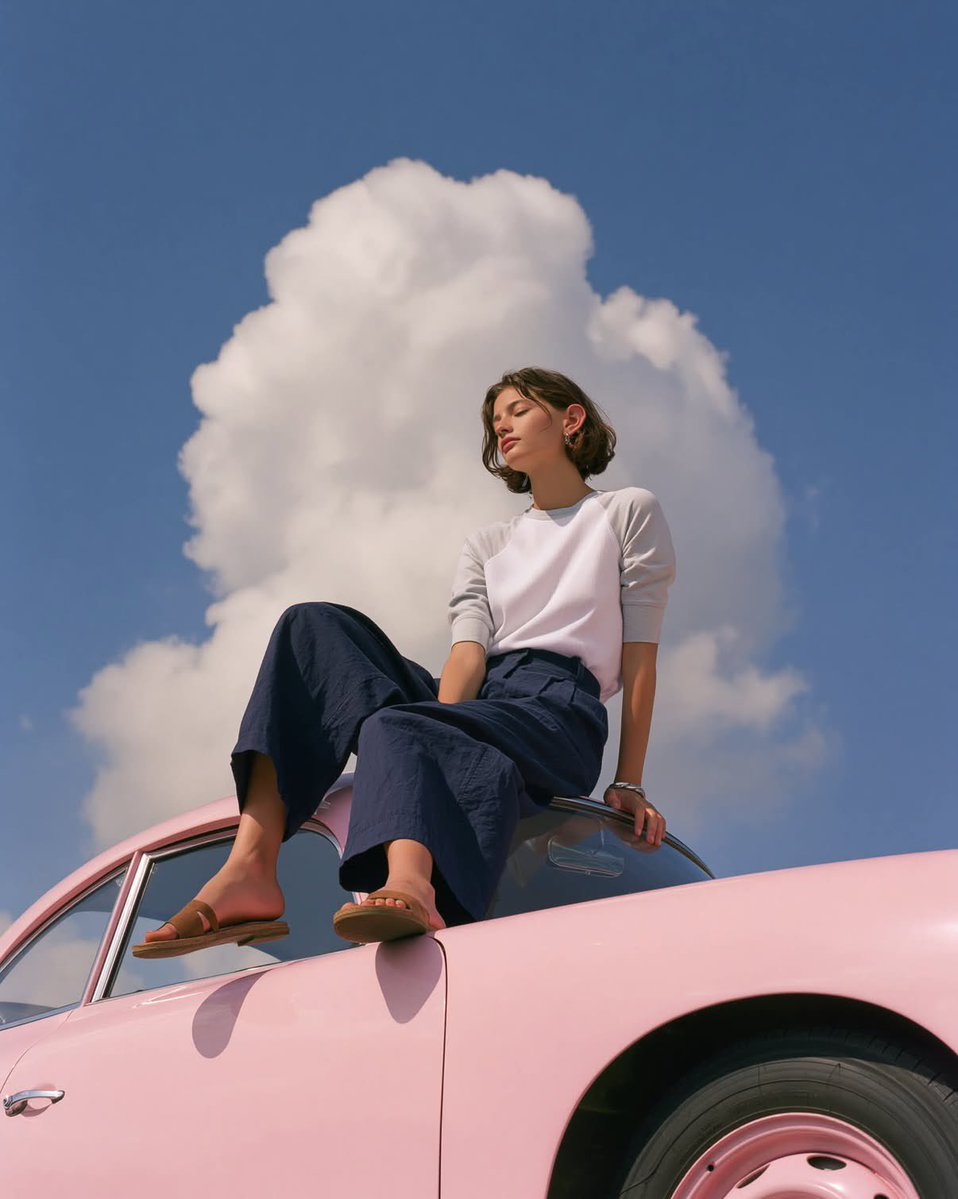
Vintage Porsche Fashion Editorial
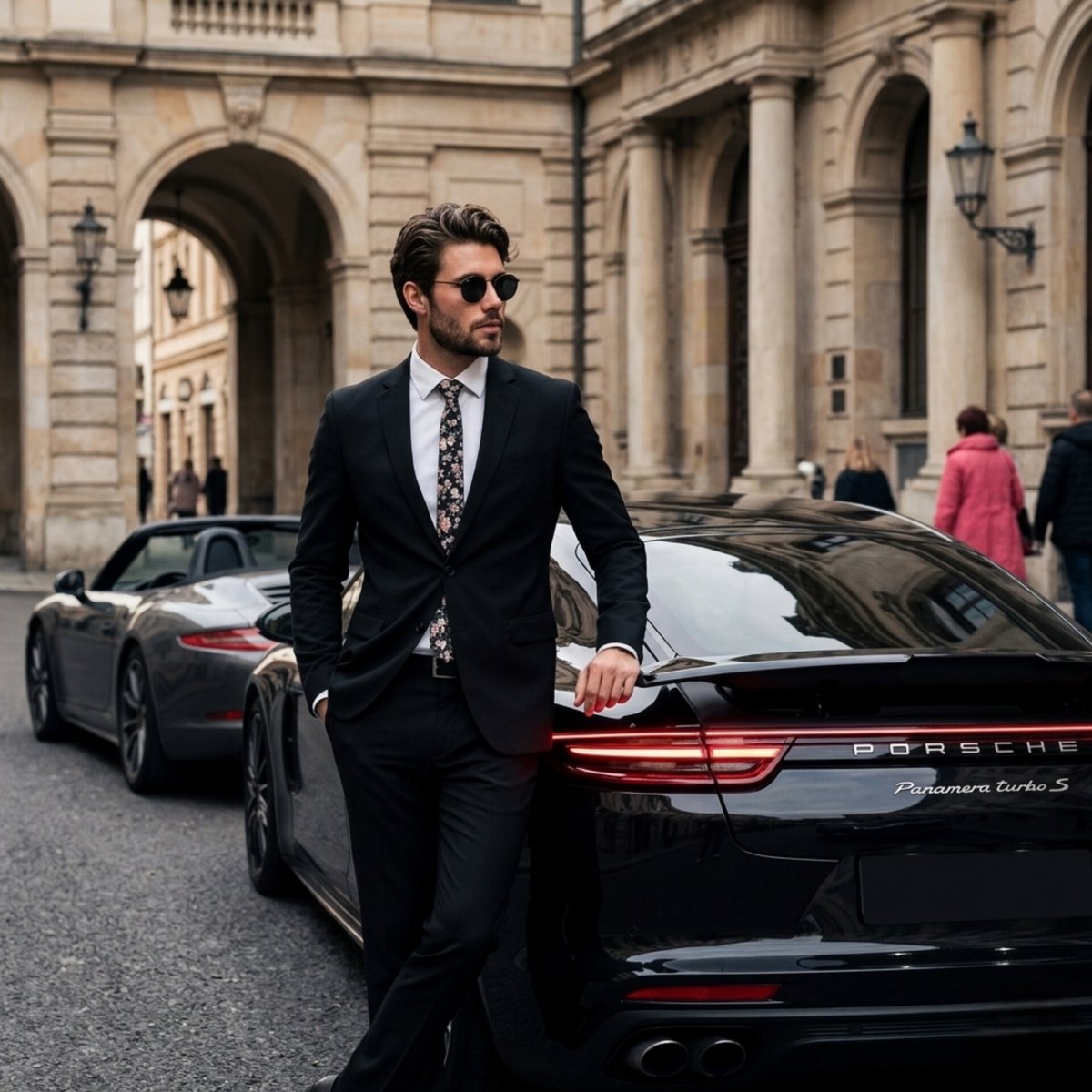
Luxury Porsche Panamera Lifestyle Photography
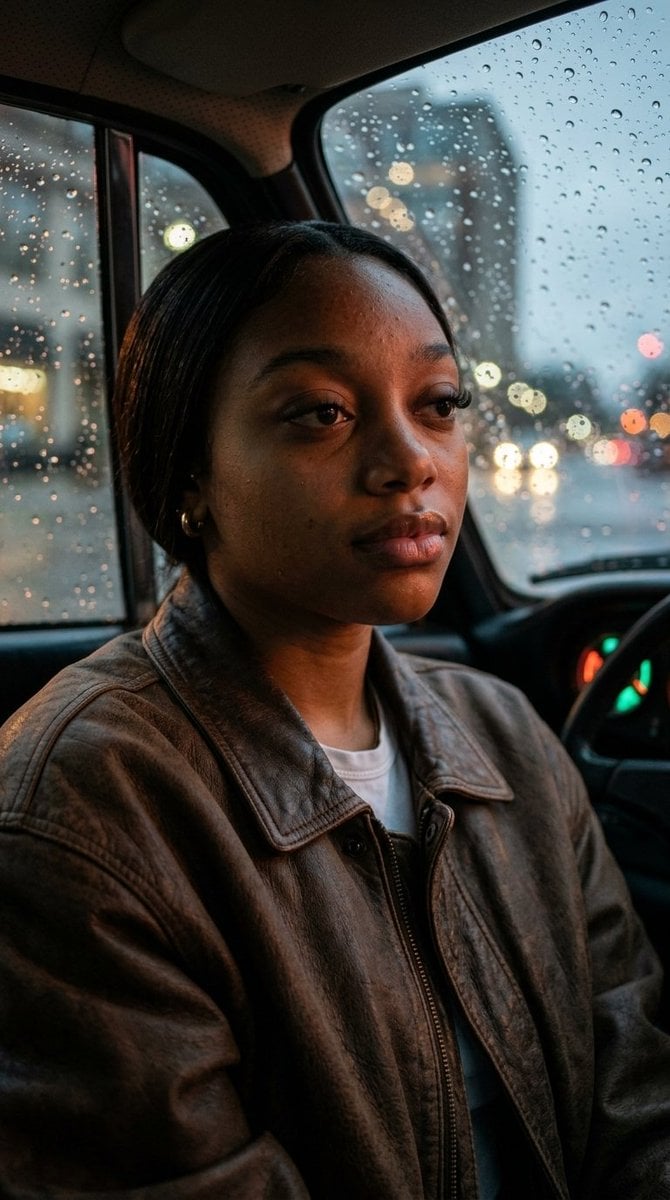
Raw Intimate Portrait in Vintage Porsche
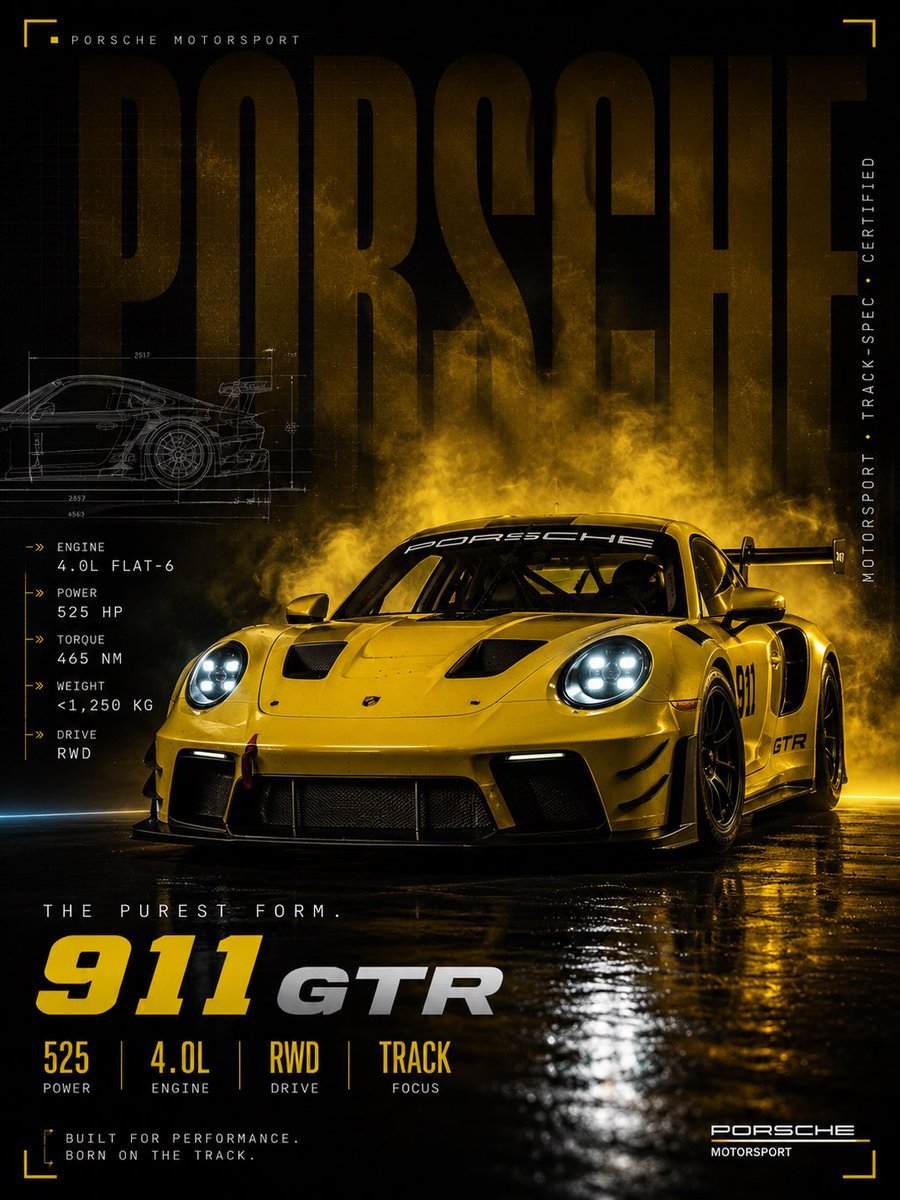
Cinematic Porsche Motorsport Poster
Make it yours
Porsche 911 GT3 City Scene works as-is. These are the safest ways to change it without losing the look.
Change one field
Copy a single group, rewrite it, and generate again so you can see what that field is doing.
Keep the frame, change the subject
Hold the composition and light of Porsche 911 GT3 City Scene, then swap wardrobe, props or the person for a new take.
| If the result… | Why | Fix |
|---|---|---|
| The result drifts from the preview | Too many fields changed at once. | Reuse Porsche 911 GT3 City Scene as-is first, then change one group — subject, light, or setting. |
| The model over-stylizes the scene | The prose prompt leaves finish and camera underspecified. | Add one camera or lighting sentence and stay on Nano Banana 2. |
More Nano Banana 2 templates
Other prompts made for Nano Banana 2.

Photorealistic Leaf Shaped Like a Dragon

K-Pop Idol Portrait Grid for Rapid Selection

Poetic Rain Forest Portrait During Golden Hour

Urban Street Portrait with Cartoon Inner Self Duo

Candid Nighttime Photo with Cat Prompt

High-Concept 3D Diorama Generation Prompt

Cinematic Futuristic Studio Portrait Template

Skincare Editorial Photography Collage Prompt

Hyper-Realistic Commercial Product Photography (Splash Effect)

Hyper-Realistic Nightclub Portrait Prompt
More image prompts
Fresh picks from across the catalog.
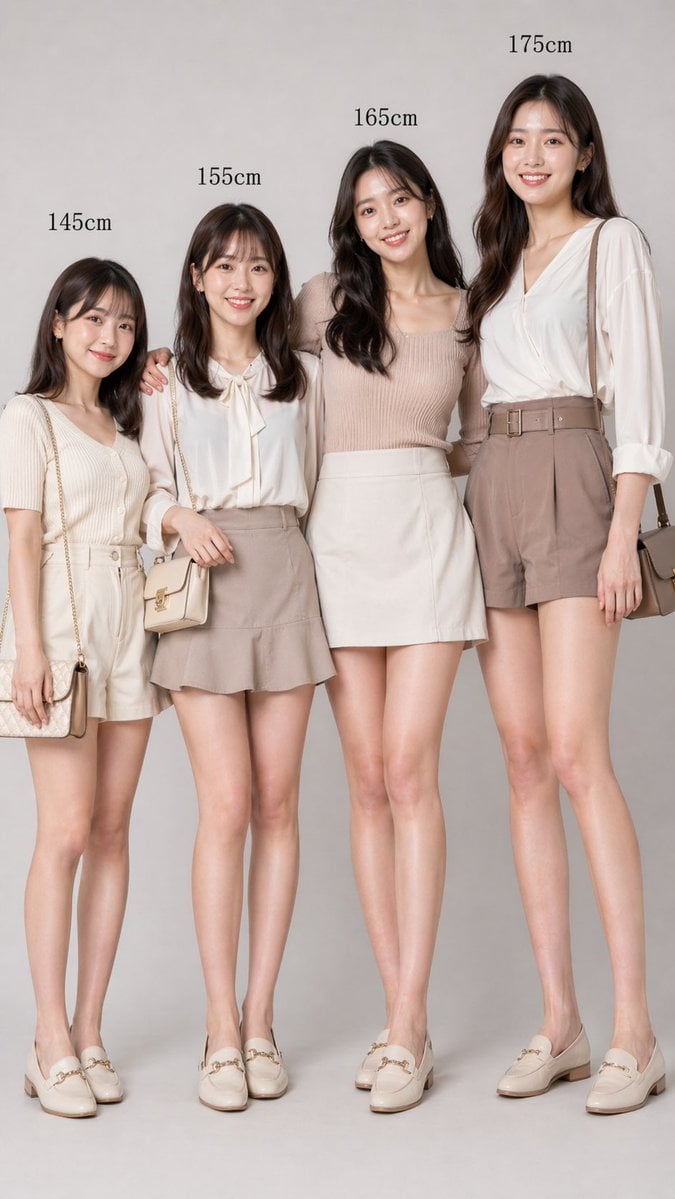
Fashion Height Comparison of Four Women
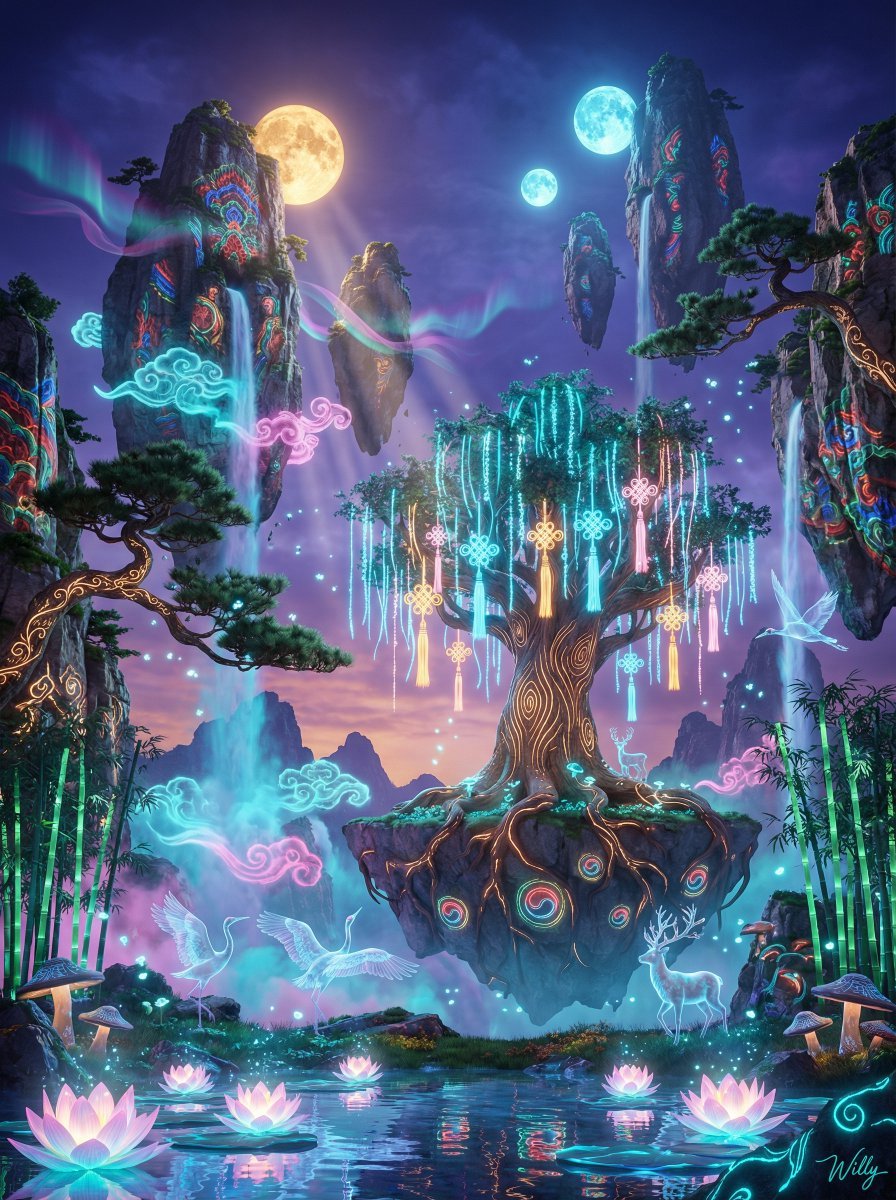
Korean-Inspired Avatar Pandora Floating Mountain Landscape
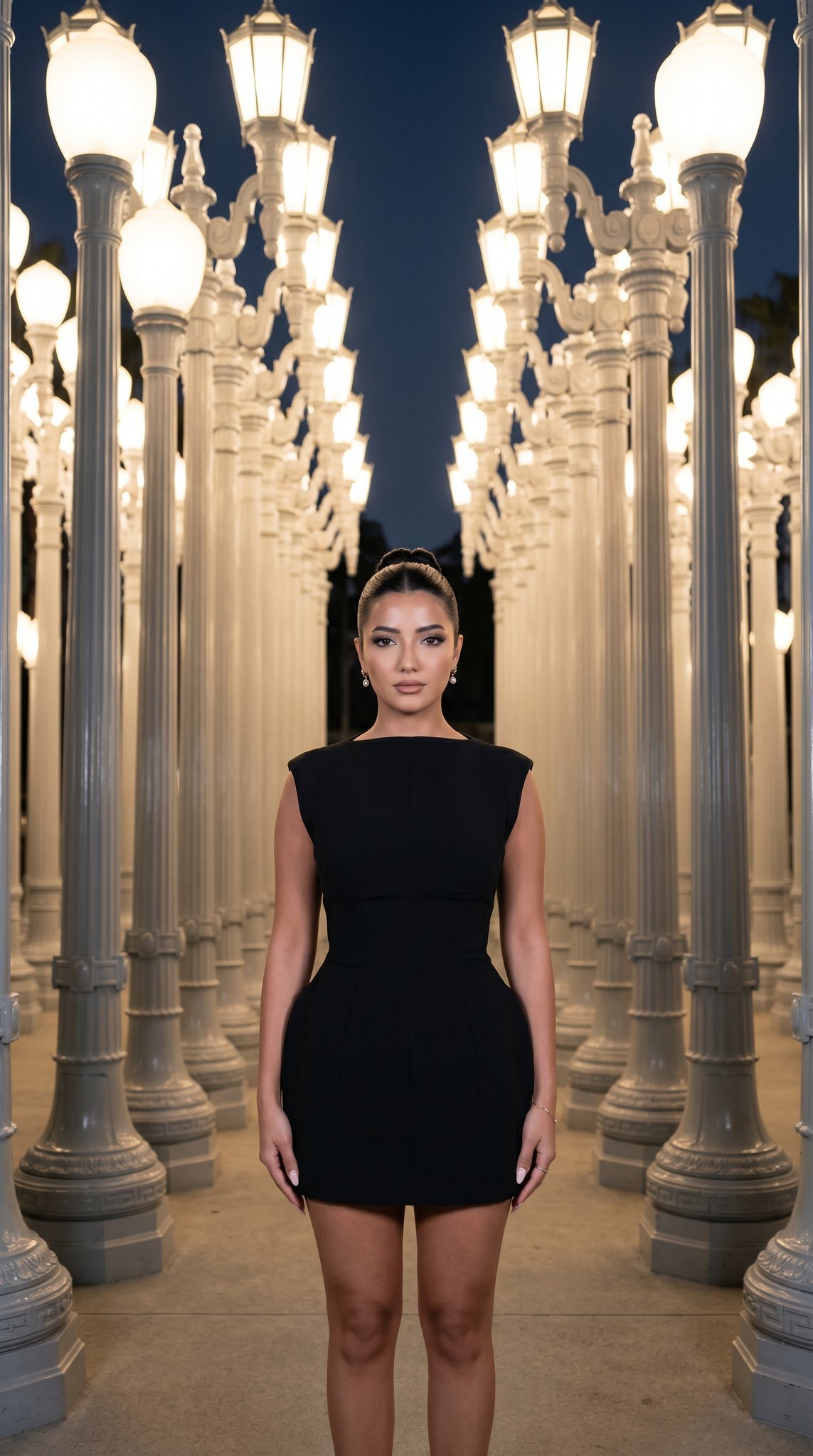
07 LACMA Urban Light — California Series
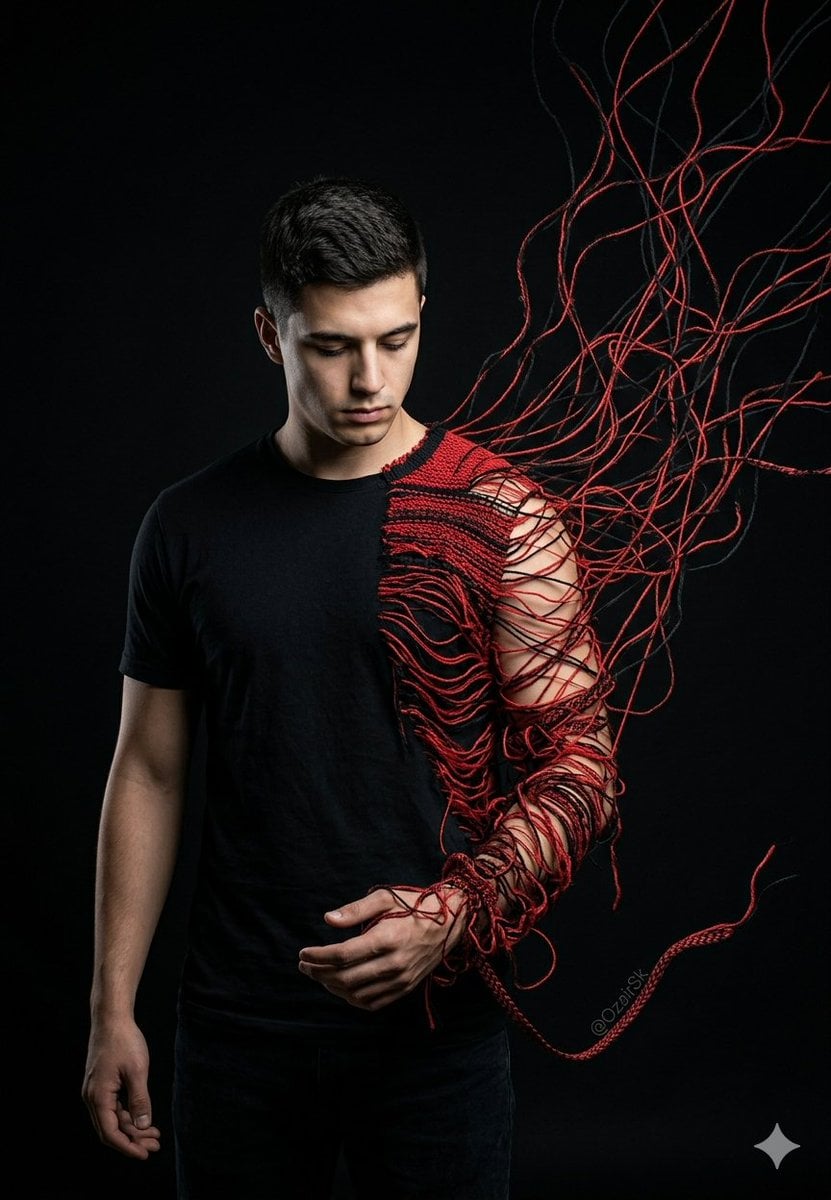
Unraveling Figure Effect Comparison
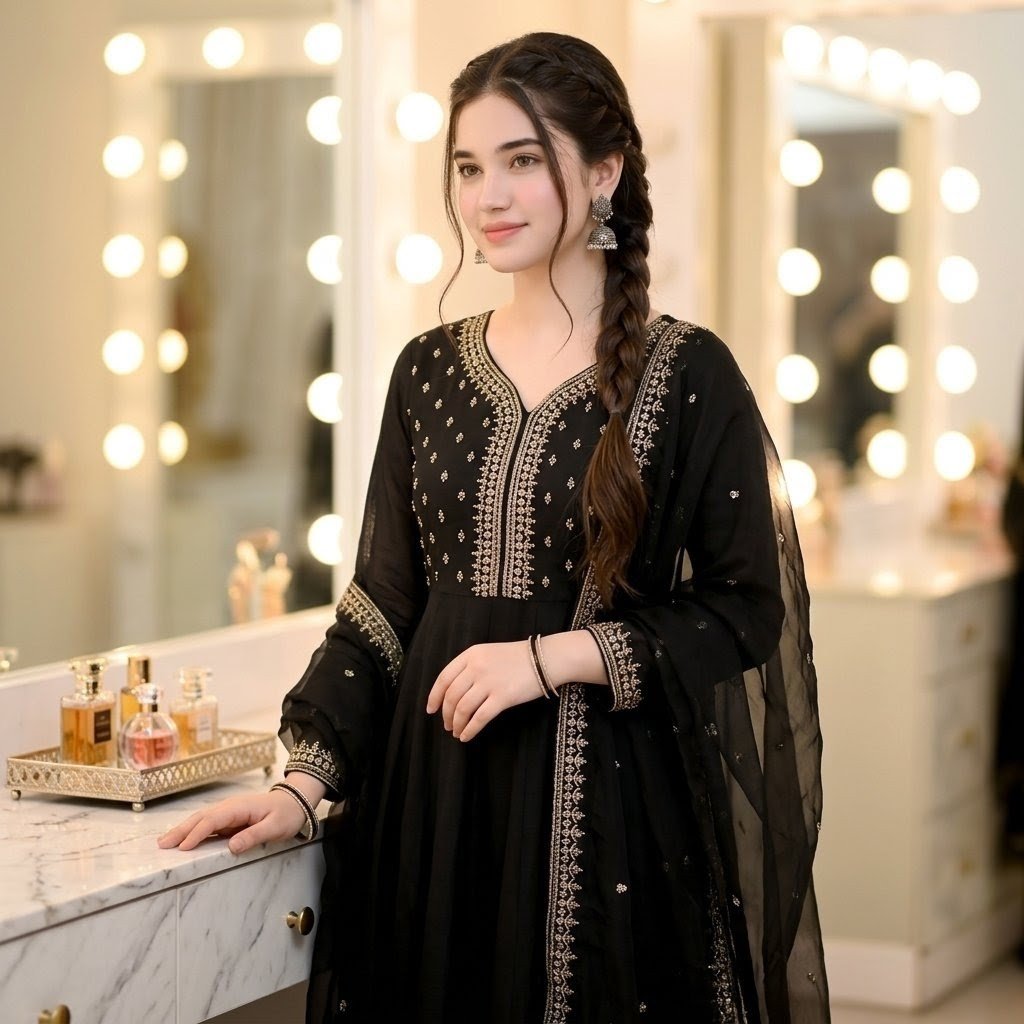
Indian Ethnic Wear Portrait

Beginner Coin Collecting Manga Page
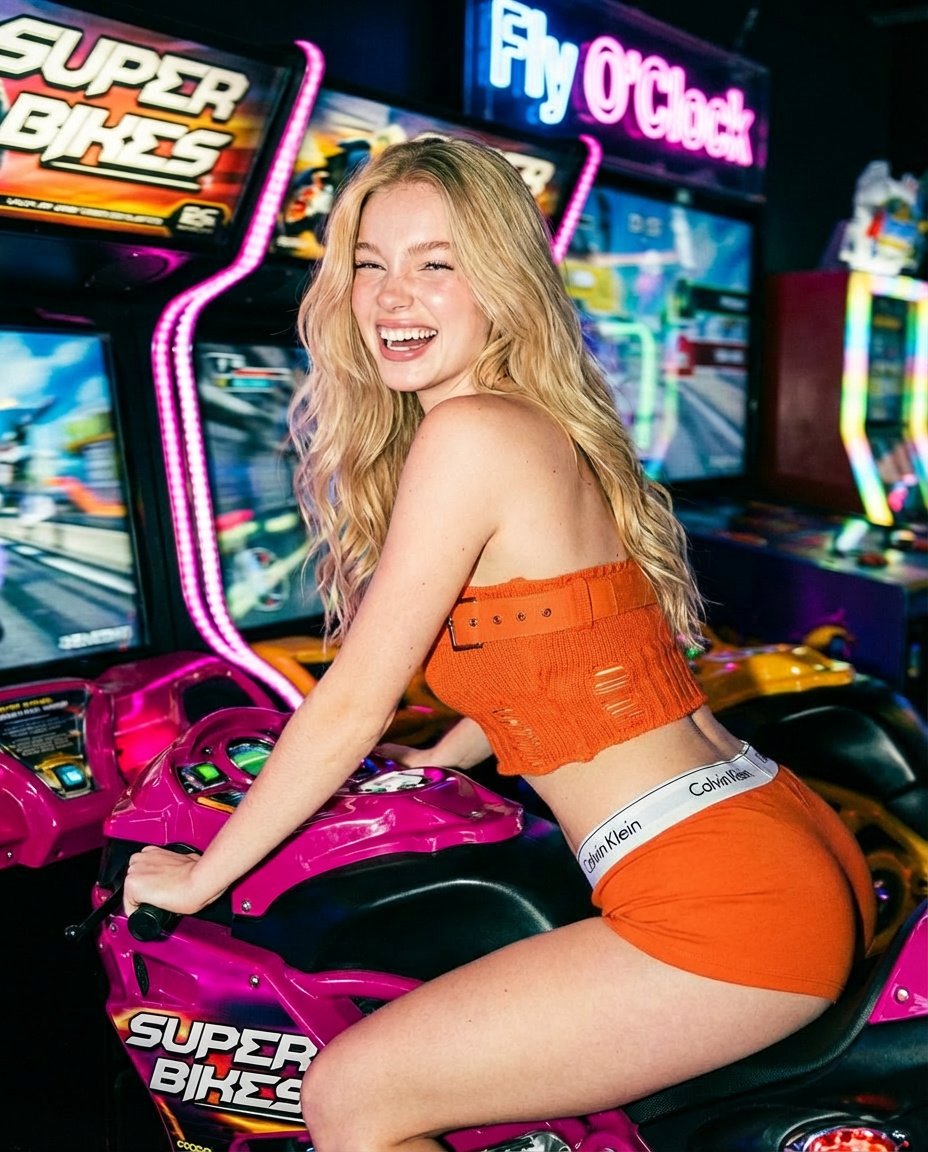
Photorealistic Arcade Motorcycle Game Portrait Prompt
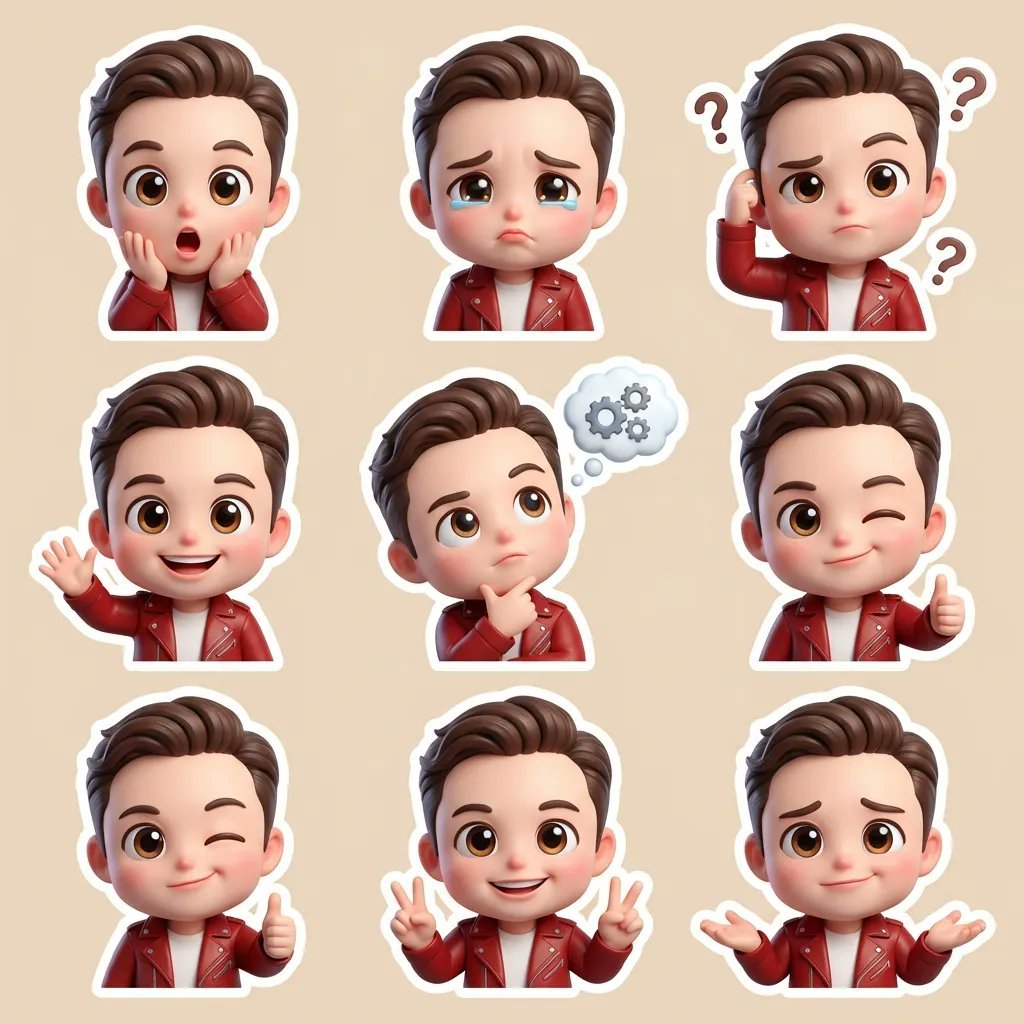
3D Chibi Cartoon Sticker Set Generation Prompt
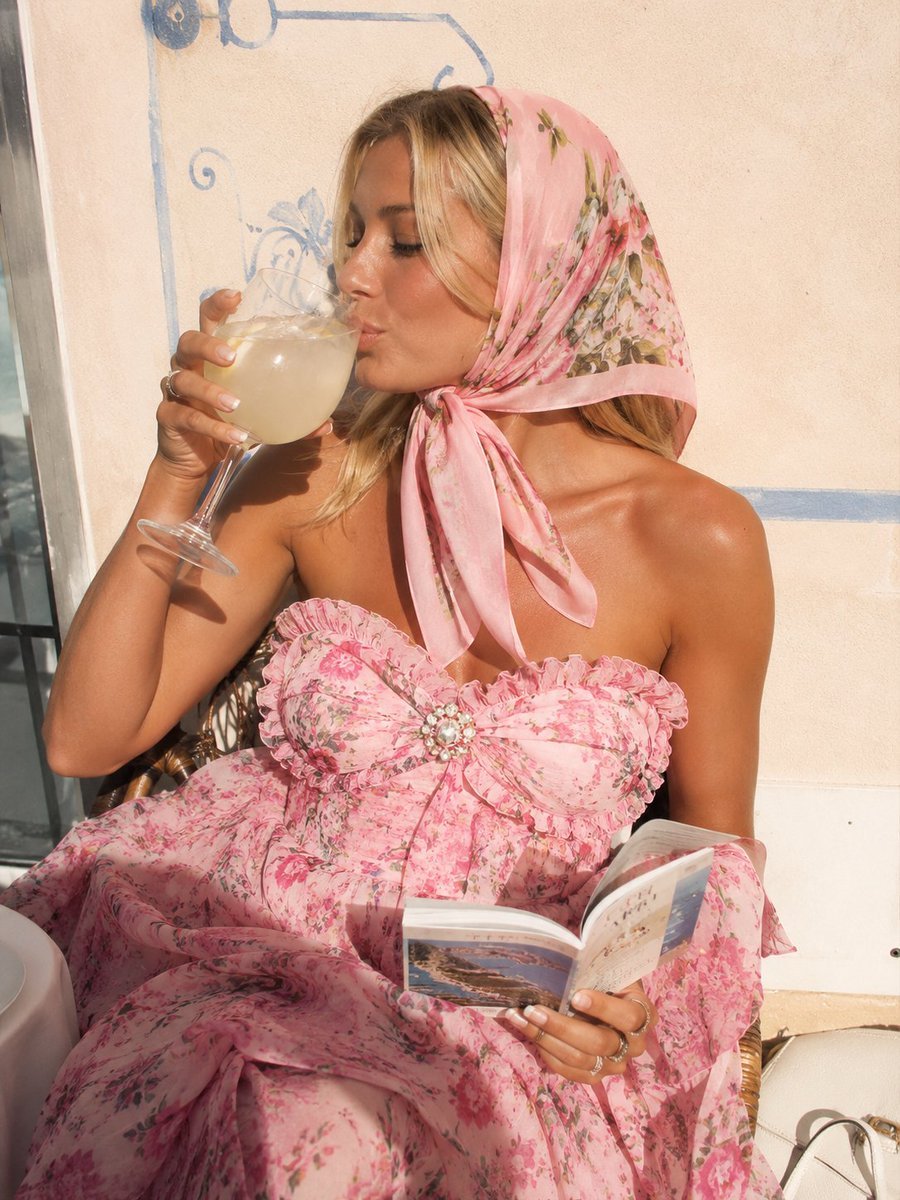
Pink Floral Vacation Café Portrait
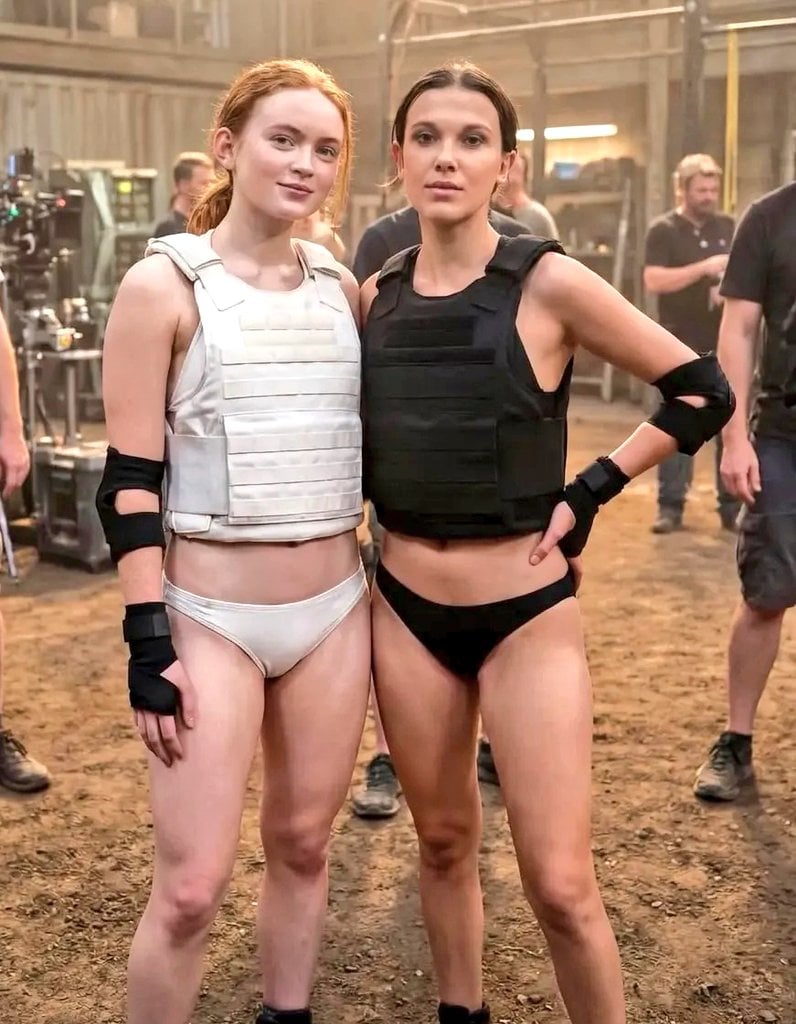
Cinematic Photo of Tactical Female Characters
Browse template categories
Porsche 911 GT3 City Scene questions
How do I use the Porsche 911 GT3 City Scene template?
Add your photo if the template asks for one, edit the prompt if you like — the template's model and format are already selected — and press Generate. Your version opens in PicX Studio.
Can I customize the Porsche 911 GT3 City Scene template?
Yes. You can change the subject, setting, lighting, mood, format, and available model controls before creating your image.
Is the Porsche 911 GT3 City Scene template free?
Opening and editing this template is free. Generating uses credits, shown on the Generate button when you are signed in.
Which AI model should I use?
Start with Nano Banana 2, which is the model associated with this template. You can compare another compatible model for a different finish.
Looking for something else? Browse all templates.

Your photo, any look
Thousands of ready templates for every top image and video model, from one credit balance.