
Porsche 911 Photo and Watercolor Poster
Creates a vertical luxury car poster with a photorealistic top panel, watercolor illustration bottom panel, and centered editorial typography.
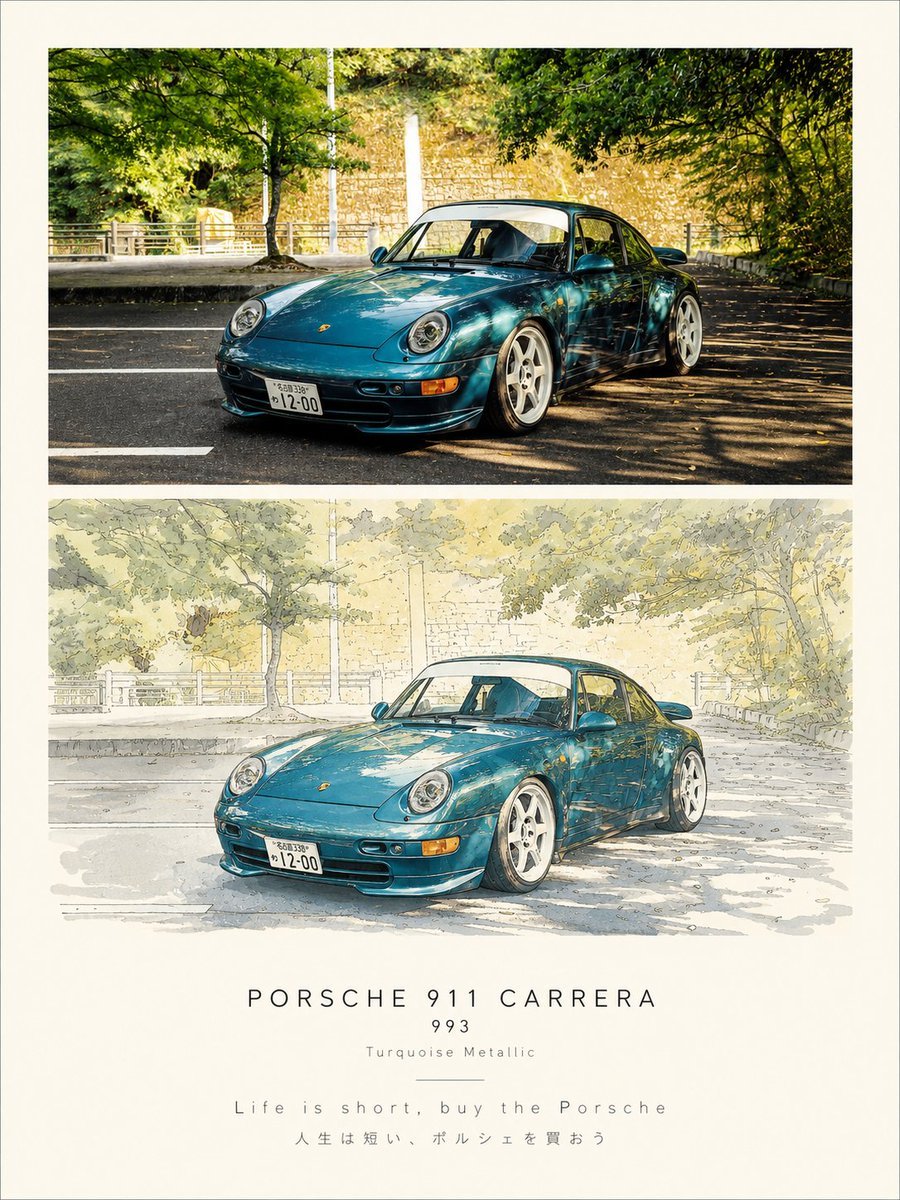
- Prompt included
- Model and format preset
- Free template
The prompt behind this image
Copy the exact prompt behind Porsche 911 Photo and Watercolor Poster, or open it in the studio and make it yours.
Goal: Create a refined vertical automotive poster comparing a realistic photo and an illustrated rendering of the same car, centered on a classic {argument name="car model" default="Porsche 911 Carrera 993"} in {argument name="car color" default="Turquoise Metallic"}. Canvas: Portrait poster, approximately 3:4 ratio, warm ivory paper background with wide margins and a clean gallery-print look. Layout: Use exactly 2 large horizontal image panels stacked vertically. Panel 1 at the top is a realistic photograph. Panel 2 below it is a watercolor-and-ink illustration of the same scene. Beneath the panels, add centered typography in four text lines plus one thin divider line. Scene details: The car is a low, classic Porsche 911 coupe viewed from a front-left three-quarter angle, parked on a quiet road under leafy green trees. It has round headlights, a Japanese-style front license plate, white five-spoke wheels, glossy reflections on the hood and doors, and a slightly lowered stance. Background includes a sunlit stone wall, roadside railings, asphalt lane markings, tree branches overhead, and dappled shadows across the road. Panel 1: Photorealistic, warm afternoon sunlight, high detail, deep greens, strong contrast, realistic shadows, glossy metallic paint, cinematic street photography. Panel 2: Recreate the same composition as a delicate hand-drawn watercolor illustration with fine ink outlines, pale cream and green washes, softened contrast, sketchy road texture, simplified foliage, and light paper grain. Keep the car recognizable and in the same position. Text content: Add exactly 4 centered lines under the image panels: line 1 large spaced uppercase text “{argument name="headline text" default="PORSCHE 911 CARRERA"}”; line 2 smaller text “{argument name="year text" default="993"}”; line 3 very small text “{argument name="paint label" default="Turquoise Metallic"}”; line 4 spaced quote text “{argument name="quote" default="Life is short, buy the Porsche"}”. Under the quote, add a smaller Japanese translation: “人生は短い、ポルシェを買おう”. Place one thin horizontal divider line between the paint label and the quote. Typography: Minimal luxury editorial styling, generous letter spacing, thin sans-serif font, black or dark gray text, perfectly centered. Constraints: Use exactly 2 image panels and exactly 5 visible text elements below them including the Japanese translation. Do not add logos beyond the small Porsche hood badge on the car. No watermark, no extra captions, no border other than the ivory poster margin.
How to use Porsche 911 Photo and Watercolor Poster in 3 steps
- 1Upload ImagePNG, JPG or paste
Add your photo
Upload the photo the template builds on. The prompt, model and format are already set.
- 2…a portrait of your subject in softgolden-hour light, 85mm…
Personalize
Edit the subject and creative details for your destination.
- 3Generate
Generate
Press Generate — your image is created in PicX Studio, so you can compare it with the original and refine one variable at a time.
More like this
Templates with the same subject, style or setup. Open one to see its prompt.

Japan Travel Brochure Poster

Watercolor Anim Finale Fireworks

Watercolor Anim Garden Maze

Watercolor Anim Rooftop Concert

Watercolor Anim Bicycle Coast

Watercolor Anim Castle Gate

Watercolor Anim Kitchen Chaos

Watercolor Anim Carnival Ride

Watercolor Anim Rainy Bus Stop

Watercolor Anim Space Dock

Watercolor Anim Cafe Morning

Watercolor Anim Mountain Summit
Make it yours
Porsche 911 Photo and Watercolor Poster works as-is. These are the safest ways to change it without losing the look.
Change one field
Copy a single group, rewrite it, and generate again so you can see what that field is doing.
Keep the frame, change the subject
Hold the composition and light of Porsche 911 Photo and Watercolor Poster, then swap wardrobe, props or the person for a new take.
| If the result… | Why | Fix |
|---|---|---|
| The result drifts from the preview | Too many fields changed at once. | Reuse Porsche 911 Photo and Watercolor Poster as-is first, then change one group — subject, light, or setting. |
| The model over-stylizes the scene | The prose prompt leaves finish and camera underspecified. | Add one camera or lighting sentence and stay on GPT Image 2. |
More GPT Image 2 templates
Other prompts made for GPT Image 2.

Six VTuber Japanese Logo Sheet

Realistic Portrait of Woman and Deer

The Vista Modular Condo Poster

AI Model Routing Comparison Infographic

2.5D Anime Art Board

Isometric Productivity Desk Scene

New York Double Exposure Poster

Four-Panel AI Landscape Comparison

Japanese Tatami Lifestyle Magazine Cover

NESCAFÉ Coffee Map Poster
More image prompts
Fresh picks from across the catalog.
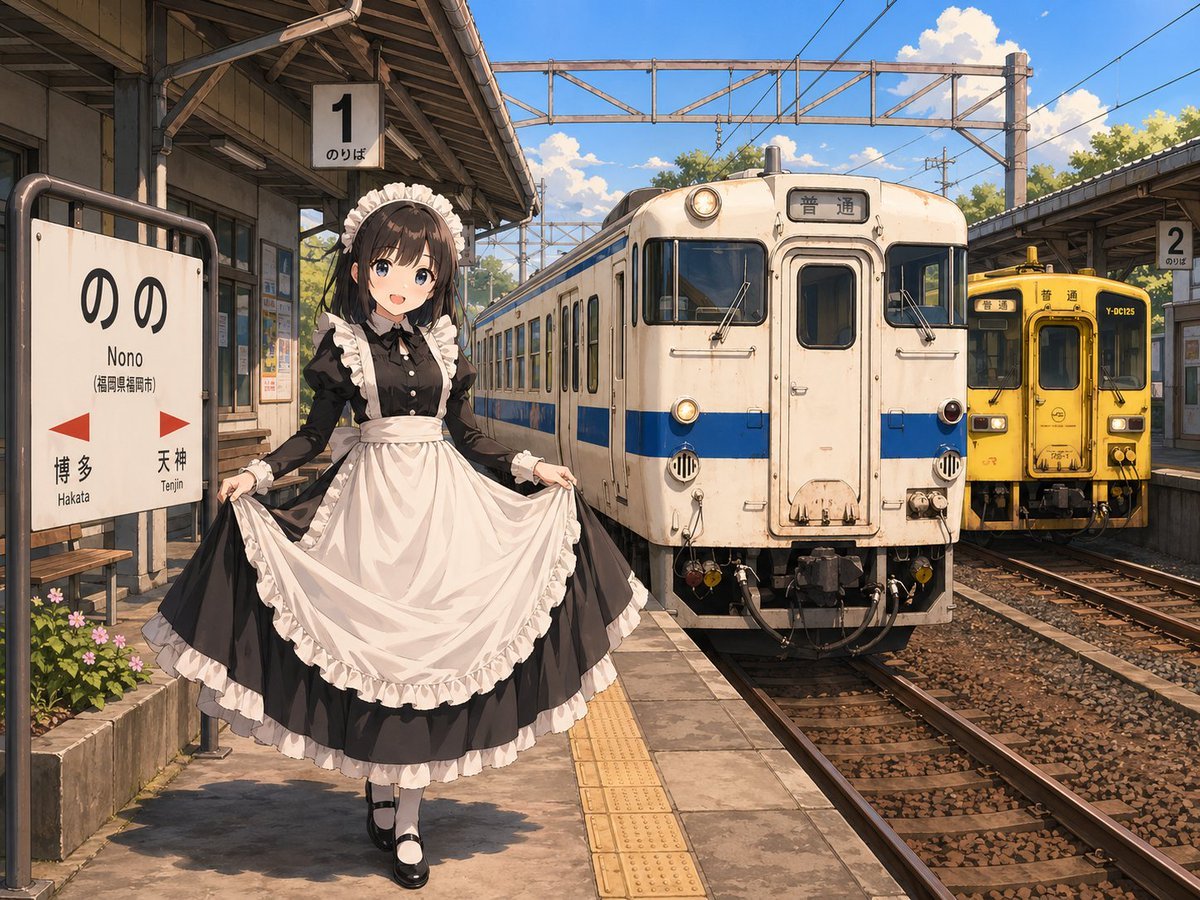
Anime Maid at Rural Train Station
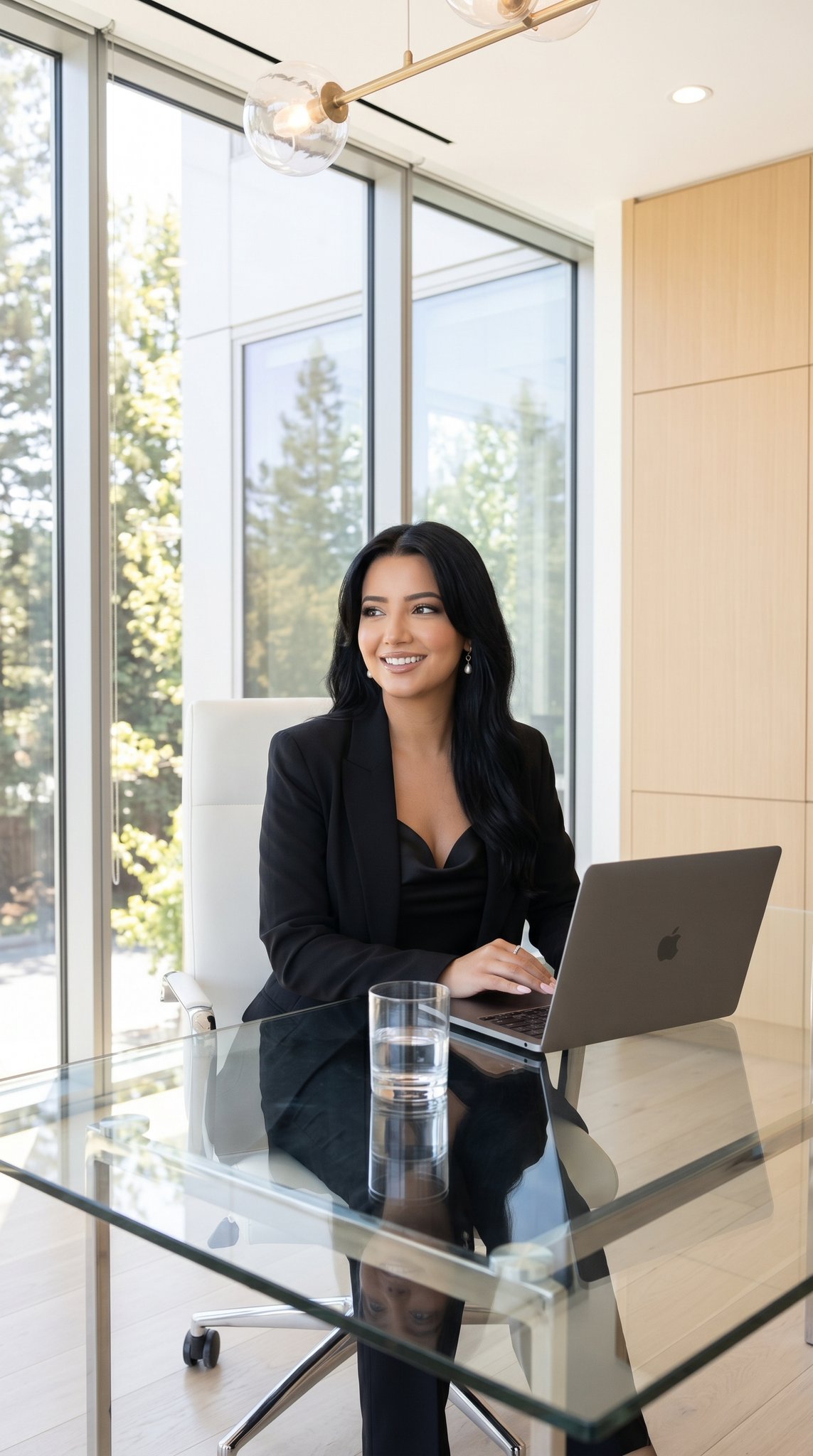
09 Silicon Valley Startup — California Series
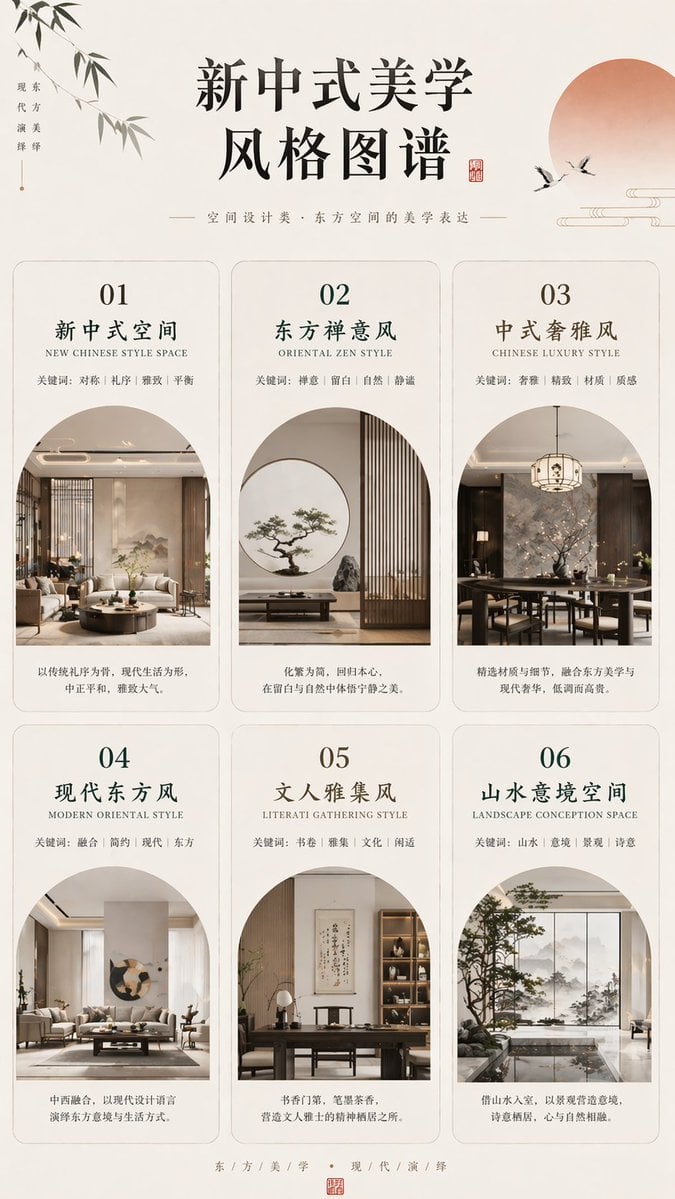
New Chinese Aesthetics Style Chart
High-Fashion Male Editorial Portrait

3D Chibi Sticker Set with Customizable Jacket Color
Tom and Jerry Energy Drink Ad
Anime Museum Background Conversion
Low-Angle Urban Street Photography
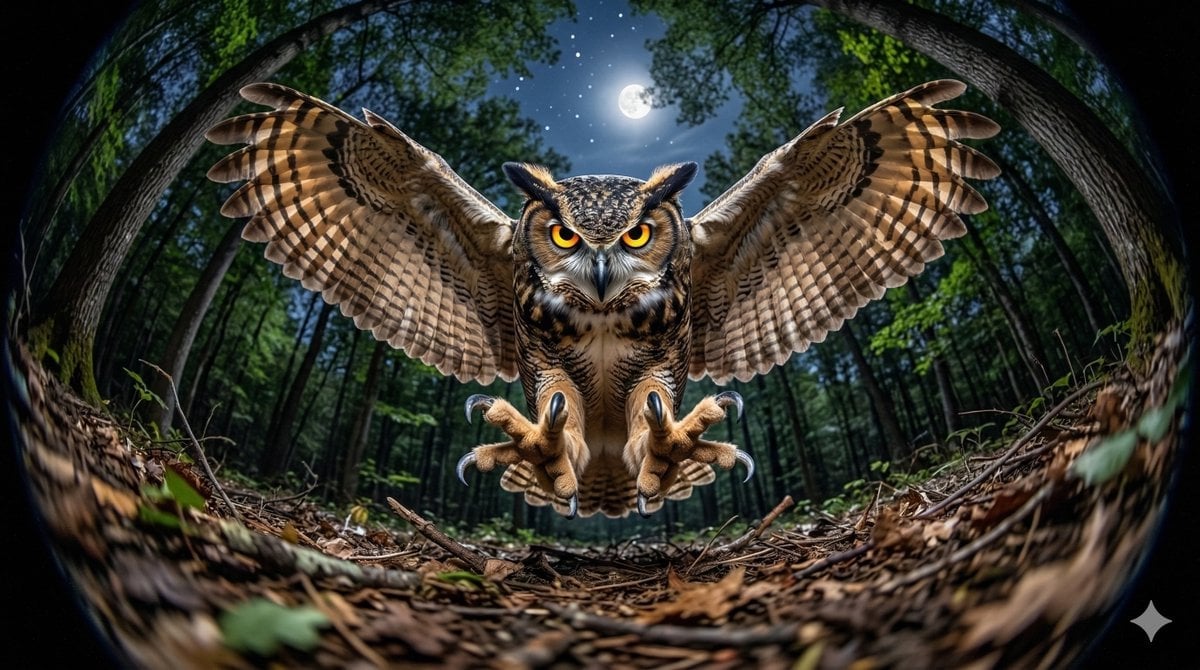
Fisheye Perspective of a Mouse and Owl
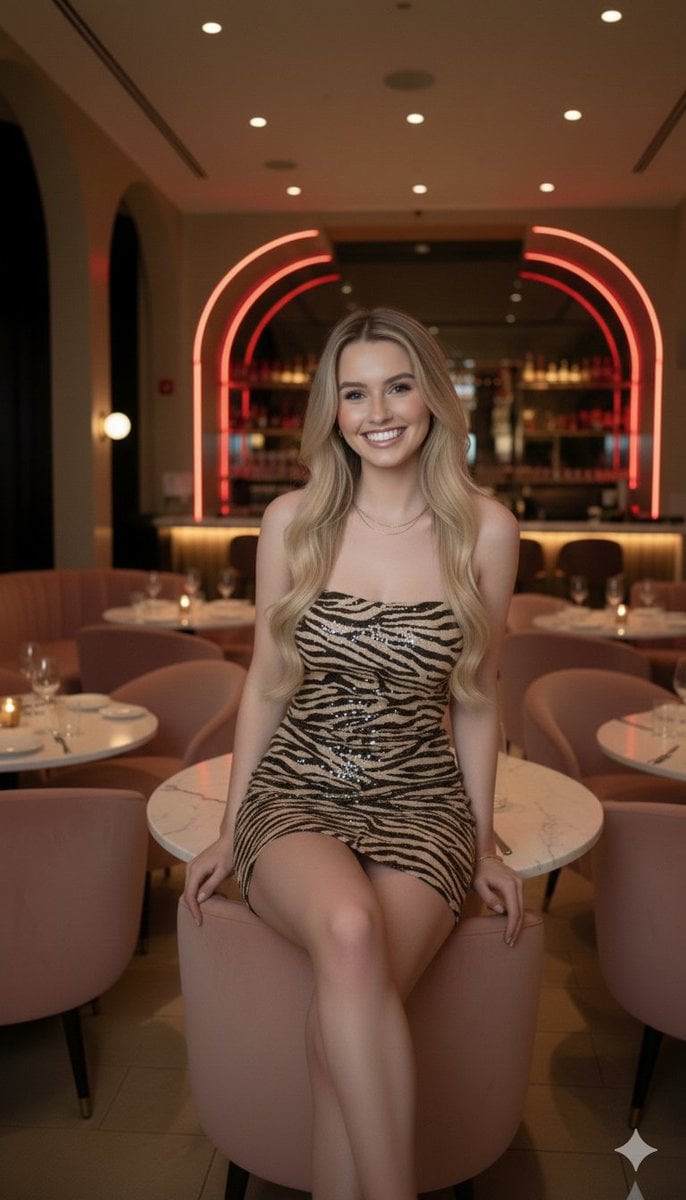
Candid Upscale Lounge Portrait Prompt
Browse template categories
Porsche 911 Photo and Watercolor Poster questions
How do I use the Porsche 911 Photo and Watercolor Poster template?
Add your photo if the template asks for one, edit the prompt if you like — the template's model and format are already selected — and press Generate. Your version opens in PicX Studio.
Can I customize the Porsche 911 Photo and Watercolor Poster template?
Yes. You can change the subject, setting, lighting, mood, format, and available model controls before creating your image.
Is the Porsche 911 Photo and Watercolor Poster template free?
Opening and editing this template is free. Generating uses credits, shown on the Generate button when you are signed in.
Which AI model should I use?
Start with GPT Image 2, which is the model associated with this template. You can compare another compatible model for a different finish.
Looking for something else? Browse all templates.

Your photo, any look
Thousands of ready templates for every top image and video model, from one credit balance.