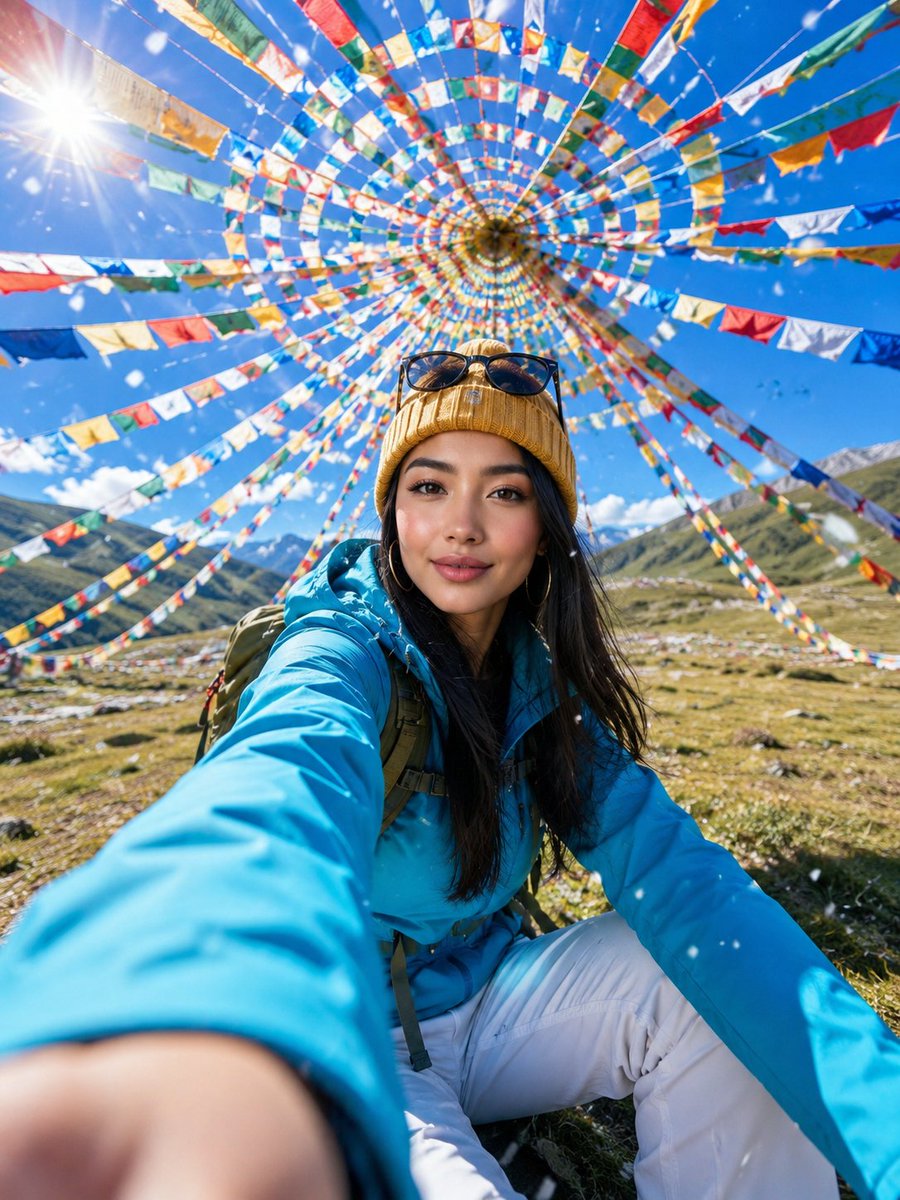
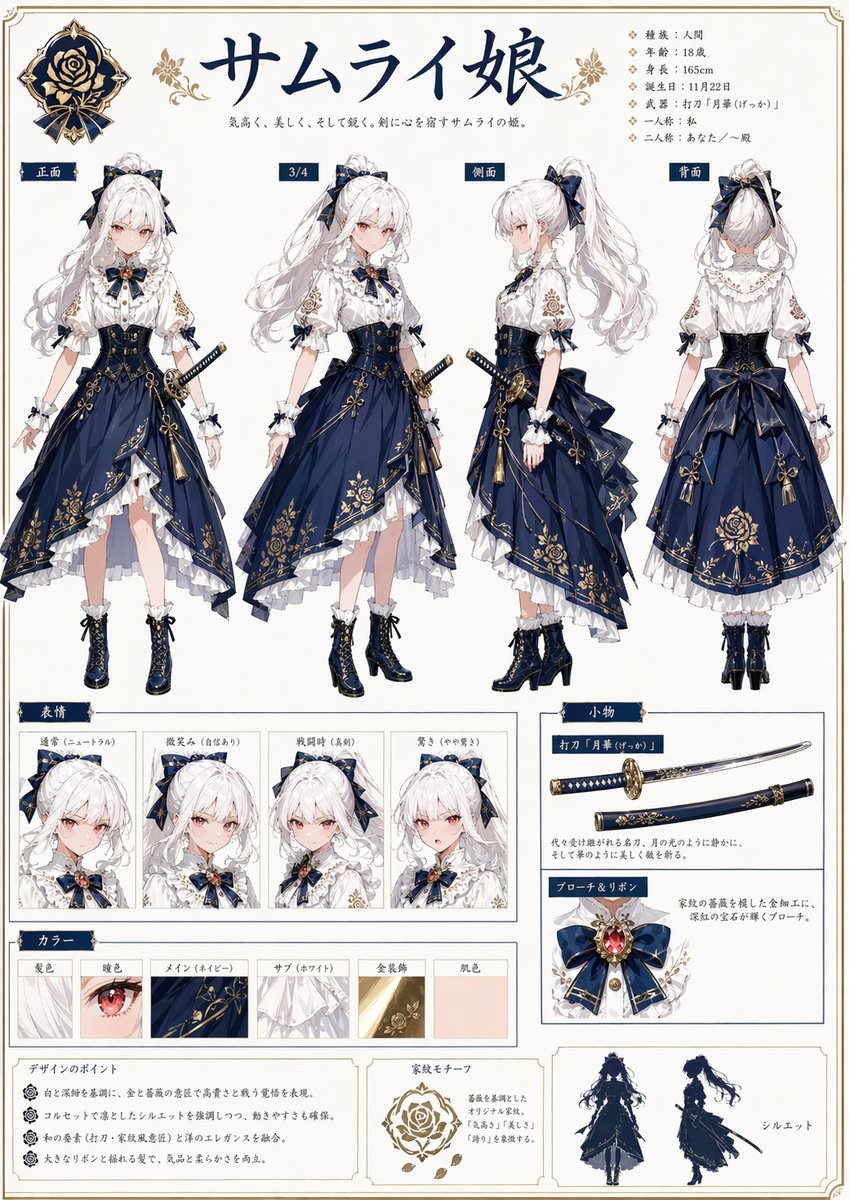
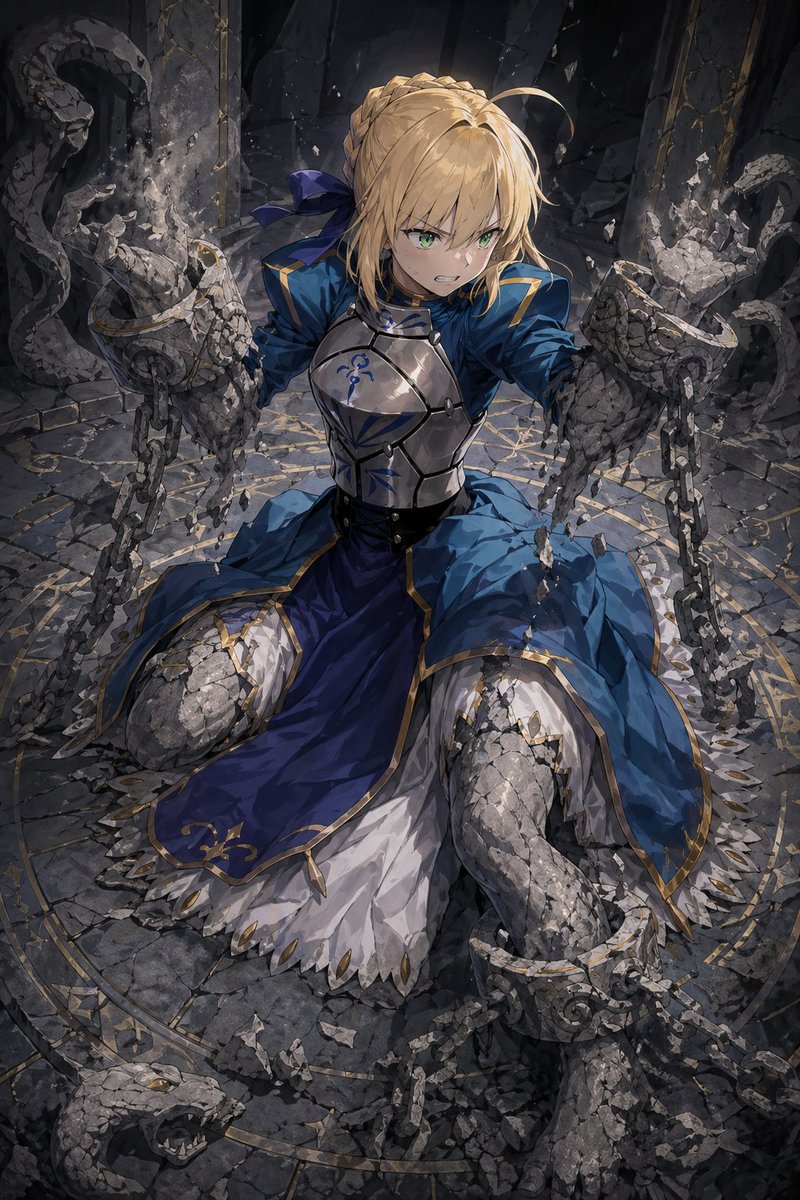
How do I use the Dreamy Korean Aesthetic Cat Portrait template?
Choose the primary action to open PicX Studio with the available template settings. Review the model and format, personalize the creative direction, and generate when ready.
A soft, hyper-realistic portrait prompt featuring a young man with a tabby cat on his shoulder in a minimal Korean aesthetic.
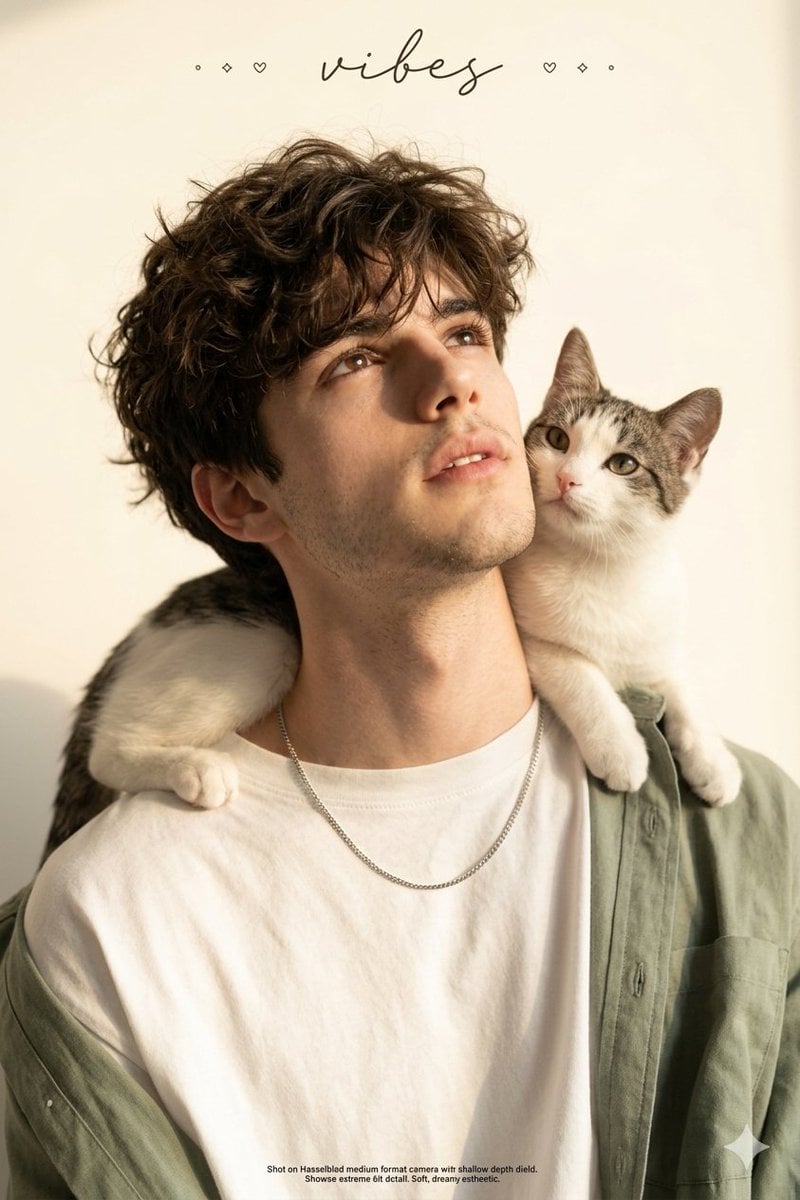
A real young man (Use my face refrence uploded image) with short voluminous messy curly dark brown black hair, pale porcelain skin, soft dreamy eyes looking upward with lips slightly parted, delicate thin silver chain necklace, wearing oversized loose white t-shirt with soft {argument name="clothing color" default="sage green"} outer shirt draped casually off one shoulder, cute white and grey {argument name="cat type" default="tabby cat"} sitting relaxed on his shoulder leaning against his neck, head tilted back slightly looking upward, pure soft warm white cream minimal background, warm soft golden side lighting casting gentle shadows on face and neck, small decorative text elements and cursive handwritten style text overlay at top reading vibes, small text at bottom, hyper-realistic 8K photography, soft dreamy Korean aesthetic, extreme curly hair and skin detail, close up portrait composition, shallow depth of field, shot on Hasselblad medium format camera
Choose the primary action to open PicX Studio with the available template settings. Review the model and format, personalize the creative direction, and generate when ready.
Yes. You can change the subject, setting, lighting, mood, format, and available model controls before creating your image.
This template is free to open and customize. Generation usage is shown in PicX Studio before you create.
Start with Nano Banana 2, which is the model associated with this template. You can compare another compatible model for a different finish.
Follow a topic to a crawlable collection of related PicX Studio templates.
Prompt stories that include this template.