How do I use the Morning Bedroom Portrait template?
Choose the primary action to open PicX Studio with the available template settings. Review the model and format, personalize the creative direction, and generate when ready.
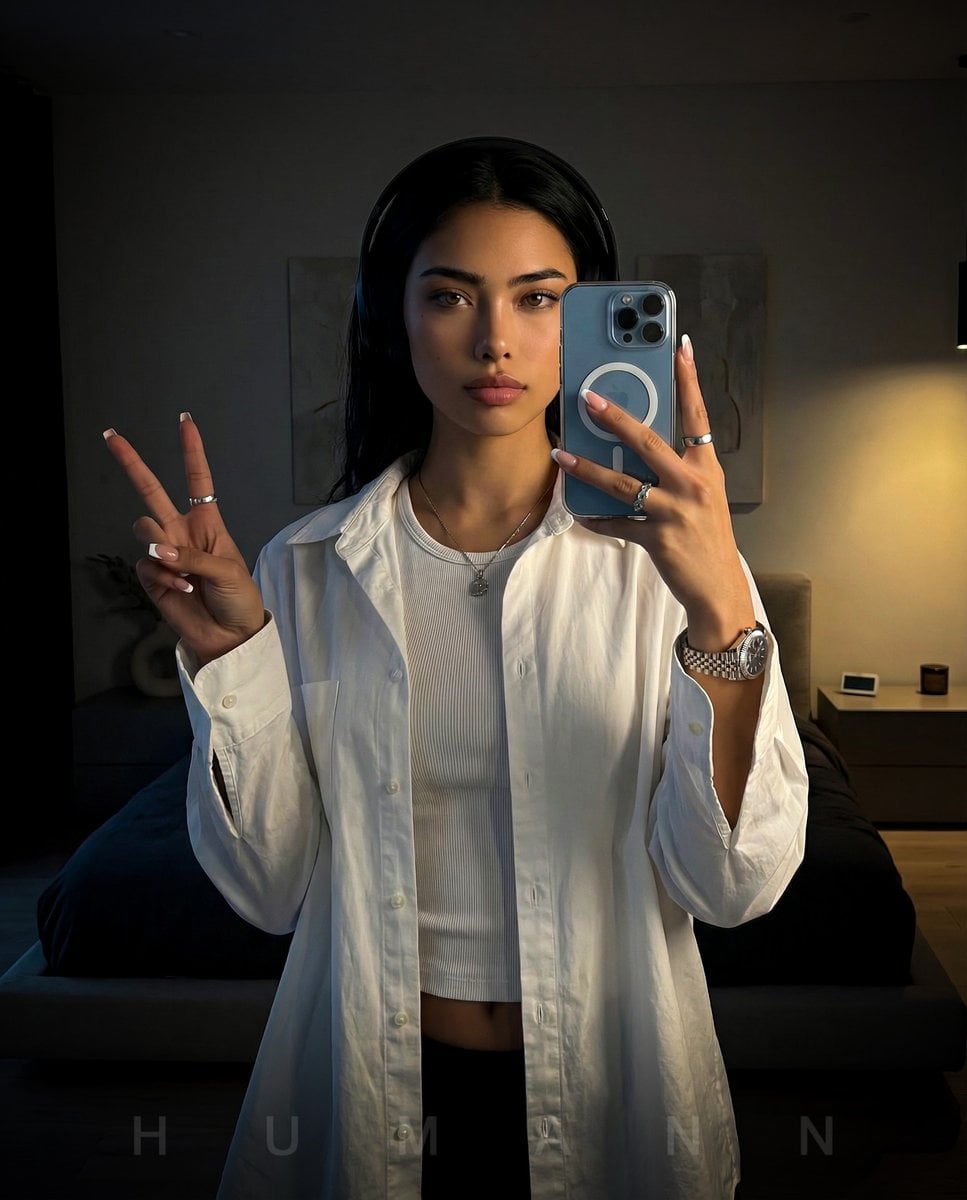
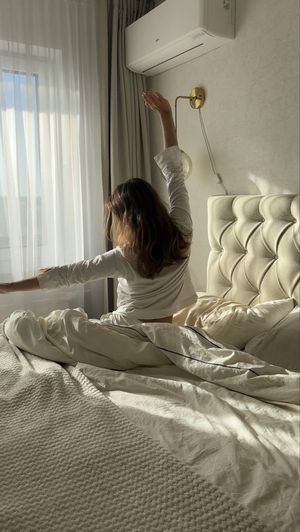
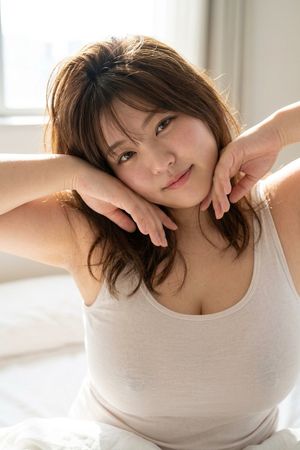
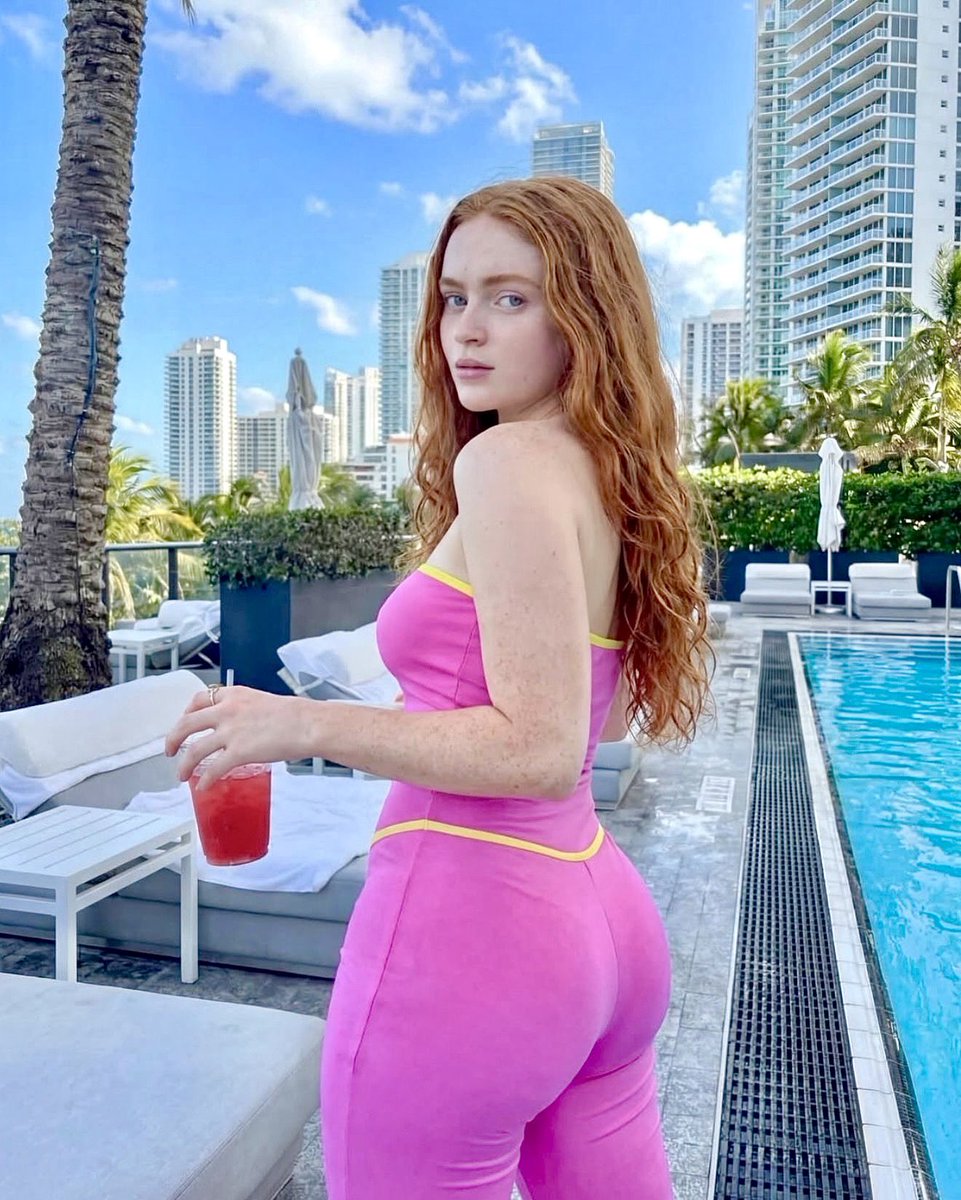
A detailed cinematic prompt for a relaxed morning portrait on a bed, featuring soft lighting and high-quality photography settings.

{ "type": "image_prompt", "aspect_ratio": "9:16", "description": { "subject": { "identity": "{argument name="subject name" default="[NAME]"}", "appearance": { "skin": "Flawless skin with a soft natural blush", "hair": "Long silky hair tied in a messy high ponytail with a white ribbon", "expression": "Relaxed expression with slightly parted lips", "pose": "Slight head tilt while looking directly at the viewer", "lips": "Natural glossy lips" } }, "clothing": { "top": "Loose yellow spaghetti strap shirt", "bottom": "Black athletic shorts with white trim" }, "scene": { "location": "Kneeling on the bed while leaning forward", "lighting": { "main": "Soft morning light coming through a large window behind her", "effects": "Cinematic rim lighting and soft floating dust particles in the air" }, "atmosphere": "Cozy and cinematic morning atmosphere" }, "visual_style": { "skin_texture": "Ultra-realistic skin texture with visible pores and micro skin details", "quality": [ "Photorealistic", "8K", "Hyper-realistic photography", "Ultra-detailed", "Masterpiece", "Best quality" ], "color_grading": "Natural color grading with cinematic tones", "depth_of_field": "Shallow depth of field with creamy bokeh" }, "camera": { "camera_model": "Canon EOS R5", "lens": "RF 85mm f/1.2L", "settings": { "aperture": "f/1.4", "shutter_speed": "1/200s", "iso": "100" }, "mode": "Portrait mode" } } }
Choose the primary action to open PicX Studio with the available template settings. Review the model and format, personalize the creative direction, and generate when ready.
Yes. You can change the subject, setting, lighting, mood, format, and available model controls before creating your image.
This template is free to open and customize. Generation usage is shown in PicX Studio before you create.
Start with Nano Banana 2, which is the model associated with this template. You can compare another compatible model for a different finish.
Follow a topic to a crawlable collection of related PicX Studio templates.