How do I use the Cozy Studio Portrait Photography template?
Choose the primary action to open PicX Studio with the available template settings. Review the model and format, personalize the creative direction, and generate when ready.
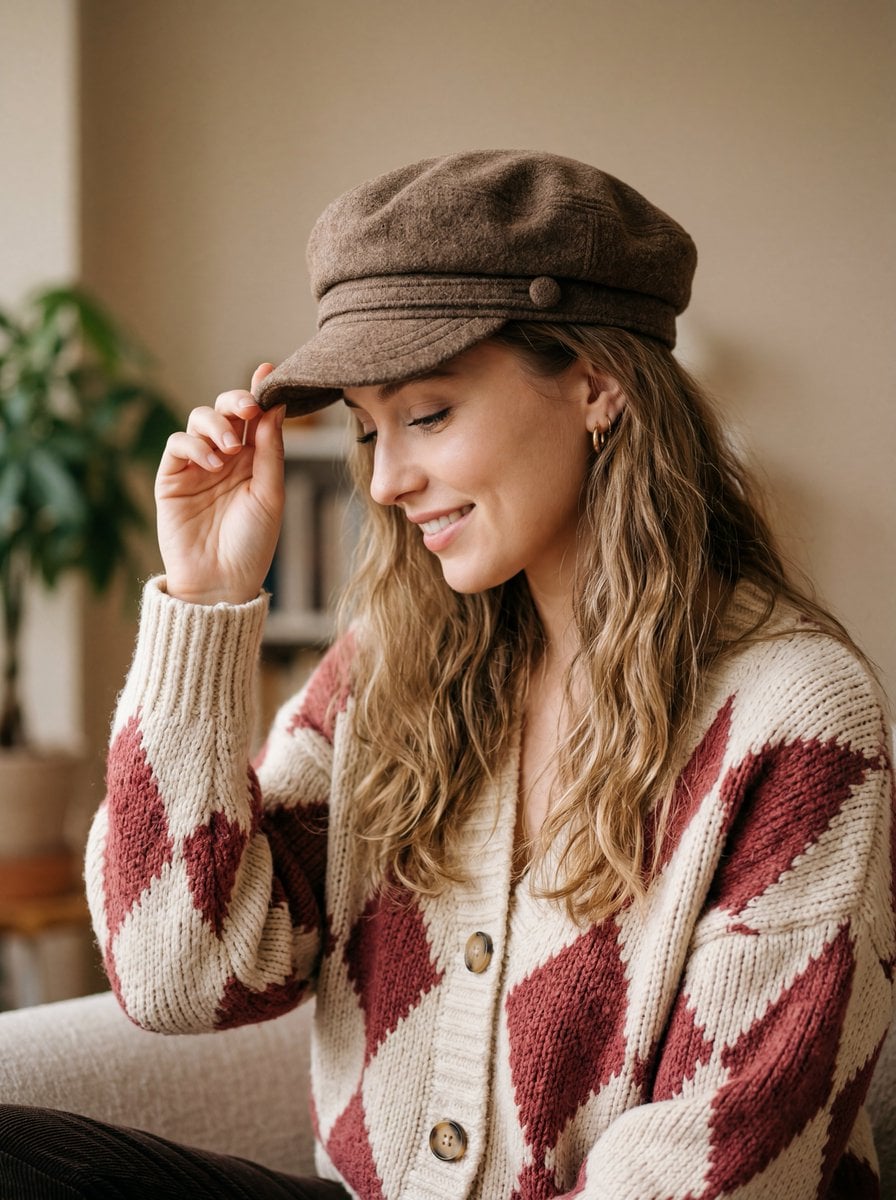
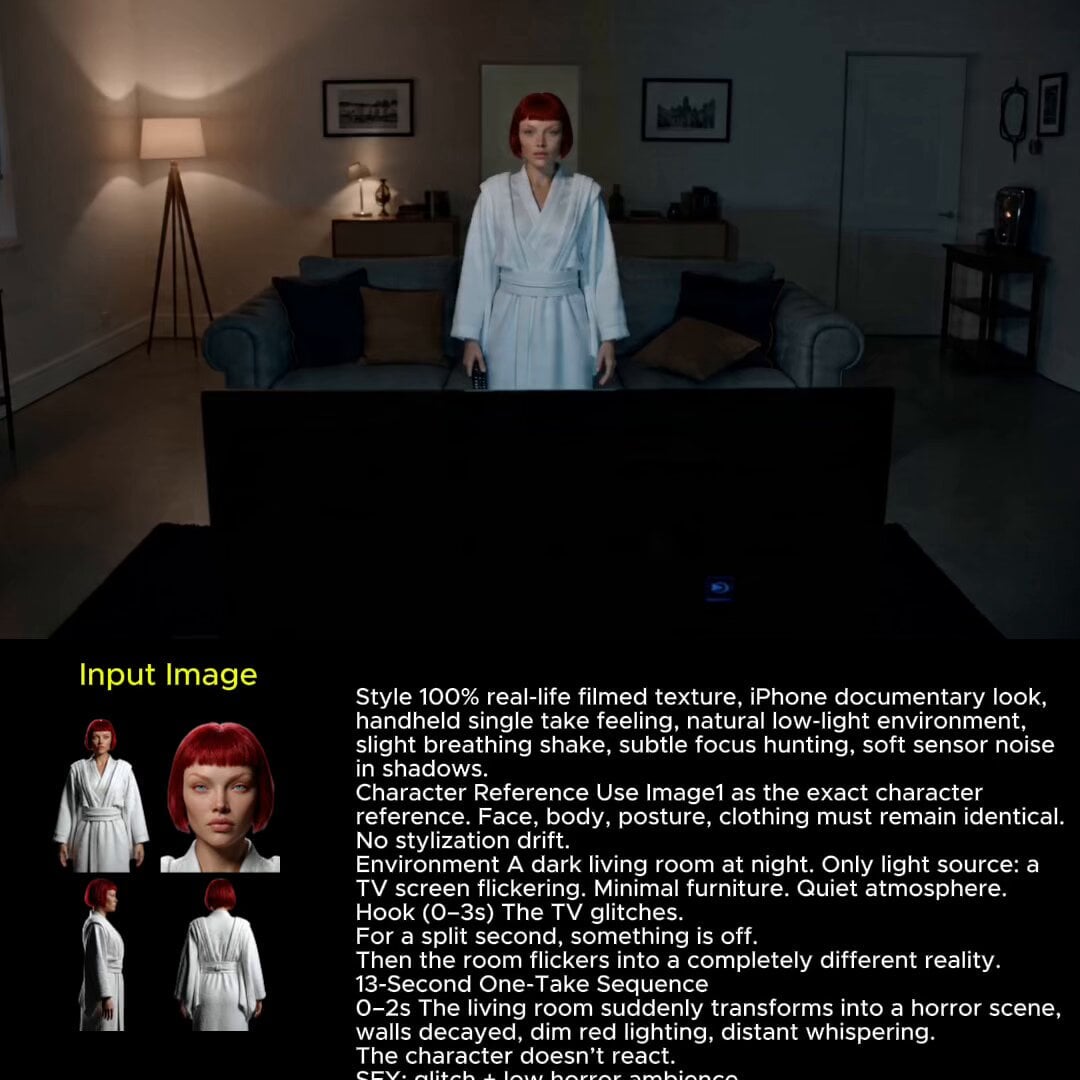
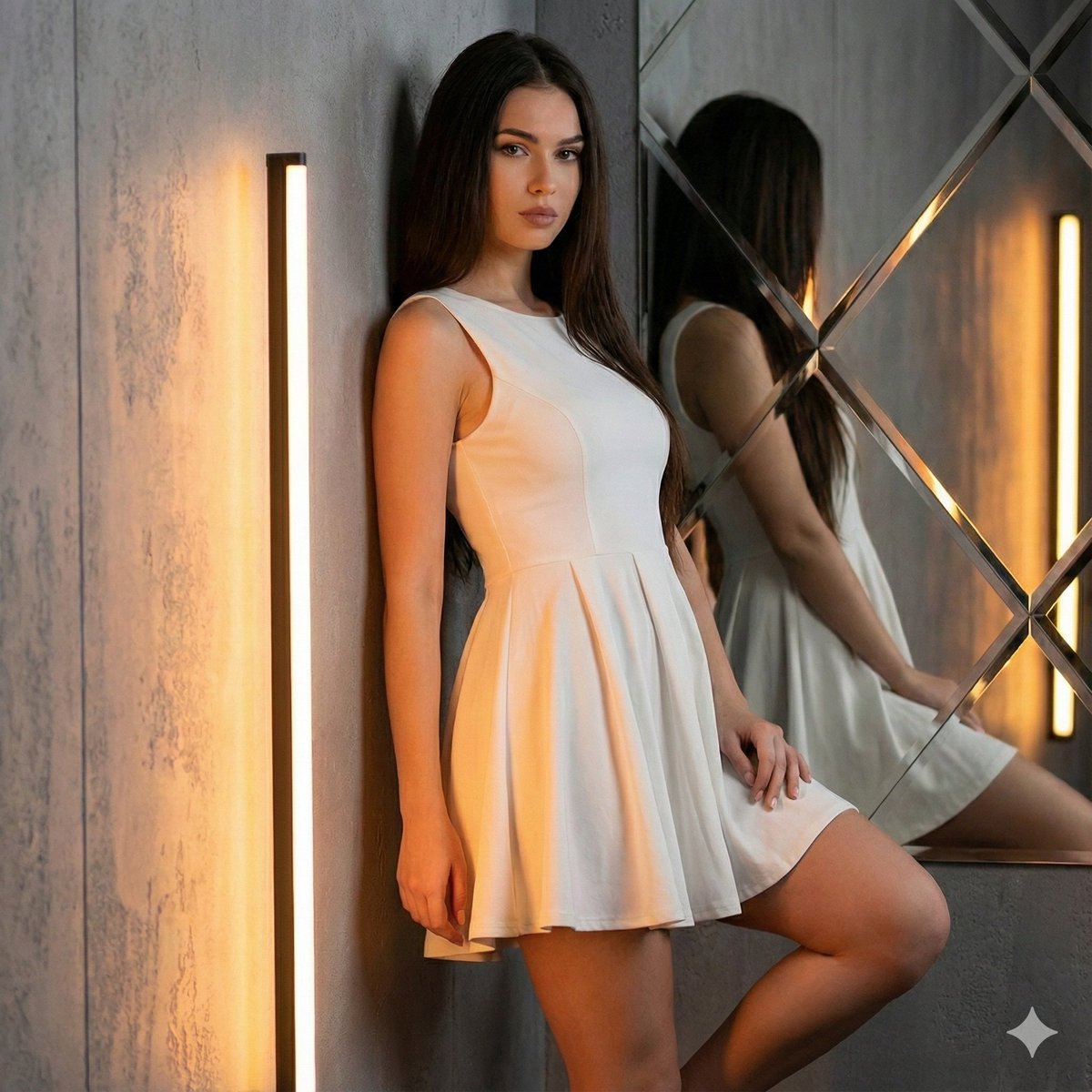
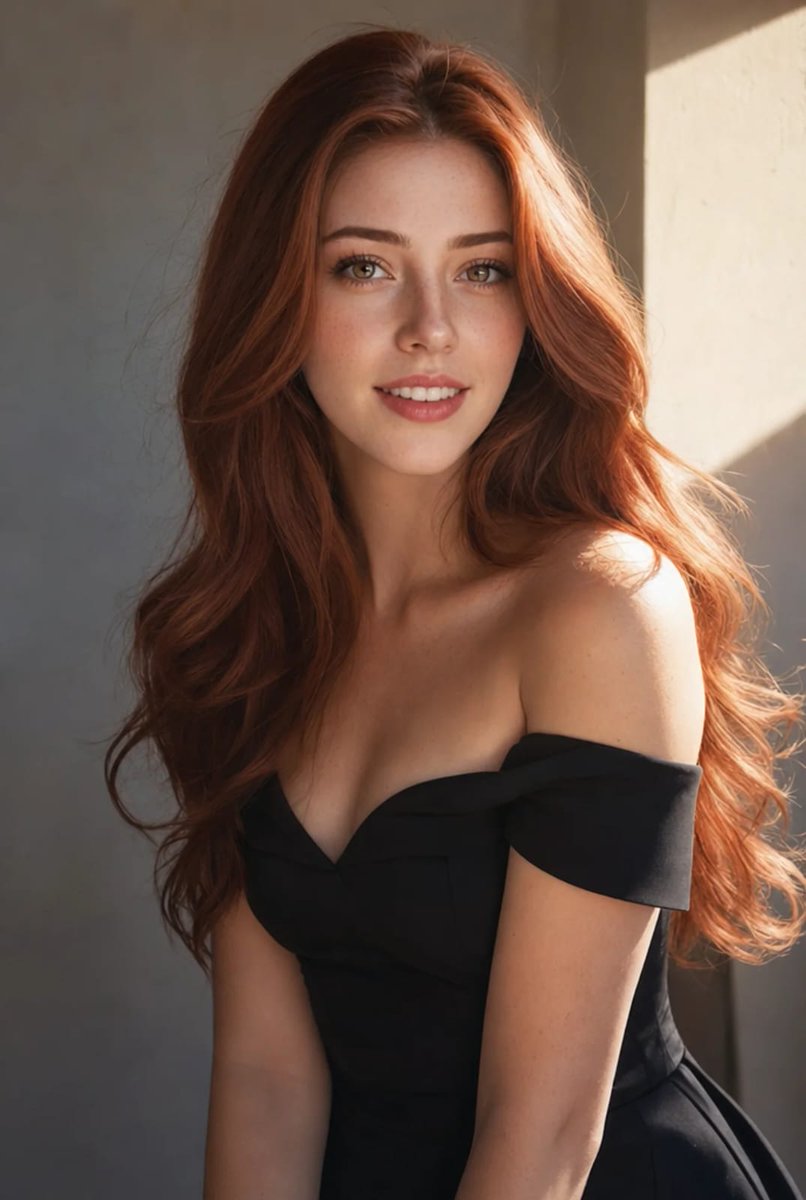
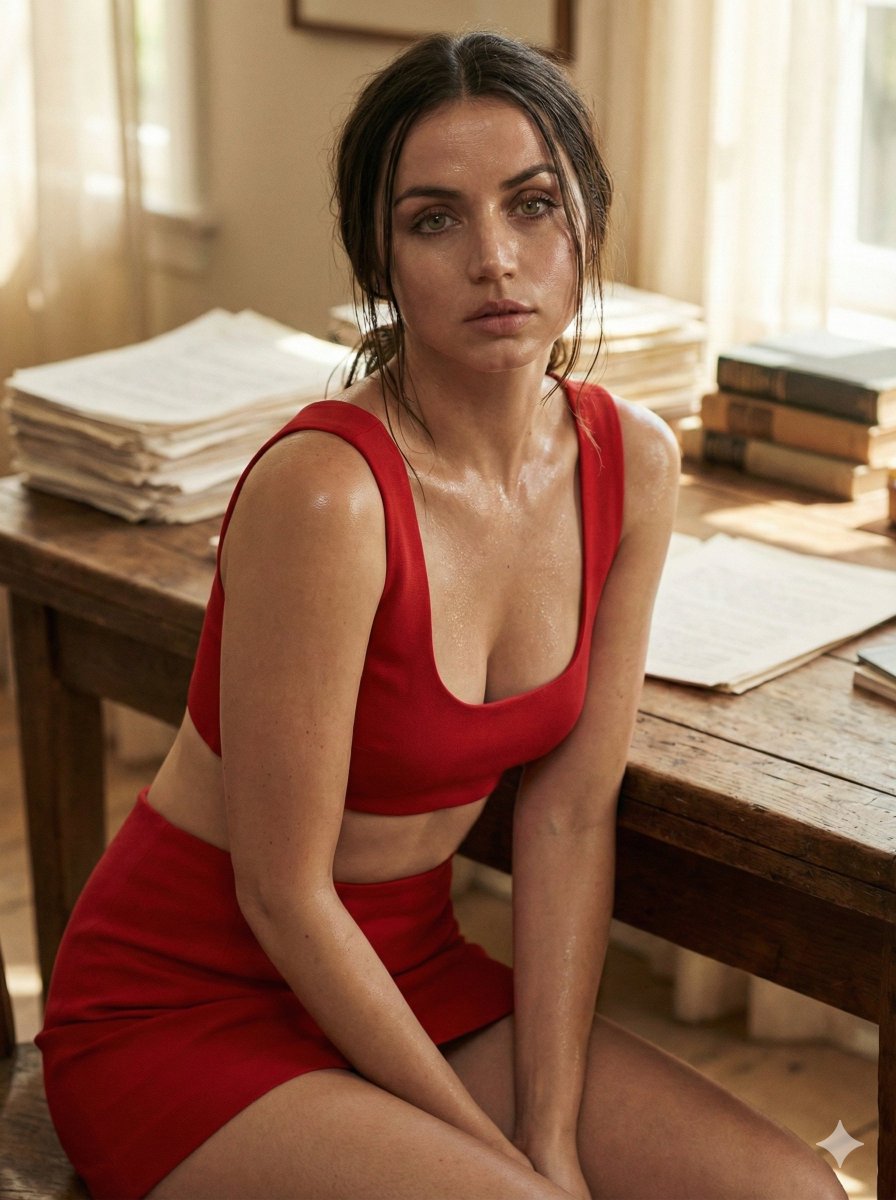
A detailed studio portrait prompt for a young woman in a cozy sweater, featuring professional lighting and camera settings for a realistic finish.

Detailed close-up studio portrait of a {argument name="subject" default="young woman"} with voluminous medium-length {argument name="hair style" default="curly brown hair"} and round black-rimmed glasses, natural makeup, defined eyebrows, light pink lipstick, pearl drop earrings, delicate pearl necklace, cozy {argument name="sweater" default="yellow cable-knit sweater"}, light-wash denim jeans, relaxed casual pose, lying on a light-colored surface, left hand touching chin, looking directly at camera, minimalist warm beige studio background, blurred yellow Converse shoe in background, soft focus, natural lighting, Canon EOS R5, RF 85mm f/1.4 lens, shallow depth of field, ultra-realistic, cinematic portrait photography, cozy aesthetic.
Choose the primary action to open PicX Studio with the available template settings. Review the model and format, personalize the creative direction, and generate when ready.
Yes. You can change the subject, setting, lighting, mood, format, and available model controls before creating your image.
This template is free to open and customize. Generation usage is shown in PicX Studio before you create.
Start with Nano Banana 2, which is the model associated with this template. You can compare another compatible model for a different finish.
Follow a topic to a crawlable collection of related PicX Studio templates.