
High Angle Bed Selfie
A casual and realistic phone selfie prompt set on a bed, capturing specific makeup styles and a teasing expression.
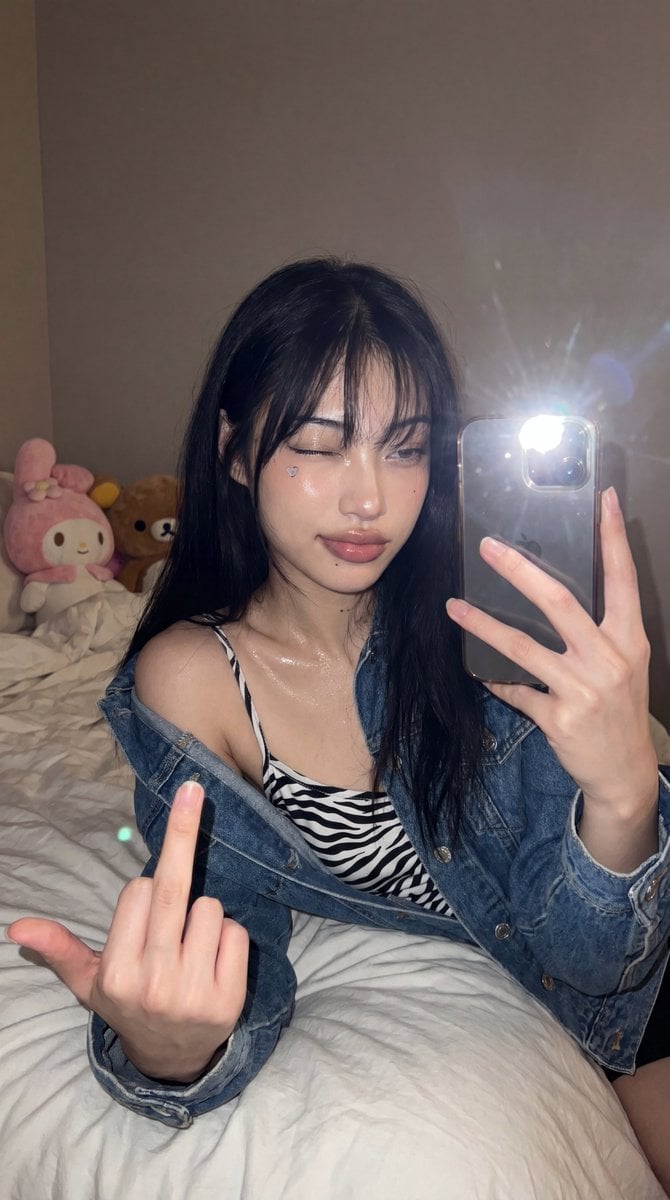
- Prompt included
- Model and format preset
- Premium template
The prompt behind this image
Copy the exact prompt behind High Angle Bed Selfie, or open it in the studio and make it yours.
A high-angle front-camera phone selfie of a young woman in her 20s sitting or half-lying on a {argument name="background" default="white bed"}. The camera is held slightly above her face, slightly offset to the right, looking downward in a close half-body composition where her face and upper body fill most of the frame. One eye is open and looking directly into the camera while the other eye is playfully winking. Her lips are slightly parted, giving a cute but slightly defiant and teasing expression. Preserve the small face, pointed chin, soft nose bridge, strong nose-tip highlight, delicate under-eye detail, and East Asian social-media selfie makeup style: pale luminous base, soft pink blush, slim natural brows, elongated eyeliner, glossy muted rose lips, and a tiny heart sticker or small cheek decoration. She has deep black long straight hair with airy bangs falling across the forehead, loose strands touching the cheeks, neck, and collarbones. The hair should look smooth and glossy but slightly messy, as if casually adjusted while on the bed. She wears a {argument name="clothing" default="black-and-white zebra-print low-cut thin-strap camisole"} with a gathered or twisted front detail; the fabric fits closely and the pattern bends along the body shape. Over it, she wears a {argument name="outerwear" default="medium-blue washed denim jacket"} slipping off the shoulders, with loose sleeves covering part of the arms. Visible skin includes the face, neck, collarbones, shoulders, upper chest, décolletage, arms, hands, small areas around the waist side, and upper thigh. The skin tone is fair with a cool pink undertone, appearing porcelain-bright under direct phone flash, with a smooth, soft, dewy, slightly glossy tactile quality. Strong small highlight patches appear on the nose bridge, collarbones, chest, and shoulders. One hand holds the phone while the other hand is close to the camera making a middle-finger gesture, creating mild wide-angle hand distortion. The background is a private bedroom bed scene with white pillows, wrinkled white bedding, a pink bunny plush toy, a brown animal cushion, and a warm gray-beige wall. Lighting comes mainly from close direct phone flash or strong frontal fill, while the room ambient light remains weak and soft; the white bedding bounces a little light back onto the skin. Keep the image realistic and casual, with phone-shot texture, slight beauty-filter smoothing, local flash highlights, messy hair strands, bedding wrinkles, plush toys, and an imperfect handheld composition. Avoid making it look like a polished commercial studio portrait.
How to use High Angle Bed Selfie in 3 steps
- 1
Open
The prompt is already in the box next to the preview, with the template's model and format selected.
- 2…a portrait of your subject in softgolden-hour light, 85mm…
Personalize
Edit the subject and creative details for your destination.
- 3Generate
Generate
Press Generate — your image is created in PicX Studio, so you can compare it with the original and refine one variable at a time.
More like this
Templates with the same subject, style or setup. Open one to see its prompt.
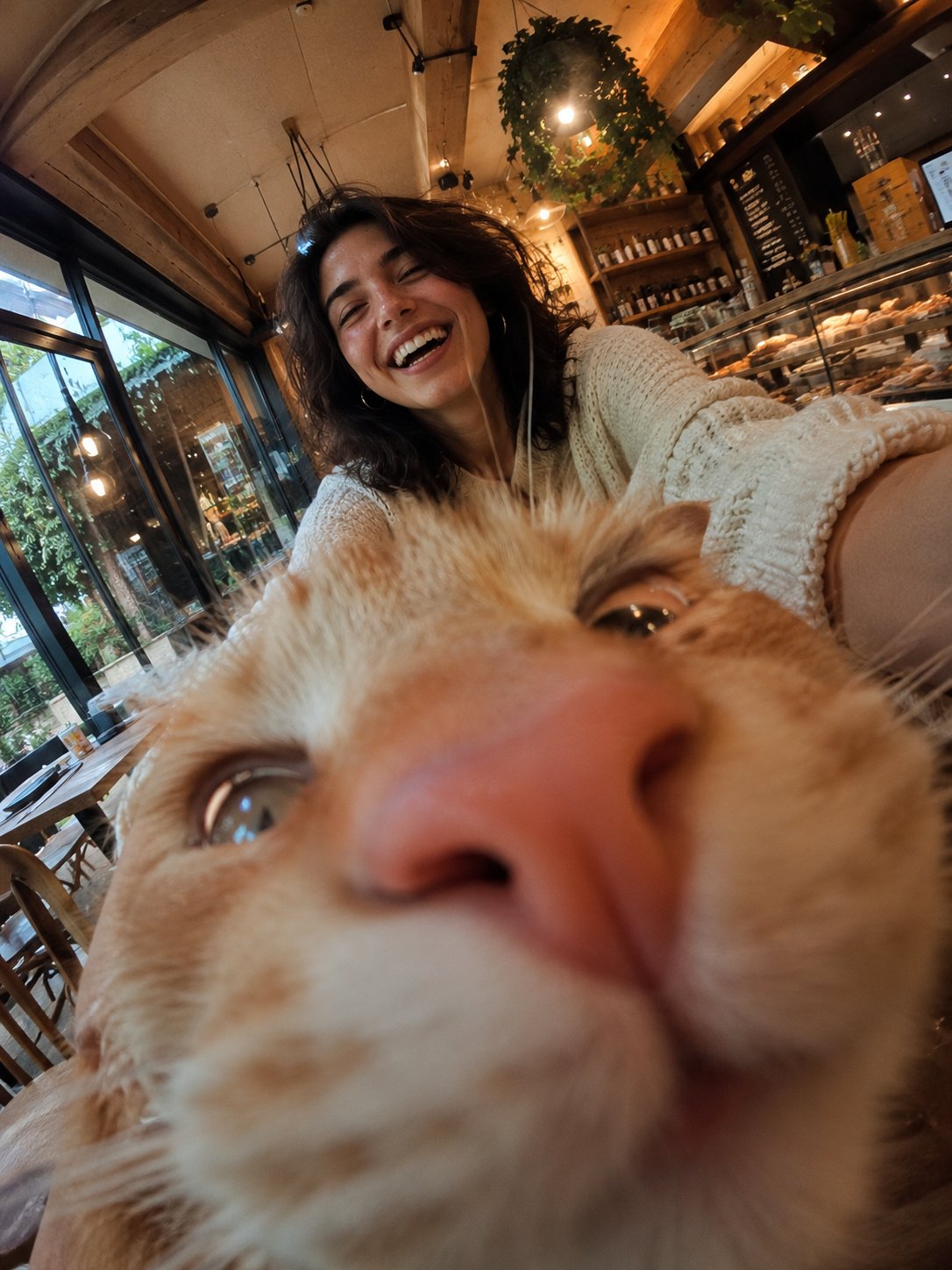
Cat Photobomb Selfie — 0.5x Wide Angle Café Chaos
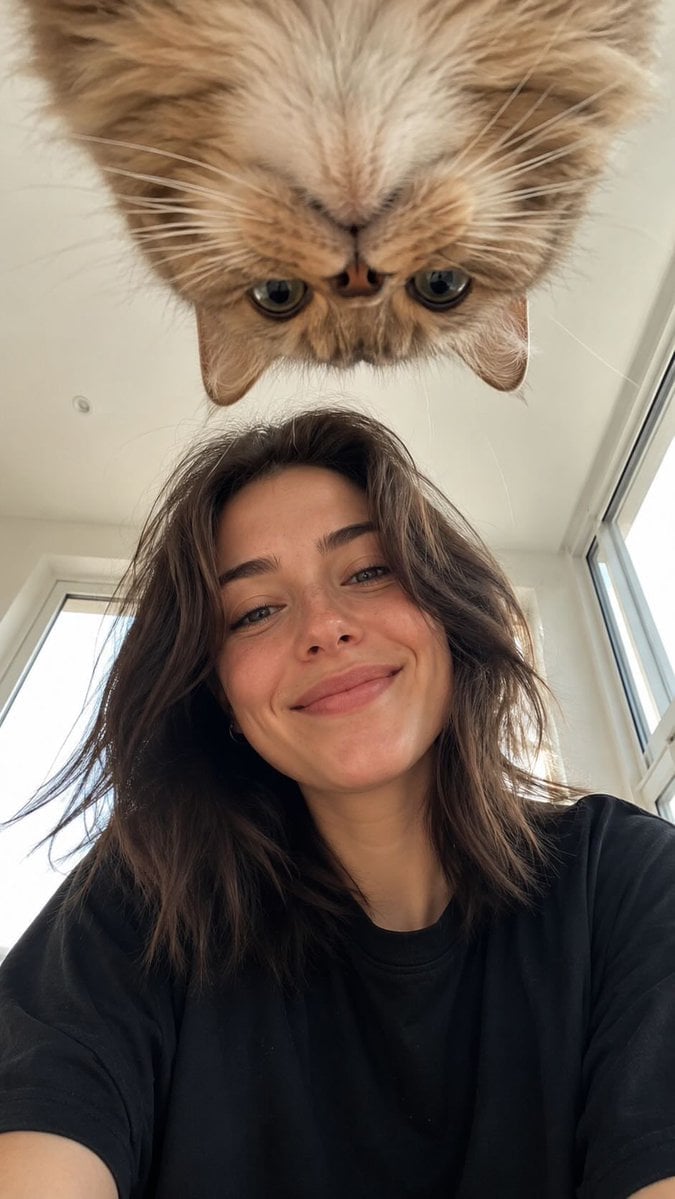
Low Angle Floor Selfie With Upside Down Cat
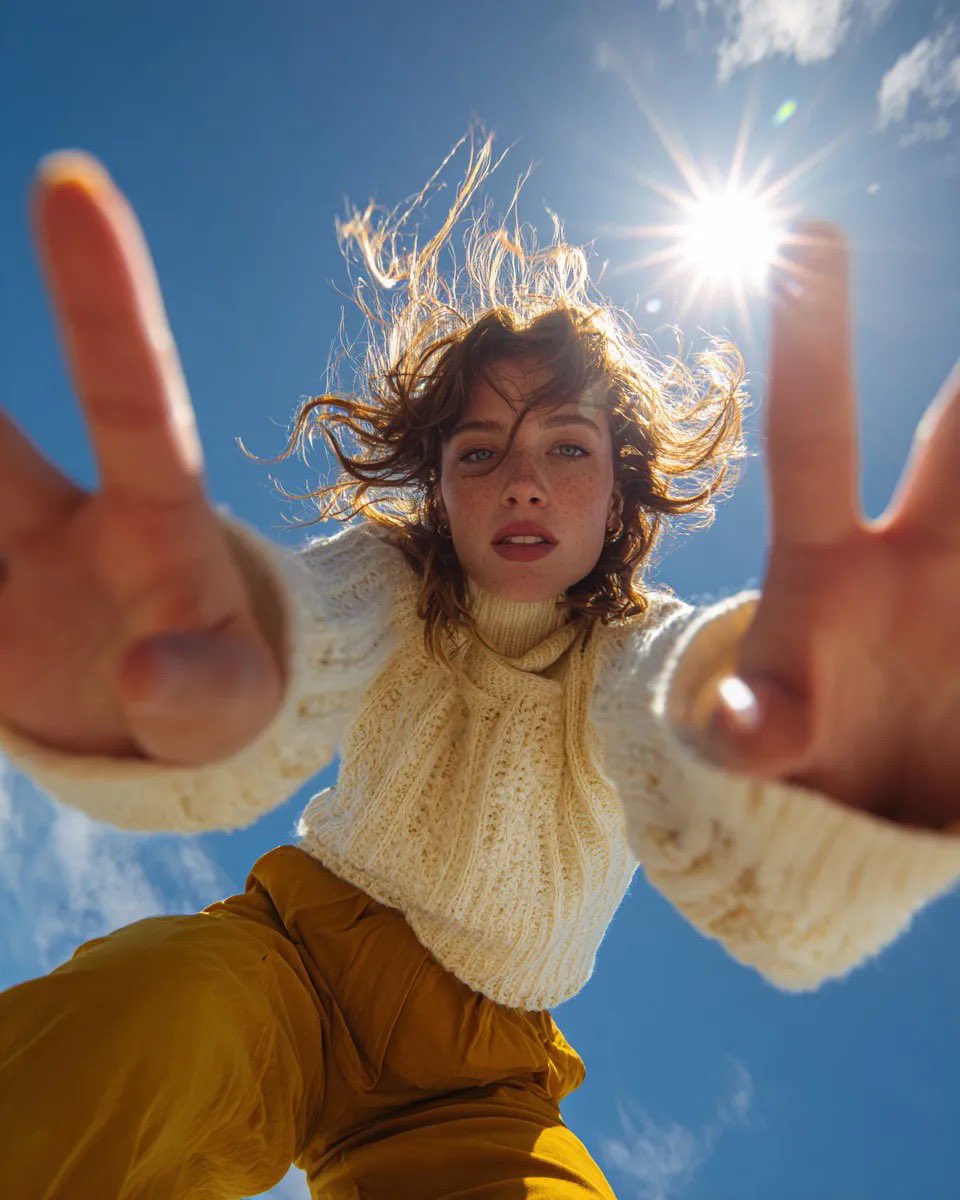
Ultra Wide Low-Angle Portrait — Sairah (Nano Banana)
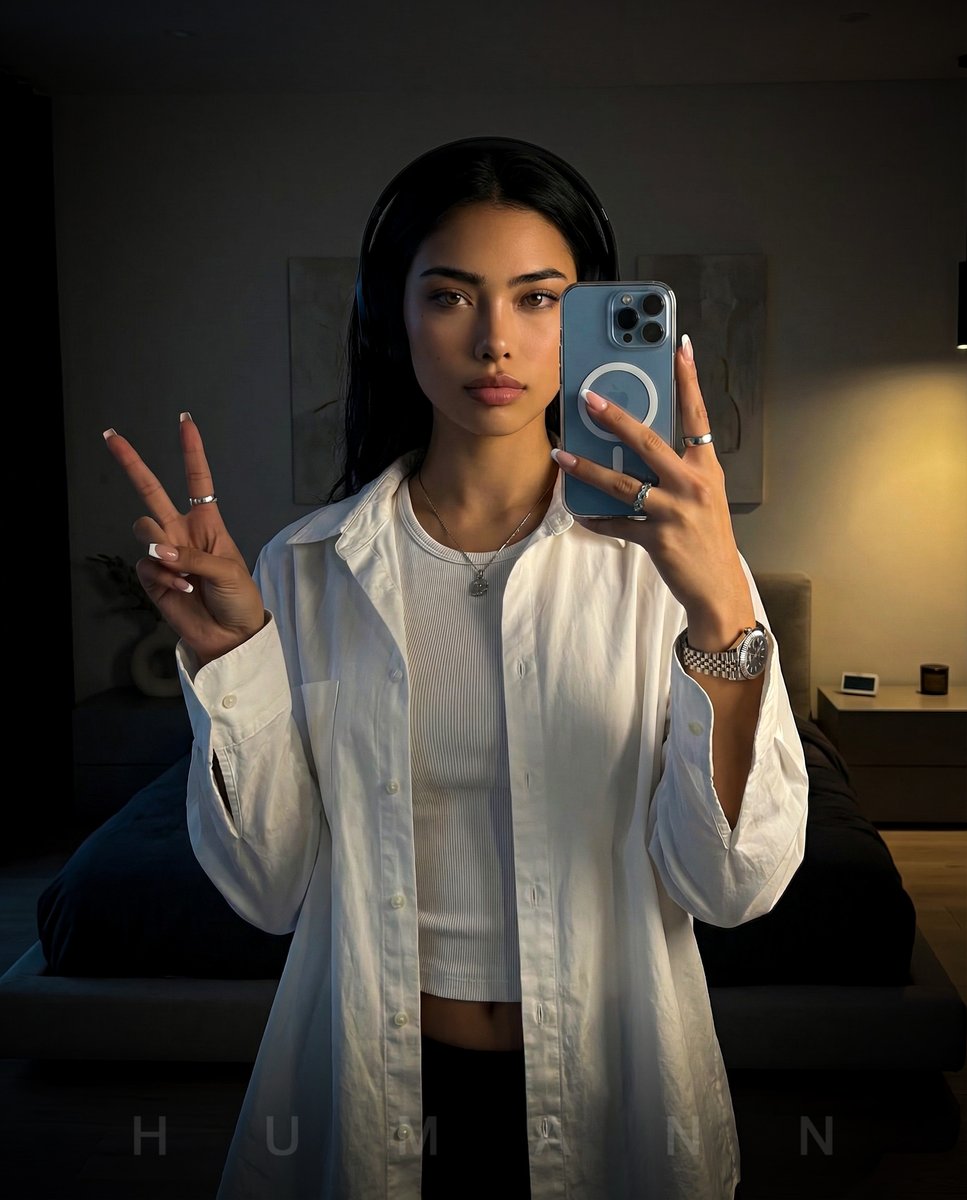
Nano Banana - Peace Sign Bedroom Selfie

Rooftop Fisheye — Cat-Ear Balaclava at Golden Hour

Felt & Knit 3D Character — Photo-Exact Face, Pixar-Quality Plush Figurine
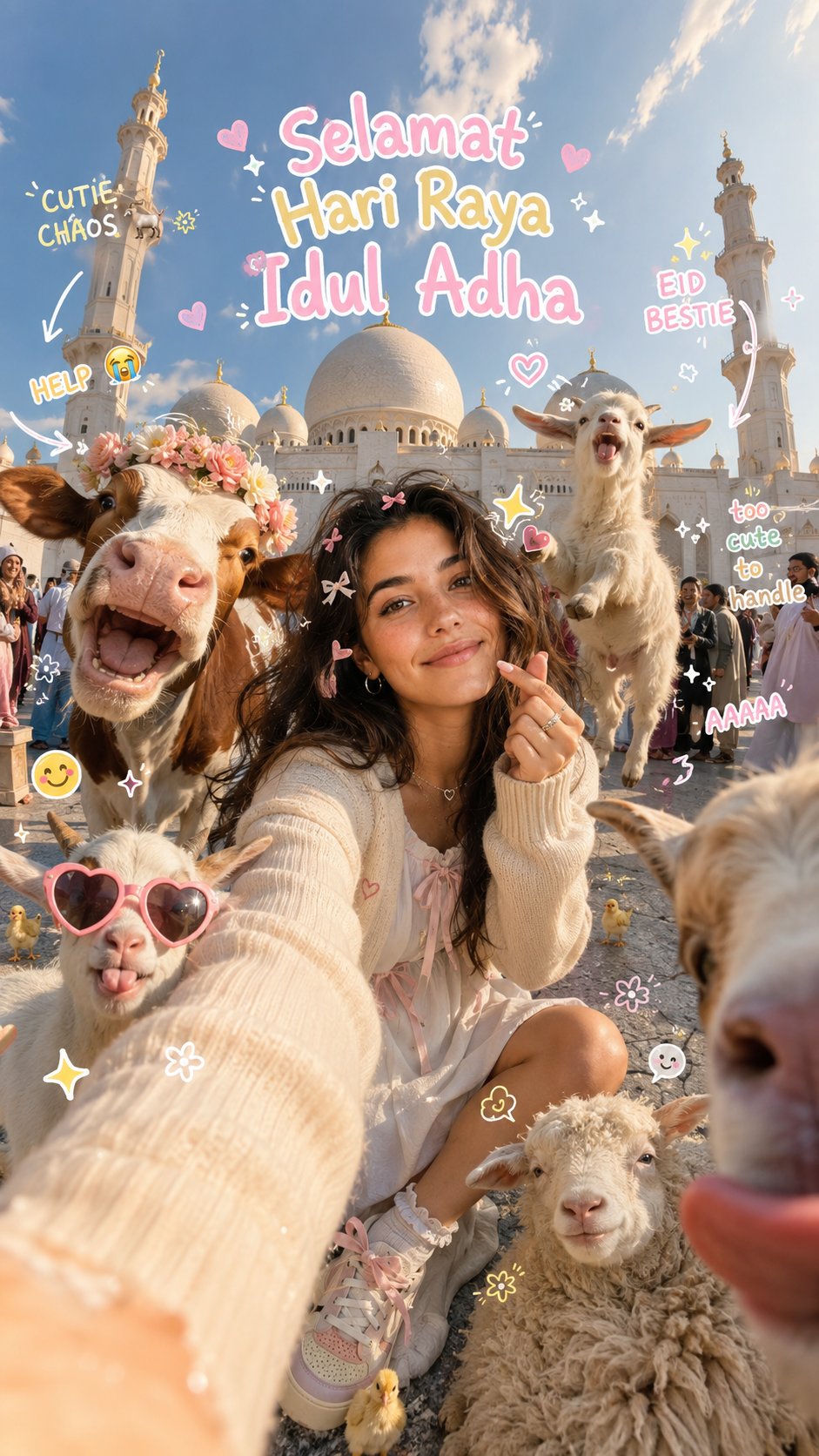
Eid al-Adha Cute Chaos — Fisheye Selfie with Farm Selfie, Mosque & Animals
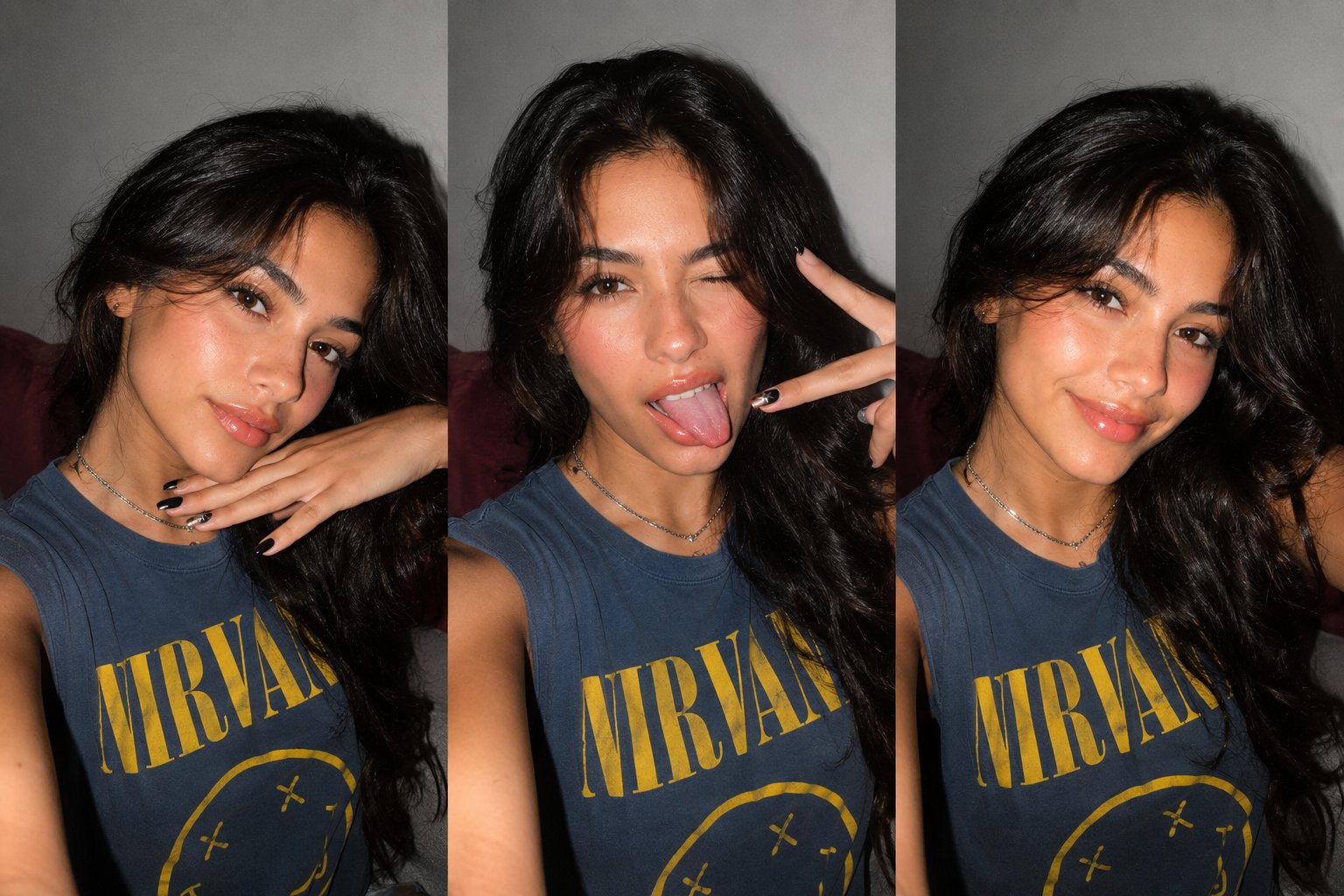
Gen Z Triple Selfie Collage — Y2K Flash Photography

Surreal Cat Astronaut — Humanoid Face Freefall
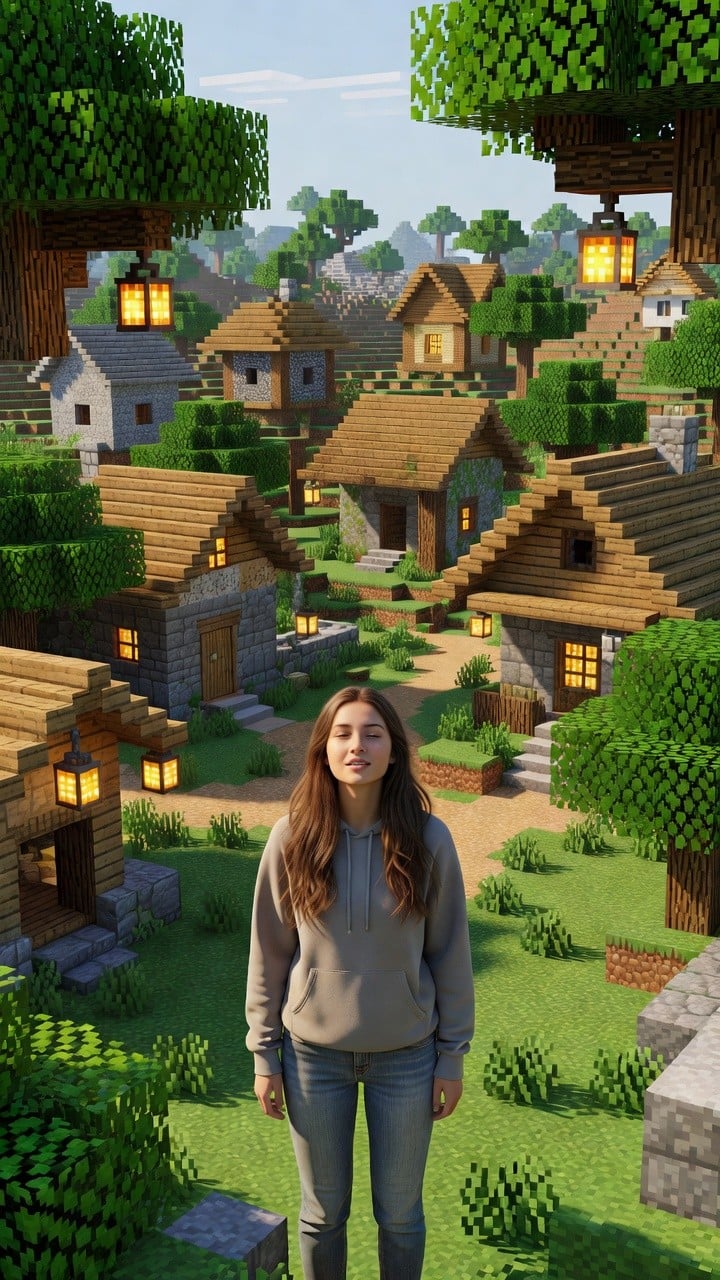
Photoreal Village Lanterns Minecraft Scene
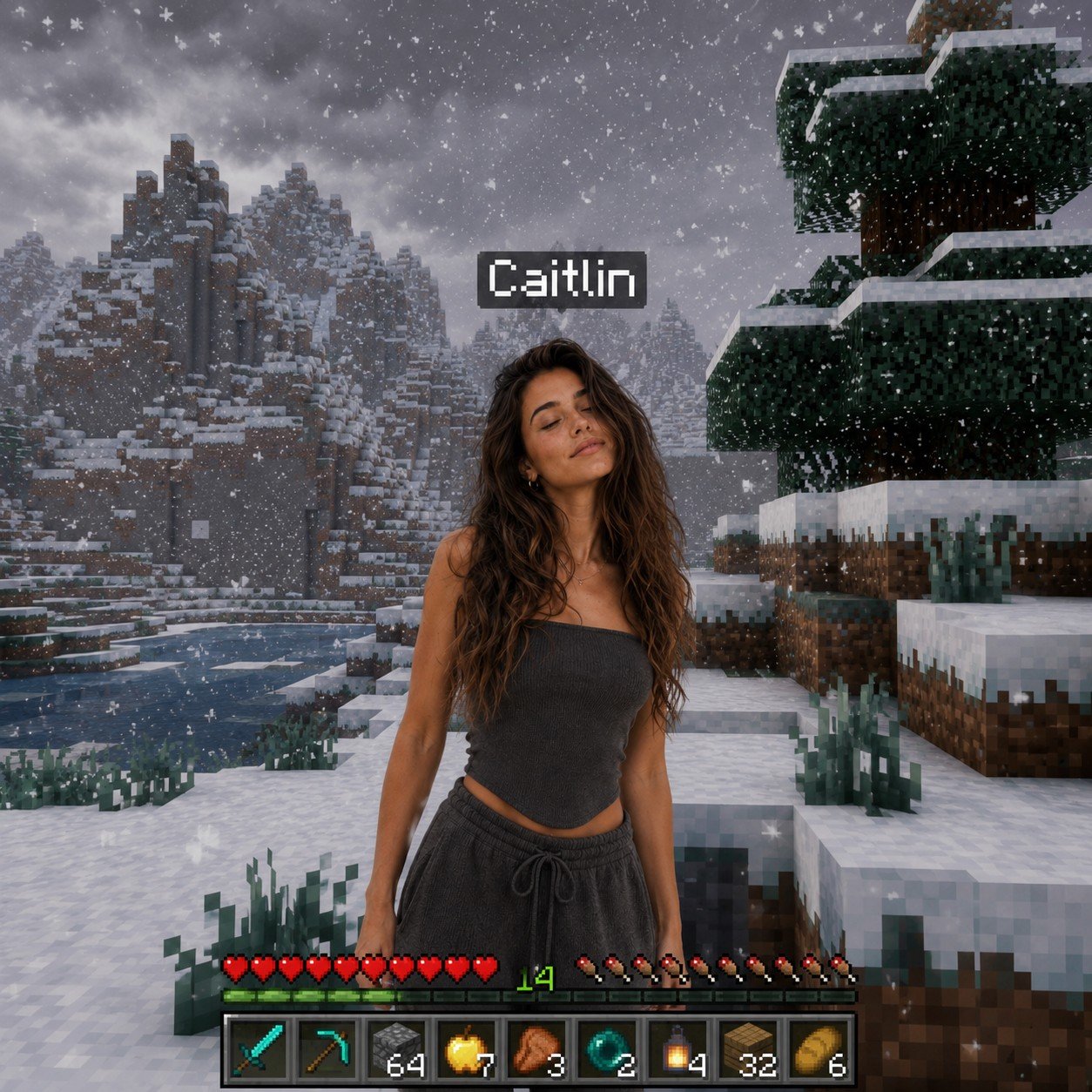
Photoreal Snow Biome Name Tag UI

Photoreal Selfie Minecraft Block World
Make it yours
High Angle Bed Selfie works as-is. These are the safest ways to change it without losing the look.
Change one field
Copy a single group, rewrite it, and generate again so you can see what that field is doing.
Keep the frame, change the subject
Hold the composition and light of High Angle Bed Selfie, then swap wardrobe, props or the person for a new take.
| If the result… | Why | Fix |
|---|---|---|
| The result drifts from the preview | Too many fields changed at once. | Reuse High Angle Bed Selfie as-is first, then change one group — subject, light, or setting. |
| The model over-stylizes the scene | The prose prompt leaves finish and camera underspecified. | Add one camera or lighting sentence and stay on Nano Banana 2. |
More Nano Banana 2 templates
Other prompts made for Nano Banana 2.

Photorealistic Leaf Shaped Like a Dragon

K-Pop Idol Portrait Grid for Rapid Selection

Poetic Rain Forest Portrait During Golden Hour

Urban Street Portrait with Cartoon Inner Self Duo

Candid Nighttime Photo with Cat Prompt

High-Concept 3D Diorama Generation Prompt

Cinematic Futuristic Studio Portrait Template

Skincare Editorial Photography Collage Prompt

Hyper-Realistic Commercial Product Photography (Splash Effect)

Hyper-Realistic Nightclub Portrait Prompt
More image prompts
Fresh picks from across the catalog.
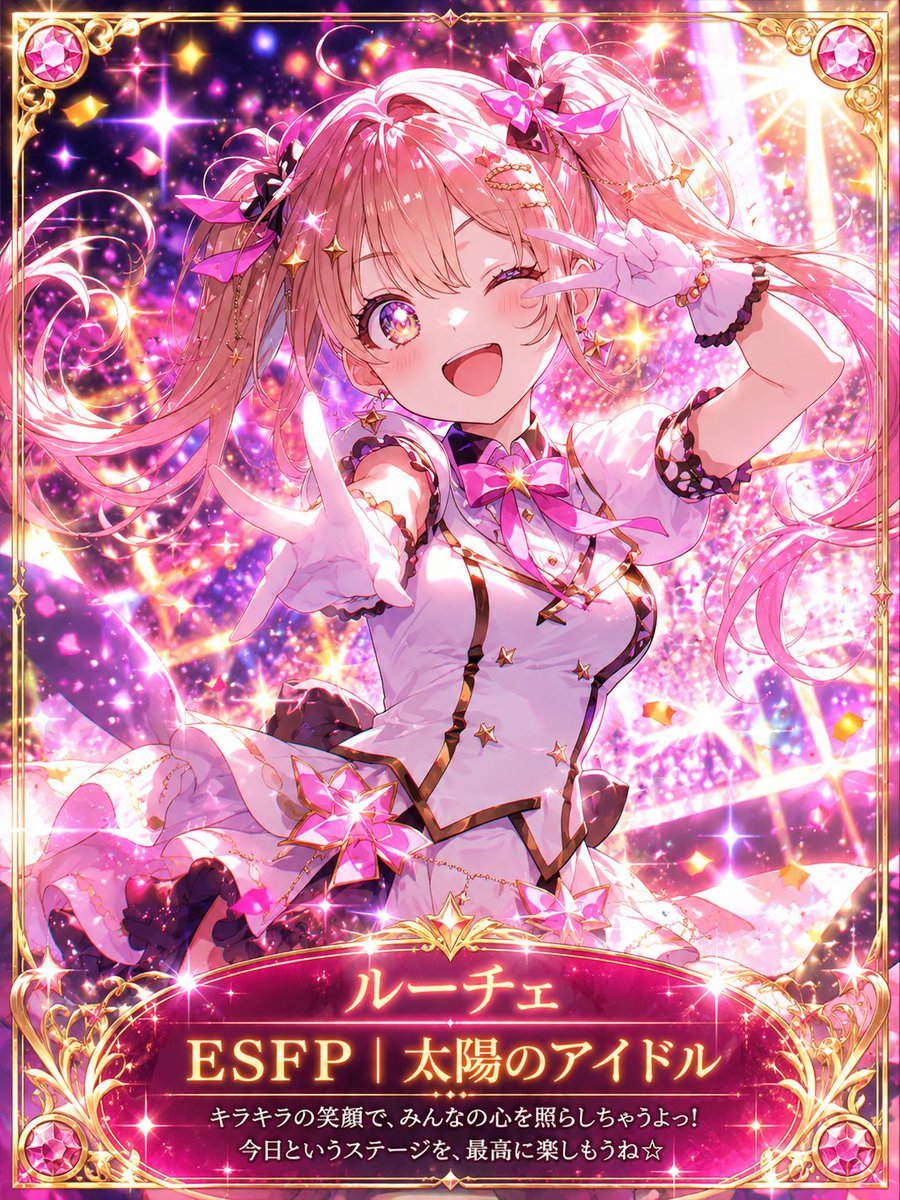
MBTI Fantasy Card: ESFP Entertainer
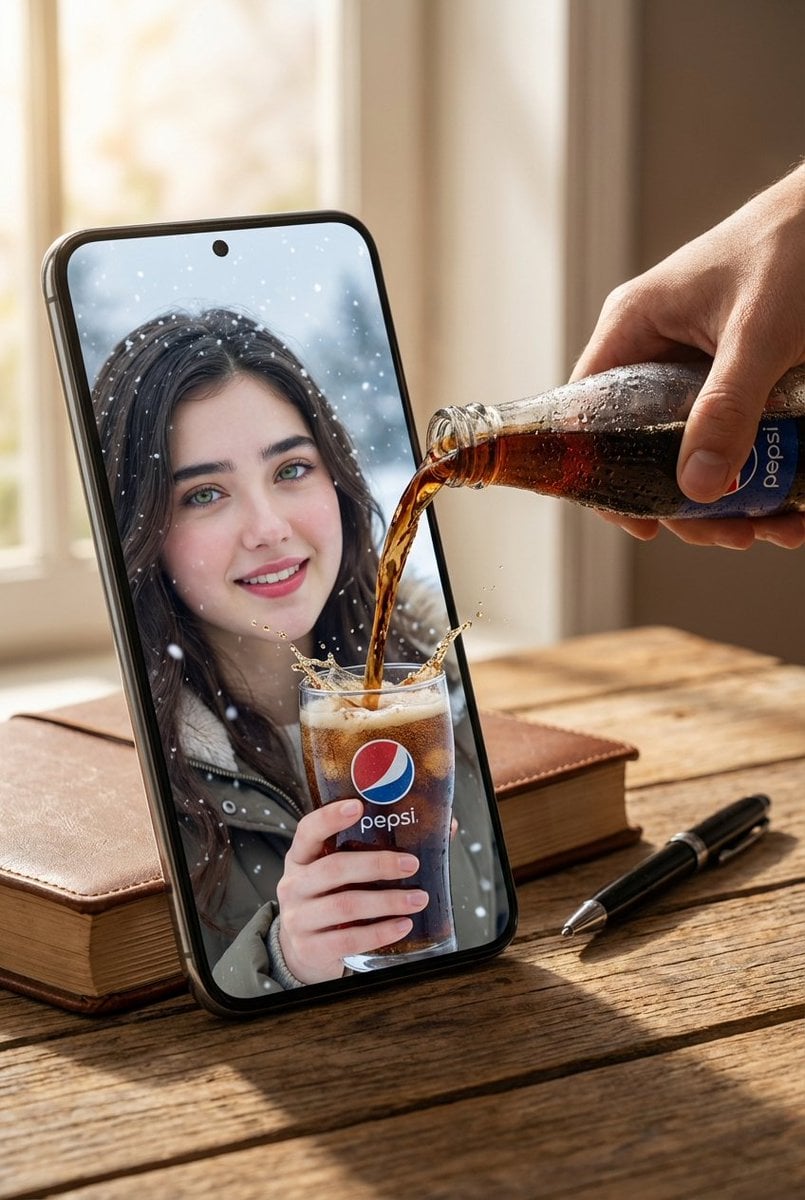
Surreal Pepsi Pouring Composite Prompt
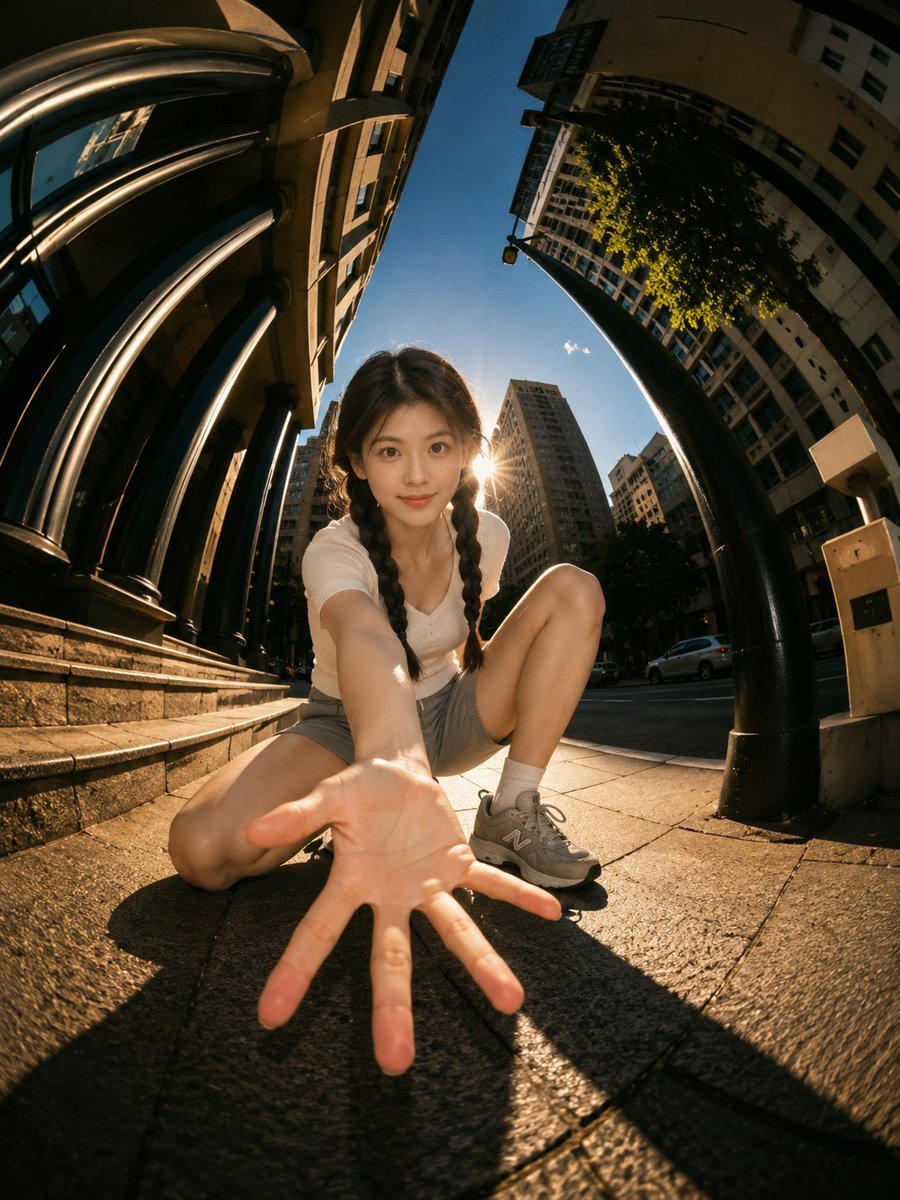
Cinematic Fisheye Urban Portrait
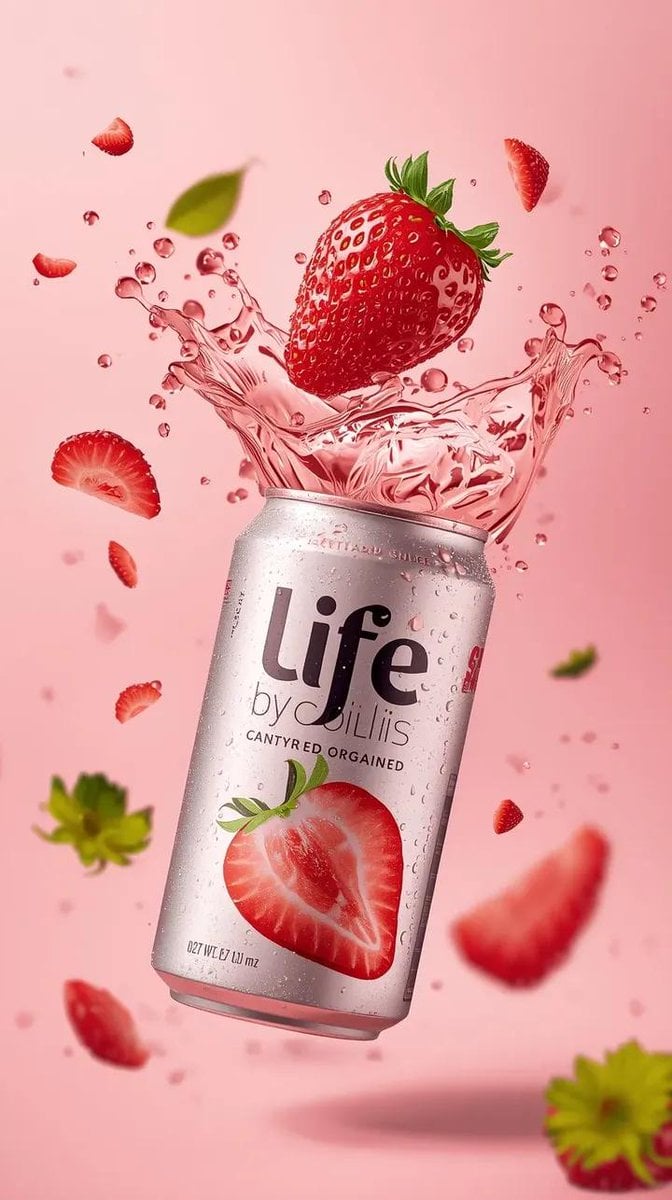
High-Speed Beverage Ad with Strawberry Splash

3D Fabric Art Prompt Share Collage
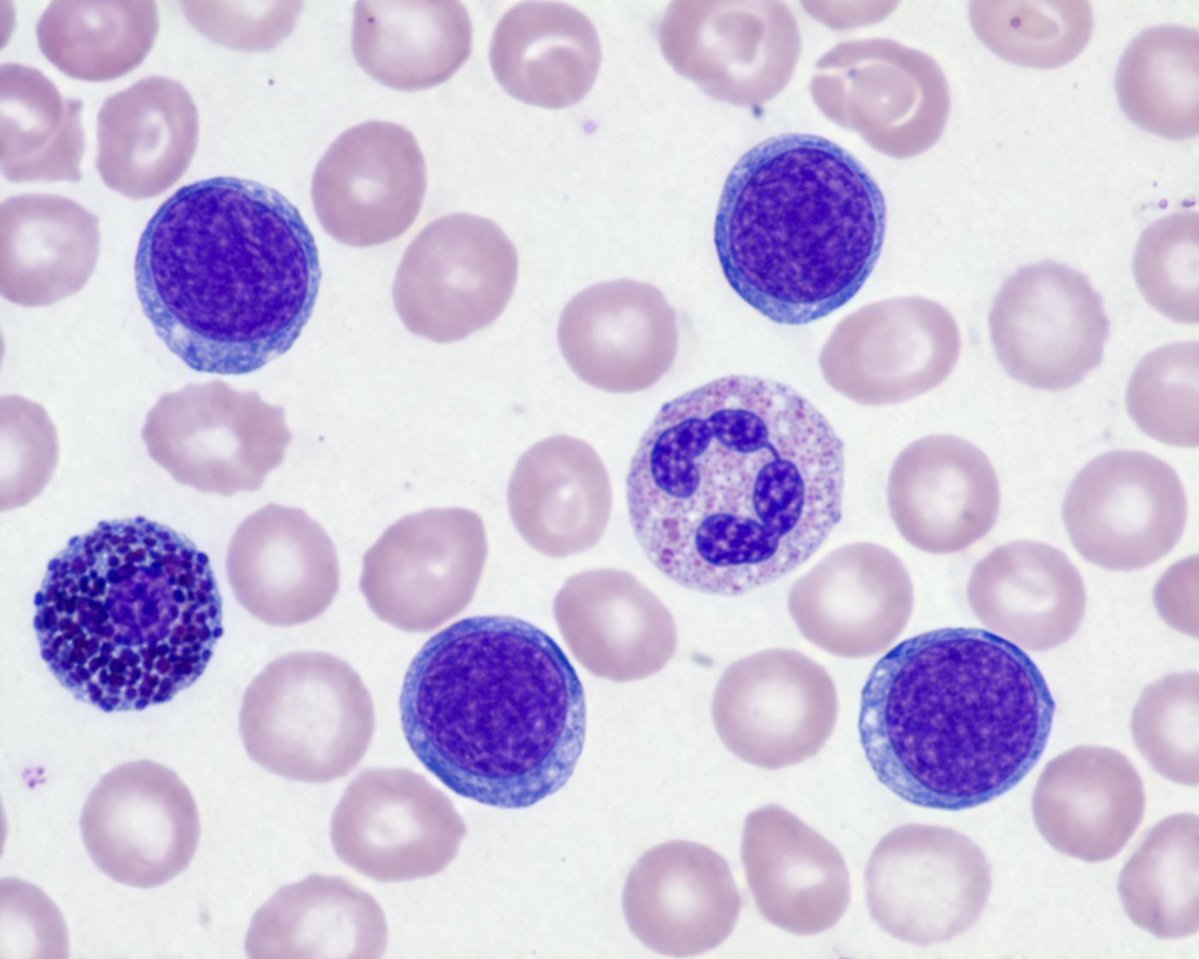
Biological Specimen Microscopy Prompt

Seedance 2.0 on Runway - Heather Cooper
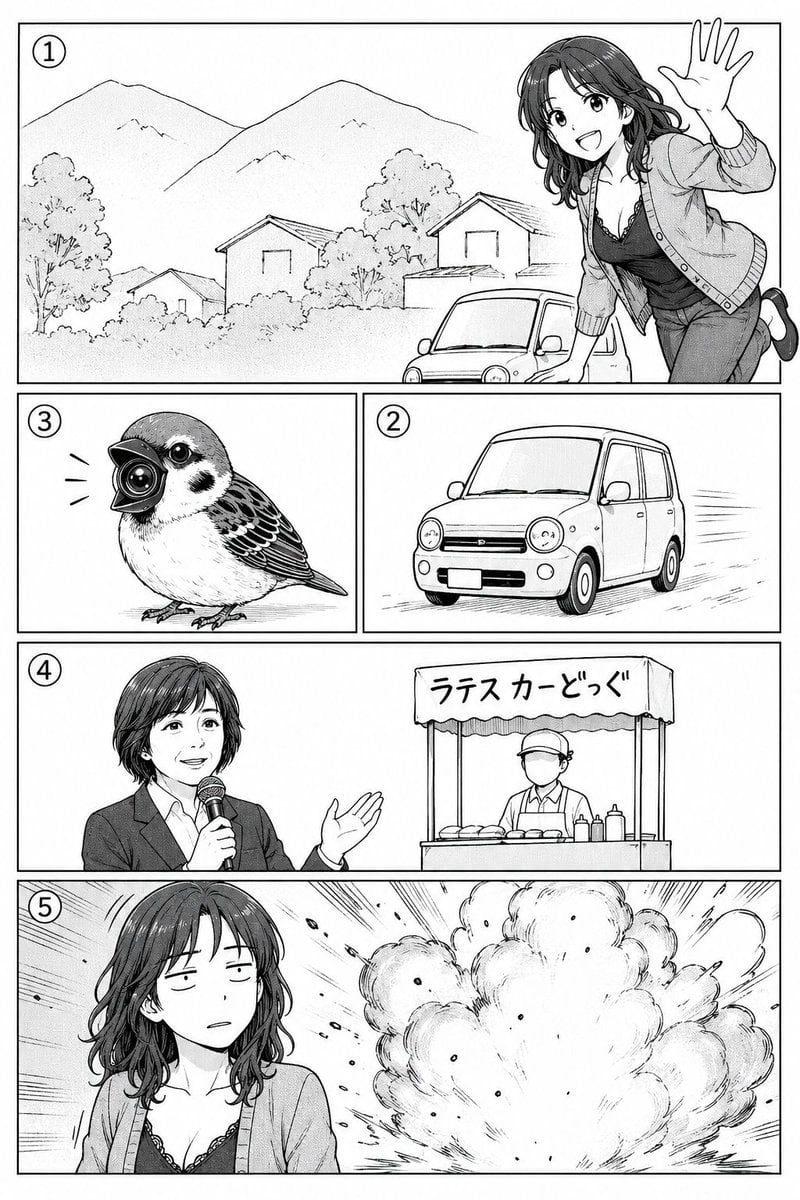
Polished Manga Page From Rough Storyboard
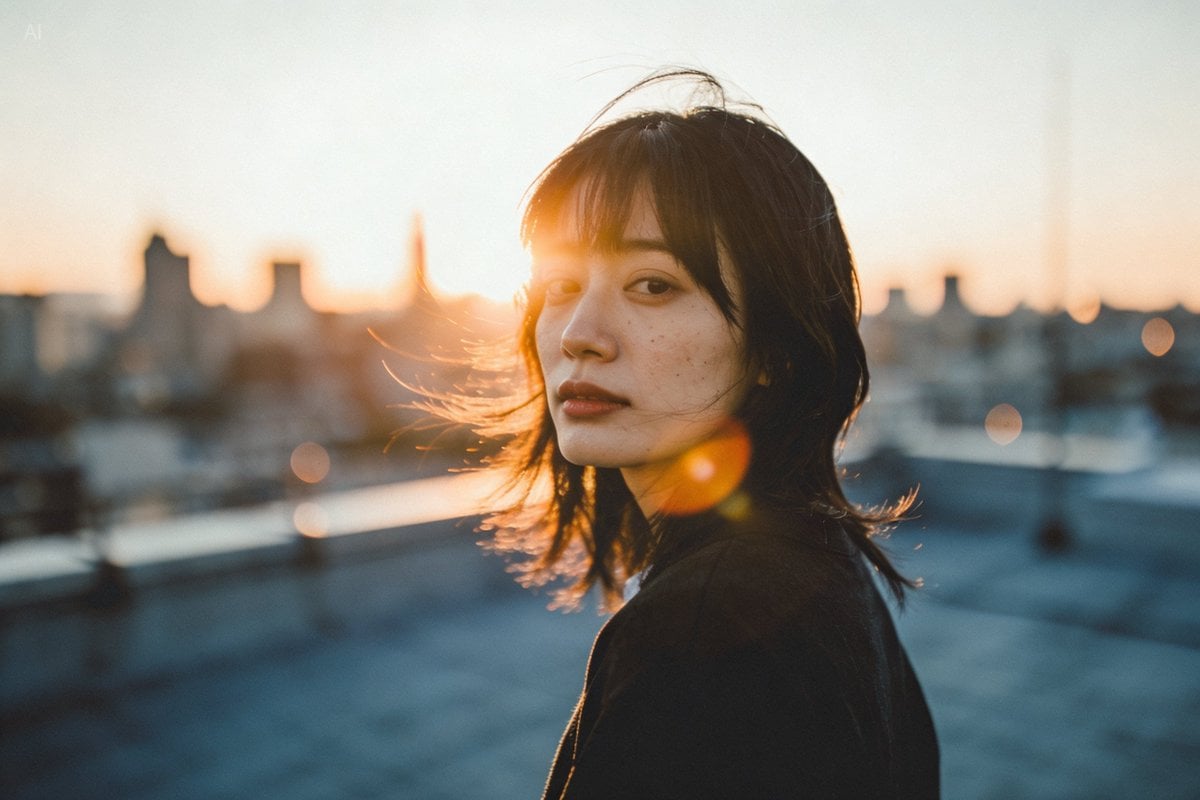
Golden hour rooftop portrait photography prompt
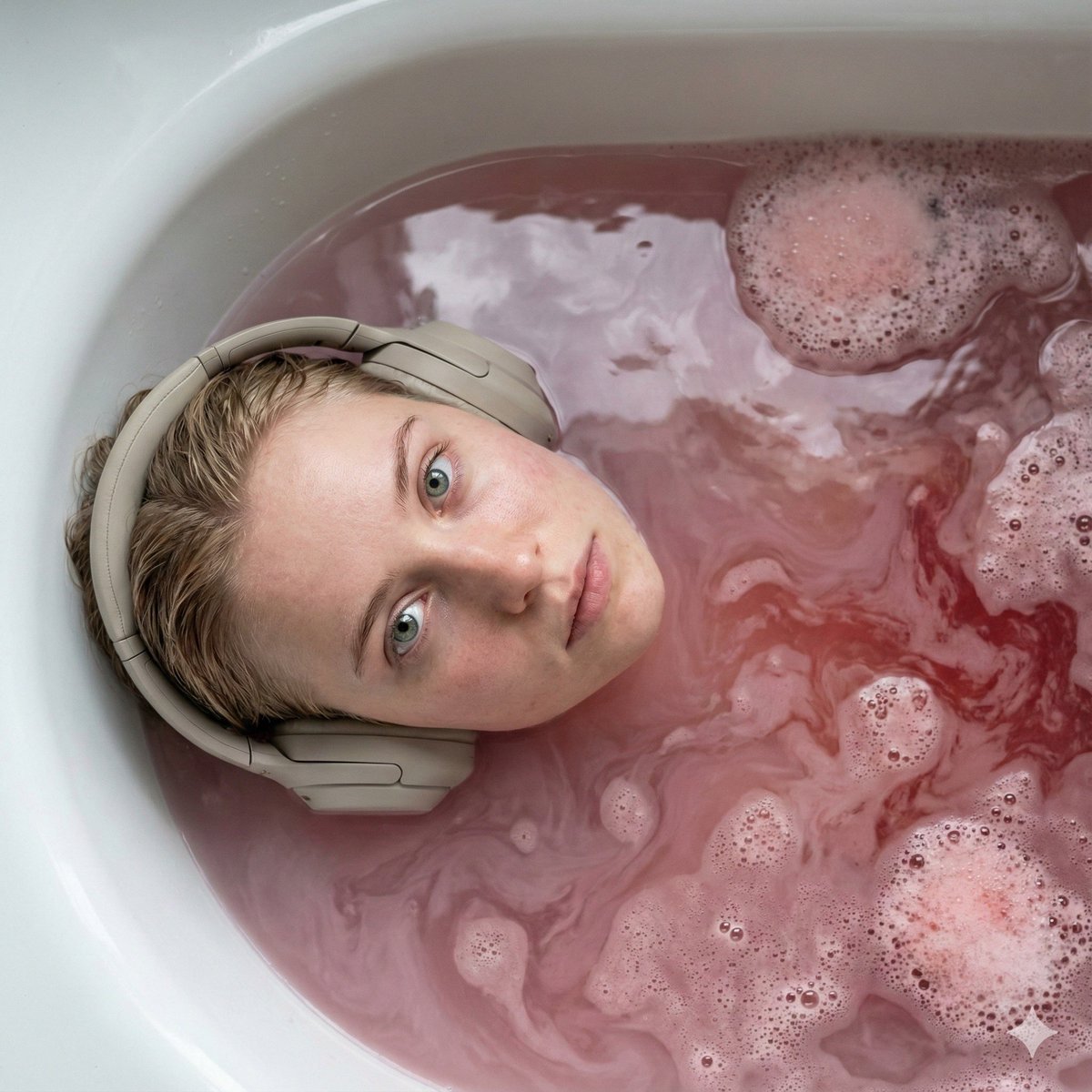
Ultra-Photorealistic Cinematic Portrait in a Bathtub with Noise-Canceling Headphones
Browse template categories
High Angle Bed Selfie questions
How do I use the High Angle Bed Selfie template?
Add your photo if the template asks for one, edit the prompt if you like — the template's model and format are already selected — and press Generate. Your version opens in PicX Studio.
Can I customize the High Angle Bed Selfie template?
Yes. You can change the subject, setting, lighting, mood, format, and available model controls before creating your image.
Is the High Angle Bed Selfie template free?
Opening and editing this template is free. Generating uses credits, shown on the Generate button when you are signed in.
Which AI model should I use?
Start with Nano Banana 2, which is the model associated with this template. You can compare another compatible model for a different finish.
Looking for something else? Browse all templates.

Your photo, any look
Thousands of ready templates for every top image and video model, from one credit balance.