
Cyberpunk Airport Security Scene
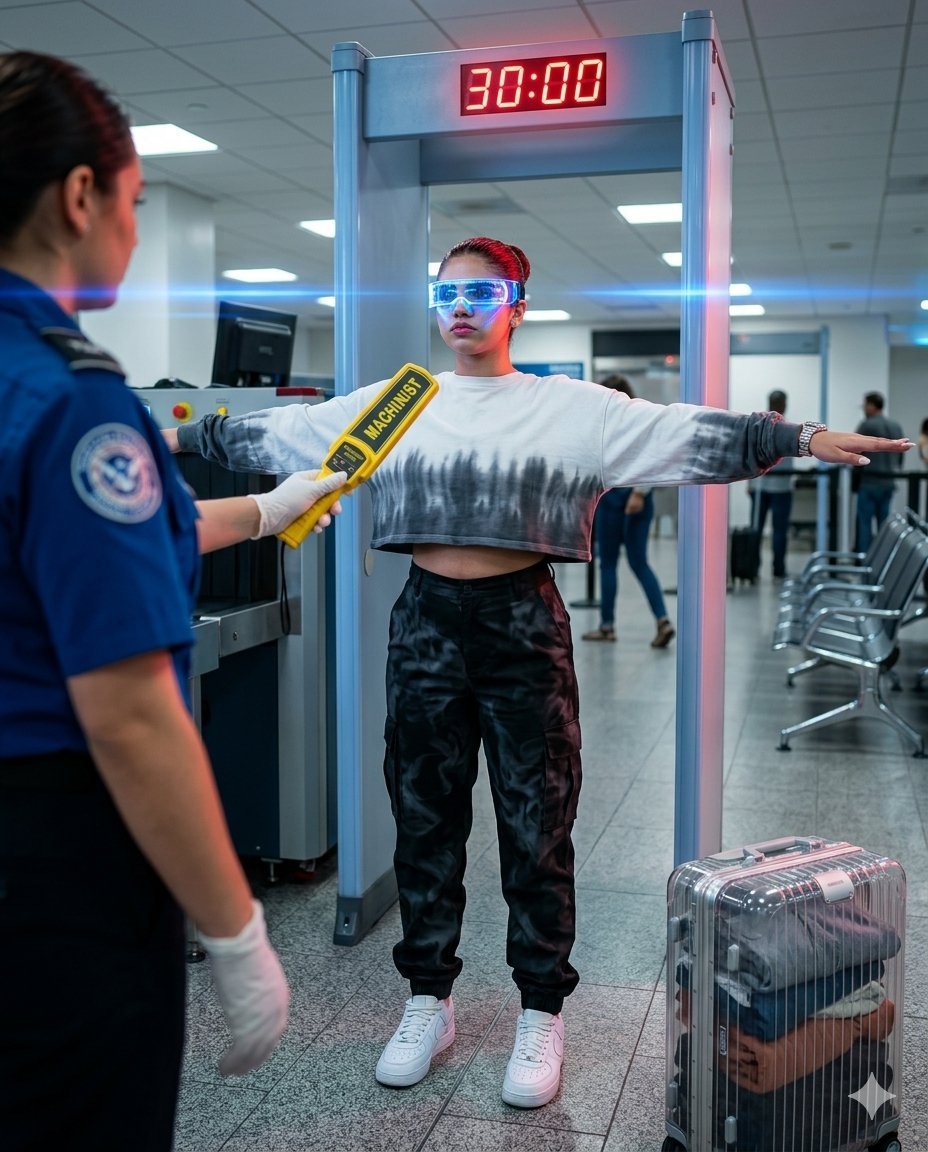
A cinematic cyberpunk-themed prompt for an airport security checkpoint featuring futuristic accessories and dramatic lighting.
- Prompt included
- Model and format preset
- Free template
The prompt behind this image
Copy the exact prompt behind Cyberpunk Airport Security Scene, or open it in the studio and make it yours.
Hyper-realistic vertical 4:5 photograph. Real-life airport security checkpoint: gray tiled floor, white-gray ceiling with fluorescent panels, rows of metal hub chairs and an X-ray machine with conveyor belt in the background. In the center is a silver-blue metal detector frame with a red countdown display showing {argument name="timer" default="30:00"}. From the left, a TSA officer in a dark blue uniform with a TSA patch and white glove enters the frame, holding a yellow handheld MACHINIST SD-3601 scanner and running it over the girl’s shoulder. Behind-the-shoulder medium shot taken over the officer’s shoulder, with the officer slightly out of focus in the foreground. The girl stands inside the metal detector frame with arms extended sideways parallel to the floor in the standard screening position. Key focal objects: the yellow handheld scanner and the glowing red 30:00 countdown display above her head. Clothing & Style: Cyberpunk LED visor covering her eyes with a glowing bright blue light strip, {argument name="top" default="sleek white oversized cropped long-sleeve tie-dye top with gray-to-black gradient"}, {argument name="pants" default="high-waisted black cargo pants with subtle smoky pattern"}, white Nike Air Force 1 sneakers, silver Audemars Piguet Royal Oak watch on her wrist. Feminine figure, elegant posture. On the floor to the right is a transparent polycarbonate Rimowa suitcase with folded clothes inside. Lighting: Mixed lighting, cold fluorescent 4000K from above, vibrant blue LED strip from the visor illuminating her cheekbones and jawline with electric blue glow, red light from the countdown display creating a dramatic red rim light from behind, ultramarine blue dominating the scene. Camera: Shot on a camera with 1.55x anamorphic squeeze lens (equiv. 50mm), beautiful oval bokeh, horizontal blue light streaks and flares, cinematic color grade, 8K sharpness. Highly detailed, photorealistic, no plastic look, no CGI, no AI artifacts.
How to use Cyberpunk Airport Security Scene in 3 steps
- 1
Open
The prompt is already in the box next to the preview, with the template's model and format selected.
- 2…a portrait of your subject in softgolden-hour light, 85mm…
Personalize
Edit the subject and creative details for your destination.
- 3Generate
Generate
Press Generate — your image is created in PicX Studio, so you can compare it with the original and refine one variable at a time.
More like this
Templates with the same subject, style or setup. Open one to see its prompt.

Rainy Night Android Cyberpunk Portrait

Korean Idol Partial Shadow Editorial Portrait

Cinematic Sci-Fi Interface Side Profile

Cyberpunk Neon Profile Fashion Portrait

Cinematic Neon Light Strip Studio Portrait

Futuristic Studio Neon Ring Minimalist Portrait

Neon Violet Streetwear Fashion Portrait

Neon Night Crosswalk Candid Portrait

Red Futuristic Sport Motorcycle POV
Rainy Night Android Cyberpunk Portrait
Cinematic Sci-Fi Commander Side Profile Portrait
Low-Angle Cyberpunk Neon Profile Portrait
Make it yours
Cyberpunk Airport Security Scene works as-is. These are the safest ways to change it without losing the look.
Change one field
Copy a single group, rewrite it, and generate again so you can see what that field is doing.
Keep the frame, change the subject
Hold the composition and light of Cyberpunk Airport Security Scene, then swap wardrobe, props or the person for a new take.
| If the result… | Why | Fix |
|---|---|---|
| The result drifts from the preview | Too many fields changed at once. | Reuse Cyberpunk Airport Security Scene as-is first, then change one group — subject, light, or setting. |
| The model over-stylizes the scene | The prose prompt leaves finish and camera underspecified. | Add one camera or lighting sentence and stay on Nano Banana 2. |
More Nano Banana 2 templates
Other prompts made for Nano Banana 2.

Photorealistic Leaf Shaped Like a Dragon

K-Pop Idol Portrait Grid for Rapid Selection

Poetic Rain Forest Portrait During Golden Hour

Urban Street Portrait with Cartoon Inner Self Duo

Candid Nighttime Photo with Cat Prompt

High-Concept 3D Diorama Generation Prompt

Cinematic Futuristic Studio Portrait Template

Skincare Editorial Photography Collage Prompt

Hyper-Realistic Commercial Product Photography (Splash Effect)

Hyper-Realistic Nightclub Portrait Prompt
More image prompts
Fresh picks from across the catalog.
Custom Zeon Mobile Suit Overhaul
Realistic Tennis Player Portrait
Winter Full Hourglass Portrait with Puffer Jacket Prompt
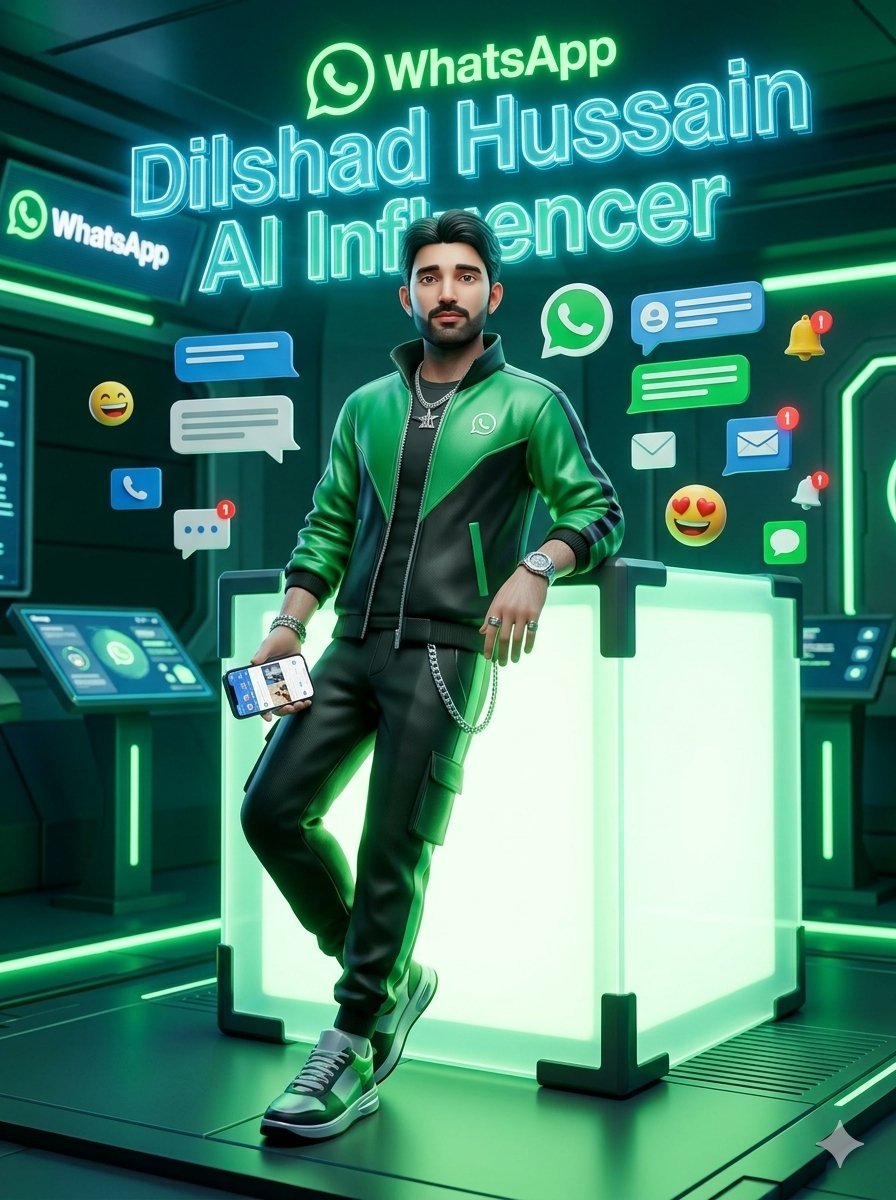
WhatsApp AI Influencer 3D Poster
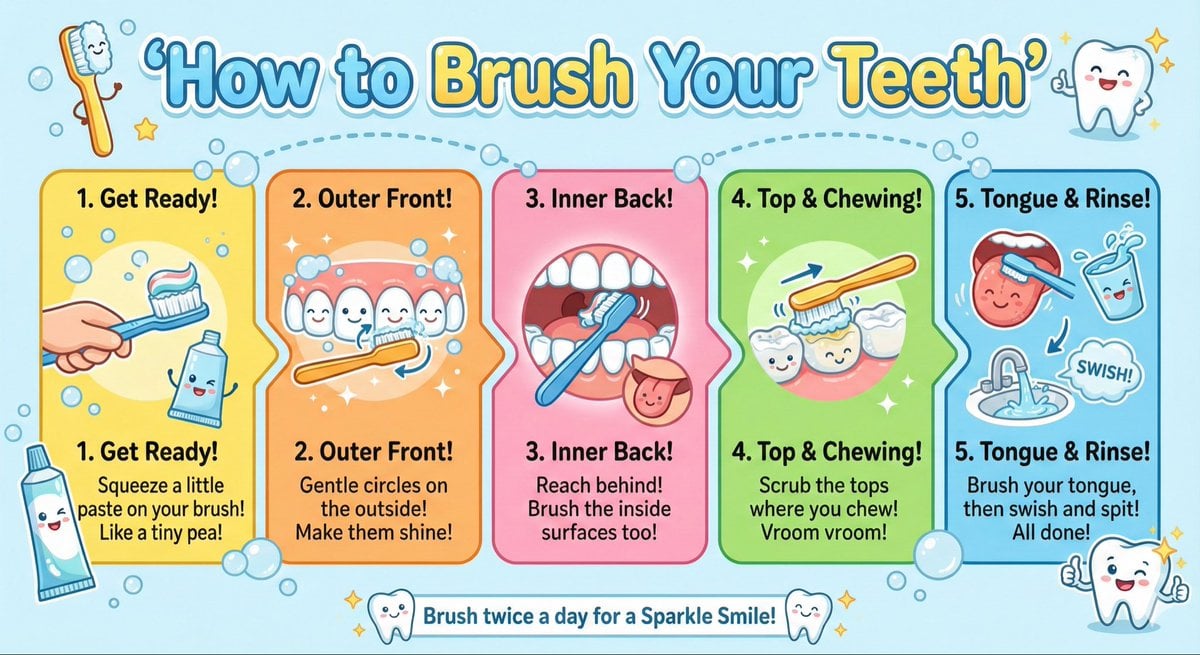
Kid-Friendly Routine Poster Prompt
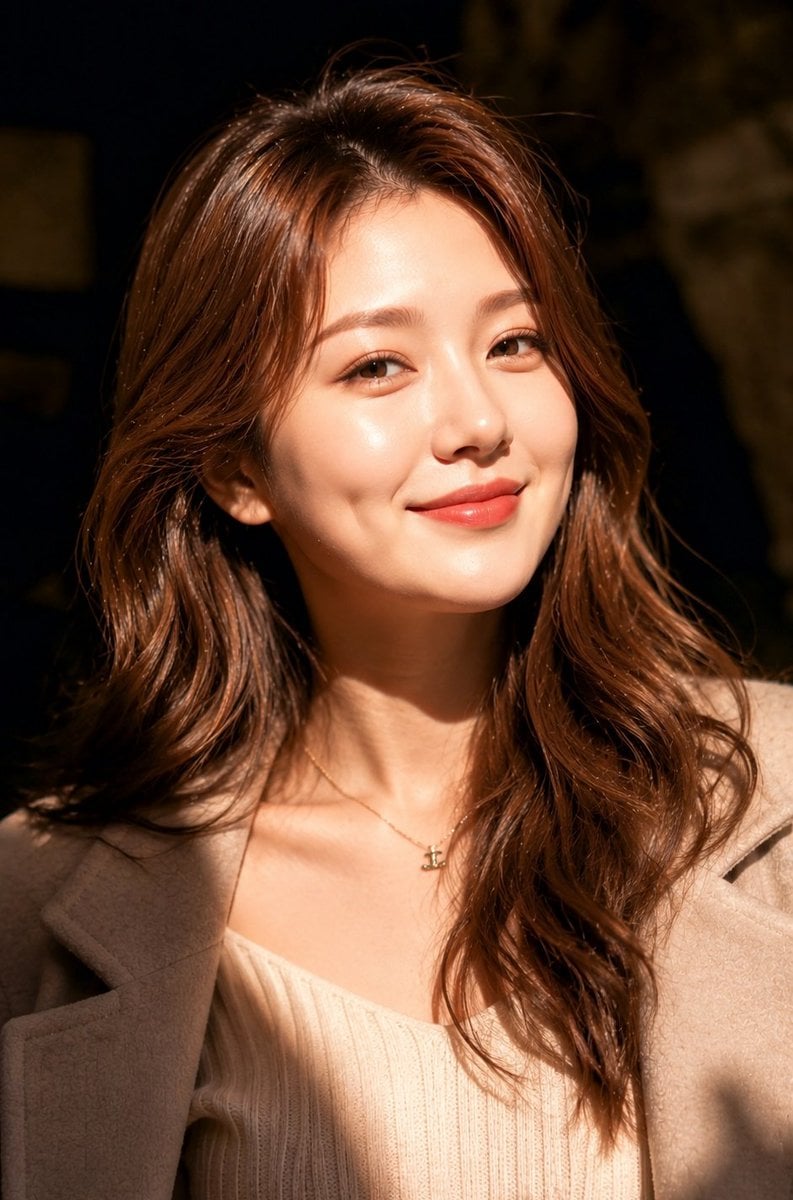
Luxury Fashion Close-Up Portrait
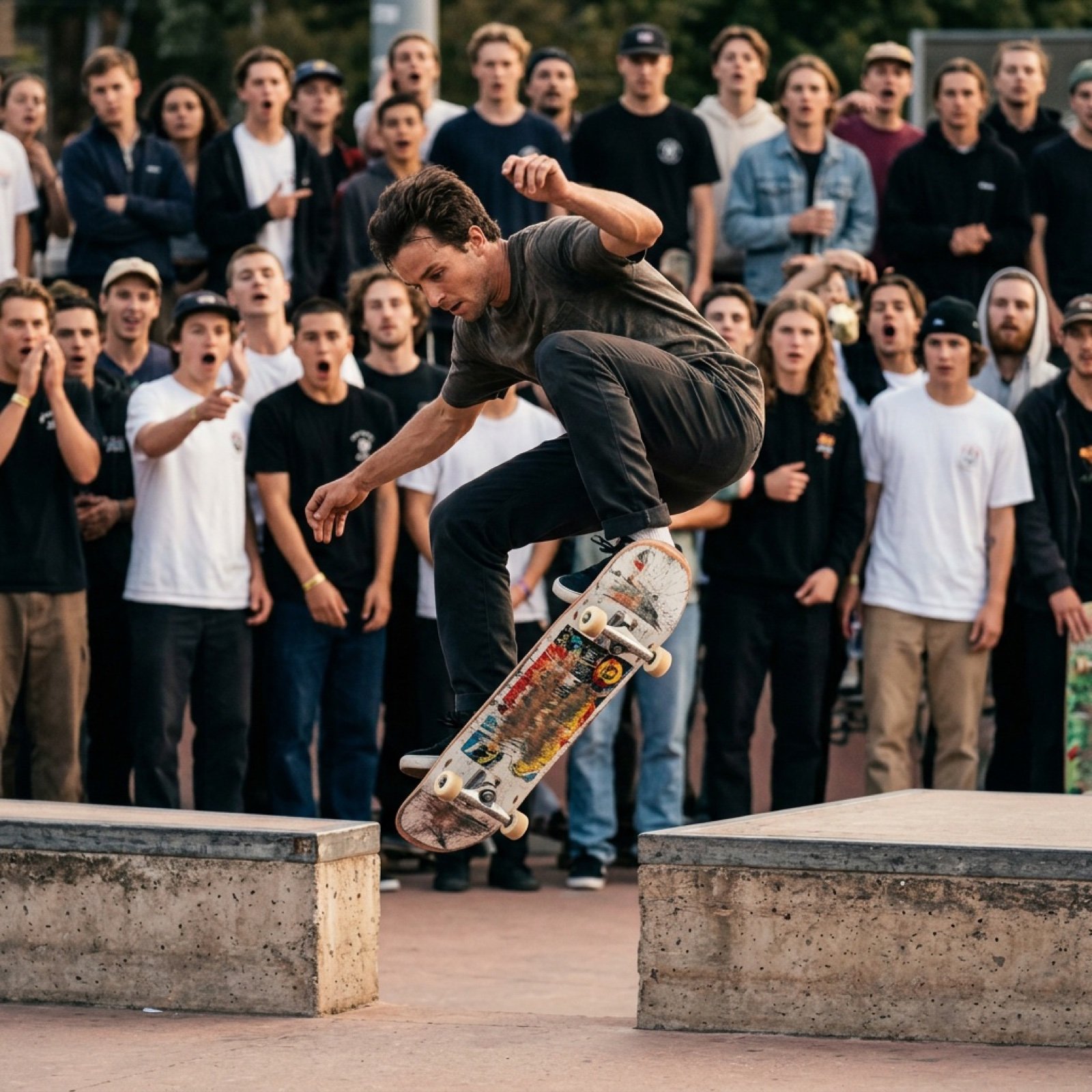
Grok Video Prompt: High-Speed Skateboard Tricks
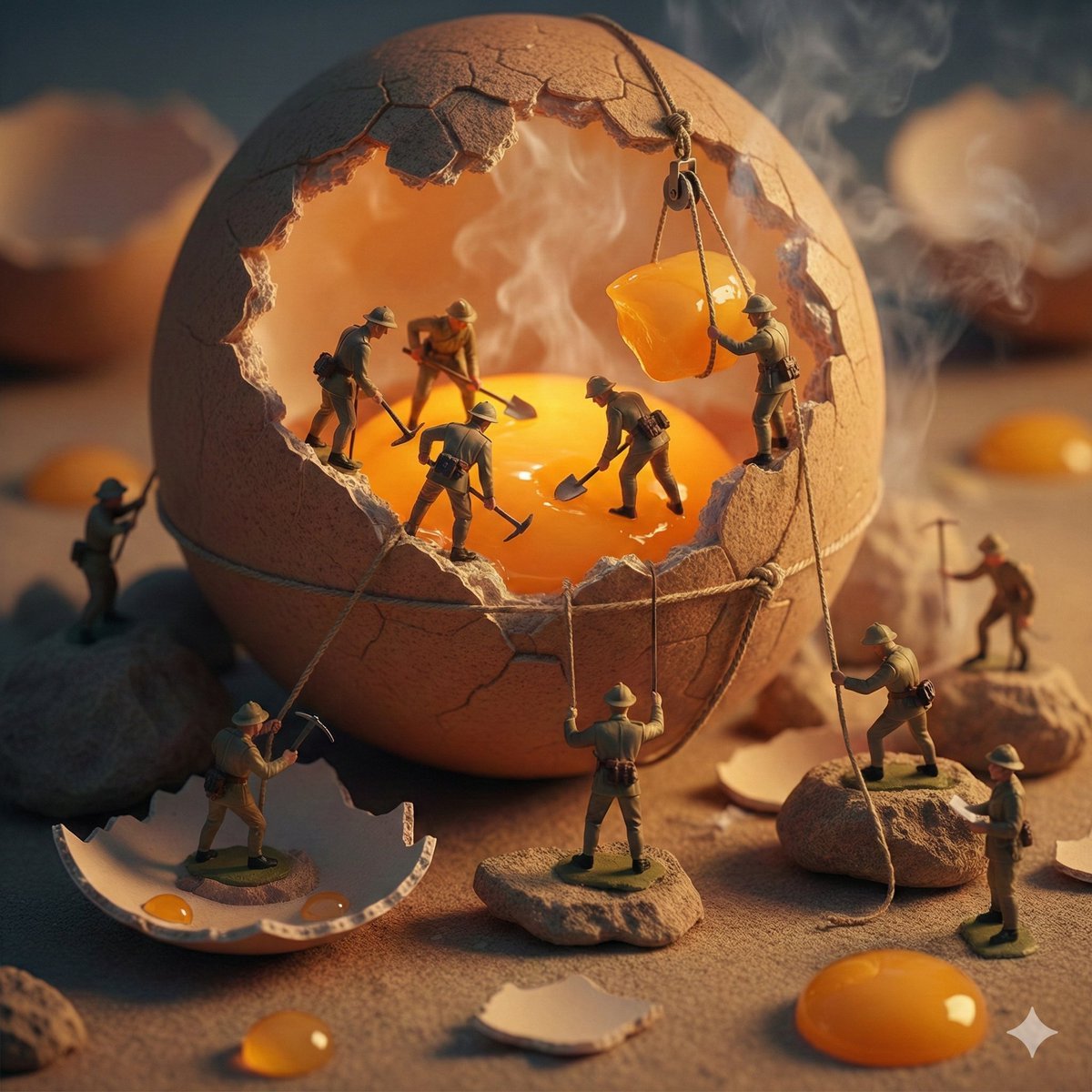
Miniature Toy Soldiers on a Giant Eggshell
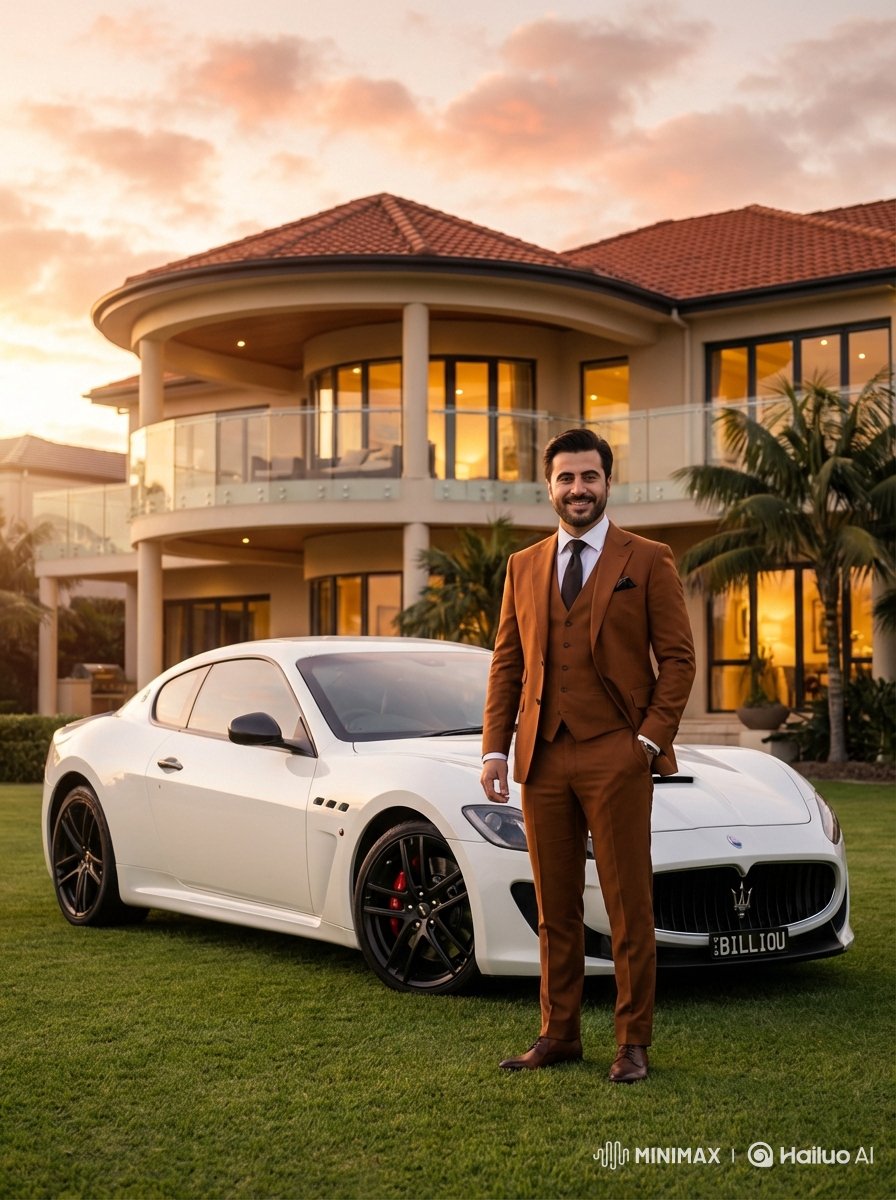
Luxurious Lifestyle Portrait with Maserati and Mansion
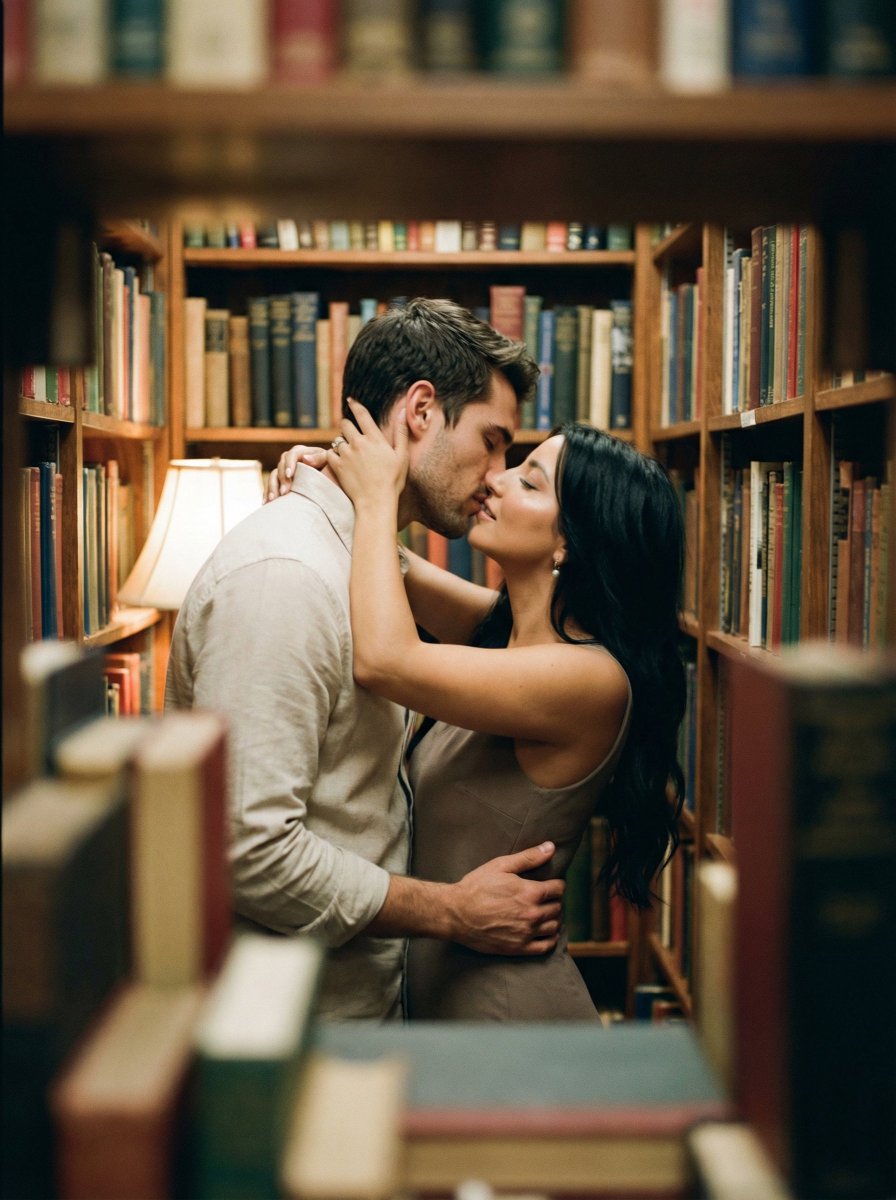
Analog Film Kiss in a Bookstore Aisle
Browse template categories
Cyberpunk Airport Security Scene questions
How do I use the Cyberpunk Airport Security Scene template?
Add your photo if the template asks for one, edit the prompt if you like — the template's model and format are already selected — and press Generate. Your version opens in PicX Studio.
Can I customize the Cyberpunk Airport Security Scene template?
Yes. You can change the subject, setting, lighting, mood, format, and available model controls before creating your image.
Is the Cyberpunk Airport Security Scene template free?
Opening and editing this template is free. Generating uses credits, shown on the Generate button when you are signed in.
Which AI model should I use?
Start with Nano Banana 2, which is the model associated with this template. You can compare another compatible model for a different finish.
Looking for something else? Browse all templates.

Your photo, any look
Thousands of ready templates for every top image and video model, from one credit balance.