
Ultra-Realistic Outdoor Cafe Portrait
A highly detailed prompt for creating lifelike lifestyle portraits with precise control over facial expression, lighting, and skin texture.
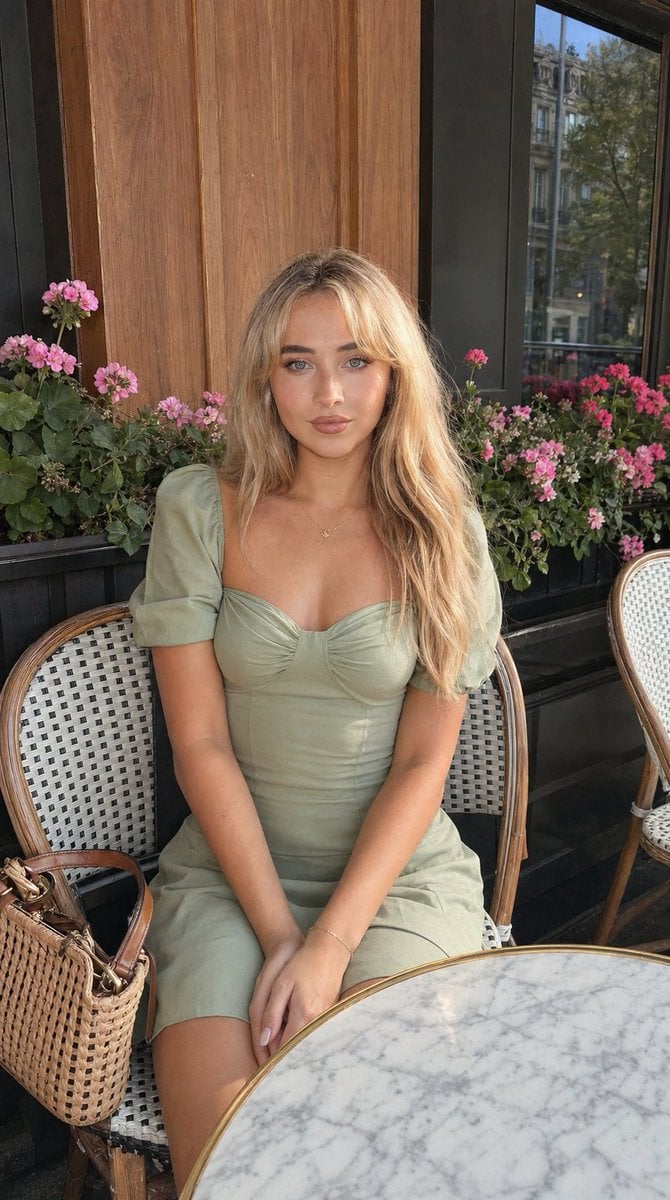
- Prompt included
- Model and format preset
- Free template
The prompt behind this image
Copy the exact prompt behind Ultra-Realistic Outdoor Cafe Portrait, or open it in the studio and make it yours.
Use the uploaded reference image as the exact facial identity, pose, and lighting reference. Create an ultra-realistic outdoor café-style portrait that precisely matches the same pose, body proportions, camera angle, hairstyle, facial expression, skin texture, and natural lighting conditions from the provided image. Match the pose exactly: seated at an outdoor café table, torso slightly leaned forward in a relaxed feminine posture, shoulders soft, head gently tilted to one side, hands resting naturally together on the lap with fingers loosely interlaced. Keep the same framing (mid-body portrait), eye-level perspective, and candid lifestyle composition. The subject is a beautiful young woman with a slim feminine figure, same natural proportions as the reference image, realistic anatomy, soft shoulders, elegant neckline, and relaxed posture. Hair styled exactly like the reference: long hair with subtle highlights, smooth and naturally straight with soft volume, parted slightly off-center, falling evenly over both shoulders with realistic strands and gentle shine. Maintain the same natural flow and texture without over-styling. Facial expression must match exactly with precise micro-details: eyes softly open with a warm, relaxed gaze directed toward the camera, eyelids naturally lowered for a calm expression, eyebrows softly shaped with a gentle lift, cheeks subtly raised creating a soft natural smile, nose softly highlighted by daylight, lips closed with a slight upward curve (subtle smile), natural fullness without sharp edges, jaw relaxed, chin slightly angled. Expression should feel friendly, feminine, calm, and effortlessly natural—not posed or exaggerated. Skin must appear ultra-realistic and naturally lit: visible pores, subtle texture, natural tonal variation, slight warmth on cheeks and nose, realistic highlights on cheekbones, forehead, shoulders, and arms, soft natural glow from daylight. Avoid plastic or over-smoothed skin—maintain authentic human detail with slight imperfections and natural variation. She is wearing a {argument name="dress color" default="orange"} fitted dress with short puff sleeves and a gathered bust detail, soft structured fabric with realistic folds and stitching, gently shaping the torso. Accessories include a {argument name="jewelry" default="delicate gold necklace, bracelet"}, and a {argument name="bag type" default="woven handbag"} placed beside her. Maintain exact clothing fit, proportions, and realistic fabric behavior. Background should match the real café environment: wooden wall panels, window reflections with subtle outdoor scenery, flower pots with pink blossoms behind the subject, woven café chairs, and a marble table in the foreground. Keep the environment detailed but natural, with slight depth blur while preserving realism. Lighting must strictly follow natural real-world conditions from the reference image: soft diffused daylight, likely shaded outdoor light or indirect sunlight, evenly
How to use Ultra-Realistic Outdoor Cafe Portrait in 3 steps
- 1Upload ImagePNG, JPG or paste
Add your photo
Upload the photo the template builds on. The prompt, model and format are already set.
- 2…a portrait of your subject in softgolden-hour light, 85mm…
Personalize
Edit the subject and creative details for your destination.
- 3Generate
Generate
Press Generate — your image is created in PicX Studio, so you can compare it with the original and refine one variable at a time.
More like this
Templates with the same subject, style or setup. Open one to see its prompt.
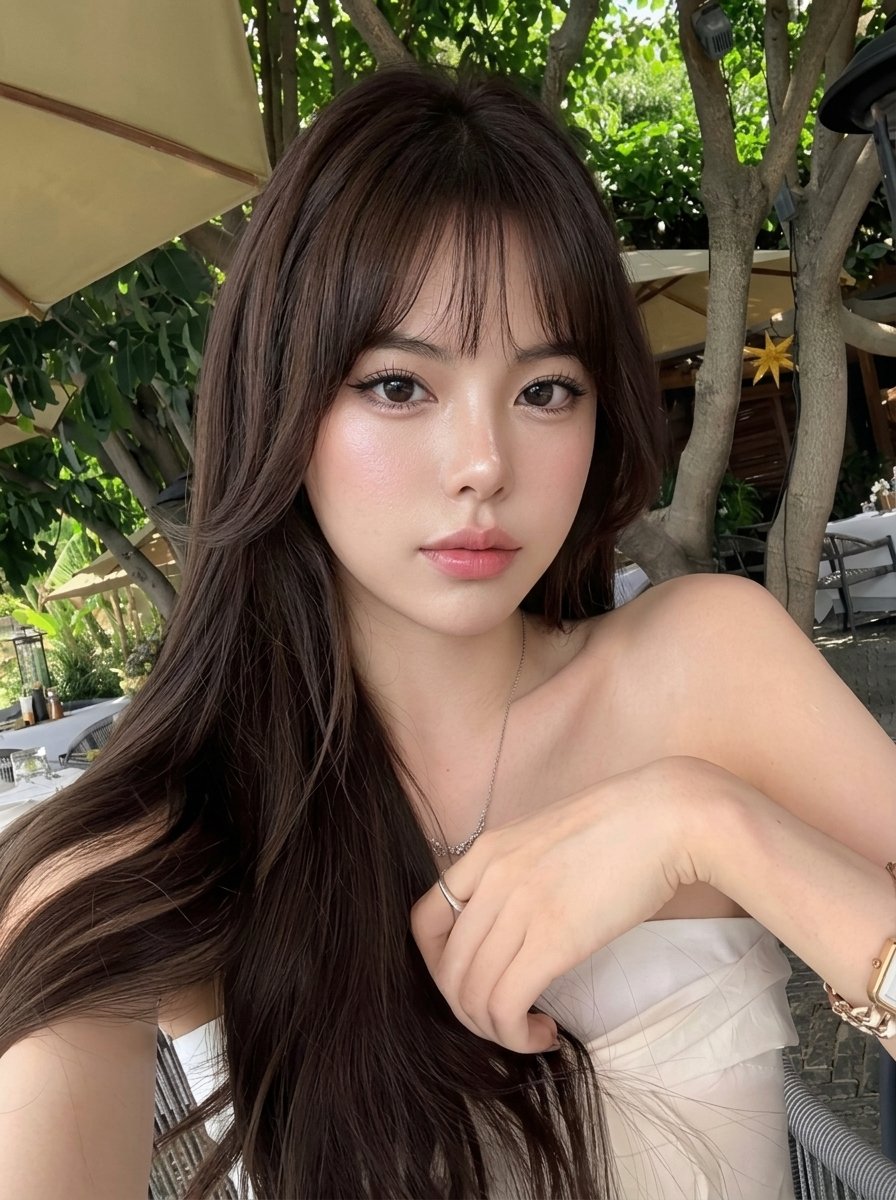
Outdoor Cafe Portrait — White Ruched Top Nano Banana

Found Photograph: Us, 1970

80s Couple Studio Portrait

80s Bollywood Star

80s Golden Hour Cinema

Me in 1985

1985 Studio Portrait

Hyper-Realistic Minecraft POV Portrait

Rooftop Fisheye — Cat-Ear Balaclava at Golden Hour
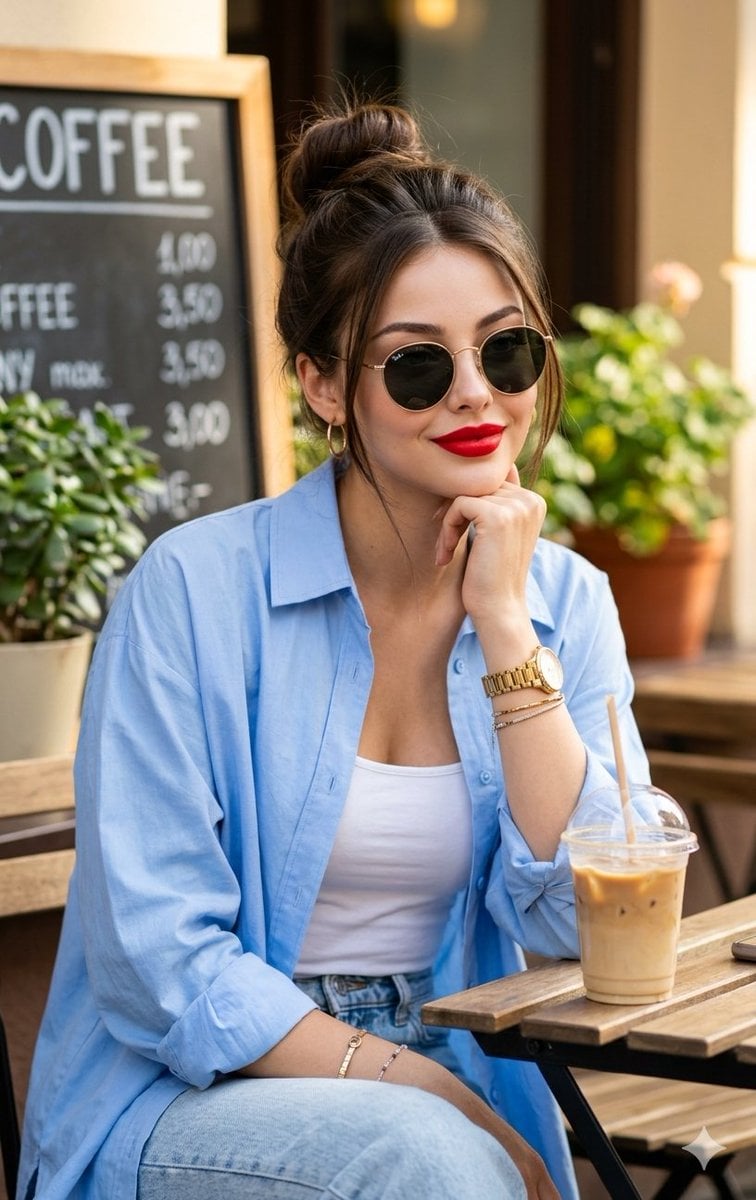
Asian Woman at Outdoor Cafe

Rainy Café Window Moody Portrait
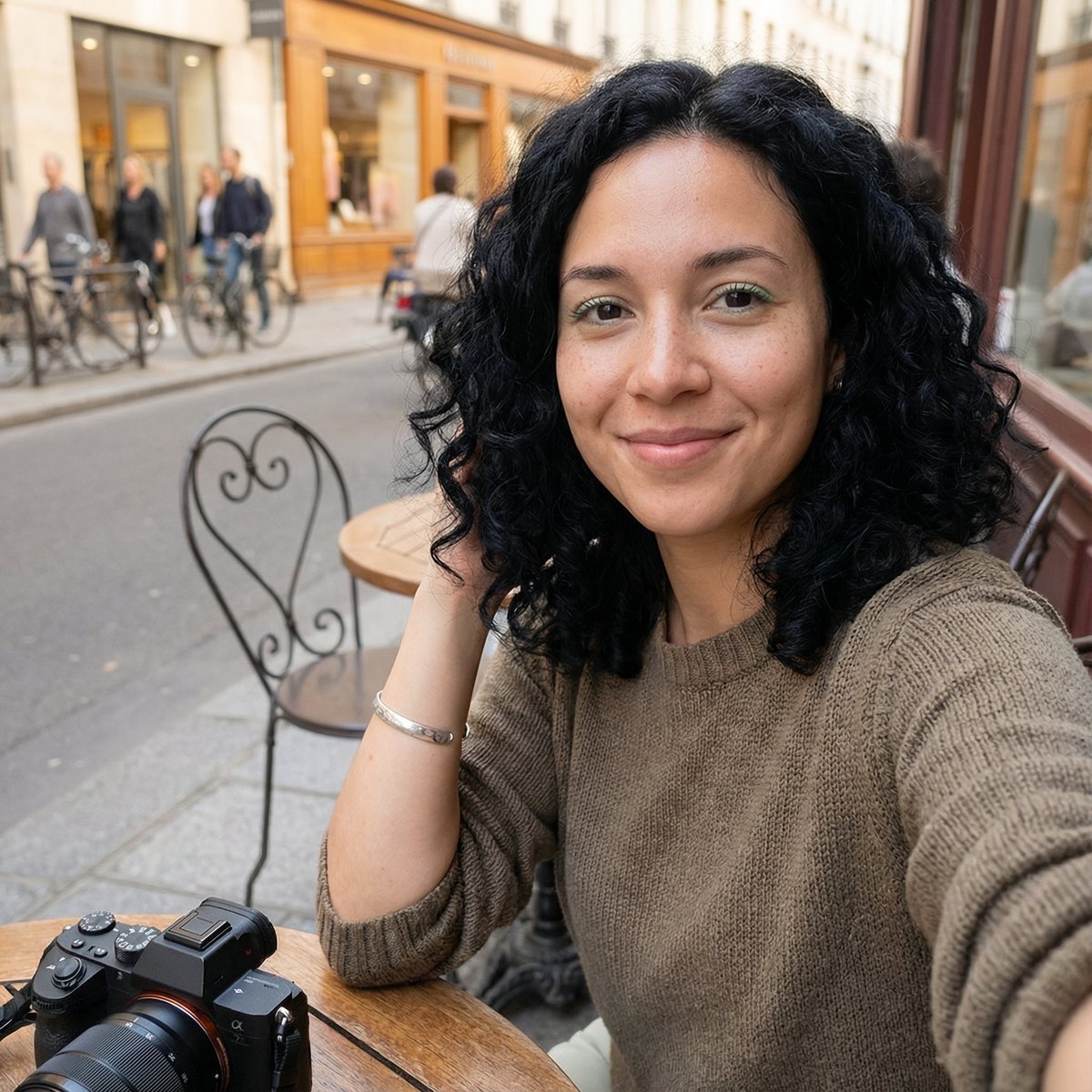
Candid Outdoor Cafe Selfie Prompt
Make it yours
Ultra-Realistic Outdoor Cafe Portrait works as-is. These are the safest ways to change it without losing the look.
Change one field
Copy a single group, rewrite it, and generate again so you can see what that field is doing.
Keep the frame, change the subject
Hold the composition and light of Ultra-Realistic Outdoor Cafe Portrait, then swap wardrobe, props or the person for a new take.
| If the result… | Why | Fix |
|---|---|---|
| The result drifts from the preview | Too many fields changed at once. | Reuse Ultra-Realistic Outdoor Cafe Portrait as-is first, then change one group — subject, light, or setting. |
| The model over-stylizes the scene | The prose prompt leaves finish and camera underspecified. | Add one camera or lighting sentence and stay on Nano Banana 2. |
More Nano Banana 2 templates
Other prompts made for Nano Banana 2.

Photorealistic Leaf Shaped Like a Dragon

K-Pop Idol Portrait Grid for Rapid Selection

Poetic Rain Forest Portrait During Golden Hour

Urban Street Portrait with Cartoon Inner Self Duo

Candid Nighttime Photo with Cat Prompt

High-Concept 3D Diorama Generation Prompt

Cinematic Futuristic Studio Portrait Template

Skincare Editorial Photography Collage Prompt

Hyper-Realistic Commercial Product Photography (Splash Effect)

Hyper-Realistic Nightclub Portrait Prompt
More image prompts
Fresh picks from across the catalog.
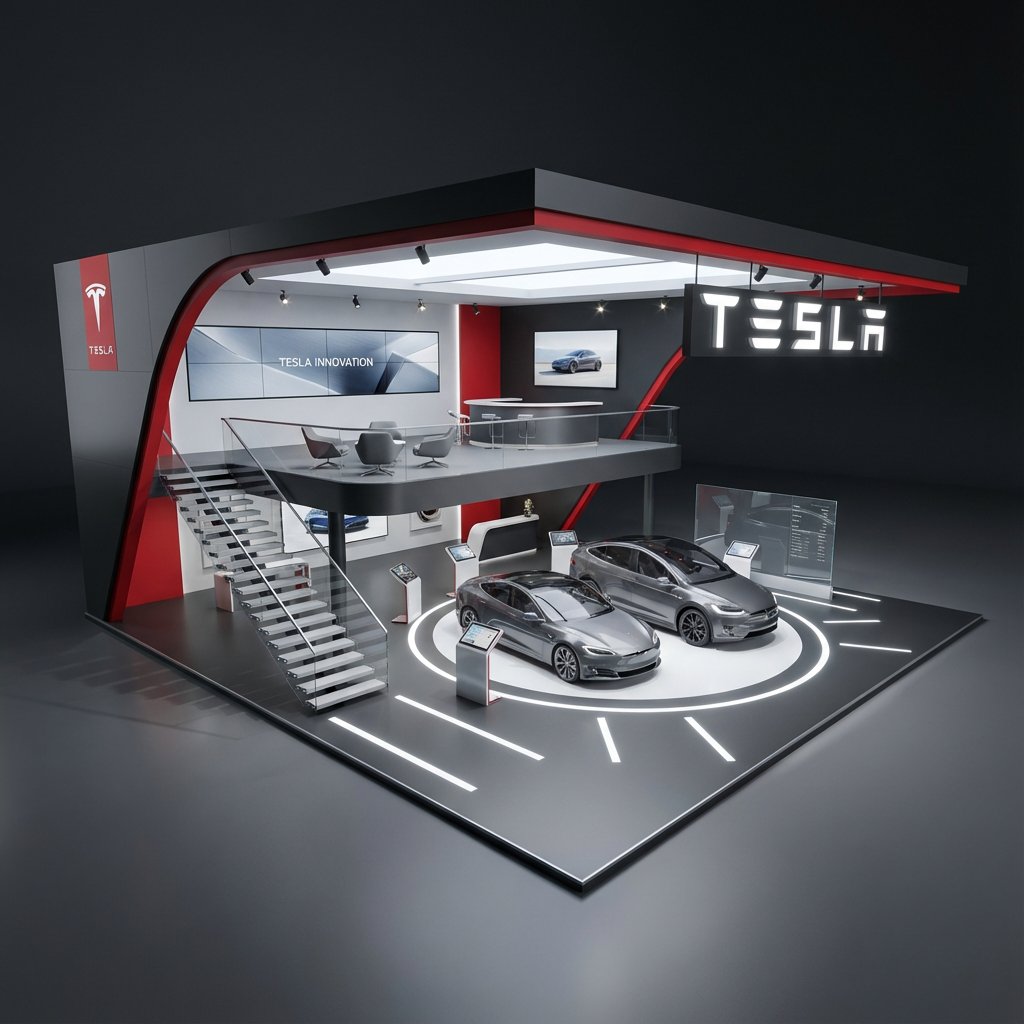
Hyper-Realistic 3D Architectural Exhibition Booth Visualization
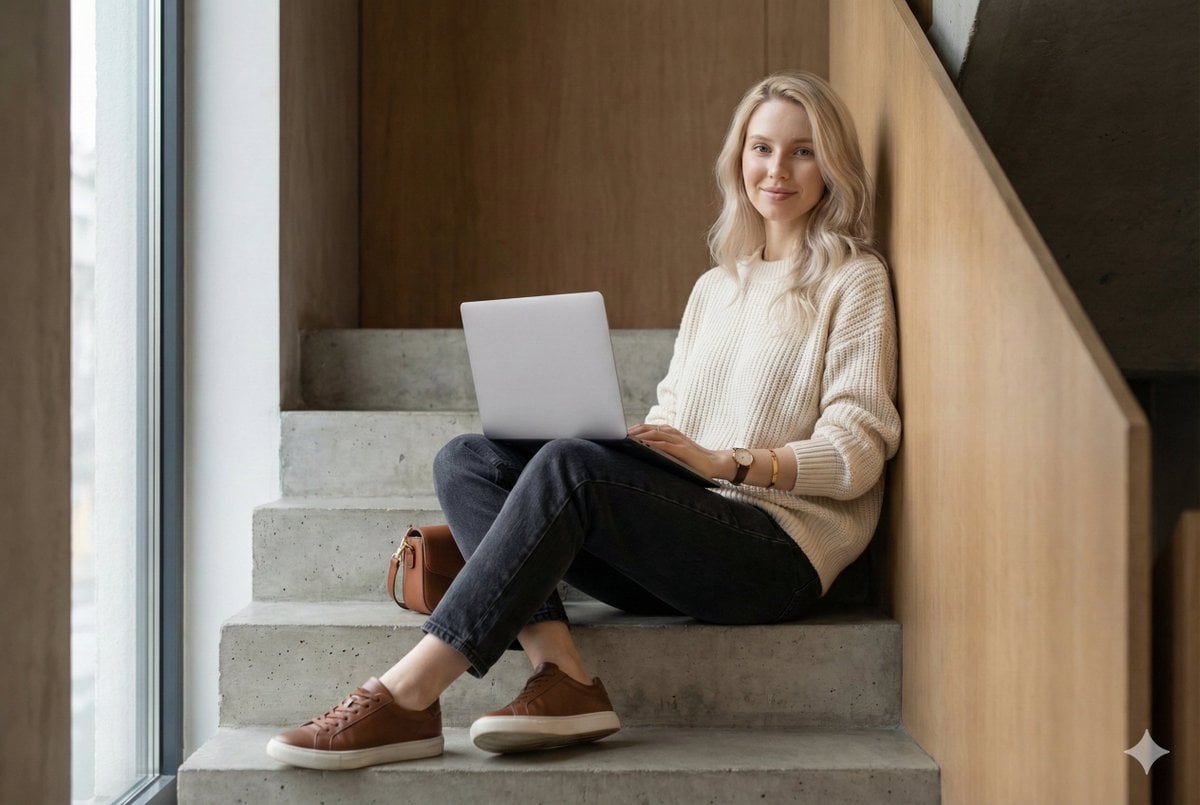
Modern Loft Staircase Portrait Identity Preservation Prompt
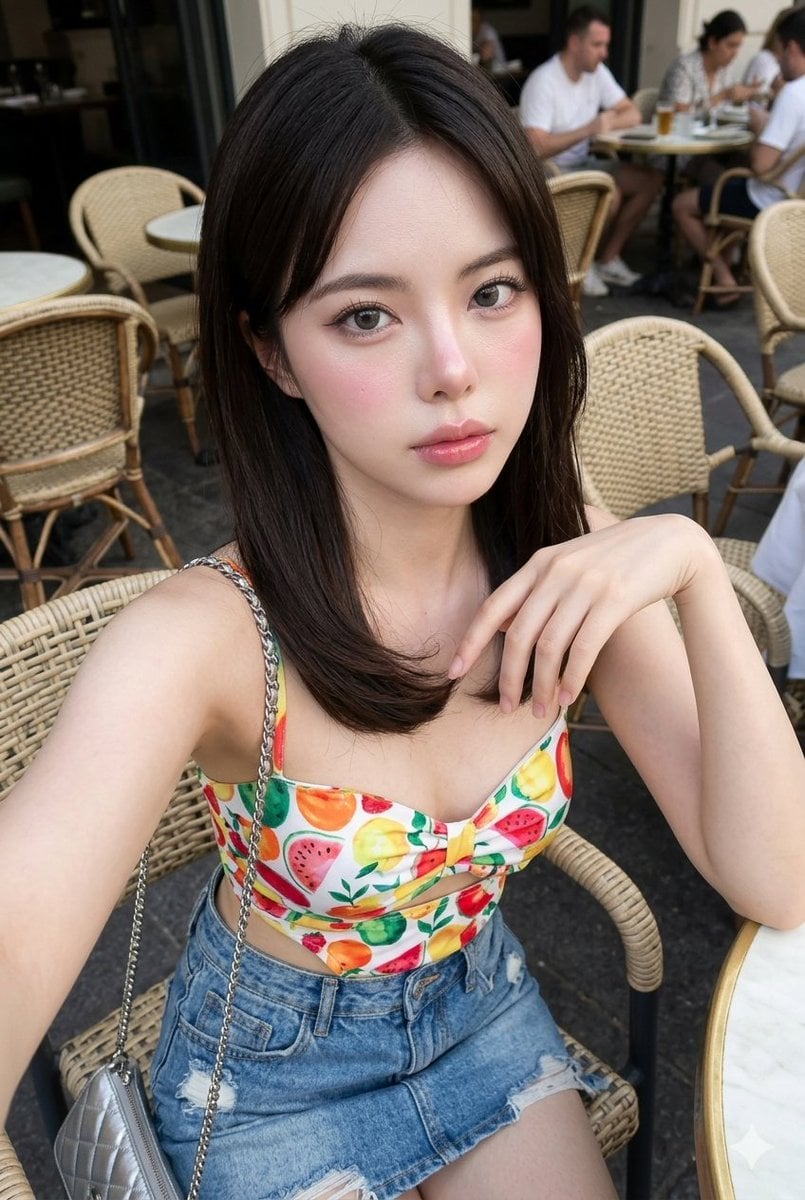
Korean Glass-Skin Cafe Portrait
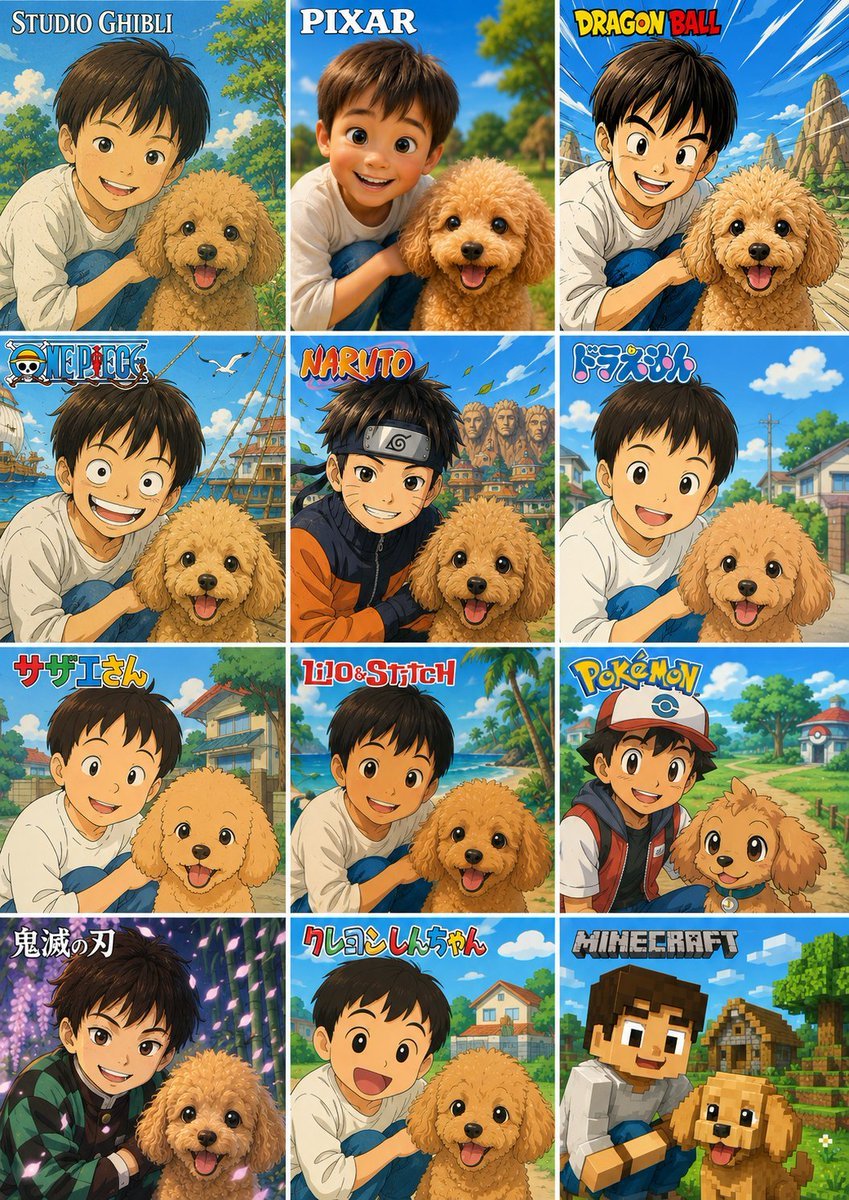
Style Anime Photo Transformation Grid
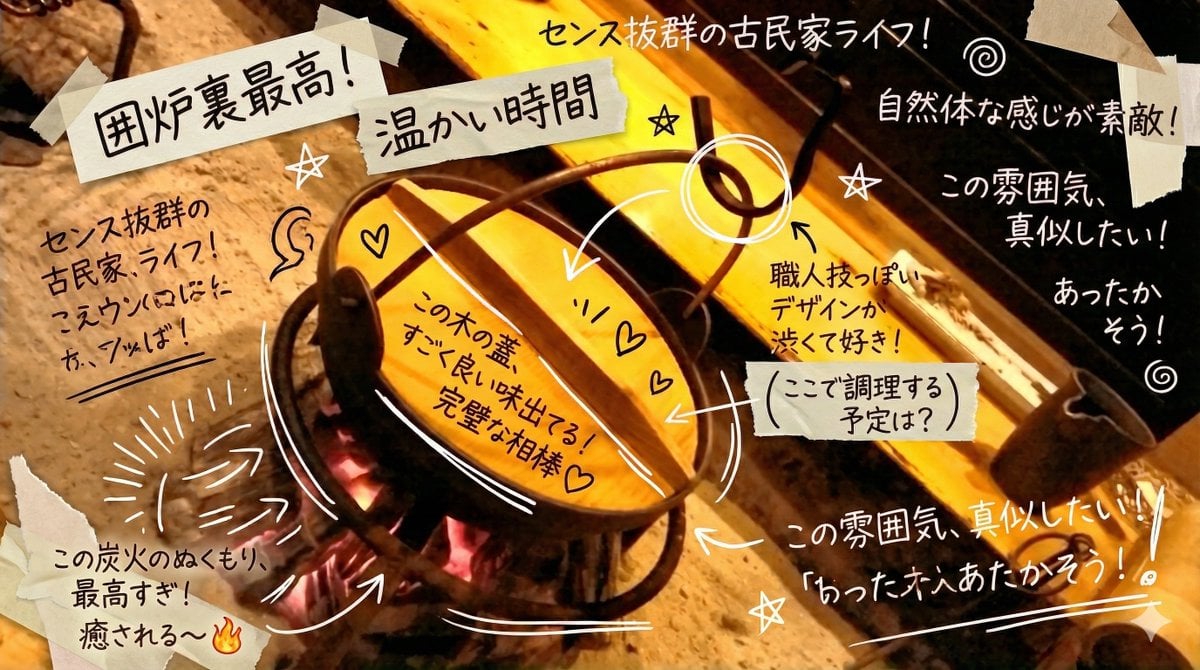
Prompt to Praise an Image's Emotional Quality
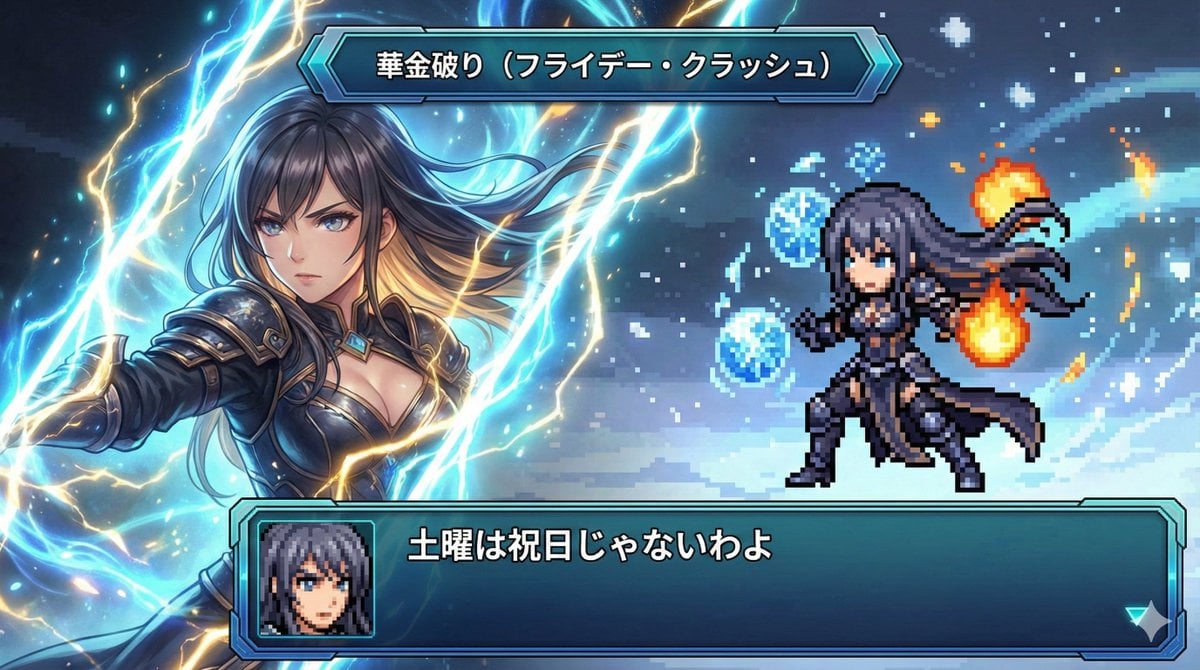
Super Robot Wars Style Witch Rejecting Friday
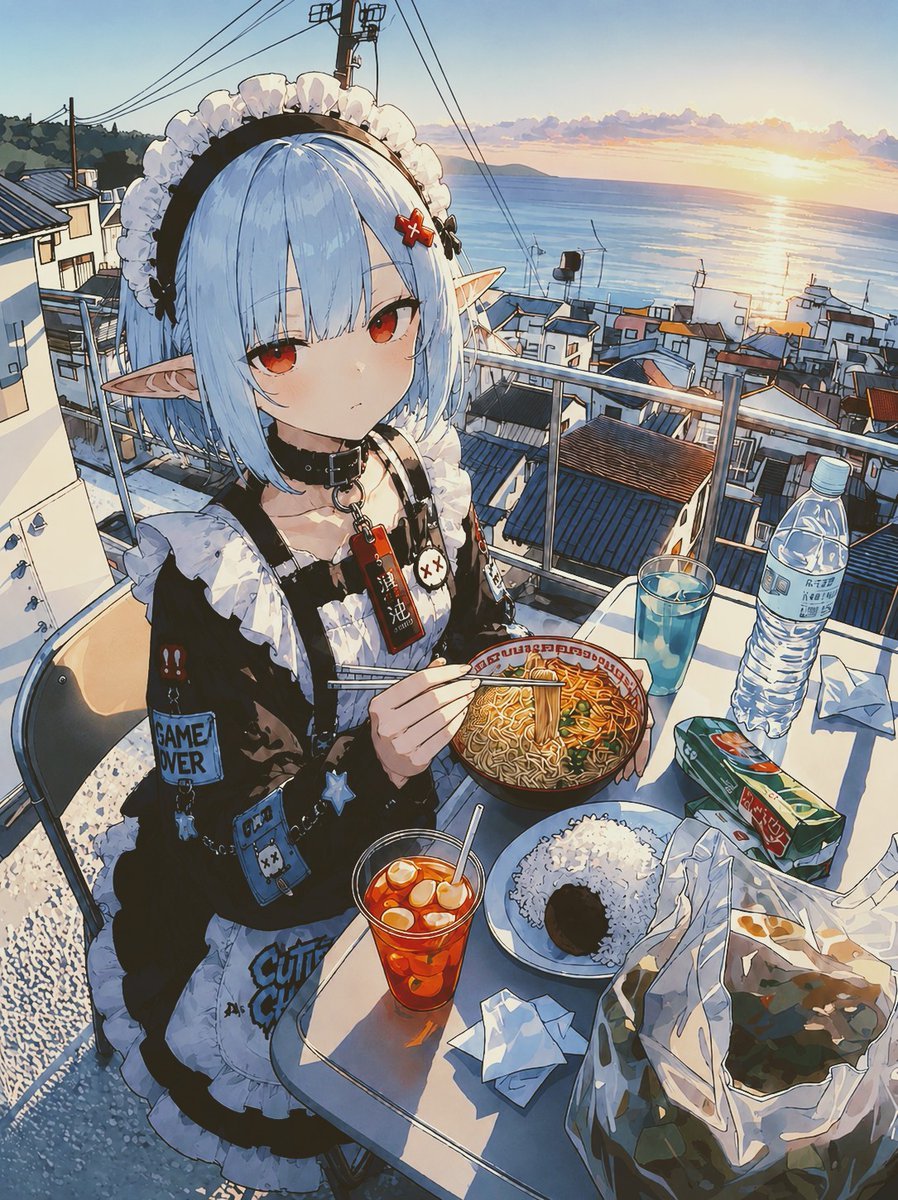
POV Seaside Elf Maid Dinner
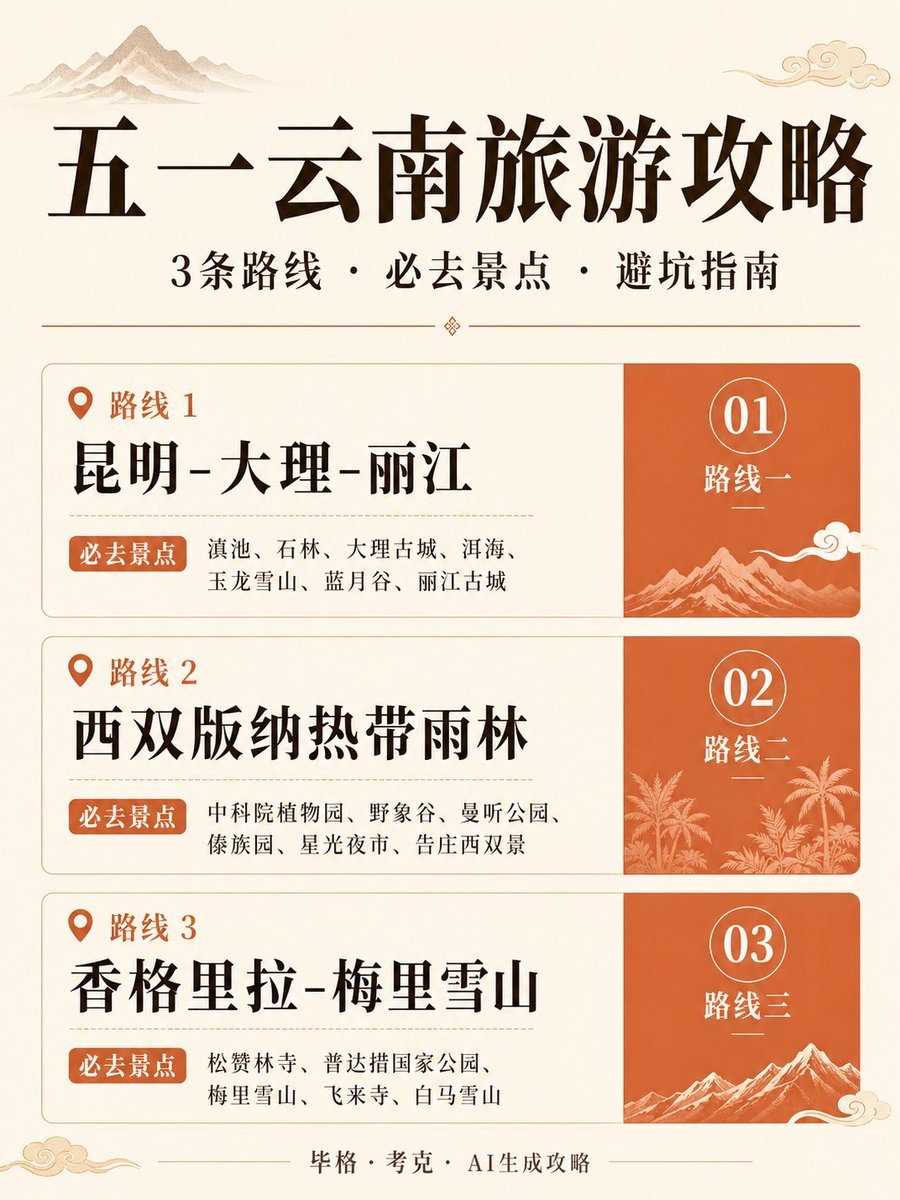
Chinese Yunnan Travel Guide Poster
Candy Lunar New Year Shrine
Renaissance Bathing Portrait
Browse template categories
Ultra-Realistic Outdoor Cafe Portrait questions
How do I use the Ultra-Realistic Outdoor Cafe Portrait template?
Add your photo if the template asks for one, edit the prompt if you like — the template's model and format are already selected — and press Generate. Your version opens in PicX Studio.
Can I customize the Ultra-Realistic Outdoor Cafe Portrait template?
Yes. You can change the subject, setting, lighting, mood, format, and available model controls before creating your image.
Is the Ultra-Realistic Outdoor Cafe Portrait template free?
Opening and editing this template is free. Generating uses credits, shown on the Generate button when you are signed in.
Which AI model should I use?
Start with Nano Banana 2, which is the model associated with this template. You can compare another compatible model for a different finish.
Looking for something else? Browse all templates.

Your photo, any look
Thousands of ready templates for every top image and video model, from one credit balance.